



















"Iru is so reliable. It’s really night and day from where we were before."
Robby Siu
Senior Manager, IT at Demandbase
Built to the highest standards







Gabriel Gullon
CTO, Permisso
"Iru ensures that our devices stay secure and compliant with our internal policies, helping us achieve ISO 27001 standards."

Miles Gargaritano
IT Manager, Ada
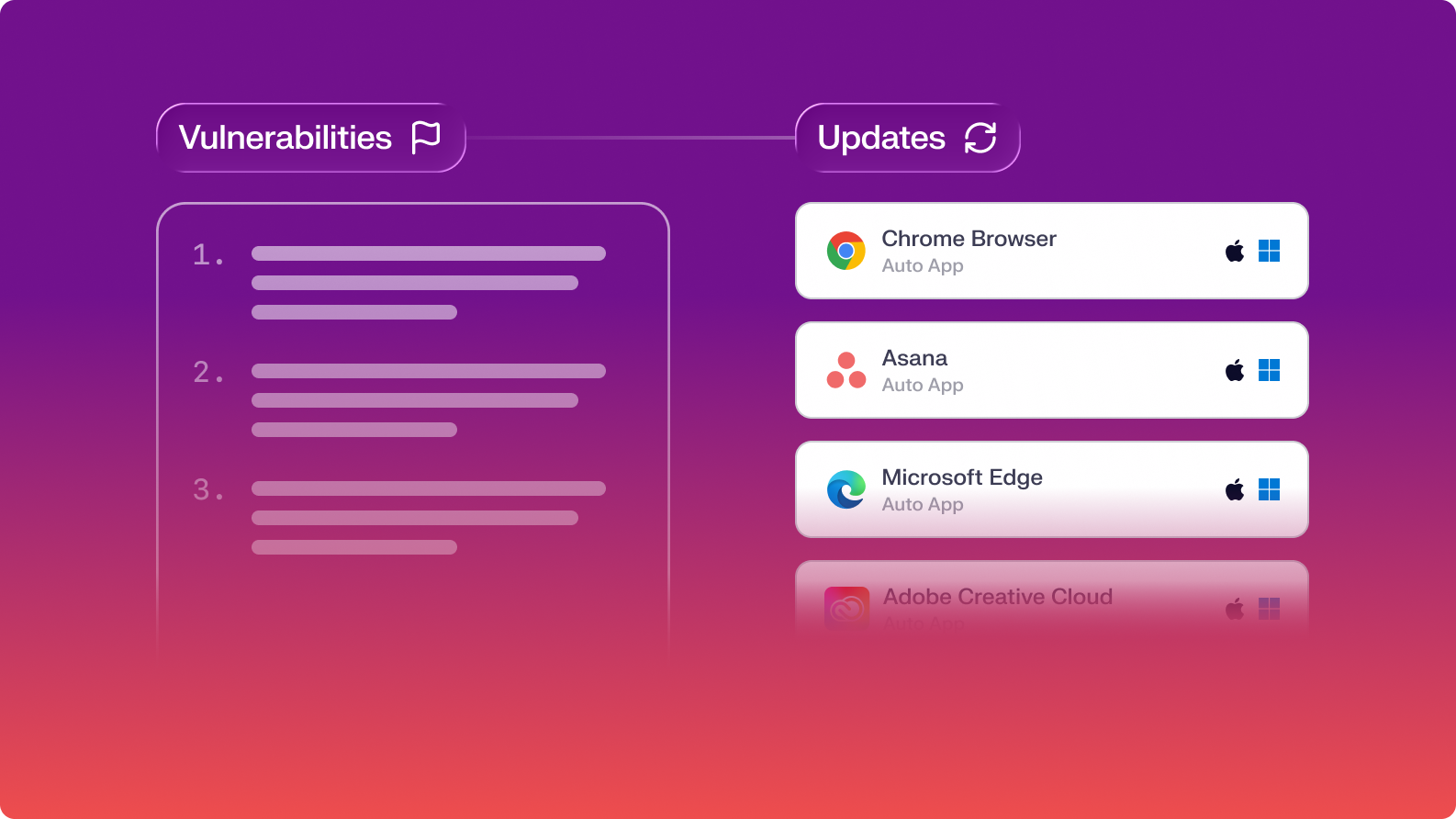
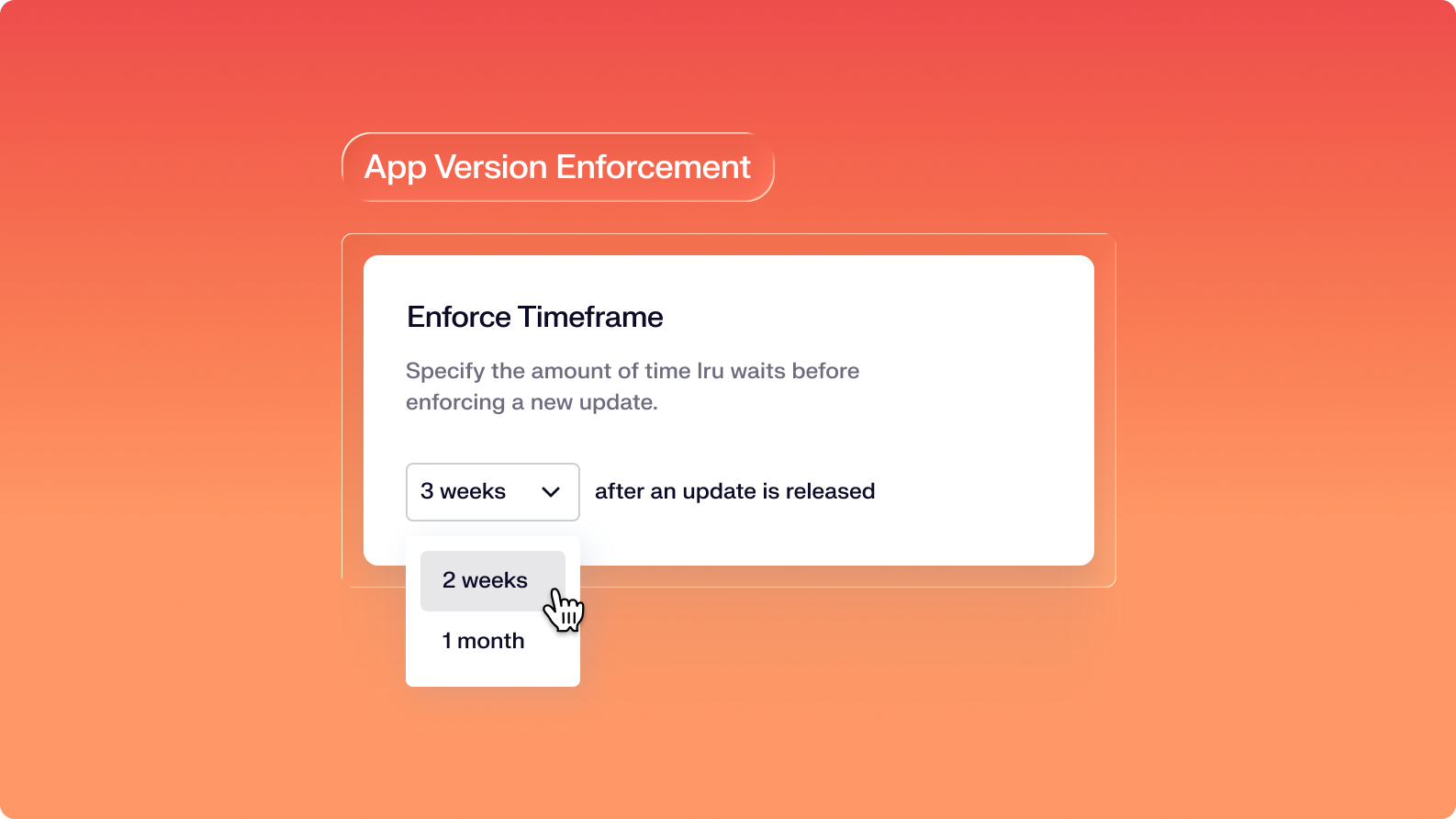
"Iru does the all the heavy lifting for you with their Auto Apps, enforcing updates and ensuring that all most common apps you see today are ready to be deployed."

Mike Dolan
Senior IT Director, BlockForms
"Iru is hands down less administrative work and a more granular platform than Jamf."
Enrollment
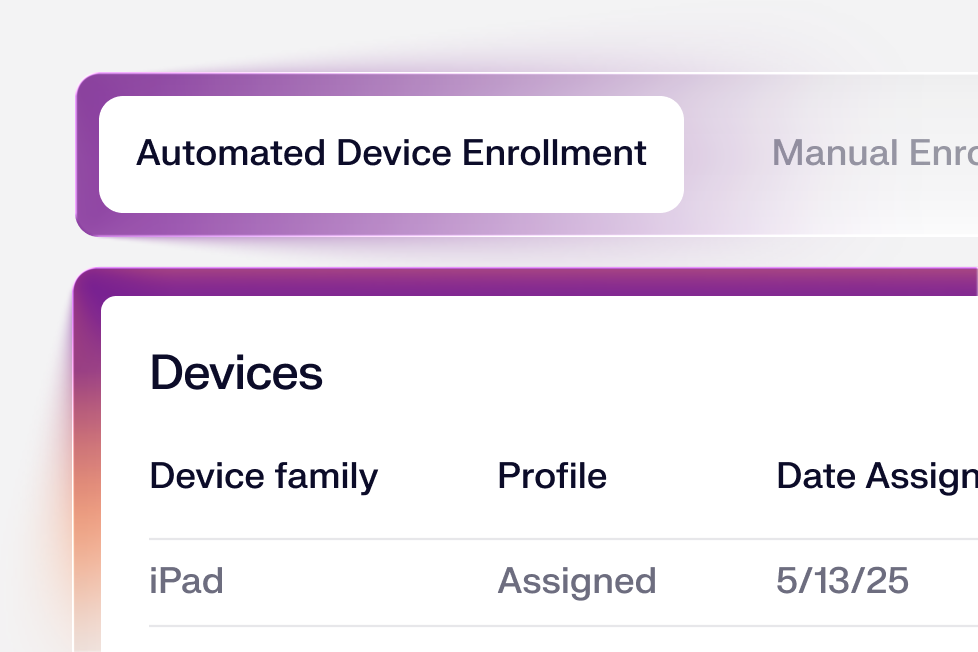
Enroll any device in seconds from a single portal; Iru immediately applies the right apps, settings, and security controls so people can get to work.
Assignment Maps
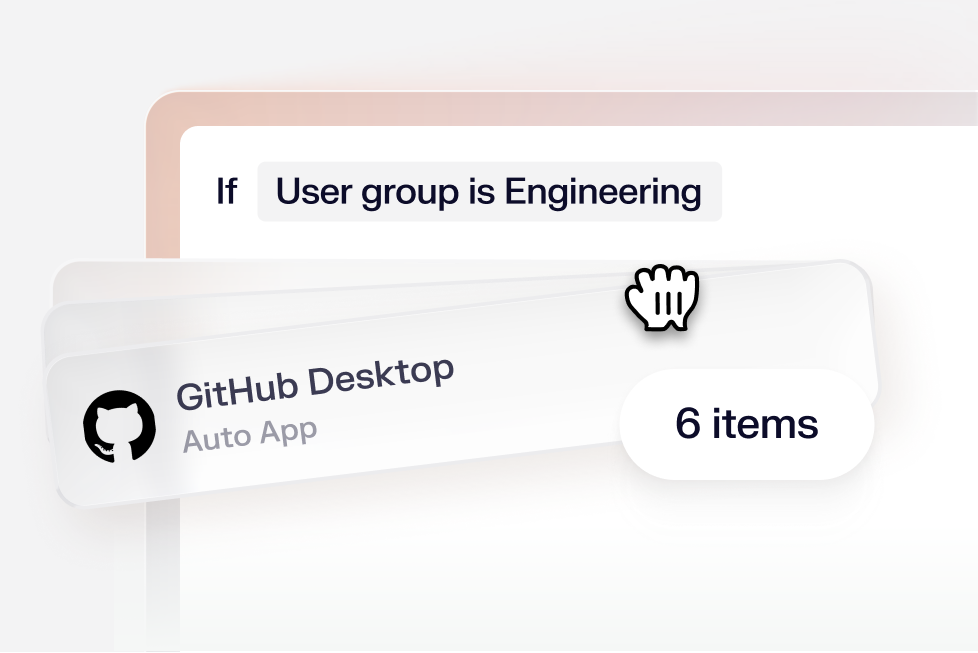
Design conflict-free configurations with a visual map. Assign apps and settings with flexible conditional logic and deploy with precision.
Auto Apps
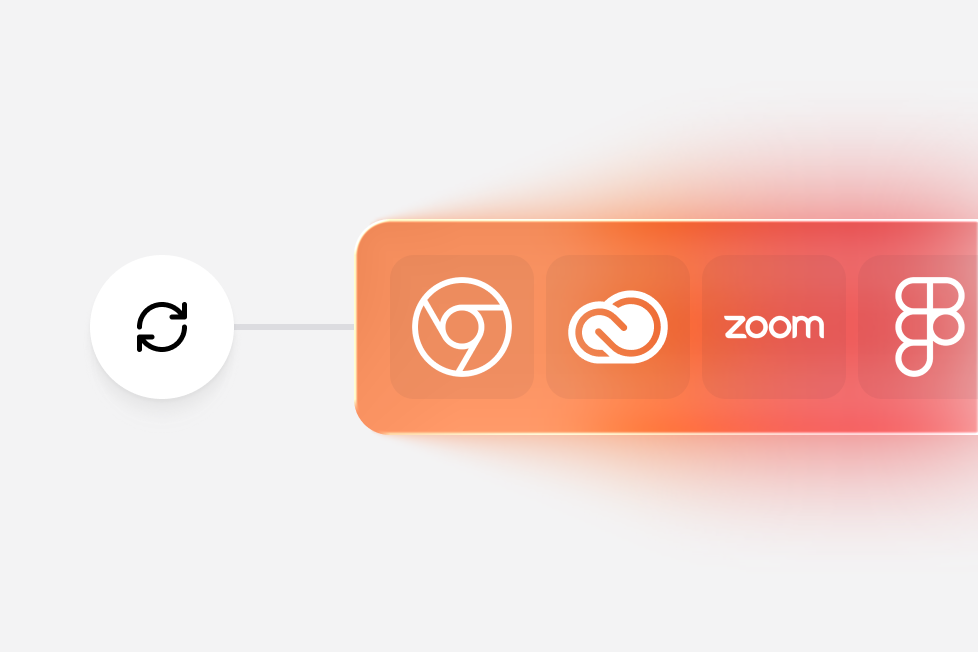
Keep hundreds of apps patched on Mac and Windows with a curated app library. Iru schedules quiet updates, prompts users proactively, and enforces when needed.
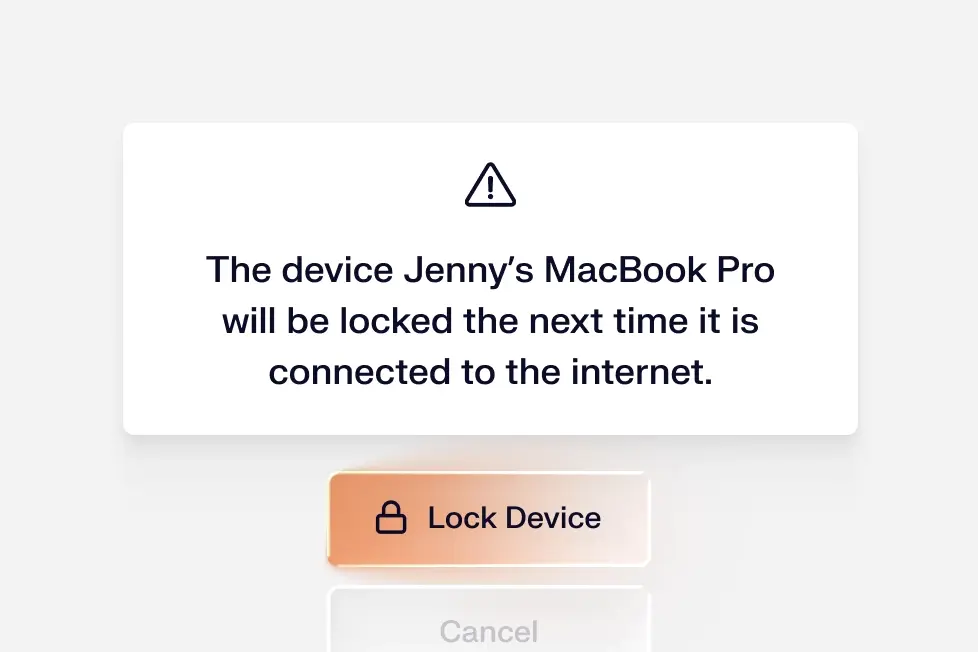
Security controls
Enforce critical security settings via native management frameworks to enable encryption, configure firewalls, prevent data leakage, and more.
MCP server
Connect your device fleet to any AI build environment and run endpoint workflows alongside every other tool in your stack. Build in Claude Code, Cursor, or any MCP-compatible tool.
Self service
Allow end-users to install approved apps, run scripts, or link to resources. Self Service can match your brand and the look of Mac and Windows.
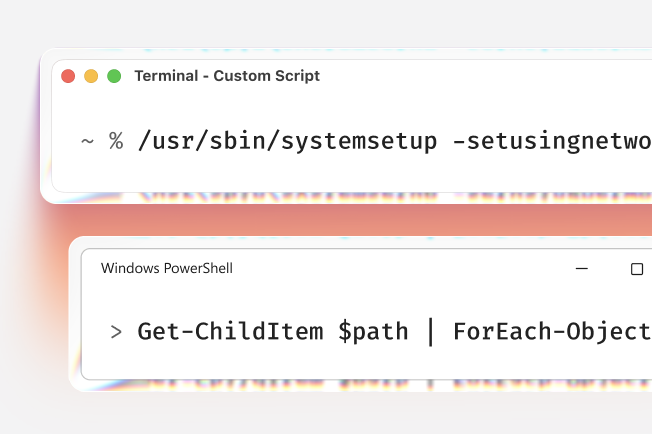
Custom scripts
Go beyond native device management controls with a flexible way to automate unique requirements.
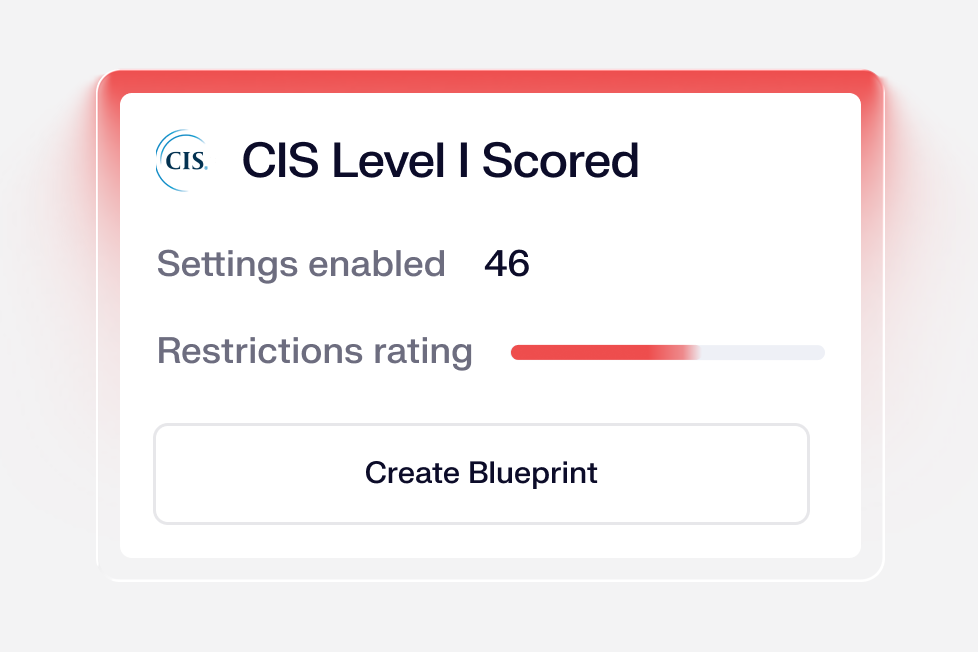
Security templates
Bring Mac computers to CIS Level 1 or Level 2 security benchmarks with one-click templates containing dozens of pre-configured security controls.
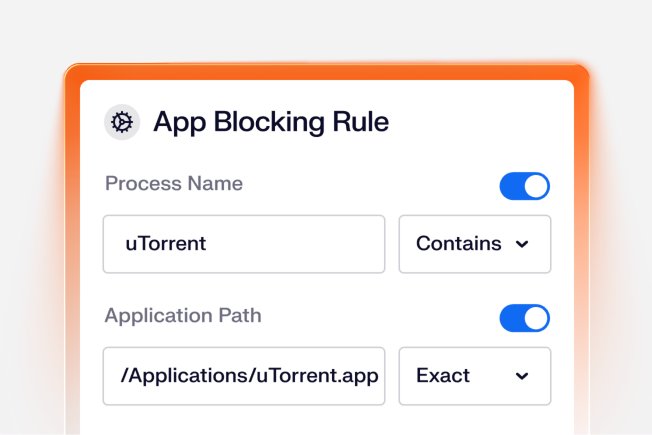
App blocking
Prevent the use of unapproved or unsafe apps across your endpoints to reduce risk and exposure.
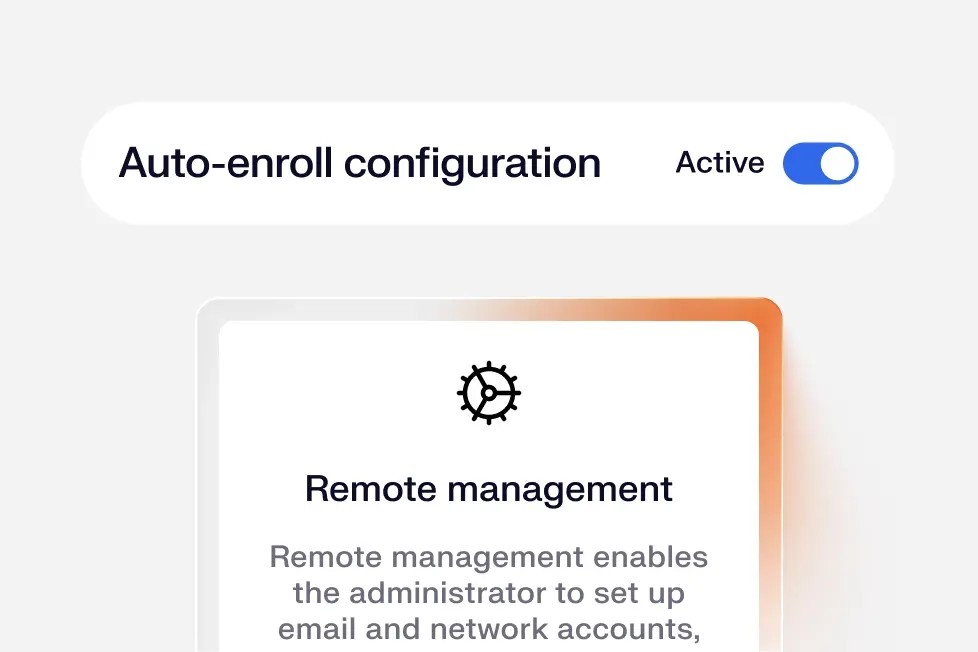
Zero-touch deployment
Set up and configure Apple devices for new employees instantly and remotely, without IT having to physically touch the device.
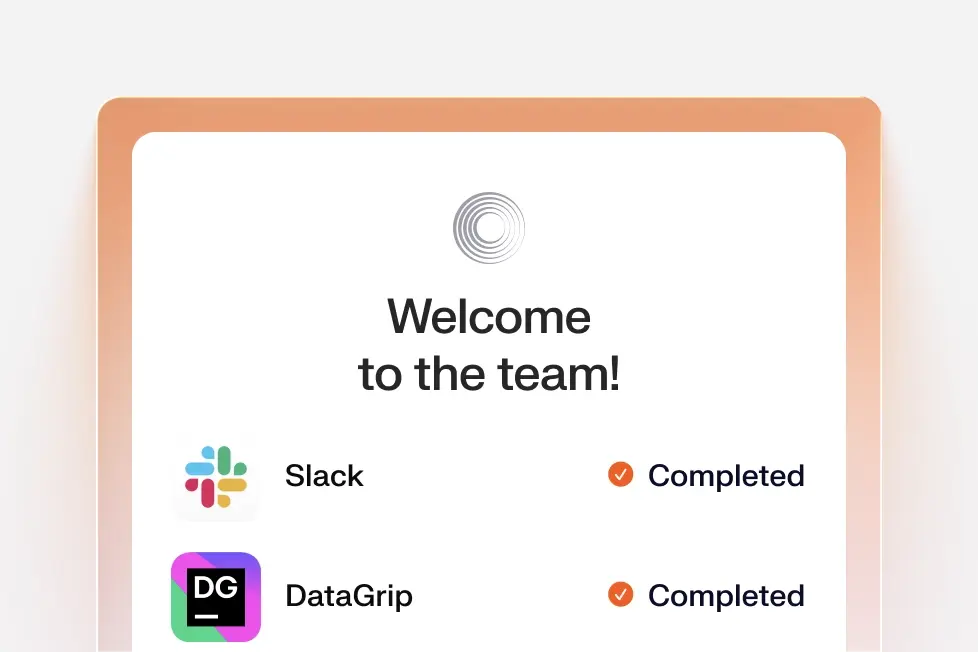
Mac onboarding
Create a polished first-day experience that shows apps installing and settings being applied on a newly unboxed Mac.
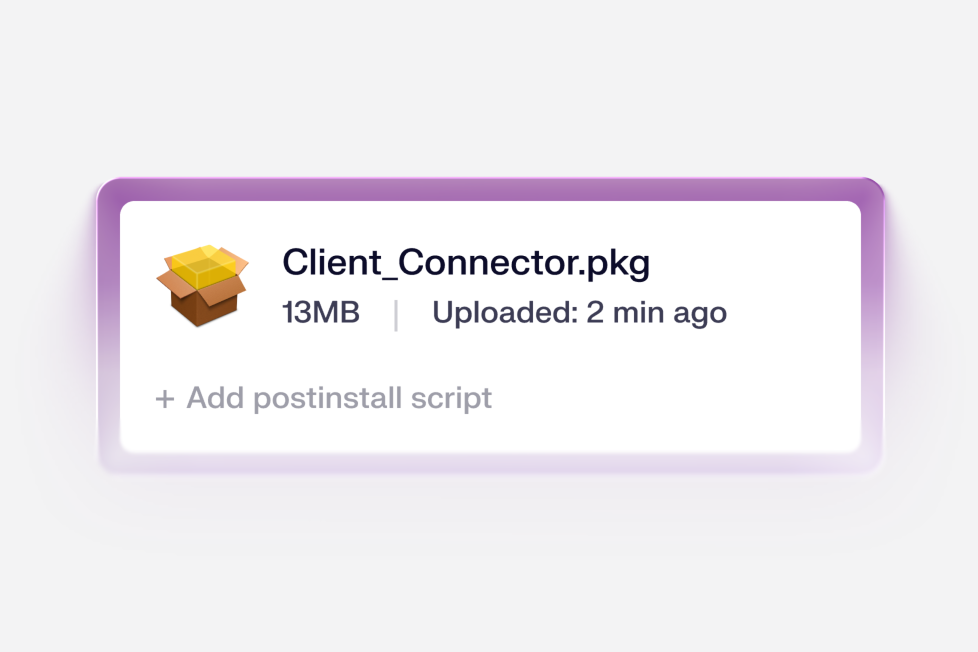
App deployment
Deploy applications using multiple distribution methods: Auto Apps, in-house packages, Custom Apps, Google Play, and Apple App Store.
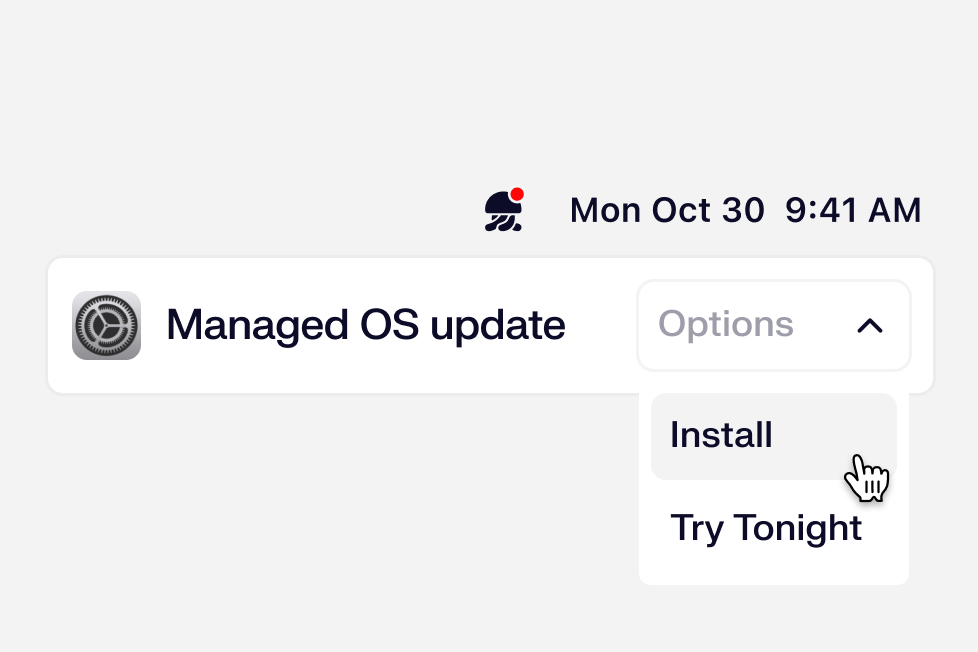
Managed OS
Automate OS updates for all your Apple devices. Set your update enforcement timeframes and let Iru handle the end-user experience.

One lightweight agent
Manage Mac and Windows devices with a low-overhead agent that installs at enrollment and updates itself automatically, accelerating rollout and reducing maintenance.

“With Iru, we’ve significantly reduced IT workload, improved security posture, and enhanced the employee experience.”
Erez Epstein
Senior Manager, IT & Operations at Hunters
“Iru is helping our endpoint security infrastructure to be the best it possibly can be.”
Christian Corrales
Senior Security Engineer at Varo Bank
“One of the biggest eye-catchers for me was how quickly we could get our security posture up to speed.”
Dorian Cordero
Systems Engineer at Rackspace Technology