Deploy, manage, and secure Apple’s latest operating systems as soon as they’re released
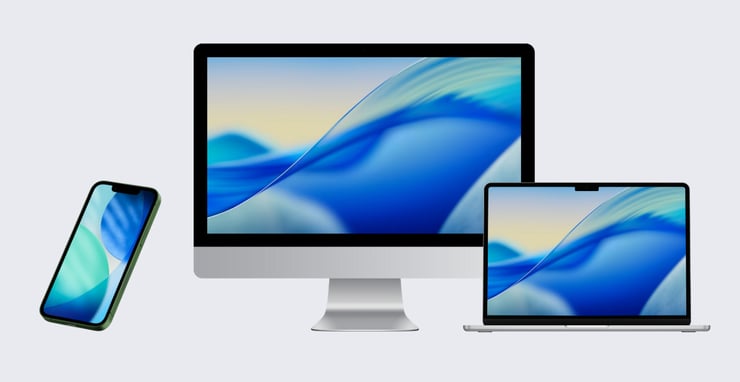
Apple has officially released its latest operating systems iOS 26, iPadOS 26, macOS 26, tvOS 26, watchOS 26, and visionOS 26. For the first time, Apple has standardized version numbers across every OS, creating a unified baseline for developers, IT teams, and end users alike. This alignment not only simplifies communication and compatibility but also underscores Apple’s commitment to delivering a consistent experience across the entire ecosystem.
At Iru, we’re proud to deliver Day 0 support for all of these new releases. From the moment your users update their devices, our platform is ready to help you deploy, manage, and secure Apple’s latest innovations—without disruption. Not only will all existing Iru functionality work seamlessly on these new operating systems, we’re excited to introduce new features that take advantage of Apple’s latest device management improvements.
New Default Apps Library Item
We’ve released a new Library Item for configuring default apps on iPhone and iPad. For devices running iOS 26+ and iPadOS 26+, you can now configure the defaults for web browsing, calling, and messaging apps. Choose from a list of App Store app Library Items and pre-installed Apple apps to configure the default apps. You can optionally restrict the user from changing the default once set.
New Restrictions
The Restrictions Library Item now supports the following features:
Disallow default browser modification
-
- Available in iOS 18.2+ and iPadOS 18.2+. Requires a supervised device.
Disallow Safari private browsing
-
- Available in iOS 26+, iPadOS 26+, macOS 26+, and visionOS 26+. Requires a supervised device.
Deny ICCIDs for iMessage & FaceTime
-
- Available in iOS 26+, and iPadOS 26+. Requires a supervised device.
Disallow Notes transcription
-
- Available in iOS 18.2+, iPadOS 18.2+, macOS 15.2+, and visionOS 2.4+. Requires a supervised device.
Disallow visual intelligence summary
-
- Available in iOS 18.3+, iPadOS 18.3+, and visionOS 2.4+. Requires a supervised device.
Software Update enhancements
The Software Update Library Item now supports Apple TV and Vision Pro, available in visionOS 26+ and tvOS 18.4+. Manage automatic software updates, deferrals, and update enforcement notifications on Apple TV and Vision Pro, along with all other Apple platforms. Additionally, Declarative Device Management is now used to apply these settings to Mac computers running macOS 15.4+.
Managed OS enhancements
The Managed OS Library Items for tvOS is now powered by Declarative Device Management, available in tvOS 18.4+. When deploying Managed OS Library Items to Apple TVs,Iru now uses the software update enforcement declarative configuration to ensure your Apple TVs are updated by their enforcement deadlines.
Automated Device Enrollment enhancements
The Automated Device Enrollment (ADE) Library Item now allows for skipping Setup Assistant panes on Vision Pro, available in visionOS 26+.
Additionally, we’ve added support to skip the following Setup Assistant panes:
Additional Privacy Settings
Multitasking
OS Showcase
-
- Available in macOS 26+, iOS 26+, and iPadOS 26+
Battery health on iPad
Iru now collects and displays battery health on iPad, allowing you to monitor device condition. The battery health attribute within the Prism devices category will now be populated for supported iPad models running iPadOS 18.4+. For a list of supported iPad models, see Apple's support article.
With Day 0 support from Iru, you can embrace these updates immediately, without worrying about disruption or downtime. Whether you’re rolling out iOS 26 to a handful of devices or upgrading thousands of devices across your fleet, Iru ensures that every update is secure, seamless, and ready from the start.
Kandji is now Iru. This article was originally published under the Kandji brand.

 Workforce Identity
 Endpoint Management
 Endpoint Detection & Response
 Vulnerability Management
 Compliance Automation
 Trust Center