Skip to content

Manage and protect your Windows fleet the modern way

See how Iru helps the world’s fastest growing companies to empower secure and productive work on Windows.

The future of Windows endpoint management and security

Troubleshoot Faster-3

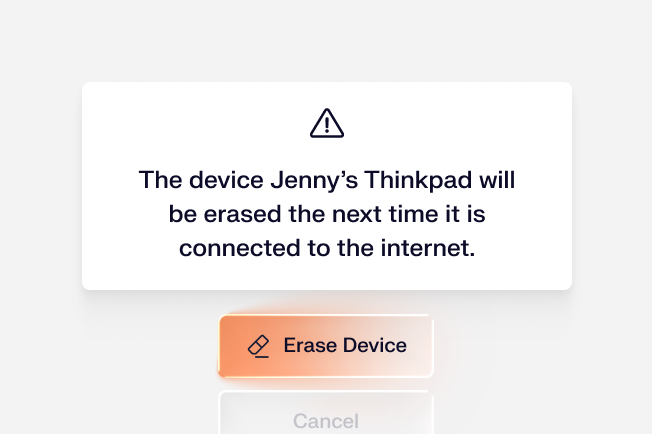
Hands-off device management

Set up work-ready computers remotely and let Iru enforce your desired state. Iru automates tedious tasks like initial provisioning, app updates, and Bitlocker key rotation.
01-Security-1

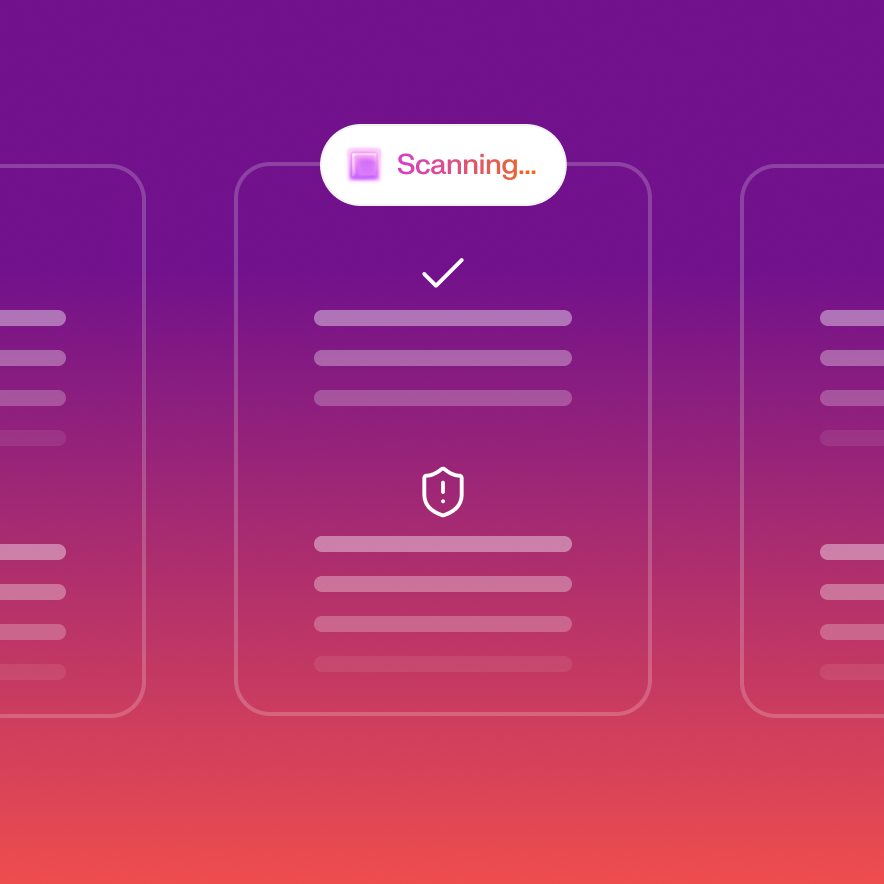
AI-powered protection from threats

Protect your endpoints from a broad range of attacks with Endpoint Detection & Response that stops threats in real time. Investigate quickly and respond with confidence.
02-Remediation-Apr-10-2026-07-11-23-6840-PM

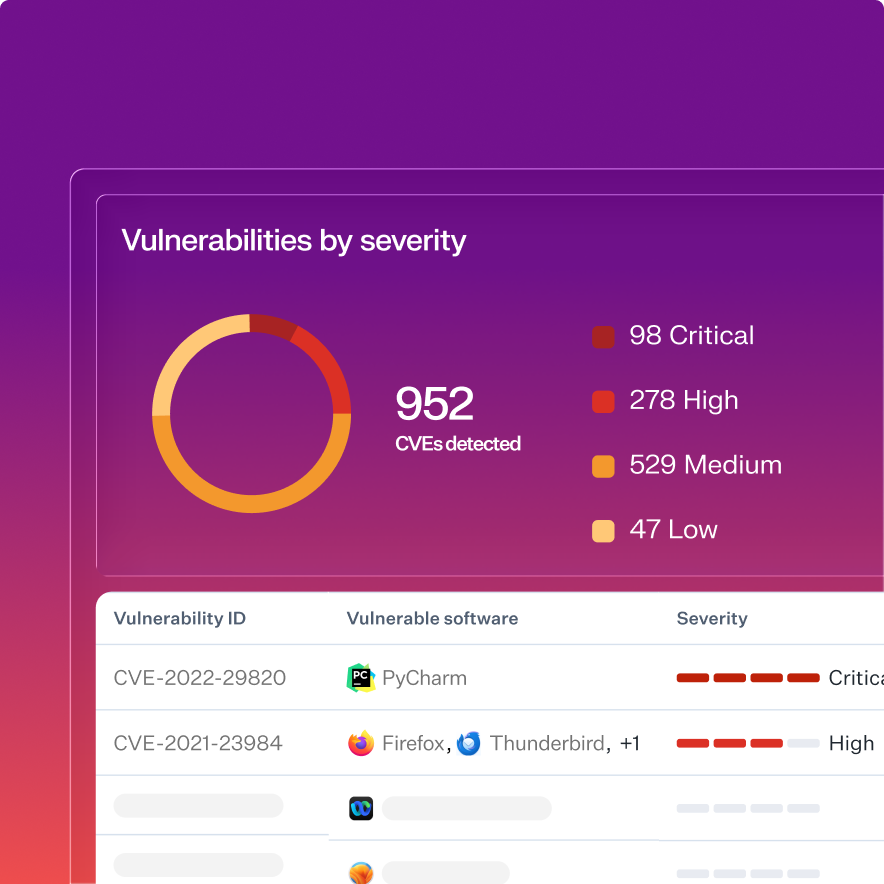
Vulnerability detection for apps and OSes

Know your risk exposure from all vulnerable software on Windows with Vulnerability Management. Detect vulnerabilities instantly and prioritize response.

rackspace
“One of the biggest eye-catchers for me was how quickly we could get our security posture up to speed.”
Dorian Cordero
Systems Engineer at Rackspace Technology

Protect your Windows computers

04-User lifecycle management-Apr-20-2026-05-07-58-0479-PM

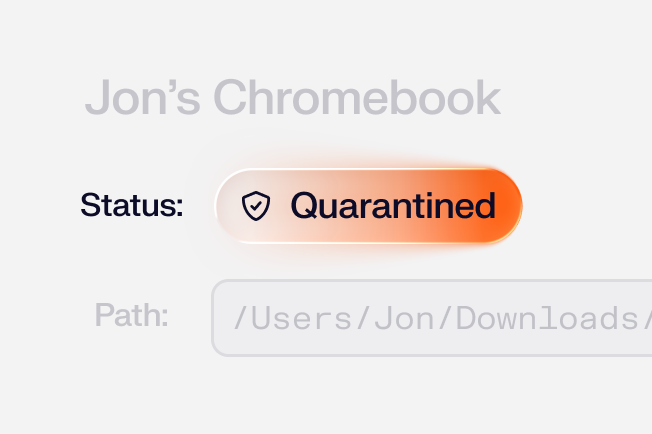
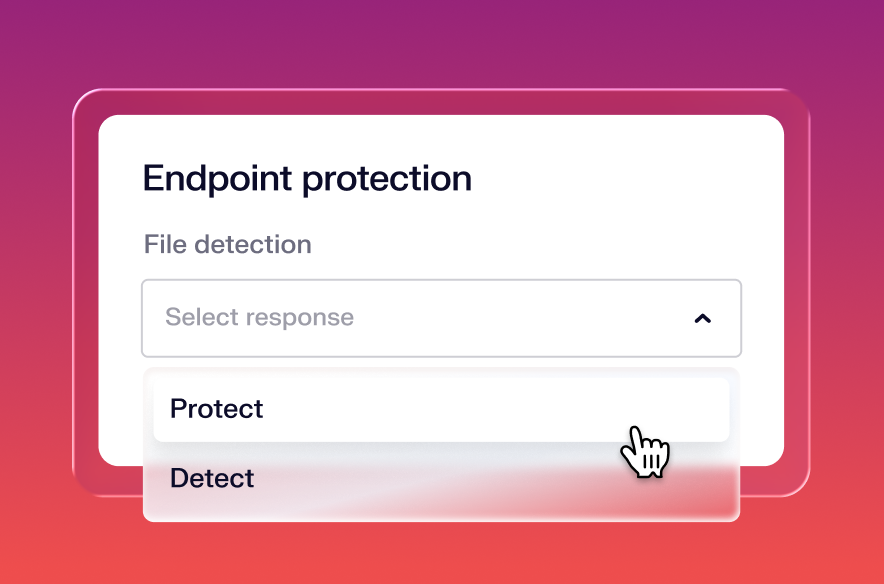
Neutralize attacks in real time

Prevent, detect, and contain attacks in real time through a single, low-overhead agent across your Windows fleet.
02-Authenticator Lineage-Apr-23-2026-05-57-20-2076-PM

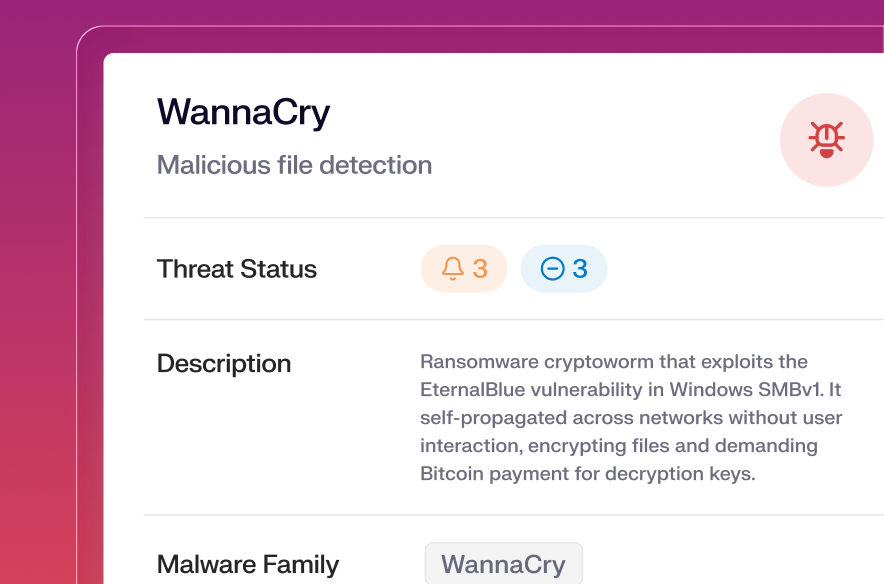
See every threat and vulnerability in full context

Every action that’s taken is cataloged and analyzed, turning each detection event into a learning experience.
04-User lifecycle management-4

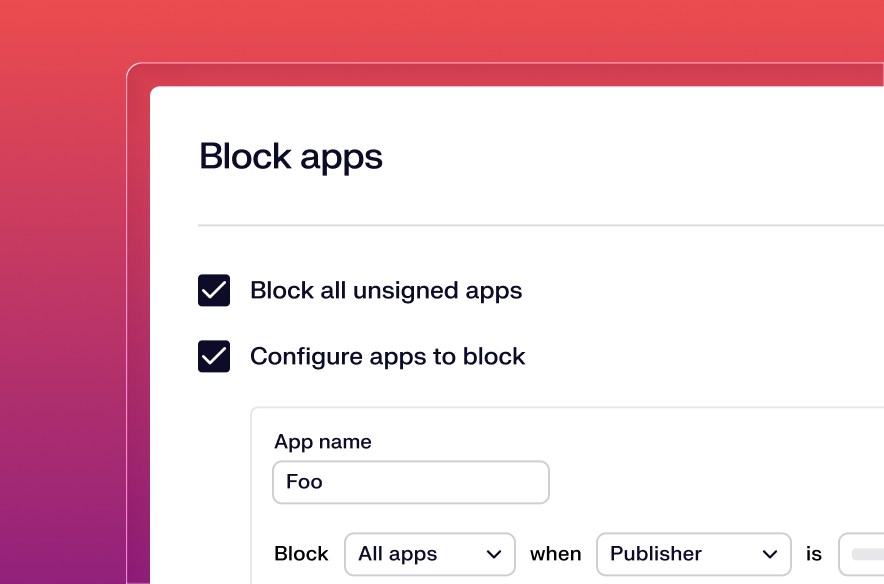
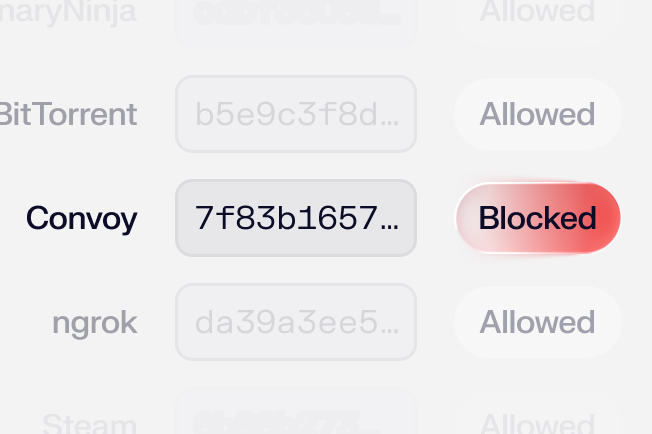
Block apps

Prevent the use of unapproved or unsafe apps across your endpoints to reduce risk and exposure.
Take back time with automation

Zero-Touch Deployment

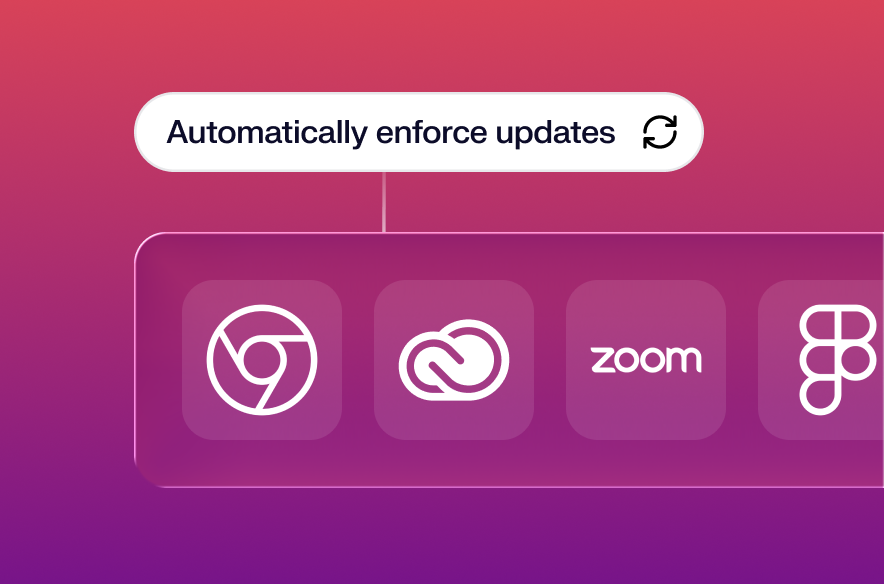
Run every app at its latest version, always

Keep users running the right app versions with zero manual intervention. Iru’s library of over 200+ Auto Apps handles regular updates end-to-end without interrupting users' work.
04-User lifecycle managementscope

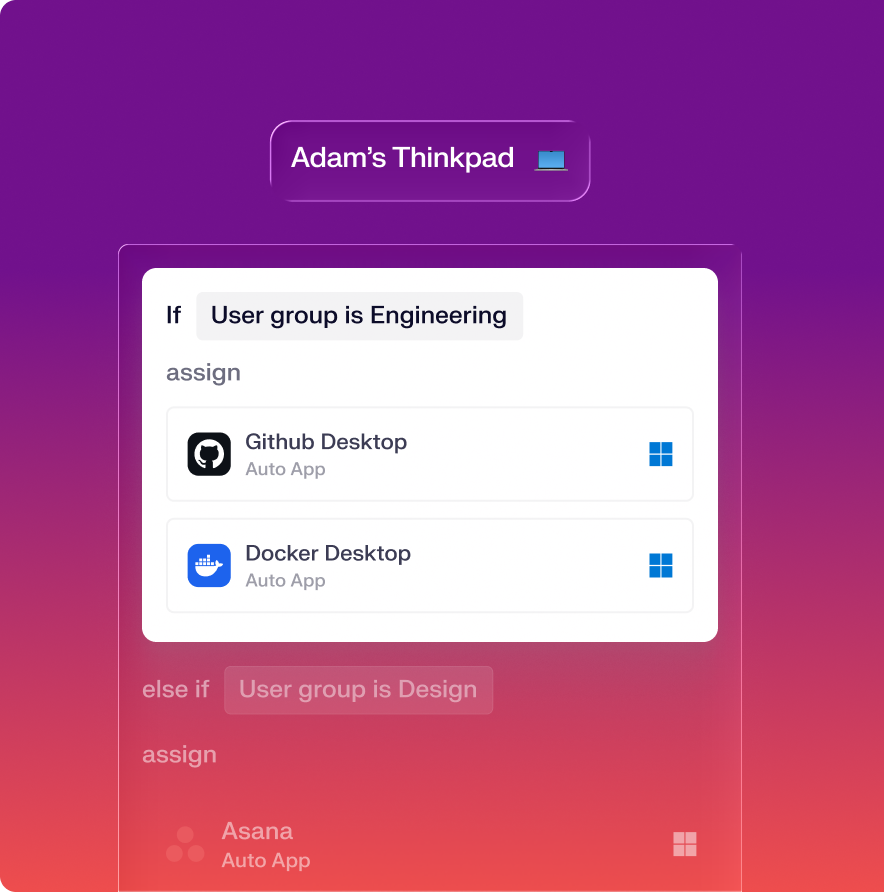
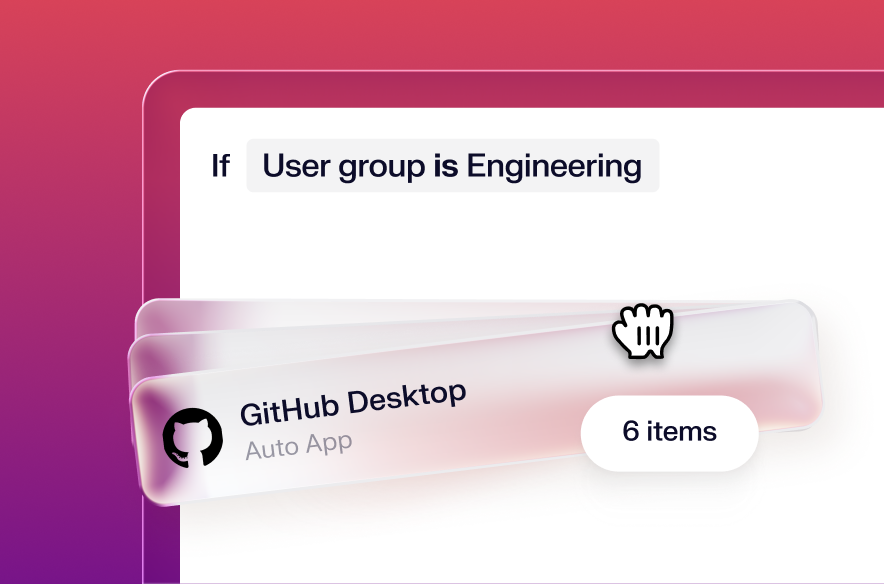
Scope to devices, let Iru handle the rest

Design conflict-free configurations with a visual map. Assign apps and settings with flexible conditional logic and deploy with precision.
Deliver a better Windows experience

Image 7-2

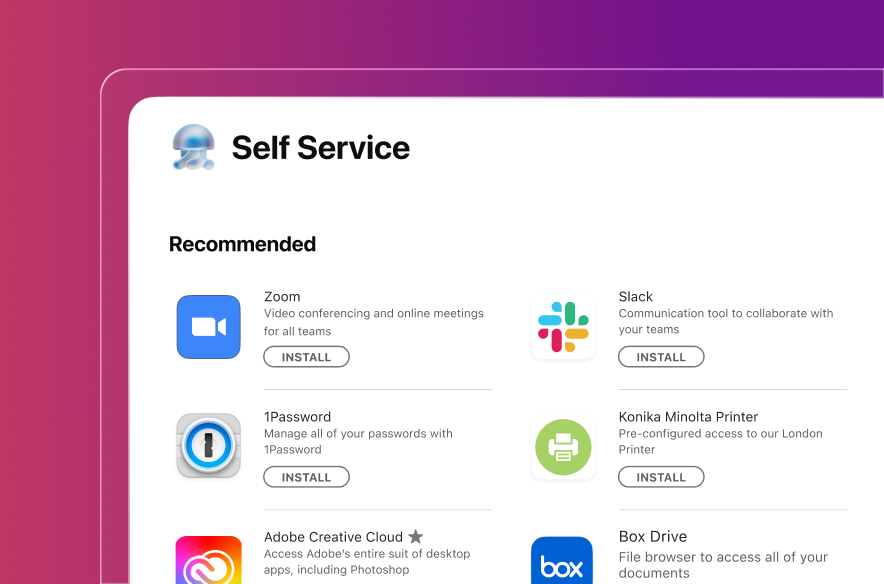
Provide self-serve access to employees

Empower users to solve their own IT needs with a branded self-service portal. Provide access to approved apps and resources while reducing support workload.
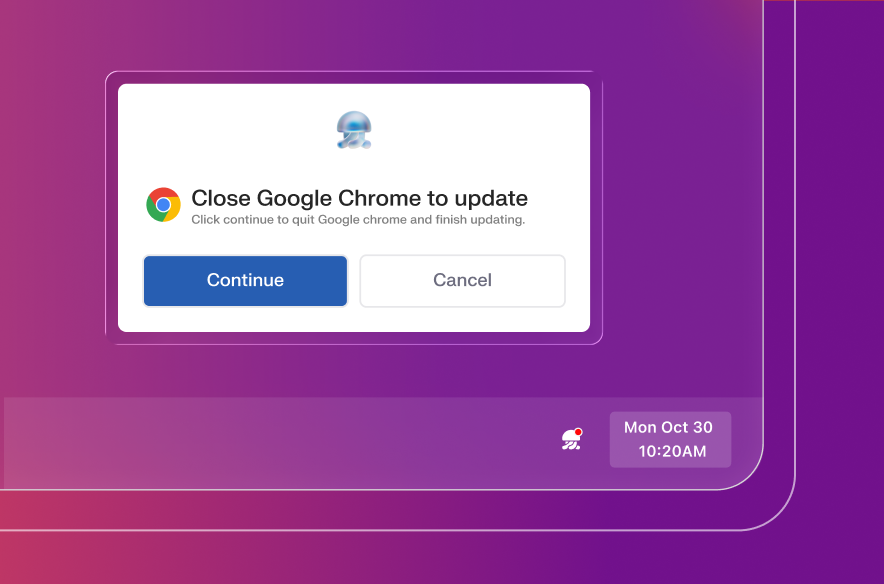
Image 7-1

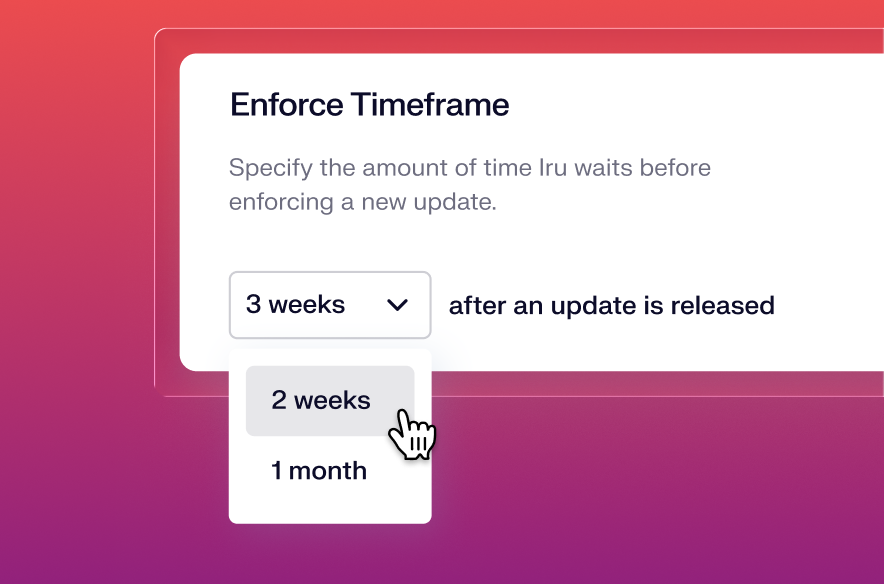
Proactively alert users to upcoming app updates

The Iru Agent alerts Windows users days before update enforcement, with timely reminders that prevent work disruptions and maintain productivity.

See more Windows features

All the essentials in a single stack

A unified platform for your users, apps, and devices, woven together by Iru AI, giving time and control back to IT & security teams.

Trust Center Compliance

Learn more about Trust Center

Accelerate deals with a public portal for your security and compliance posture.

Endpoint Management Endpoint

Learn more about Endpoint Management

Secure and control devices with unified endpoint management.

EDR Endpoint

Learn more about Endpoint Detection and Response

Detect, investigate, and automatically contain threats in real-time.

VM Endpoint

Learn more about Vulnerability Management

Unify vulnerability detection, prioritization, and autonomous remediation.

Workforce Identity Identity

Learn more about Workforce Identity

Eliminate passwords entirely and provide effortless single sign-on to apps.

AI AI

Learn more about Iru AI

Turn context into insights and actions with agentic AI across the entire Iru suite.

Let your team focus 
on what matters

Iru replaces fragmented tools with one AI-powered platform, so IT & security spend less time chasing tickets and more time improving the business.

Frequently asked
questions

Get answers to commonly asked questions
How does Iru's pricing work?

Iru offers scalable pricing that is based on the solutions your organization needs, as well as the number of users and devices.

Do you charge for migration and onboarding?

Iru includes free onboarding and migration support for all customers. During your trial, you can build out your live instance with guidance from solutions engineers. All trial and customer accounts have access to the exact same support experience.

We offer additional automated migration options for the following products:

Endpoint Management
Iru's Migration Agent automates migration using advanced logic that reduces user interaction to only the minimum approval Apple requires. Migrate thousands of Mac devices from your existing MDM to Iru within days.

Compliance Automation
Migrate frameworks, requirements, and controls from Vanta, Drata, Sprinto, or Secureframe with just a few clicks.

Identity
Get hands-on guidance to configure and deploy Workforce Identity during your trial. 24/5 chat support from IT engineers with real-world experience—most responses in under 2 minutes.

Can I try Iru before committing?

Yes. Iru offers a free 14-day trial for Workforce Identity, Endpoint Management, Vulnerability Management, and Endpoint Detection & Response. Compliance products (Compliance Automation and Trust Center) can be explored through a personalized demo.

What customer support is included?

Iru’s customer support is second to none. All customers (including those in trial) receive 24/5 support from support engineers who typically respond via chat in under 2 minutes. Every support engineer has years of real-world admin experience and acts as an extension of your team.

What are the contract terms?

Iru contracts are annual commitments, billed annually.

How does Iru help us reach SOC 2 and ISO 27001 compliance?

Iru's device management, malware protection, and vulnerability management cover the full scope of endpoint security which compliance programs require. Iru makes it easy to apply the right security configurations to devices via templates, and consistently enforces those configurations to ensure that devices stay compliant.

Can Iru automatically update Windows applications?

For Auto Apps—our collection of over 200 popular applications—admins can configure deployment preferences and establish automated update enforcement. Iru will intelligently handle the entire update process—from delivering user-friendly prompts and performing silent background updates when applications aren't in use, to installing critical updates by the enforcement deadlines. This automation ensures your Windows fleet maintains consistent software versions without burdening your IT team with manual patch management.


Can I control USB or removable storage?

Admins can lock down external storage access on Windows with encryption and access permission controls for USB drives, DMGs, SD cards, and server volumes.

How does Iru help with remote troubleshooting?

Iru enhances IT teams' remote support capabilities by providing detailed device data and a Device Lookup tool. This tool allows tracking of a device's assignment path, revealing deployed configurations and the rationale behind specific app or setting applications. Additionally, Iru supports deployment of remote access tools like TeamViewer, AnyDesk, and Splashtop Business, enabling secure, unattended remote device management.

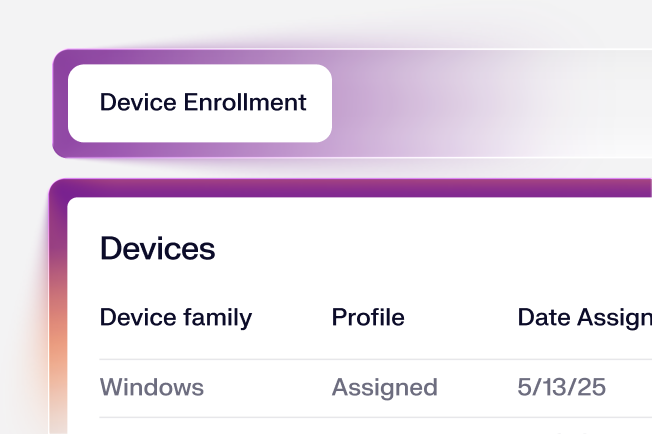
What options does Iru offer for Windows device enrollment?

Windows computers can be enrolled in Iru through several methods. Each method applies pre-configured settings and policies immediately upon enrollment to ensure devices are secure and compliant from the start.

  • Enrollment via URL:
    Iru provides a secure enrollment link that can be used to manually enroll Windows. Admins can distribute this link to users as needed.

  • Iru Migration Agent:
    If you're moving from another MDM, the Iru Migration Agent can be deployed using your existing MDM to automate the transition. It minimizes user interaction and streamlines the re-enrollment process.

What kind of data protection controls do we get with Iru?

IT teams can deploy dozens of security controls like BitLocker for disk encryption and external storage restrictions and encryption requirements. Endpoint Detection & Response (EDR) detects and mitigates malware and malicious behavior that could otherwise lead to data loss. Customers can also use identity provider integrations to restrict sensitive data access to only fully managed and secured devices.

How do we migrate Windows computers from an existing MDM to Iru?

Purchasing Iru MDM includes access to the Iru Migration Agent, our proprietary tool designed specifically to streamline MDM transitions on Mac. This agent deploys through your current MDM platform, requiring minimal end-user interaction to move to Iru—just a few clicks to complete. Our team tailors the migration process to your organization's specific variables and provides dedicated support via chat and email throughout the transition. Depending on your environment and objectives, Iru can be fully deployed across your entire fleet in as little as two weeks.

See Iru in action

Discover why thousands of teams choose Iru

By submitting this form I agree to Iru’s Privacy Policy and consent to be contacted by Iru about its products and services.

Stay up to date

Iru's weekly collection of articles, videos, and research to keep IT & Security teams ahead of the curve.