Take the friction out of everyday work
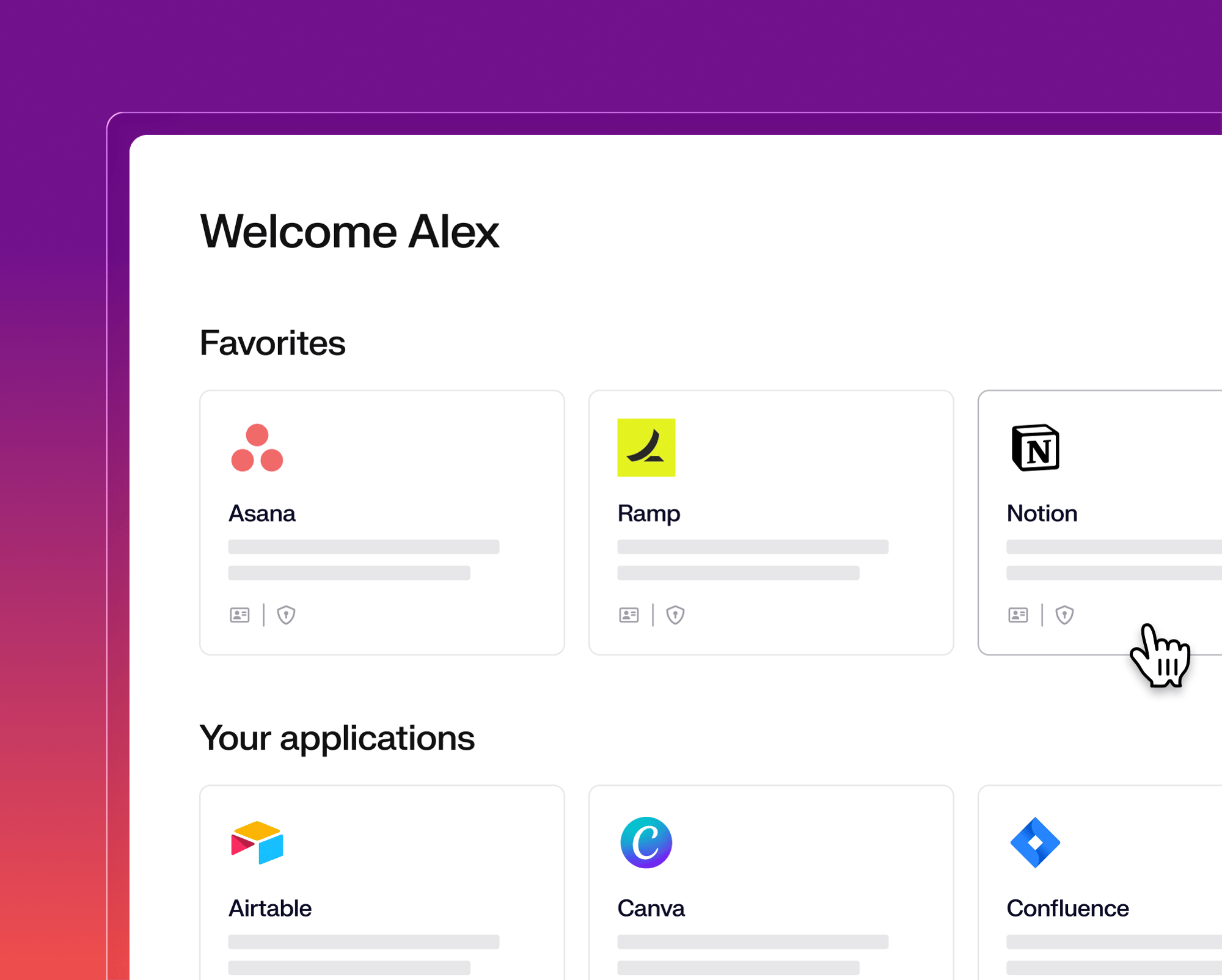
From first power-on, employees move through a guided setup onto a ready-to-work desktop. Apps update silently when they're closed, so work continues uninterrupted. A branded Self Service app keeps approved apps a click away. People stay in flow while IT keeps every device current and secure.

Onboard, update, and equip every employee
Onboarding that employees notice
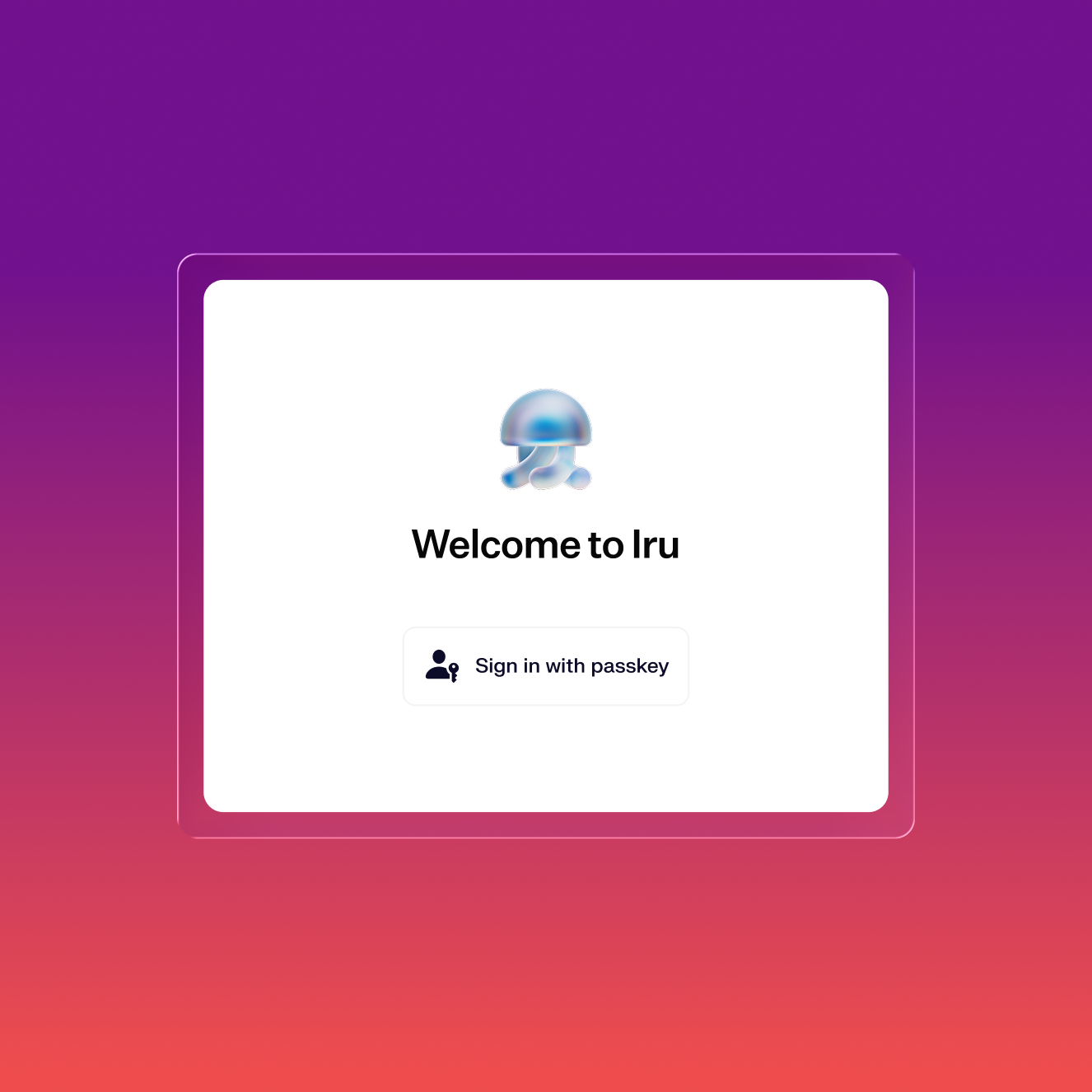
Give each team member the perfect first day. Employees unbox their device, power it on, and get to work. Iru handles everything in between.
Zero disruption to end users
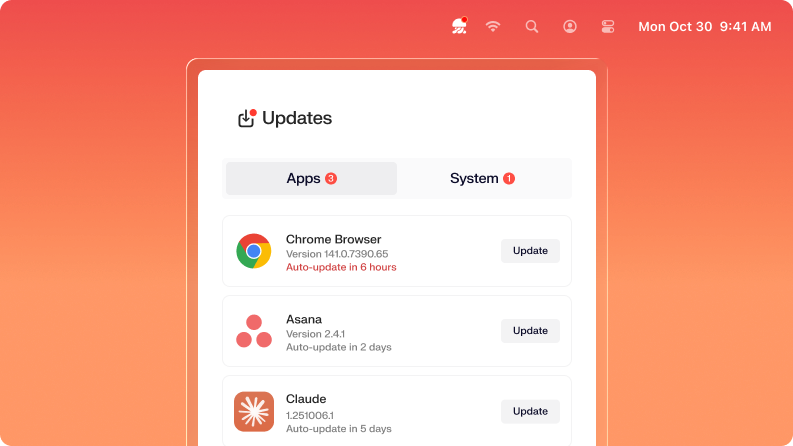
Iru updates apps silently when they're closed and proactively prompts users ahead of enforcement deadlines. Work continues uninterrupted.
Deliver a self-service experience
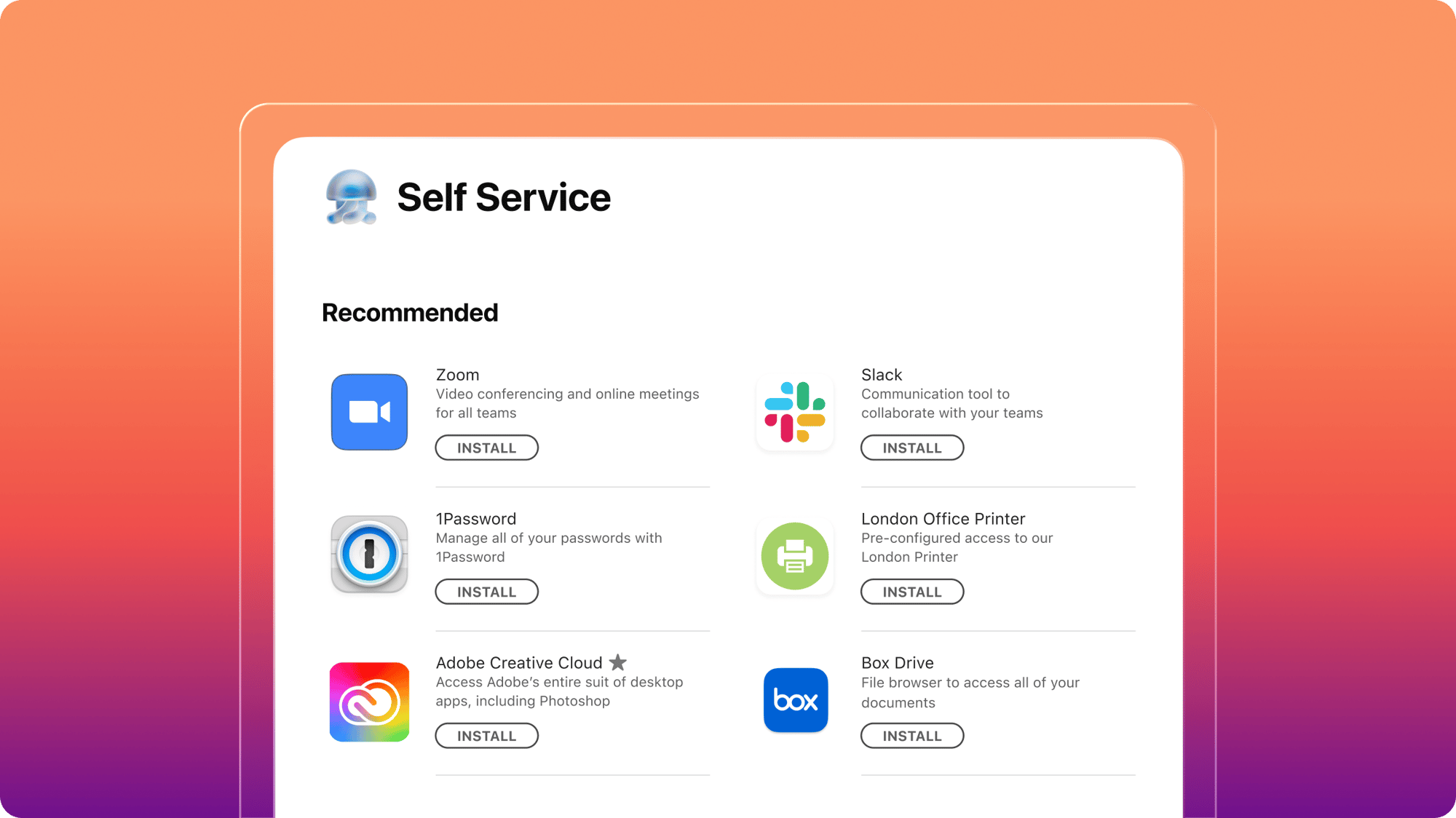
End users download approved apps and resources from the Self Service app for instant access to everything they need.
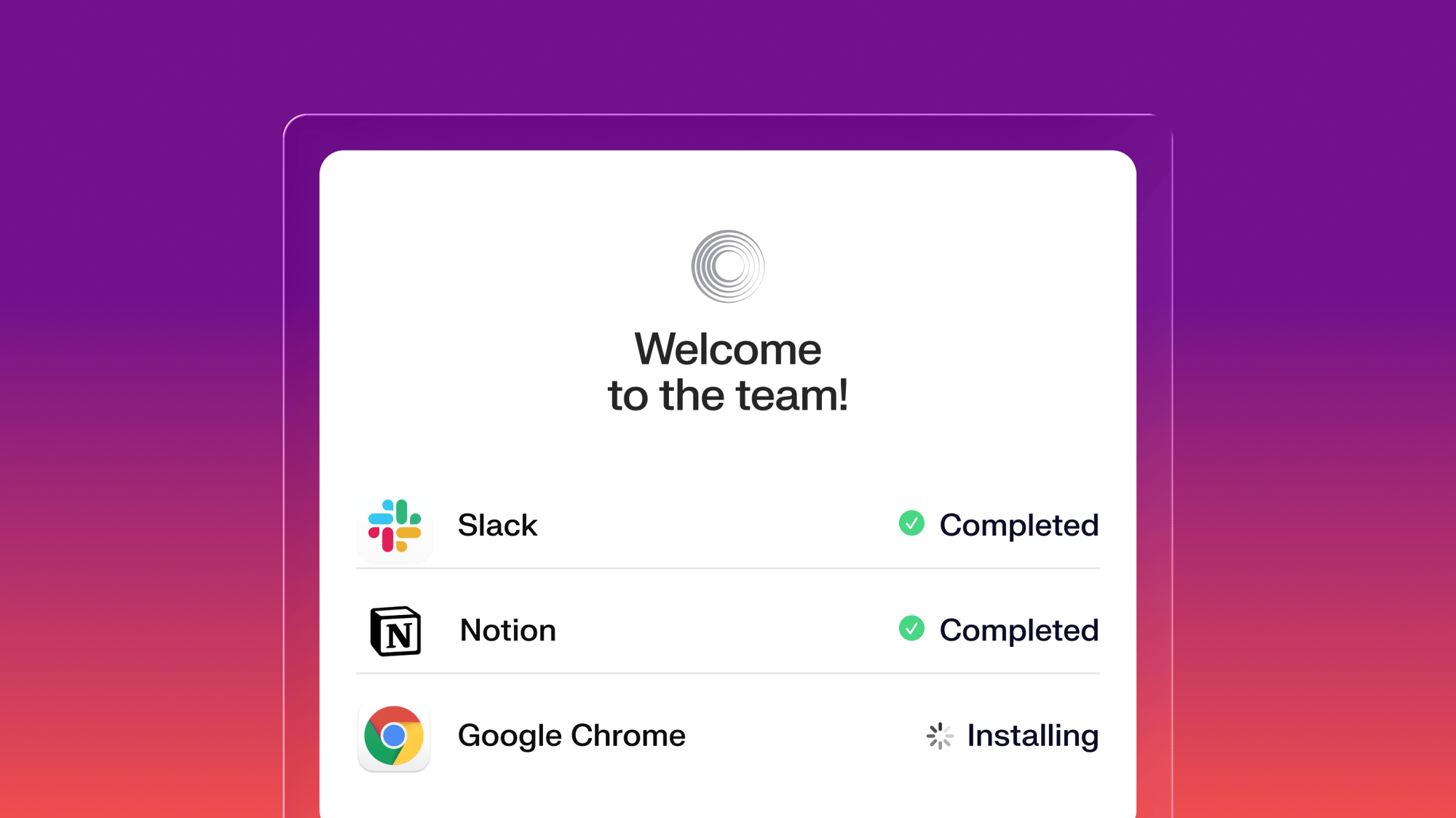
Unified by design. Built for the AI era.
Iru AI is designed from the ground up to connect a grid of agents behind the scenes—across identity, endpoint, and compliance. Powered by the Iru Context Model, it understands your users, apps, and devices to act safely, intelligently, and in context across your organization.
Work-ready on day one
From first power-on, employees move through a guided setup onto a ready-to-work desktop.
- Guide employees through a branded first-boot setup
- Users log in in with single sign-on at first boot
- Employees receive a device with apps and settings ready

Patching without employee friction
Automated prompts ask employees to update software at a time that won’t interrupt their work, balancing a smooth user experience with security.
- Updates arrive with advance notice so users can take action before the deadline
- Urgent vulnerable applications are patched in the background, without employees needing to take action

On-demand access to approved apps
Employees open Self Service and install the apps they need, the moment they need them. No ticket, no admin rights, no waiting on a request to clear.
- Employees can install approved applications without waiting on IR
- Match Self Service to your brand, so employees recognize it as a company tool
- Beyond apps, Self Service offers custom scripts and links to internal tools, so users find resources and fixes in one place

A fully automated migration experience
We’ve created an automated migration tool that seamlessly migrates large organizations off of legacy MDM providers, making it easier than ever before to transition to a modern platform.
All the essentials in a single stack
A unified platform for your users, apps, and devices, woven together by Iru AI, giving time and control back to IT & security teams.
Learn more about Trust Center
Accelerate deals with a public portal for your security and compliance posture.
Learn more about Endpoint Management
Secure and control devices with unified endpoint management.
Learn more about Endpoint Detection and Response
Detect, investigate, and automatically contain threats in real-time.
Learn more about Vulnerability Management
Unify vulnerability detection, prioritization, and autonomous remediation.
Learn more about Workforce Identity
Eliminate passwords entirely and provide effortless single sign-on to apps.
Learn more about Iru AI
Turn context into insights and actions with agentic AI across the entire Iru suite.
Let your team focus on what matters
Iru replaces fragmented tools with one AI-powered platform, so IT & security spend less time chasing tickets and more time improving the business.
Frequently asked
questions
Get answers to commonly asked questions
Can employees install apps themselves, or does everything route through IT?
Employees install on their own. Self Service is a branded catalog of the apps, scripts, and resources IT approves, and employees open it to install what they need on demand. IT decides what appears in the catalog; employees decide when to install it.
Do employees need admin rights to install from Self Service?
No. The Iru Agent runs the install on the employee's behalf, so standard users install approved apps without local admin rights. Devices stay locked down while employees stay self-sufficient.
Can we make our own in-house apps available, or only App Store apps?
Both. Alongside App Store apps and the Auto Apps catalog, you add your own software as a Custom App Library Item and surface it in Self Service.
Can we require an app, or leave it optional in Self Service?
Both. Each Library Item installs either on-demand in Self Service or continuously enforced. Set critical software to install automatically, and leave the rest optional in the catalog.
Can we brand Self Service to match our company?
Yes. Self Service carries your branding and matches the native look of Mac and Windows, and you organize items into your own categories. The app keeps the name Iru Self Service, but the catalog inside looks like your company's.
Does Self Service work on Windows, or just Mac?
Both. Self Service runs on Mac and Windows, so employees get the same catalog experience regardless of platform.
Can Self Service offer more than apps, like scripts or links to internal tools?
Yes. Beyond apps, you publish Custom Scripts and Bookmarks, giving employees one-click fixes and quick links to internal tools, docs, and company resources.
Do apps installed from Self Service stay up to date?
Yes. Apps from the Auto Apps catalog stay current automatically after an employee installs them, with updates applied on the schedule IT sets. Employees install once and never chase updates.