
 Workforce Identity
 Endpoint Management
 Endpoint Detection & Response
 Vulnerability Management
 Compliance Automation
 Trust Center


Stop attackers with proactive security
Dozens of security and connectivity controls for iOS and iPadOS help you keep the company safe.
Turn devices into specialized tools
Deploy apps, links to resources, and customize the device experience so it works for your team.
Position the IT team for bigger impact
Iru’s automations and intuitive workflows put hours back in your calendar every day.

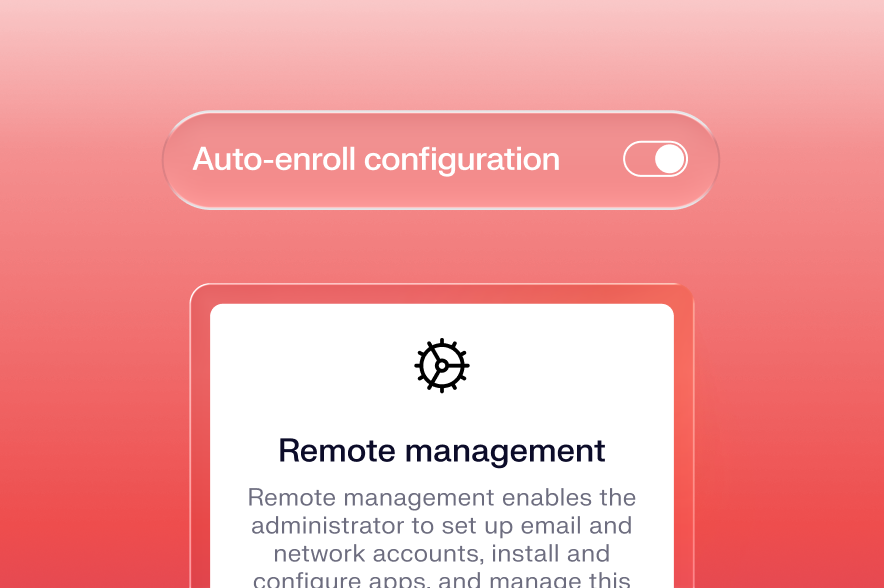
Enroll with zero touch
Deliver devices to your workforce that can be remotely enrolled and ready for work on day one. Customize the setup experience from the moment it powers on.
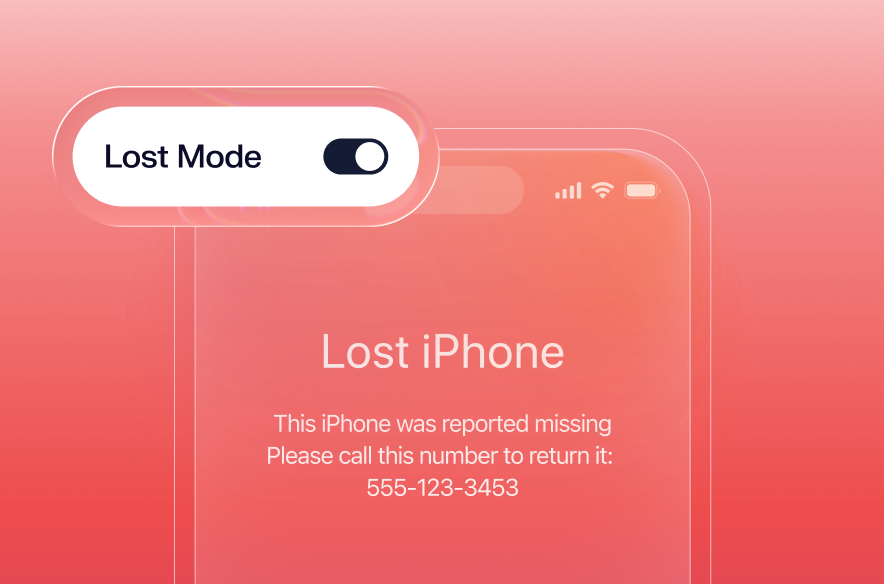
Secure and locate lost devices
Go from lost to found with Iru’s integrated map, custom Lock Screen message, and alerts for devices. Iru will autonomously put devices back into Lost Mode, even if they are tampered with.
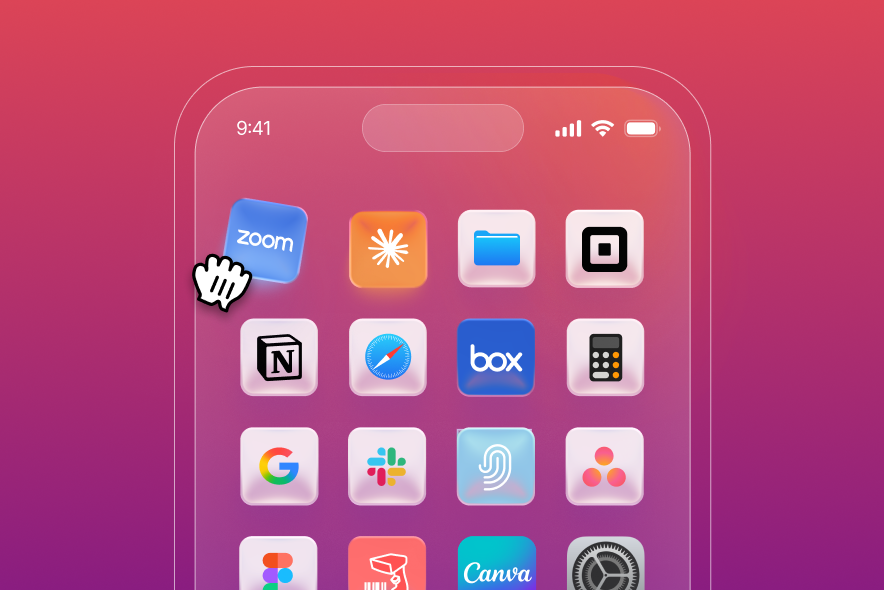
Customize the wallpaper and Home Screen
Set a branded Lock Screen and wallpaper with instant previews. Arrange Home Screen apps through drag-and-drop positioning, keeping only the apps you choose.
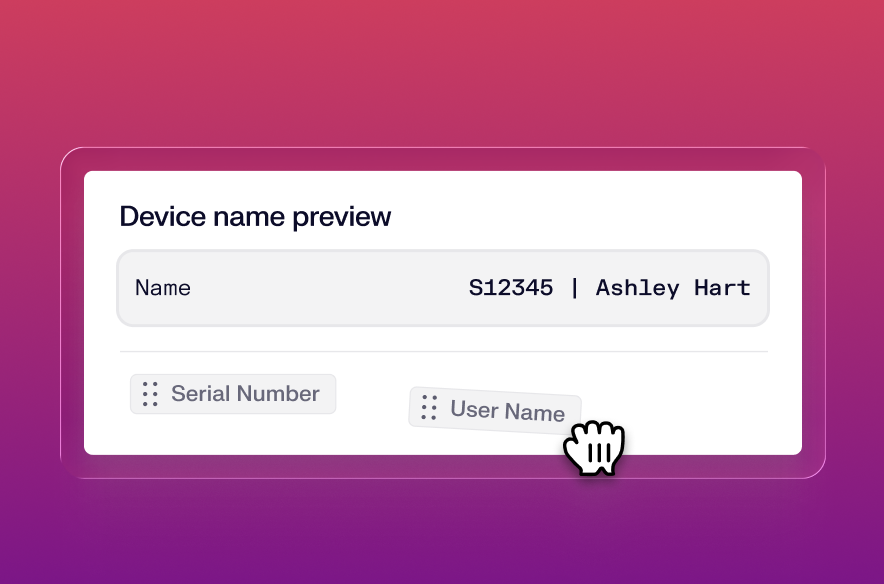
Enforce consistent naming
Organize your fleet with consistent names. Create a naming pattern using variables and plain text, drop in each element, and decide whether Iru should continuously enforce the name.
Deliver apps via Self Service
Choose from apps available to you in Apps and Books. Decide how you want the app to update and whether to enforce installation or let users install them on demand.
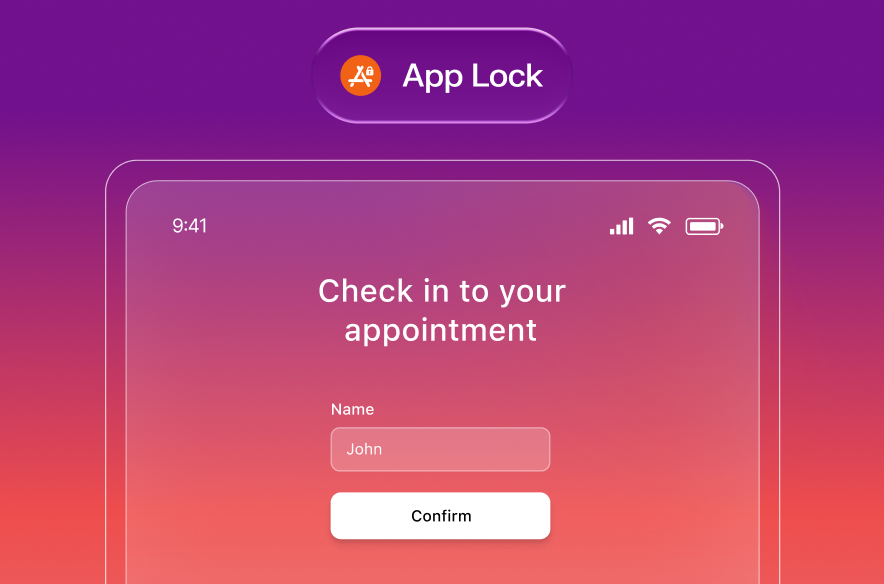
Dedicate devices to a specific use
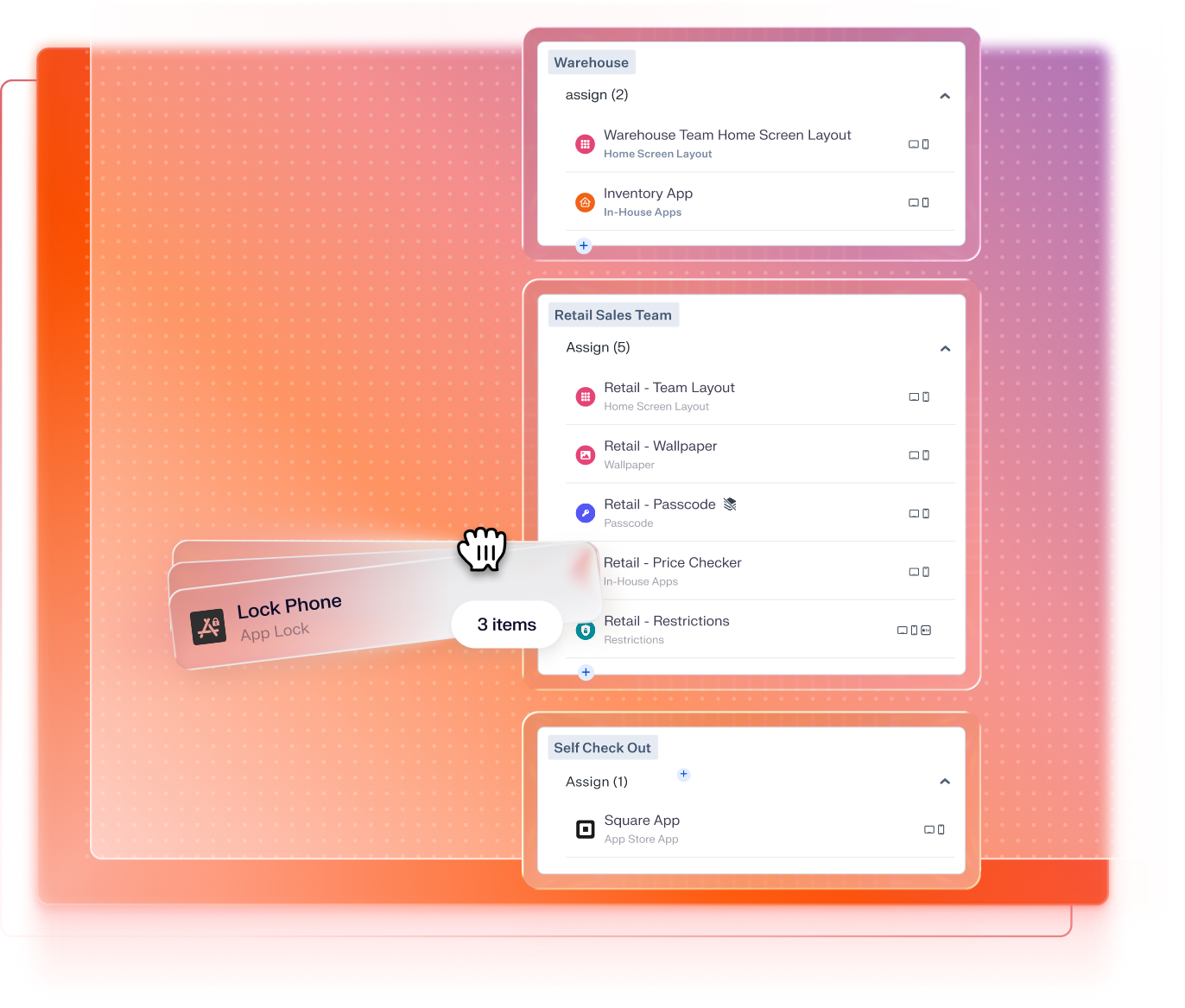
Turn any device into a purpose-built tool. App Lock restricts iPhones and iPads to a single app and gives you granular control over which accessibility and device settings stay active.
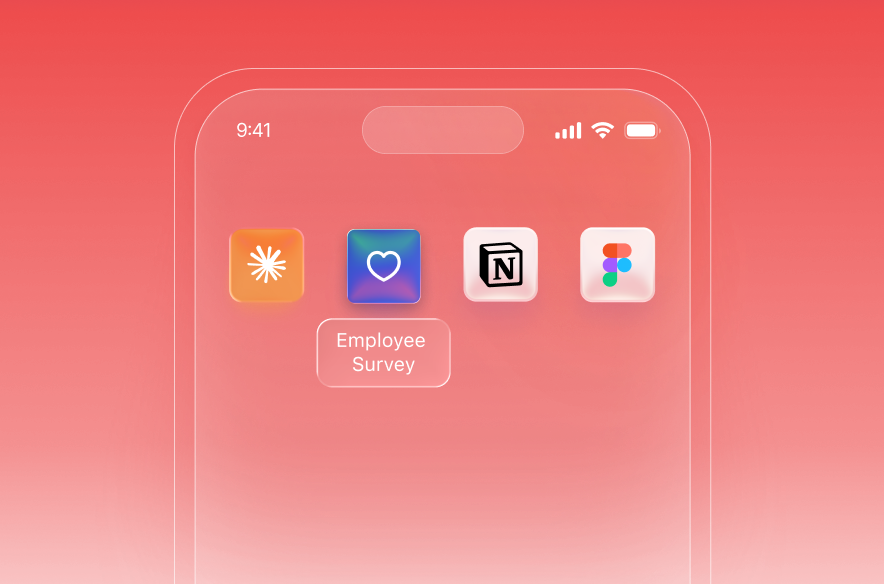
Create custom links to internal resources
Deploy web apps or links to resources for your workforce by placing them directly on the Home Screen of your iPhone and iPad devices.
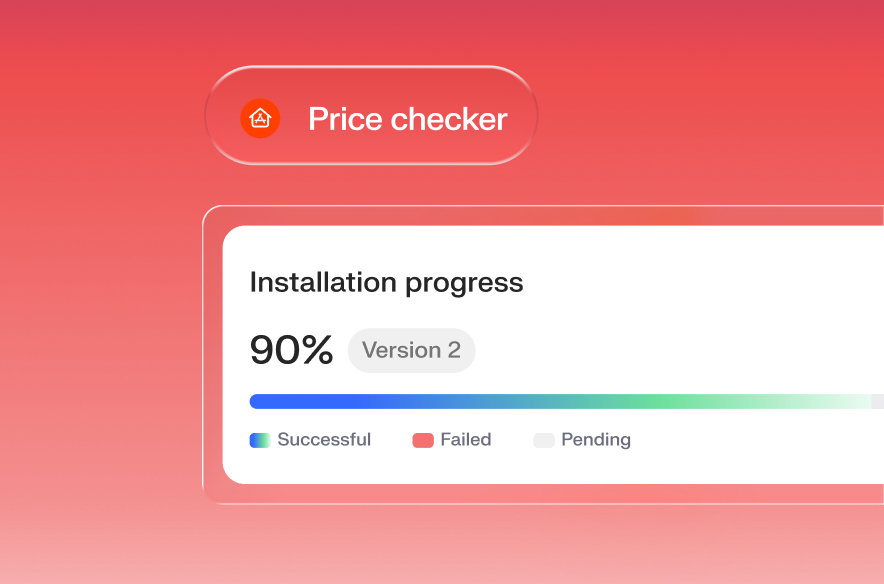
Install proprietary applications for your users
Give your team members the apps they need for work without going through the app store. Iterate faster and push updates quickly through Iru.
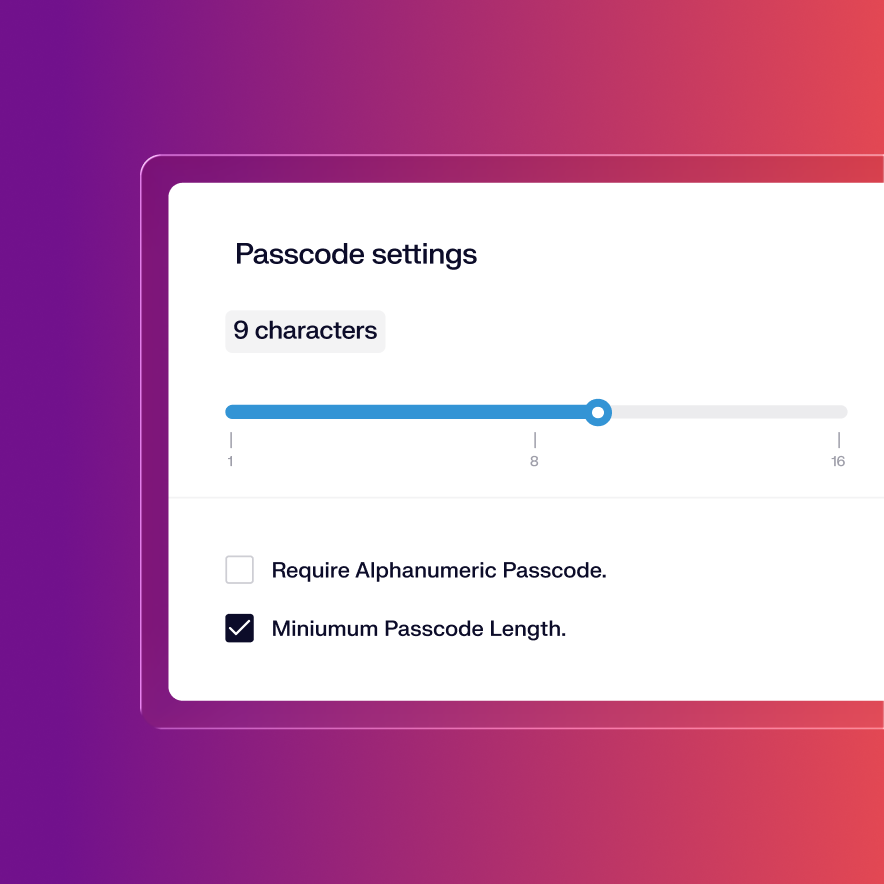
Enforce passcode requirements
Require secure passcodes and automatic locking for devices, or even let Iru completely erase the device in the case of brute force attempts.
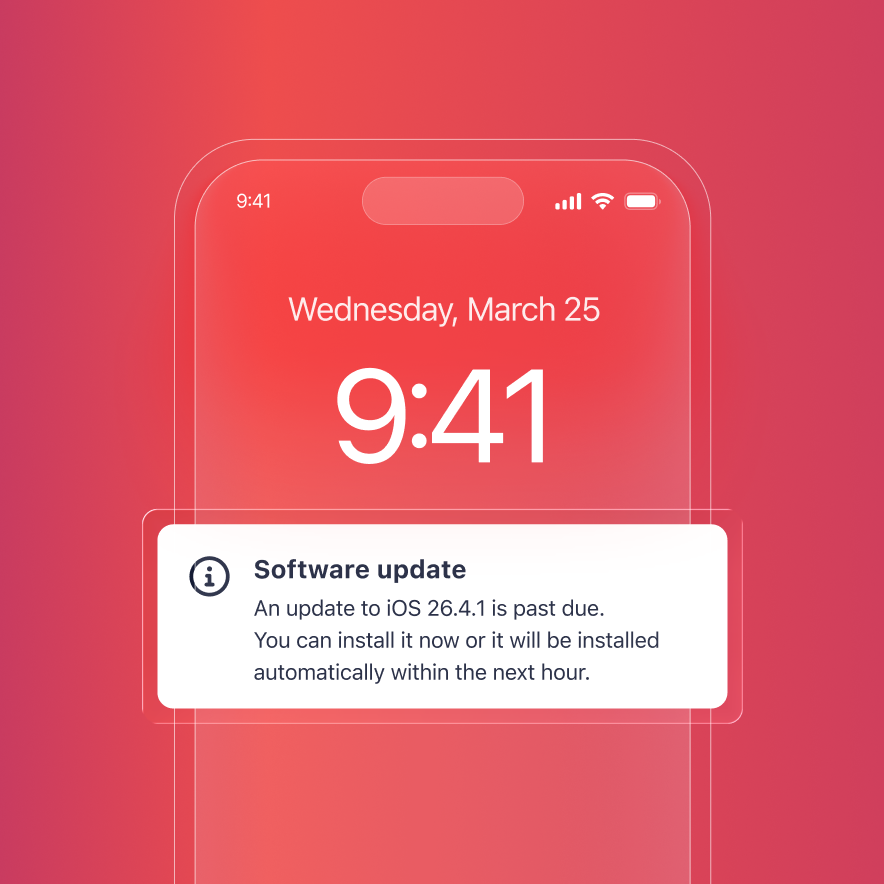
Automate updates for iOS and iPadOS
Automated iOS patch management is enabled by Iru’s Auto Apps, a library of applications that Iru pre-packages, hosts, and automatically patches.
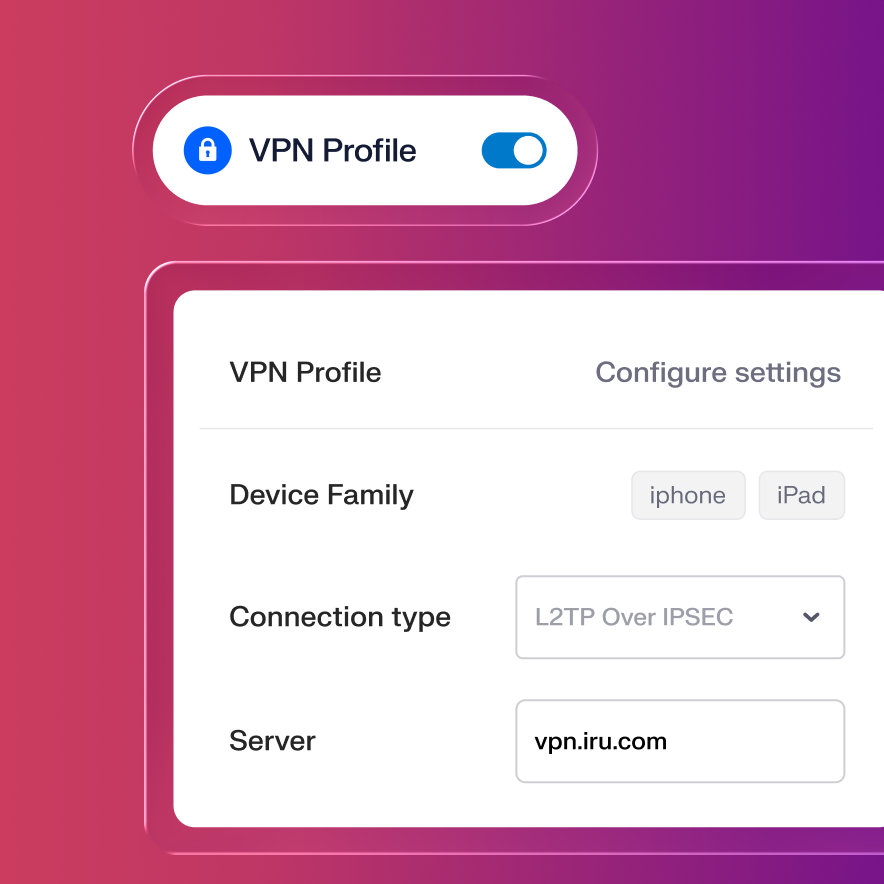
Establish VPN and Wi-Fi connections
Configure VPNs and Wi-Fi access to make sure mobile devices can safely, and automatically, connect to the network resources they need.
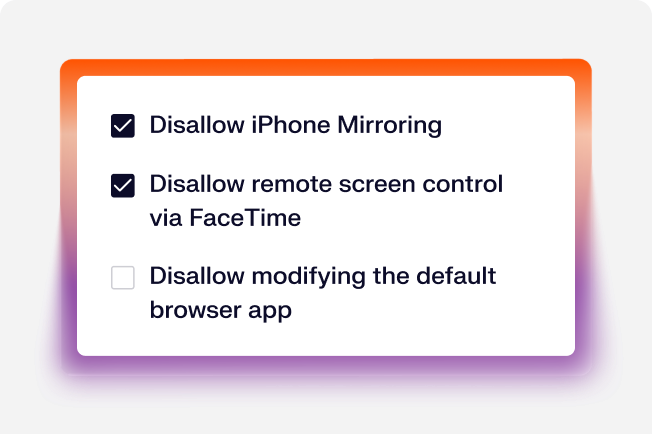
Restrictions
Enable and configure all the security settings Apple makes available for iPhone and iPad devices in a unified flow.
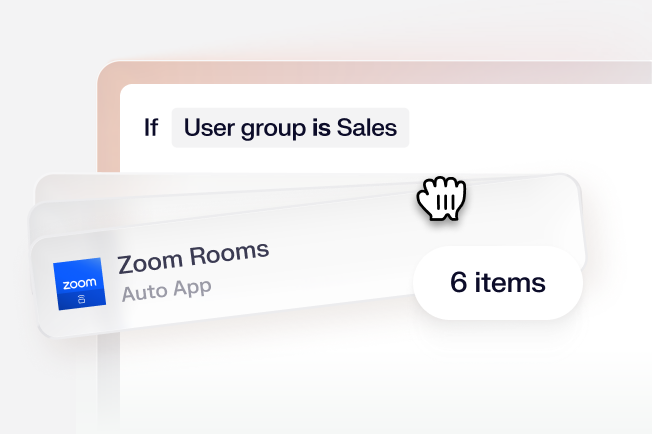
Assignment maps
Configure each device with a visual map that shows your flow of conditional logic. No more conflicting settings or ambiguity.
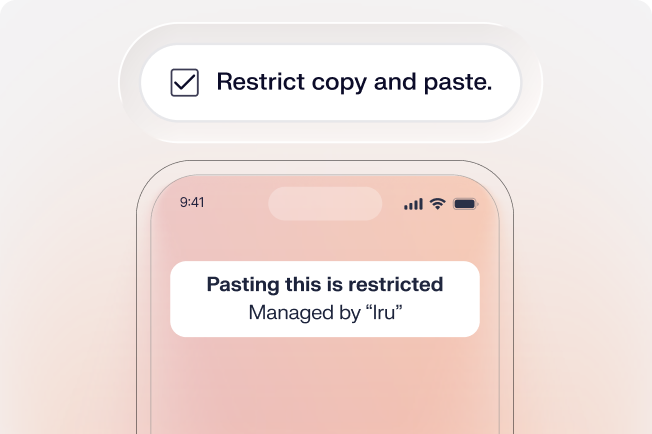
Managed data flow
Manage where your corporate data goes with granular control. Keep sensitive data out of iCloud or unmanaged apps.
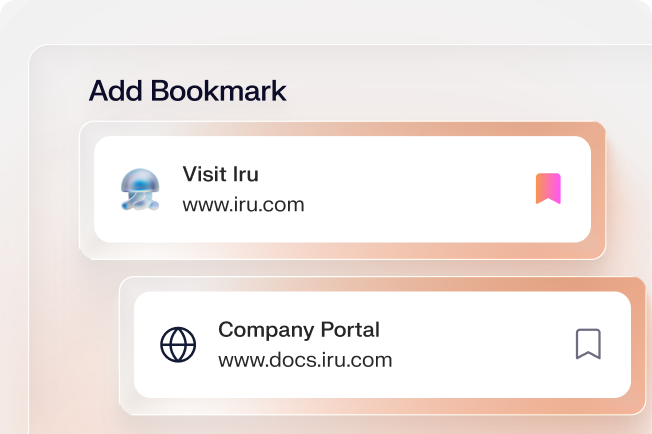
Bookmarks
Add and manage specified webpages as Bookmarks and display them in Self Service.
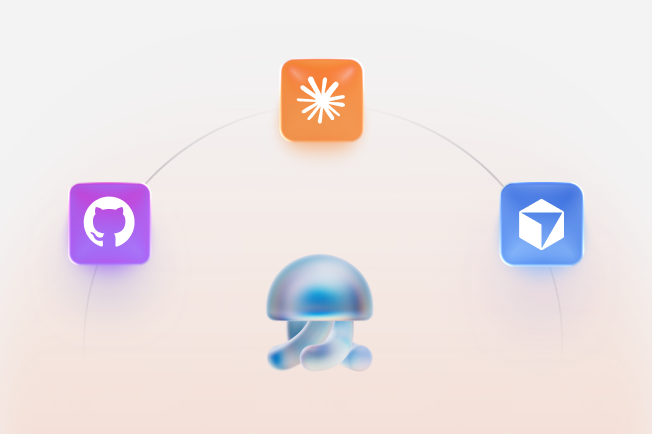
MCP server
Connect your device fleet to any AI build environment and run endpoint workflows alongside every other tool in your stack. Build in Claude Code, Cursor, or any MCP-compatible tool.
 Compliance
Learn more about Trust Center
Accelerate deals with a public portal for your security and compliance posture.
 Endpoint
Learn more about Endpoint Management
Secure and control devices with unified endpoint management.
 Endpoint
Learn more about Endpoint Detection and Response
Detect, investigate, and automatically contain threats in real-time.
 Endpoint
Learn more about Vulnerability Management
Unify vulnerability detection, prioritization, and autonomous remediation.
 Identity
Learn more about Workforce Identity
Eliminate passwords entirely and provide effortless single sign-on to apps.
 AI
AI
Learn more about Iru AI
Turn context into insights and actions with agentic AI across the entire Iru suite.