Skip to content

Orchestrate your devices with Iru MCP

Build bespoke reports, nuanced automations, and the workflows your team needs from a AI tools like Claude and Cursor. Available with a free, 14 day trial.

MCPHeaderHero

Bring endpoints into your AI build environment

All Iru's API endpoints are available to Iru MCP wth granular control over permissions for each key.

IruConnectAI

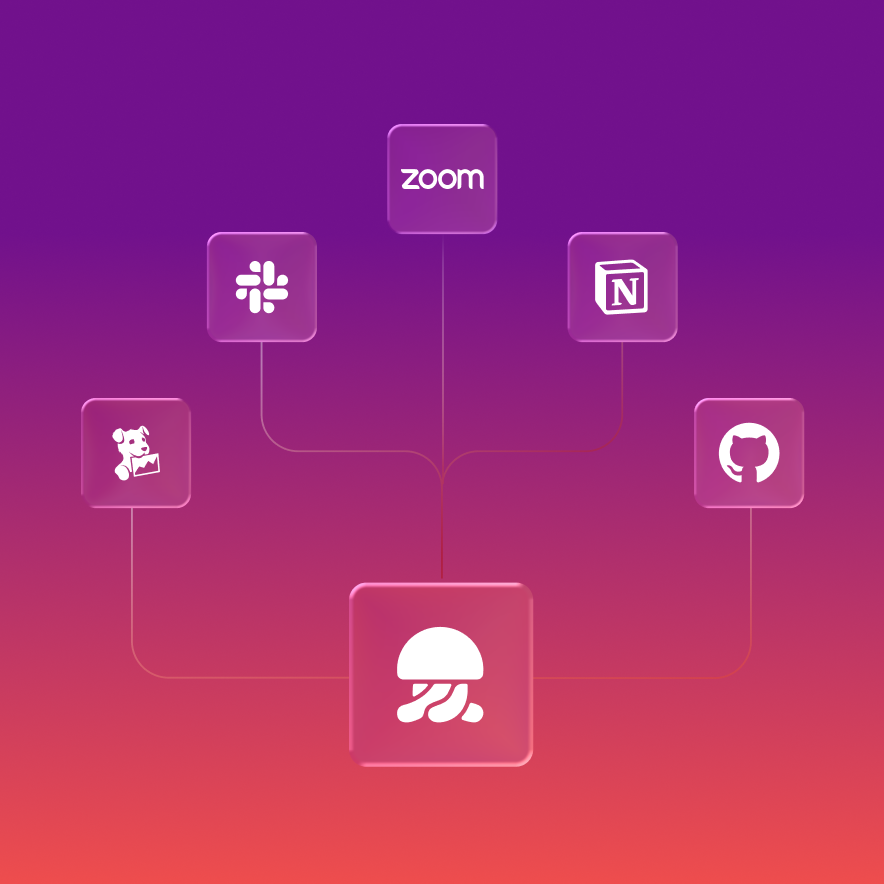
Connect Iru to the AI tools your team already uses

Iru MCP works with Claude Desktop, Cursor, OpenAI Codex, and any MCP-compatible client. Add Iru alongside the other tools your team already builds with.
IruOrchestration

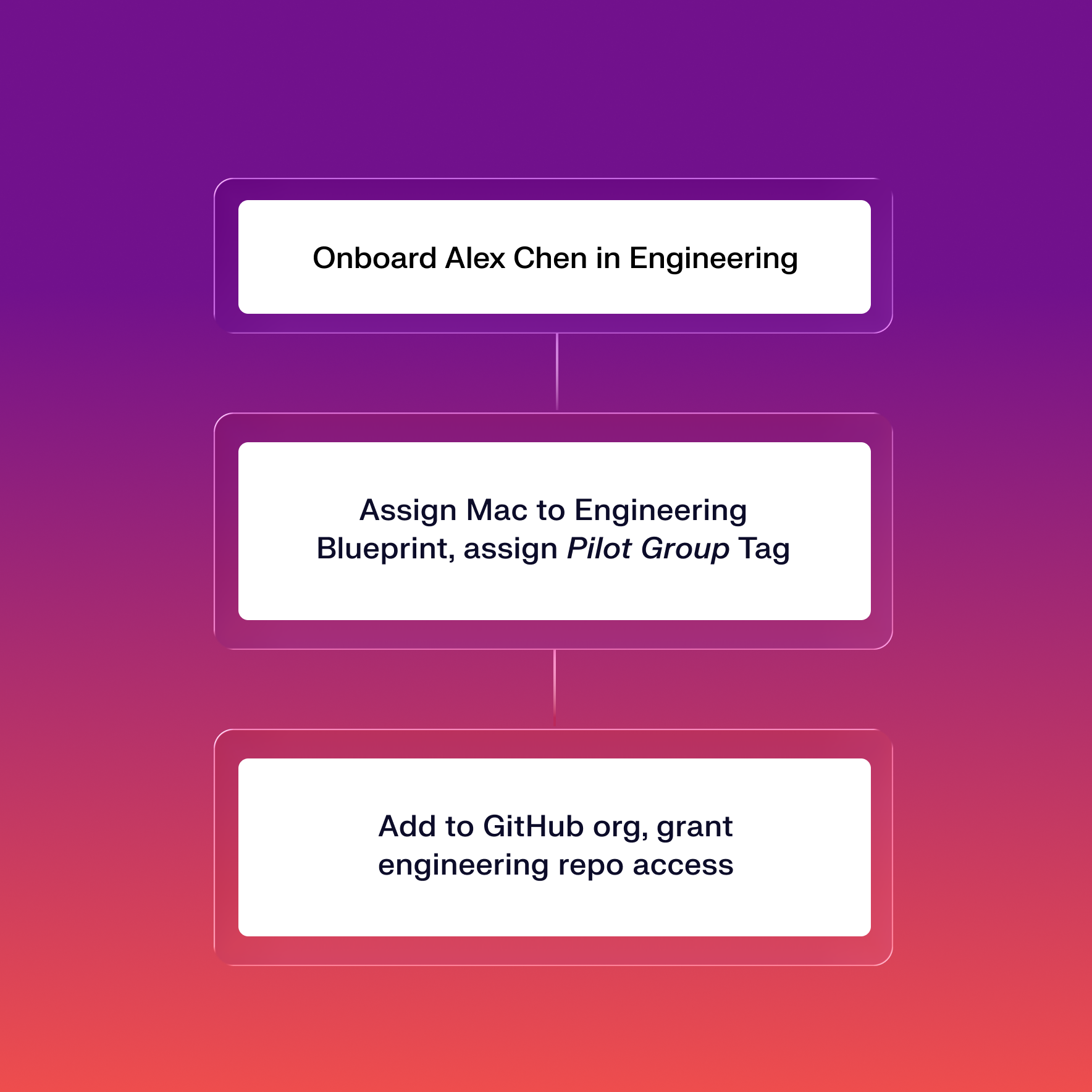
Orchestrate workflows across Iru and your stack

Compose prompts that span Iru, your ticketing system, your identity tool, and any other MCP-connected service. One conversation, many systems.
StayinControlMCP

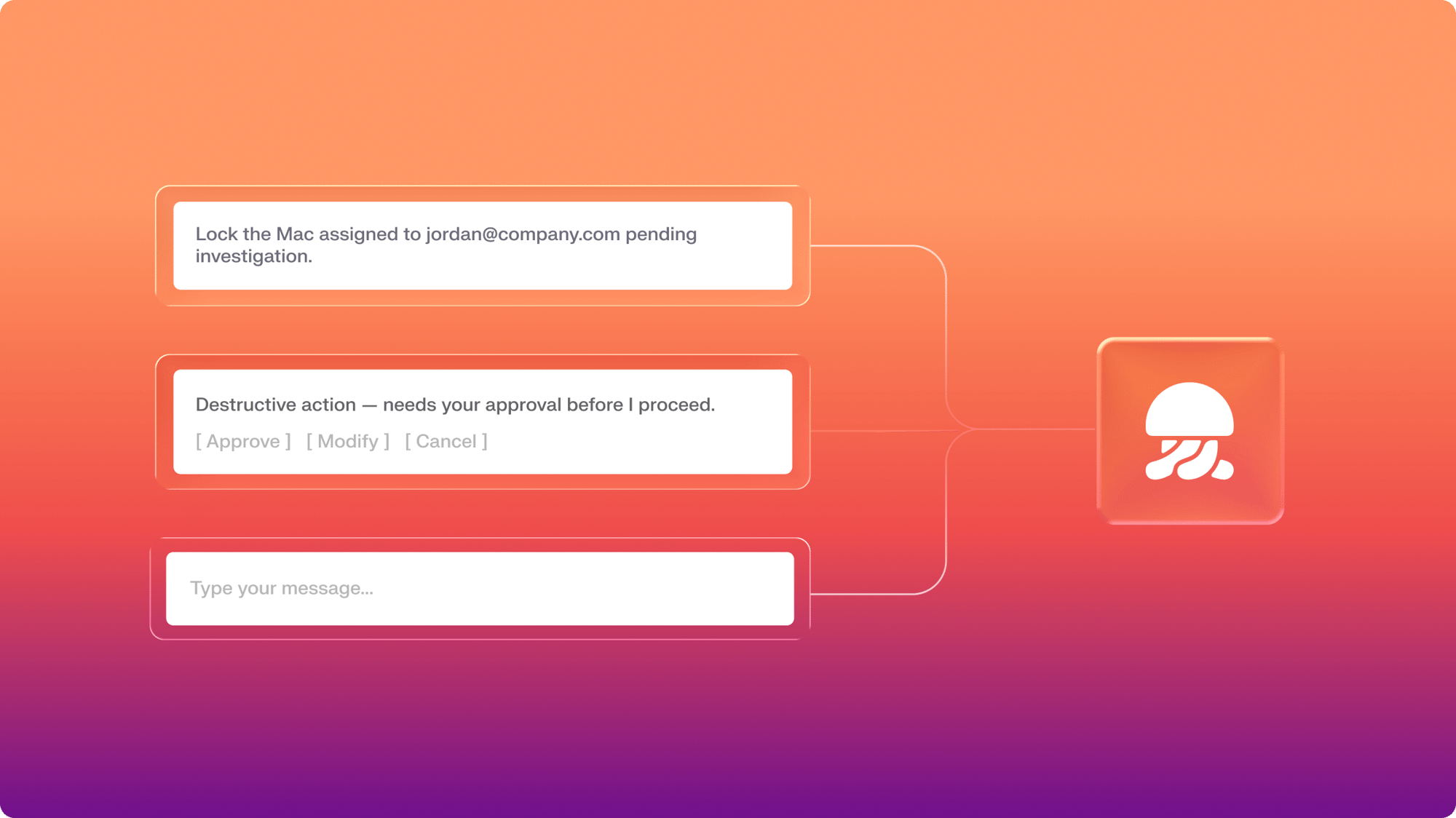
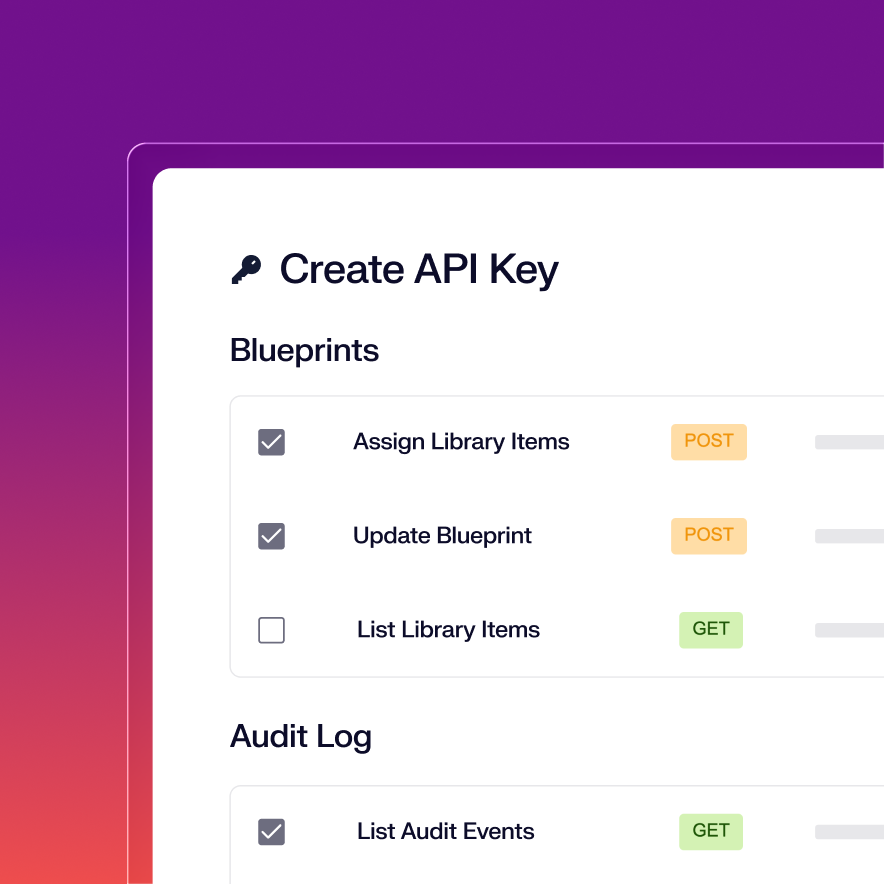
Stay in control of what your AI can touch

Your existing Iru permissions decide what the AI can attempt. Scope each token to the endpoints a workflow actually needs, and allowlist the actions you trust to run unattended.
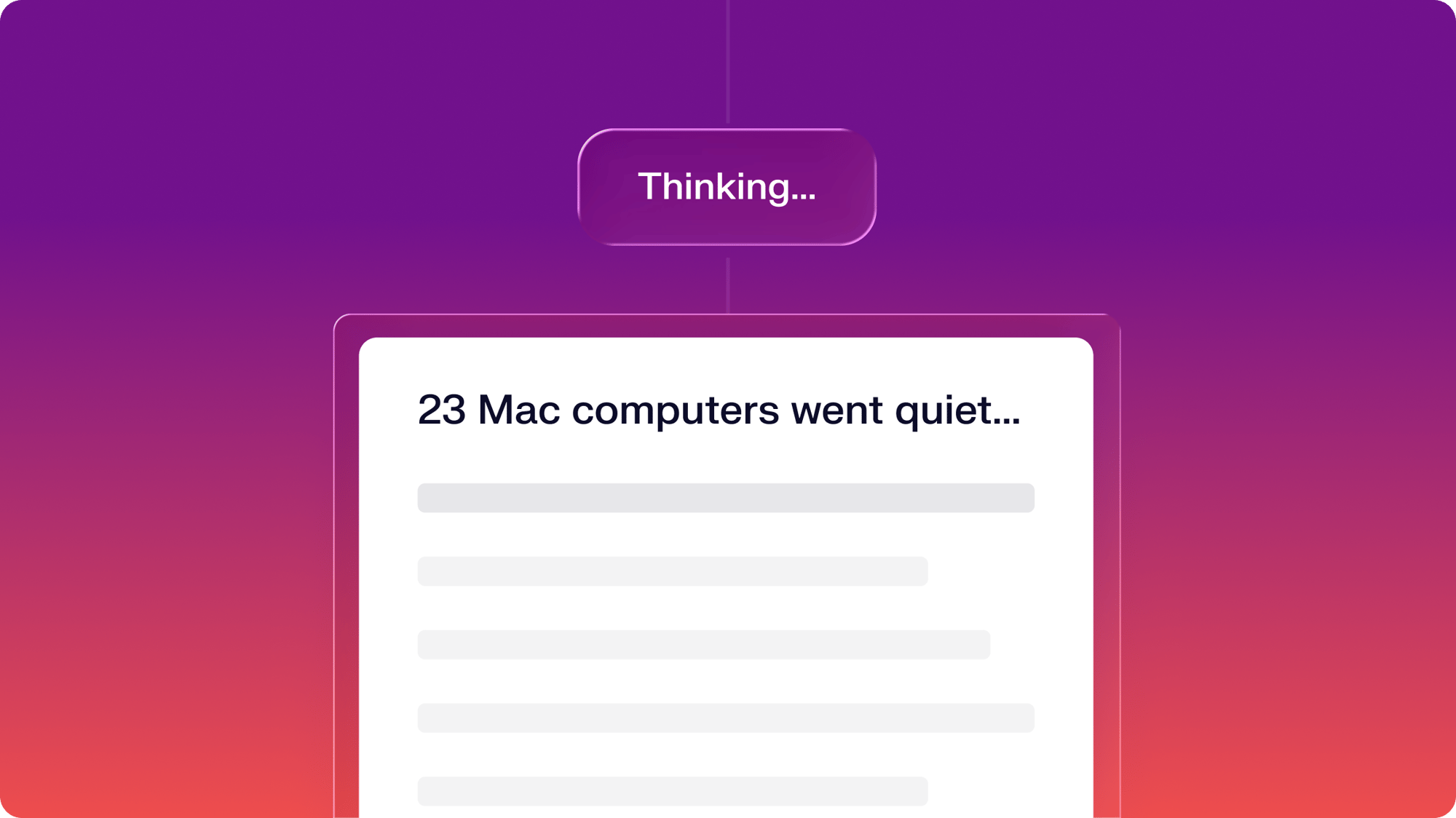
Build workflows for hands-off management and reporting

Vibe code everyday tasks, actions for when fast response times matter, or custom reports. If you can imagine it, you can do it.

Unified by design. Built for the AI era.

Iru AI is designed from the ground up to connect a grid of agents behind the scenes—across identity, endpoint, and compliance. Powered by the Iru Context Model, it understands your users, apps, and devices to act safely, intelligently, and in context across your organization.

Query the state of your fleet

Ask anything about your endpoints. Get the answer in seconds.

  • Create custom reports based on device attributes, Blueprints, Library Items, Vulnerabilities, and Threats
  • Join data from Iru with other tools, to see insights that span your tech stack
IruPromptThinking-1

Apply configs without opening the console

Rollout changes across the fleet from a single prompt.

  • Build your desired state for every device in an Assignment Map (API endpoints coming soon)
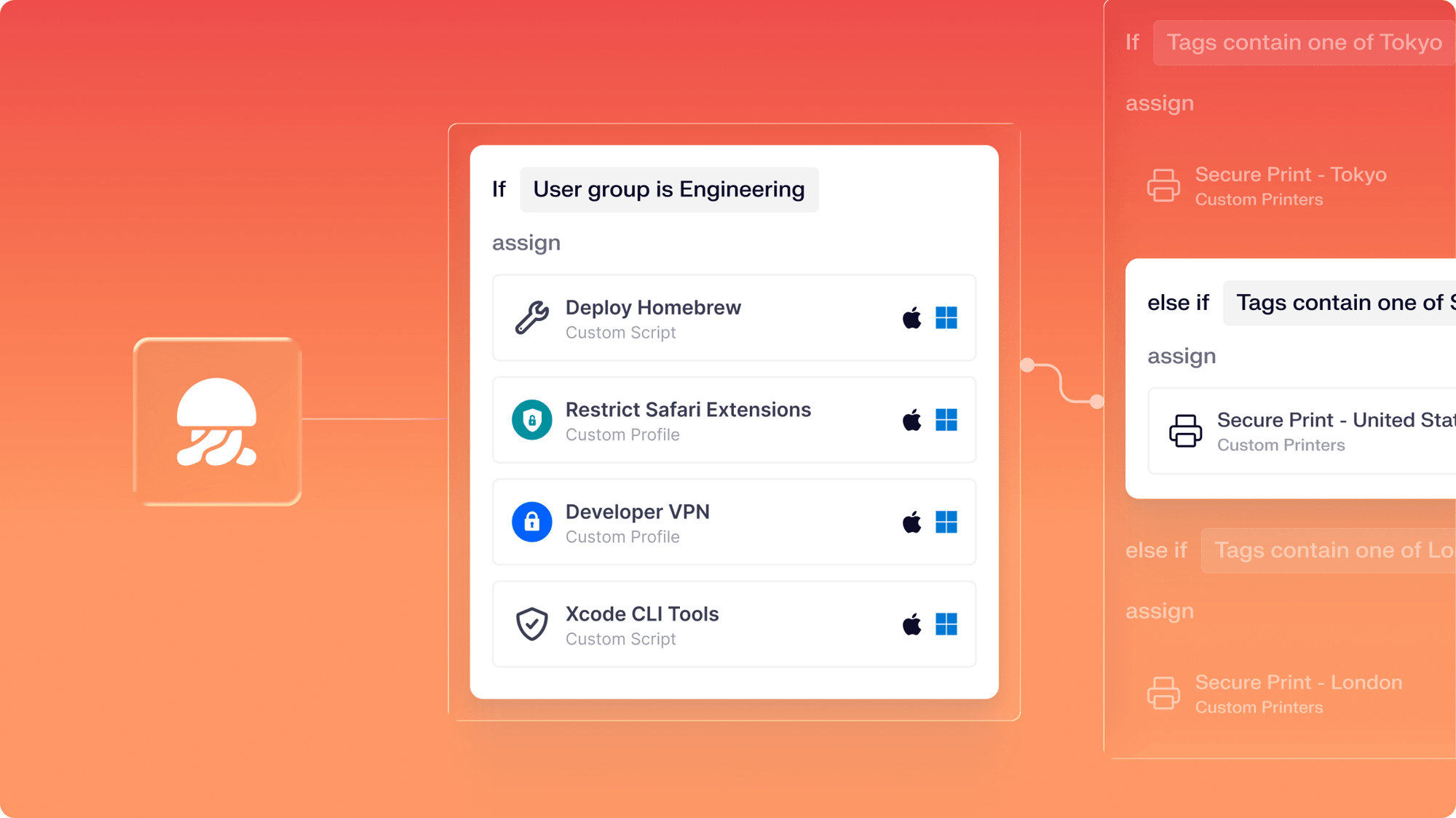
  • Configure Library Items and add them to conditional nodes in an Assignment Map
  • Assign a user and tags to devices programmatically so they receive targeted payloads
IruConditionalLogic-1

Lock or isolate devices with automated workflows

From alert to remediated device, in one prompt.

  • Lock, wipe, or isolate endpoints from the network
  • Trigger a response from a Slack message, Jira ticket, or threat detections
  • Pull EDR threat records and device context before any action runs
IruPrompting-1

Get started with the Iru MCP in a free trial

Start building for free in Claude, Cursor, or any other AI tool. Iru MCP is included for free with all Iru products.

All the essentials in a single stack

A unified platform for your users, apps, and devices, woven together by Iru AI, giving time and control back to IT & security teams.

Trust Center Compliance

Learn more about Trust Center

Accelerate deals with a public portal for your security and compliance posture.

Endpoint Management Endpoint

Learn more about Endpoint Management

Secure and control devices with unified endpoint management.

EDR Endpoint

Learn more about Endpoint Detection and Response

Detect, investigate, and automatically contain threats in real-time.

VM Endpoint

Learn more about Vulnerability Management

Unify vulnerability detection, prioritization, and autonomous remediation.

Workforce Identity Identity

Learn more about Workforce Identity

Eliminate passwords entirely and provide effortless single sign-on to apps.

AI AI

Learn more about Iru AI

Turn context into insights and actions with agentic AI across the entire Iru suite.

Let your team focus 
on what matters

Iru replaces fragmented tools with one AI-powered platform, so IT & security spend less time chasing tickets and more time improving the business.

Frequently asked
questions

Get answers to commonly asked questions

Which apps and devices does automated patching cover?

Auto Apps patches 230+ Mac applications and 220+ Windows applications. The most common business and productivity apps are included. See the full catalog here.

How quickly does Iru patch after a vulnerability is discovered?

Iru Agent detects new and updated software in real time and matches each app against its vulnerability database. Patches deploy on the schedule IT sets, from immediate to a defined deadline.

Will patching interrupt my users?

No. Apps update silently when they're closed. Users get a prompt before enforcement deadlines, not a mid-workflow pop-up. Security moves forward without disrupting work.

Can I see which devices are at risk before I act?

Yes. The vulnerabilities view shows what's exposed, sortable by severity, software, and device scope. Impact analysis maps the blast radius so your first action is the right one.

Do I need a separate agent or tool for vulnerability management?

No. Everything runs through Iru's lightweight endpoint agent. One agent handles detection, prioritization, and patching across your fleet (Mac and Windows only). Nothing extra to install.

Can I enforce a specific OS version across my fleet?

Yes. Managed OS lets you set a version target and a deadline, and Iru enforces it automatically. Devices that fall behind are pushed forward; devices at or above the target stay where they are until you update the policy.

How do I manage OS updates without Active Directory or Intune?

Iru brings Windows Update enforcement to cloud-only environments — no AD domain join, no WSUS infrastructure, no Endpoint Manager licensing required. Set your version target and deadline in the same Blueprint workflow you use for everything else.

What happens if a device misses the update deadline?

If a device is offline when the deadline passes, it returns to Iru in an "Update Past Due" state. Iru enforces the update as soon as the device checks back in.

What's the difference between deferring updates and enforcing them?

Deferral delays when an update becomes visible to users. Enforcement sets a hard deadline by which it must be installed. Configure the enforcement deadline and Iru intelligently prompts end users and allows them to defer until the enforcement deadline. 

Can I hold a specific version of an app when a vendor or workflow requires it?

Yes. You can pin a specific version, exclude an app from automatic patching, or accept the risk on a flagged CVE indefinitely — useful when a workflow depends on legacy behavior or a vendor hasn't certified the latest release.

Can I apply different patch cadences to different teams — e.g., aggressive for general staff, lighter for engineers?

Yes. Patch policies scope to Blueprints, so you can set aggressive enforcement for general staff and looser windows for engineering teams that need to test or hold versions. Exclusions apply per group, per app.

What happens when a zero-day drops — can I override my normal patch windows on demand?

Yes. You can push a patch immediately outside the normal cadence, target it to the affected Blueprint or device group, and notify users — without rewriting your standing policy.

Does Iru handle the app restart or device reboot when a patch requires it?

Yes. Iru manages the user prompt, countdown, and forced restart when an app or OS update requires it — including browsers like Chrome that need a relaunch to apply the patched binary.

Where does Iru's vulnerability data come from — NVD, vendor advisories, or both?

Both. Iru ingests CVE data from the National Vulnerability Database and supplements it with vendor security advisories so detection isn't waiting on NVD publication lag.

Does patching still work for devices that are remote, off-VPN, or rarely on the corporate network?

Yes. The Iru Agent runs over the public internet — no VPN, no GPO, no domain join required. Remote laptops get the same patch enforcement as on-network devices the next time they check in.

See Iru in action

Discover why thousands of teams choose Iru

By submitting this form I agree to Iru’s Privacy Policy and consent to be contacted by Iru about its products and services.

Stay up to date

Iru's bi-weekly collection of articles, videos, and research to keep IT & Security teams ahead of the curve.