
 Workforce Identity
 Endpoint Management
 Endpoint Detection & Response
 Vulnerability Management
 Compliance Automation
 Trust Center



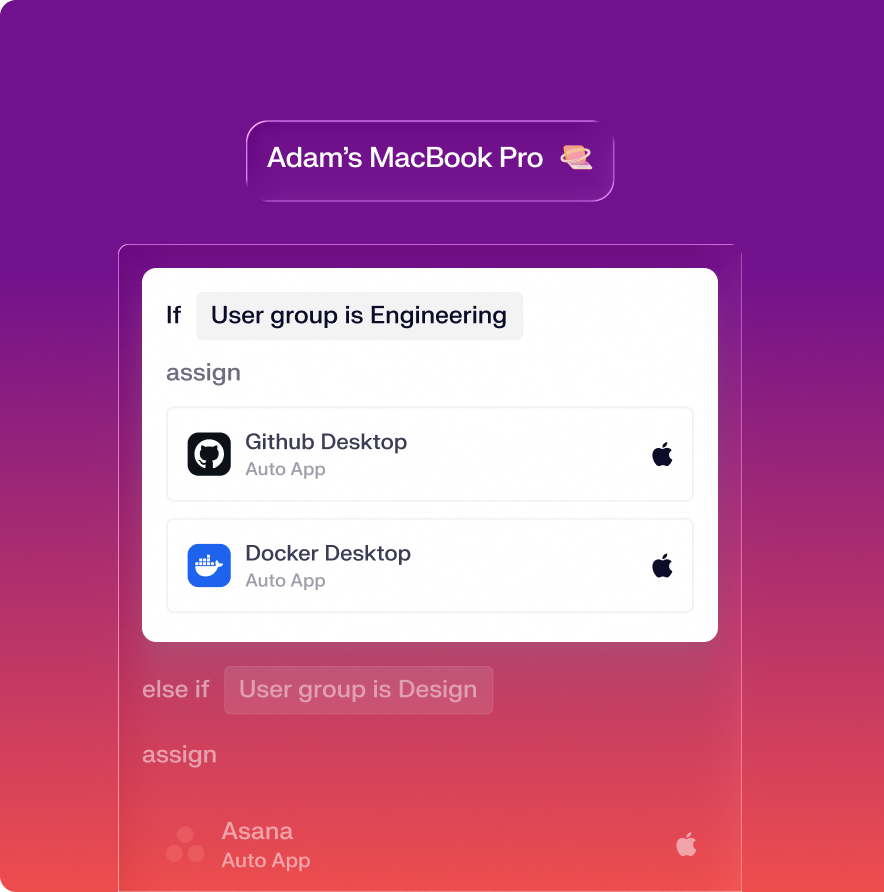
Deploy and manage with zero touch
Set up work-ready Mac computers remotely with Device Management. Iru automates tedious tasks like initial configuration, software updates, and FileVault key rotation.
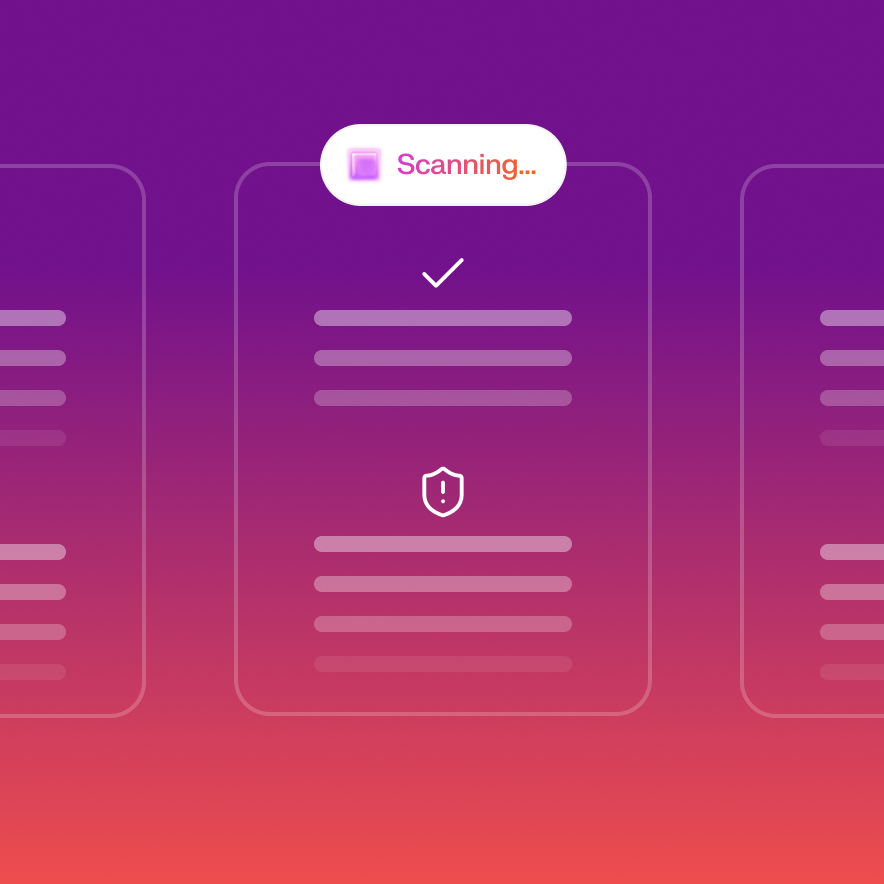
Protect your team from threats and malware
Secure your Mac computers from a broad range of attacks with Endpoint Detection & Response that stops threats in real time. Investigate quickly and respond with confidence.
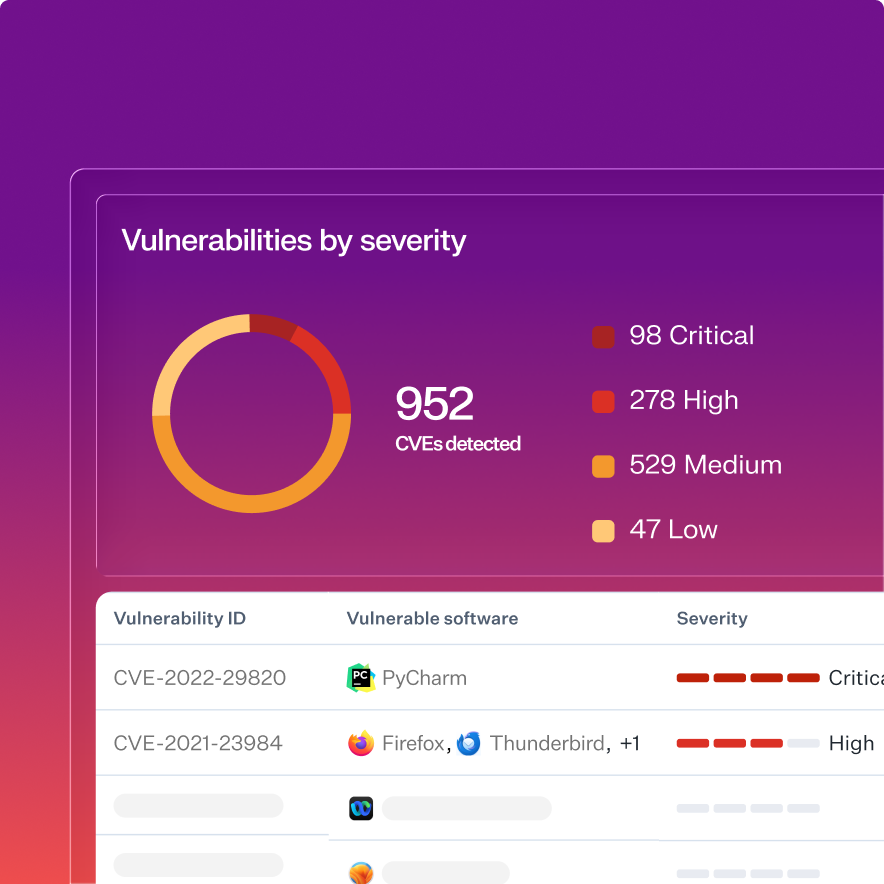
Discover vulnerabilities and lower your risk
Know your risk exposure from all vulnerable software on Mac with Vulnerability Management. Detect vulnerabilities instantly and let Iru resolve them with automated patching.

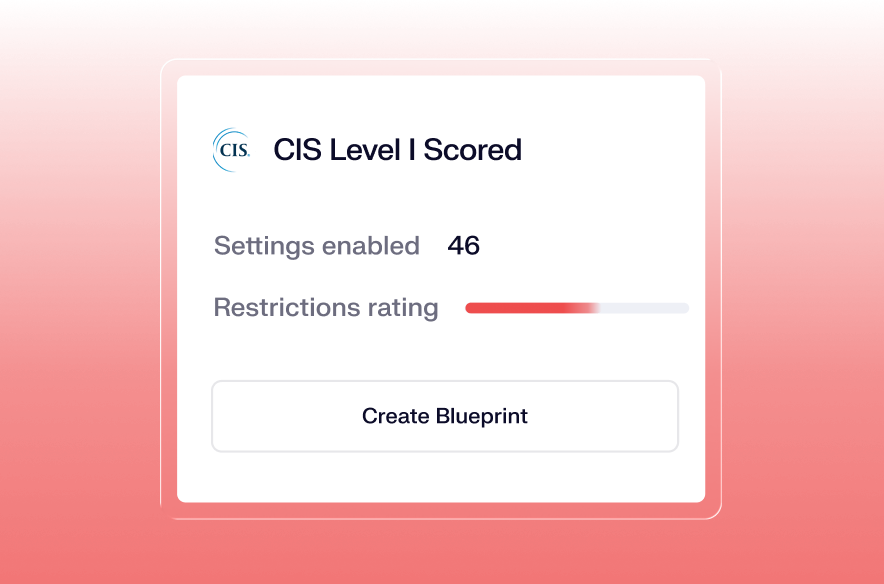
Use templates to bring devices into compliance
Harden devices and implement compliance mandates, such as SOC 2 or ISO 27001, with one-click security templates.
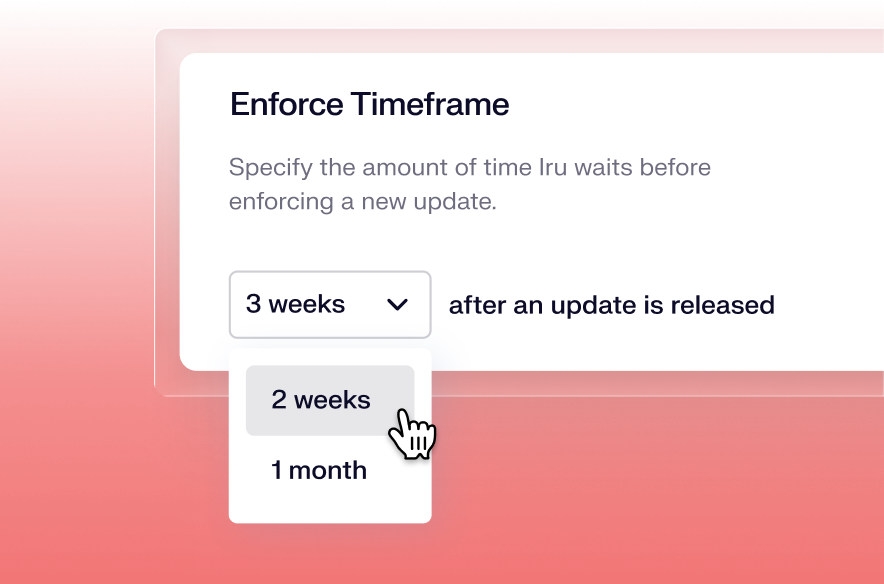
Automatically patch vulnerabilities
Patch vulnerabilities for 230 apps without intervention. Set update timeframes based on vulnerability severity scores then let Iru do the rest.
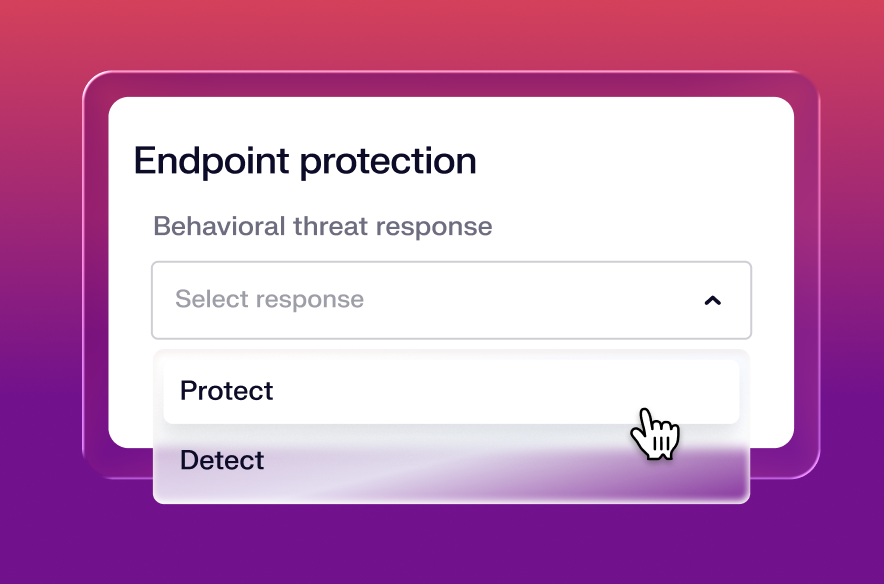
Stop attacks with detection & response
Behavioral analysis, detections that evolve with Iru AI, and a leading in-house research team keep you ahead of the latest threats.
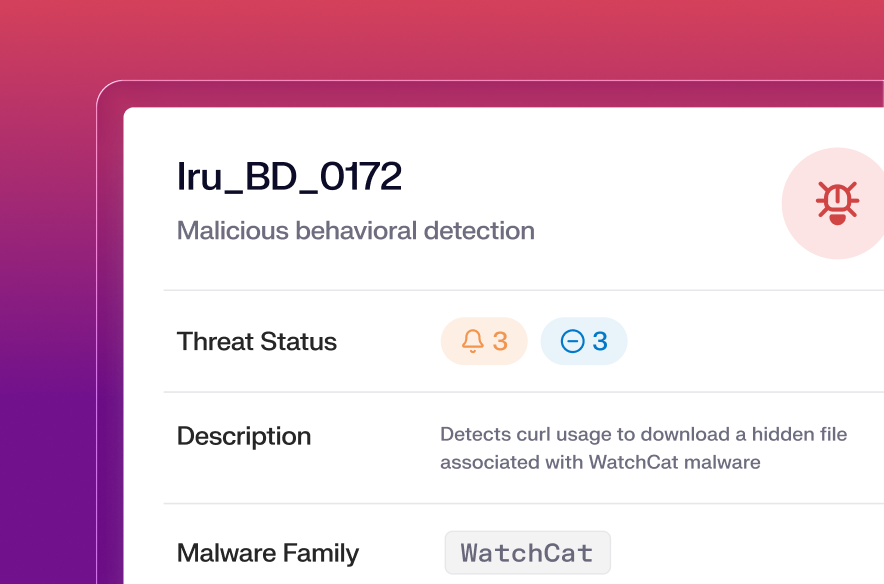
Analyze every threat and vulnerability
Every action that’s taken is cataloged and analyzed, turning detection events into learnings for your team and the Iru AI context model.
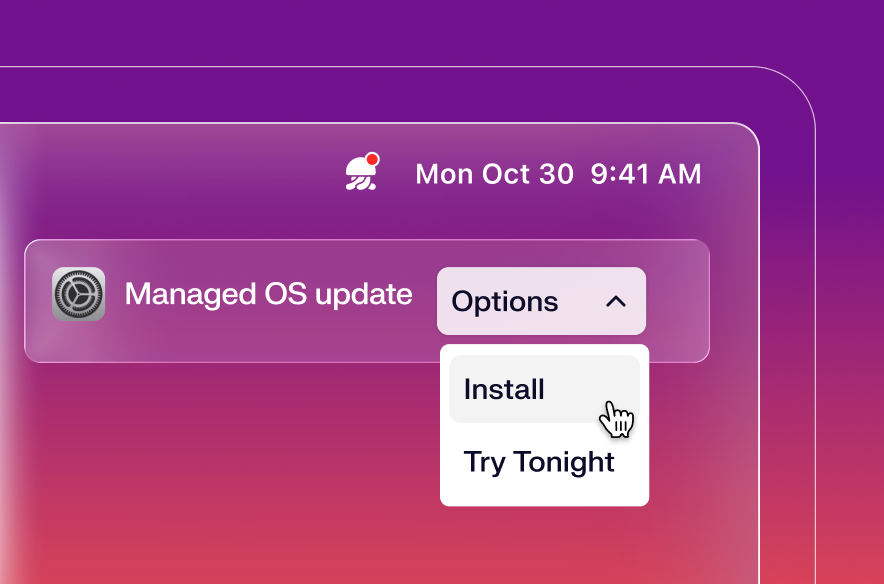
Automate macOS updates
Manage the entire macOS update cycle with a fully native experience powered by Apple’s Declarative Device Management.
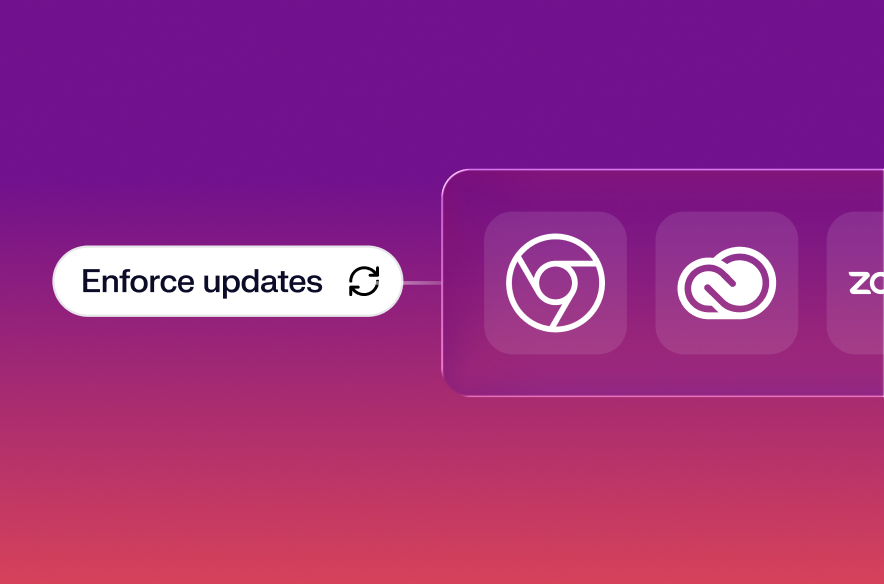
Deploy and update apps
Keep users running the right app versions without manual intervention. Auto Apps handles regular updates end-to-end without interrupting work.
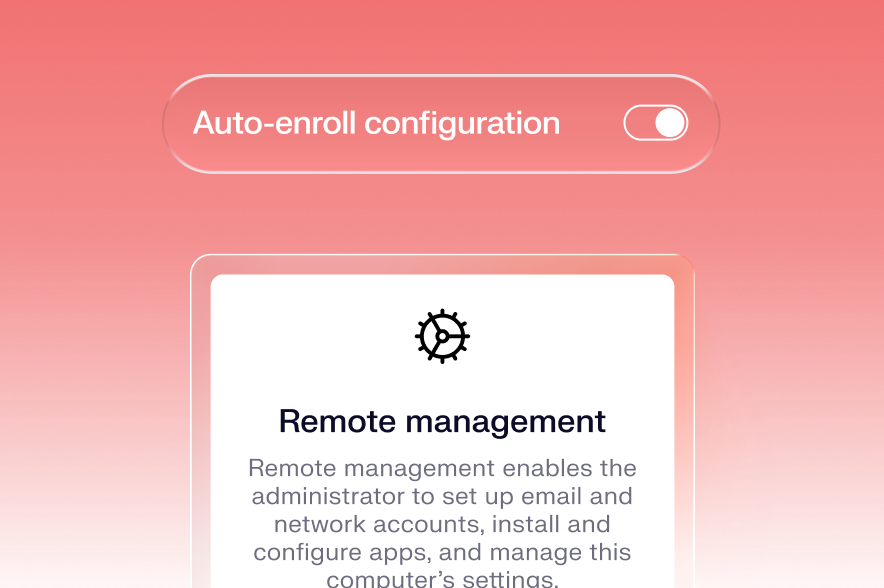
Configure devices with zero touch
Provision Mac computers for new employees instantly and remotely, without IT having to physically touch the device.
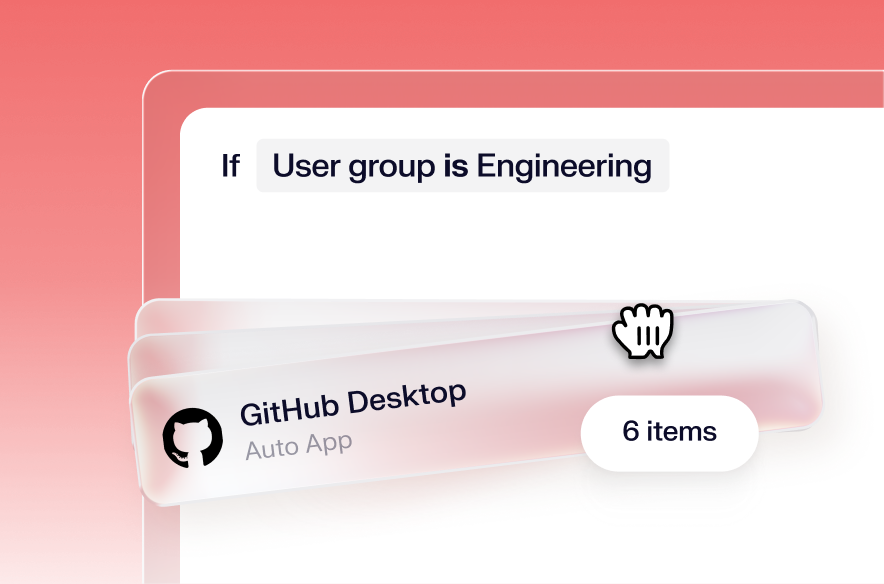
Scope configurations with conditional logic
Visualize and control exactly what's deployed to each device. Eliminate configuration conflicts and ambiguity with clear logic on an infinite canvas.
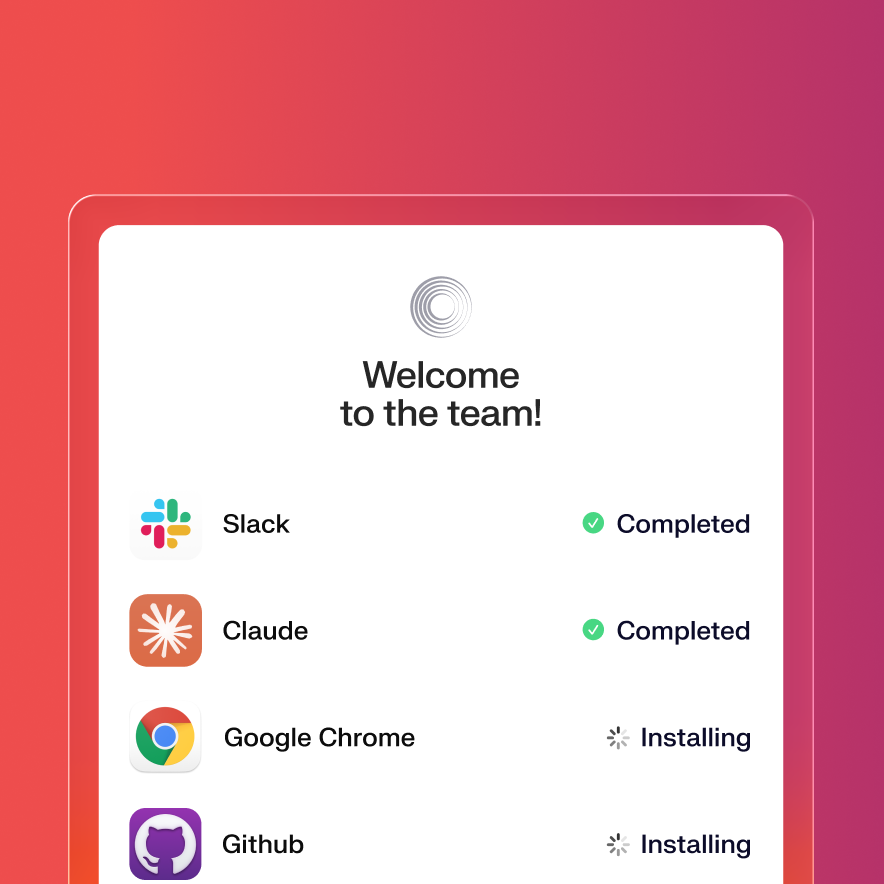
Onboard with Liftoff
Go beyond zero touch deployment. Guide users through device setup with a branded experience, creating the perfect first day at work.
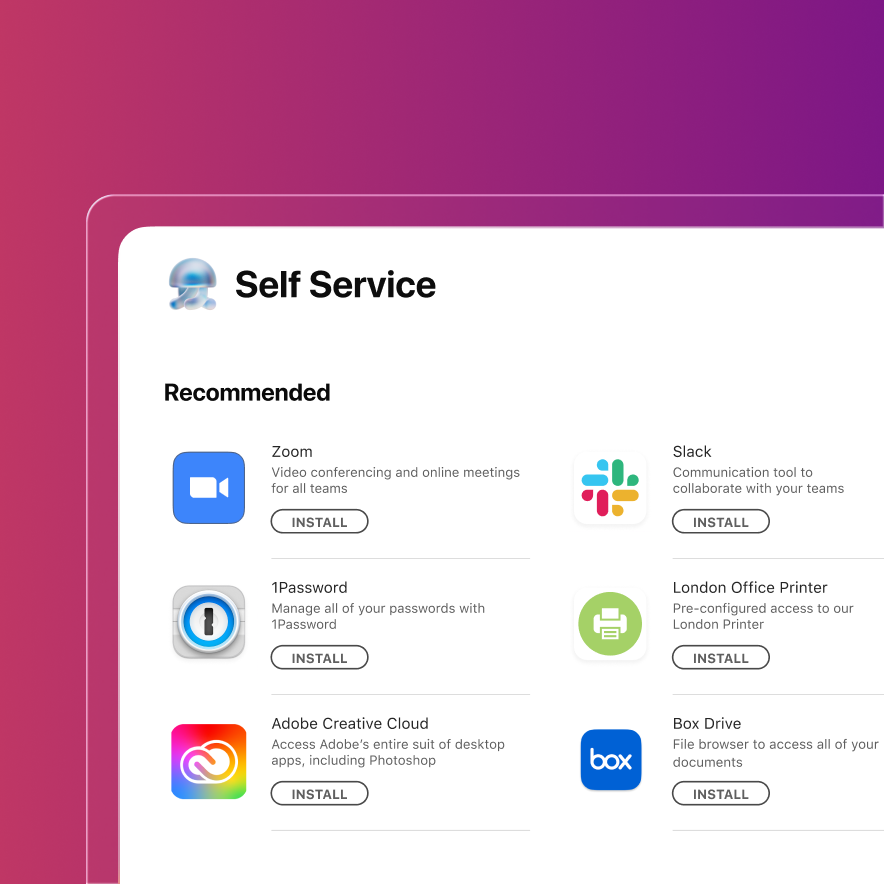
Give employees a self-service experience
End users download approved apps and resources from the Self Service app, lowering support workload and improving the employee experience.
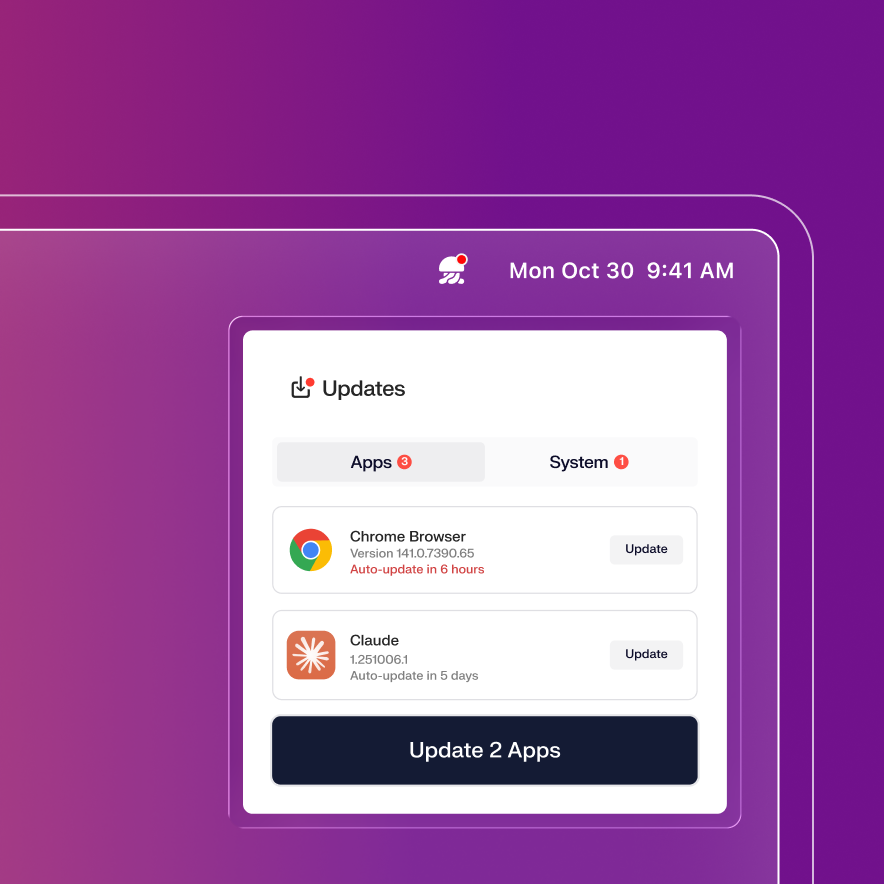
Ensure app updates with proactive user prompts
Iru updates silently when possible, and alerts Mac users days before update deadlines. Balance a great employee experience with strong security.

One lightweight agent
Manage Mac devices with a low-overhead agent that installs at enrollment and updates itself automatically, accelerating rollout and reducing maintenance.
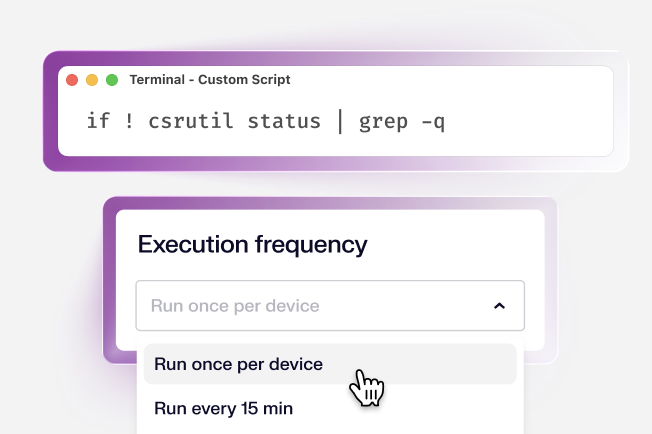
Custom scripts
Custom scripts provide flexibility to perform almost any action; use conditional triggers to execute them at exactly the right time.
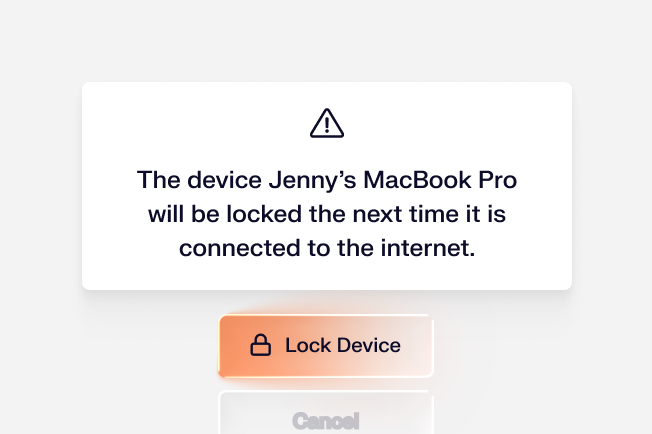
Device lock
Remotely lock or wipe devices that have been lost, stolen, or need to be deprovisioned. Protect sensitive data instantly.
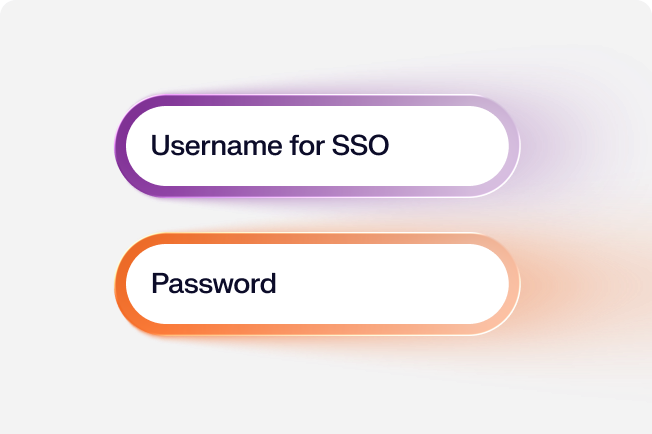
Passport
Give users a login that feels native to Mac and uses their single sign-on credentials for a more secure login and just one password to remember.
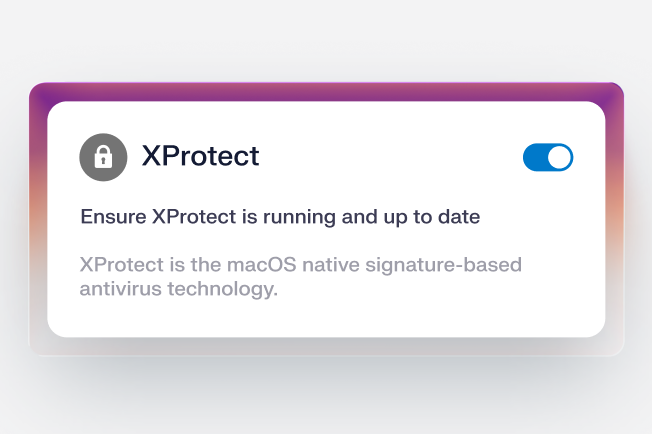
Parameters
Go beyond Apple’s MDM profiles with dozens of prebuilt security controls. These are enforced via the Iru endpoint agent.
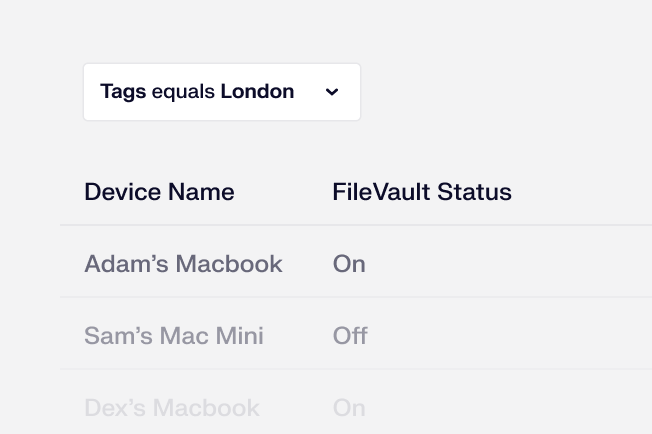
View and reports
Keep tabs on the state of your devices with prebuilt reports, saved views, and a log of actions performed on each endpoint.
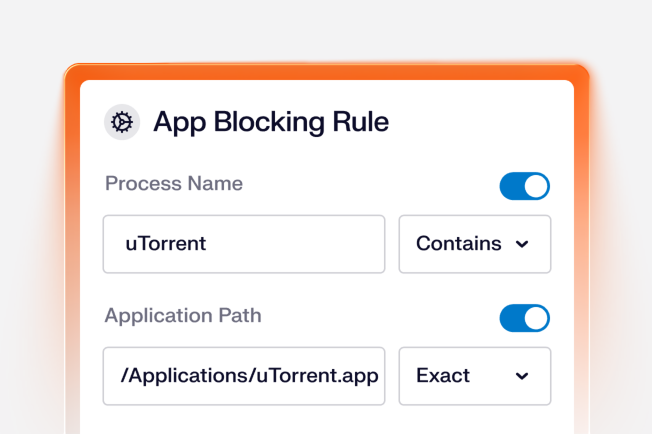
App blocking
Prevent the use of unapproved or unsafe apps across your endpoints to reduce your risk exposure.
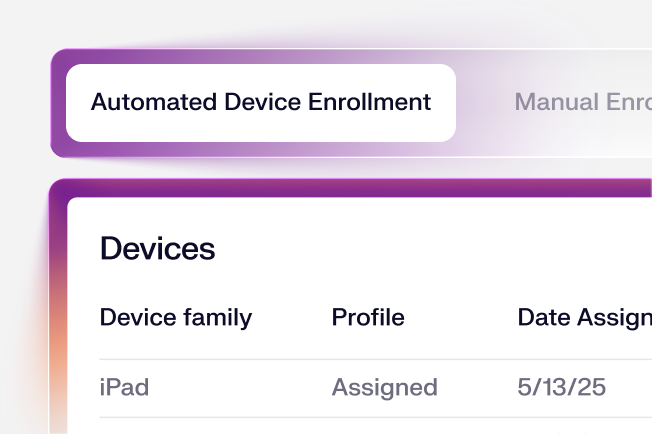
Enrollment
Choose between automated device enrollment or manual enrollment. Use conditional logic to route each device to your desired Blueprint.
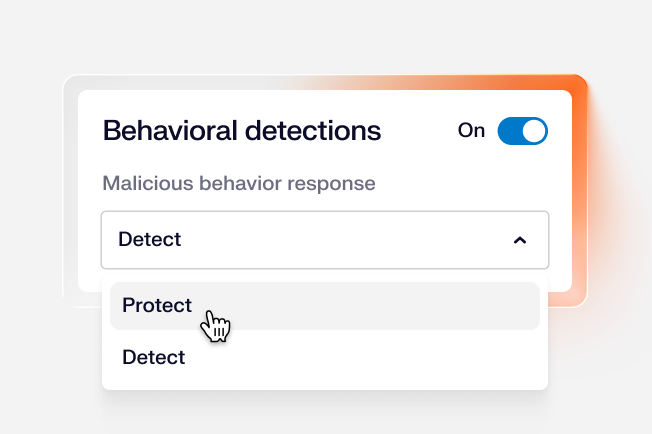
Behavioral detections
Real-time process monitoring tracks process chains and command-line activity to catch novel attacks early and stop lateral movement fast.
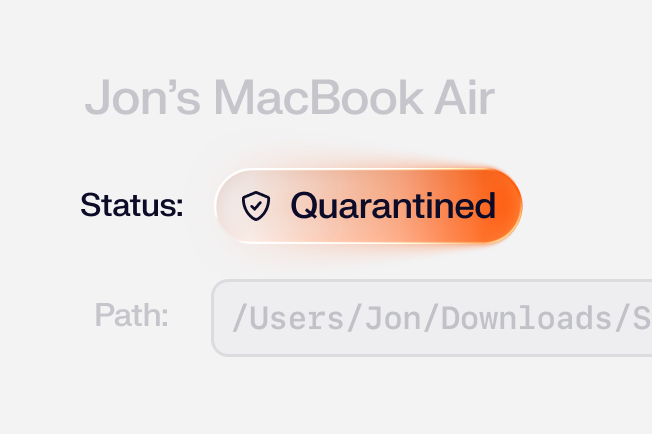
File detections
AI-enhanced file analysis stops malware and unwanted programs. Backed by Iru’s Security Research team and global threat feeds.
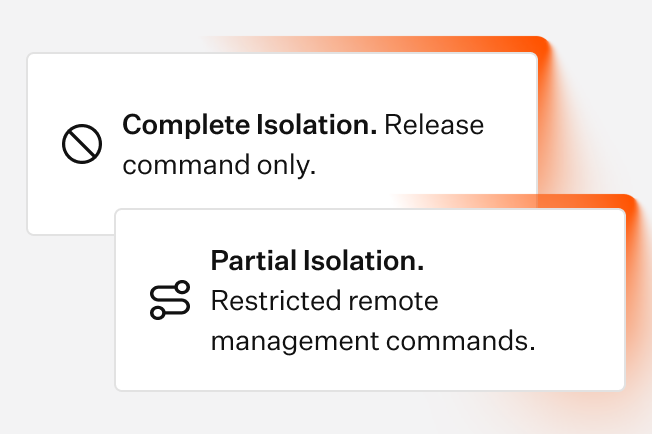
Device isolation
Respond to serious threats by isolating compromised devices from the network. Iru retains a secure, remote connection with the device.
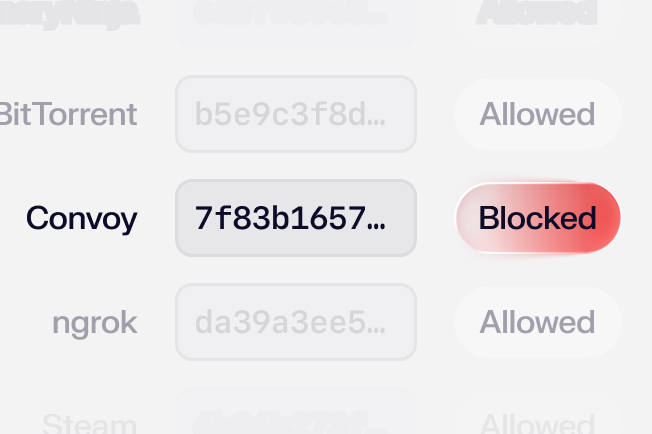
Allow and block
Allow or block files by hash, path, or publisher. Allowed items are ignored; blocked items trigger a detection and quarantine.
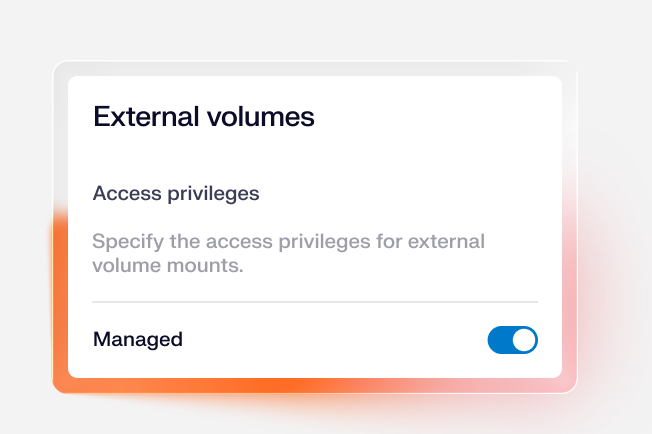
Storage controls
Lock down removable media and network volumes with encryption and access permission controls for USB drives, DMGs, SD cards, and server shares.

MCP server
Connect your device fleet to any AI build environment and run endpoint workflows alongside every other tool in your stack. Build in Claude Code, Cursor, or any MCP-compatible tool.
 Compliance
Learn more about Trust Center
Accelerate deals with a public portal for your security and compliance posture.
 Endpoint
Learn more about Endpoint Management
Secure and control devices with unified endpoint management.
 Endpoint
Learn more about Endpoint Detection and Response
Detect, investigate, and automatically contain threats in real-time.
 Endpoint
Learn more about Vulnerability Management
Unify vulnerability detection, prioritization, and autonomous remediation.
 Identity
Learn more about Workforce Identity
Eliminate passwords entirely and provide effortless single sign-on to apps.
 AI
AI
Learn more about Iru AI
Turn context into insights and actions with agentic AI across the entire Iru suite.