
 Workforce Identity
 Endpoint Management
 Endpoint Detection & Response
 Vulnerability Management
 Compliance Automation
 Trust Center



Jamf is a widely used Apple device management platform, built specifically for macOS, iOS, iPadOS, and tvOS. IT administrators use Jamf products at organizations widely invested in Apple tools, from small businesses (Jamf Now) to major enterprises (Jamf Pro).
However, many teams are looking for Jamf alternatives. Jamf can be costly for smaller companies, and it often requires a steep learning curve. Plus, it requires separate products, meaning companies that need several features have to pay more and manage multiple deployments.
This guide breaks down the best Jamf competitors, who they’re best for, and why, and what to look for in a Jamf alternative.
| Provider | Best for | G2 rating | Key features |
|---|---|---|---|
| Jamf | Mac-first large team organizations | 4.7 | Zero-touch deployment with Apple Business Manager Policy management and Smart Groups Self-service portal |
| Iru | Fast-growing companies (100–2,000 employees) in tech, AI, cybersecurity, and fintech | 4.7 | Robust compliance automation powered by AI Built-in endpoint security automations and automatic updates Passwordless identity management with device-bound passkeys |
| Mosyle | SMBs and startups running Apple-only fleets and seeking basic security features | 4.6 | MDM with antivirus and EDR Full integration with Apple Business Manager Self-service app portal |
| JumpCloud | Small to mid-sized teams wanting basic cross-platform device management | 4.5 | Cross-platform MDM that covers Mac, Windows, Linux, iOS, and Android Free tier available for up to 10 users/devices Built-in SSO, MFA, and cloud directory |
| Microsoft Intune | Microsoft 365 organizations | 4.5 | Included in Microsoft 365 E3/E5 licenses Azure AD and Defender integration Centralized app deployment and security enforcement |
| NinjaOne | Teams that need strong cross-platform patching and remote monitoring | 4.7 | Cloud-based RMM and MDM hybrid for Windows, Mac, and Linux Automated patching Remote monitoring and live device control |
| Rippling | HR-driven organizations that tie device management to the employee lifecycle | 4.8 | Device management linked to HR onboarding and onboarding workflows Cross-platform support for Mac, Windows, iOS, and Chrome OS Pre-built automation templates |
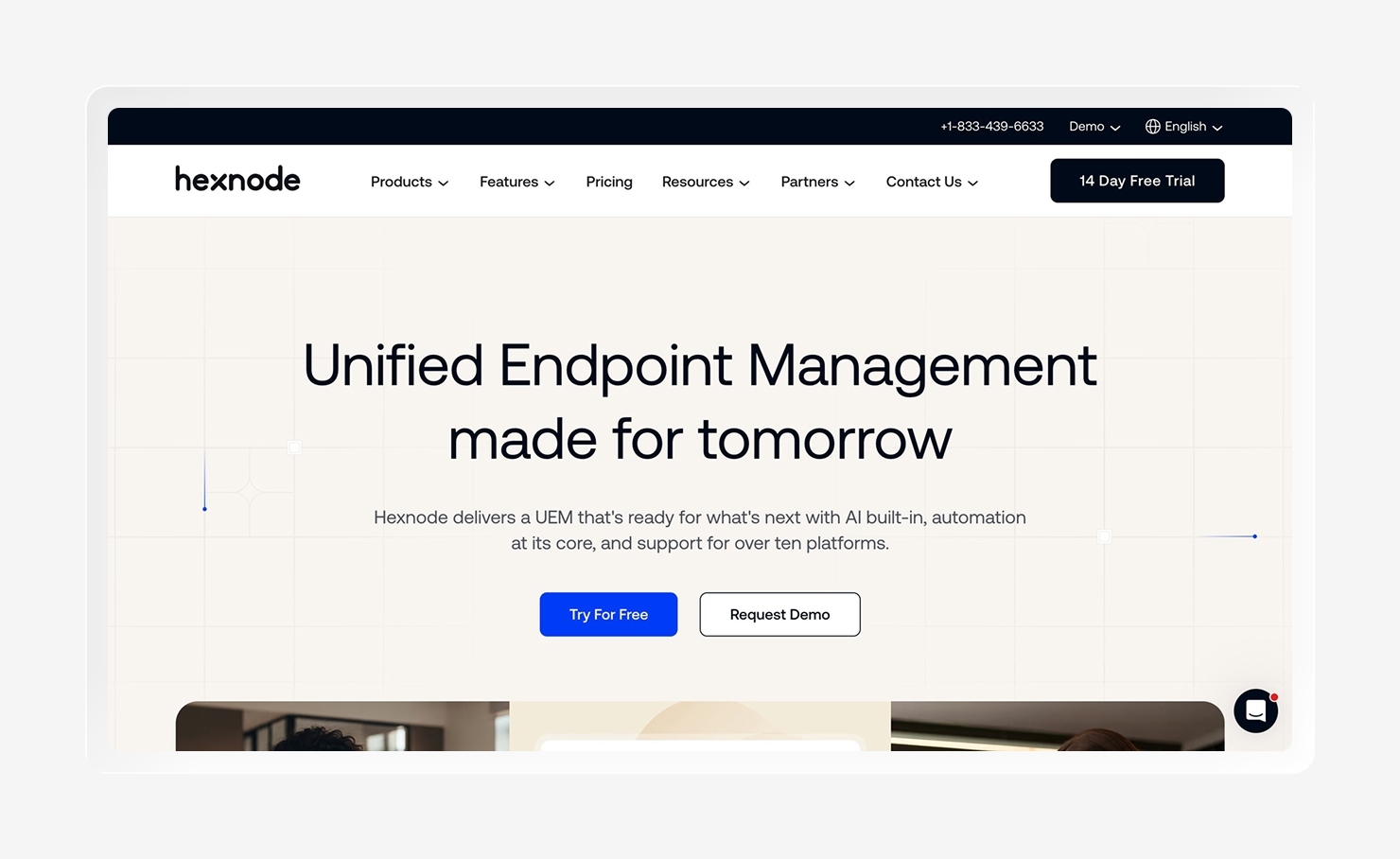
| Hexnode | Organizations managing diverse operating systems, device types, and deployment needs | 4.5 | UEM across Windows, macOS, Android, iOS, tvOS, Fire OS, and IoT Offers kiosk mode and app management Options for on-prem and cloud deployment |
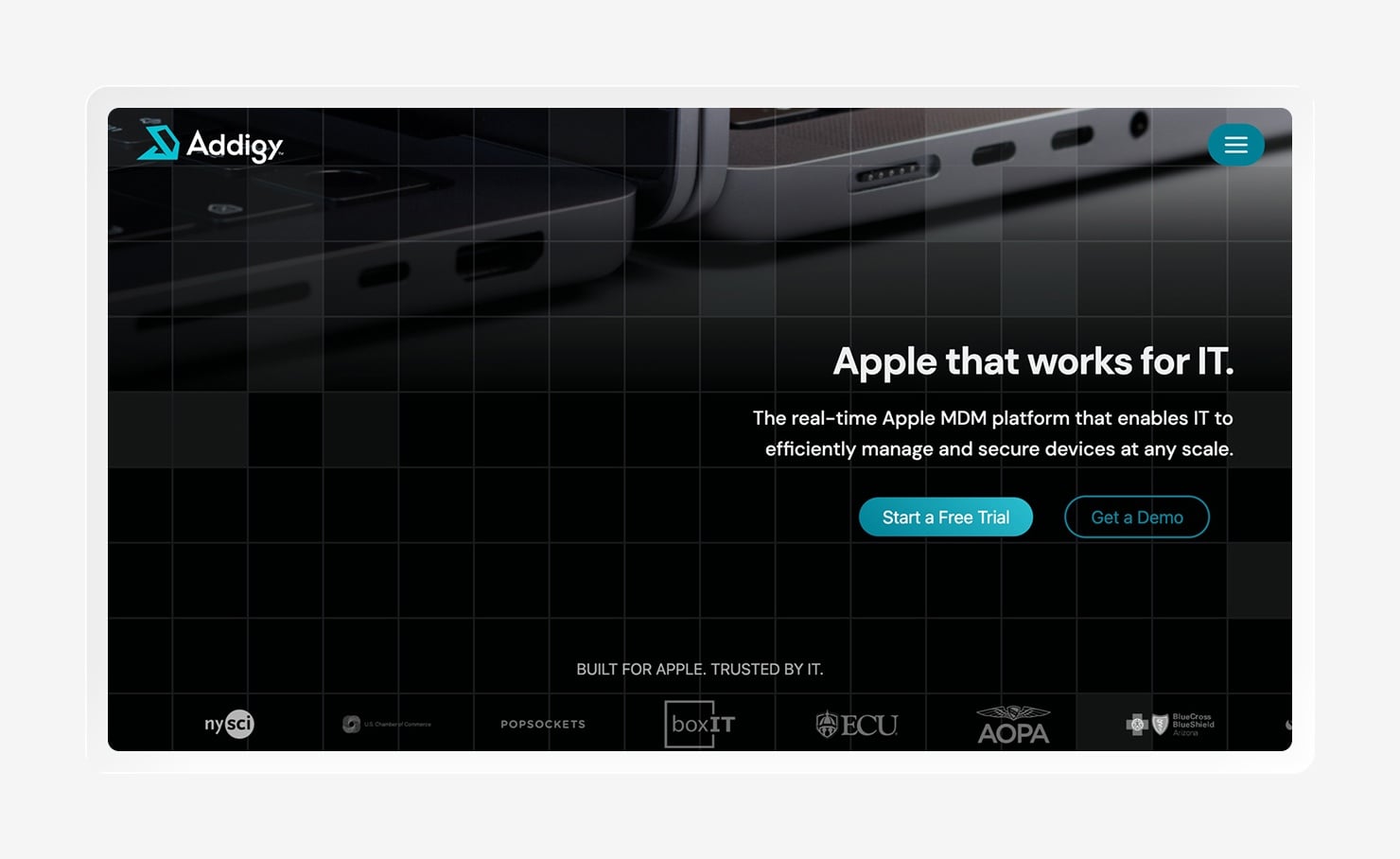
| Addigy | Apple-focused MSPs and enterprise IT teams looking for real-time monitoring and multi-tenant management | 4.5 | Real-time device monitoring and fleet health dashboard Built-in remote desktop access PSA tool integrations with ConnectWise, Freshdesk, and Zendesk |
How we assessed Jamf alternatives
We evaluated each platform across a few criteria:
- OS and device coverage
- Depth of endpoint security
- Identity and access management features
- Compliance automation
- Ease of deployment
We sourced customer reviews and ratings from G2 and gathered product details from platform websites.
1. Iru
- Best For: Fast-growing companies (100–2,000 employees) in tech, AI, cybersecurity, and fintech, and teams outgrowing Jamf's Apple-only ceiling
- G2 Rating: 4.7/5
- Key Features:
- Robust compliance automation powered by AI
- Built-in endpoint security automations and automatic updates
- Passwordless identity management
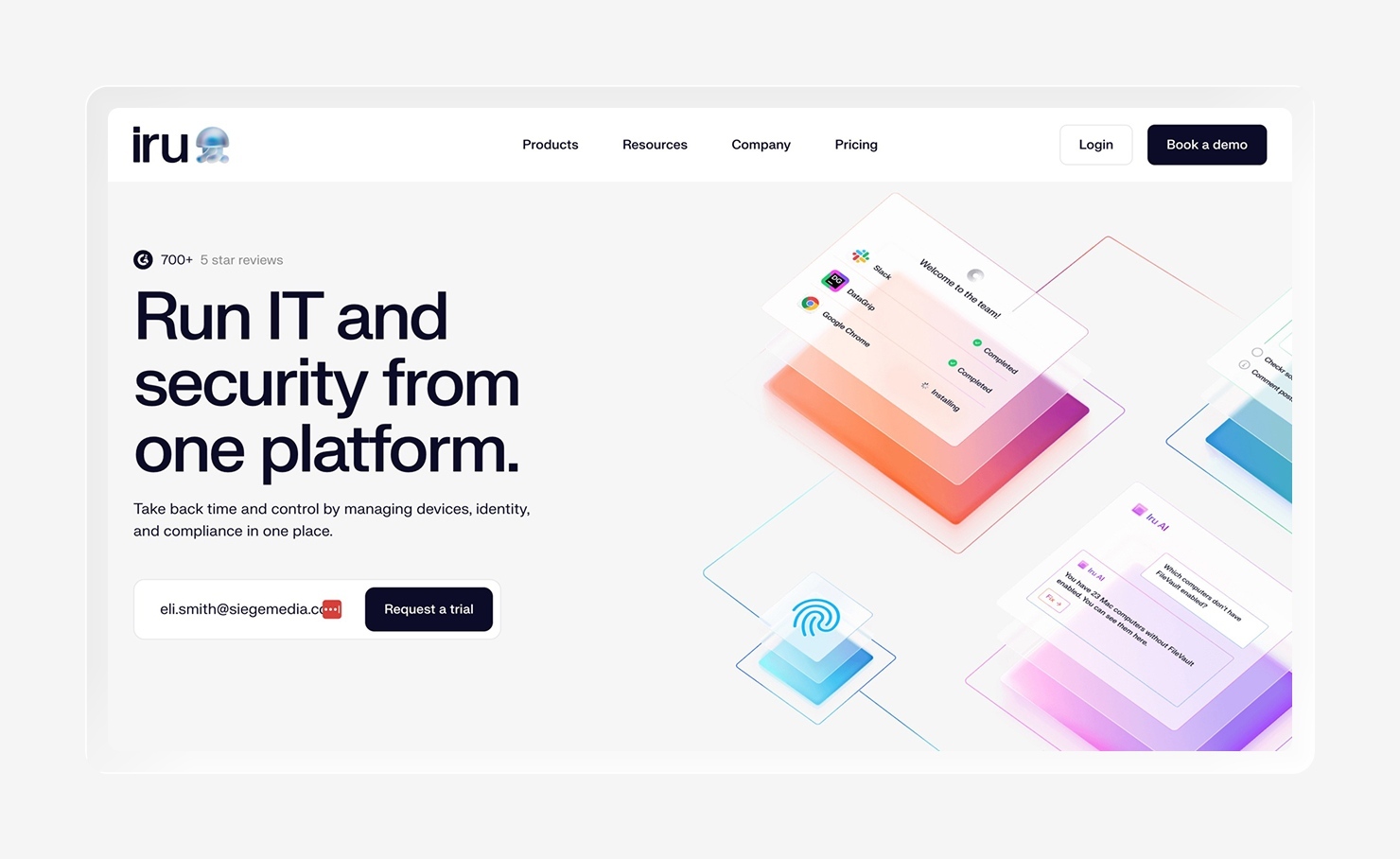
Iru is an IT and security management platform that unifies endpoint security and management, identity and access management, and compliance automation into one. In other words, Iru collapses the stack to give IT teams back time and control.
Iru offers continuous compliance automation with tailored controls, assigned tasks, and an Adaptive Evidence Map, leveraging AI to handle what really matters and save your team from extra work. Plus, built-in endpoint security automations take care of everything, from provisioning, patching, and policy enforcement to evidence collection and remediation. It automatically remediates drift and enforces updates. Automatic patching of apps and operating systems increases security, too.
Additionally, Iru offers passwordless identity management, including device-bound passkeys that form a trust fabric between users, devices, and authenticators. This, too, is built into the broader product.
“I love how Iru is so easy to set up and manage. I got tired of having to be the only person that understood our management solution, but now with Iru, any junior admin could pick it up in just an hour of training. The self-service feature is a standout for me, allowing me to deploy anything from applications to bookmarks to custom scripts to fix a variety of problems or make changes. It really gives me everything I could hope for. Also, the fact that it helps keep my devices and software up to date is incredibly helpful. The platform is so intuitive that I was able to build out everything I needed quickly, and it’s a truly great product that I’ve recommended to friends and colleagues. For ease of use, I think it's best in class at this moment in time.” Thomas C.
When comparing Iru to similar products, it’s clear Iru just works: Demandbase switched from Jamf to Iru and saved 50 hours a month on routine maintenance, reduced IT support tickets by 40%, and saved an average of $25,000 in the first year. Even better? They completed the migration in half the time they planned.
The best part is that it’s not complicated to migrate from Jamf to Iru. ManoMano achieved 96% configuration parity in just two days, migrating 285 devices in a month and seeing a 20% reduction in administrative workload.
In summary: Iru vs. Jamf
- Iru offers built-in endpoint security, identity, and compliance in one agent. With Jamf, you have to buy and manage multiple separate products to get the same coverage.
- Iru patches apps and operating systems automatically. Jamf relies on scripting to trigger updates, while Iru handles it through rule-based workflows and visual assignment maps, saving time and energy.
- Jamf only covers Apple devices, while Iru has you covered across the spectrum of Apple, Windows, and Android.
2. Mosyle
- Best For: SMBs and startups running Apple-only fleets and seeking basic security features
- G2 Rating: 4.6/5
- Key Features:
- MDM with antivirus and EDR
- Full integration with Apple Business Manager
- Self-service app portal
- Competitive pricing
Mosyle is an Apple-unified platform that offers MDM, endpoint security, identity and access management, and app management in a single solution. It’s designed specifically for Apple devices, making it a useful option for Apple-only fleets. Its flagship offering, Mosyle Fuse, combines MDM with antivirus and EDR, allowing small teams the security coverage they need without requiring the use of multiple tools. Plus, full Apple Business Manager integration and a self-service app portal let teams provision and manage devices with low overhead.
G2 reviewers call out Mosyle’s ease of use and helpful customer support. They also note that the affordable price is a major benefit. On the other hand, the fact that the platform only supports Apple means that teams using other devices must find a separate solution. And while the security features are good for the price point, they aren’t as mature as those that come with dedicated EDR products. Users also call out that the documentation is limited, as are the support hours (they follow North American time zones, which can negatively impact teams in other locations).
In summary: Mosyle vs. Jamf:
- Lower cost per device, while still providing comparable device management features
- Offers MDM and EDR in one platform, while Jamf requires you to add Protect SKU
- Both options are Apple-only, so neither works well for mixed-fleet orgs
- Less documentation and community support than Jamf
3. JumpCloud
- Best For: Small to mid-sized teams wanting basic cross-platform device management
- G2 Rating: 4.5/5
- Key Features:
- Cross-platform MDM that covers Mac, Windows, Linux, iOS, and Android
- Free tier available for up to 10 users/devices
- Built-in SSO, MFA, and cloud directory
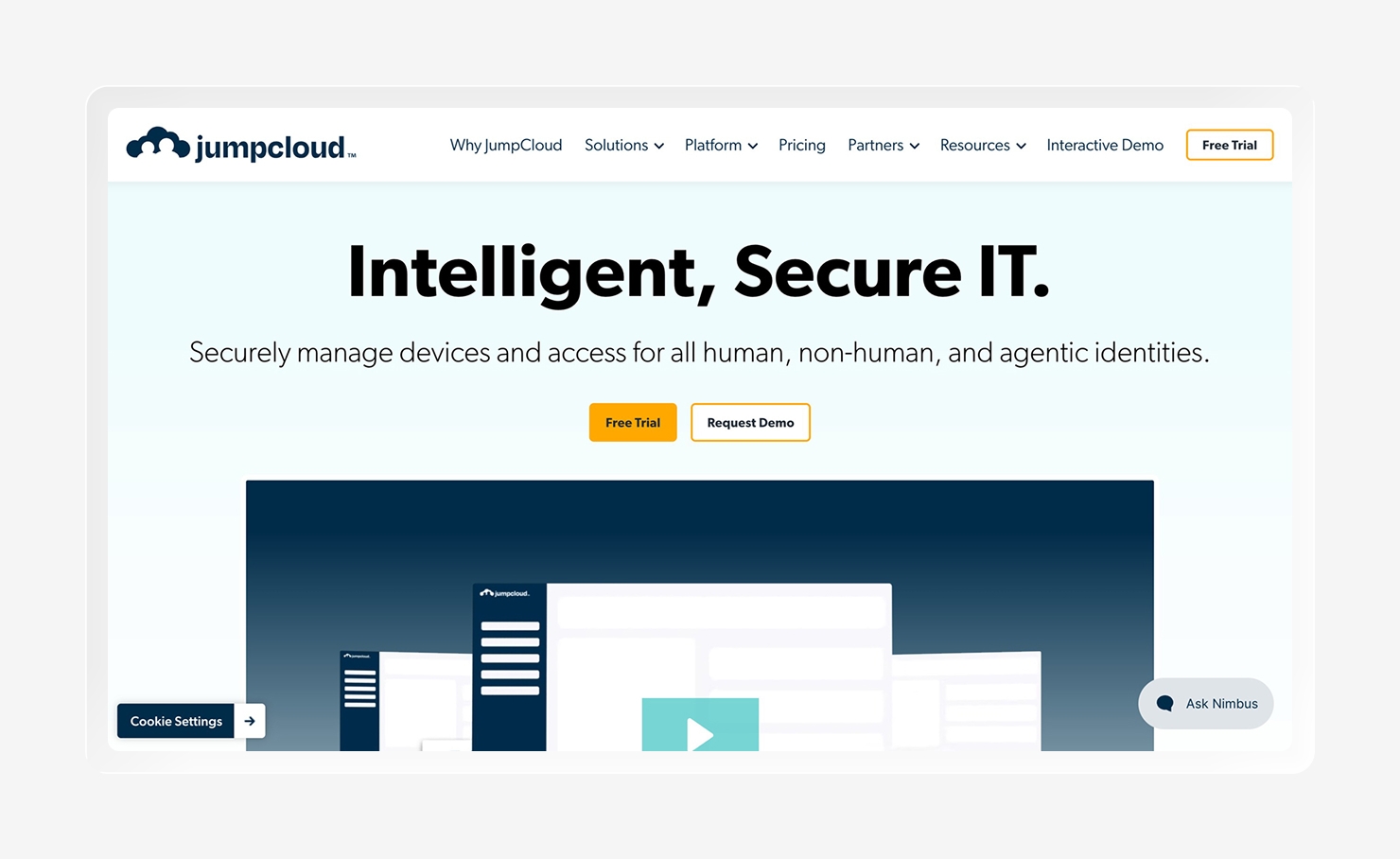
JumpCloud is a cloud directory platform that offers identity, access, and device management features across all platforms, like Mac, Windows, Linux, iOS, and Android, in a single place. Unlike many MDMs that focus on only device control, JumpCloud also includes SSO, MFA, and directory services, providing teams with a unified view of both users and devices without needing separate tools. Plus, there’s a free option for up to 10 users and devices, which makes it accessible for startups and very small teams on a budget. Users on G2 call out the ease of use and convenience of centralized management. Implementation and onboarding get high scores, too, for being simple and effective.
However, JumpCloud has its limitations. While it spans devices, it lacks some of the capabilities of Apple-specific tools. The capabilities are functional, but not always advanced; JumpCloud lacks advanced endpoint security (such as EDR and vulnerability management) and compliance automation. And the identity-first approach means that device management comes second. Users flag that compliance audits can be time-consuming and that JumpCloud lacks “the deep, granular controls of a dedicated, standalone MDM platform when managing a complex fleet of hardware.”
In summary: - JumpCloud vs. Jamf:
- JumpCloud is cross-platform, while Jamf is Apple-only
- Includes identity features (SSO, MFA, directory), while Jamf requires a paid add-on to access them
- Weaker Apple-specific management depth with JumpCloud
- Lacking built-in EDR, vulnerability management, and compliance automation
4. Microsoft Intune

- Best For: Microsoft 365 organizations
- G2 Rating: 4.5/5
- Key Features:
- Included in Microsoft 365 E3/E5 licenses
- Azure AD and Defender integration
- Centralized app deployment and security enforcement
Microsoft Intune is a cloud-based unified endpoint management solution that comes included with Microsoft 365 E3 and E5 licenses. This makes it a natural fit for organizations already in the Microsoft 365 ecosystem. At the same time, it works across devices, managing Windows, macOS, iOS, and Android from a single console. It also integrates with Azure AD, Defender, and the rest of the Microsoft ecosystem.
However, the depth is limited, especially when it comes to Mac devices. Reviewers note that it’s complex to configure, especially for Mac, and offers fewer automation options for macOS. There is no built-in compliance automation, either, and building out a fully robust security stack requires additional Microsoft licensing, which may be prohibitive for some organizations. Plus, apps and settings can take 30 minutes or more to reach the device, which drags out projects for IT teams who need to quickly iterate and test.
In summary: Microsoft Intune vs. Jamf:
- Included in Microsoft 365 E3/E5, making it essentially free for teams already using that license (an affordable Jamf alternative)
- Better Windows management than Jamf, but weaker macOS management
- Lacks built-in compliance automation, which Jamf offers through add-ons
- Better fit for Microsoft-first organizations than those focused on Apple
5. NinjaOne
- Best For: Teams that need strong cross-platform patching and remote monitoring
- G2 Rating: 4.7/5
- Key Features:
- Cloud-based RMM and MDM hybrid for Windows, Mac, and Linux
- Automated patching
- Remote monitoring and live device control
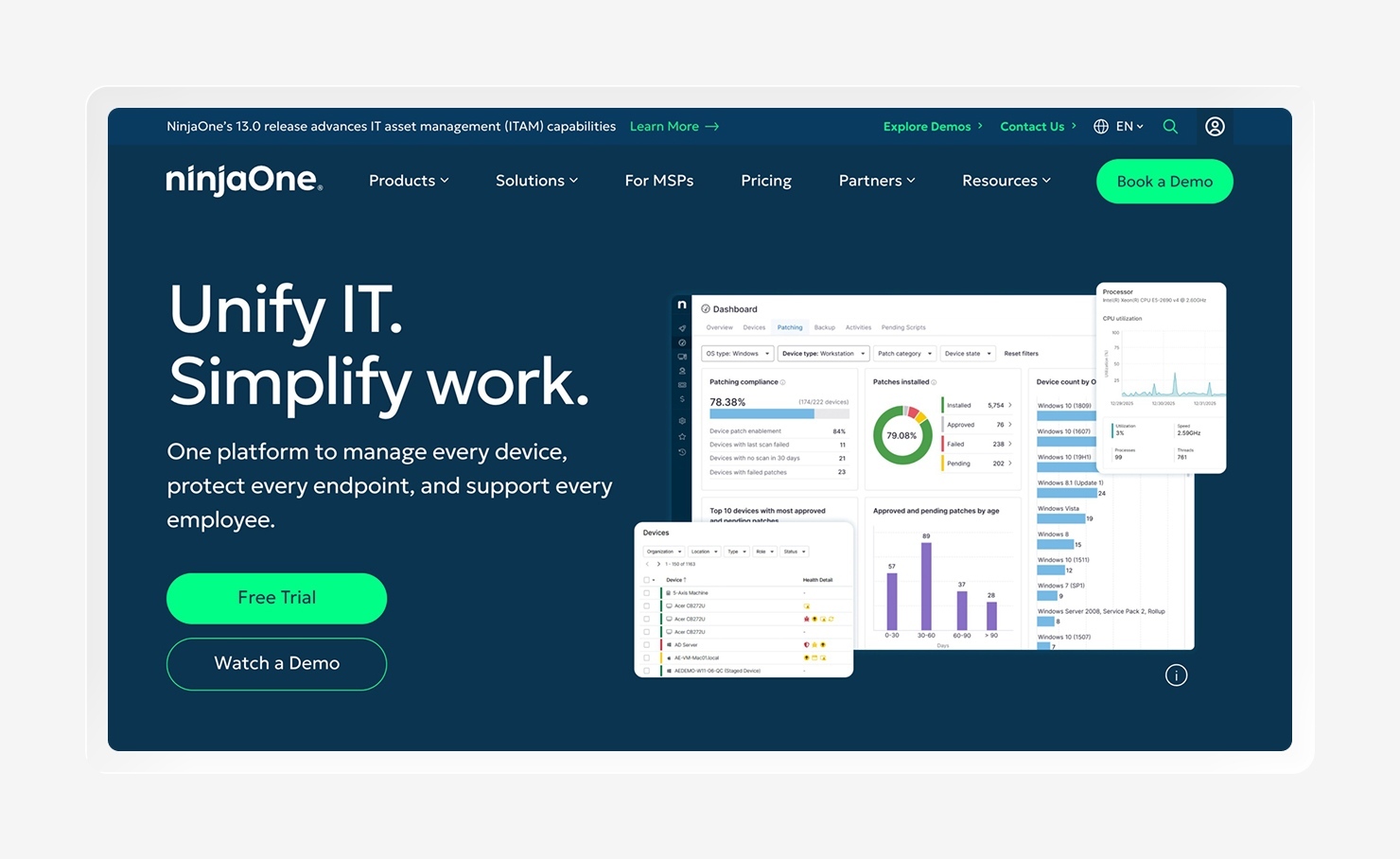
NinjaOne is a cloud-native remote monitoring and management (RMM) platform that also offers MDM, providing teams with a unified console for endpoint management, automated patching, remote access, and device monitoring. It works across platforms, including Windows, Mac, and Linux, and receives customer praise for its ease of use and strong customer support, as well as its patching and automations.
Where it falls short is what it doesn’t offer: there is no built-in identity management, compliance automation, or unified security agent. Users note a need to layer solutions like SentinelOne on top to get the full coverage they want.
In summary: NinjaOne vs. Jamf:
- Easier setup and lower learning curve than Jamf
- Stronger management for Windows and Linux, but weaker Apple-specific depth than Jamf
- Lacks built-in identity management, compliance automation, and unified security agent
6. Rippling

- Best For: HR-driven organizations that tie device management to the employee lifecycle
- G2 Rating: 4.8/5 (for Rippling as a whole)
- Key Features:
- Device management linked to HR onboarding and offboarding workflows
- Cross-platform support for Mac, Windows, iOS, and Chrome OS
- Pre-built automation templates
Rippling is a unified workforce management platform that covers HR, IT, and finance operations, adding device management as a built-in part of the system instead of as a standalone MDM. It provides automation tied directly to employee data. When you add a new hire to the HR system, Rippling can automatically provision a device for them, apply role-based security and access policies, install necessary apps, and give access to the tools they need. It comes with pre-built automation templates and enables support across platforms.
But because device management is just one module within the broader platform, the depth reflects that. There is no EDR, vulnerability management, or compliance framework built in. And while there is some endpoint security, it’s limited to basic policy enforcement. Users on Reddit express some concerns here, noting they “decided not to use it for MDM because [...] the support isn’t great and it’s just not their focus. We didn’t want HR software in charge of our fleet of laptops."
In summary: Rippling vs. Jamf
- Rippling offers robust automation between HR and IT for onboarding and offboarding, which is an area Jamf doesn’t touch
- Cross-platform coverage vs. Jamf’s Apple-only focus
- MDM is a byproduct of HR automation, not a standalone offering
- Rippling lacks EDR, compliance automation, and deep endpoint security
7. Hexnode
- Best For: Organizations managing diverse operating systems, device types, and deployment needs
- G2 Rating: 4.5/5
- Key Features:
- UEM across Windows, macOS, Android, iOS, tvOS, Fire OS, and IoT
- Offers kiosk mode and app management
- Options for on-prem and cloud deployment
Hexnode is a unified endpoint management platform that supports platforms spanning Windows, macOS, Android, iOS, tvOS, Fire OS, and IoT devices from a single console. As one of the few MDMs that offer both cloud and on-premise deployment options, it works well for organizations that have policies prohibiting full cloud dependency. Its core strengths include kiosk mode, app management, and cross-platform policy enforcement. Users generally praise the user interface, multi-platform support, and flexibility of policy controls.
On the other hand, Hexnode lacks integrated identity management, built-in compliance automation, and endpoint security beyond basic MDM controls. In that sense, it’s more of a traditional MDM, offering strength in device configuration and policy enforcement but requiring additional tools for more robust security and compliance needs.
In summary: Hexnode vs. Jamf
- Broader operating system support than Jamf
- Option for on-premise deployment and cloud, while Jamf is cloud-only
- Less depth in Apple management, security, and automation than Jamf
- Lacking identity management, EDR, and compliance automation
8. Addigy
- Best For: Apple-focused MSPs and enterprise IT teams looking for real-time monitoring and multi-tenant management
- G2 Rating: 4.5/5
- Key Features:
- Real-time device monitoring and fleet health dashboard
- Built-in remote desktop access
- PSA tool integrations with ConnectWise, Freshdesk, and Zendesk
Addigy is a cloud-based Apple device management platform that is specifically built for IT service providers and enterprise IT teams managing multiple client environments. Where Addigy really shines is its real-time device visibility, which offers admins a live view of their fleet's health, device statuses, and any issues. Addigy also comes with built-in remote desktop access, custom script deployment, and PSA tool integrations.
Its main limitation is that it’s focused only on Apple and is designed for MSPs. Getting Addigy’s full value requires scripting expertise, and teams lacking that capability will likely find the platform less powerful. Users also report frustration with its lack of support for non-Apple devices.
In summary: Addigy vs. Jamf
- Real-time device monitoring with Addigy, while Jamf offers a polling-based approach
- Multi-tenant support is better with Addigy
- Like Jamf, Addigy is Apple-only
- Addigy requires scripting expertise, making it less approachable for lean IT teams
How to choose the right Jamf competitor
Struggling to find the right Jamf competitor? Look for OS support, a unified approach, strong scalability, and a simple learning curve. Here’s a breakdown of what to consider:
- OS limits: Look for a tool that supports your fleet. Some options only support Apple or Windows, while others support the whole gamut.
- Unified approach and tool consolidation: A tool like Jamf requires several products (such as Pro, Protect, and Connect) to get the full effect. Some competitors offer limited options, too, but Iru collapses the stack, adding management, security, identity, and compliance into one. Note, too, that user-based vs. device-based security is a core decision separating modern platforms from legacy MDMs.
- Simple learning curves: While Jamf Pro is noted to have a steep learning curve, there are many tools available that are simpler to learn. To save time and effort, look for one of those options, like Iru with its visual Logic and assignment maps.
- Cloud dependency: Full cloud dependency isn’t an option for those who need to keep data in-house. Most Jamf competitors, like Jamf, are cloud-based, but if you need on-premise deployment, look for a tool that offers it.
- Scalability: Many MDMs require a platform change when you scale tiers, meaning adding new team members or adding a mixed fleet leads to a steeper learning curve. A tool like Iru scales in place; what you build for 100 devices runs just as well when you scale to thousands.
Streamline your MDM transition with Iru
When Jamf no longer meets your needs, whether due to budgetary constraints or product limitations, there are plenty of alternatives to Jamf to consider. The challenge comes down to making the move; an MDM migration often requires rebuilding configurations from scratch and retraining your team.
With Iru, migration from Jamf reaches 96% configuration parity within two days. And unlike other platforms, Iru scales in place: what you build for a small team still serves you as you grow.
If you’re ready to experience consolidated device management, endpoint management, security, and compliance, request a demo to try Iru today.