
 Workforce Identity
 Endpoint Management
 Endpoint Detection & Response
 Vulnerability Management
 Compliance Automation
 Trust Center


When you first chose NinjaOne for endpoint management, you were likely drawn to how simple it was to deploy and manage.
But as your Mac fleet grows, chances are the endpoint-first platform is no longer cutting it. If you need a solution that handles security, compliance, and identity more natively, this guide will help you find the right alternative to NinjaOne.
We'll compare core capabilities, what each platform does natively versus through integrations, and the pros and cons real users mention most often. By the end, you'll have a better idea of which platforms will work best for you.
What is NinjaOne?
NinjaOne is a cloud-based IT operations platform built around remote monitoring and management. Managed service providers (MSPs) and in-house IT teams use it to monitor endpoints, automate patch management, run scripts, and deliver remote access across Windows, Mac, and Linux.
The platform built a following for fast deployment and a clean interface. For Windows-heavy environments with straightforward management needs, it fits well.
But teams usually have to add separate tools to their stack once they need endpoint security, compliance automation, or identity because NinjaOne does not include those natively.
The 8 best NinjaOne alternatives
| Tool | Best for | Top features vs. NinjaOne | G2 rating |
|---|---|---|---|
| Iru | Security-first IT teams | Endpoint Management, Workforce Identity, and Compliance Automation in one agent | 4.7/5 |
| Microsoft Intune | Microsoft 365 shops | Windows MDM with Entra ID integration | 4.5/5 |
| Jamf | Apple-only orgs | Established macOS and iOS controls | 4.7/5 |
| JumpCloud | Identity-first teams | Directory combined with lightweight MDM | 4.5/5 |
| Atera | Small IT teams | Per-technician pricing with RMM and ticketing | 4.6/5 |
| ManageEngine Endpoint Central | Enterprise IT ops | Broad UEM with competitive pricing | 4.5/5 |
| Action1 | Patch-focused teams | Automated patching and vulnerability remediation | 4.9/5 |
| ConnectWise RMM | MSP-adjacent IT | Automation and scripting at volume | 4.2/5 |
1. Iru
- Best for: IT and security teams at scaling companies managing Mac, Windows, iOS, and Android alongside identity and compliance requirements
- G2 rating: 4.7/5
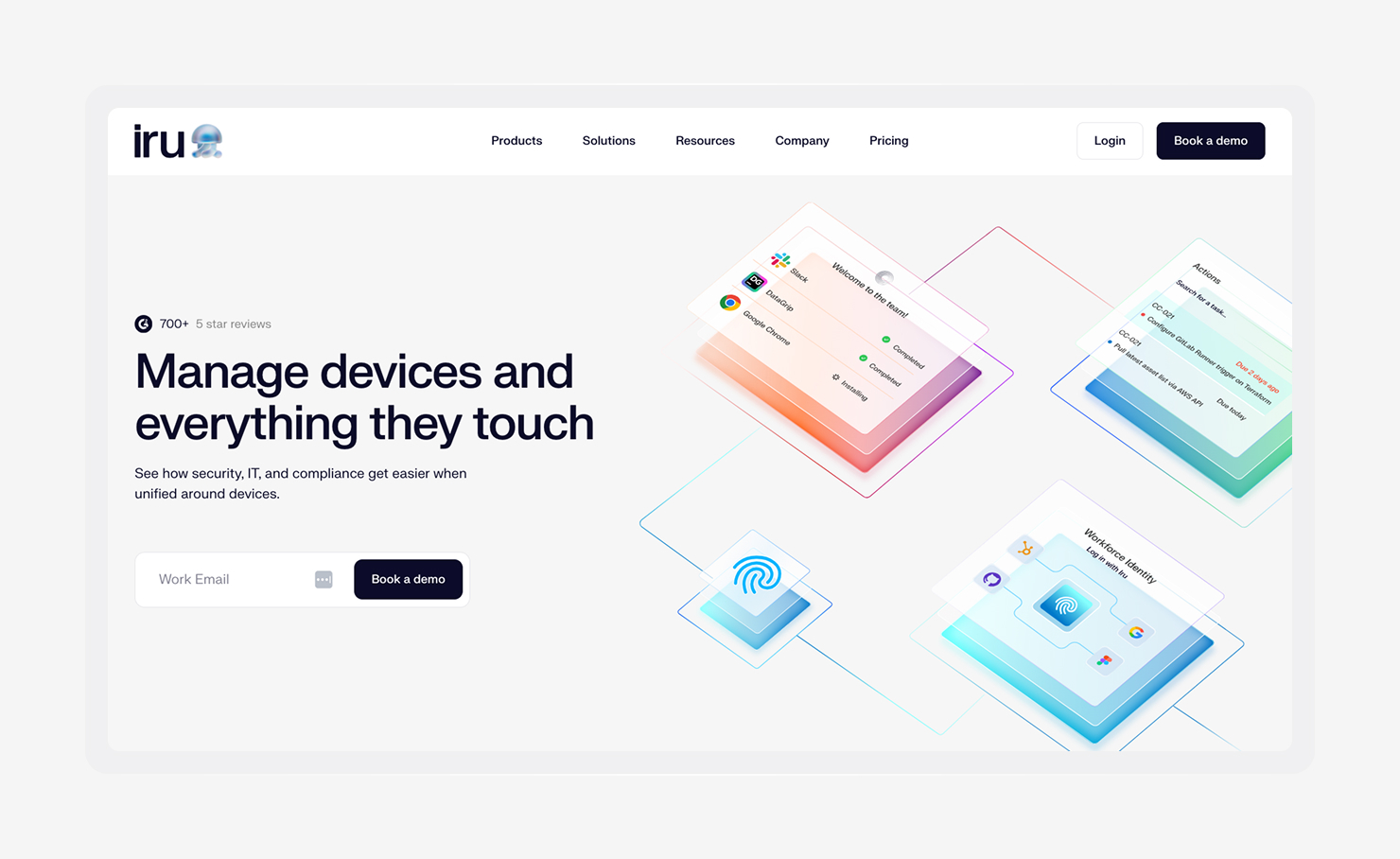
Iru runs on Mac, Windows, and Android, and replaces the need for separate endpoint tools by folding device management, threat detection, and vulnerability coverage into a single setup.
iOS, iPadOS, and Android connect through standard MDM protocols, so teams can see and manage every device without jumping between systems. In Mac environments, this shows up in the details, with built-in automations, CIS benchmarks, and managed OS updates.
And as teams adopt frameworks, like SOC 2, ISO 27001, or HIPAA, Iru maps controls automatically, tracks readiness in real time, and keeps evidence up to date.
Identity follows that same model. Users sign in with device-bound passkeys, and access reflects device health at that moment. There is no separate identity layer to maintain, and security posture is always current, which makes reviews and audits less disruptive.
Features:
- Unified endpoint management for Mac, Windows, and mobile: One lightweight agent manages Mac and Windows devices, and standard MDM protocols cover iOS, iPadOS, and Android.
- Built-in EDR with behavioral detection and device isolation: Behavioral analytics and ML-based detections run on Mac and Windows, and the platform can isolate compromised endpoints while keeping remote response available.
- Vulnerability management with automated remediation: The platform patches vulnerabilities across Mac and Windows automatically based on severity, without waiting for IT to act manually.
- 350+ auto-patchable apps across Mac and Windows: A curated app library updates automatically, with user prompts before deadlines and enforcement when needed.
- AI-native Compliance Automation for SOC 2, ISO 27001, and HIPAA: AI generates controls, task-based workflows track readiness, evidence validation keeps records accurate, and the Adaptive Evidence Map stays current as the environment changes.
- Zero-trust conditional access with real-time device health checks: The platform checks device health before granting access and blocks endpoints that don’t meet requirements.
- Natively passwordless workforce identity: Users authenticate with device-bound passkeys, removing passwords from the login flow and reducing password-based attacks.
2. Microsoft Intune
- Best for: Organizations on Microsoft 365 E3 or E5 with Windows-heavy fleets
- G2 rating: 4.5/5
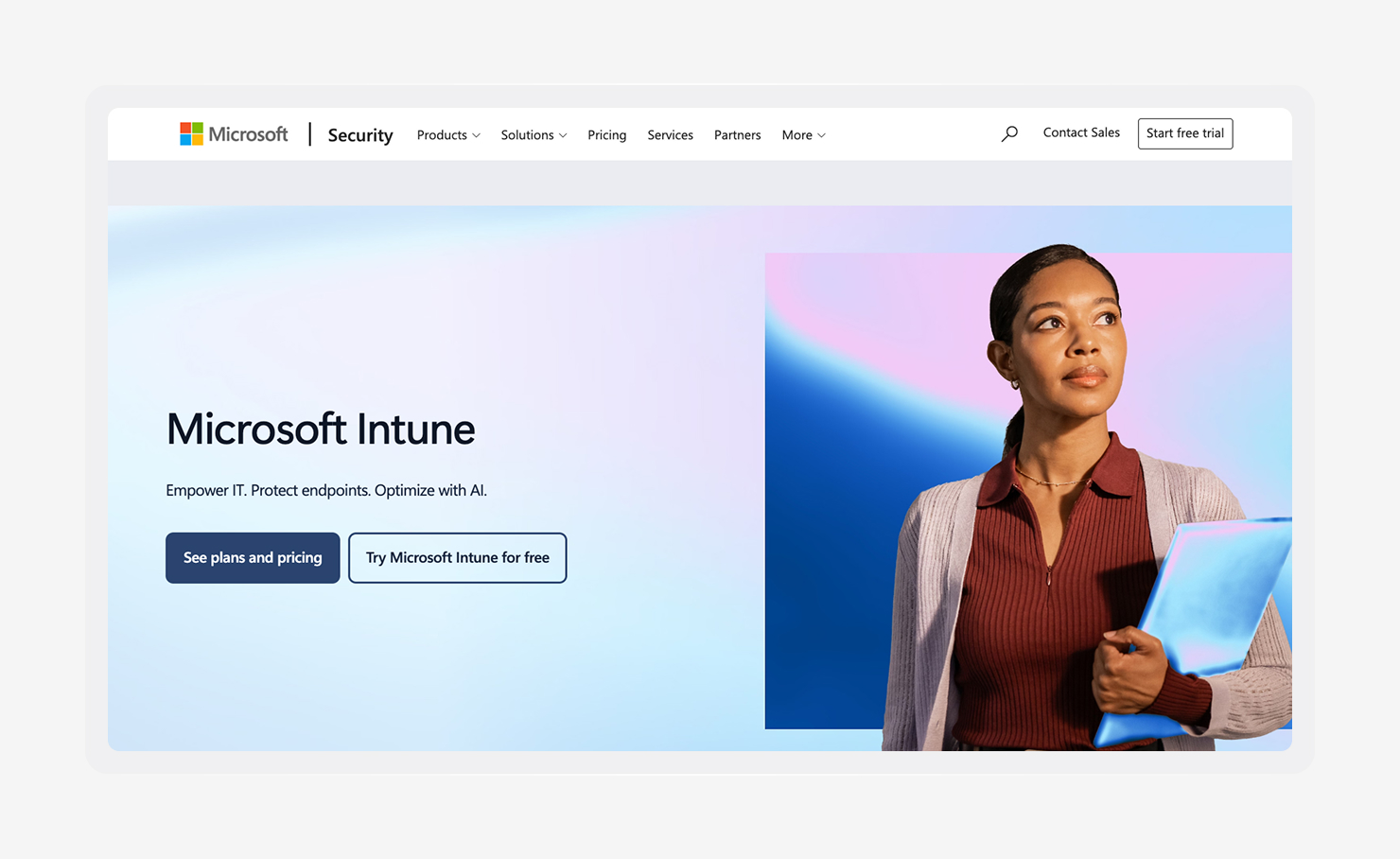
Microsoft Intune is an easy default for organizations already using Microsoft 365 E3 or E5. The platform is a natural fit if you exclusively use Windows and already rely on Entra ID and Microsoft Defender because it keeps device management, access control, and security in that same Microsoft stack.
However, Intune can feel less complete if you’re running a macOS-heavy mixed fleet. In cases like these, teams often end up using scripts or extra tooling to close gaps that Apple-focused platforms could handle natively.
Features:
- Windows MDM and UEM with policy control: Manages Windows configuration, updates, and security enforcement through Microsoft policy.
- Conditional Access with Microsoft Entra ID: Checks device compliance before granting access to Microsoft 365 and connected apps.
- Cross-platform coverage: Manages Windows, macOS, iOS, iPadOS, and Android devices from one console, with stronger capabilities on Windows.
- App protection for Microsoft 365 apps: Keeps company data contained within apps like Outlook and Teams without applying device-wide restrictions.
- Microsoft Defender integration: Connects device management and threat protection so you can see risk and device state together.
- Included with Microsoft 365 E3 and E5: Comes at no additional per-user cost for organizations already on those plans.
3. Jamf
- Best for: Apple-first organizations managing Mac, iPhone, and iPad fleets
- G2 rating: 4.7/5
Add and format screenshot
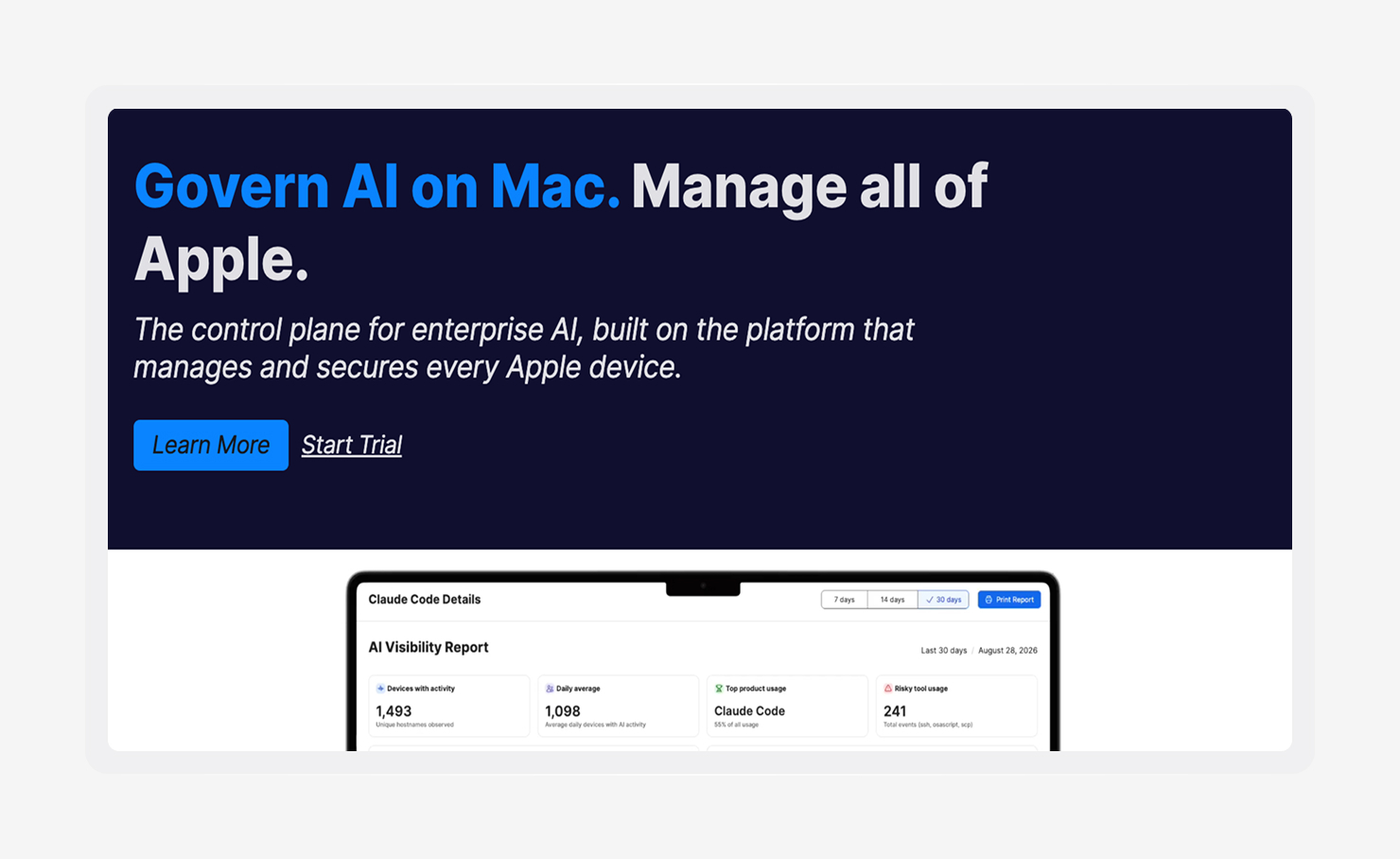
Jamf is an established Apple-focused MDM that covers macOS, iOS, iPadOS, and tvOS. It integrates with Apple Business Manager and Apple School Manager for zero-touch enrollment. Jamf also comes with two decades of community-built scripts and configurations behind it, allowing admins to get set up faster.
Organizations running Windows alongside Apple devices usually need a second MDM, since Jamf is not cross-platform. EDR still comes from integrations, compliance automation is not native, and identity coverage depends on Jamf Connect as a paid add-on.
Features:
- macOS, iOS, iPadOS, and tvOS management: Covers Apple device configuration and controls with platform-specific support.
- Apple Business Manager and School Manager integration: Enrolls devices automatically through Apple’s provisioning programs, so devices arrive ready to use.
- Large library of pre-built configurations and community scripts: Draws on Jamf Nation, where admins have shared scripts and configurations for years.
- Jamf Connect for identity add-on: Ties Mac login to cloud identity providers as a separate paid product.
- CrowdStrike and SentinelOne integrations for EDR: Connects Jamf’s MDM controls to third-party endpoint security agents for teams that need threat detection alongside device management.
4. JumpCloud
- Best for: Small-to-mid-size IT teams where identity management drives the decision
- G2 rating: 4.5/5
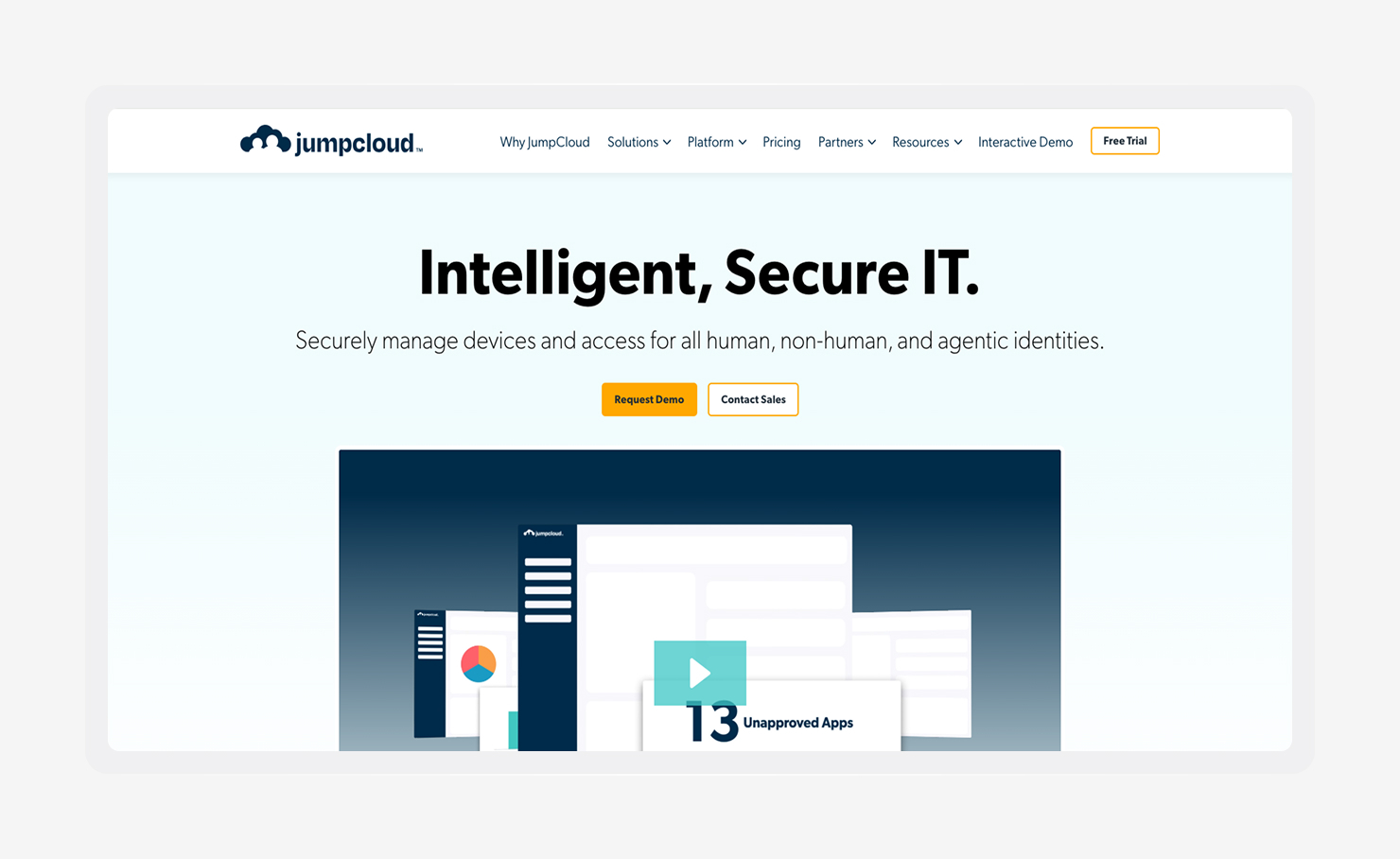
JumpCloud is an open directory platform that combines user identity management with lightweight MDM across Mac, Windows, and Linux. Teams that want to centralize identity and device management without keeping separate tools may see it as a practical option with a low-friction entry point (including a free tier for up to 10 users and devices).
The limits show up as security and compliance needs get more demanding. App lifecycle management is narrower than what dedicated endpoint platforms offer, security policy options are more limited, and JumpCloud does not include native EDR or compliance automation.
Everything considered, JumpCloud is typically a better fit for teams where identity comes first, and endpoint management stays fairly straightforward.
Features:
- Cloud directory with SSO and MFA: Manages user identities, app access, and authentication policies from a cloud-hosted directory.
- Cross-platform MDM for Mac, Windows, and Linux: Enrolls and manages devices across operating systems with consistent policy application.
- RADIUS and LDAP support: Integrates with network access controls and legacy applications that rely on those protocols.
- Basic patch management: Automates OS and application updates across managed devices, with less breadth than dedicated patching platforms.
- Device compliance policies: Enforces security baselines across enrolled devices and reports compliance status.
5. Atera
- Best for: Small-to-medium IT teams and MSPs where per-device pricing creates scaling friction
- G2 rating: 4.6/5

Atera is a cloud-native RMM and professional services automation platform that charges per technician rather than per device. That pricing model can make scaling much easier because each technician can support unlimited devices for teams where endpoint counts keep growing.
Atera also includes Atera Copilot, which automates ticket resolution and routine IT workflows. Security still depends on third-party integrations, and the platform lacks native compliance automation or identity management.
That makes Atera a solid fit for teams that want RMM, ticketing, and remote access in one place without per-device pricing pressure. If security or compliance becomes a bigger part of the job, you will still need other tools.
Features:
- Per-technician flat pricing with unlimited devices: Charges a flat rate per technician rather than per device, which removes cost friction as endpoint counts grow.
- RMM, PSA, and remote access bundled together: Runs monitoring, ticketing, and remote control from the same platform.
- AI-powered automation via Atera Copilot: Automates ticket resolution and common IT tasks through Atera’s AI assistant.
- Patch management across Windows and Mac: Deploys OS and application updates to managed endpoints on a schedule or on demand.
- Third-party security integrations: Connects to vendors, like Bitdefender and Webroot, for endpoint protection, since Atera does not include a native security layer.
6. ManageEngine Endpoint Central
- Best for: Mid-market IT operations teams managing complex, mixed-OS environments
- G2 rating: 4.5/5
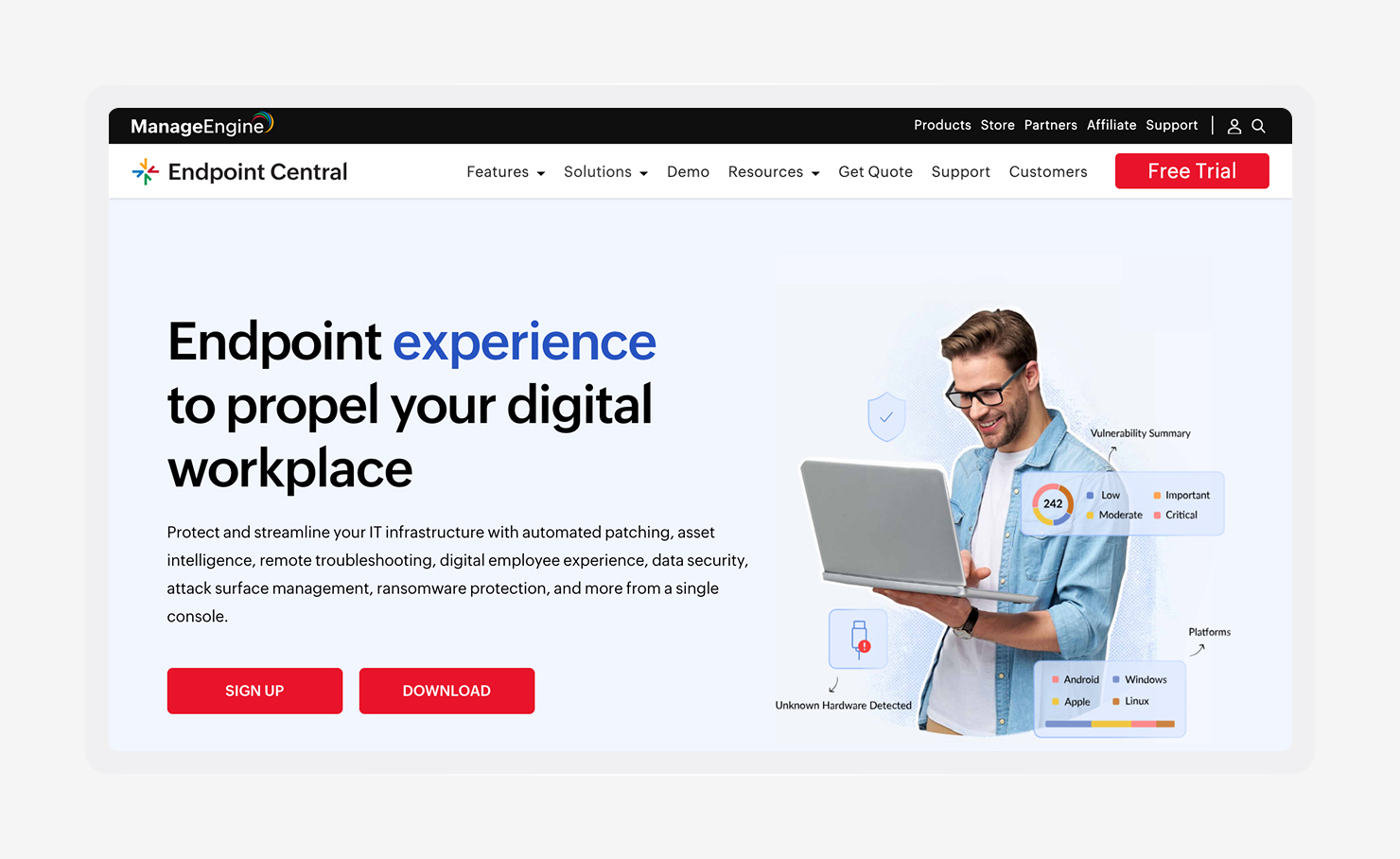
ManageEngine Endpoint Central is a mature, unified endpoint management platform that covers Windows, macOS, Linux, iOS, and Android. Mid-market IT teams often look at it for broad patch coverage, software deployment, and cross-platform reporting at a competitive price.
The tradeoff is that the interface is complex and reflects a more traditional legacy platform. Getting the most out of it takes dedicated admin resources, and teams moving from lighter cloud-native tools may find onboarding to be time-consuming.
Endpoint Central offers strong cross-platform coverage, which is ideal for larger IT teams with complex OS environments and enough admin capacity to configure it well. Leaner teams, or teams that care most about Apple management, often find the feature-to-complexity balance less appealing.
Features:
- Cross-platform UEM for Windows, Mac, Linux, iOS, and Android: Manages devices across major operating systems with consistent policy enforcement.
- Third-party patch management for 1,100+ applications: Extends OS patching to a broad library of third-party apps.
- Software deployment and remote troubleshooting: Pushes software to devices remotely and connects to endpoints for hands-on support.
- Vulnerability and compliance reporting: Produces reports that help teams track security benchmarks and audit readiness.
- Integration with ManageEngine ServiceDesk Plus: Routes endpoint events into ServiceDesk Plus so IT teams can work from an existing ticketing flow.
- On-premises and cloud deployment options: Runs as either a self-hosted RMM or a cloud service.
7. Action1
- Best for: IT teams whose primary gap with NinjaOne is patching reliability and vulnerability remediation
- G2 rating: 4.9/5
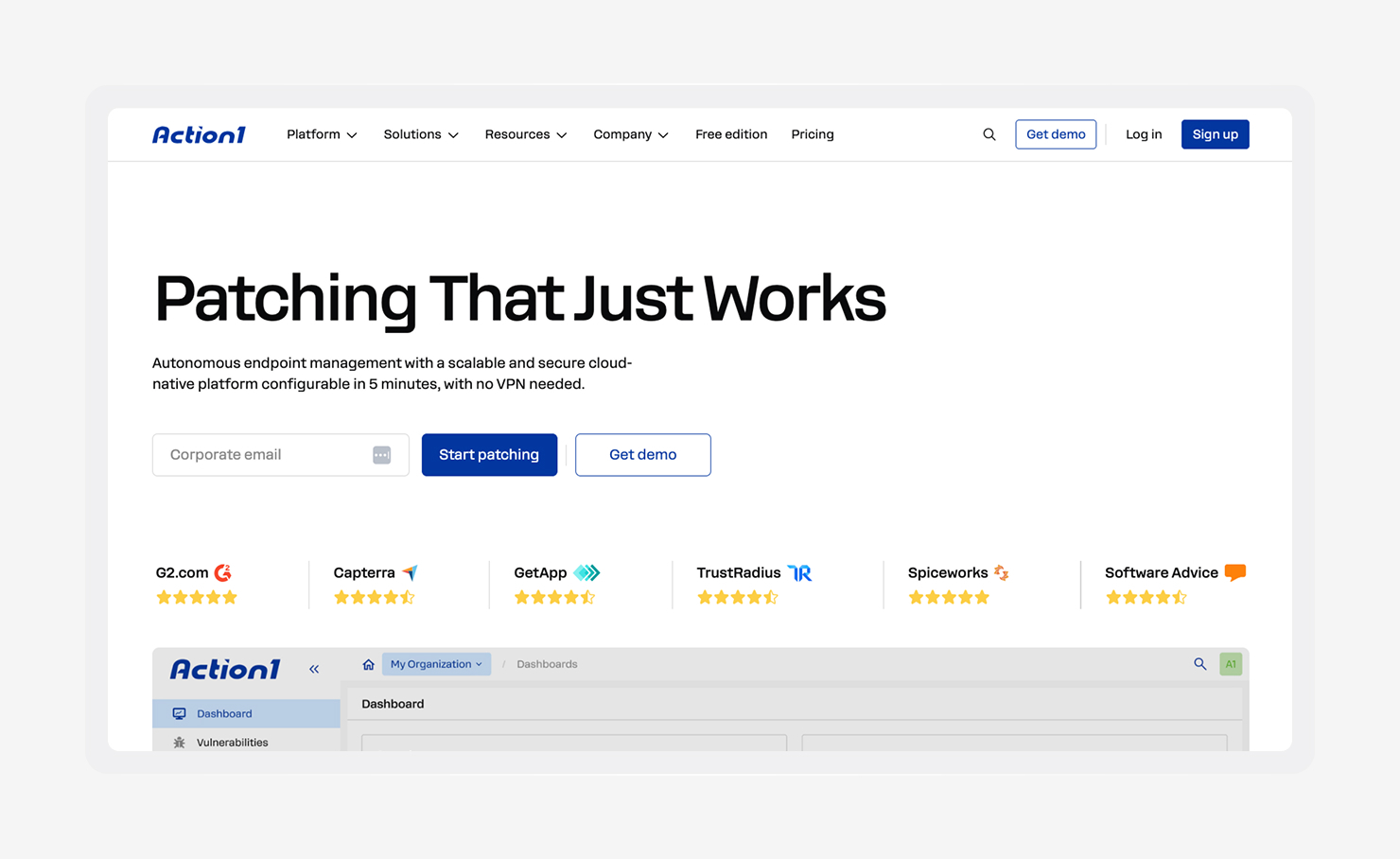
Action1 is a cloud-native platform built around automated patch management and vulnerability remediation. For teams that want stronger patch reliability, broader third-party app coverage, or faster remediation than they get today, it offers a focused alternative. Windows and macOS patching are its core strengths, and reviews often point to reliability and setup speed as standout benefits.
A free tier for the first 200 endpoints makes it easy to evaluate before paying. Real-time endpoint visibility and software deployment round out the platform’s capabilities.
Action1 is not a full RMM replacement. Ticketing, remote monitoring, and identity sit outside its scope, so teams replacing a full IT management stack usually need something broader.
Features:
- Automated patch management for OS and third-party apps: Deploys updates for hundreds of applications on a schedule or based on vulnerability severity.
- Vulnerability remediation workflows: Identifies vulnerable software across the fleet and automates remediation steps.
- Real-time endpoint visibility: Shows current software inventory and device state across managed endpoints.
- Software deployment: Pushes applications to managed devices remotely.
- Lightweight cloud-native setup: Runs without on-premises infrastructure and usually deploys quickly.
8. ConnectWise RMM
- Best for: MSPs and larger IT operations teams with high-volume automation requirements
- G2 rating: 4.2/5
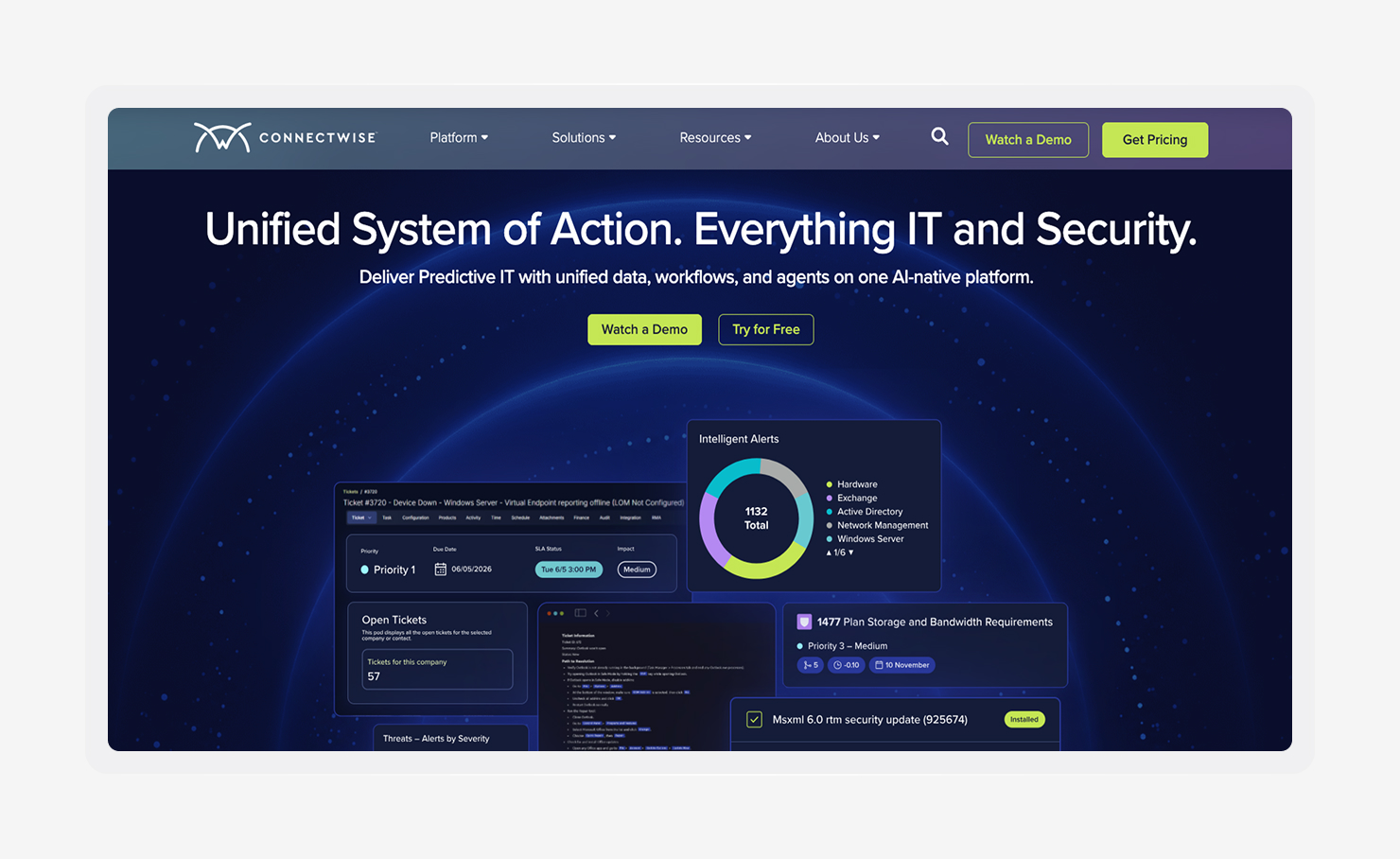
ConnectWise is one of the more established names in the category, with scripting, automated monitoring, and broad integrations across its ecosystem. MSPs and larger IT operations teams that manage high volumes of endpoints tend to get the most value from it.
Just be aware that its power comes with a steeper learning curve. The interface and setup feel more mature than modern cloud-native tools, and onboarding usually takes longer. For teams that want to automate heavily, the tradeoff can still make sense.
For in-house IT teams, though, the platform can feel heavier than the job requires, especially when Mac management or endpoint security matters more than MSP-style automation depth.
Features:
- RMM with scripting and automation: Runs custom scripts and automated workflows across endpoints.
- Remote monitoring and alerting: Tracks device health and performance continuously and triggers alerts when conditions drift.
- Patch management: Automates OS and software updates across managed endpoints with scheduling and approval controls.
- ConnectWise ecosystem integrations: Connects to ConnectWise Manage for ticketing and ScreenConnect for remote access.
- Third-party security integrations: Links to external security vendors for endpoint protection.
Bring devices, identities, and compliance together in one platform
Choose Iru when you want Endpoint Management, Workforce Identity, and Compliance Automation in one place, so your team can spend less time stitching tools together and more time keeping everything running smoothly. Book a demo to see how Iru fits into your environment.