Skip to content

Secure every endpoint with one agent

Most threats spread before anyone responds. Iru monitors every Mac and Windows device in real time, stopping threats before they spread and patching vulnerable software automatically.

AppUpdatesHero

Endpoint security, without the tool sprawl

Scanning

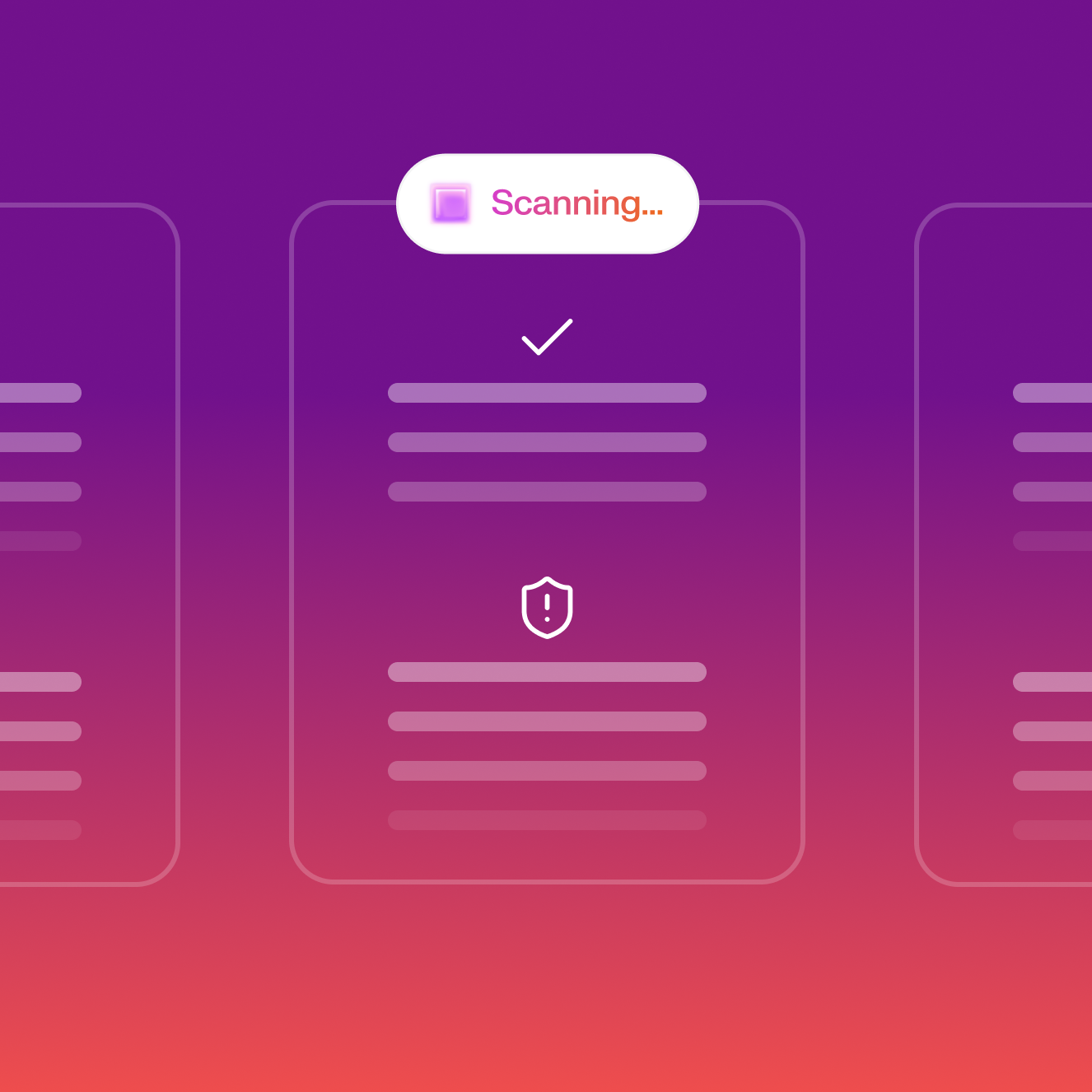
Detect threats the moment they appear

Behavioral analysis runs on every device in real time, catching threats before they spread. Your team spends time investigating, not scrambling to contain.
ThreatBlocked

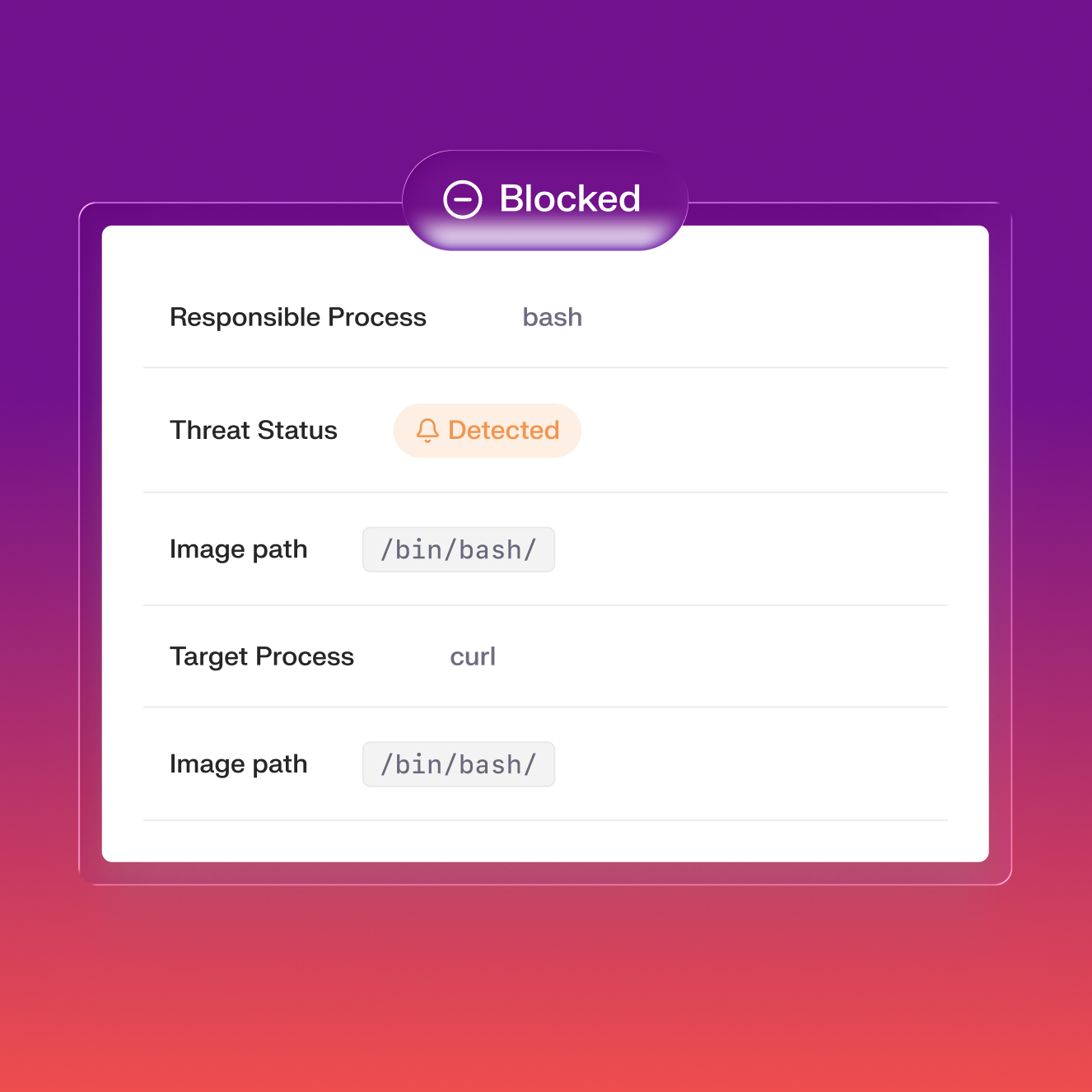
Contain threats automatically

Malicious processes are terminated and files quarantined automatically the moment a threat is detected. No manual step, no waiting for an analyst.
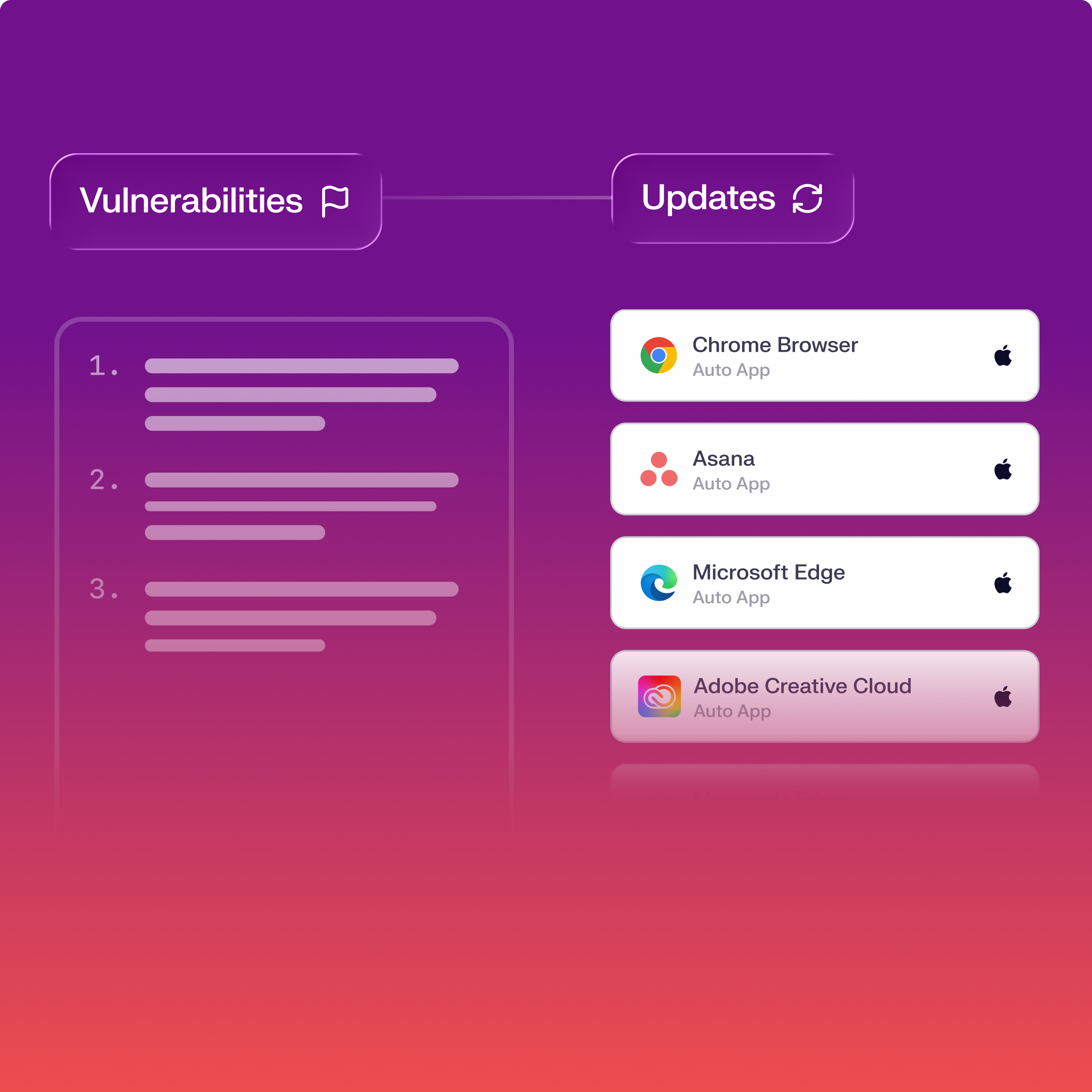
VulnerabilityManagement

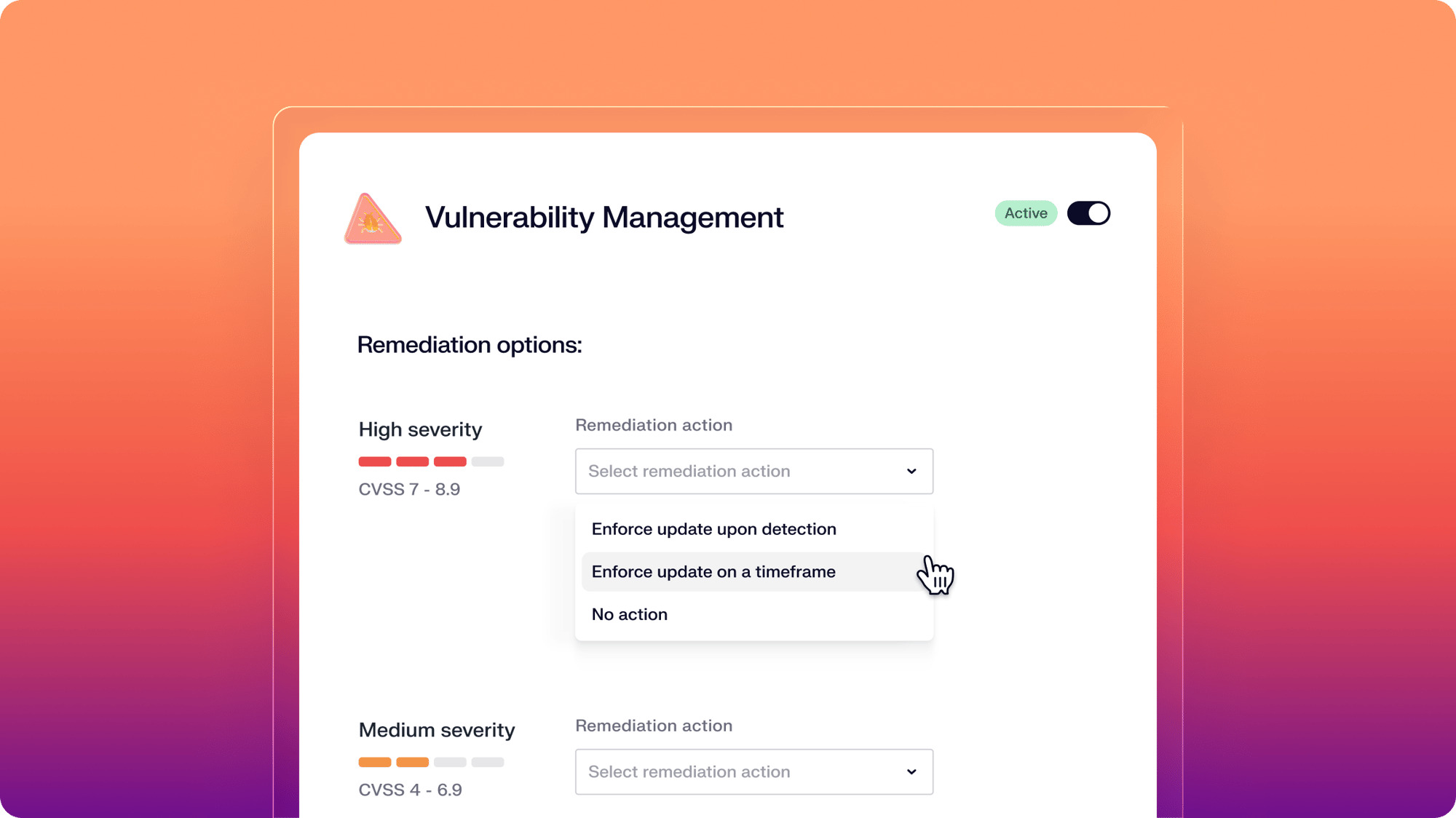
Patch apps before attackers exploit them

Iru scans for vulnerable software every 15 minutes and patches automatically based on severity. 200+ Mac and Windows apps covered.
Unified by design. Built for the AI era.

Iru AI is designed from the ground up to connect a grid of agents behind the scenes—across identity, endpoint, and compliance. Powered by the Iru Context Model, it understands your users, apps, and devices to act safely, intelligently, and in context across your organization.

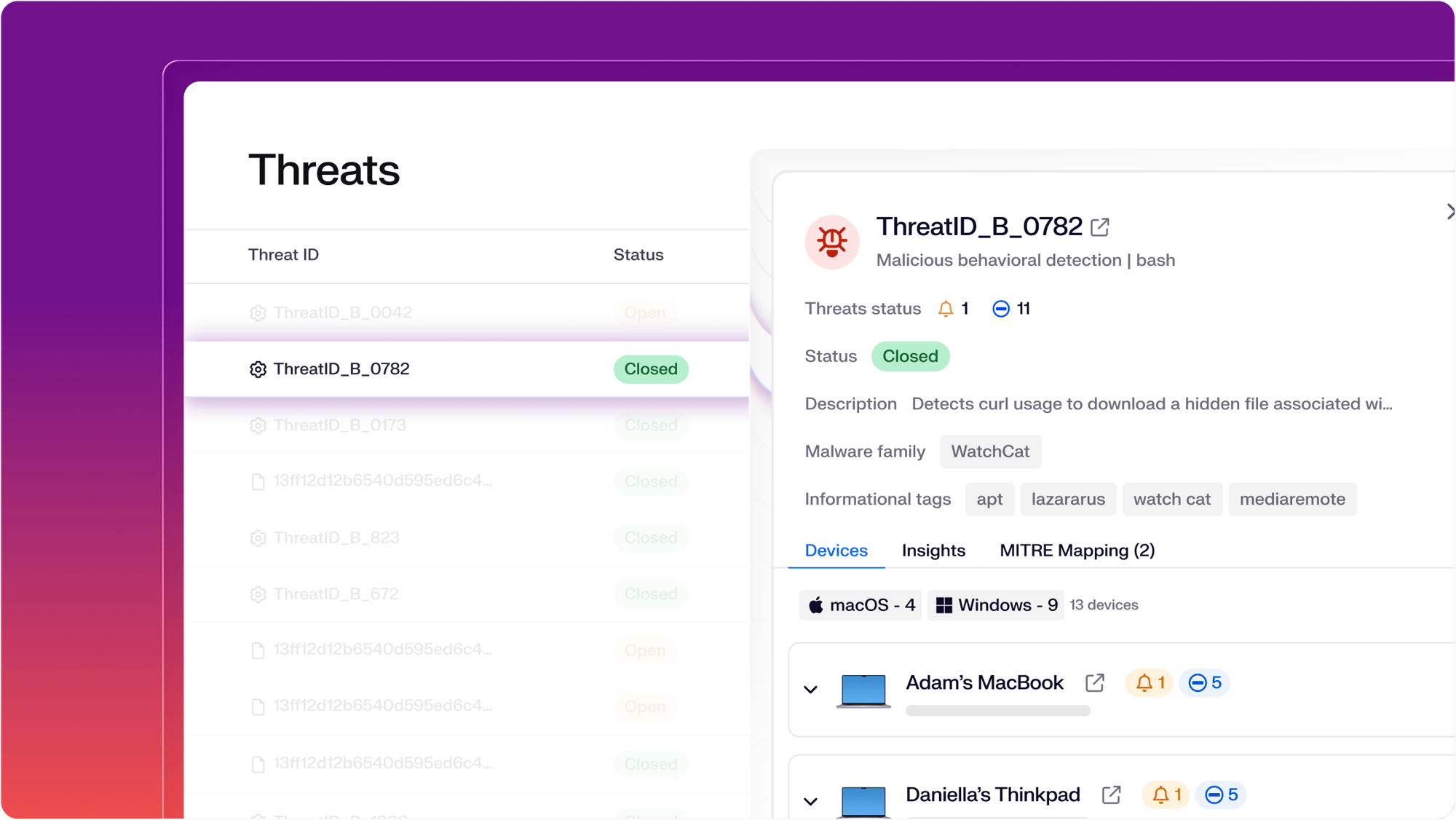
Analyze every detection and vulnerability

Iru ranks every detection by severity, classification, and the full process chain. Know what's been affected immediately.

  • See severity, classification, and the full process chain on every detection
  • Trace the process, files touched, and devices reached
  • Prioritize vulnerabilities by exploit likelihood and known-exploit activity
ThreatDetails

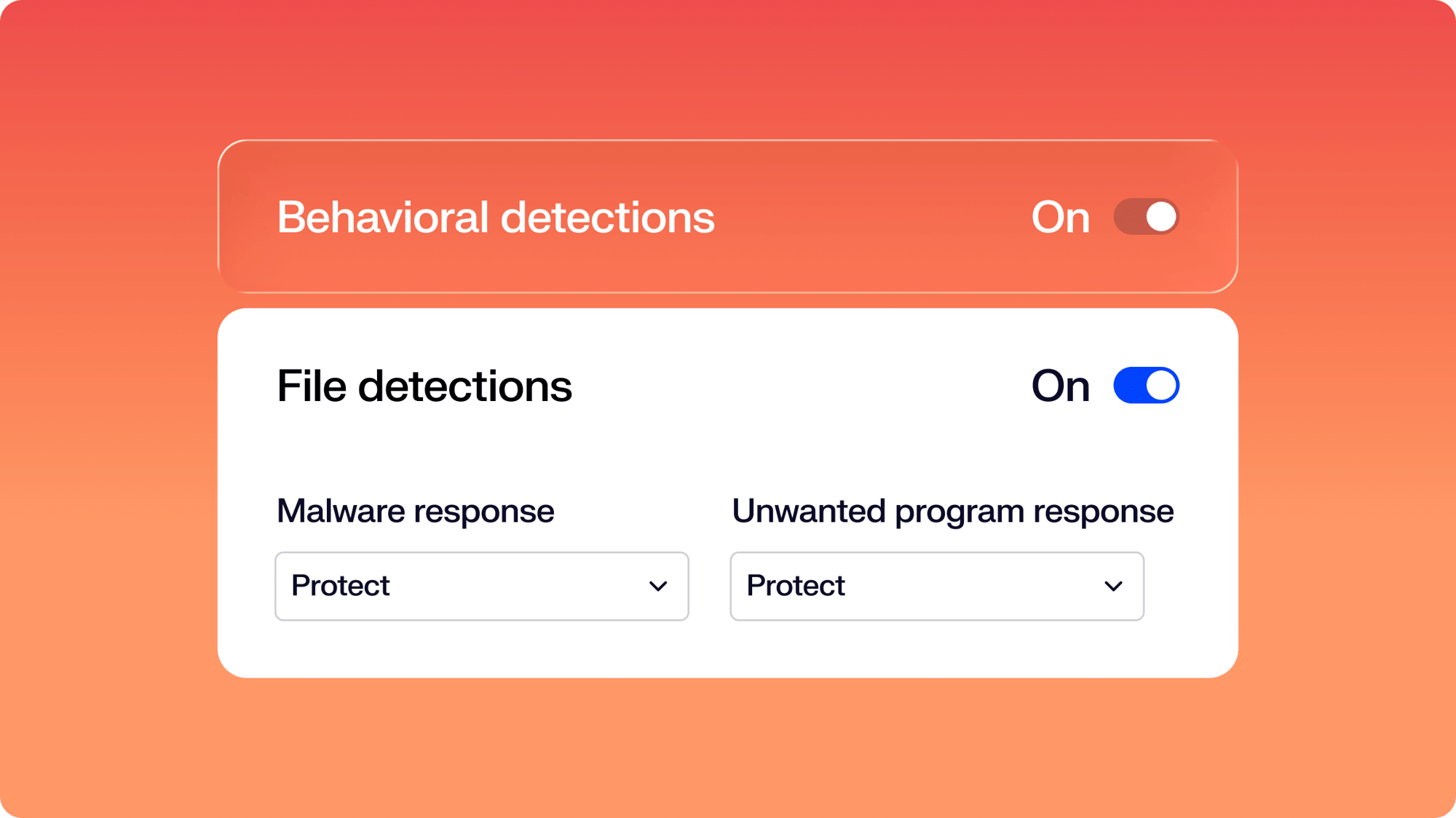
Match your response to every threat

Iru responds the way you set it: auto-contain in Protect Mode, surface without enforcement in Detect Mode, and device isolation when an event needs to escalate.

  • Protect Mode terminates malicious processes and quarantines files
  • Detect Mode gives observability without enforcement, ideal for pilots or sensitive cohorts
  • Isolate a compromised Mac partially or completely when an event needs to be cut off
FlexibleResponse

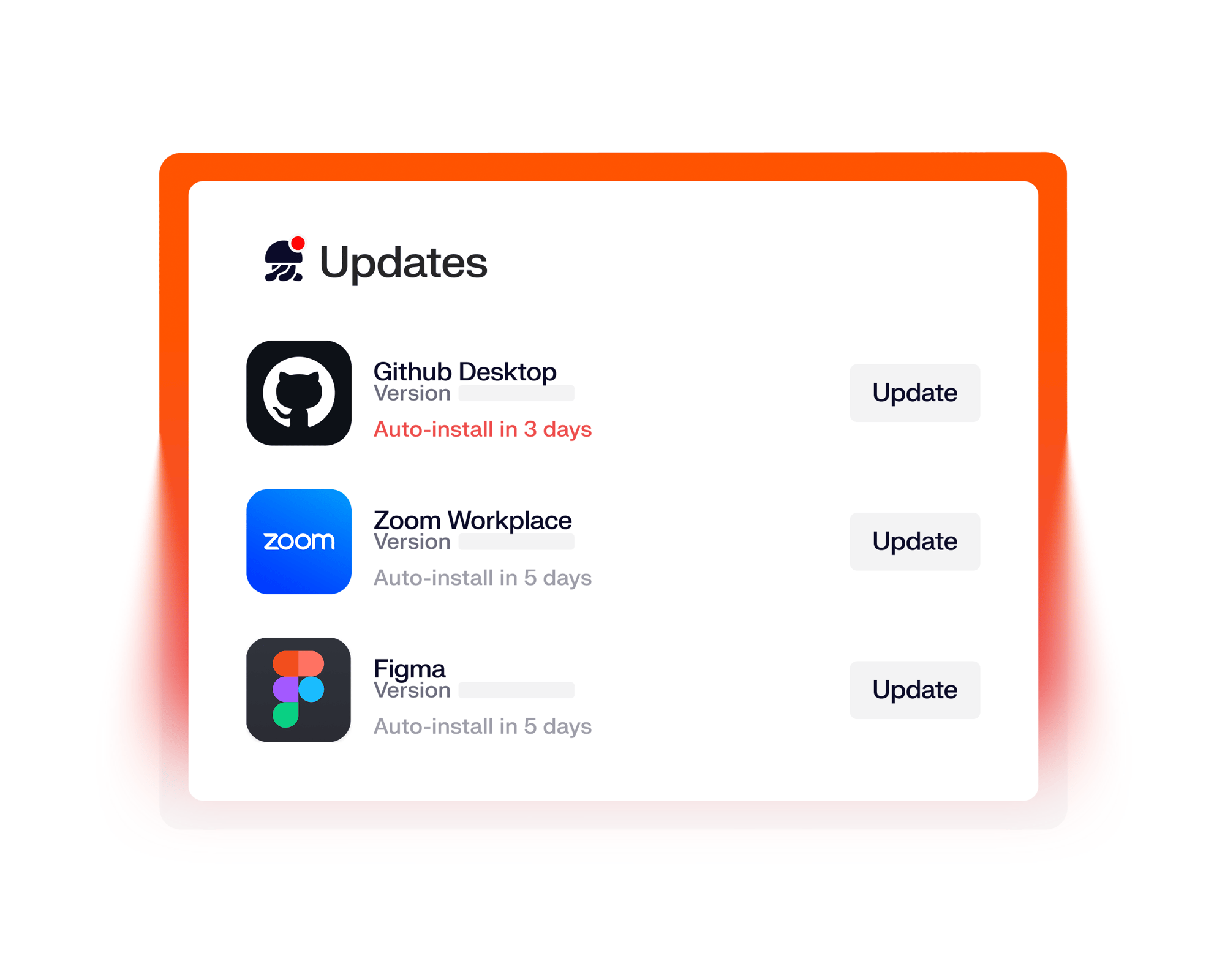
Patch devices without manual work

Iru scans for vulnerable software every 15 minutes and patches without anyone touching a device.

  • Auto-patches based on severity when a CVE hits a supported app
  • Apps update silently when closed, no disruption to users
  • Patch status and history feed compliance evidence automatically
VulnerabilityManagementFlexibleUpdates

A fully automated migration experience

We’ve created an automated migration tool that seamlessly migrates large organizations off of legacy MDM providers, making it easier than ever before to transition to a modern platform.

All the essentials in a single stack

A unified platform for your users, apps, and devices, woven together by Iru AI, giving time and control back to IT & security teams.

Trust Center Compliance

Learn more about Trust Center

Accelerate deals with a public portal for your security and compliance posture.

Endpoint Management Endpoint

Learn more about Endpoint Management

Secure and control devices with unified endpoint management.

EDR Endpoint

Learn more about Endpoint Detection and Response

Detect, investigate, and automatically contain threats in real-time.

VM Endpoint

Learn more about Vulnerability Management

Unify vulnerability detection, prioritization, and autonomous remediation.

Workforce Identity Identity

Learn more about Workforce Identity

Eliminate passwords entirely and provide effortless single sign-on to apps.

AI AI

Learn more about Iru AI

Turn context into insights and actions with agentic AI across the entire Iru suite.

Let your team focus 
on what matters

Iru replaces fragmented tools with one AI-powered platform, so IT & security spend less time chasing tickets and more time improving the business.

Frequently asked
questions

Get answers to commonly asked questions

What threats does Iru's EDR protect against?

Iru detects malware, behavioral anomalies, malicious processes, and command-line attacks in real time. Purpose-built ML models and an in-house threat research team keep detection current against emerging attacks.

Do we need a separate agent for EDR, Vulnerability Management, and endpoint management?

No. All three run through Iru's single lightweight agent. One installation covers enrollment, app management, vulnerability detection, and EDR. Nothing extra to deploy.

Will EDR slow down our devices?

No. Iru's agent uses 22% fewer resources than competitors under peak loads. It installs at enrollment and self-updates. Users won't notice it's running.

What happens when Iru detects a threat?

In Protect Mode, Iru automatically terminates the malicious process and quarantines the file. In Detect Mode, your team gets full visibility without automatic remediation.

How does Iru handle unpatched vulnerabilities?

Iru scans every 15 minutes, enriched with NVD and CVE data. When a vulnerable app is detected, Iru patches it automatically based on severity. No admin action required.

What happens when a detection is a false positive — can I release a file from quarantine?

Yes. Every quarantined file shows up in the Detections table with the threat name, classification, severity, and MITRE mapping, so your team can review it and release it back to the device. If a tool like a dev utility keeps tripping detections, add it to the EDR allow list — by file path or SHA256 hash — so it stops getting flagged.

Can I tune detection sensitivity so developer machines don't drown my team in alerts?

Yes. Behavioral detections split into eight rule groups — discovery, exploit detection, persistence, privilege escalation, and others — and each group can be set to Cautious, Moderate, or Aggressive independently. Cautious focuses on clear-cut malicious activity, Aggressive maximizes coverage. Pair the right detection level with a Blueprint targeted at your engineering org and you can run a quieter posture there without softening protection on the rest of the fleet.

Does Iru EDR meet the requirements our cyber insurance policy asks for?

Iru covers the EDR control most carriers list: continuous behavioral and file-based detection on managed Macs, automatic quarantine and process termination on malicious activity, MITRE ATT&CK mapping on every detection, and a complete audit trail through the Detections page and Library Item activity log. Pair it with Iru Vulnerability Management and Compliance Automation to cover adjacent controls that show up in the same questionnaires.

When a Mac is compromised, can I cut it off from the network without losing the ability to manage it?

Yes. Partial Isolation severs the device's network access but keeps the Iru Agent connection alive so you can still push commands, isolate further, or release the isolation from the console. Complete Isolation cuts off all network communication — release from isolation is the only remaining remote action, also done from the console. Both run from the Detections side panel, individually or across all devices tied to a threat. Bulk isolation requires typing "ISOLATE" as a safety step.

Does Iru EDR cover Windows the same way it covers Mac?

Iru EDR runs on Mac today using Apple's Endpoint Security framework, with file-based and behavioral detection, allow/block lists, sensitivity tuning, and device isolation all shipped. Windows EDR is in development — there isn't yet a help doc covering Windows EDR capabilities. If Windows protection is a hard requirement now, your SE will walk through current scope and roadmap timing.

Can I run Iru EDR alongside my existing EDR while I migrate off the old one?

Yes. Iru EDR ships as a Library Item assigned per Blueprint, so you can deploy it to a pilot group while your incumbent EDR stays in place on the rest of the fleet. Most teams turn off file-based protection on one of the two during the overlap to avoid duplicate quarantines on the same file. Once Iru's coverage is validated against your environment, you cut over by widening the Blueprint assignment. 

Can different teams in my org get different detection rules — for example, executives stricter than engineers?

Yes. EDR settings live in a Library Item assigned per Blueprint. Each Library Item can run its own posture mode for malware and PUPs (Detect or Protect), its own behavioral posture, its own user-alert toggle, and its own allow/block list. Pair that with rule-group sensitivity (set globally or per Blueprint via separate Library Items) and you can run aggressive Protect on the exec Blueprint and quieter Detect on the engineering Blueprint — same agent enforcing both.

What does an end user see when their device quarantines a file or blocks a process?

The user gets a native notification on their Mac when a file is quarantined or a malicious process is blocked, and they can review the full list of quarantined files and blocked processes in Self Service under Security events. User alerts are toggled per Library Item, so you can stay loud on knowledge workers and stay quiet on shared or kiosk devices. The toggle is only available when posture is set to Protect.

Can I route detections to Slack so my team sees them in real time?

Yes. The Slack integration posts Iru Agent and system event notifications into public or private Slack channels, and you can pick which event triggers each notification listens for, name each notification, send a test, and route different events to different channels. The help docs show a blocked-application notification as the example trigger.

When I spin up a trial, is EDR on or off by default — and in what mode?

A new EDR Library Item is created by default when EDR is added to a tenant, with behavioral detections turned on and posture running in Detect mode so you can see what it catches without it enforcing actions on devices. When you're ready, switch the Library Item to Protect mode — quarantine for file detections, process termination for malicious behavior — and assign it to the Blueprints you want covered.

See Iru in action

Discover why thousands of teams choose Iru

By submitting this form I agree to Iru’s Privacy Policy and consent to be contacted by Iru about its products and services.

Stay up to date

Iru's bi-weekly collection of articles, videos, and research to keep IT & Security teams ahead of the curve.