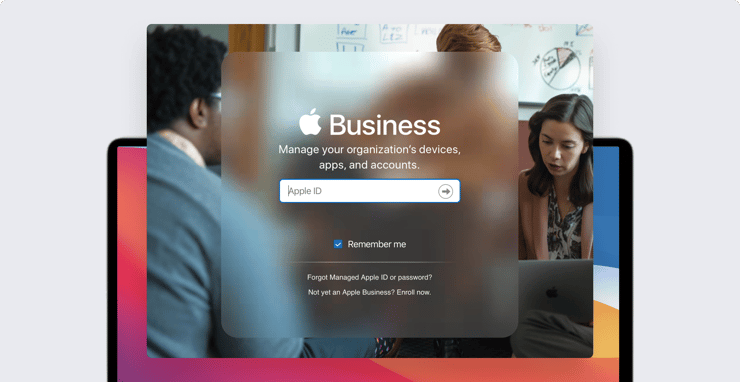
Currently, the only way to assign Mac computers to your organization in Apple Business Manager is to buy them from Apple or an authorized reseller. If you bought one somewhere else, it can't be added to ABM and, so, can't take advantage of helpful features such as Automated Device Enrollment.
But Apple says it will change that this fall, making it possible to add Mac computers to ABM no matter where you bought them. The key: a new Apple Configurator app for iPhone.
Here’s how it will work.
You’ll start by signing in to the new Configurator app with a Managed Apple ID (with the role of at least Device Enrollment Manager) and select the Wi-Fi network that the Mac should connect to unless it’s already connected to Ethernet.
That done, you boot up the new Mac and wait for Setup Assistant to begin. After selecting a language, you get to the page where you choose a country or region.
At that point, you hold up the phone running Configurator. An animation appears on the computer’s screen, and you point your phone’s camera at it. The next thing you should see is a message indicating that the pairing was successful. And that’s it: The Mac is added to your organization in ABM.
With the Mac added, you can then go to your ABM account and configure its Automated Device Enrollment settings. To do so, you reassign the new Mac from the Apple Configurator 2 MDM server to whichever MDM server you want. Then, when the Mac restarts, it will download its new enrollment settings and enroll itself into your MDM server with whatever configuration you’ve selected.
The new iPhone app will also let you restore or revive a Mac with the T2 chip or Apple silicon that you want to return to service. Restore gets the Mac ready for a new user by reinstalling the latest version of macOS. (On a Mac with the T2 chip, it restores the firmware first, then reinstalls macOS.) Revive updates the firmware while preserving user data.
Apple Configurator for iPhone will be available in the App Store this fall and will require iOS 15. It will work with Mac computers with a T2 chip or Apple silicon running macOS Monterey (also available later this year).

 Workforce Identity
 Endpoint Management
 Endpoint Detection & Response
 Vulnerability Management
 Compliance Automation
 Trust Center