
 Workforce Identity
 Endpoint Management
 Endpoint Detection & Response
 Vulnerability Management
 Compliance Automation
 Trust Center



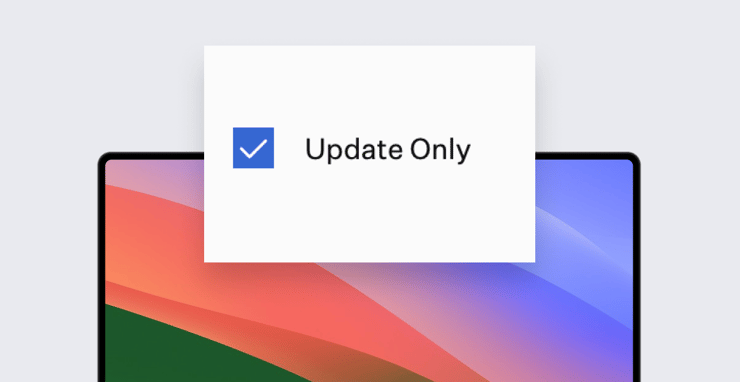
Kandji’s Auto Apps let IT teams distribute Mac software titles—nearly 200 and counting—either by deploying them automatically to endpoints or by letting users install them as they wish via Kandji’s Self Service. We’re now adding another option: Update Only.
In Update Only mode, an Auto Apps Library Item will keep the associated software title up to date on endpoints where it’s already installed, without deploying it to new computers or making it available in Self Service. This mode applies when users have downloaded and installed software on their own, outside the official Auto Apps channels. In other words, it’s automated patch management for every app in our catalog, regardless of how that app got onto a given endpoint.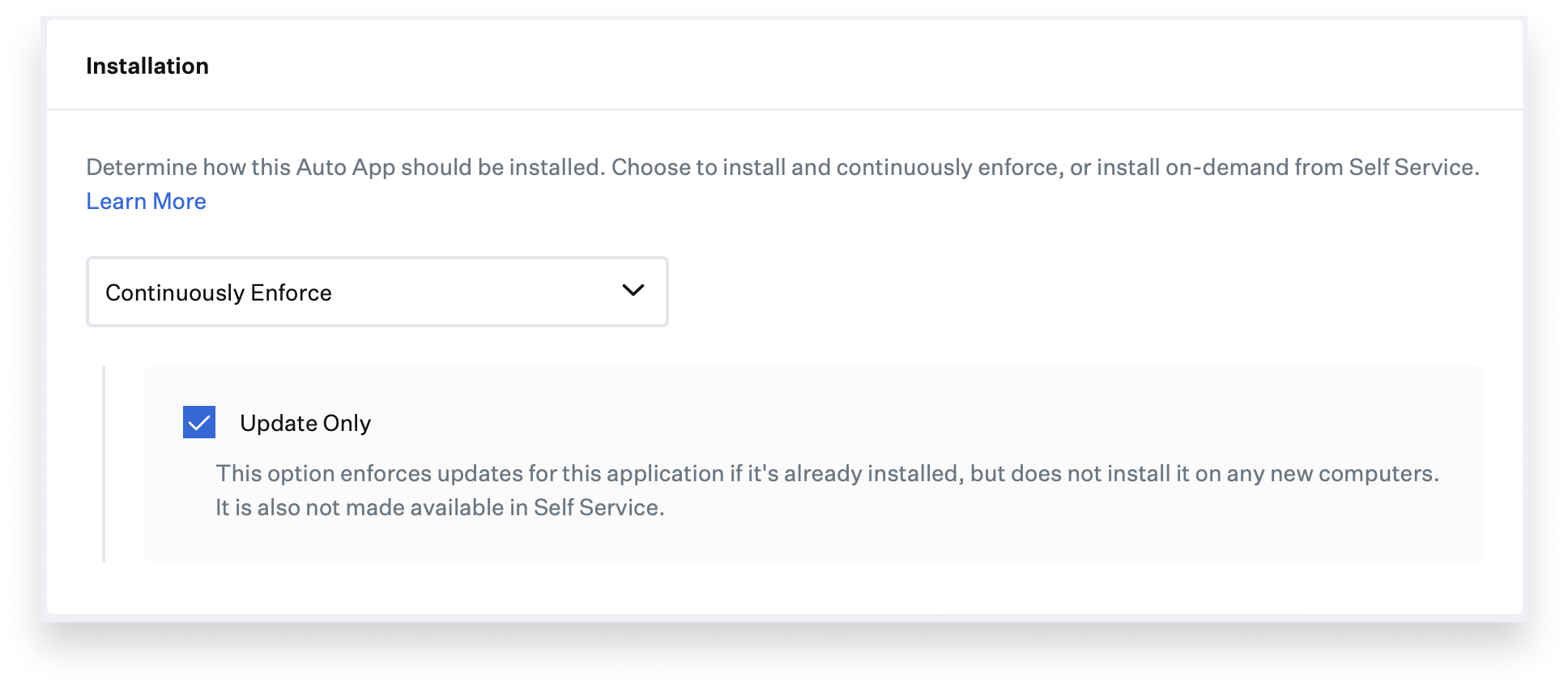
Take, for example, an app like Spotify. It’s in our Auto Apps catalog, but it might not be mission-critical enough to warrant deploying it automatically or making it available via Self Service. Still, many users will no doubt have installed it on their Mac computers, and you’d like to keep it up to date for security reasons. The new Update Only option will let you do that.
The update process is driven by the Kandji Agent’s built-in remediation mechanism: Every 15 minutes, the Agent checks in with Kandji. As part of that check-in, it sends a list of all applications installed on that Mac. If the user has installed an app that matches one in our Auto Apps catalog, we can detect it and begin enforcing regular updates. This audit—performed by the Kandji Agent on every Mac computer in scope on the specific Blueprint(s)—is also visible to admins on each computer’s device record.
This update mechanism is strictly opt-in: It’s not going to scan every Mac for every piece of installed software and compare that with our Auto Apps catalog. Rather, the admin must add the relevant Auto Apps to their library, configure the update enforcement timeframes, and then add it to the Blueprint that their target Mac computers are assigned to.
Update Only mode is most suitable for apps that aren’t critical to the users’ official duties, and so aren’t scoped for automatic deployment by the IT team. You don’t necessarily want to bar users from installing other apps on their own, though. With this new way of keeping apps up to date, you can give them that latitude while also making sure that the software they do install stays up to date.
As our Auto App catalog continues to grow, this automated patch management will apply to an ever-increasing number of software titles that might be present in your Mac fleet. You can now be sure that software installed via shadow IT—if only because a user wanted to listen to the latest tunes on Spotify while they work—is patched, and your Mac fleet protected.
About Kandji
Kandji is the Apple device management and security platform that empowers secure and productive global work. With Kandji, Apple devices transform themselves into enterprise-ready endpoints, with all the right apps, settings, and security systems in place. Through advanced automation and thoughtful experiences, we’re bringing much-needed harmony to the way IT, InfoSec, and Apple device users work today and tomorrow.


