
 Workforce Identity
 Endpoint Management
 Endpoint Detection & Response
 Vulnerability Management
 Compliance Automation
 Trust Center



As workers return to the office, managing their access to company Wi-Fi is once again top-of-mind for many Mac admins. It’s been top of mind for Kandji, too: We’ve updated and expanded our Wi-Fi Library Item to better support enterprise networking—in particular the many authentication protocols those networks use.
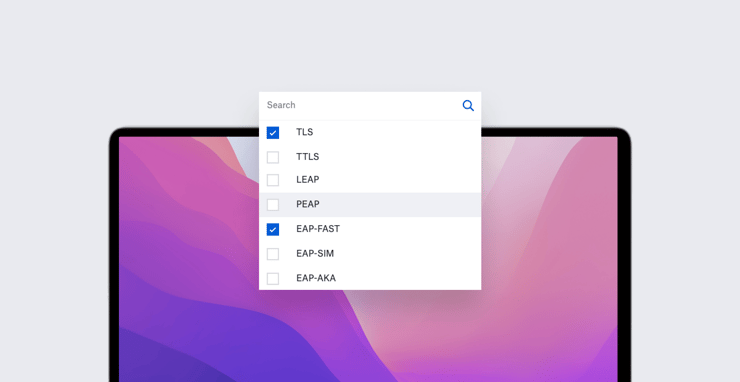
More specifically, the Wi-Fi Library Item now supports enterprise authentication. It allows you to configure seven flavors of the 802.1X Extensible Authentication Protocol (EAP): TLS, TTLS, LEAP, PEAP, EAP-FAST, EAP-SIM, and EAP-AKA. Because a single network can support multiple authentication types, you can select more than one EAP type in a single Library Item.
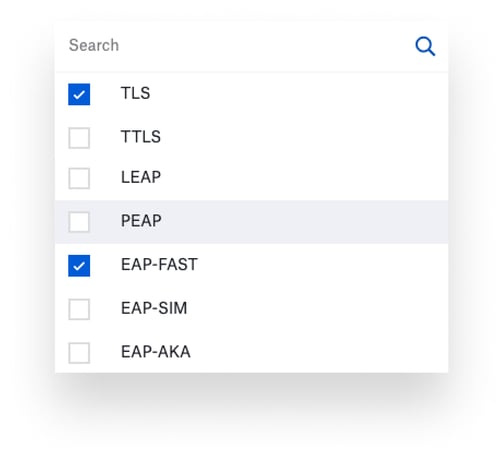 Each of these authentication methods has its own configuration settings. So, for example, if you select TTLS (which uses a TLS tunnel to encrypt another authentication protocol), you then specify an outer authentication protocol (username and password or via directory) and an inner one (CHAP, EAP, MSCHAP, MSCHAPv2, or PAP), as well as minimum and maximum versions of TLS that you want to require.
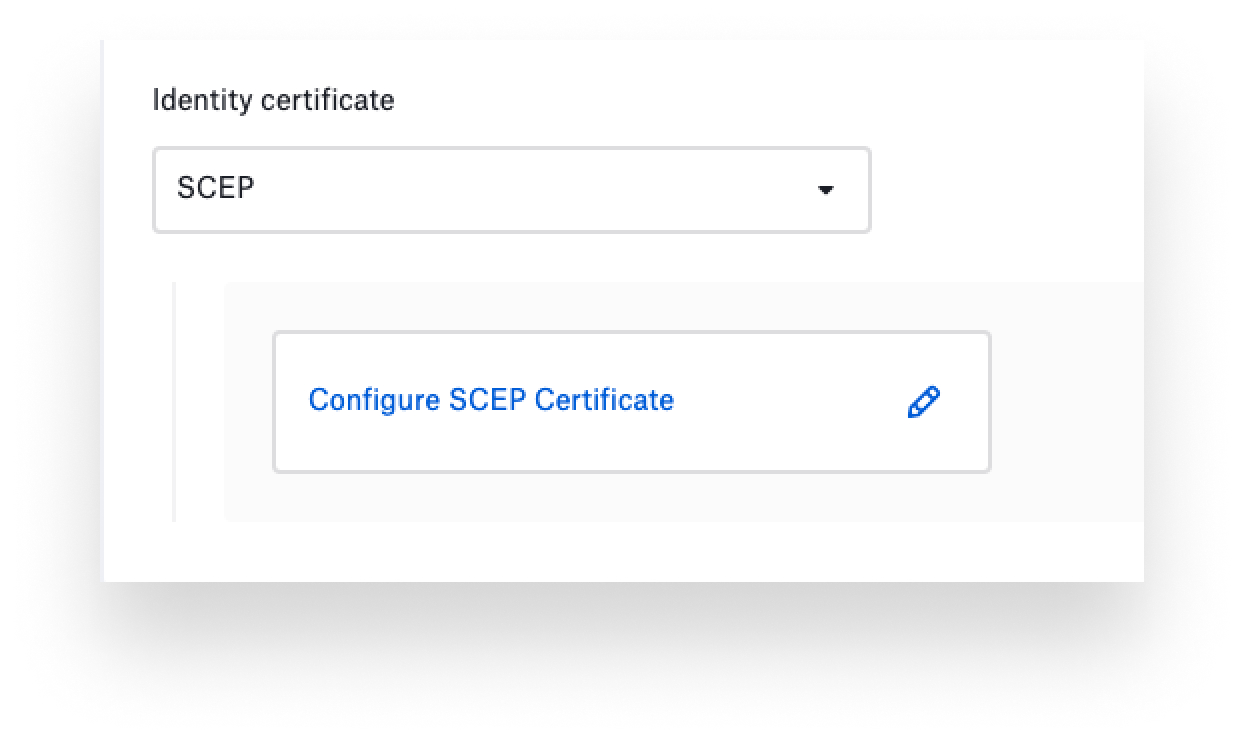 Some authentication methods require the use of certificates to prove the device’s identity. We’ve added the option to obtain such certificates from a SCEP (Simple Certificate Enrollment Protocol) server. When you select SCEP from the Identity certificate pull-down in the Wi-Fi Library Item, a drawer slides out where you can provide all of your SCEP specifics (URL of the SCEP server, fingerprint of the Certificate Authority certificate, key size and usage, and so on). For details on that and more, see our support article.
This enhanced Wi-Fi Library Item gives admins the tools they need to enable enterprise-level security on their wireless networks. Previously, those customers could do this via custom profiles in Kandji, but we've now simplified it by building the configuration tools right into the Kandji web app.
About Kandji
The Kandji team is constantly working on solutions to help you deliver great experiences to your users. With powerful and time-saving features such as zero-touch deployment, one-click compliance templates, and plenty more, Kandji has everything you need to manage your Apple fleet in the modern workplace.


