
 Workforce Identity
 Endpoint Management
 Endpoint Detection & Response
 Vulnerability Management
 Compliance Automation
 Trust Center



Addigy can simplify Apple device management, especially for teams that need more hands-on control than traditional mobile device management provides.
However, there may come a time when you need to introduce Windows or Android devices into your fleet. Or, you may want a tool that combines MDM, RMM, and other IT functions.
If you find yourself in one of these situations, use our 2026 guide to compare leading Addigy alternatives by features, strengths, limitations, and reviews.
What is Addigy?
Addigy is a cloud-based Apple MDM. For IT admins, this means you can deploy apps, configure settings, enforce security policies and remotely troubleshoot macOS, iOS and iPadOS devices from a single dashboard.
Somewhat uniquely, it also has RMM-like capabilities that let you remotely troubleshoot and resolve problems without waiting for the device to check in.
Managed service providers (MSPs) who handle multiple client environments and lean IT teams that need to remotely manage Apple devices without maintaining complex infrastructure often appreciate Addigy.
However, it's generally insufficient for teams running mixed fleets that require cross-platform management capabilities. Even if your device fleet is Apple-only, some teams may find the learning curve too steep and the user experience challenging. Some G2 reviews from verified Addigy users also report unreliable functionality stemming from software bugs.
At-a-glance: Addigy alternatives
If Addigy can’t support all the devices you need it to, explore alternatives with broader endpoint management capabilities and OS coverage. Start your search with some of the top MDM platforms, based on reviews from industry experts and real users.
| Alternative | Best for | Key strength | G2 rating |
|---|---|---|---|
| Iru | Organizations that want to unify endpoint management, identity, security and compliance | Consolidates UEM, identity, EDR and compliance automation into a single platform with one agent | 4.7/5 |
| Mosyle | Small and midsize Apple-first organizations | Apple MDM with built-in security, identity and automated device management | 4.7/5 |
| Microsoft Intune | Organizations managing Windows and Microsoft environments | Broad cross-platform endpoint management with deep Microsoft 365 and Entra ID integration | 4.5/5 |
| Hexnode | Businesses managing mixed-device fleets | Broad cross-platform UEM with support for Windows, macOS, iOS, Android, Linux and ChromeOS | 4.5/5 |
| NinjaOne | IT teams and MSPs prioritizing RMM and endpoint operations | Powerful remote monitoring, patch management and automation across multiple operating systems | 4.7/5 |
| JumpCloud | Organizations adopting an identity-first IT strategy | Combines cloud directory, SSO, device management and Zero Trust access controls | 4.5/5 |
| Jamf | Enterprise Apple environments | Industry-leading Apple device management with deep macOS, iOS and iPadOS capabilities | 4.7/5 |
1. Iru
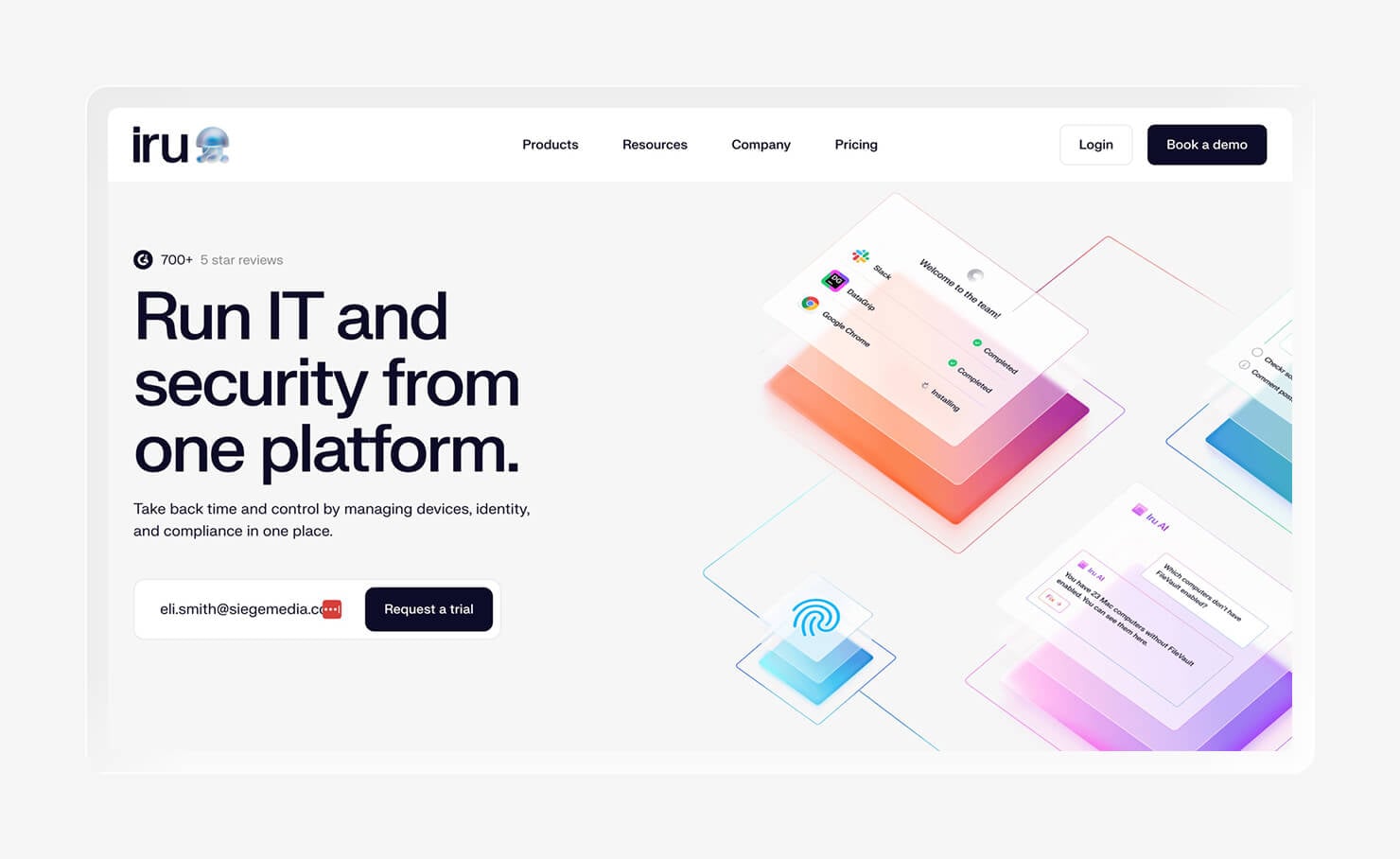
- Best for: Organizations that want to unify endpoint management, identity, security and compliance
- G2 rating: 4.7/5
Iru is a cloud-based platform that unifies Endpoint Management, Workforce Identity, and Compliance Automation. For IT admins, that means deploying apps, provisioning access, and prepping for audits all happen from the same platform. Unlike most Apple MDMs, it also runs Endpoint Detection & Response (EDR) natively, so you can monitor devices for cybersecurity threats without needing a separate tool.
If you're tired of patching systems together, use Iru to bring everything together in one place. That way, it’s easier and more convenient for your team to manage devices, users, security, and compliance.
And while Iru MDM is Apple-first, it also offers reliable cross-platform support. You can trust it to manage your endpoints as your fleet grows and your IT needs expand.
Features:
- Unified endpoint management: Manage Apple and Windows devices in the same place.
- Integrated Workforce Identity: Connect device management to Workforce Identity, so provisioning a new hire's device and setting their access happens in one motion instead of two disconnected steps.
- Built-in endpoint security: Combine device management with Endpoint Detection & Response to unify IT and security, and eliminate harmful blind spots.
- Compliance Automation: Automate manual audit prep with AI-Tailored Controls, a questionnaire agent, evidence collection, and policy mapping.
- Zero-touch deployment: Enroll and configure new devices with minimal manual setup, so a new hire's laptop is ready before it reaches them.
- Automated device remediation: Resolve common configuration issues automatically through policies and workflows, instead of opening a ticket every time a device drifts out of compliance.
- Patch management: Deploy OS and application updates while maintaining compliance, closing vulnerability windows without extra manual tracking.
- Reporting and visibility: Monitor device health, inventory, and compliance status through centralized dashboards.
2. Mosyle
- Best for: Small to midsize businesses and schools with Apple fleets
- G2 rating: 4.7/5
Mosyle is an Apple-only MDM like Addigy. However, it still found a spot in our guide because it can be a good swap for schools and SMBs committed to Apple that want to simplify deployment and day-to-day device management. Mosyle is equipped to manage Macs, iPhones, and iPads, with fast deployment and low overhead.
This contrasts with a tool like Addigy, which offers more advanced management and RMM-like capabilities. Addigy’s broader functionalities are valuable for managed service providers (MSPs) and larger IT teams, but may be more than a smaller organization needs.
Features:
- Apple MDM: Deploy apps, push settings, and enforce policies across Mac, iPhone, and iPad without touching a separate console for other operating systems.
- Apple identity: Manage sign-in and access for Apple devices without standing up a dedicated identity provider.
- Endpoint security: Monitor for threats and enforce security policies on managed devices without adding a separate security tool to the stack.
- Patch management: Keep macOS and iOS versions current across the fleet without chasing individual users to update.
- Zero-touch enrollment: Ship new devices straight to employees or students preconfigured, so day one doesn't start with manual setup.
- Automated compliance: Flag devices that fall out of policy automatically, instead of catching them during a manual audit.
- Application management: Push, update, and remove apps across the fleet from one place, reducing one-off installs.
- Device inventory: See what's deployed and its status at a glance, useful when a school or small IT team needs a fast device count.
3. Microsoft Intune
- Best for: Organizations managing Windows and Microsoft environments
- G2 rating: 4.5/5
Microsoft Intune is a unified endpoint management (UEM) platform for Windows, macOS, iOS, and Android management. If your organization already uses Microsoft 365, Intune fits harmoniously into your existing Microsoft environment and may already be included in your subscription.
As you can probably guess, Intune works best with Windows devices. However, it also offers broad Apple support for teams managing mixed fleets.
Beyond MDM and endpoint management, Intune is useful for organizations that want device management tied closely to identity and access. Its integration with Microsoft Entra ID lets you control access to email and apps based on whether a device meets your compliance requirements.
Features:
- Windows management: Manage Windows devices alongside the rest of the fleet, without needing Microsoft Configuration Manager or a separate on-prem tool.
- macOS management: Apply policies and push apps to Mac computers from the same platform used for Windows, though the feature set trails dedicated Apple tools in places.
- Mobile device management: Manage iOS, iPadOS, and Android devices in one place, covering the phones and tablets that Apple-only or Windows-only tools leave out.
- Conditional Access: Block or allow access to email and apps based on real-time device compliance and risk signals, tying security enforcement directly to identity.
- Microsoft Entra ID integration: Connect device compliance checks to sign-in decisions without standing up a separate identity provider.
- Windows Autopilot: Ship new Windows devices preconfigured to employees, cutting the manual imaging steps IT used to handle before shipment.
- Endpoint security: Monitor for threats and enforce baseline security configurations, giving IT one less system to check for device health.
- Compliance policies: Set rules for what counts as a compliant device, then automatically restrict access for anything that falls out of line.
4. Hexnode UEM
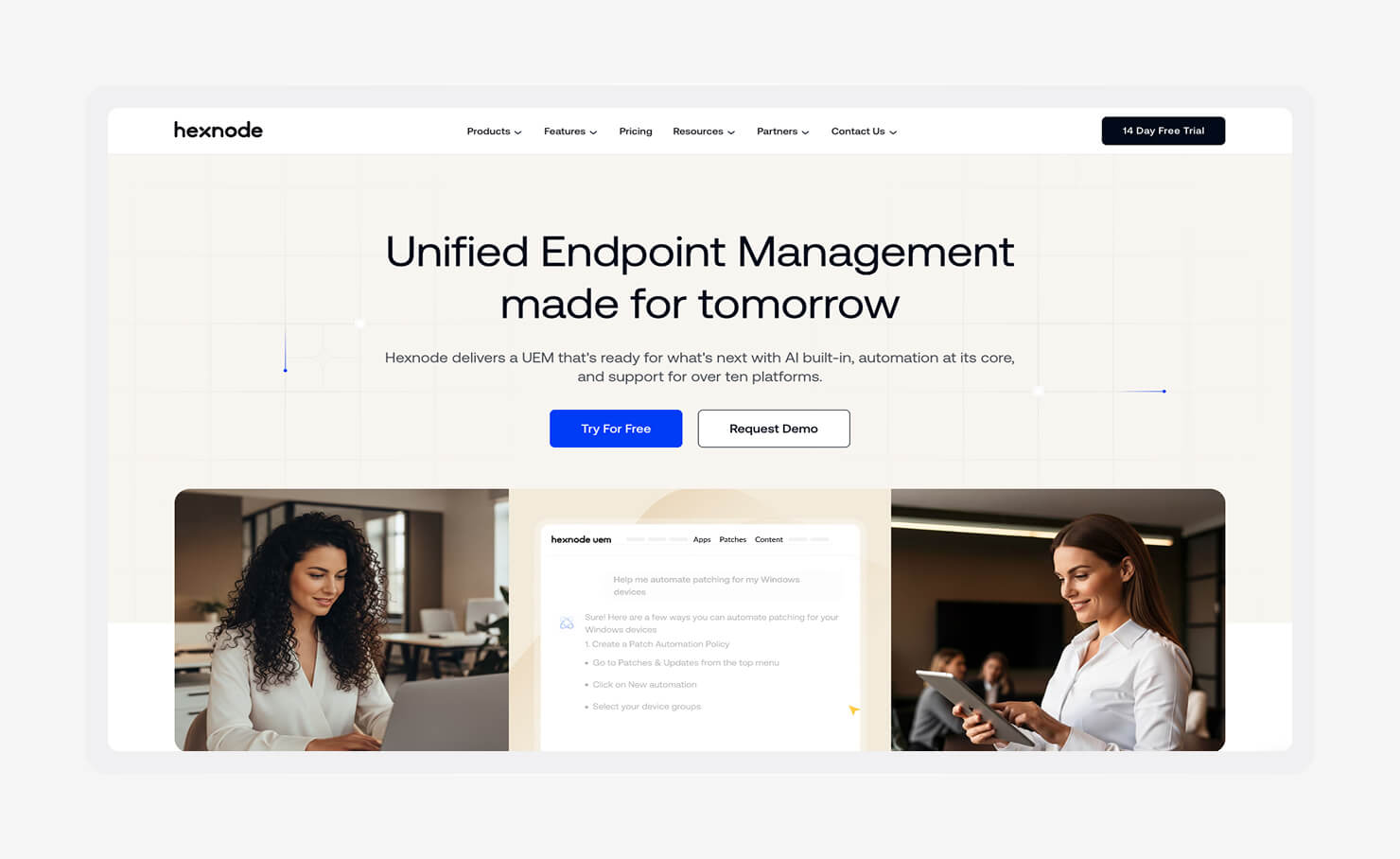
- Best for: Businesses managing mixed-device fleets
- G2 rating: 4.5/5
Hexnode is a good choice if your device fleet includes more than employee laptops and phones. Its deployment options cover standard company-owned devices and more specialized use cases, including kiosk mode for devices used for specific purposes like self-checkout stations or inventory lookup terminals.
The other big advantage is its platform coverage. Hexnode supports Windows, macOS, iOS, Android, ChromeOS, and Linux from the same console. You won't get the same depth of functionality as you would with an Apple-first MDM, but you gain flexibility.
Features:
- Windows management: Manage Windows laptops and desktops through the same enrollment and policy workflow used for the rest of the fleet.
- macOS management: Apply consistent policy and app management to Mac computers without switching to a separate Apple-only tool.
- iOS management: Enroll and manage iPhones under the same account structure as every other device type.
- Android management: Extend policy enforcement to Android phones and tablets, including devices set up for a single dedicated task.
- ChromeOS management: Manage Chromebooks in the same system, useful for organizations running mixed hardware in classrooms or field teams.
- Linux support: Cover Linux-based endpoints that most competitors skip entirely, closing a gap common in engineering and technical environments.
- Kiosk mode: Lock a device to a single app or a curated set of apps, built for point-of-sale systems, digital signage, and shared-use tablets.
- Remote actions: Lock, wipe, or reboot a device remotely, cutting down on in-person fixes when something goes wrong.
- Policy management: Set and enforce configuration rules across every OS from one place, instead of maintaining separate rule sets per platform.
- Patch management: Push OS and app updates across the fleet without relying on end users to install them on their own.
- Device inventory: Track what's deployed, its status, and its location, useful for asset audits across a large or distributed fleet.
5. NinjaOne
- Best for: IT teams and MSPs prioritizing RMM and endpoint operations
- G2 rating: 4.7/5
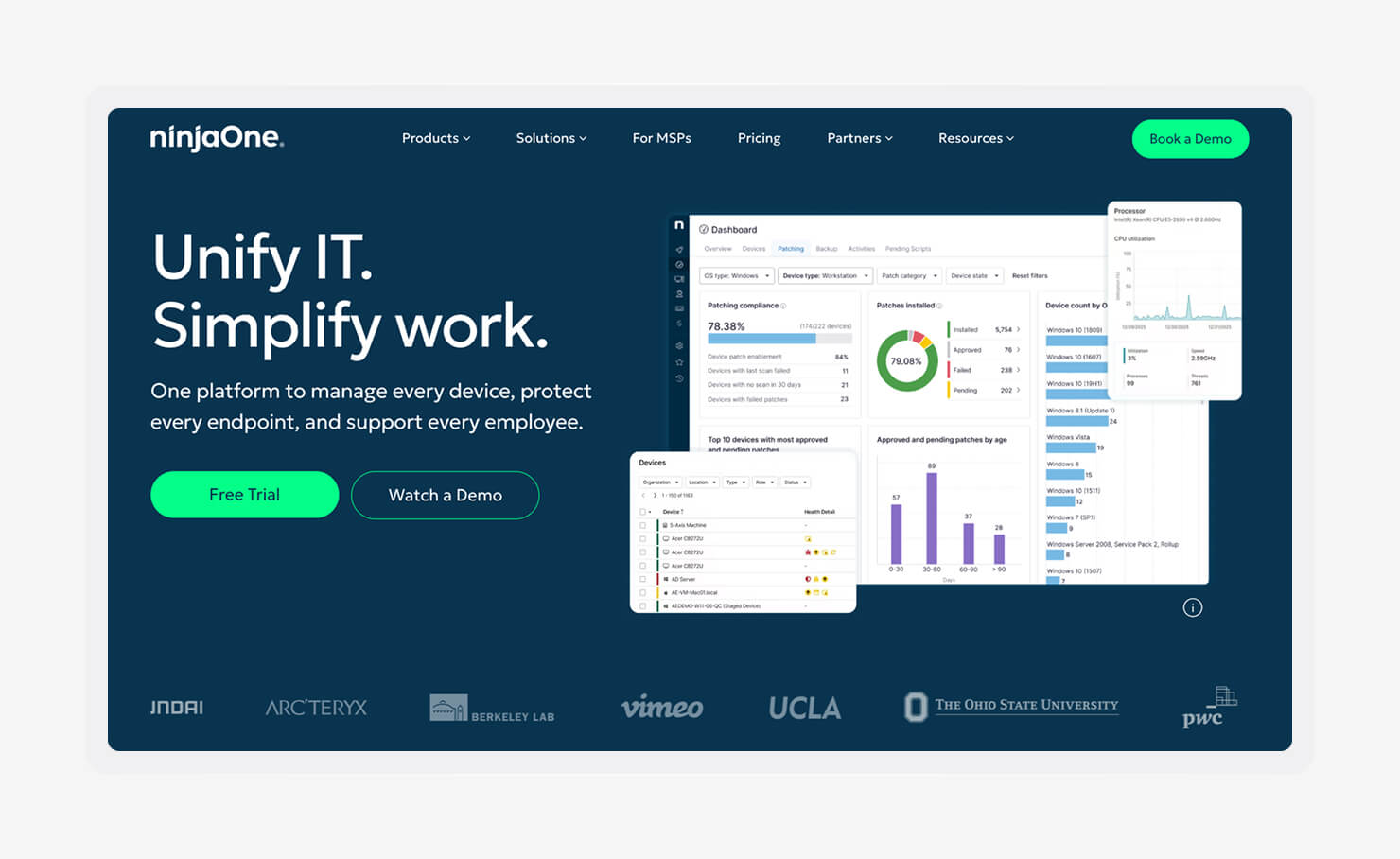
NinjaOne is an RMM with built-in endpoint management. This means remote monitoring and troubleshooting are at the center of the platform, but device management and automation are also available.
The platform enables IT teams and MSPs to monitor device health and fix issues remotely. It’s a good pick if you want to ensure dispersed teams can get rapid assistance rather than waiting for the next on-site visit.
Features:
- Remote monitoring: Track device health and performance in real time, catching problems before a user has to file a ticket.
- Remote access: Take over a device's screen for live troubleshooting, without waiting for the user to be at their desk or the device to check in.
- Patch management: Push OS and app updates across the fleet on a schedule, instead of tracking down which machines still need it.
- Automation: Trigger routine fixes and maintenance tasks automatically, cutting down on repetitive manual work for the IT team.
- Scripting: Run custom scripts across one device or the whole fleet at once, covering fixes that a built-in policy doesn't handle.
- Software deployment: Install and update applications across managed devices without visiting each one individually.
- Endpoint inventory: Keep a live record of hardware, software, and device status across the fleet, which speeds up both audits and everyday troubleshooting.
- Alerting: Get notified the moment a device or service crosses a threshold, rather than finding out from a user complaint.
- Reporting: Pull device health and activity into reports MSPs can hand to clients or IT teams can use to justify budget.
6. JumpCloud
- Best for: Organizations adopting an identity-first IT strategy
- G2 rating: 4.5/5
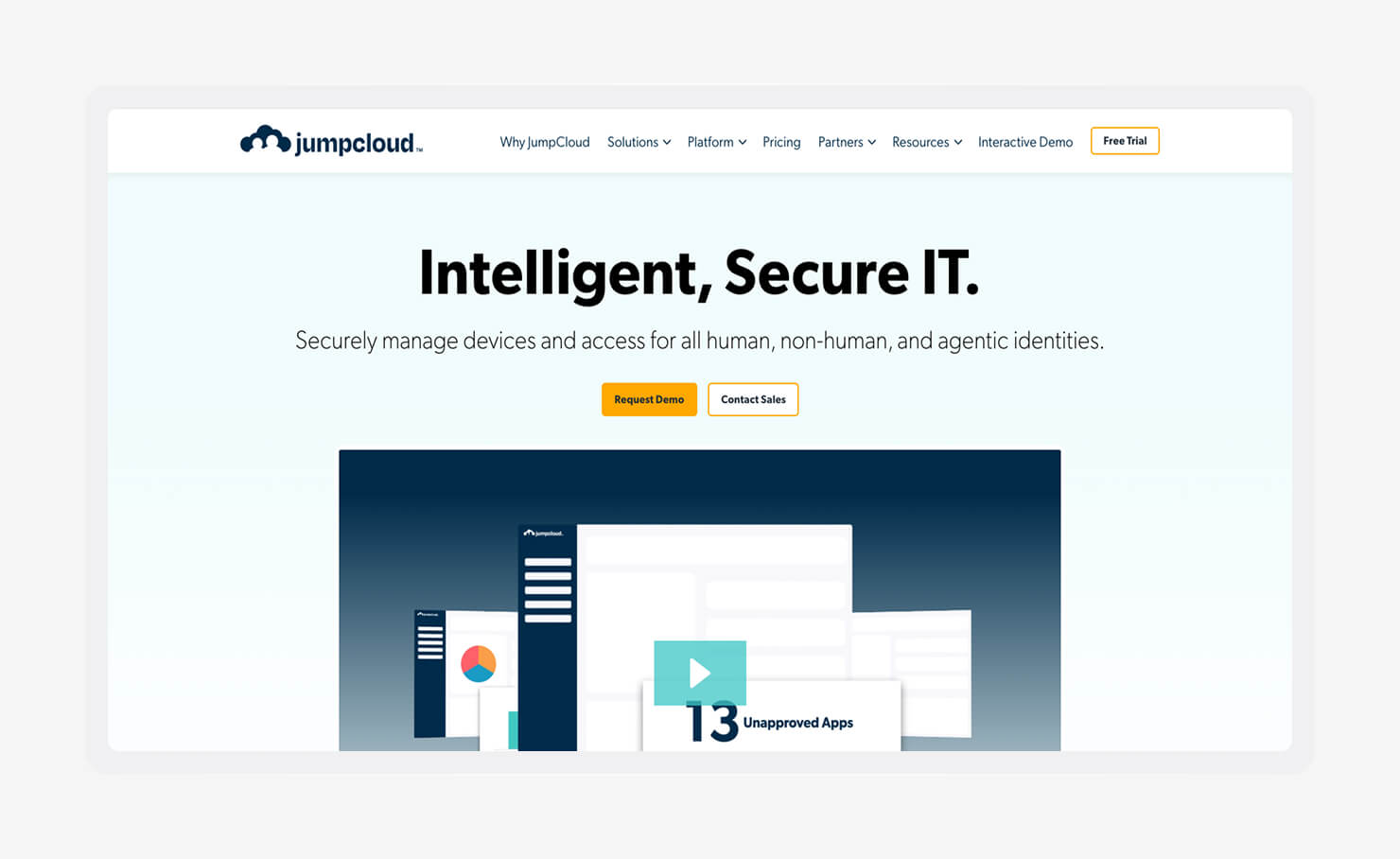
If your team needs to manage access and devices, JumpCloud’s cloud director allows you to manage them all from the same platform. Teams that want to limit their reliance on separate directories or SSO providers value this simplified approach.
JumpCloud also supports Zero Trust strategies by connecting user identity with device status when making access decisions. It works across Windows, macOS, and Linux, making it a practical choice for mixed fleets.
The tradeoff is that device management isn't its sole focus, so teams looking for deep Apple-specific controls may prefer a dedicated Apple MDM.
Features:
- Cloud directory: Manage users and groups from a cloud-hosted directory instead of running an on-prem server just for identity.
- SSO: Let users sign into every connected app with one set of credentials for fewer password resets and help desk tickets.
- MFA: Require a second verification step at login, so a stolen password alone isn't enough to get in.
- Device management: Enroll and manage Windows, macOS, and Linux devices from the same system used for identity, rather than switching to a separate MDM.
- Cross-platform support: Apply the same access and device policies across every OS in the fleet, closing the gap between Windows, macOS, and Linux management that separate tools create.
- Policy management: Set device and access rules once, then apply them across every connected system, cutting down on manual per-device configuration.
- User lifecycle automation: Provision or deprovision access automatically when someone joins or leaves, so offboarding doesn't depend on IT remembering every app a departing employee had access to.
- Access control: Restrict what a user or device can reach based on identity, group, and compliance status, tightening access without extra manual review.
7. Jamf
- Best for: Enterprise Apple environments
- G2 rating: 4.7/5
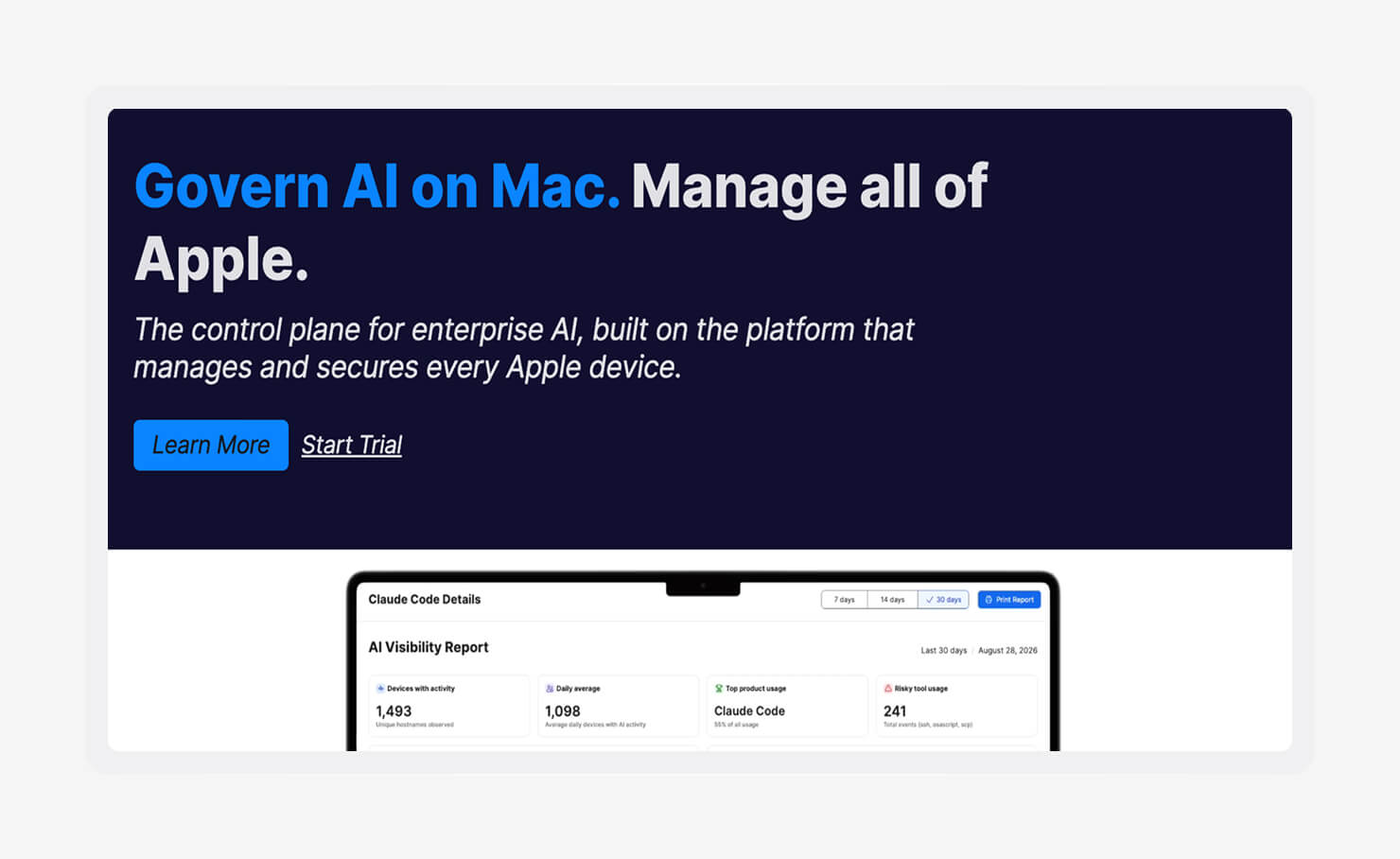
When Mac, iPhone, iPad, and Apple TV devices make up a large share of your IT environment, Jamf gives admins more control over device configuration and management, and policy enforcement.
The downsides are that the level of control comes with a steeper learning curve, and it’s a bigger investment than a simple MDM. But for organizations with large Apple fleets and enough resources, the tradeoff is sometimes worthwhile.
Features:
- Apple-first device management: Configure and enforce policies across Mac, iPhone, iPad, and Apple TV with settings built specifically around Apple's own management framework.
- Zero-touch deployment: Ship devices preconfigured straight to employees, so setup finishes before the device reaches its user.
- Advanced configuration profiles: Apply detailed settings down to individual Apple features, going beyond basic policy toggles for security teams that need more control.
- Smart Groups: Automatically sort devices and users into groups based on attributes like OS version or department, instead of manually assigning each one.
- Patch management: Push macOS and app updates across the fleet on a schedule, instead of relying on individual users to install them.
- Self-Service app catalog: Let employees install approved apps on their own, cutting down on routine install tickets for IT.
- Extensive scripting support: Run custom scripts for situations standard policies don't cover, giving admins a way to handle edge cases without a workaround.
- Compliance reporting: Generate reports on device and policy compliance, without pulling the data manually before an audit or security review.
How to choose the right alternative to Addigy
Take stock of your current operating systems, current needs they aren’t meeting, platform automation and feature sets, integrations, and usability to choose the best Addigy alternative for your company.
Some of these important factors to weigh before making your decision:
- Consider your operating systems: List every device type in the fleet today and consider whether you're likely to add Windows, Android, or Linux machines within the next year or two. A platform that only covers what you have now can turn into another switch later.
- Determine whether you need an MDM or a UEM: A traditional MDM covers device configuration and app deployment, which is enough for teams running one operating system with simple policies. Once identity, security, compliance, and multiple operating systems enter the picture, a UEM is helpful for consolidation.
- Evaluate built-in security features: Some MDM-first tools may treat other functionalities like identity management and compliance as add-ons, if they have them at all. For you, this can translate to higher costs whether you stack tools or not.
- Prioritize automation: Automated enrollment, policy deployment, patching, and remediation reduce manual tickets that eat into an IT team's day. The less a platform needs manual intervention for routine tasks, the more time your team gets back for actual projects.
- Assess remote management capabilities: Distributed teams need tools that can troubleshoot a device without waiting for it to check in or show up in an office. Strong remote monitoring shrinks the gap between a reported issue and a resolved one.
- Review available integrations: A platform that connects to your identity provider, productivity suite, ticketing system, and security tools slots into your existing workflow instead of creating a new one. Check integration lists against what you actually use, not just what's supported in general.
- Compare deployment and usability: Implementation time, learning curve, and day-to-day administration affect how fast a platform actually pays off. A capable platform that takes months to deploy and requires specialized training can cost more in practice than a simpler one.
- Plan for future growth: Confirm a platform can support more devices, users, and locations without a costly re-platform later. Growing into a tool is cheaper than migrating out of one.
- Compare pricing and overall value: Compare licensing models, included capabilities, and total cost of ownership rather than the sticker price alone. A lower starting price often hides add-on costs for features that another platform includes by default.
- Research customer support and documentation: Responsive support, training resources, and an active knowledge base matter most when something breaks, and your team needs an answer fast. Check review sites for how support actually performs, not just what's promised in sales materials.
Get everything you need for endpoint management in one platform with Iru
Finding the right alternative to Addigy comes down to understanding where the gaps are. If you’re feeling held back by Apple-only device management or too many separate tools, a UEM solution like Iru is best.
Book a demo to see how Iru can bring endpoint management, identity, security, and compliance together in one platform.