
 Workforce Identity
 Endpoint Management
 Endpoint Detection & Response
 Vulnerability Management
 Compliance Automation
 Trust Center



Hexnode is a cross-platform mobile device management (MDM) solution that helps organizations manage, secure, and monitor devices. It’s often chosen for its broad OS support, flexible policy controls, and features like kiosk mode and app management.
But most teams running the software eventually grow to a point where they need a solution that does more than device management. IT may need more advanced Mac management, security teams may require endpoint detection and response (EDR), compliance teams may be preparing for SOC 2, or identity management may be spread across multiple disconnected tools.
In cases like these, a standalone MDM won’t cut it. Below are eight Hexnode alternatives, along with the key factors to consider so you can identify the best fit for your team.
What is Hexnode?
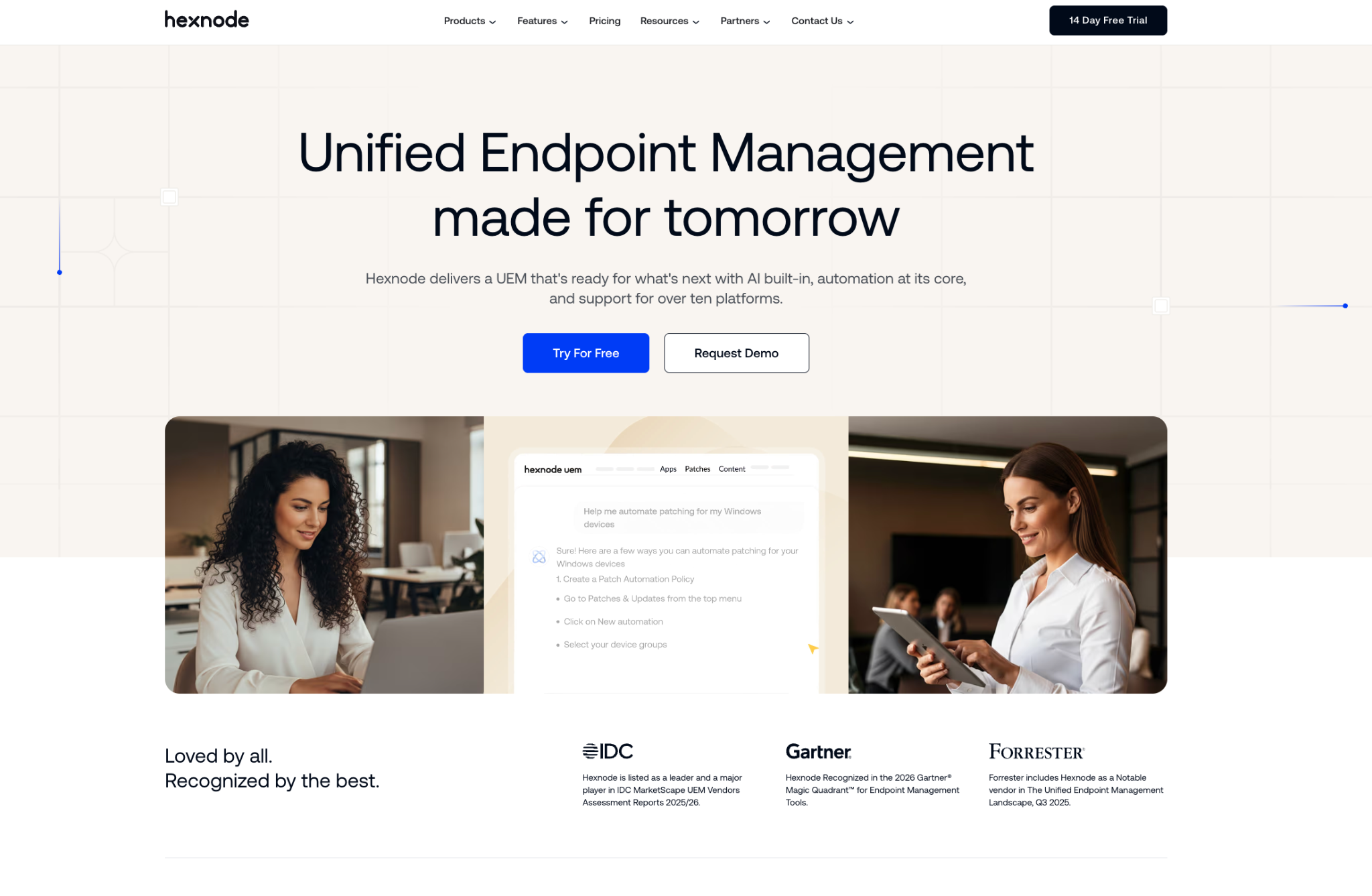
Hexnode is a cloud-based unified endpoint management (UEM) platform developed by Mitsogo. It helps IT teams manage iOS, Android, macOS, Windows, ChromeOS, and tvOS devices from a single console, and has capabilities including:
- Device enrollment
- Policy enforcement
- Application management
- Remote support
- Content distribution
- Kiosk mode
The software's broad operating system compatibility and relatively accessible pricing make it a popular choice for small and midsize businesses, especially if they primarily need device management. However, it may fall short when security, identity, and compliance needs start to take priority.
The 8 best Hexnode alternatives
| Tool | Best for | Top features vs. Hexnode | G2 rating |
|---|---|---|---|
| Iru | IT and security teams at scaling companies | Endpoint management, workforce identity, and compliance automation in one platform | 4.7/5 |
| Microsoft Intune | Microsoft 365 organizations, Windows-heavy fleets | Native integration with the full Microsoft security stack | 4.5/5 |
| Jamf | Apple-first organizations | Deep Apple-native MDM controls and zero-day Apple OS support | 4.7/5 |
| NinjaOne | MSPs and internal IT teams | RMM capabilities built in alongside endpoint management | 4.7/5 |
| ManageEngine Endpoint Central | Mid-market IT teams | Wide OS patch management coverage, including ChromeOS | 4.5/5 |
| Scalefusion | SMBs and frontline device deployments | Purpose-built Android kiosk and lockdown capabilities | 4.7/5 |
| Mosyle | Apple-only environments | Competitive Apple MDM pricing with strong education features | 4.6/5 |
| FileWave | Complex or heterogeneous fleets | Flexible file and app distribution for non-standard environments | 4.7/5 |
1. Iru
- Best for: IT and security teams at scaling companies that manage Mac, Windows, iOS, and Android alongside identity and compliance requirements
- G2 rating: 4.7/5
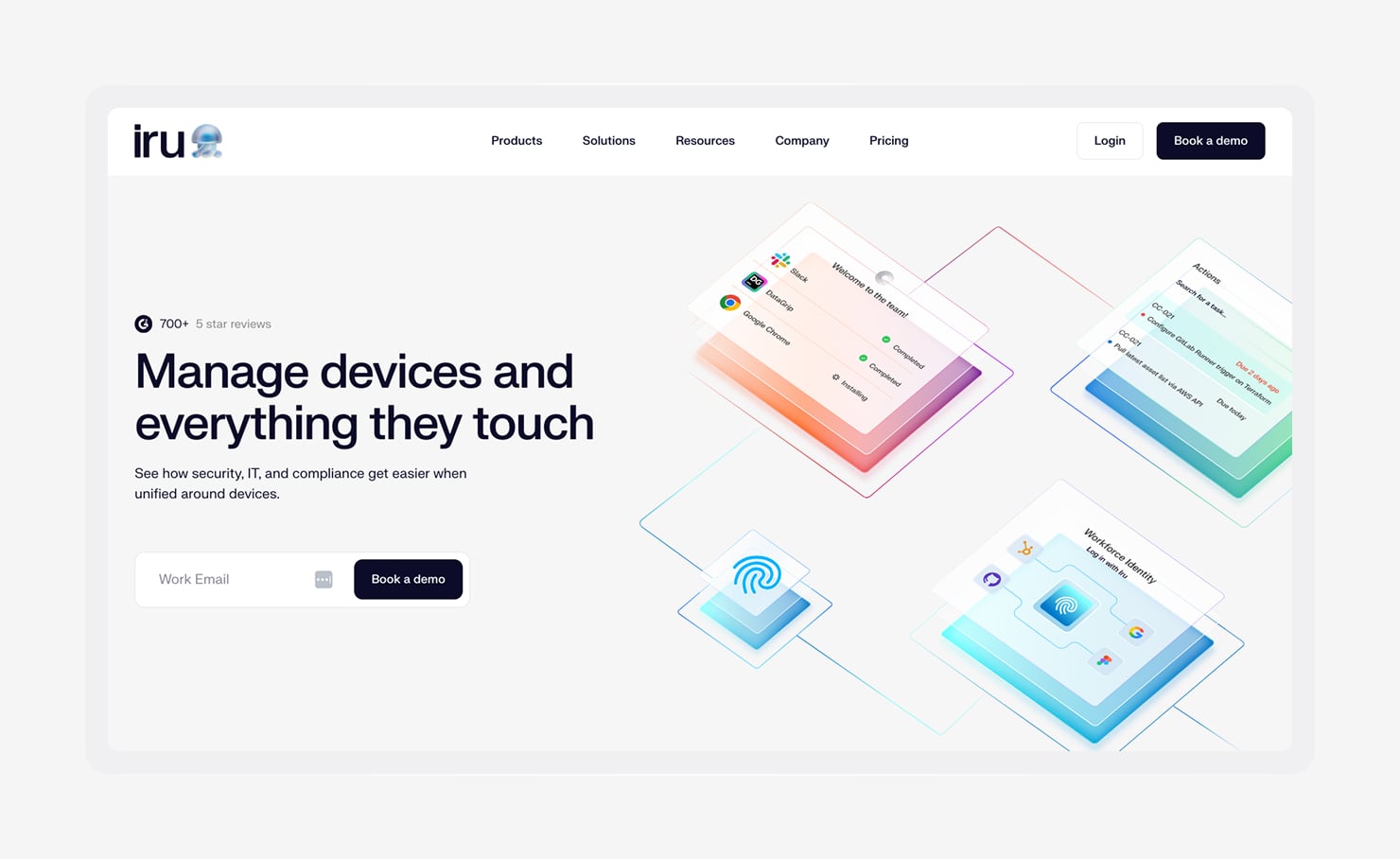
Iru is an AI-powered IT and security platform built for companies that have reached the point where managing separate tools for devices, identity, and compliance costs more than consolidating them. With Iru, all three systems live in one place but have their own function:
- Endpoint Management uses a single agent on Mac and Windows, combining device management, endpoint detection and response (EDR), and vulnerability management, also supporting iOS, iPadOS, and Android through standard MDM protocols.
- Workforce Identity adds device-bound passkeys for passwordless sign-in, and it checks real-time device health before granting access.
- AI-native Compliance Automation maps your controls to frameworks like SOC 2, ISO 27001, and ISO 42001. Then, it continuously collects and validates evidence so you're not scrambling to prep before an audit.
Because all systems share the same data and sync changes instantly, audit evidence stays up to date and reduces the need for manual cleanup.
Features:
- One agent for Mac and Windows: Combines device management, threat detection, and vulnerability tracking in a single lightweight agent, so you don’t need to juggle multiple tools.
- Workforce Identity with natively passwordless authentication: Uses device-based passkeys and zero-trust access controls to eliminate passwords, with phishing resistance built in from the start.
- AI-driven Compliance Automation: Supports frameworks, like SOC 2, ISO 27001, and ISO 42001, with controls that adapt to your environment and continuously collect evidence as conditions change.
- Automated app patching and updates: A library of 230+ apps that automatically update, often containing patches to close new and emerging vulnerabilities.
- Assignment Maps: See how device policies are applied in a simple, visual layout, spot conflicts before they cause issues, and understand configurations at a glance without digging through settings.
- 24/5 support: Get in touch with endpoint management experts when you need help, with chat responses typically in under two minutes.
2. Microsoft Intune
- Best for: Organizations running Microsoft 365 (E3/E5) with Windows-heavy fleets
- G2 rating: 4.5/5
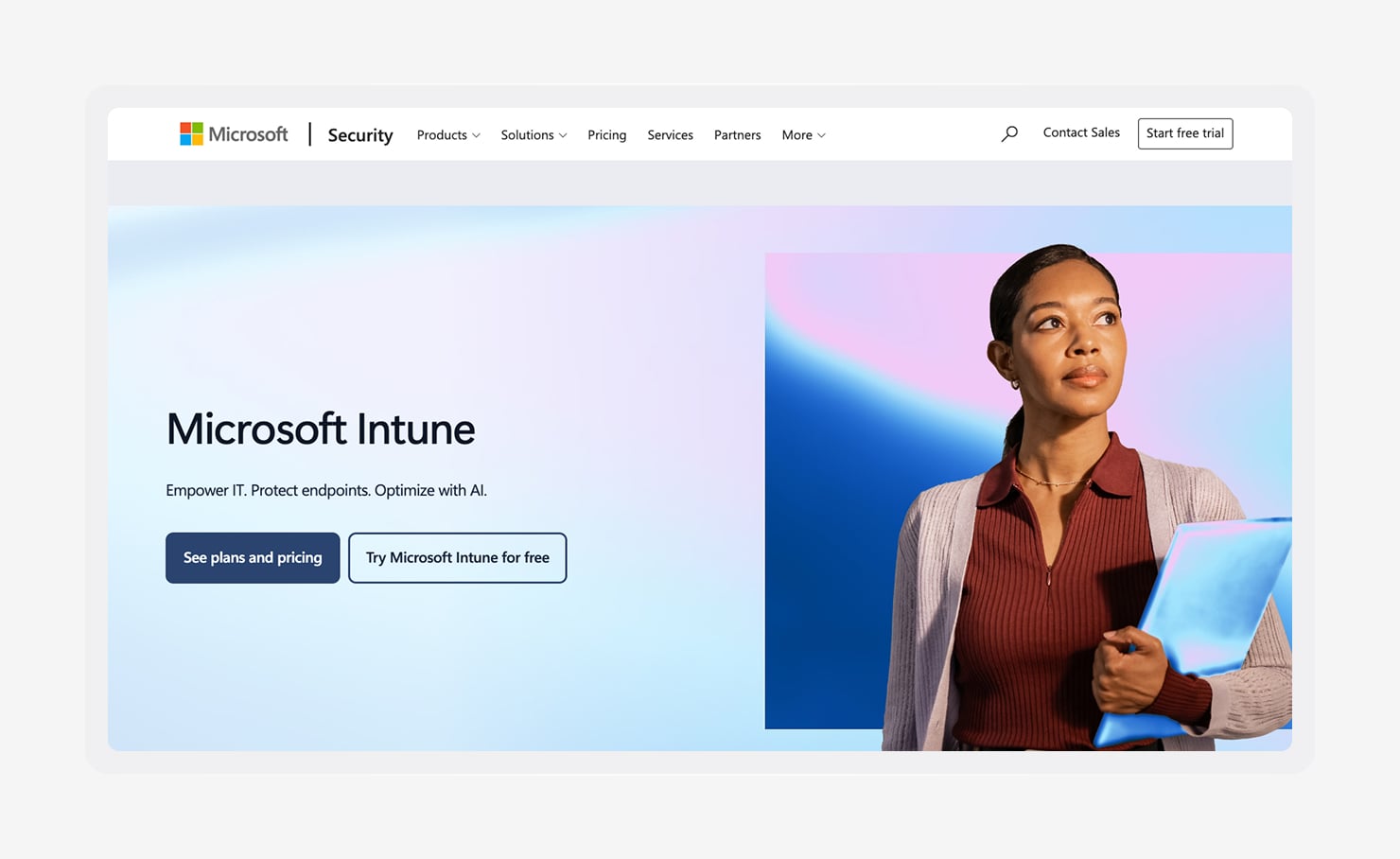
Organizations on Microsoft 365 enterprise plans already pay for Intune, which comes included in E3 and E5 licenses. This makes it an easy default for IT teams managing Windows-heavy environments.
It also integrates with Entra for identity management and Defender for endpoint security (all accessible through separate platforms). Organizations already invested in Microsoft's ecosystem can benefit from a mostly unified approach to device management, access control, and security.
For teams running mixed fleets, some advantages fall away. Administrators often need to rely on additional tools or scripts to achieve the same level of Mac management available in Apple-focused platforms.
Features:
- Windows MDM and policy enforcement:Get detailed control over configuration, updates, and security alignment, all built on Microsoft’s native policy system.
- Conditional Access with Microsoft Entra ID:Access rules check whether a device meets your security requirements before allowing users into Microsoft 365 or other connected apps.
- Cross-platform coverage:Manage Windows, macOS, iOS/iPadOS, and Android devices from a single dashboard, with the more robust capabilities available on Windows.
- App protection for Microsoft 365 apps:Keep company data safe within apps like Outlook and Teams without affecting the rest of the device.
- Microsoft Defender integration:Bring device management and threat protection together, so you can see security risks and take action from one place.
- Included in Microsoft 365 E3 and E5 licensing: If you’re already on these plans, Intune is part of the package, so there’s no extra per-user cost.
3. Jamf
- Best for: Apple-first organizations managing large Mac, iPhone, and iPad fleets
- G2 rating: 4.7/5
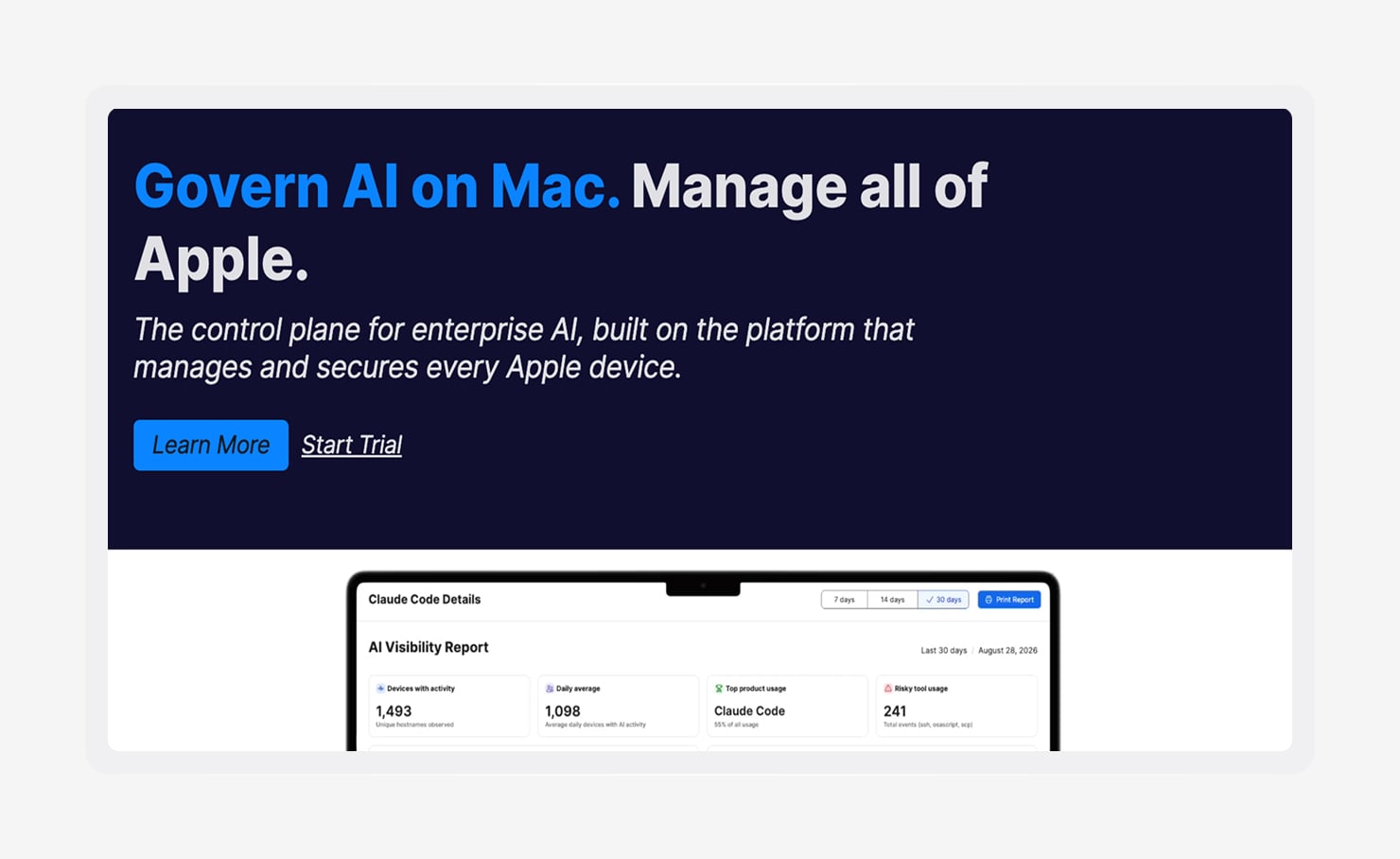
Jamf Pro is designed for Apple device management. It supports configuration and management for macOS, iOS, and iPadOS, and integrates with Apple Business Manager and Apple School Manager for zero-touch enrollment. It’s common in enterprise and K-12 environments, and a large community of experienced Jamf administrators has built up around it over time.
Organizations with Windows or Android devices typically manage those through a separate MDM solution. In mixed-OS environments, that means maintaining separate workflows and admin tools instead of using a single system for everything.
Features:
- Zero-day Apple OS support: Deploy macOS, iOS, iPadOS, and tvOS updates right when Apple releases them, with compatibility already tested so you’re not waiting on support.
- Flexible device targeting with Smart Groups: Target devices based on real data like hardware details, installed apps, or custom scripts, so policies apply exactly where you need them.
- Jamf App Catalog for Mac application management: Deploy and update Mac apps from a curated catalog, so IT does less manual app prep, less re-packaging, and less version tracking.
- Zero-touch deployment via Automated Device Enrollment: Ship devices straight to users, and they’ll power on already assigned, enrolled, and ready to use through Apple Business Manager.
- Jamf Nation community resources: Tap into a large library of shared scripts, configurations, and best practices contributed by admins over two decades.
- Integrations through the Jamf Marketplace: Connect Jamf with identity providers, security tools, and IT service platforms to fit into your existing stack.
4. NinjaOne
- Best for: MSPs and internal IT teams primarily managing Windows endpoints
- G2 rating: 4.7/5
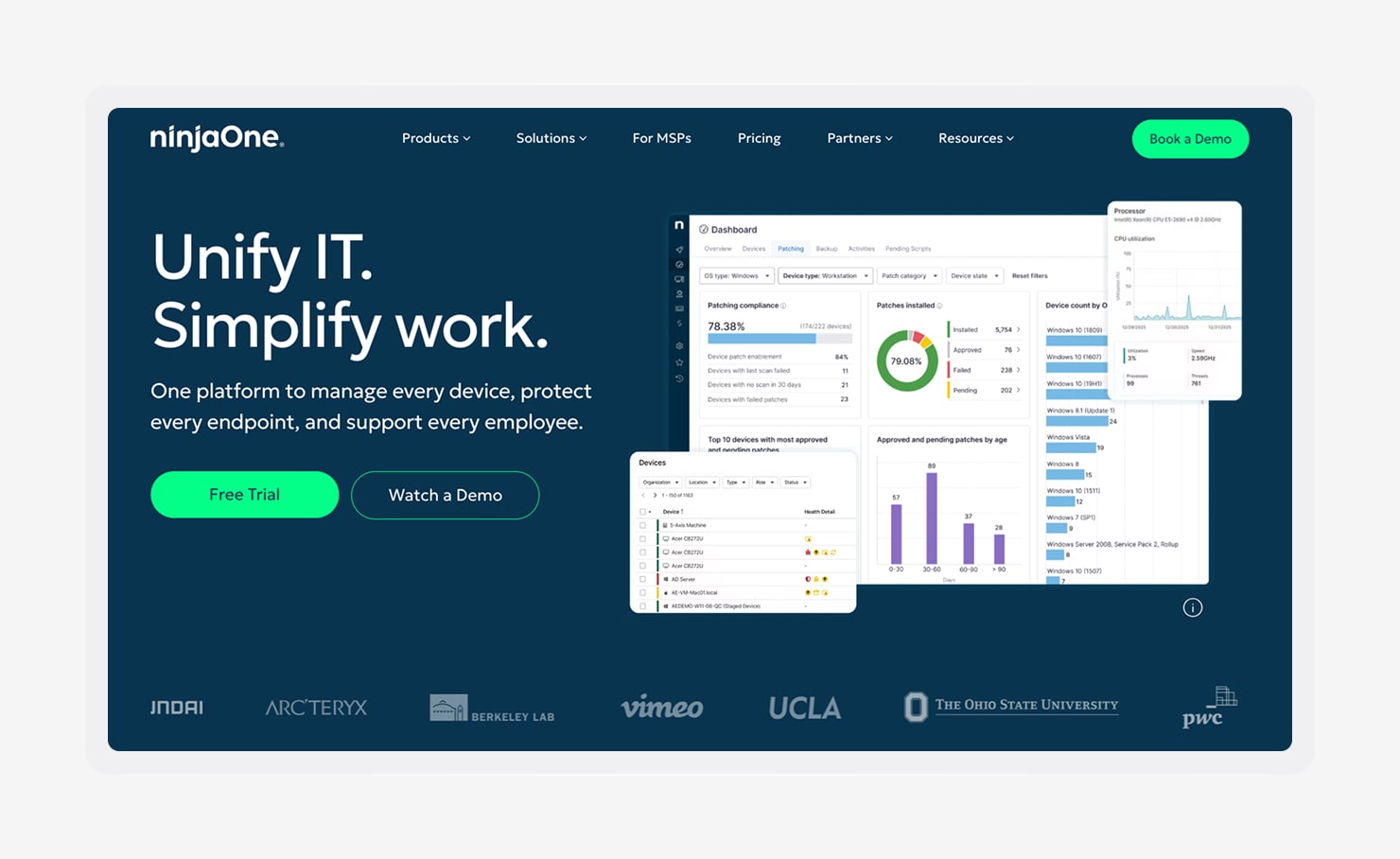
NinjaOne is a cloud-based IT operations platform built around remote monitoring and management, patch management, and remote access. It is popular with MSPs and internal IT teams managing Windows endpoint fleets, and has built a reputation for a clean interface and quick time-to-value compared to more complex platforms.
For Windows environments, it covers the core day-to-day needs well. Endpoint security, compliance automation, and Mac management are less central, so teams that need those capabilities usually add other tools.
Features:
- RMM with real-time device monitoring: See device health, status, and alerts continuously across the fleet, rather than waiting for scheduled check-ins.
- Patch management for OS and third-party applications: Automate deployment of Windows updates and common third-party software patches.
- Remote access and remote control built in: Connect to endpoints and take control directly from the NinjaOne console, without using a separate remote access tool.
- Automated alerts and remediation workflows: Set rules that trigger notifications or actions when device conditions move outside the thresholds you define.
- Ticketing and documentation integration: Connect NinjaOne with common ITSM tools to create tickets and sync documentation without manual copying.
- MSP-friendly multi-tenant management: Manage separate customer environments from one account, while keeping tenant data and settings isolated.
5. ManageEngine Endpoint Central
- Best for: Mid-market IT teams needing broad patch management and software deployment across all OS types
- G2 rating: 4.5/5
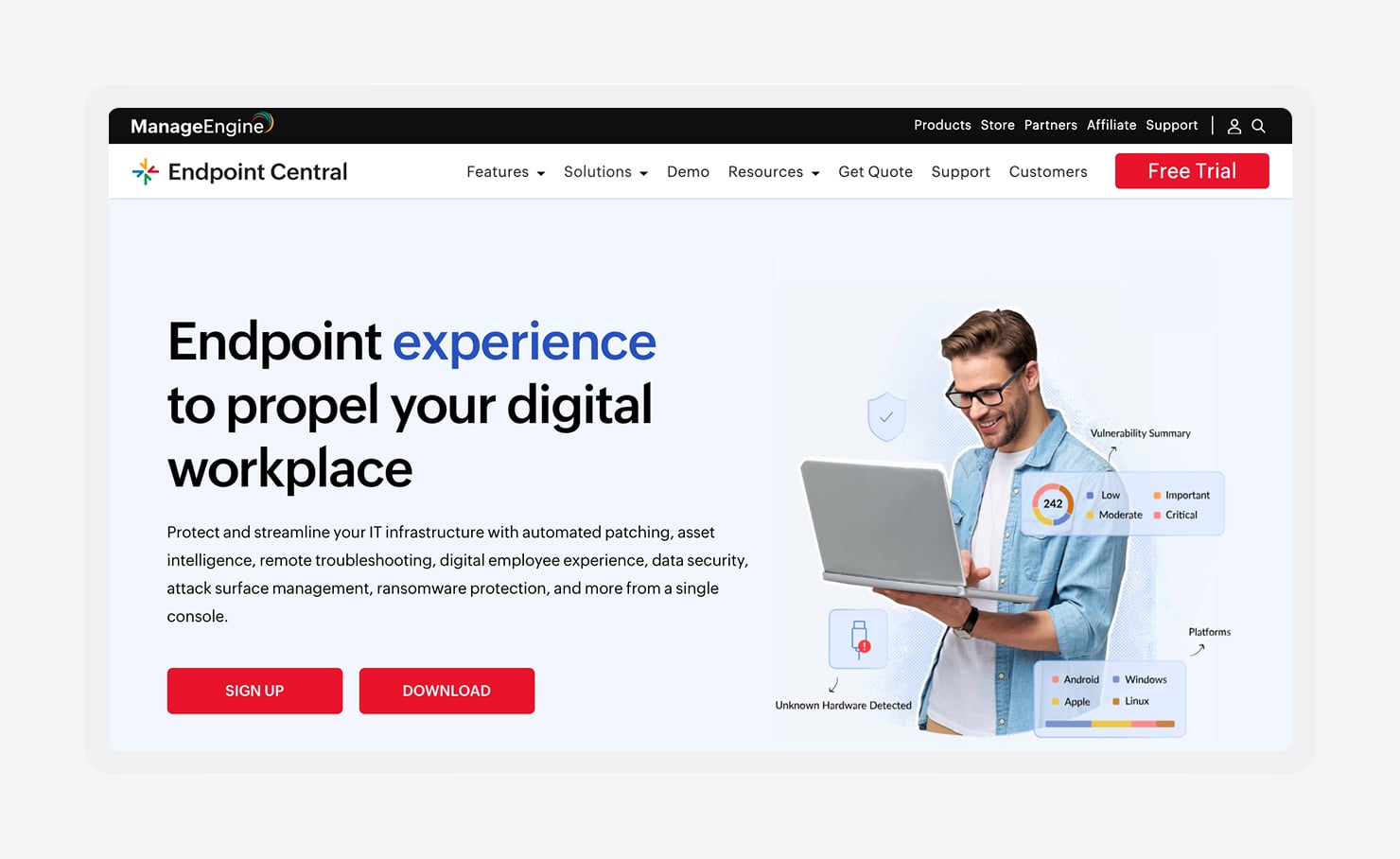
ManageEngine Endpoint Central is a unified endpoint management platform that covers Windows, macOS, Linux, iOS, and Android. It is a strong fit for mid-market IT teams that want patching, software deployment, scripting, and ITSM integrations in a single system.
That breadth is helpful for organizations with mixed OS environments. That said, teams may need more time to get comfortable with the interface's functionality if they're used to lighter cloud-native MDM tools.
Features:
- Cross-platform management: Manage Windows, macOS, Linux, iOS, Android, and ChromeOS from one console.
- Third-party patch management for 900+ applications: Extend patching beyond the operating system to cover common third-party apps.
- Software deployment and remote troubleshooting: Push software to devices from one place and connect remotely when users need help.
- Vulnerability and compliance reporting: Produce reports that show how devices measure up against standard security benchmarks.
- Integration with ManageEngine ServiceDesk Plus: Send endpoint events into ServiceDesk Plus so IT teams can work on tickets and updates in one workflow.
- On-premises and cloud deployment options: Choose between self-hosted and cloud-based setups to match your hosting, data residency, and internal control requirements.
6. Scalefusion
- Best for: SMBs and organizations deploying Android kiosk or frontline worker devices
- G2 rating: 4.7/5
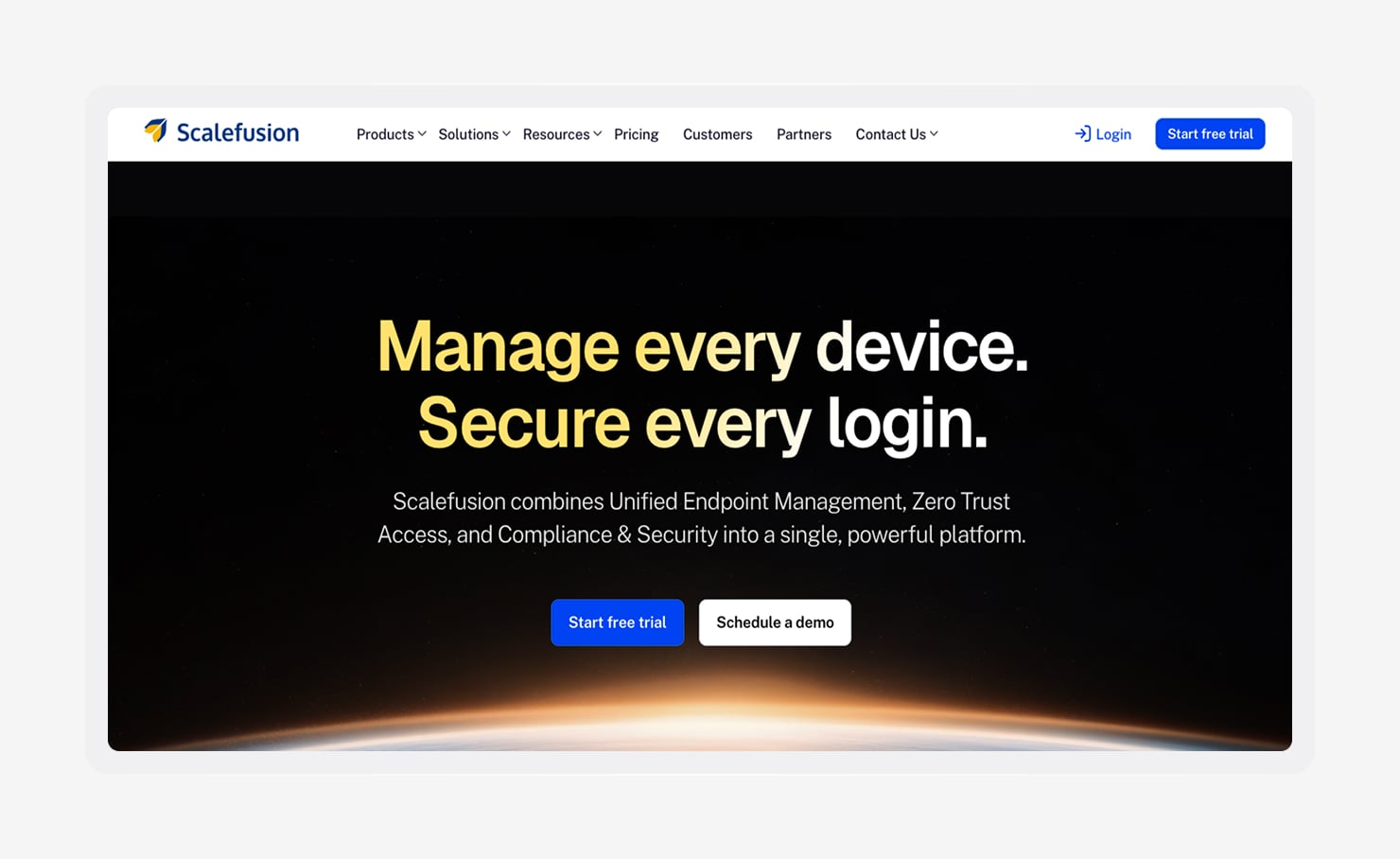
Scalefusion is a unified endpoint management platform with strong support for Android device management. Its kiosk features are especially useful for organizations deploying frontline devices in retail, logistics, and healthcare, where devices often need to stay locked to specific apps or workflows.
The platform also supports iOS, macOS, and Windows. Teams with heavier Apple management needs, built-in identity features, or broader compliance requirements often find it a better fit for Android-heavy or frontline-focused deployments than for general fleet management.
Features:
- Android Enterprise management with kiosk and lockdown modes: Set up Android devices for single-purpose use with controls for apps, content, and device access.
- Zero-touch enrollment for Android, iOS, Windows, and macOS: Devices can be configured automatically at first boot across supported platforms, without manual IT work on each device.
- Digital signage and content management for shared devices: Deliver and manage content on devices used in public-facing or shared spaces.
- Remote cast and control for frontline support: View and control devices remotely to troubleshoot issues without sending someone onsite.
- Location tracking and geofencing: See where devices are and set rules based on geographic boundaries for use cases like logistics and delivery.
- Multi-tenant management for MSPs: Manage separate customer environments from one account while keeping their data isolated.
7. Mosyle
- Best for: Apple-only environments, particularly education and SMB organizations
- G2 rating: 4.6/5
Mosyle is an Apple-focused MDM platform with separate products for business, education, and MSP environments. It’s common for K-12 education, where its pricing and straightforward setup make it more practical. For smaller business teams, it offers Apple device management with less administrative overhead than some more feature-heavy platforms.
Windows and Android devices are outside Mosyle’s scope. Organizations managing mixed-OS fleets typically handle those through a separate solution.
Features:
- Apple MDM for Mac, iPhone, iPad, and Apple TV: Enroll devices, push apps and settings, and track inventory, OS versions, and compliance across Apple devices.
- Automated Device Enrollment and zero-touch Mac setup: Configure devices through Apple Business Manager so when they arrive, they’re already assigned to the right user or group.
- Education tools for K-12: Assign devices, control class sessions, and support the iPads that students share.
- MSP management through Mosyle Fuse: Manage separate Apple environments for multiple customers from one account while keeping their data isolated.
- Competitive pricing for SMB and education: Offers lower-cost plans for smaller organizations and schools, with a free tier for qualifying education customers.
8. FileWave
- Best for: Organizations managing complex or heterogeneous fleets, including legacy hardware
- G2 rating: 4.7/5
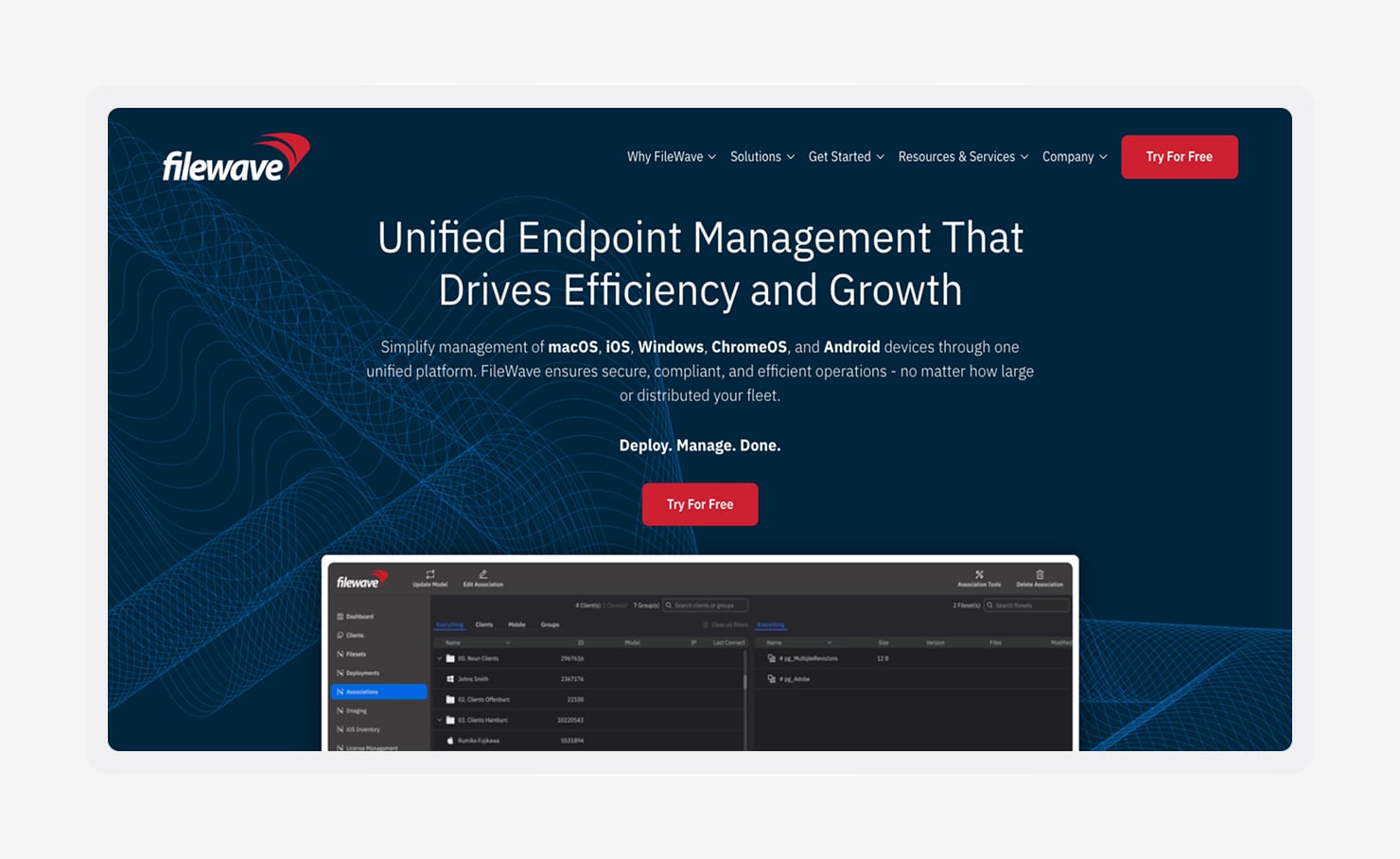
FileWave is a cross-platform UEM platform with a long track record in education, government, and enterprise environments. It supports application distribution across Windows, macOS, iOS, Android, and Linux, with deployment options that can handle complex fleets and offline devices.
The interface and configuration approach reflect that enterprise background. Teams coming from modern cloud-native MDM tools may find it takes longer to learn than lighter platforms.
Features:
- Manage various platforms: Manage macOS, Windows, iOS, Android, and ChromeOS with consistent policies across mixed device environments.
- Deploy apps and files: Send specific apps and files to selected device groups, with control over when and where they appear.
- Support offline environments: Keep software deployment working in air-gapped or low-bandwidth environments where cloud tools can’t reliably reach devices.
- Detailed software inventory and reporting: See what’s installed across the fleet and monitor changes over time for inventory and audit purposes.
- Compliance reporting for regulated industries: Create reports for regulated environments that help document compliance against common frameworks.
- On-premises and cloud deployment options: Choose between an on-premises or cloud setup based on your hosting requirements.
Iru brings device management, identity, and compliance into one platform
If your team is managing Mac, Windows, iOS, and Android alongside identity and compliance requirements, try Iru. With a shared data layer, changes flow through more smoothly, and audit evidence stays current without manual reconciliation.
But don’t just take our word for it. Book a demo to walk through how Endpoint Management, Workforce Identity, and Compliance Automation work together