
 Workforce Identity
 Endpoint Management
 Endpoint Detection & Response
 Vulnerability Management
 Compliance Automation
 Trust Center


Your Intune console can say every device is compliant, but getting there is the hard part. Without the premium Enterprise App Management add-on, patching a third-party app means packaging it yourself as a Win32 installer and waiting on a check-in cycle to confirm it landed. It's friction like this that sends teams looking for Microsoft Intune alternatives before a single Mac ever joins the fleet.
Compliance reporting can lag behind what's happening on the device, and features you'd expect to be standard, such as conditional access and advanced endpoint management, are behind additional Entra ID and Intune Suite licensing. Add a mixed fleet and the gaps widen, since endpoint management has to cover every device you run, not just the ones the tool was built for.
The platforms worth evaluating cut that overhead: automated patching across hundreds of apps, clearer compliance visibility, and identity/access built into the same agent instead of being licensed separately. Here's how eight of the leading ones compare.
What is Microsoft Intune?
Microsoft Intune is a cloud-based endpoint management service that secures and manages an organization's devices and apps. Teams use it to enroll, configure, and update endpoints, deploy and protect apps, and control access to company resources. It runs entirely on the cloud and supports Android, iOS/iPadOS, Linux, macOS, tvOS, visionOS, and Windows, all managed from the web-based Intune admin center.
Intune is built around three pillars: the identities that sign in, the devices they sign in from, and the apps used to get work done. Identity runs on Microsoft Entra ID, while device and app compliance signals feed Entra Conditional Access, which controls who can access what. Teams can manage endpoints with MDM (mobile device management) for full device control, or MAM (mobile application management) for protecting only work apps.
Advanced capabilities like endpoint privilege management, enterprise app management, analytics, and remote help are available through Microsoft 365 plans, the Intune Suite, or standalone subscriptions. In addition, Copilot in Intune adds an AI assistant for summarizing policies and triaging issues. And, if you’re already invested in Microsoft 365, Intune provides a tightly integrated way to manage identities, devices, and apps from a single console.
The 8 best Microsoft Intune alternatives
Here’s a quick breakdown of some of the top Microsoft Intune competitors:
| Tool | Best for | Key feature | G2 rating |
|---|---|---|---|
| Iru | Security-first IT teams | Management and security in one agent | 4.7/5 |
| Workspace ONE by Omnissa | Cross-OS device management | Advanced vulnerability detection and response | 4.0/5 |
| JumpCloud | Deep identity and access management | Cross-OS software deployment and management | 4.5/5 |
| Hexnode | Small-to-midsized businesses | No-code workflow builder for task automation | 4.5/5 |
| ManageEngine | Enterprise IT operations | AI-powered endpoint threat detection and remediation | 4.5/5 |
| Citrix Endpoint Management | Teams managing on-premises infrastructure | 300+ configurable security policies | 4.0/5 |
| NinjaOne | Teams managing Windows endpoints | RMM with real-time device monitoring | 4.7/5 |
| Jamf Pro | Apple-first organizations | Zero-day Apple OS support (macOS, iOS, iPadOS, tvOS) | 4.7/5 |
1. Iru
Best for: Security-first IT teams
G2 rating: 4.7/5
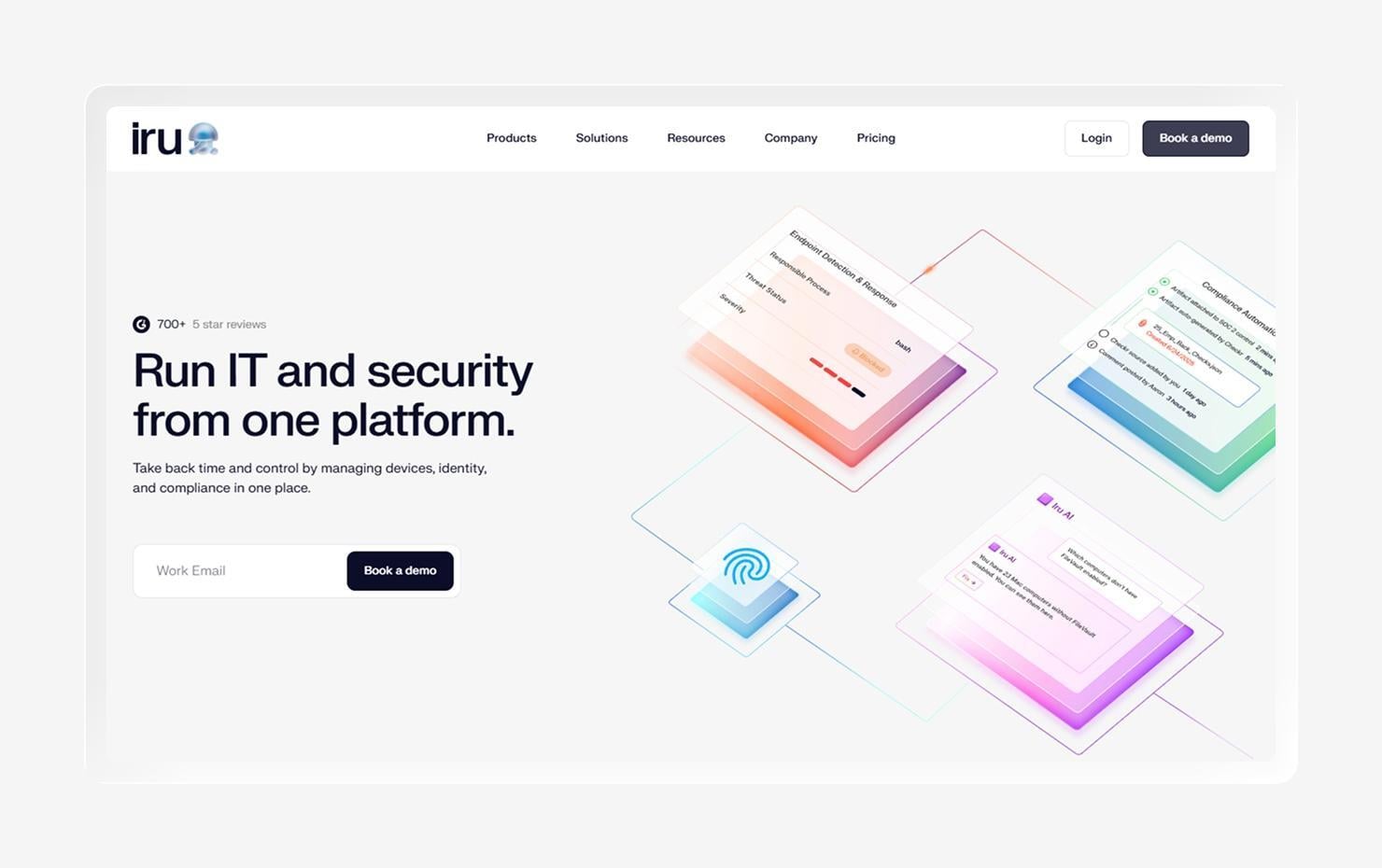
Iru is an AI-powered IT and security platform that unifies cross-OS endpoint management, EDR, workforce identity, and adaptive compliance automation into a single platform, with a single lightweight agent handling device management and security. Where Intune is built on the Microsoft ecosystem and leans toward Windows, Iru is designed to manage and secure every device in your fleet, making it a strong first stop for teams that want breadth without stitching together multiple tools.
The clearest contrast is coverage. Iru runs a single agent across both Mac and Windows, so the same enrollment, configuration, and security controls apply regardless of the device. Its Apple support is especially deep, with immediate payload delivery and zero-touch deployment through Automated Device Enrollment, so changes land in minutes rather than days, and new hires are productive the moment they open a laptop.
Iru is also built to be approachable. Configuring and managing devices doesn't require specialized scripting knowledge, and prebuilt automations and workflows handle routine tasks like patching and onboarding without custom engineering. Because endpoint, identity, and compliance share one data model, the Iru Context Model, Iru's AI platform can surface stronger insights than tools that pull from disconnected systems.
For security-conscious teams, the payoff is a consolidated stack: device management, EDR, passwordless identity, and continuous compliance evidence in one console, rather than a set of integrations to maintain. Teams evaluating endpoint management across their entire fleet can book a demo to see how Iru handles it in practice.
Features
- Management and security in one agent: Endpoint management and security run through a single lightweight agent, so there's no separate tooling to deploy or reconcile across devices.
- Workforce Identity with natively passwordless authentication: Device-bound passkeys and conditional access remove passwords entirely, making sign-in phishing-resistant by design.
- Shared data infrastructure built for the AI era: Endpoint, identity, and compliance data live in one model, giving Iru's AI a richer context for insights and automated actions.
- Automated app patching across hundreds of common apps: Iru's Auto Apps library keeps 200+ Mac and Windows apps current automatically, closing the patch gap without manual packaging.
- Fast connection and security control management for Apple devices: Fresh data and immediate payload delivery let IT enforce controls and install apps with devices responding in minutes, not days.
- 24/5 support: Iru's support engineers, all with real-world admin experience, are available via chat five days a week, typically responding in under two minutes.
2. Workspace ONE by Omnissa
Best for: Cross-OS device management
G2 rating: 4.0/5
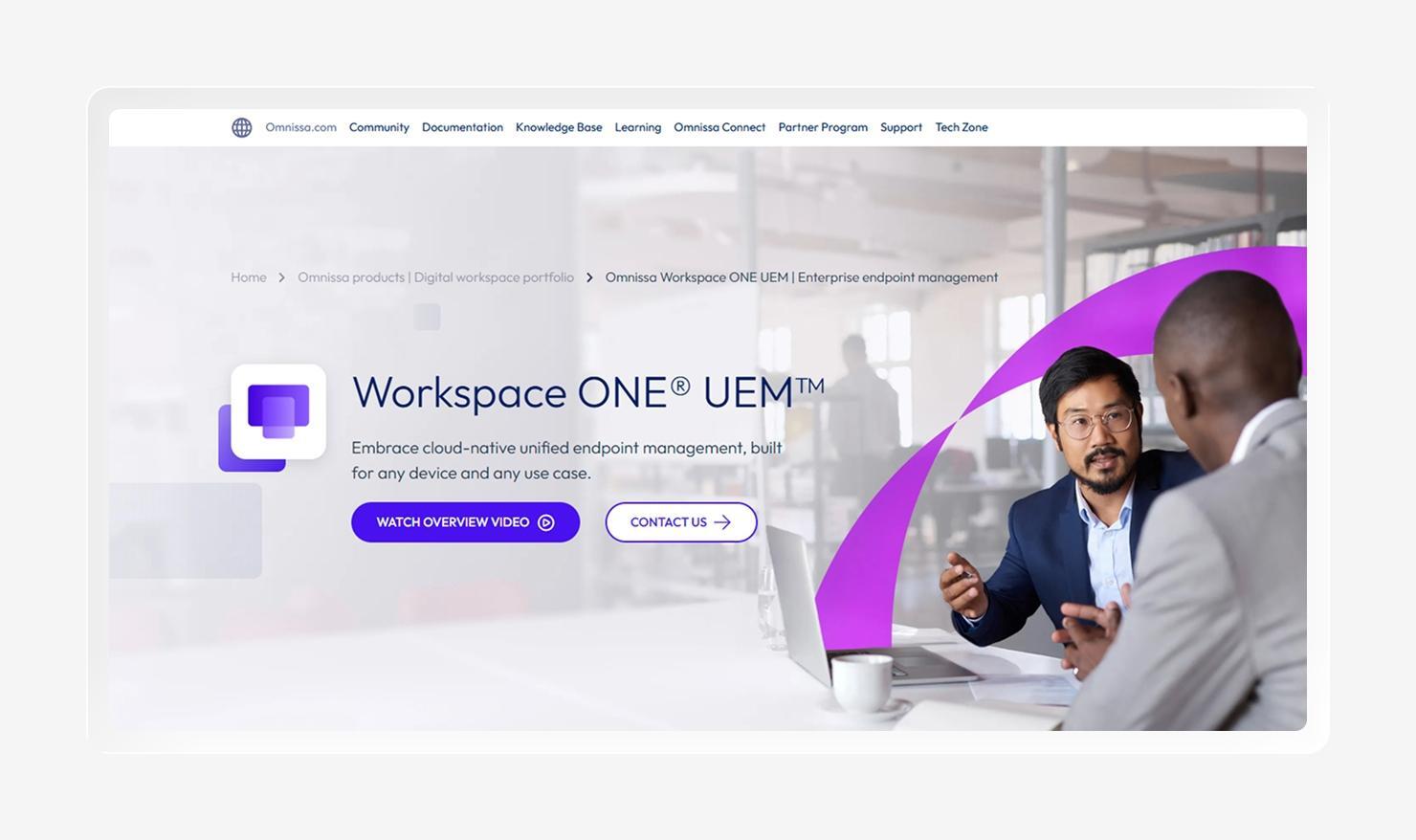
Workspace ONE is a unified endpoint management platform, originally part of VMware and now owned by Omnissa, with some of the widest platform coverage in the category. It covers Windows, macOS, iOS, Android, Linux, and ruggedized devices. That breadth makes it a natural fit for organizations that need to manage multiple device types from a single console, particularly teams already invested in VMware or Omnissa infrastructure.
For those organizations, the appeal is consolidation: a single platform spanning device management, application delivery, and access control across a mixed fleet, backed by analytics and automation for large, complex environments. Teams tend to value the range of configuration options and the ability to standardize policy across very different endpoints.
The trade-offs are worth weighing. Some teams have re-evaluated Workspace ONE on cost, while others point to a learning curve associated with the platform's breadth. For smaller or fast-moving teams, that depth can be more than they need. For enterprises standardizing across many operating systems, it remains a viable option.
Features
- AI-assisted management and automation: Built-in AI and automation tools surface insights and improve routine fleet management tasks.
- Security policy configuration and compliance monitoring: Admins can define security policies and continuously monitor devices for compliance.
- Vulnerability Defense for detection and remediation: Maps vulnerabilities to affected endpoints and prioritizes remediation, powered by a CrowdStrike Falcon Exposure Management integration.
- Automated patch deployment and management: Patches can be scheduled and deployed across supported operating systems with limited manual effort.
- Analytics dashboards for employee experience and risk: Dashboards report on device health, digital employee experience, and risk signals for IT and security teams.
3. JumpCloud
Best for: Deep identity and access management
G2 rating: 4.5/5
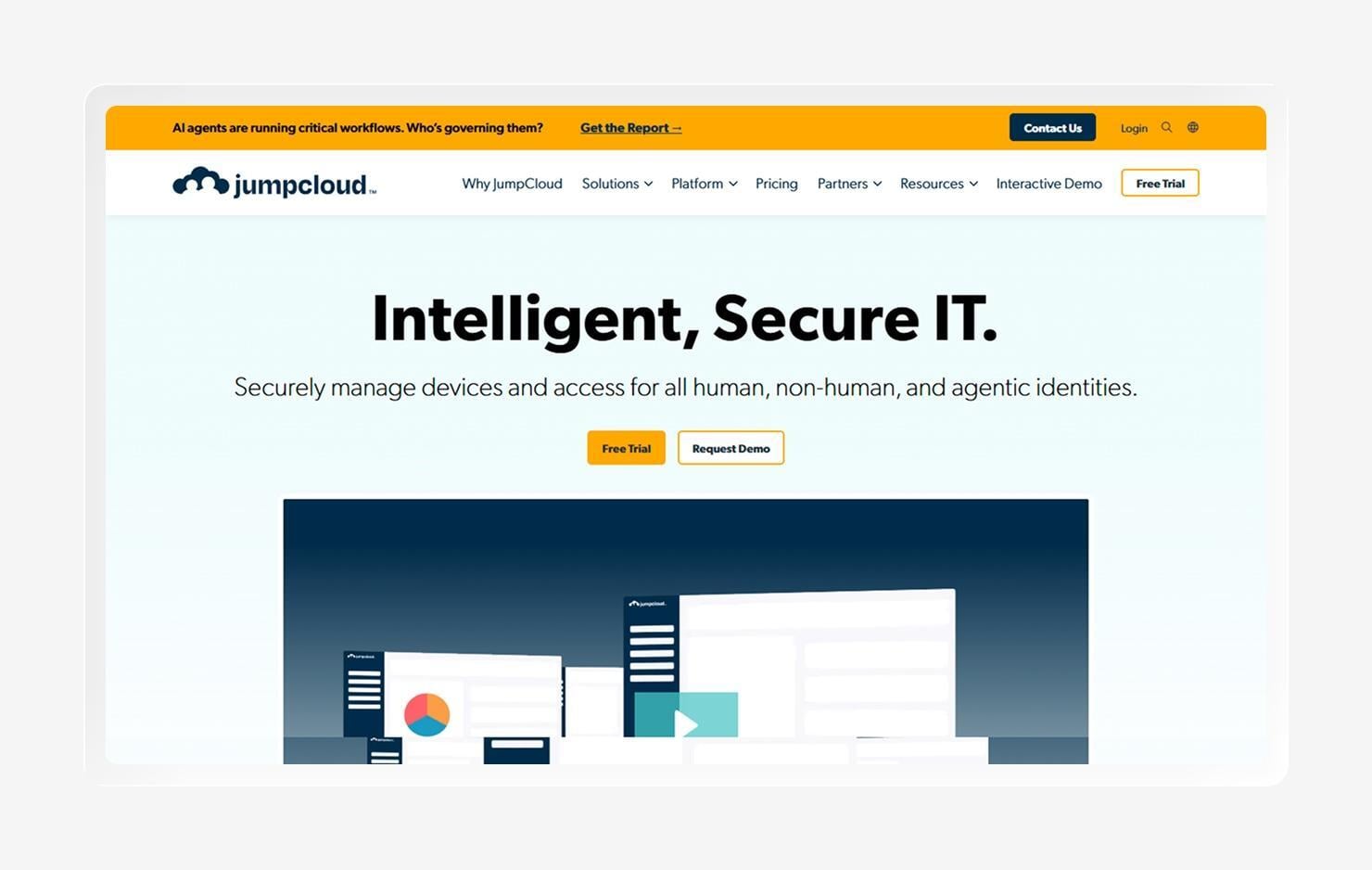
JumpCloud pairs a cloud-based directory service with cross-platform device management across Mac, Windows, Linux, iOS, and Android. That combination makes it a natural fit for organizations replacing or supplementing Active Directory without adopting Microsoft's full identity stack, and it's where JumpCloud is strongest; identity and access sit at the center of the platform rather than bolted on.
Much of that value lives in a single admin console: SSO with SAML 2.0 and OIDC, LDAP and RADIUS integration, and zero-trust network access capabilities alongside core MDM. For mixed or Windows-heavy fleets at SMB and lower mid-market scale, that breadth of identity functionality in one place is a meaningful draw, and teams often cite the platform's ease of use once it's set up.
Where JumpCloud is comparatively lighter is in security. Its capabilities for security policy enforcement, application lifecycle management, and vulnerability tooling are more limited than platforms built security-first, so organizations with heavier endpoint security or compliance requirements may find themselves supplementing it with additional tools.
Features
- Zero-touch enrollment for mobile devices: New devices can be automatically provisioned without hands-on IT setup.
- Remote device access for troubleshooting: Admins can connect to managed devices remotely to diagnose and resolve issues.
- Automated patch deployment: OS and app patches can be scheduled and pushed across supported platforms.
- Cross-OS software deployment and management: Software can be deployed and managed consistently across Mac, Windows, and Linux.
- Simplified, compliant reporting: Built-in reporting helps teams document access and device state for compliance needs.
4. Hexnode
Best for: Small-to-midsized businesses
G2 rating: 4.5/5
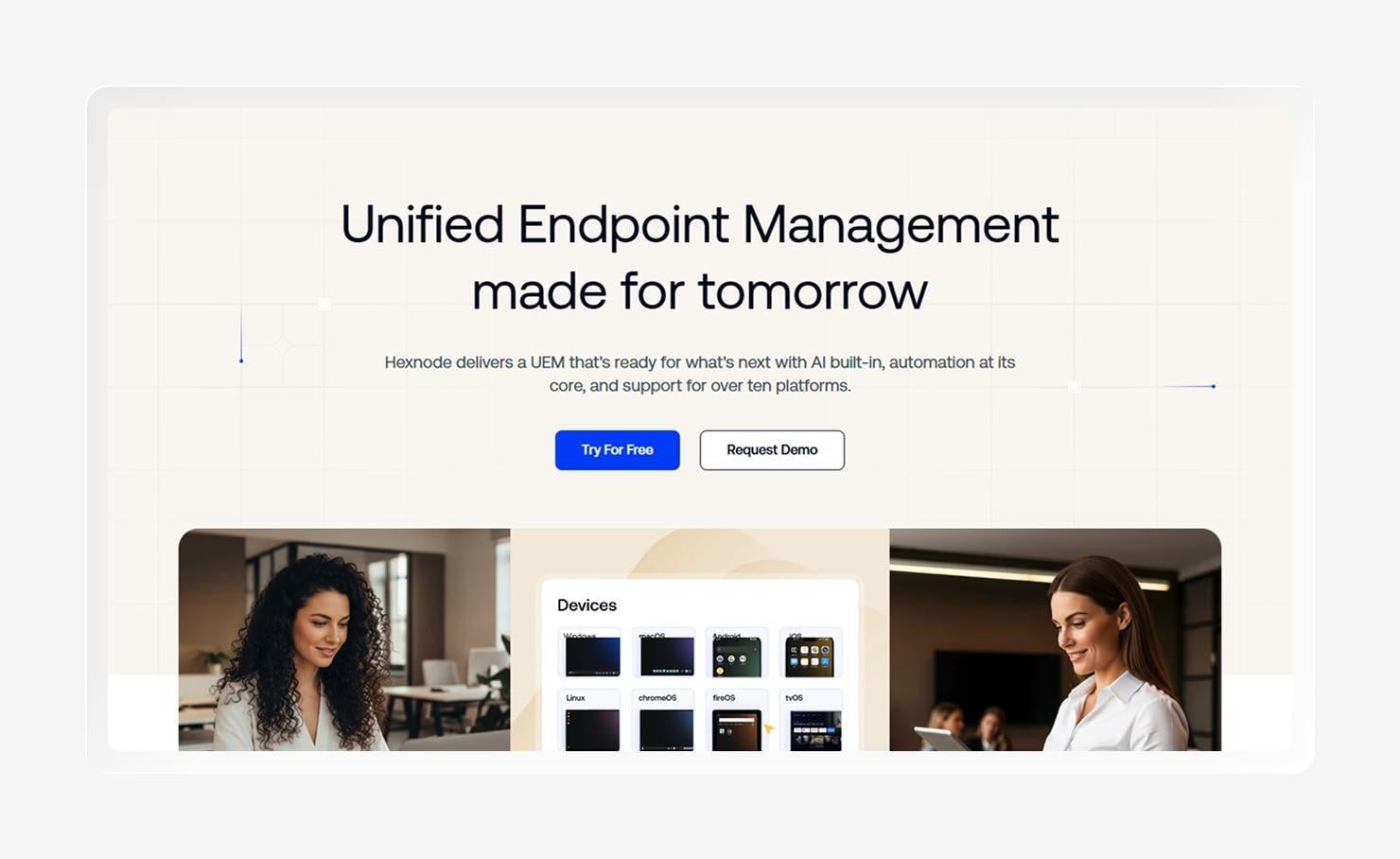
Hexnode is a cloud-based unified endpoint management platform built around MDM, kiosk mode, and policy enforcement, with wide cross-platform coverage spanning iOS, Android, macOS, Windows, ChromeOS, tvOS, FireOS, Linux, and VisionOS. Its combination of straightforward setup, feature depth, and broad OS support makes it approachable for teams looking to manage diverse devices without a steep ramp-up.
That accessibility is where Hexnode tends to shine. Reviewers often highlight how simple it is to push apps and configure devices, and kiosk mode is a common draw for teams managing shared or single-purpose hardware at points of sale. For small to mid-sized businesses standing up device management, it offers a lot of capability relative to the effort required to get started.
The consideration is depth rather than size. Hexnode scales from small teams to large, distributed fleets, but organizations with heavier security, identity, or compliance requirements often supplement it with a more security-first or identity-centric platform. Some users also note pricing that climbs as technicians are added.
Features
- Streamlined migration: Tools and guidance help teams migrate existing devices to the platform with minimal disruption.
- Automated patching and compliance monitoring: App and OS updates run automatically while devices are continuously checked against compliance rules.
- No-code workflow builder for task automation: Admins can automate routine tasks visually without writing scripts.
- Remote troubleshooting: IT can connect to and diagnose managed devices remotely.
- Security policy enforcement: Configurable policies enforce baseline security settings across enrolled devices.
5. ManageEngine Endpoint Central
Best for: Enterprise IT operations
G2 rating: 4.5/5
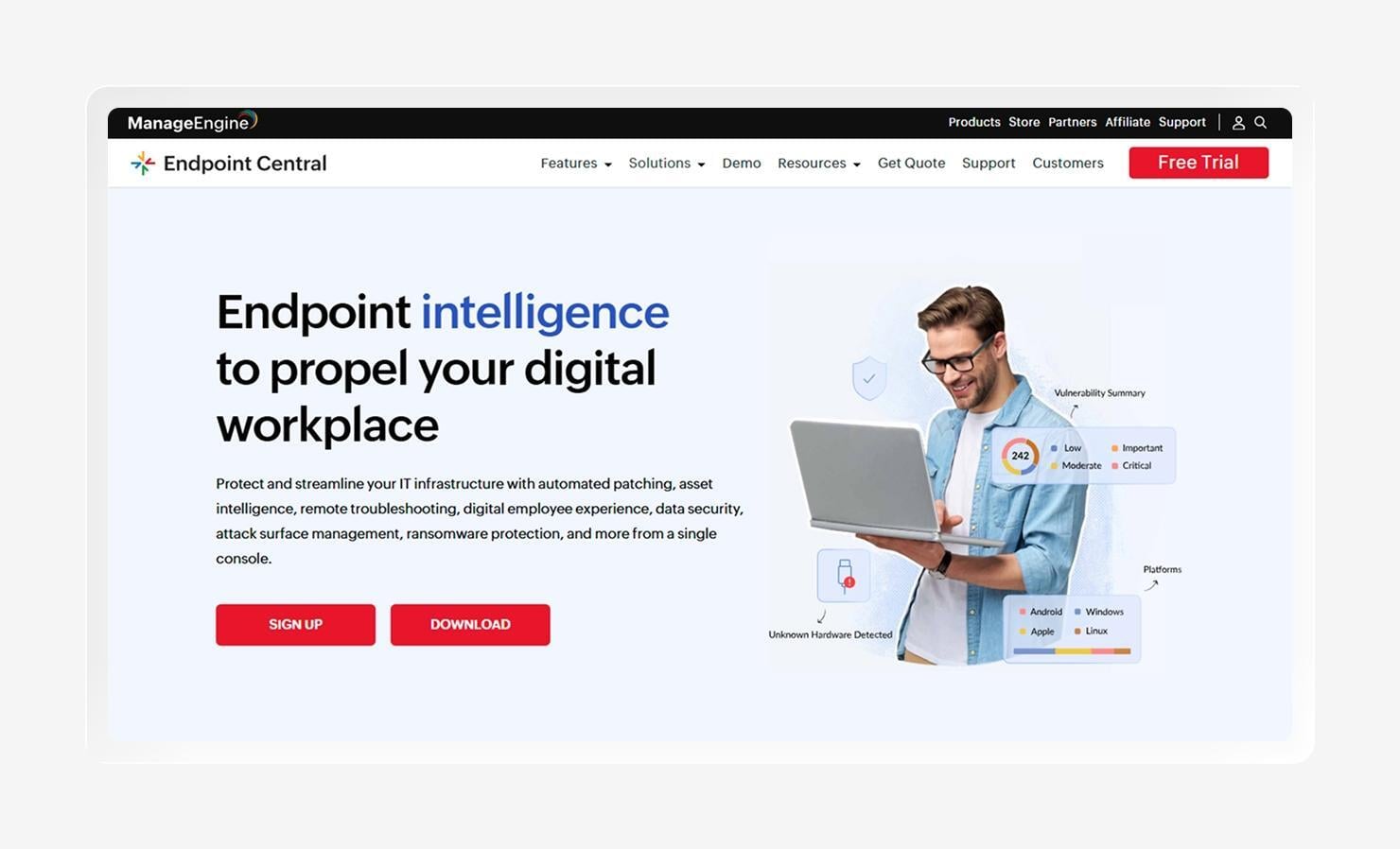
ManageEngine Endpoint Central is a unified endpoint management and security platform that covers the full endpoint lifecycle, from software deployment, patching, and OS imaging to remote troubleshooting and MDM, all from one console. It's part of ManageEngine's wider IT management portfolio, so it slots naturally into environments already running its ITSM and monitoring tools.
Its strength is breadth and control. Endpoint Central automates patching across 1,000+ Windows, Mac, Linux, and third-party apps, and layers on security capabilities like ransomware protection, vulnerability management, and data loss prevention. For enterprise IT operations teams that want a wide ITSM-plus-UEM footprint under one vendor, that depth is the draw.
The trade-off is complexity. The same feature density that makes it powerful creates a steeper learning curve than cloud-native MDM platforms, and its Apple management is less specialized than Apple-first tools. For broad, Windows-centric enterprise estates, it's a capable all-rounder, but Apple-heavy teams may still lean on supplementary tooling.
Features
- Automated patch deployment: Detects and deploys missing patches across 1,000+ Windows, Mac, Linux, and third-party apps, with test-and-approve controls.
- Incident response and root-cause analysis for ransomware attacks: Behavior-based detection flags ransomware activity and traces its origin to speed containment.
- Data recovery and loss prevention: One-click file recovery restores affected files, while DLP policies guard sensitive data on endpoints.
- AI-powered endpoint threat detection and remediation: Machine-learning analysis surfaces threats and supports automated remediation workflows.
- Remote troubleshooting: Built-in remote control lets technicians diagnose and fix devices without being on site.
6. Citrix Endpoint Management
Best for: Teams managing on-premises infrastructure
G2 rating: 4.0/5
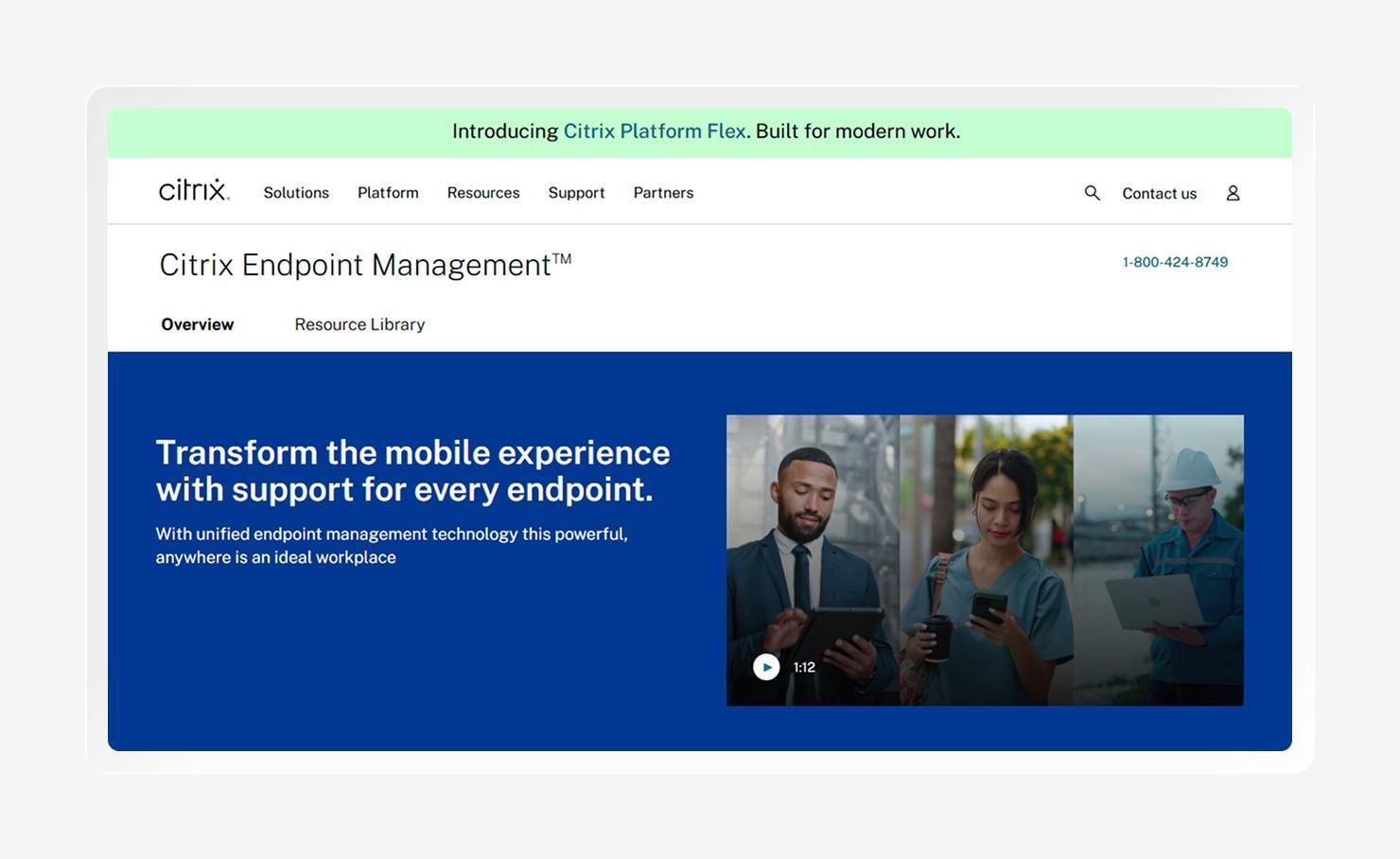
Citrix Endpoint Management is a UEM solution built into the broader Citrix platform, offering MDM and mobile app management across Windows, macOS, iOS, iPadOS, Android, and ChromeOS. It brings apps and endpoints into a single view, with a strong emphasis on secure access to corporate resources.
What sets it apart is deployment flexibility. Citrix Endpoint Management runs in the cloud or on-premises with the same feature set, and it connects to on-premises infrastructure in ways most cloud-only platforms don't. For enterprises with existing Citrix investments or data-residency and on-prem requirements, that's a meaningful fit.
It offers deep policy control, with 300+ configurable security policies, app containerization, and context-aware, zero-trust access. The consideration is that this depth suits complex enterprise environments more than lean teams, and organizations not already in the Citrix ecosystem may find lighter-weight MDM platforms faster to stand up.
Features
- 300+ configurable security policies: A large policy library enforces granular, context-aware security across managed devices and apps.
- Consistent experience across mobile devices: Delivers managed apps and policies while maintaining a high-quality experience on major mobile platforms.
- Analytics and security insights: Citrix Analytics applies machine learning to surface user, app, and security signals for proactive management.
- Device compliance management: Continuous compliance checks flag devices that drift from policy and can trigger access restrictions.
- Integration with on-premises infrastructure: Native connectivity to on-prem systems supports hybrid and data-residency requirements.
7. NinjaOne
Best for: Teams managing Windows endpoints
G2 rating: 4.7/5
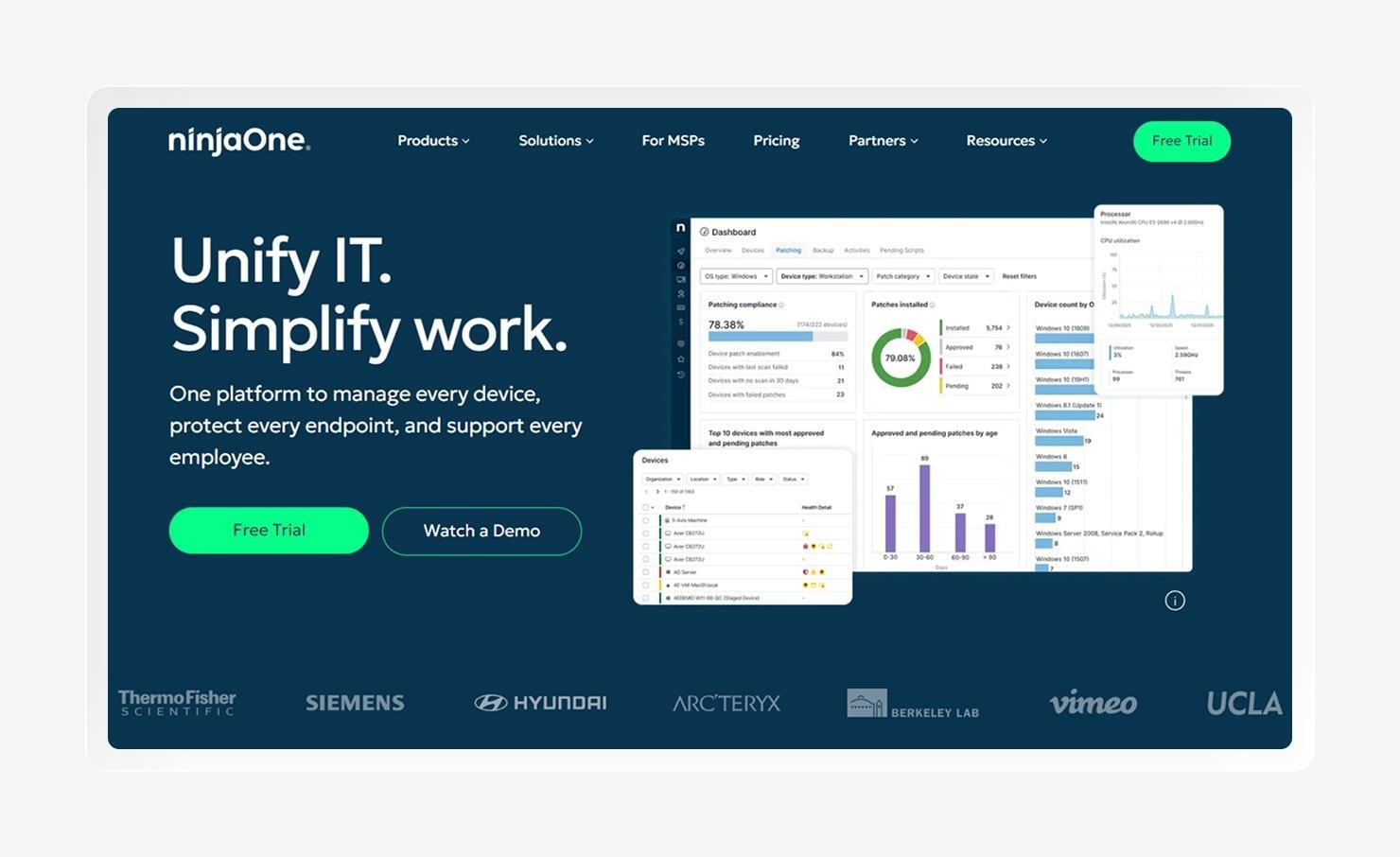
NinjaOne is a cloud-based IT operations platform built around remote monitoring and management (RMM), patch management, and remote access. It started with MSPs and internal IT teams, earning a following for a clean interface and fast time-to-value.
Over time, it has expanded into broader endpoint management, adding MDM and automated patching for 200+ third-party apps across Windows, macOS, and Linux. Its Windows management is the most extensive, with patching, scripting, software deployment, and remote access from a single console, a strong fit for Windows-centric estates.
The biggest consideration for your team is scope. NinjaOne is oriented toward IT operations and monitoring rather than deep security or compliance, and its Apple management is less specialized than Apple-first platforms. Teams with heavier security, compliance, or Mac-heavy needs may end up running additional tools alongside it.
Features
- RMM with real-time device monitoring: Continuously monitors endpoint health and alerts IT to issues across the fleet in real time.
- Autonomous patch management for OS and third-party applications: Automatically patches Windows, macOS, and Linux, plus 200+ third-party apps, on set schedules.
- Built-in remote access and remote control: Native remote tools let technicians connect to and control devices for hands-on support.
- Automated endpoint remediation workflows: Scripted automations resolve common issues without manual intervention.
- Flexible device reporting structures: Customizable reports document device state and patch compliance for stakeholders.
8. Jamf Pro
Best for: Apple-first organizations
G2 rating: 4.7/5
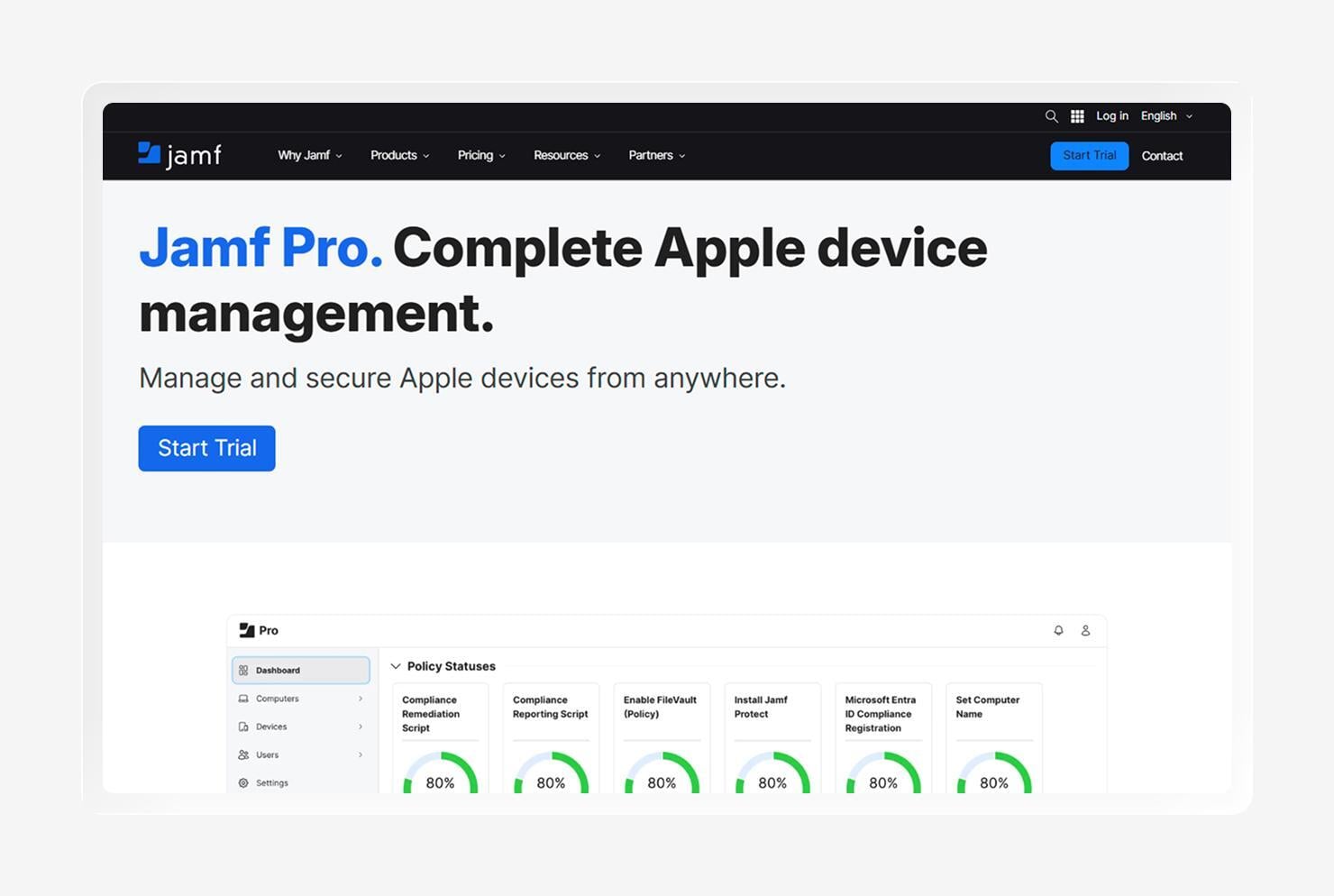
Jamf Pro is a purpose-built Apple device management platform for macOS, iOS, iPadOS, and tvOS. It's designed around native Apple features and declarative device management, and it's adopted across enterprise and education (via Jamf School) for Apple fleets.
Jamf typically delivers same-day support for new Apple OS releases, offers zero-touch deployment via Automated Device Enrollment, and uses Smart Groups to dynamically target devices based on inventory data. For organizations standardized on Apple, that specialization is hard to match.
The trade-off: Jamf Pro is Apple-only, so organizations with Windows or Android devices manage a separate solution alongside it. For mixed fleets, that means running and reconciling across multiple platforms, a key reason cross-platform teams weigh single-agent alternatives.
Features
- Same-day (day-zero) Apple OS support (macOS, iOS, iPadOS, tvOS): Typically supports new Apple OS releases the day they ship, so teams can adopt features and patches immediately.
- Zero-touch deployment via Automated Device Enrollment: Devices configure themselves out of the box via Apple's ADE, with no hands-on IT setup required.
- Integration ecosystem compatibility: A broad partner and API ecosystem connects Jamf to identity, security, and helpdesk tools.
- Simplified device and inventory management: Detailed inventory data provides IT with a clear, up-to-date view of every managed Apple device.
- Automated lifecycle management for Mac apps: App deployment, updates, and removal run automatically across the Mac fleet.
- Smart Groups and extension attributes for granular device targeting: Dynamic groups and custom attributes, scope policies, and actions precisely.
How to choose the best Microsoft Intune alternative for your organization
Before committing, map your must-haves against how each platform is built. The gaps that may push you away from Intune, like manual patching, may have a stronger solution than another alternative.
Use these criteria to narrow the field:
- Cross-platform capabilities: Confirm the platform manages every OS in your fleet, from Mac and Windows to mobile and any specialty devices, from one console, so you're not back to juggling separate tools.
- Easy-to-use interface: A clear admin experience and prebuilt automations shorten ramp-up and cut reliance on specialized scripting.
- Compatibility with Apple-native organizations: If Macs and iPhones are core to your fleet, look for immediate OS support and zero-touch Apple enrollment rather than bolted-on Apple management.
- AI-assisted insights and monitoring: AI that draws on connected endpoint, identity, and compliance data can surface issues and recommend fixes faster than disconnected point tools.
- Automatic patch deployment and management: Prioritize automated patching across the OS and hundreds of third-party apps to close the gaps left by manual packaging.
- Threat and anomaly detection and remediation: Built-in EDR in the same platform means a compromised device can be isolated and remediated without a separate tool in the loop.
- Customizable security policies: Granular, conditional policies let you enforce the right baseline for each device, role, or location, rather than one-size-fits-all rules.
- Deep integration ecosystem:A strong set of APIs and prebuilt integrations keeps the platform connected to the identity, security, and helpdesk tools you already run.
Use Iru for unified endpoint management
The best Microsoft Intune alternatives do what Intune makes you assemble: manage every device, automate patching, and embed security and identity into a single agent. Iru brings that together across Mac and Windows, so endpoint management, EDR, identity, and compliance run from one console instead of a stack of add-ons and licenses, the same idea behind building a tech stack that runs itself.
If you're weighing where to go after Intune, the fastest way to judge fit is to see it on your own devices. Book a demo to watch Iru enroll, secure, and prove compliance on a Mac and a Windows machine side by side, then decide whether one platform can replace several.
Book a demo today to find out how Iru can help you with comprehensive device and identity management.