Workforce Identity
 Endpoint Management
 Endpoint Detection & Response
 Vulnerability Management
 Compliance Automation
 Trust Center


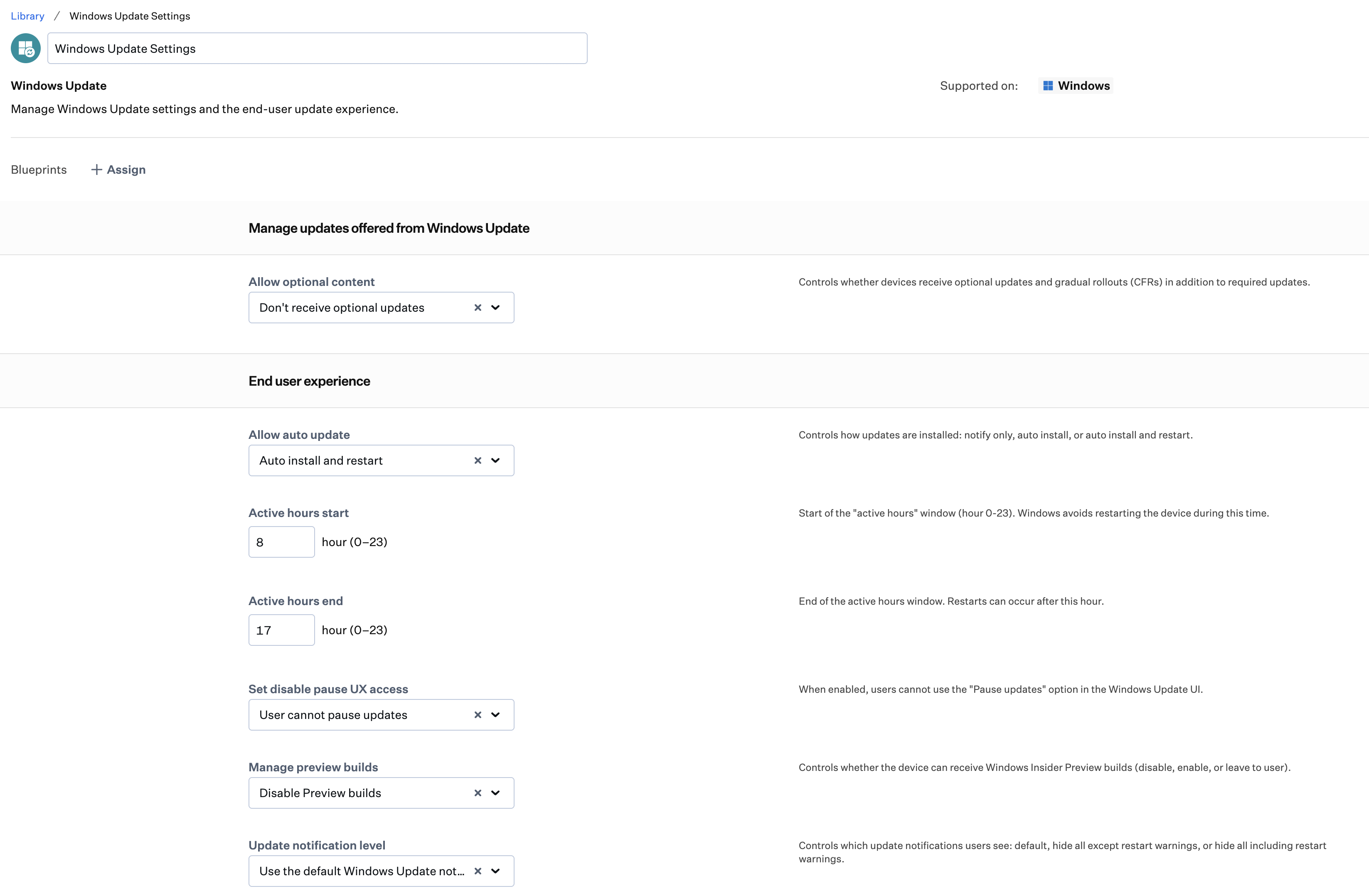
The Windows Update Library Item gives you control over how and when updates install on Windows devices.
Configure auto update behavior with options ranging from notify-only to fully silent installs. Set active hours to protect users from disruptive restarts during the workday, and remove the ability for users to pause updates from the Windows Update interface—keeping your devices on schedule without manual intervention.
Advanced settings, available in an expandable section of the Library Item, go further: schedule installs by day, time, and week of the month; exclude driver updates from quality update rollouts; control metered network downloads; and manage access to Windows Insider Preview builds. These settings are not configured by default and are intended for teams that need deeper control over update rollout behavior.