Workforce Identity
 Endpoint Management
 Endpoint Detection & Response
 Vulnerability Management
 Compliance Automation
 Trust Center


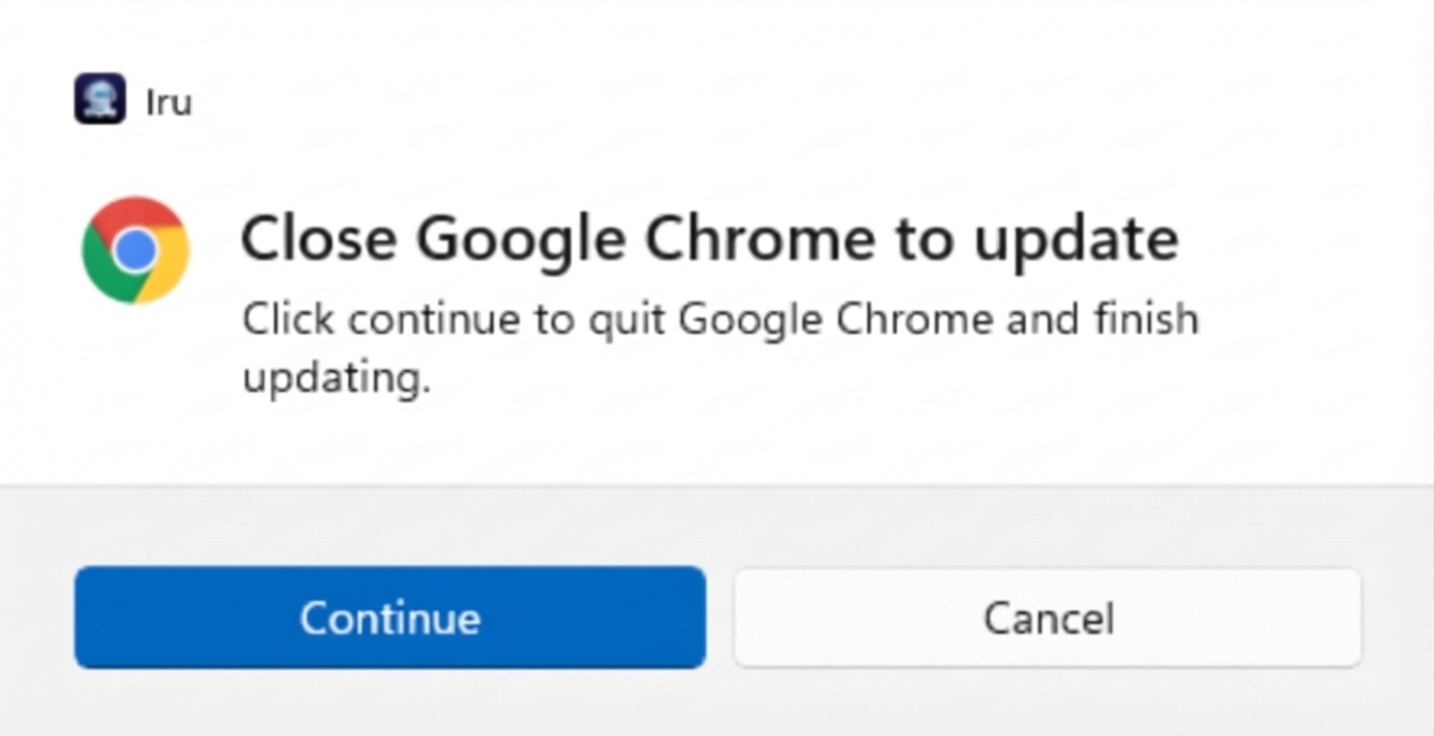
A dedicated Windows system tray application gives end users a clear prompt to close applications that block an install when an Auto App or Windows Custom App deployment runs.
The tray icon uses the Iru jelly-style mark. When an install targets processes you configured to detect as open apps, the tray application surfaces a prompt so users can close those applications before installation continues—reducing failed installs.
The tray application installs automatically on managed Windows devices. Existing deployments receive the update with no configuration change and no action required from administrators.