Workforce Identity
 Endpoint Management
 Endpoint Detection & Response
 Vulnerability Management
 Compliance Automation
 Trust Center


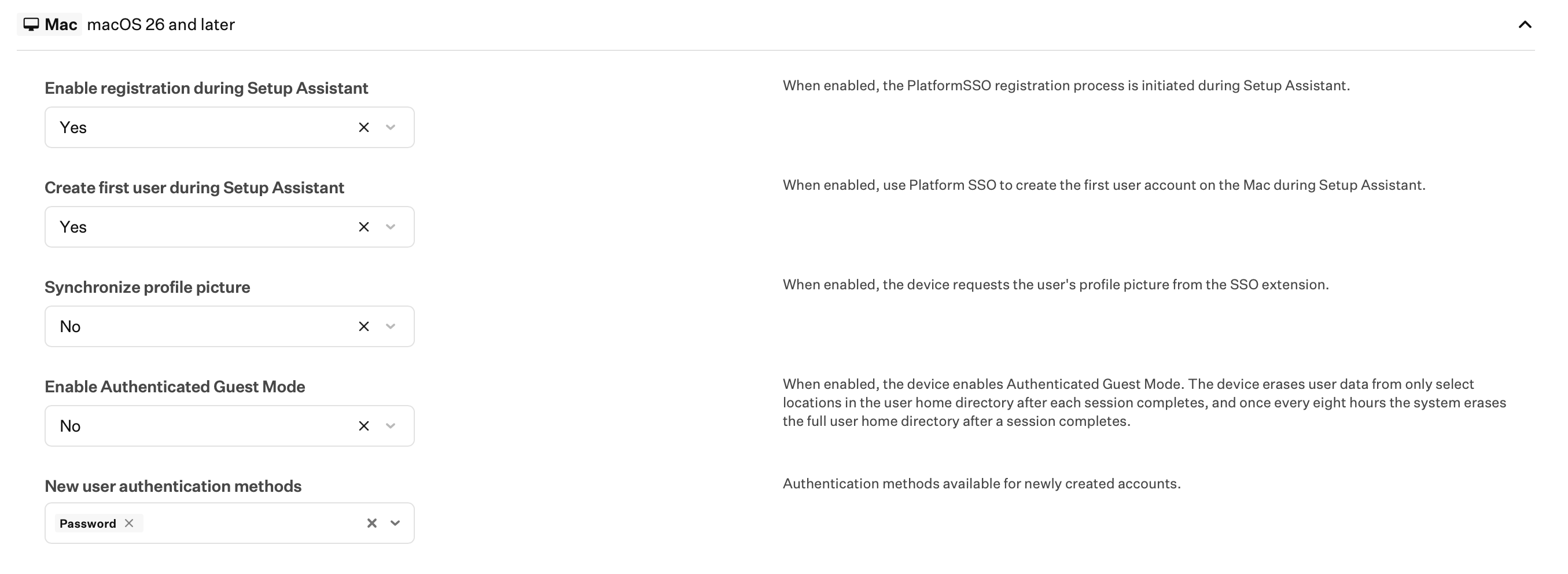
Settings to configure Platform Single Sign-On (PSSO) in Setup Assistant for macOS 26 Tahoe are now available in the Single Sign-On Extension Library Item.
To configure PSSO in Setup Assistant, configure the Install Library Items during Setup Assistant option in an ADE Library Item. Add a Single Sign-On Extension Library Item along with an app from a supported identity provider (IdP) to the list of items to be installed.
Note: In a future release, Iru will provide a migration path for customers using the Okta Device Trust (ODT) integration to move from the App Store version of Okta Verify to an Auto App.