Skip to content

Modernize access. Go passwordless.

Eliminate password reset burden and secure against phishing attempts. Iru powers passwordless MFA with device security posture checks at every login.

Protect your organization with passwordless SSO

Login

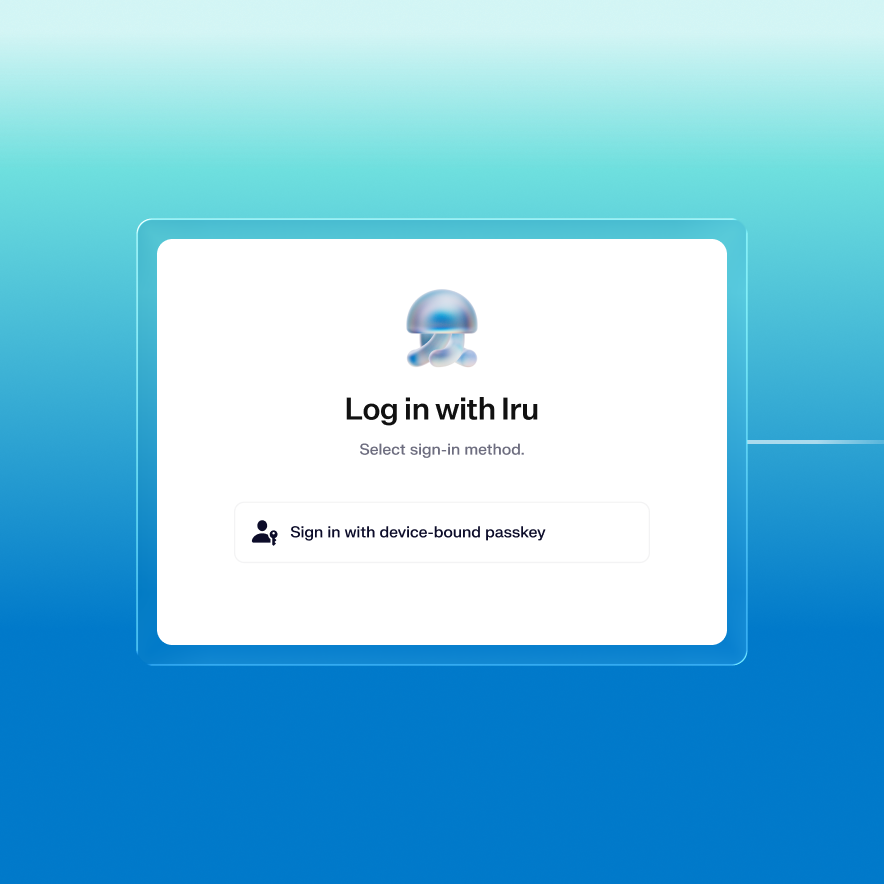
Tie every login to a physical device

Device-bound passkeys eliminate the credential entirely. No password to steal, no credential to phish, no MFA prompt to intercept.
Passwordless

Provide one-click SSO to employees

Passwordless SSO connects every app to a single login. Employees get in instantly and IT stops managing password resets.
Authenticate

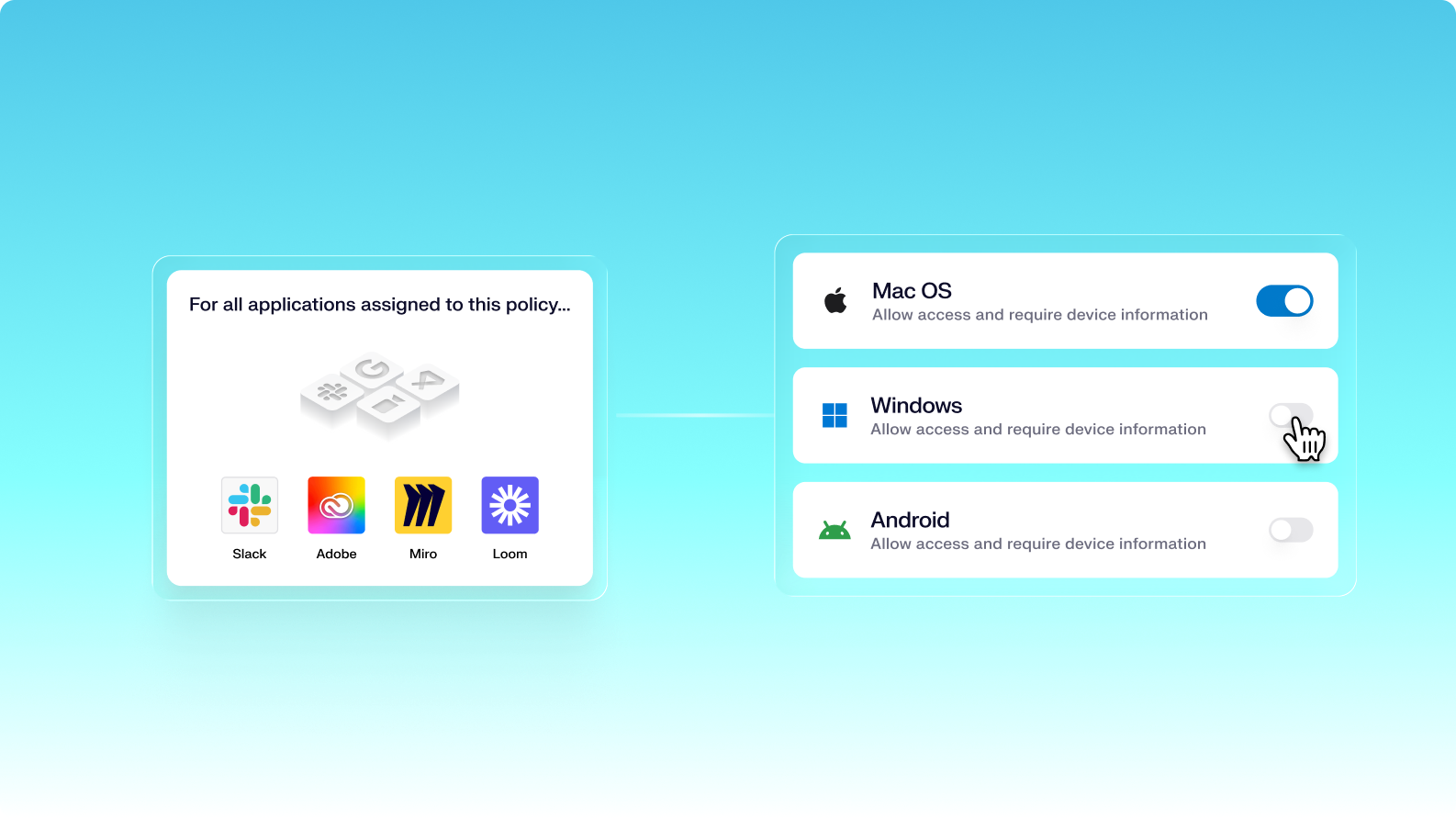
Enforce access policies by application

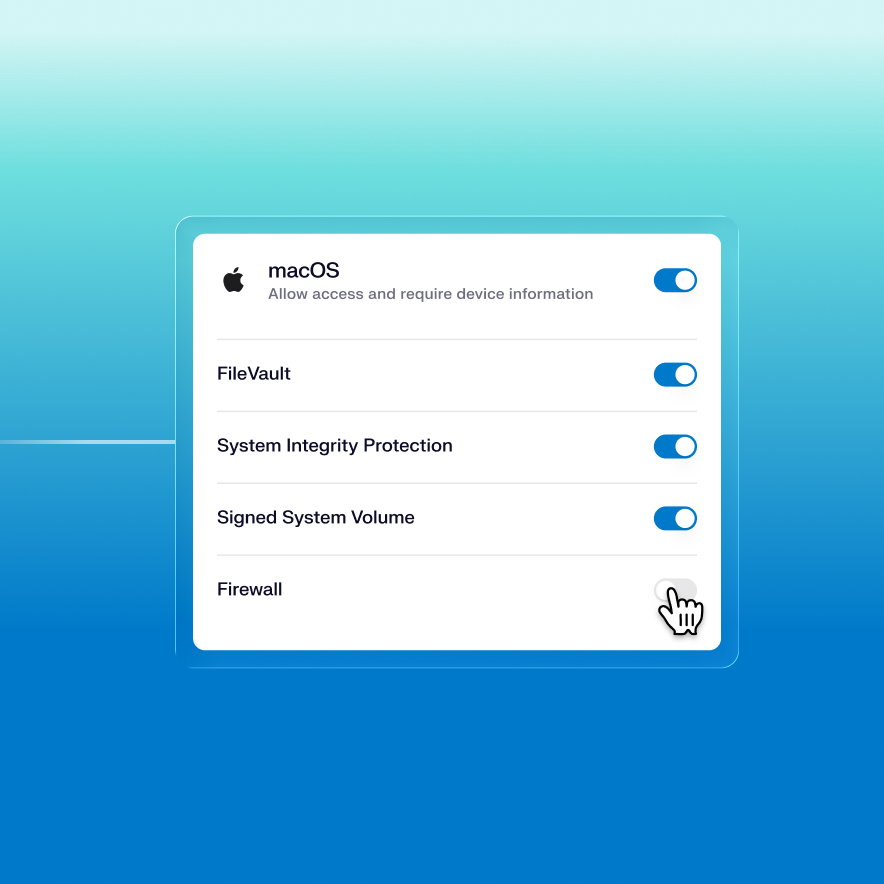
Require device health requirements, like encription, at every login. Plus, passwordless login satisfies your MFA compliance control.
Unified by design. Built for the AI era.

Iru AI is designed from the ground up to connect a grid of agents behind the scenes—across identity, endpoint, and compliance. Powered by the Iru Context Model, it understands your users, apps, and devices to act safely, intelligently, and in context across your organization.

Stop phishing with passkeys

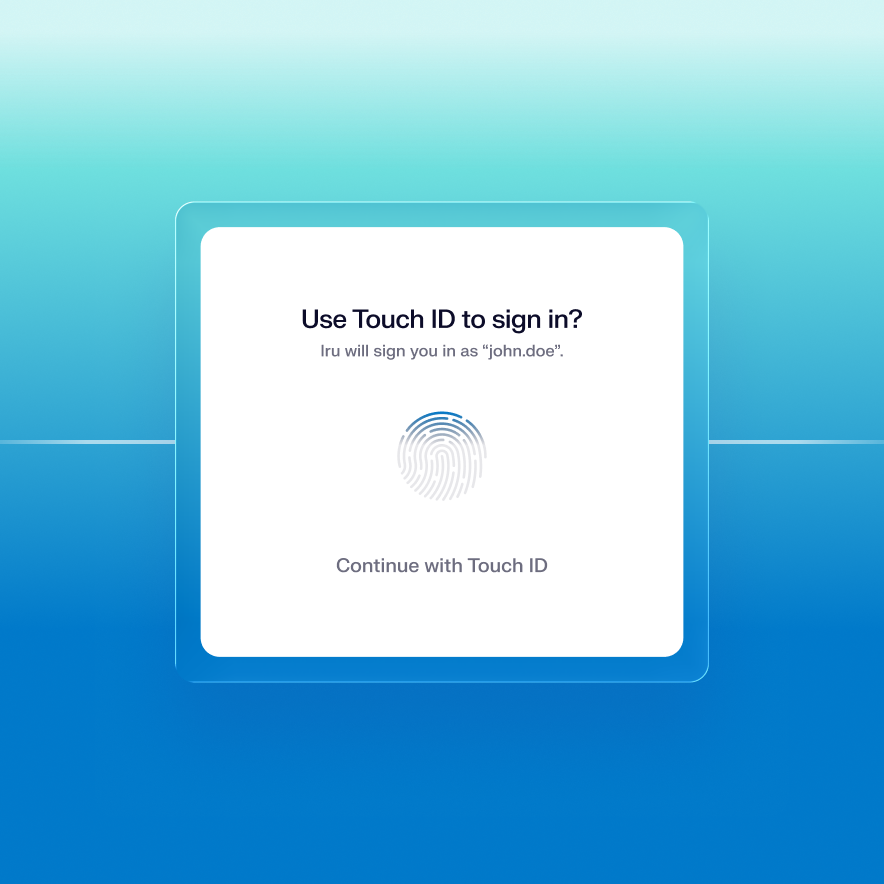
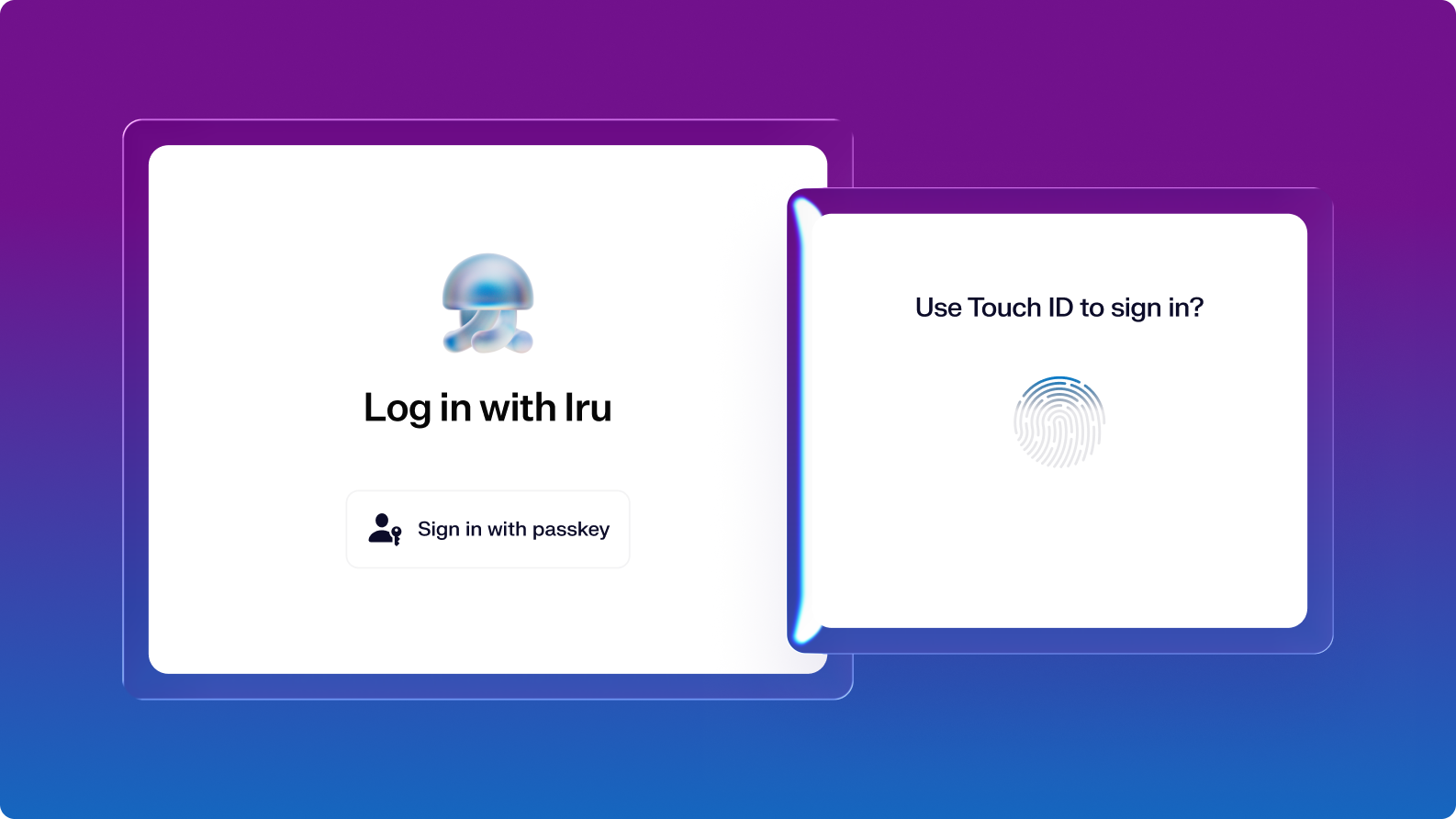
Iru's authenticator replaces passwords with cryptographic keys that live on the user's device.

  • Cryptographically bind passkeys to the device so they can't be stolen
  • New authenticators require cryptographic proof from a previously registered device
TouchIDLogin

Frictionless access for your team

One-step multifactor authentication makes signing in as natural as unlocking a device.

  • Get started with pre-built integrations for common business apps, like Slack, Notion, Github, and more
  • Utilize custom SAML/OIDC for anything not covered in the catalog
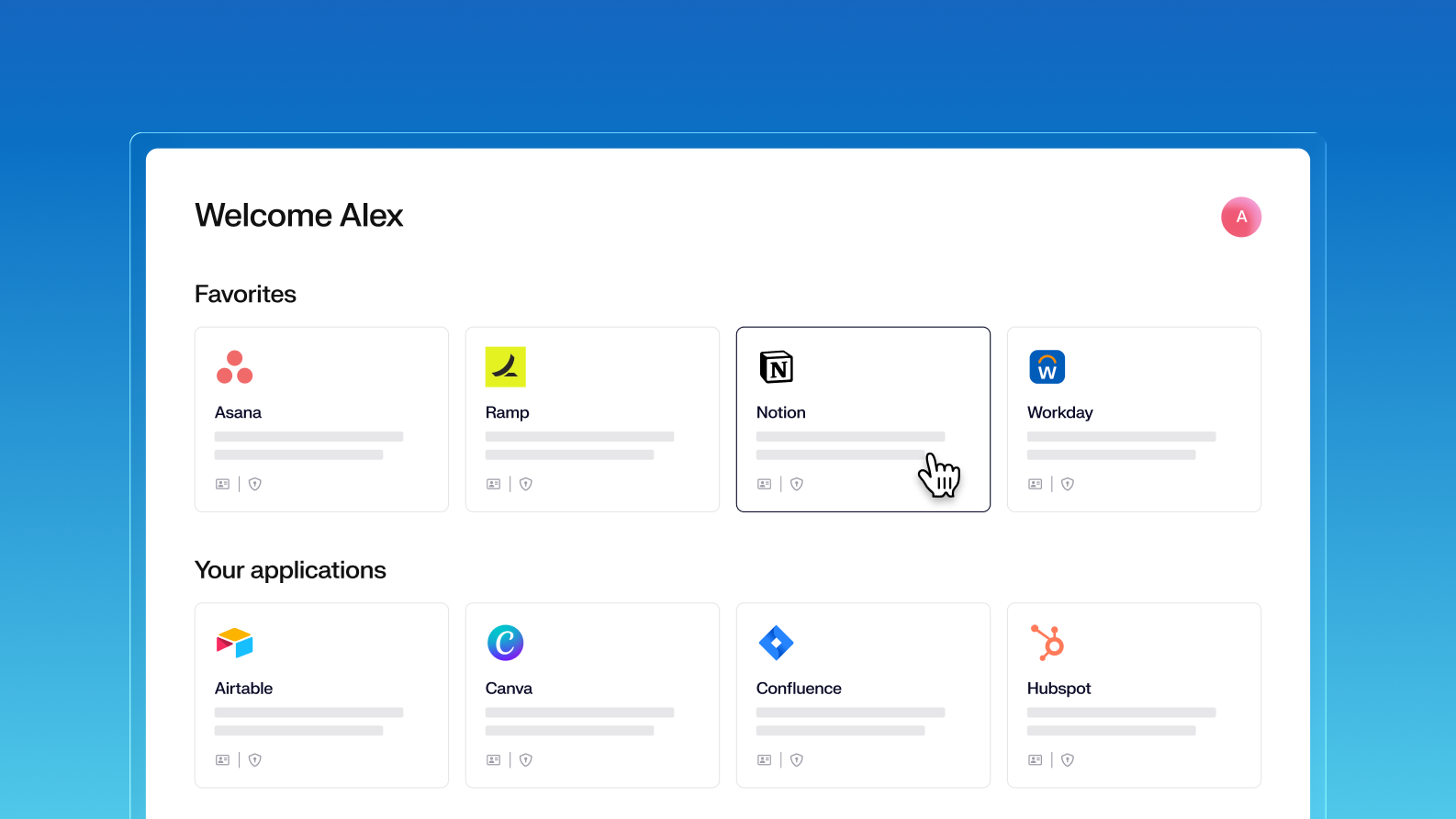
  • Give employees a portal to access every app at work.
EmployeeAppPortal

Enforce policies at every sign-in

Define conditional access to apps based on device security posture and contextual signals. Iru evaluates device data in real time at sign-in and enforces policies automatically.

  • Per-application authentication requirements, enforced based on device posture and context
  • Passwordless login satisfies MFA compliance requirements automatically
  • Every policy change versioned and tracked with a full audit history
Authentication policy

Migration made practical

​​With dedicated support, IT & security teams can switch from legacy vendors without disruption, reducing complexity and improving security posture.

All the essentials in a single stack

A unified platform for your users, apps, and devices, woven together by Iru AI, giving time and control back to IT & security teams.

Trust Center Compliance

Learn more about Trust Center

Accelerate deals with a public portal for your security and compliance posture.

Endpoint Management Endpoint

Learn more about Endpoint Management

Secure and control devices with unified endpoint management.

EDR Endpoint

Learn more about Endpoint Detection and Response

Detect, investigate, and automatically contain threats in real-time.

VM Endpoint

Learn more about Vulnerability Management

Unify vulnerability detection, prioritization, and autonomous remediation.

Workforce Identity Identity

Learn more about Workforce Identity

Eliminate passwords entirely and provide effortless single sign-on to apps.

AI AI

Learn more about Iru AI

Turn context into insights and actions with agentic AI across the entire Iru suite.

Let your team focus 
on what matters

Iru replaces fragmented tools with one AI-powered platform, so IT & security spend less time chasing tickets and more time improving the business.

Frequently asked
questions

Get answers to commonly asked questions

Is passwordless actually more secure than passwords plus MFA?

Yes. Device-bound passkeys can't be phished, intercepted, or replayed. Standard MFA methods like SMS and push prompts can be bypassed. Passkeys remove the credential entirely.

Can we go passwordless without replacing all our apps?

Yes. Iru uses SAML and OIDC, so it works with your existing app stack. Pre-built integrations cover Figma, GitHub, Notion, Slack, and more. Custom app support covers the rest.

What happens if an employee loses their device?

Access is tied to the device, so a lost device doesn't give an attacker access to company apps. Admins can deprovision the device and reassign access from the console.

Does passwordless work across Mac, Windows, iOS, and Android?

Both. Each Library Item installs either on-demand in Self Service or continuously enforced. Set critical software to install automatically, and leave the rest optional in the catalog.

How do we roll out passwordless across the whole company?

Iru enforces passwordless policies per app. Roll it out to one app first, expand when ready. Iru's onboarding team guides the migration at no extra cost.

See Iru in action

Discover why thousands of teams choose Iru

By submitting this form I agree to Iru’s Privacy Policy and consent to be contacted by Iru about its products and services.

Stay up to date

Iru's bi-weekly collection of articles, videos, and research to keep IT & Security teams ahead of the curve.