
 Workforce Identity
 Endpoint Management
 Endpoint Detection & Response
 Vulnerability Management
 Compliance Automation
 Trust Center



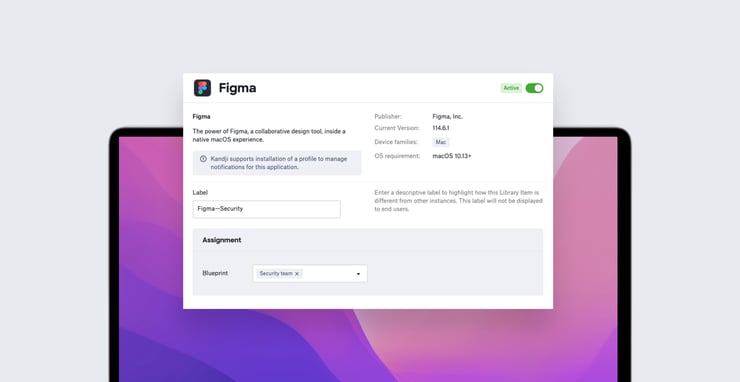
Kandji makes it simple to configure and deliver applications and operating systems to end-user devices. You just select the appropriate Auto App or Managed OS Library Item, set it up the way you want, then assign it to a Blueprint. Any device assigned to that Blueprint will then get the software you want, the way you want it.
We've updated our Auto Apps and Managed OS features to give admins even more flexibility, by enabling them to deploy multiple versions of managed software Library Items they distribute via Kandji. You can now set up more than one instance of a given Auto App or Managed OS Library Item, each with its own set of configurations and enforcement options. You can give each of these instances a unique name, then assign them to different groups of users via Blueprints.
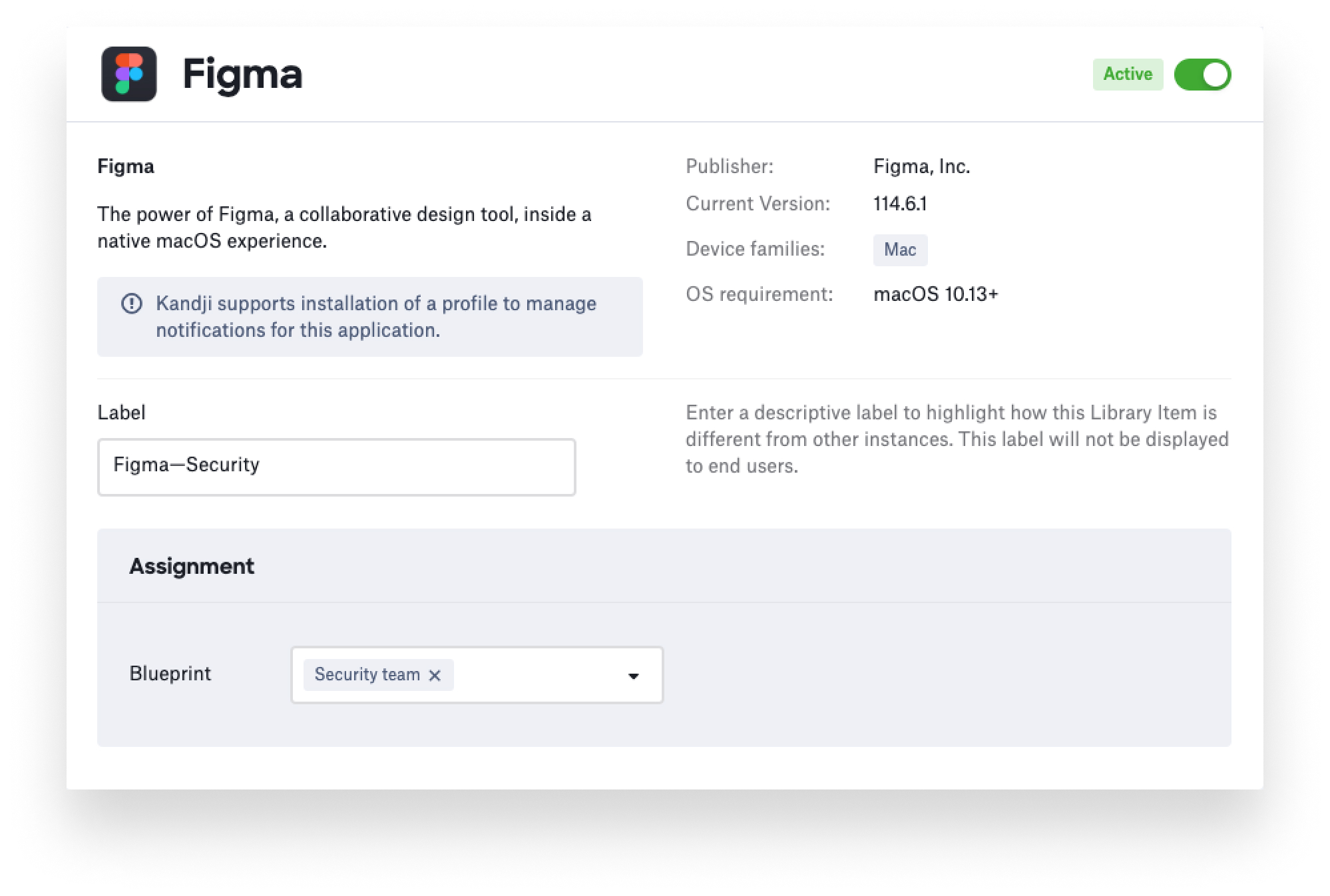 So, for example, if you want to be sure that everyone on the creative and product teams has Figma installed, but want to make that app optional (via Self Service) for the security group, you can set up two separate Figma Auto App Library Items, with separate settings and distinct names, then assign the appropriate one to each departmental Blueprint.
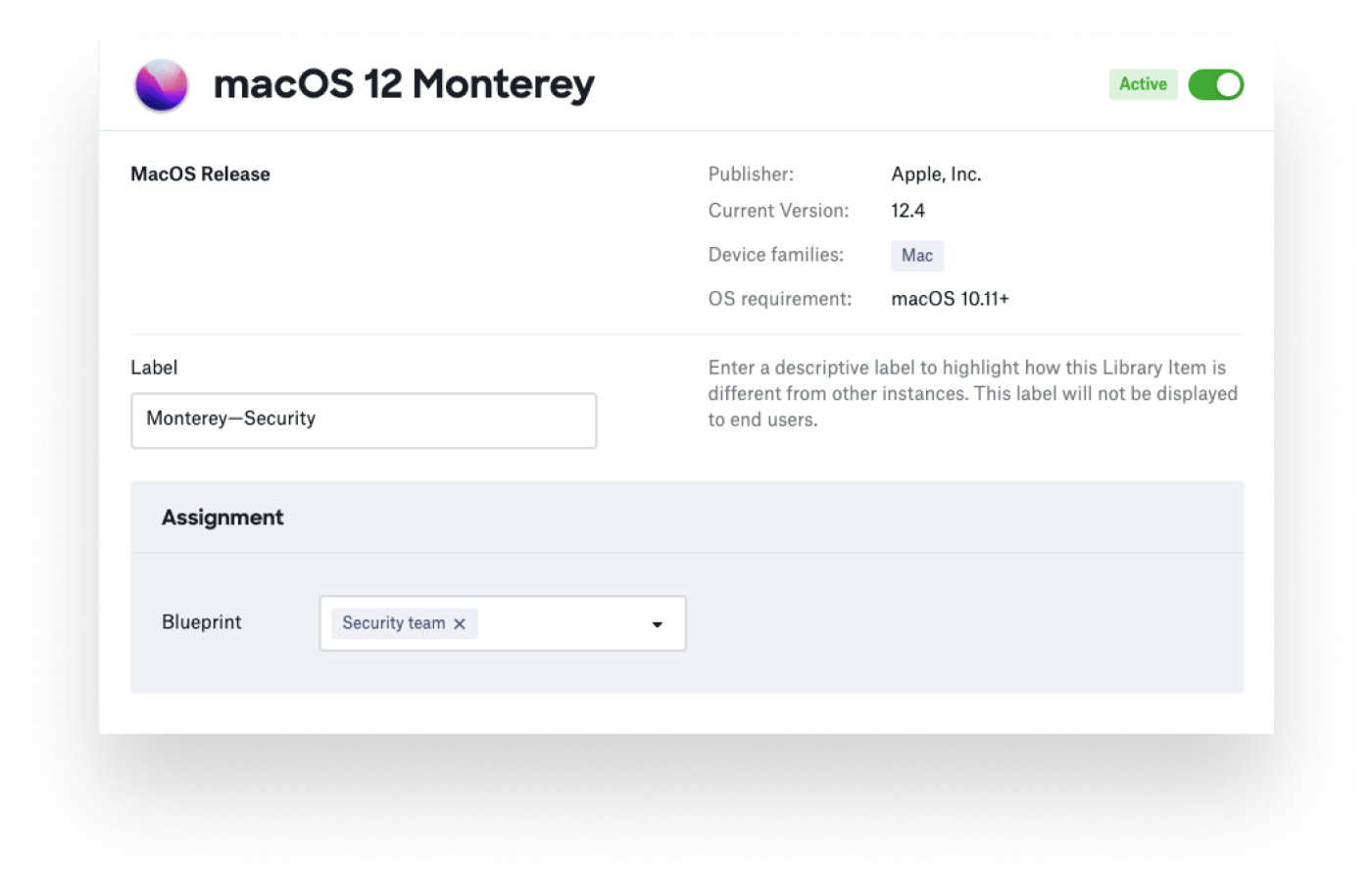 Or if you wanted your own IT group to always have the latest version of macOS Monterey, but just want to be sure that the rest of the company has some version—any version—of Apple’s most current Mac operating system, you can set up two different Managed OS Library Items and distribute them via Blueprints.
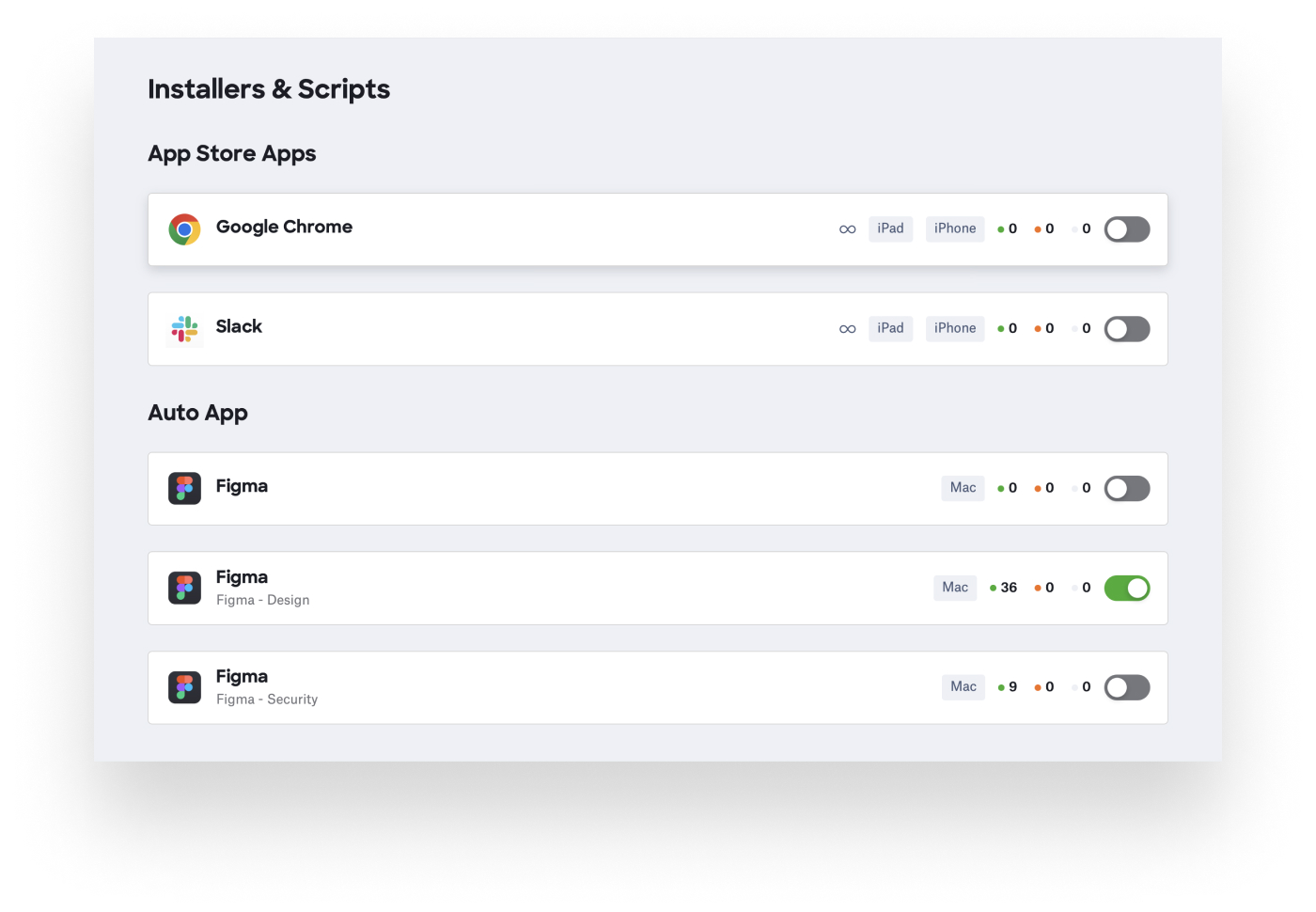 Note that you can have just one instance of a given Auto App or Managed OS Library Item in a Blueprint. For more details, see our support articles on Auto Apps and managed OS.


