
 Workforce Identity
 Endpoint Management
 Endpoint Detection & Response
 Vulnerability Management
 Compliance Automation
 Trust Center



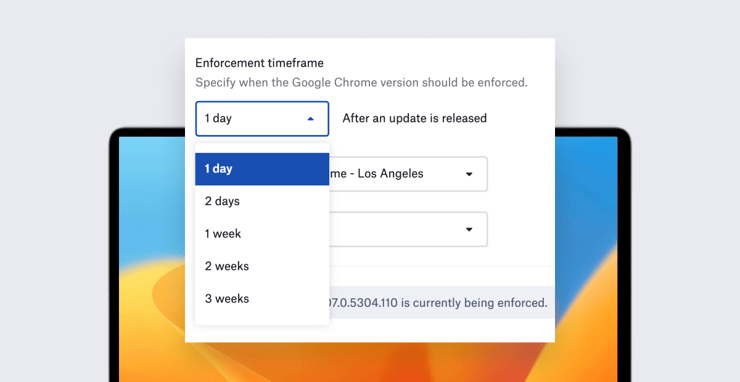
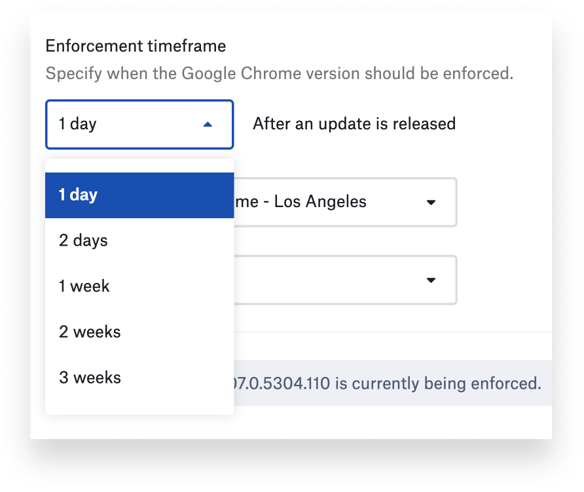
Kandji admins can now set shorter enforcement timeframes for automatically updating apps from the Kandji Auto App catalog. Prior to this latest release, Kandji admins could choose patching deadlines from one week to three months after an app update was released. Now they also have the option of one or two days.
Deploying software patches quickly is a critical—but challenging—component of vulnerability management. These one- and two-day enforcement timeframes make that job easier.
Updating apps quickly is not just about making sure end-users have the latest features. Many IT and InfoSec teams are committed to tight internal deadlines for pushing out software updates, especially when those updates are patches to critical vulnerabilities. The need for speed is driven by the risk of exploitable software vulnerabilities resulting in security breaches. Some apps, such as Google Chrome, are notorious for needing regular updates to stay secure.
Kandji’s product research team recently queried customers to find out how software vulnerabilities and the need to maintain a strong security posture were impacting their jobs. When we asked them how quickly they now needed to update software, the majority told us under a week. That feedback is what led us to enable these faster update timelines.
Auto Apps is a catalog of more than 100 common business applications that Kandji packages, hosts, and automatically patches. Kandji customers use Auto Apps to ensure that users always have the most up-to-date versions of the software they need for their jobs. You can see the list of available apps and learn more about how Auto Apps work.
How Software Updates Work
Here’s an example of how these new software update timeframes can help you as a Mac admin:
When a developer releases an update to an app in our Auto Apps catalog, Kandji automatically downloads the update, packages it, and tests it across all Kandji-supported OSes and platform architectures. The update is typically ready for deployment by Kandji to managed Mac computers within 24 hours of its release by the developer; the average is 8 business hours.
The moment that update becomes available in Kandji, the timer on the enforcement timeframe that the admin has chosen starts ticking. Mac users whose computers are running the software will start receiving prompts from the Kandji menu bar app to update their software. Although they can defer the update, they eventually are given a 30-minute deadline, after which the update will be enforced.
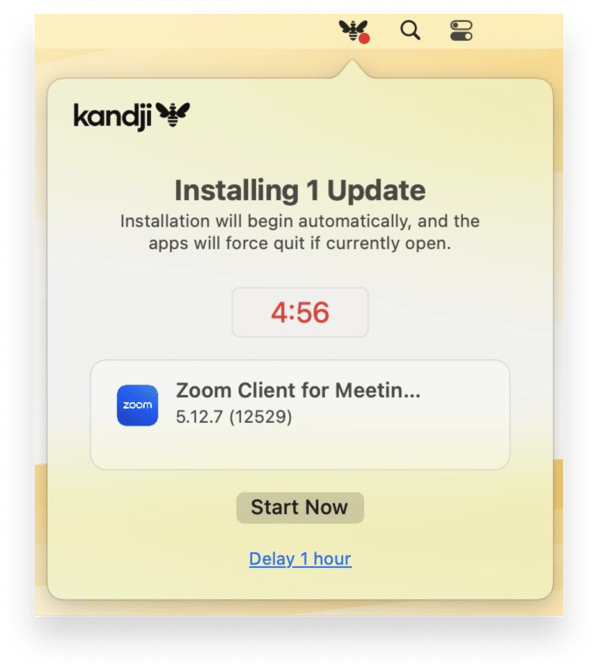 This schedule lets users finish up work that they may be doing on an app before it’s closed, while also making sure that the app gets updated in a timely fashion. This balances the need to keep the company secure with the desire to minimize disruptions to users.


