
 Workforce Identity
 Endpoint Management
 Endpoint Detection & Response
 Vulnerability Management
 Compliance Automation
 Trust Center



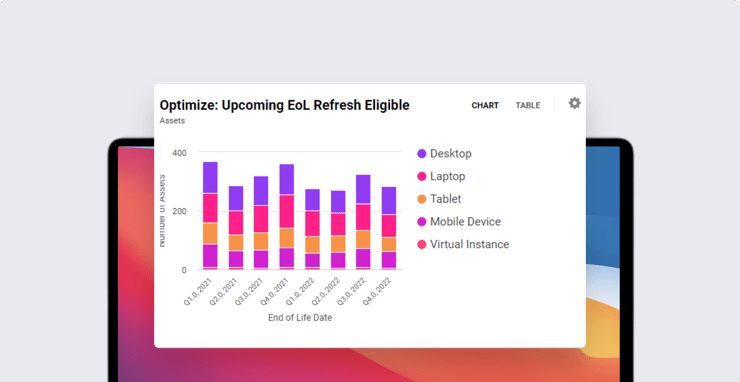
Using IT asset management and mobile device management (MDM) in tandem can make life easier for you as an Apple IT admin. Kandji’s MDM solution now integrates with Oomnitza’s Enterprise Technology Orchestration solution; here’s what an integration like that can do.
A quick overview of the topics we’ll cover:
- What Is IT Asset Management?
- What IT Asset Management Can Do
- Using MDM and IT Asset Management Together
What Is IT Asset Management?
IT asset management refers to tools you use to keep track of just about any IT asset your business possesses—laptops, tablets, smartphones, software licenses, cloud instances, and more.
Tracking individual IT assets can become especially challenging—and strategically vital—as your business scales. That’s where IT asset management software such as Oomnitza comes in. Such programs give admins a central place to track, modify, and store data about a company’s IT assets.
For instance, if you use Oomnitza for IT asset management, you can keep records of every company device, who it’s associated with, and where it’s located, and retrieve that information in ways that make management of those assets smarter.
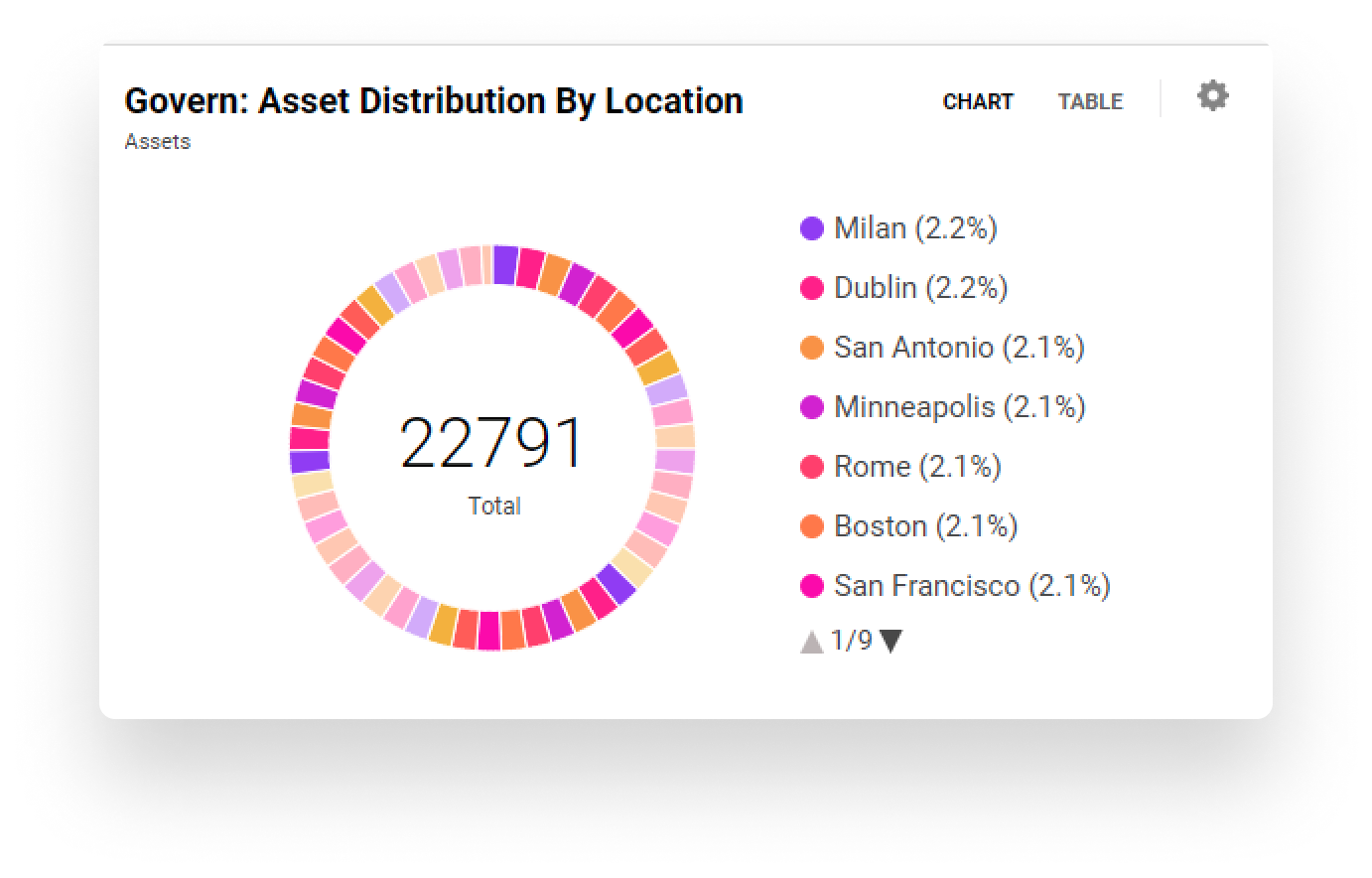
Asset management is all about tracking company possessions—where they are now and where they’ve been. Mobile device management, on the other hand, is all about managing a subset of those possessions: phones, tablets, and computers. They do quite different things but, as you can imagine, they can be really powerful when used together.
What IT Asset Management Can Do
For IT, asset management applications and services can do more than keep track of technology assets. Oomnitza, for example, can also automate workflows, track assets through their entire life cycles, and generate custom reports. It can record detailed information about assets, such as associated helpdesk tickets. With Oomnitza, you can also import employees from third-party services like Okta, OneLogin, Google Workspace, or Azure Active Directory, then classify them in roles and associate them with specific assets.
Oomnitza workflows are constructed from chainable “blocks.” A given workflow starts with a Begin block (which defines when the workflow will launch) and finishes with an End block. Everything in between is highly configurable.
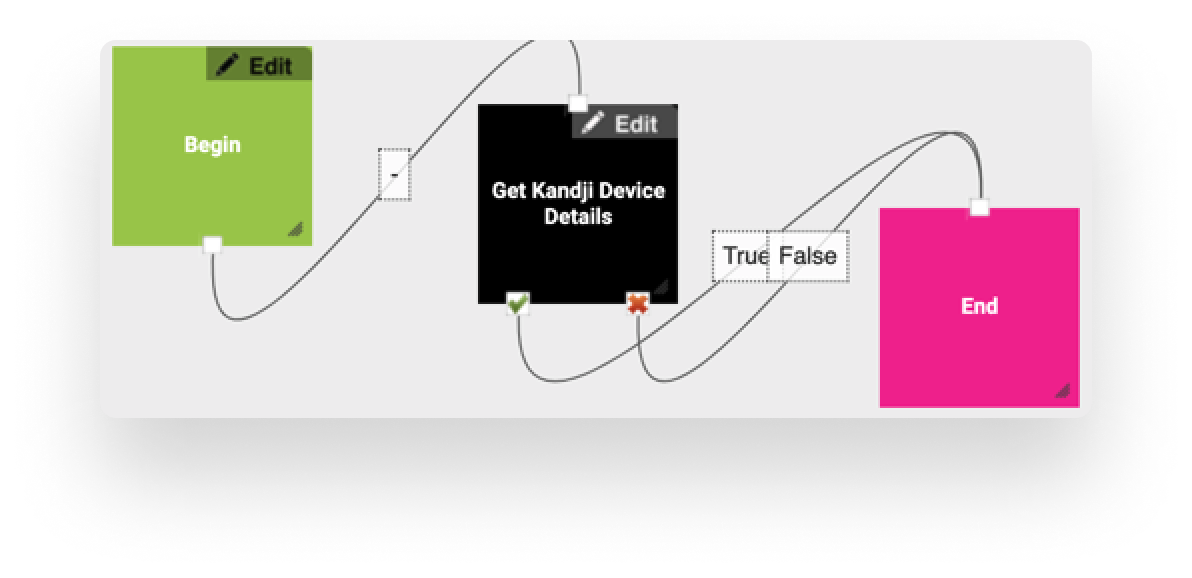
You can use these blocks to do things like automatically update data fields, make calls to external APIs, send emails, and more. You can set up notifications in your workflow, so certain blocks will trigger an email to all users in a given role or individually by address.
Oomnitza has over a dozen blocks available, including integrations with popular business services such as Zendesk, Slack, and Jira; it also connects with SSO systems. There are also blocks tailored to specific device makers, including Apple, Dell, HP, and Lenovo. For IT, asset management becomes a lot easier because your team can create sophisticated workflows by dragging and dropping blocks into place.
Using MDM and IT Asset Management Together
Asset tracking becomes even more powerful when it’s linked with your MDM solution. If you use Kandji and Oomnitza, there are two integrations available: the Kandji Devices extended connector and the Kandji API preset.
Oomnitza’s extended connector integration lets you populate Oomnitza with device information from Kandji. That means you don’t have to manually enter information about devices you manage with Kandji into Oomnitza. You can instead pull the information from fields that are already populated in Kandji.
Standard field mappings include device ID, serial number, asset tag, blueprint ID, device name, last check-in, model, OS version, platform, and user. You can also create custom mappings.
Using the API preset, you can create workflows that retrieve device details from Kandji in real-time as assets are updated and as other workflows are triggered. Get Asset Details fills out asset details in Oomnitza by automatically retrieving device information from Kandji on a schedule. This makes it even easier to keep track of your device assets, keep their information up-to-date, and manage them efficiently.
The Kandji team is excited to team up with Oomnitza, and we look forward to building out more time-saving functionality in our Apple MDM solution. With powerful features like zero-touch deployment, one-click compliance, and offline remediation, Kandji has everything you need to enroll, configure, and secure your devices.


