
 Workforce Identity
 Endpoint Management
 Endpoint Detection & Response
 Vulnerability Management
 Compliance Automation
 Trust Center




Kandji is pleased to announce an update to our Software Update Library Item, as well as two new Auto Apps.
Software Update Library Item
The Software Update Library Item has been updated to provide more granular control over when and how software updates are implemented on user devices.
Now you can delay the availability of all macOS updates and upgrades (and define how long that delay should be).
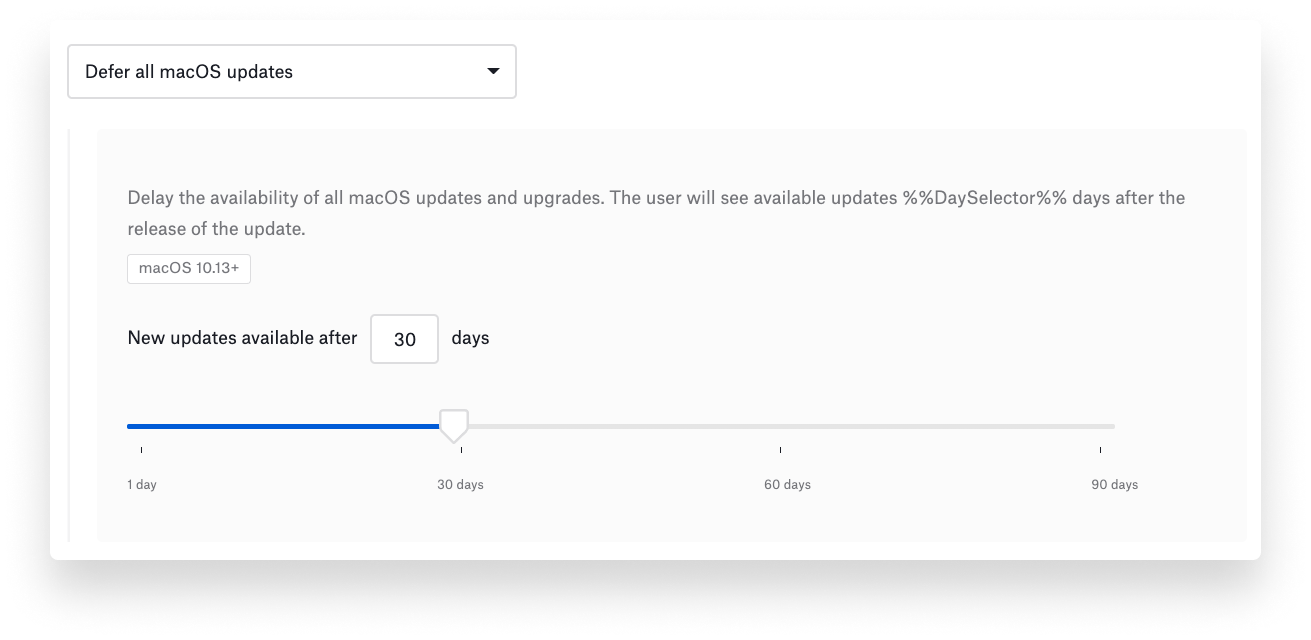
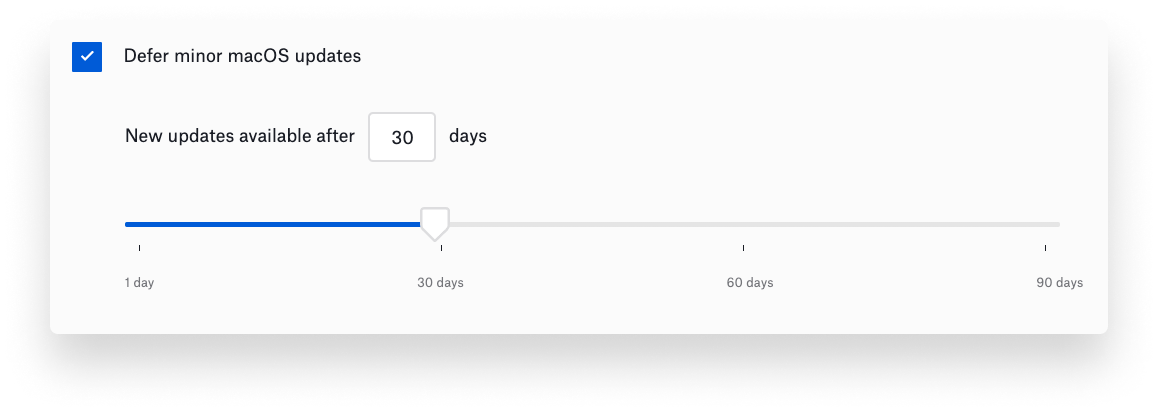
You can define separate deferral policies for major and minor updates. (Note that this latter control works only on macOS version 11.3 or later.)
Additionally, there’s an option to delay non-OS updates, such as supplemental updates for Safari.
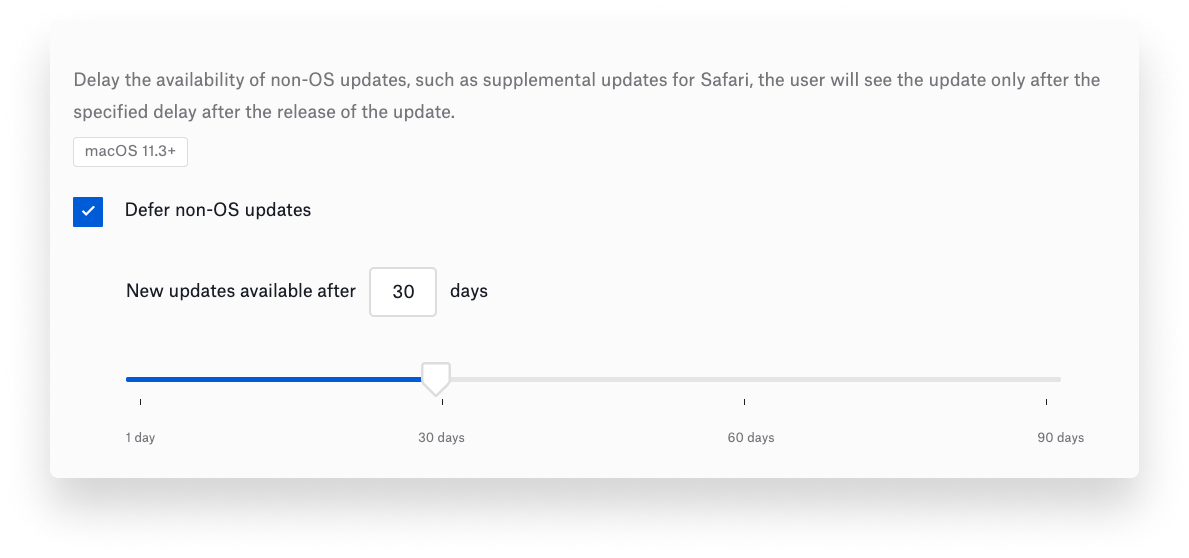
Together, these controls will give admins time to test OS updates for compatibility with existing apps and workflows and only then deploy them more widely. Delaying major macOS updates for longer than minor releases means you can update managed Mac computers with the latest security settings without upgrading to an entirely new OS.
New Auto Apps
We have also added two new entries to our Auto Apps library:
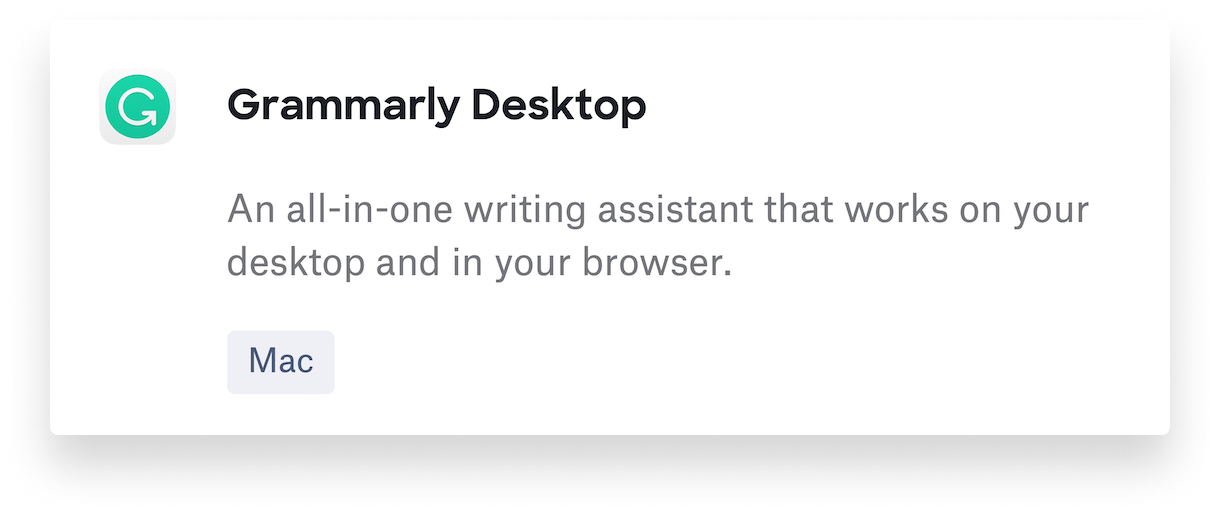
—Grammarly Desktop (all-in-one writing assistant that checks your grammar and spelling on the desktop and in the browser);
—VMWare Fusion 12 (desktop hypervisor that lets you run Windows on Mac).
As with all the other Auto Apps (50-plus and counting), these two new ones are hosted and updated by Kandji, providing you with no-hassle patch management. For more, check out our full list of Auto Apps. And stay tuned to our updates page: We have plenty more apps to come.


