
 Workforce Identity
 Endpoint Management
 Endpoint Detection & Response
 Vulnerability Management
 Compliance Automation
 Trust Center



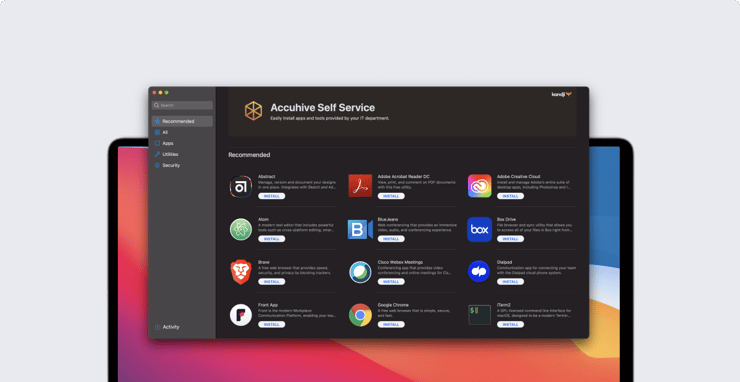
Today we get to announce two much-anticipated releases: a Self Service app for Mac to empower your users and save your IT team time, and our API.
In case you missed it, last month we released support for new features in macOS Big Sur.
Self Service: An Internal App Store for Your Users
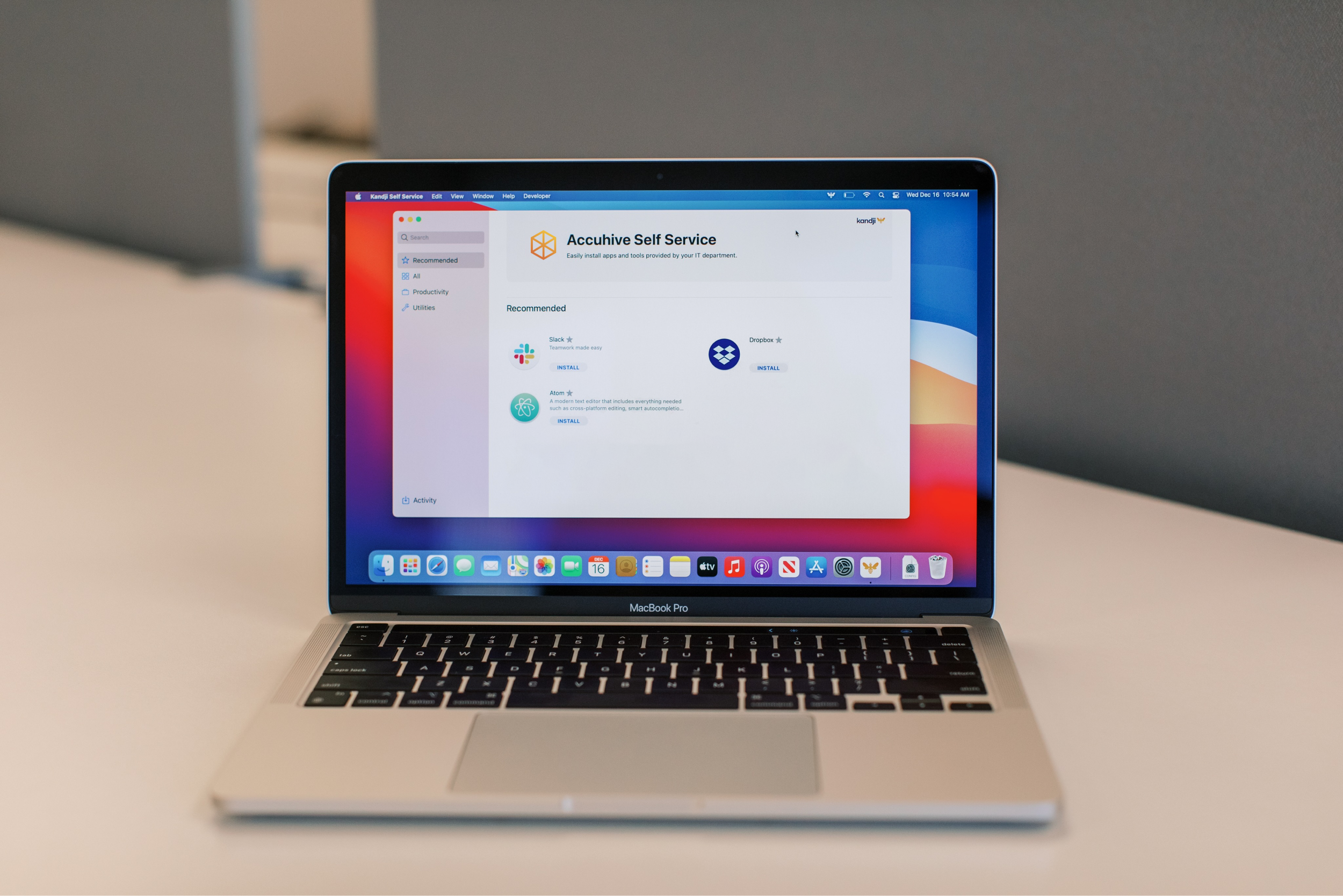
Self Service is an app that empowers your users with access to apps and tools they need right when they need it, without IT help.
IT can also give users more flexibility - for example, instead of pre-installing one design app, such as Figma, on every design team member’s Mac, you can make Sketch, Photoshop, and Figma available in Self Service. Let your user choose the best app for the job and download it right away.
What Is Included in Self Service?
Today’s launch of Kandji Self Service will include support for App Store (VPP) apps, Auto Apps, and Managed OS Library Items. Other types of Library Items will be included in future updates. Self Service is free for all Kandji customers and will expose features available to you in Kandji.
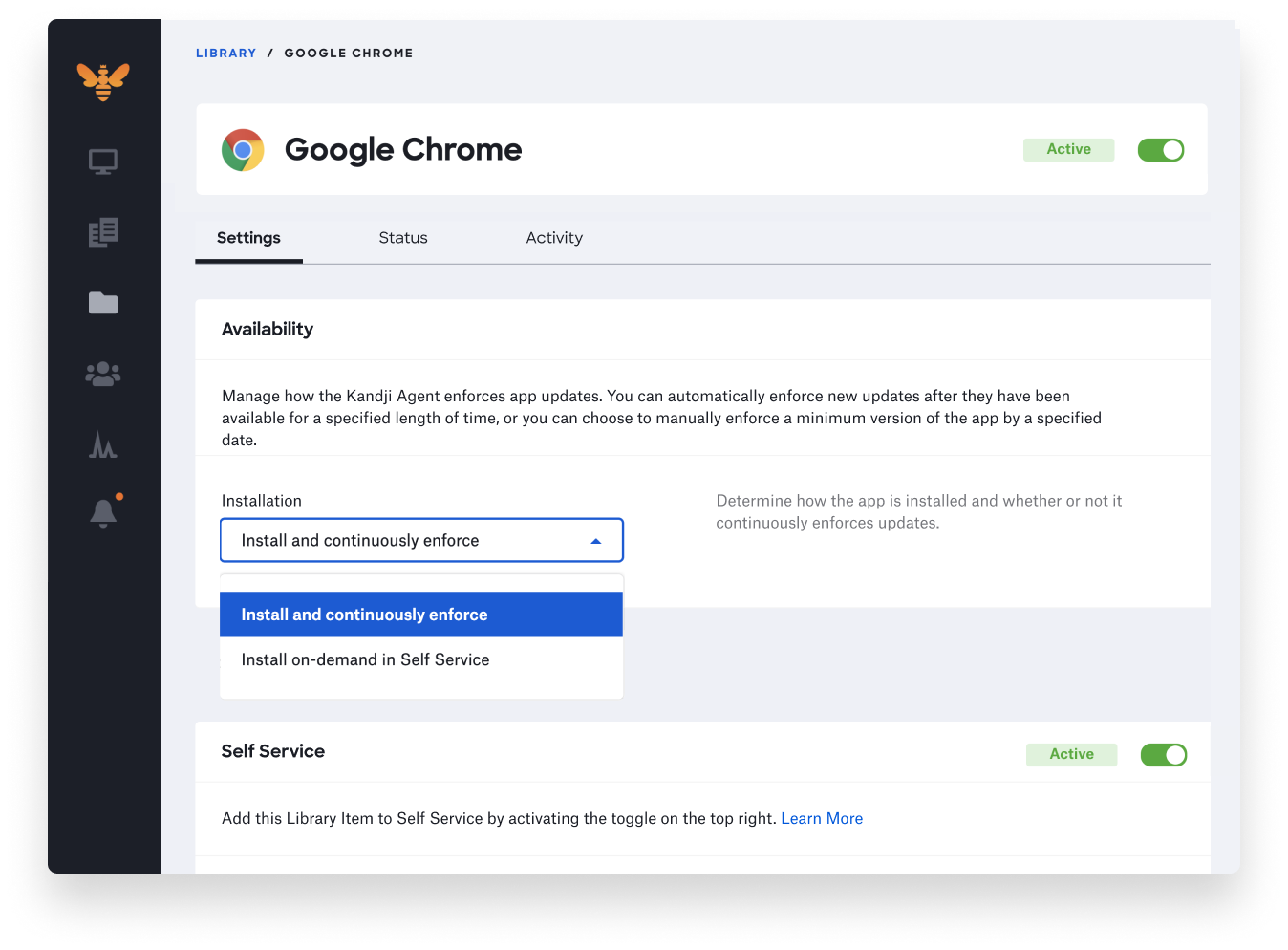
Within your App Store (VPP) app, Auto App, or Managed OS Library Items, you’ll now see additional installation options and a toggle to add that item to Self Service.
Customization: Make Self Service Your Own
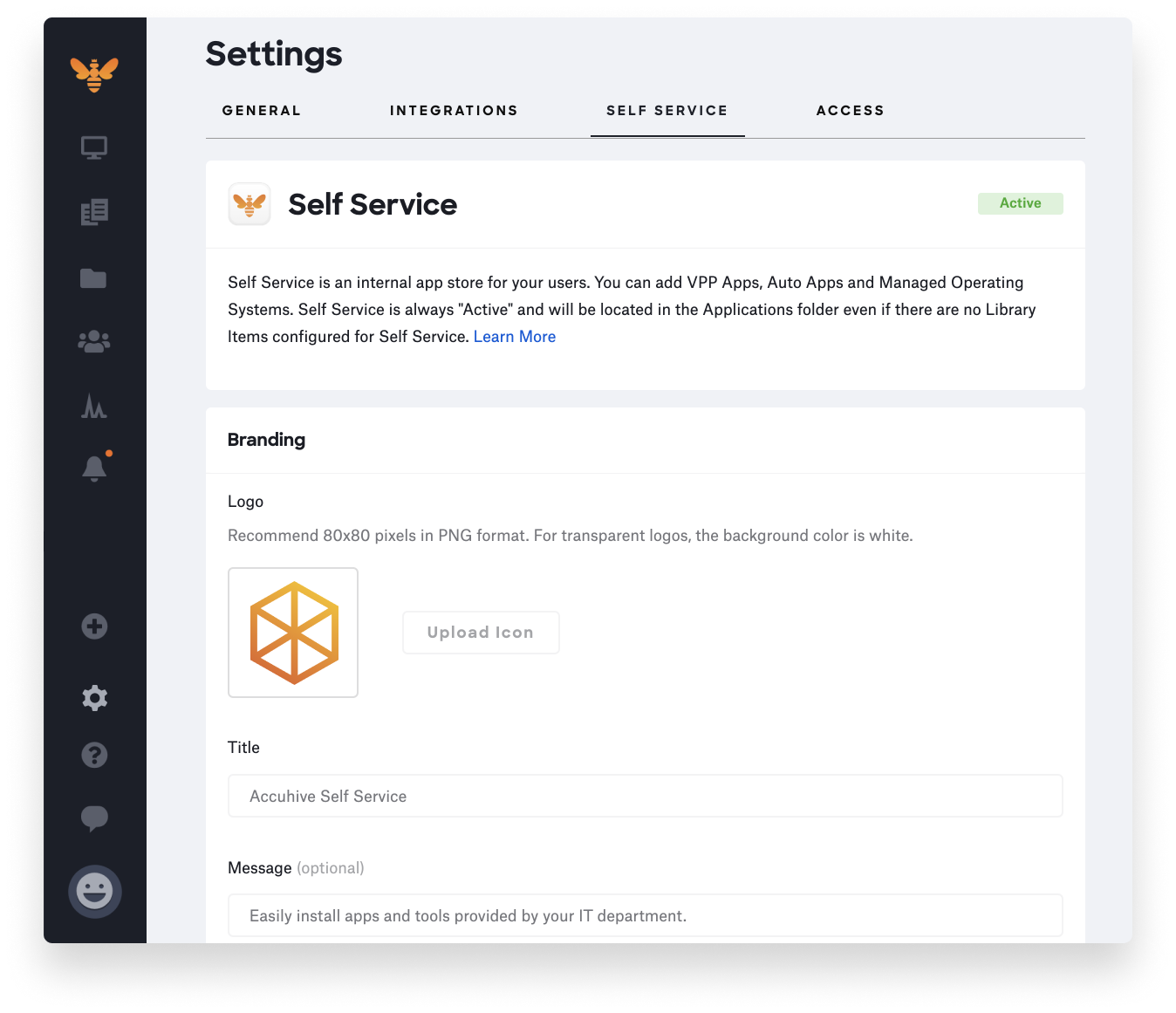
Customization options are available to ensure the Self Service app looks and feels like your own internal app store. You can customize branding, categories, and more. To learn more about customization, read our Self Service settings knowledge base article.
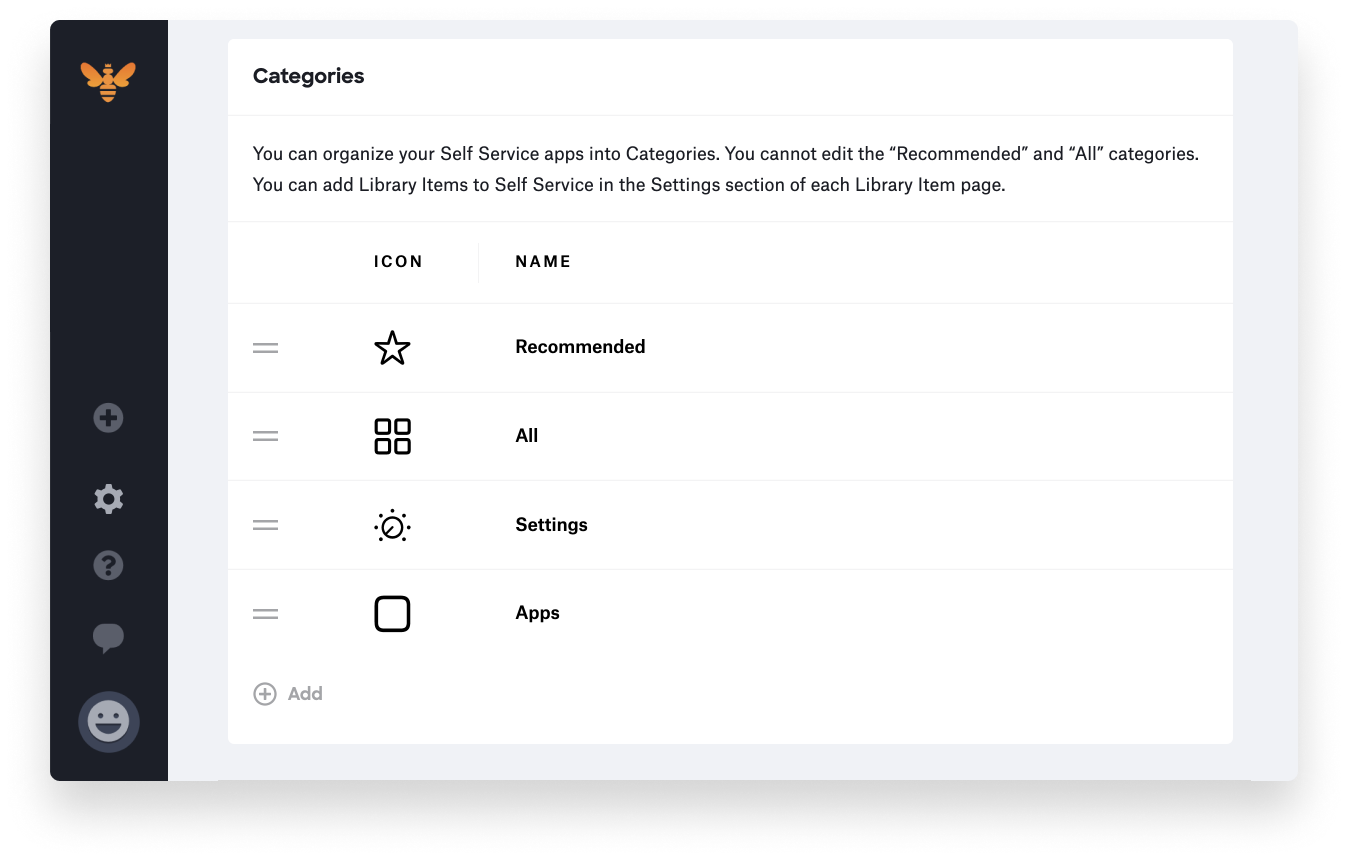
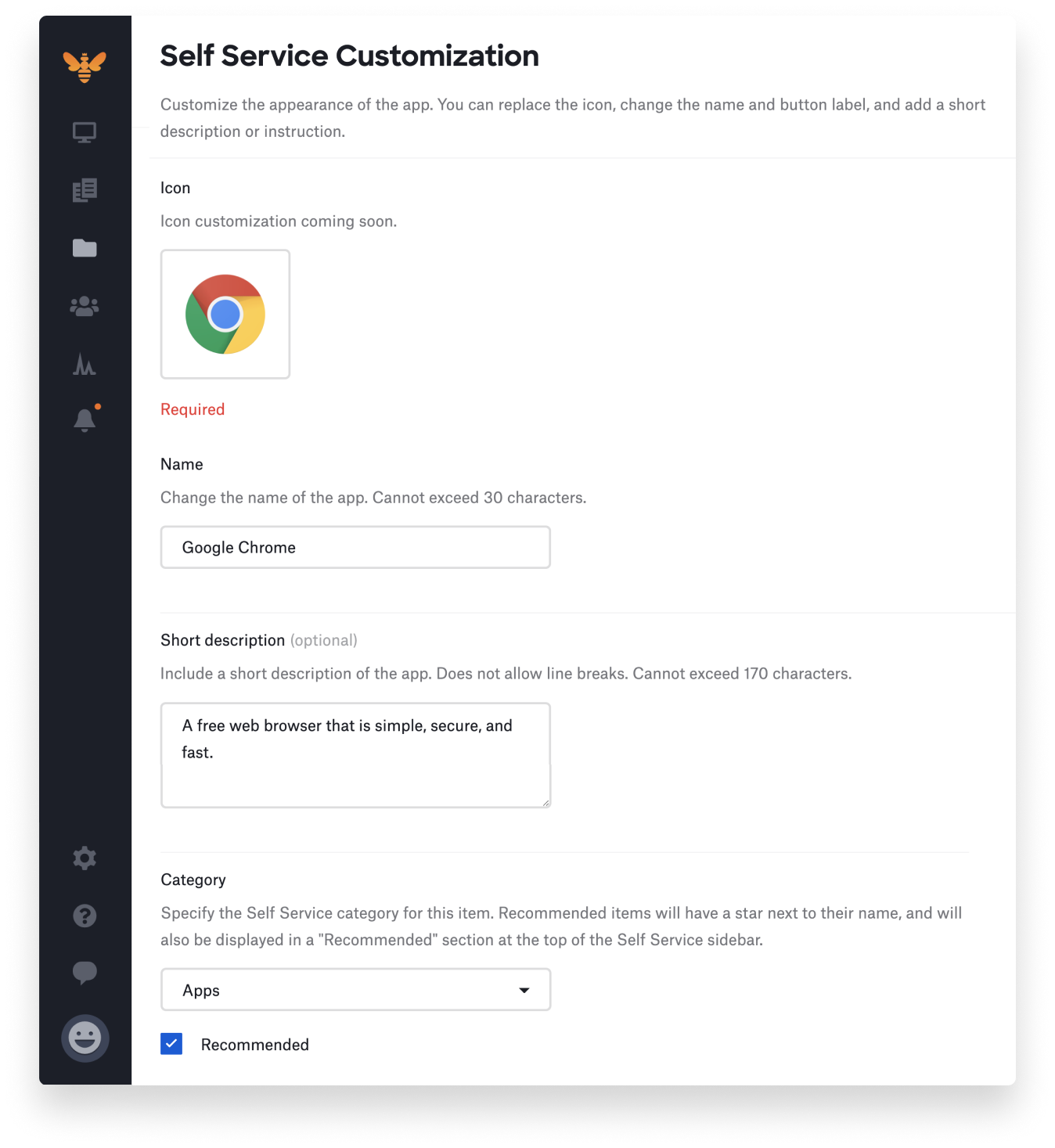
For each Library Item you’re adding to Self Service, you can choose the category as well as customize the icon, button text, long and short descriptions, and more. To learn more about customizing Library Items, read our Self Service items knowledge base article.
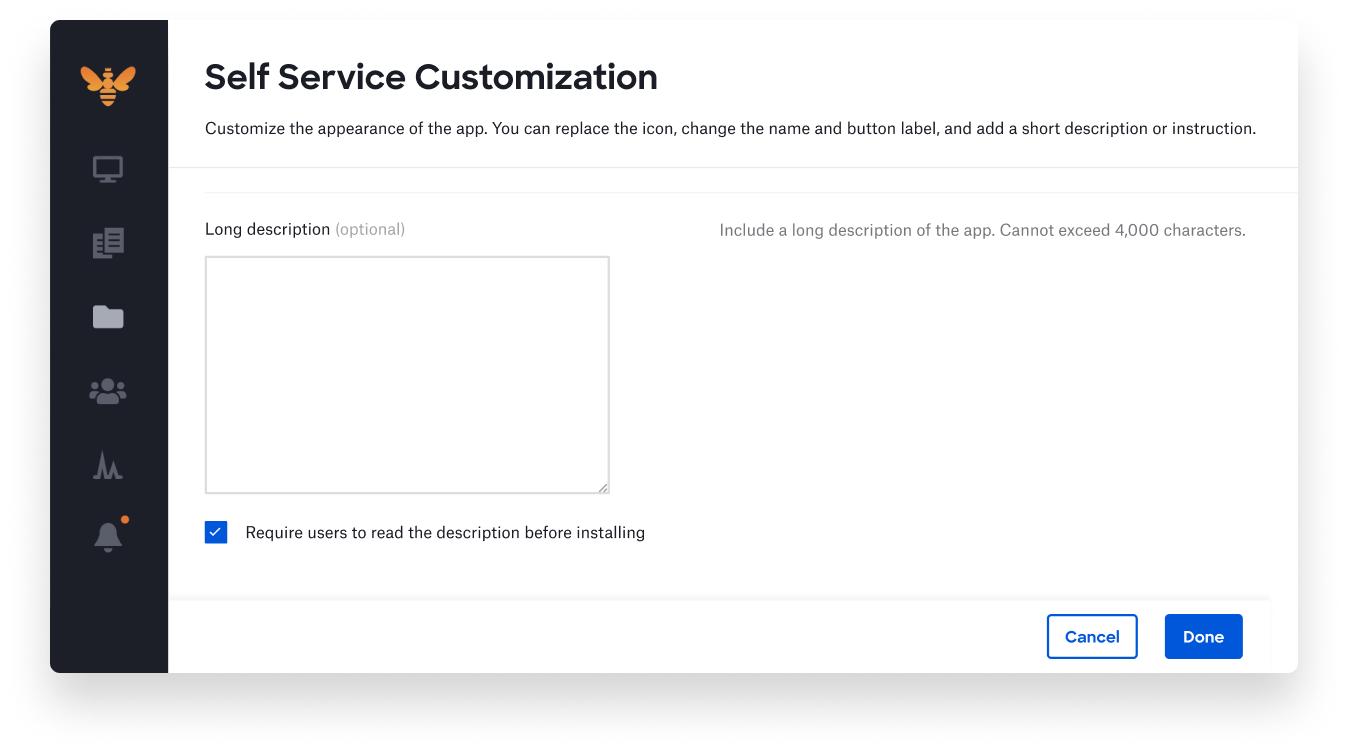
If you want to make sure your users read the long description before installing the app or OS update, select “Require users to read the description before installing.”
What Makes Kandji Self Service Unique?
Self Service communicates with the Kandji Agent running on the computer and the Kandji web app to ensure commands are received and successfully completed, to communicate with the user, or to manage error handling workflows. If there is an issue, an alert will be shown in the Alerts section and within the Library Item under the Activity tab.
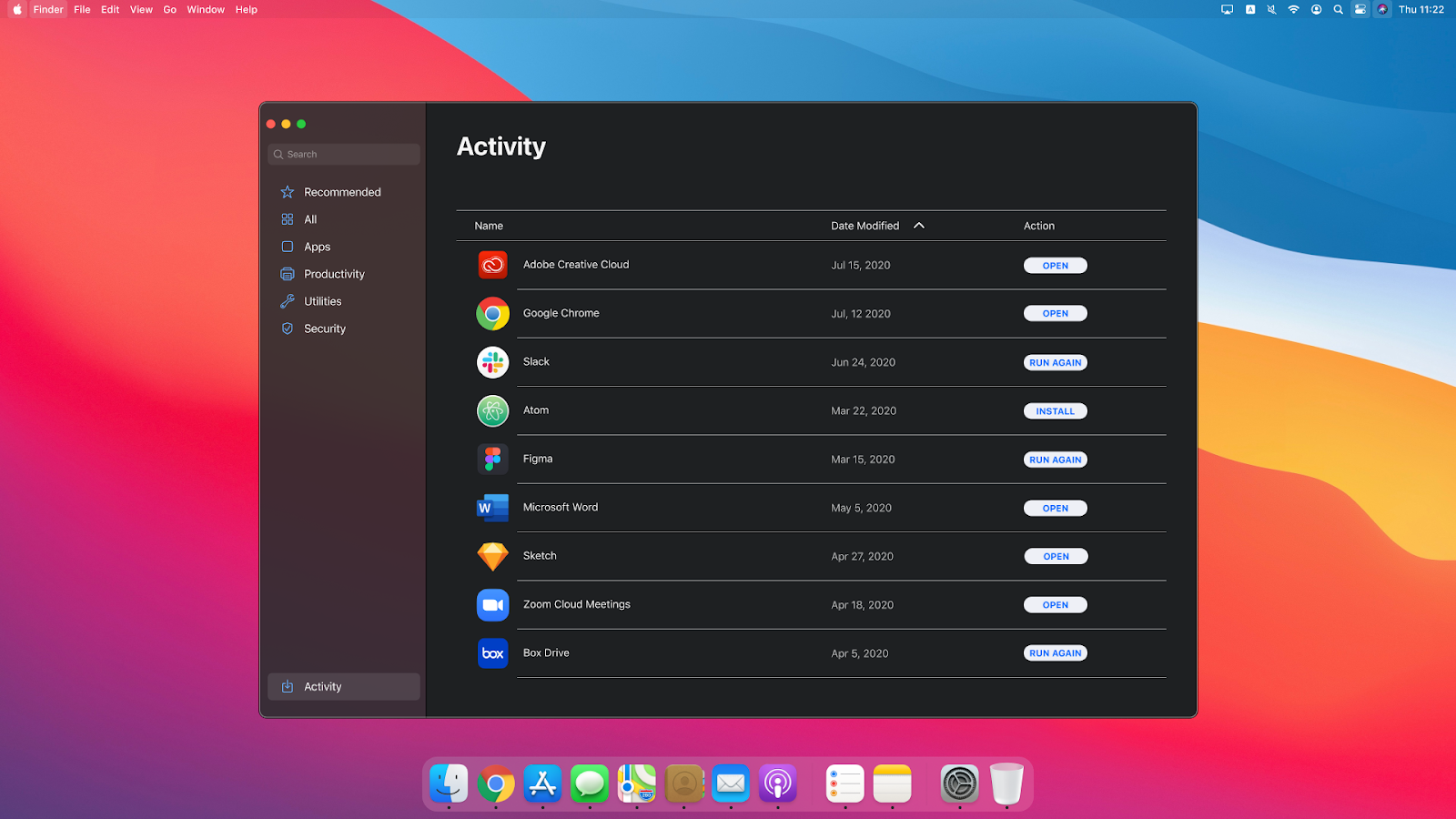
We also empower your users to view recent activity or retry failed installs by displaying a complete activity tab within the Self Service app. To learn more about how users can interact with the macOS app, read our Self Service app knowledge base article.
We have a lot more planned for Self Service that goes far beyond what you’ve seen before, so stay tuned for future updates and new feature releases.
Introducing Our API
We are also releasing the availability of our API. This release will allow you to access a list of your devices in Kandji, as well as details about those devices – everything from device ID or asset tag to applications installed on that device. Within Settings under the Access tab, you’ll be able to create API keys.
Note: Our API is available upon request only, so please reach out to us if you’re interested. It will be included at no additional cost for customers in the 500 device tier and above. It will be available as an add-on for customers in lower tiers at $150/month, billed annually. See our pricing page for details.
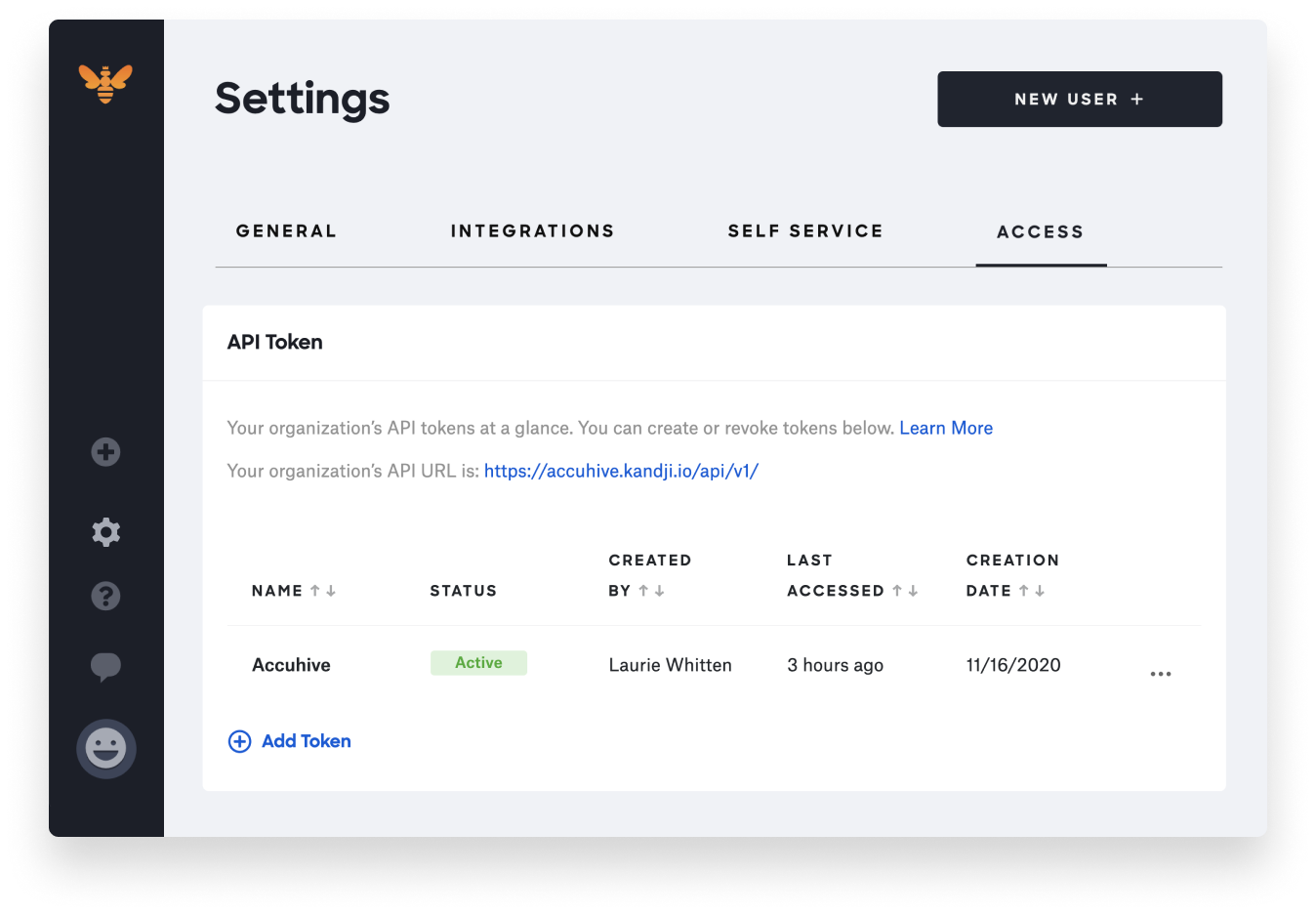
We’ll be working hard to include even more functionality in future releases, such as retrieving secrets (eg. FileVault Recovery Key or Activation Lock bypass code), performing device actions, and more. And of course, we’ll also be relying heavily on customer feedback and are excited about the new use cases the API will unlock for our customers. For more information, read our API knowledge base article.
With innovation and iteration at the core of everything we do, we’re constantly building solutions to give you more of what you need and improve upon features you already love. With Kandji, you can be confident that your Apple fleet is in safe and secure hands from deployment to retirement.


