
 Workforce Identity
 Endpoint Management
 Endpoint Detection & Response
 Vulnerability Management
 Compliance Automation
 Trust Center



The Kandji team is excited to announce updated Blueprint templates to support our transition from parameters to Library Items. We are also releasing multifactor authentication (MFA) and two new Auto Apps: RingCentral and Fellow.
In case you missed it, we also recently released SSO, new Self Service features, and more.
Updated Blueprints
Kandji has updated our Blueprint templates for Kandji Level 1-4 as well as CIS Level 1 and 2 to support our transition from parameters to Library Items.
All deprecated parameters have been removed from the Blueprint templates and have been replaced with their modern Library Item equivalents to support macOS Big Sur.
Please note that this won't update any existing Blueprints generated from these templates previously.
Multifactor Authentication
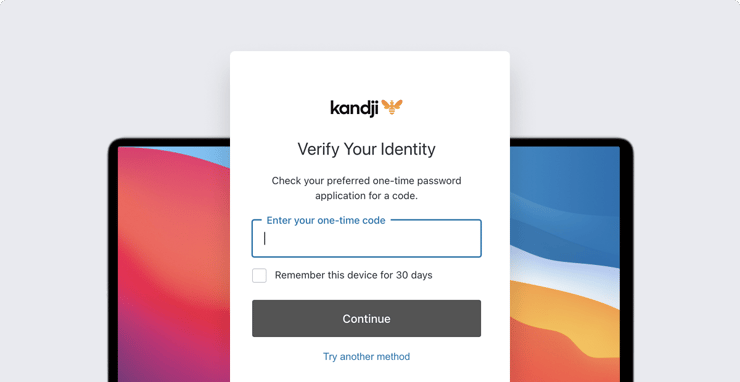
Today’s release also enables multifactor authentication (MFA) for administrators.
With MFA in place, when admins log in to Kandji with an email/password combination, they must then verify their identity with a one-time code. MFA doesn’t apply to users who authenticate via Google, Office 365, or a Single Sign-on connection.
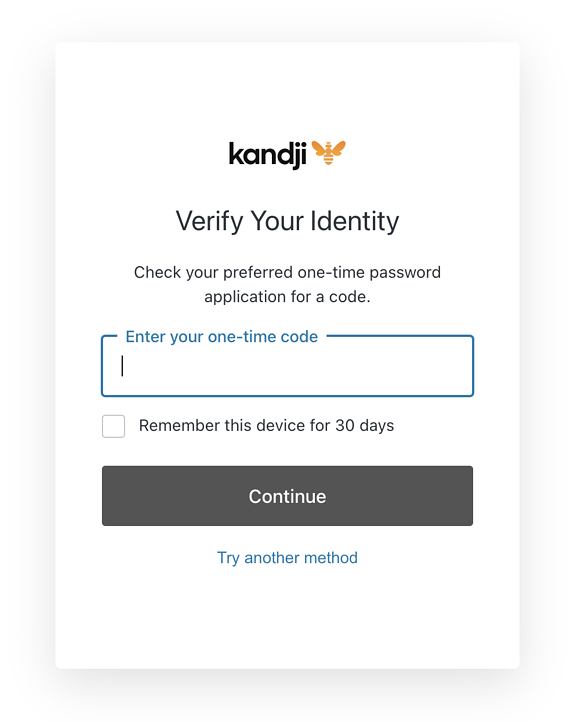
Initializing MFA is simple: You log into your Kandji account as usual, then scan a QR code with a compatible one-time password (OTP) application such as Google Authenticator, Microsoft Authenticator, or OneLogin Protect. You then complete setup in your OTP app.
New Auto Apps: RingCentral, Fellow
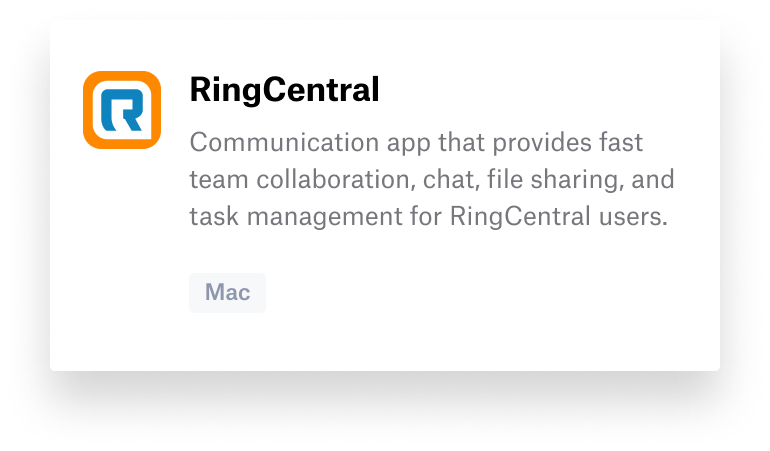
Based on customer feedback, we have also added two new Auto Apps: RingCentral and Fellow. View our support article for the complete list of Auto Apps, and stay tuned for more Auto Apps coming soon.
With innovation and iteration at the core of everything we do, we’re constantly building solutions to give you more of what you need and improve upon features you already love. With Kandji, you can be confident that your Apple fleet is in safe and secure hands from deployment to retirement.


