
 Workforce Identity
 Endpoint Management
 Endpoint Detection & Response
 Vulnerability Management
 Compliance Automation
 Trust Center



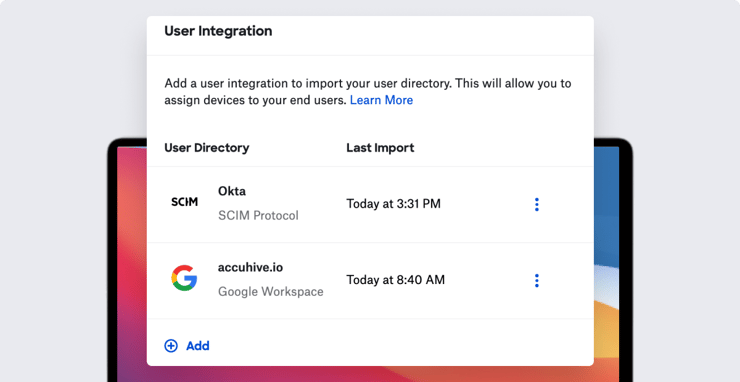
Kandji is excited to announce an updated interface for managing integrations with user directories, as well as support for SCIM (in early access by request). And following our recently released support for custom apps and scripts in Self Service, we’re also happy to announce the addition of custom printers there as well.
User Directory Improvements
The interface for managing directory connections has been updated, with a new table showing the directories from which you’re importing user data and when that data was last synchronized. For each entry in that table, you can view user integration details, rename or delete the connection, or force immediate synchronization.
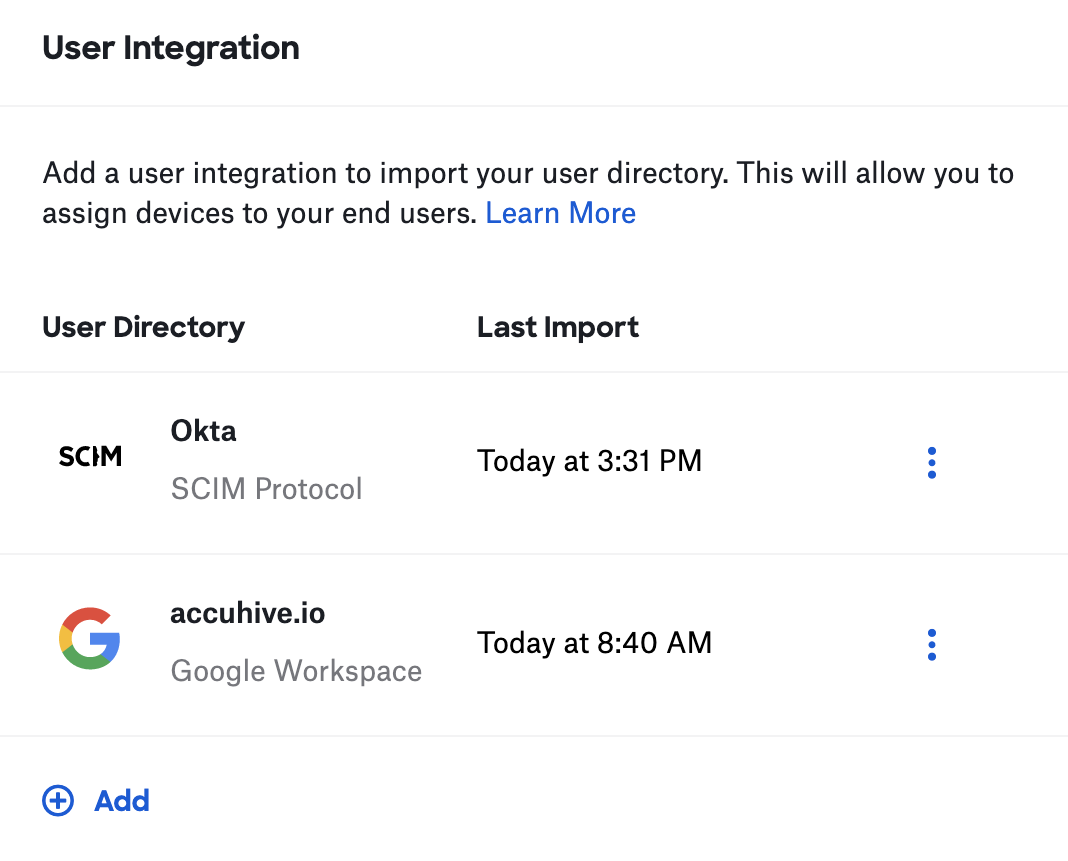
From the table, you can add new integrations. The options there have expanded: Kandji had previously allowed for integration with Google Workspace or Azure Active Directory directories. Kandji also now supports synchronizing user data via SCIM, from any compliant IdP (such as Okta or OneLogin), and you can maintain multiple directory connections. For more details, see our support article on user directory integration. Note: The SCIM integration is available in early access; customers can request it via Kandji Support.
Custom Printers in Self Service
The addition of custom printers to Self Service means that, instead of pushing every possible printer profile to every user, admins can make printers available in Self Service and let users pick just the ones they’ll want to use. Custom printers can be continuously enforced, installed once, or offered through Self Service.
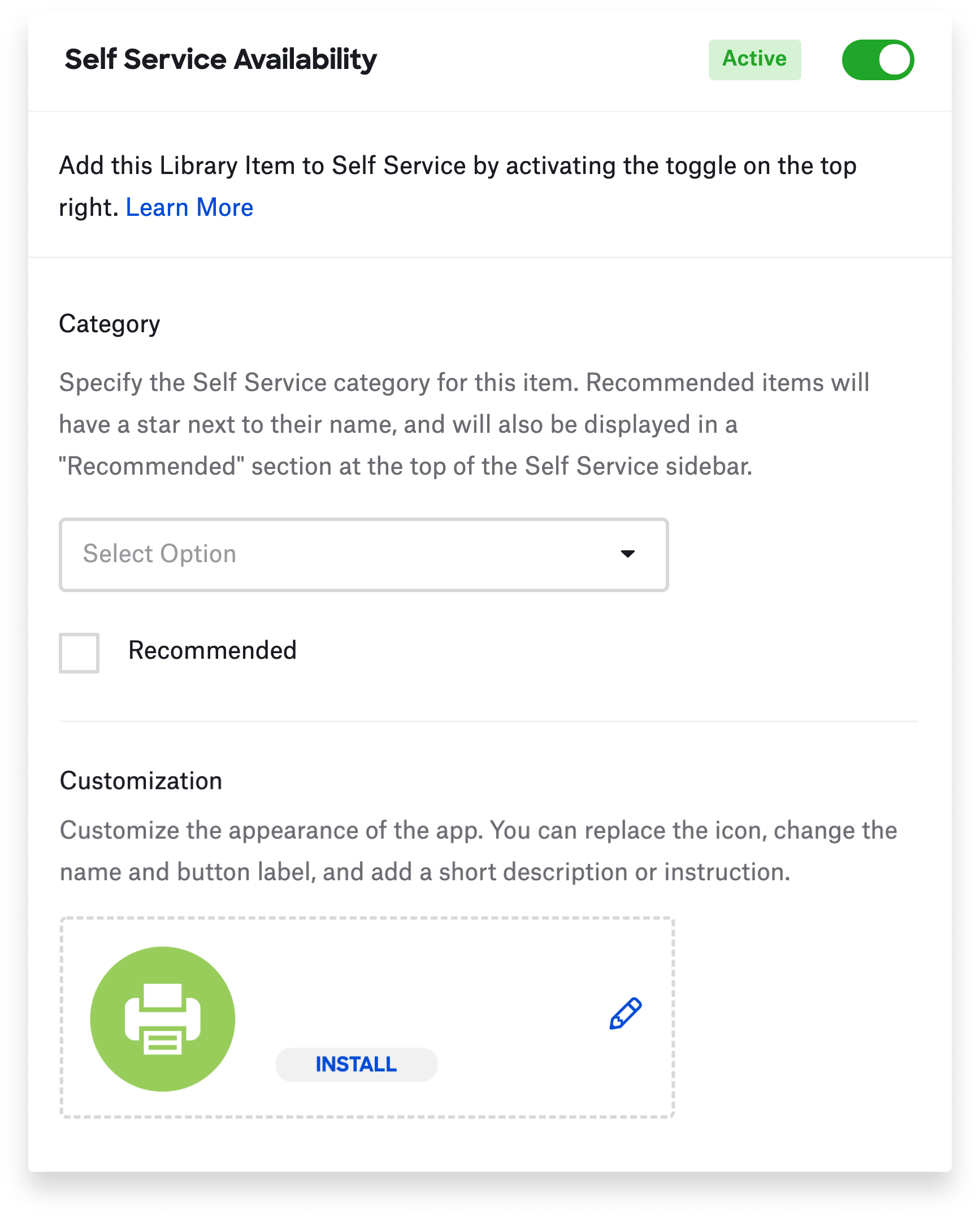
Making custom printers available in Self Service also means you're able to deploy customized printer description (PPD) files to take the place of generic ones. That way you can set specific options—double-sided printing, for example—as defaults. As with custom apps, you're able to specify pre- and post-install scripts. For more, see our support article on custom printers.
One More Thing
Finally, Kandji has added a new API endpoint for the Erase Device device action, which allows you to erase a device by device ID. It won’t be enabled by default on existing API tokens; you’ll need to explicitly enable permissions for them.


