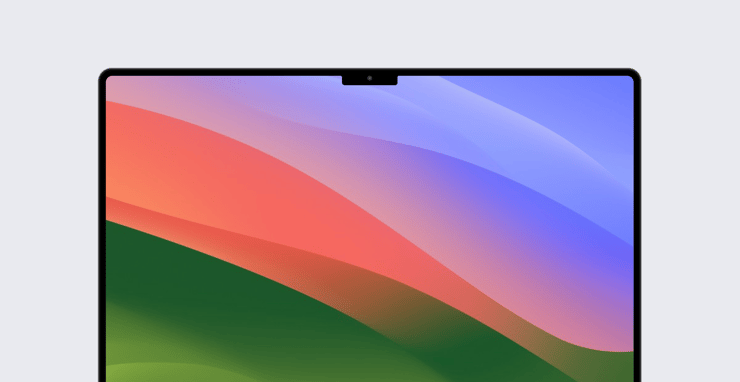
Kandji is pleased to announce its support for macOS Sonoma. One major result of that support: You can now require that FileVault be enabled during Automated Device Enrollment.
FileVault and Automated Device Enrollment
For a long time now, there has been a limitation in enforcing security policies during enrollment: If you were enrolling devices via Automated Device Enrollment, there would be a short period of time when a user might be able to use a newly enrolled Mac before FileVault was enabled on the device.
Now a new option is available in macOS Sonoma—and supported in Kandji—allows you to enforce FileVault and escrow keys from Setup Assistant. That means you can set a secure baseline configuration before users can actually start using their Mac computers; those devices will be encrypted before there’s any chance that sensitive data can be saved on them. To implement this, you select the option Enforce during Setup Assistant for Automated Device Enrollment in the FileVault Library Item.
Updated Library Items
There are plenty of other updates in Kandji that take advantage of new features in macOS Sonoma.
For example, the Login Window Library Item has been updated so you can supply a username and password to automatically log in to the Mac. This is particularly useful for applications such as shared computers or kiosks, when you want the computers to log in after a restart but don’t want to have to physically enter credentials at each one.
There are also updates to a slew of restrictions that you can implement with Kandji. Many of them relate to managing sharing: Apple has introduced new controls in the Sharing pane of System Settings, and Kandji now lets you manage them. Some of those restrictions control the sharing of files, printers, Bluetooth, and internet access. Others let you prevent users from altering the settings for remote access. Another lets you restrict access to Siri—a concern for many security-conscious admins. And there are many more.
More to Come
We’d be remiss in failing to mention two other improvements introduced with macOS Sonoma that are coming soon to Kandji: Declarative Device Management for software updates and requiring a minimum OS version for Automated Device Enrollment. Both will make managing the operating systems in your Mac fleet more efficient and reliable while increasing your security posture. Stay tuned!
About Kandji
Kandji is the Apple device management and security platform that empowers secure and productive global work. With Kandji, Apple devices transform themselves into enterprise-ready endpoints, with all the right apps, settings, and security systems in place. Through advanced automation and thoughtful experiences, we’re bringing much-needed harmony to the way IT, InfoSec, and Apple device users work today and tomorrow.

 Workforce Identity
 Endpoint Management
 Endpoint Detection & Response
 Vulnerability Management
 Compliance Automation
 Trust Center