
 Workforce Identity
 Endpoint Management
 Endpoint Detection & Response
 Vulnerability Management
 Compliance Automation
 Trust Center



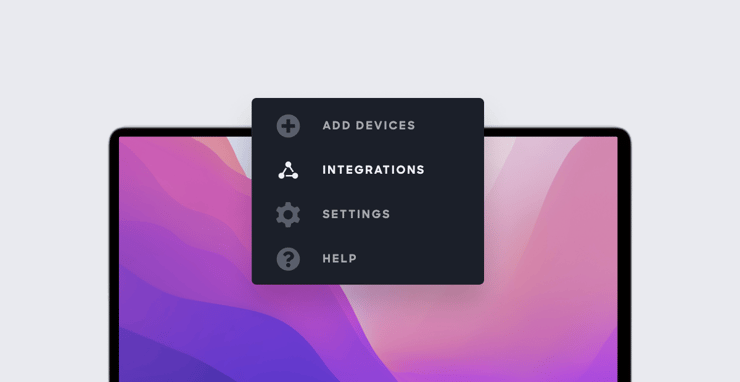
Kandji has completely revamped the Integrations section of our web app. That section, where you configure the integration of third-party apps and services with Kandji, has been moved out of Settings to a section of its own.
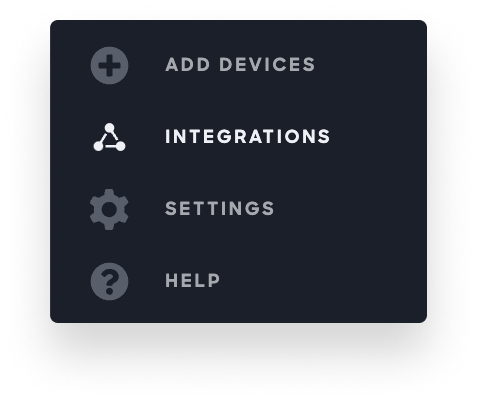 This interface change has several benefits for you as an admin: It makes it easier to view the status of your current integrations and make changes to them. It also facilitates the discovery and installation of new ones.
The new Integrations section is divided into two categories: Communication is where you connect Kandji with tools like Slack, so you can get alerts to events in your Kandji instance. Directory integrations is where you add and configure connections with user directories such as Azure AD and Google Workspace, for inventory management purposes.
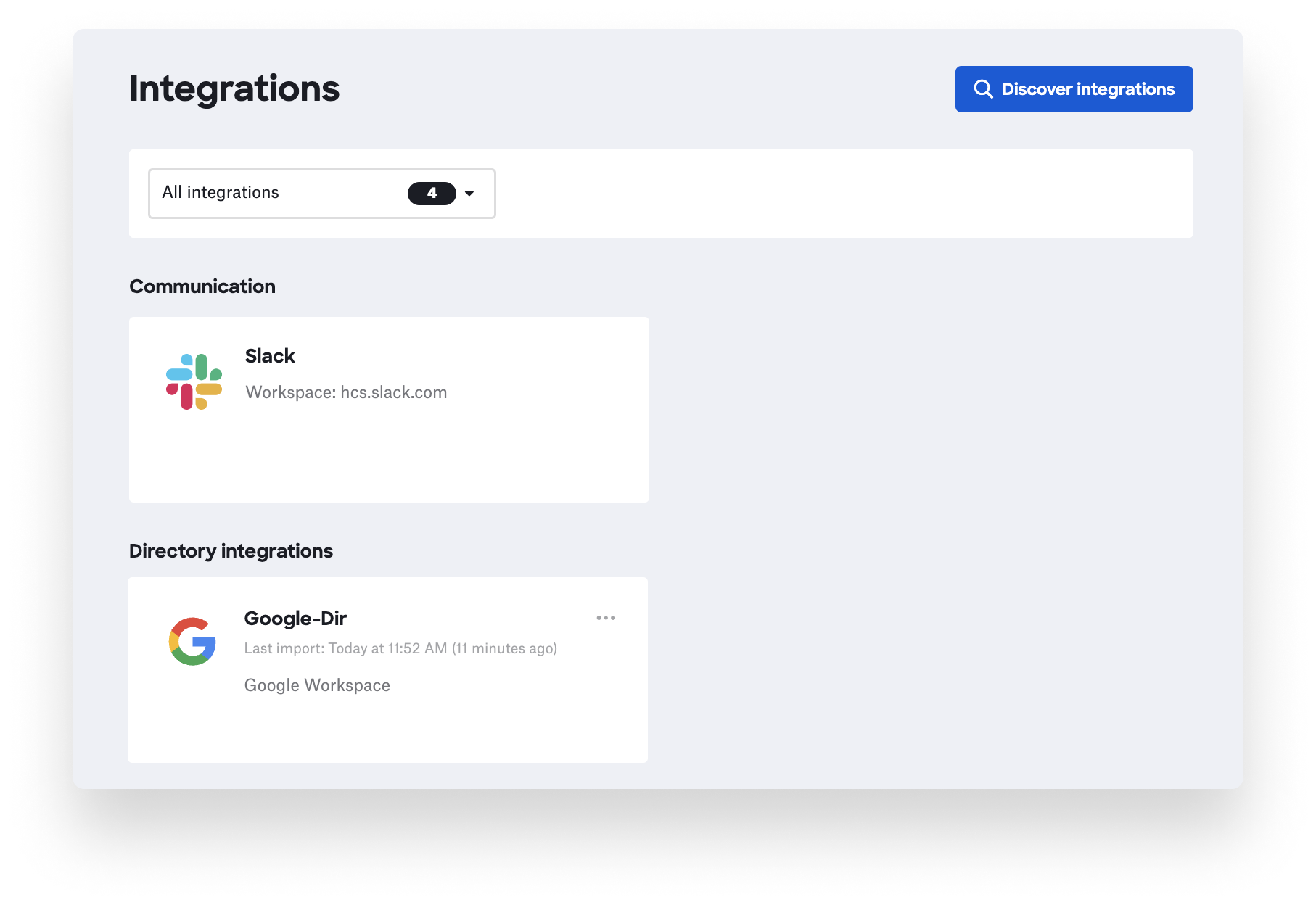 As we add new integrations over time, the Integrations section is where you’ll find them (via the Discover integrations button). As our library of integrations grows, the new interface will make it easy to find and add them.
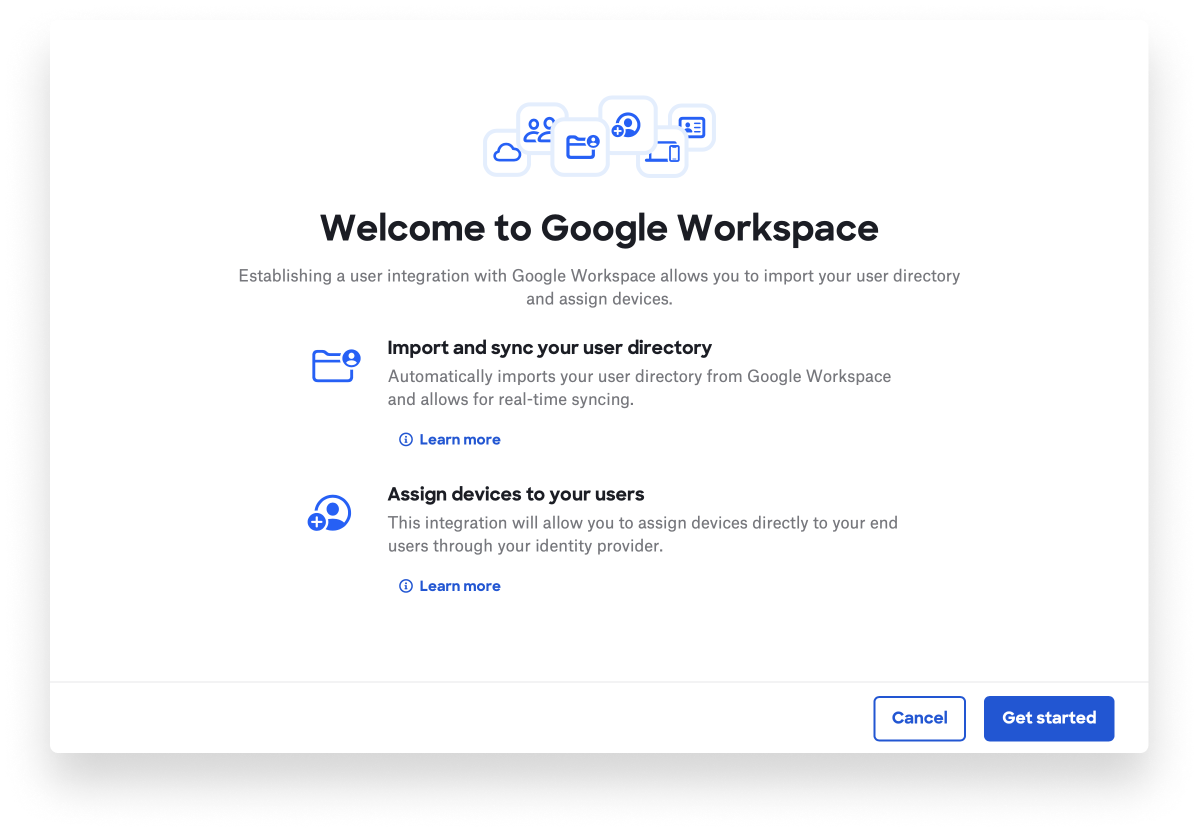
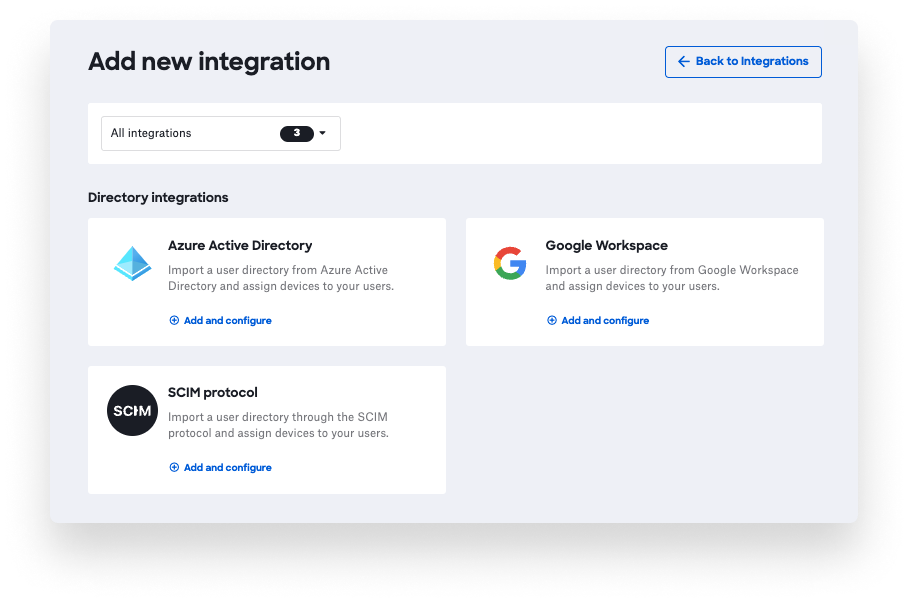 When you find an integration you want to add to your instance, you’ll click Add and configure. That will then lead you to an updated configuration guide, which will walk you through the process of setting up that integration.
Note: There is still a separate tab in the Settings section of the web app specifically for integrations with Apple services, such as Apple Push Notification service (APNs), Automated Device Enrollment, and Apps and Books.
For more details, see our support article.


