
 Workforce Identity
 Endpoint Management
 Endpoint Detection & Response
 Vulnerability Management
 Compliance Automation
 Trust Center



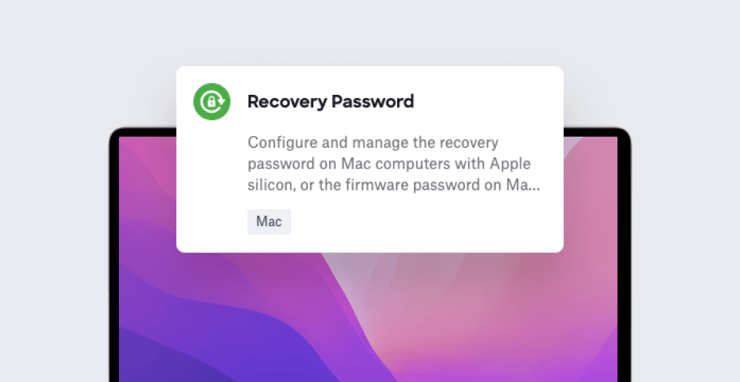
Kandji's new Recovery Password Library Item allows you to configure and apply recovery passwords (to Mac computers with Apple silicon) and EFI firmware passwords (for Intel-based Mac computers), in order to protect against unauthorized startup commands.
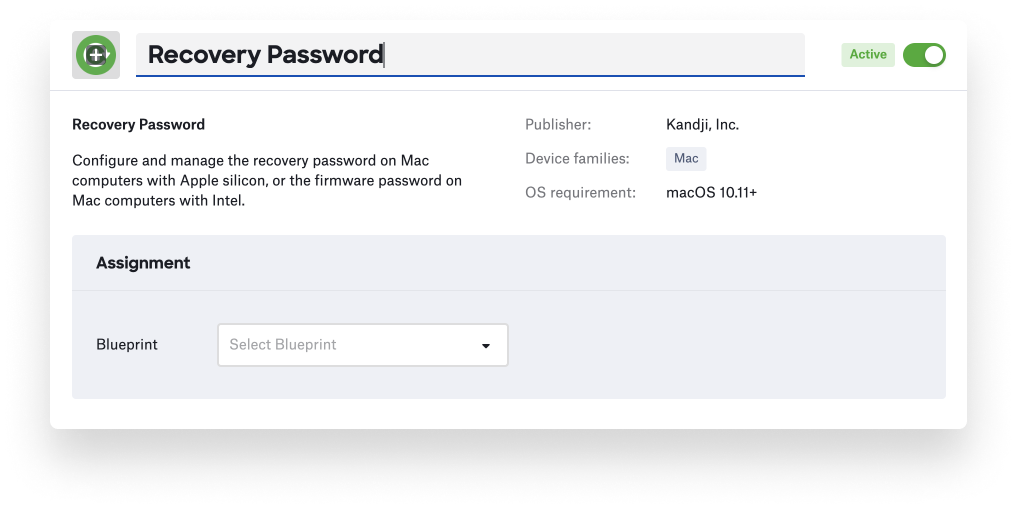
This new Library Item supports automatically generating per-computer passwords, with the option of configuring time-based rotation (similar to the functionality for our rotating FileVault recovery keys); alternatively, you can manually set a static password. (We recommend the per-computer option.)
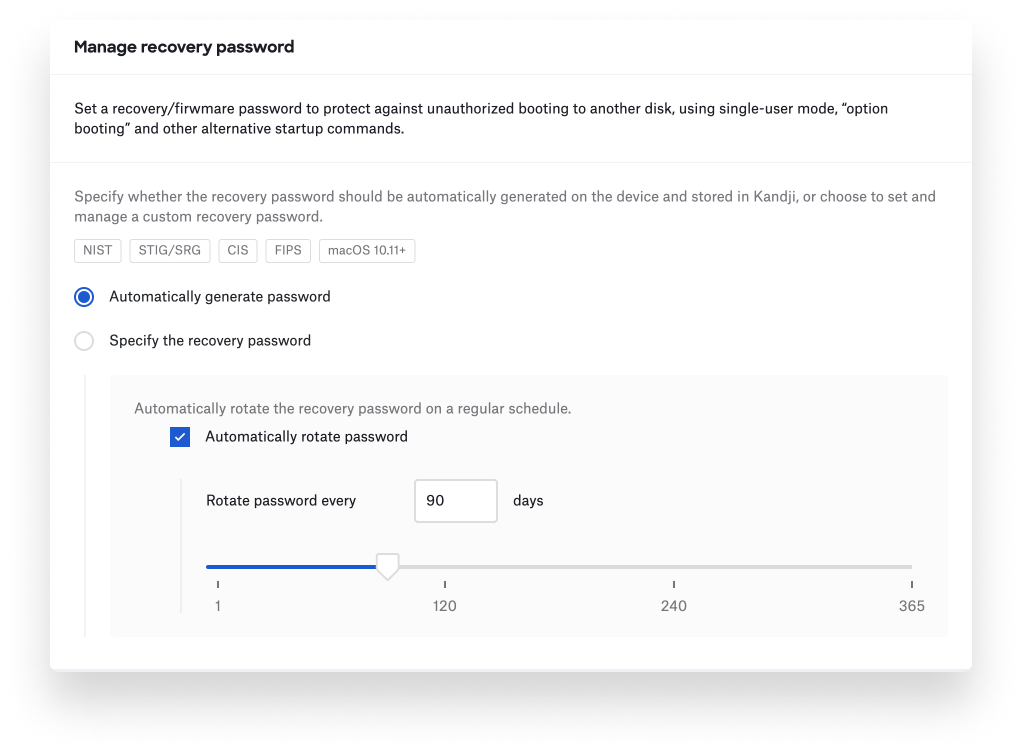
If you’ve migrated from another device management solution, and had firmware passwords configured on Intel-based Mac computers, you can also provide up to 20 of those known passwords to Kandji and they will be automatically updated.
For end-users, the experience will depend on the kind of Mac they have. For Mac computers with Apple silicon, the recovery password will be applied without any user interaction. For Intel-based Mac computers, users will be prompted to restart within 30 minutes after a legacy firmware password is applied, whether for the first time or when being rotated; this restart cannot be deferred.
For more details on recovery passwords in general, see Apple's documentation on startup security in macOS and firmware password protection for Intel-based Mac computers. For more on our new Library Item, check out the knowledge base article.
New SSH Library Item
We’ve also added a new Library Item to help manage the SSH server and SSH client configurations across your macOS fleet, further expanding automation workflows.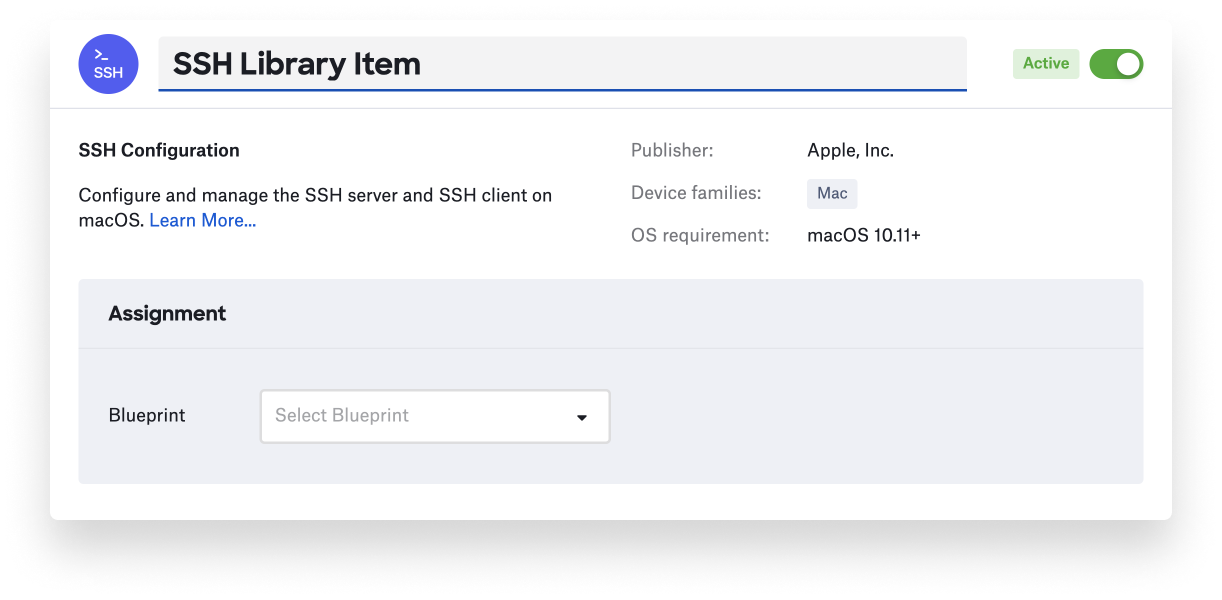
Admins can leverage this new Library Item to quickly meet or exceed CIS and NIST security standards. To learn more about the SSH Library Item, see our knowledge base article.


