
 Workforce Identity
 Endpoint Management
 Endpoint Detection & Response
 Vulnerability Management
 Compliance Automation
 Trust Center



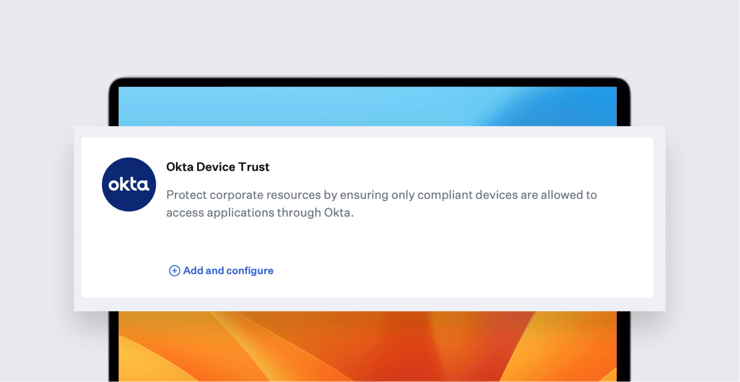
Now that working from anywhere on any device is the new norm, it has become increasingly imperative to prove that endpoint devices accessing corporate apps and resources are secure. This is where Kandji's new integration with Okta Device Trust platform (ODT) can help.
Okta is a leading cloud identity and access management provider. Okta Device Trust allows companies to require that Apple devices are managed by a device management solution such as Kandji before users can access Okta-secured SaaS apps. Kandji’s ODT integration, built on top of the Okta Identity Engine (OIE), provides a complete, end-to-end solution for establishing such trust at the device level.
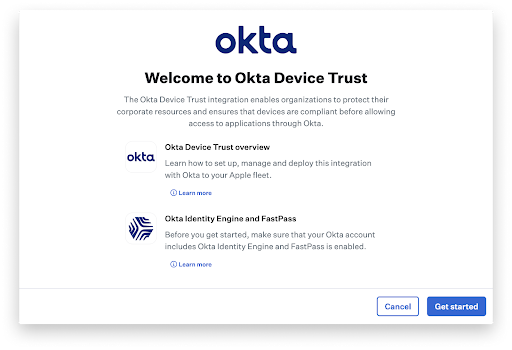 The configuration begins with a streamlined setup flow in Kandji. Kandji first validates that the Okta tenant is enabled for OIE and that Okta FastPass is configured. Next, the admin configures the device platforms that will receive the ODT configuration. Finally, Kandji will check for the presence of Okta Verify in the Kandji Library.
Once that initial configuration is complete, deployment is as easy as turning on ODT in the Okta Verify Library Item and adding Okta Verify to one or more Blueprints.
Behind the scenes, Kandji automatically handles the creation and distribution of all required settings, configuration profiles, and trust certificates. From there, the end user will register their devices with Okta via the Okta Verify app. Once registered, the device will appear as managed in the Okta Unified Directory.
This is just one more step in our efforts to automate the device lifecycle, determine device trust, and control access to secure apps by leveraging Okta. Watch this space for future updates.
For more details on how to implement ODT with Kandji, please see our support article.


