
 Workforce Identity
 Endpoint Management
 Endpoint Detection & Response
 Vulnerability Management
 Compliance Automation
 Trust Center



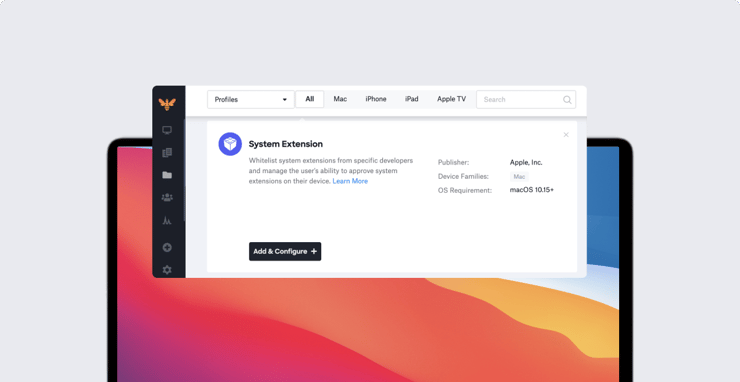
The Kandji team is excited to introduce a new profile, the System Extensions Profile, as well as new AppConfig capabilities, four new Auto Apps, and a new Global Profile Variable for User Email.
In case you missed it, last month we released Managed OS, fully enforced Auto Apps, and Shared iPad support.
System Extensions Profile
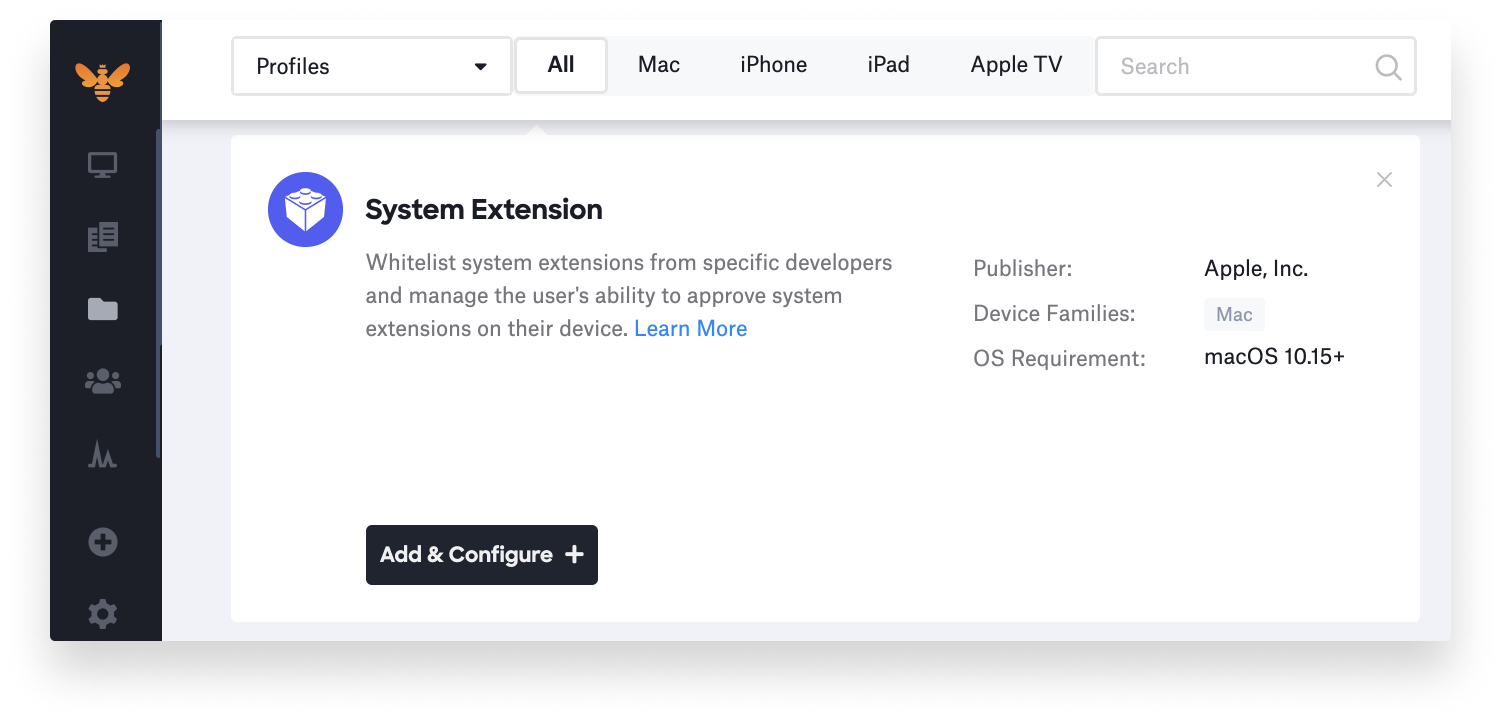
We’ve written a lot about the challenges and security concerns around Kernel Extensions (KEXTs) and how Apple is introducing System Extensions as a replacement.
To summarize, because the actions taken by Kernel Extensions occur within the kernel, they create a risky environment to develop and debug apps in. They also lead to security concerns since KEXTs aren’t bound to macOS security policies. System Extensions are starting to be introduced as a replacement for Kernel Extensions, and run in userspace instead of the kernel.
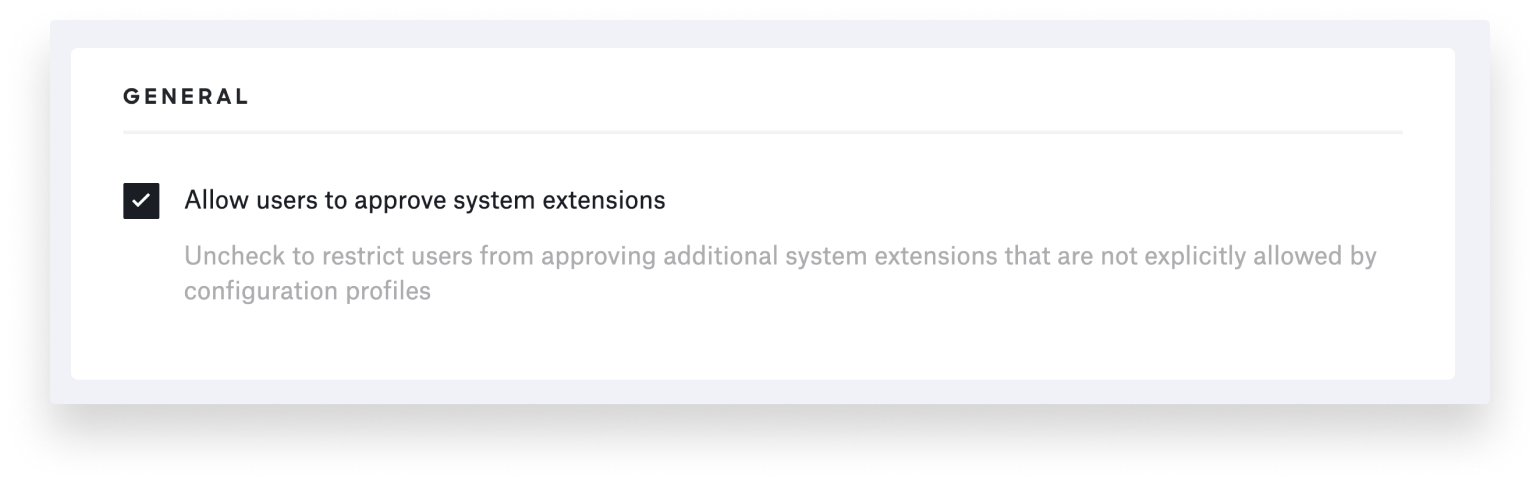
Kandji is excited to be at the forefront of making these new System Extensions easy for admins to leverage in their environment. Kandji’s new System Extensions Profile includes some additional security measures such as restricting users from approving System Extensions that are not explicitly allowed by configuration profiles.
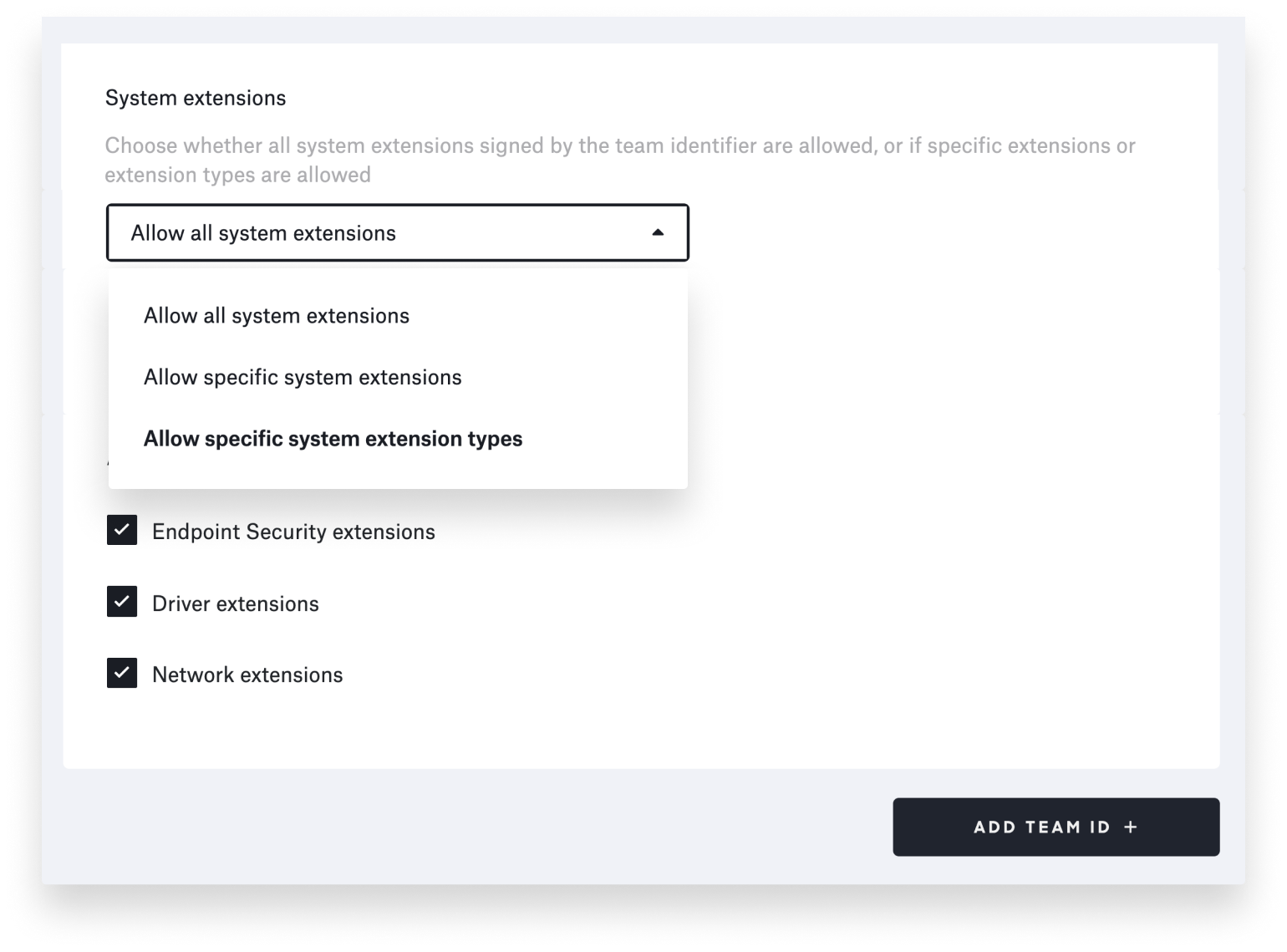
You can also determine whether to allow all System Extensions, a list of specific System Extensions, or allow them by type, as shown below. These three types were announced at Apple’s WWDC (Worldwide Developer Conference) event in 2019. You can find a complete description of each one here in our threat detection guide.
Read our support article to learn more about how to implement the System Extensions Profile.
AppConfig
AppConfig is a community focused on providing tools and best practices around configuring and securing mobile apps, providing an MDM-agnostic way for admins to customize app settings and giving users the best out-of-the-box app experience as possible. Kandji is excited to announce that you can now specify a configuration dictionary for our App Store Apps (Apps and Books from Apple Business Manager). Read our support article to learn more.
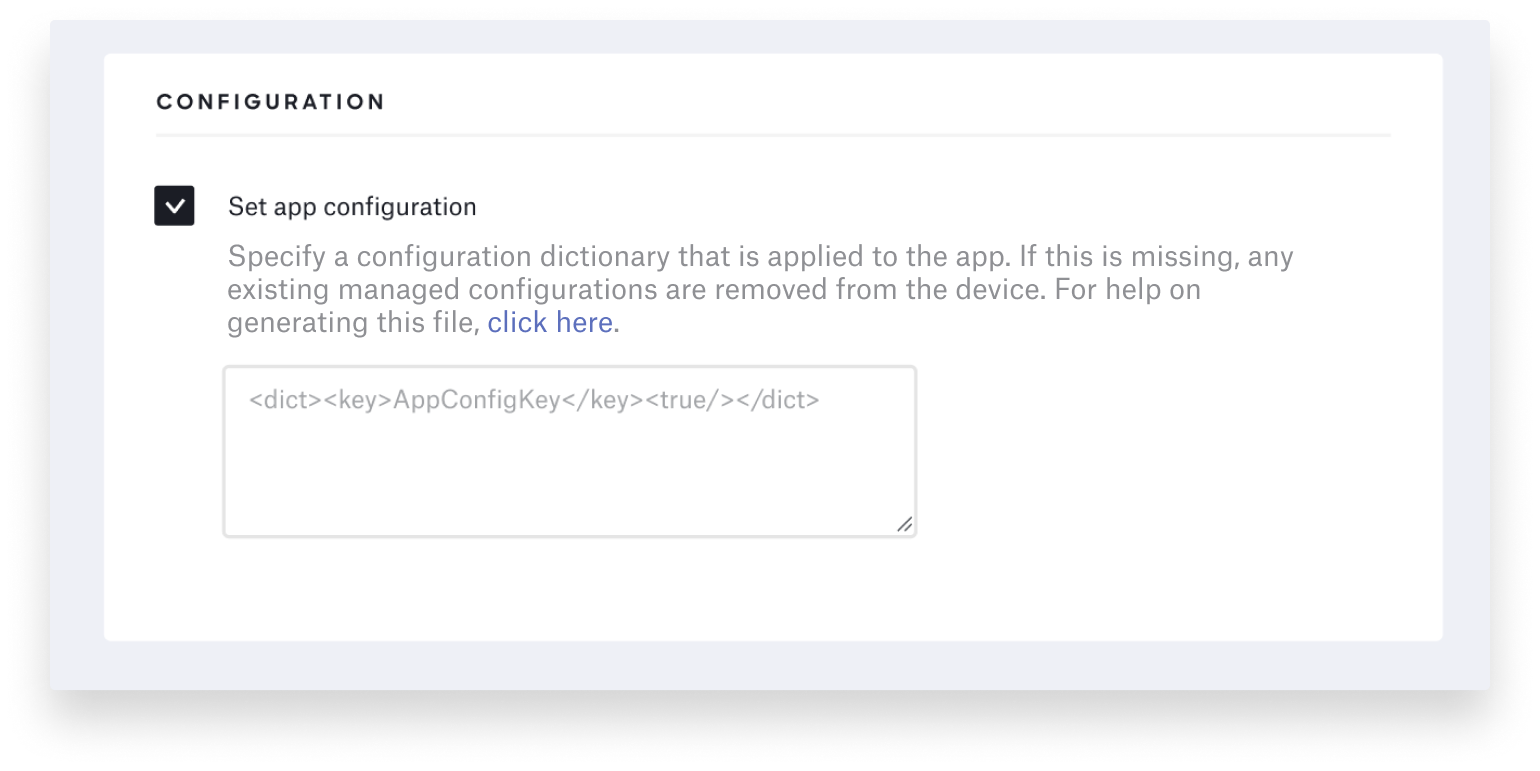
Kandji doesn’t just set up configs, it also enforces them moving forward to ensure the settings are maintained. And if a Kandji admin ever changes an app configuration, Kandji will instantly update it across applicable devices.
New Global Profile Variable: User Email
We’ve added a new global profile variable for use in your profiles: User Email ($EMAIL). You can use this in, for example, the Login Window Profile to display the user email on screen, or in the SCEP profile to personalize certificate delivery.
Like all other global profile variables, the User Email variable can now be used in any library-based or custom profile in Kandji. See our support article for a complete list of Global Profile Variables.
More Auto Apps
As promised, our Auto App library continues to grow based on customer feedback. In case you missed it, back in February we launched Auto Apps, a library of applications that we pre-package, host, and automatically patch.
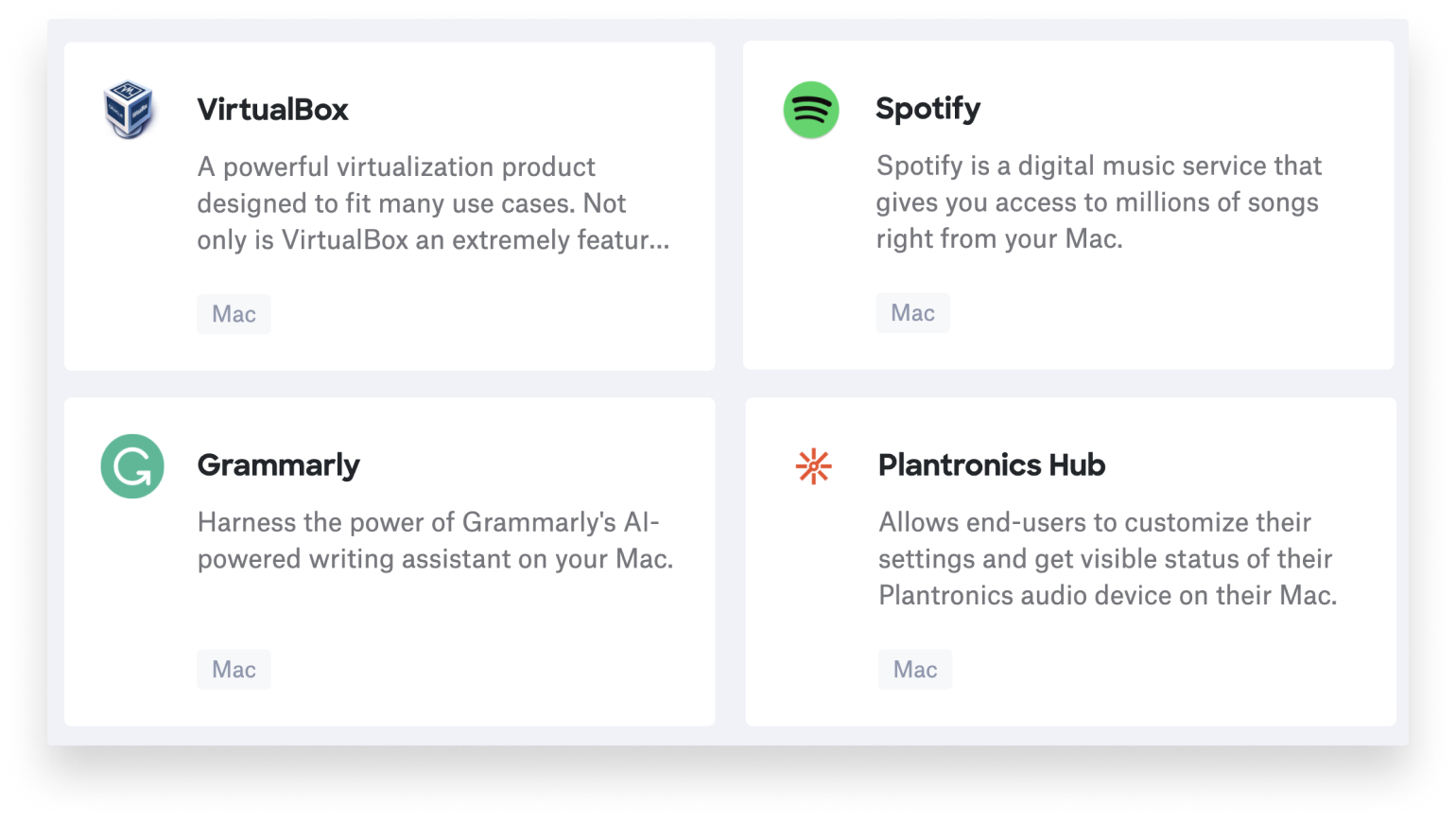
Today we are announcing four new Auto Apps: VirtualBox, Spotify, Grammarly, and Plantronics Hub. You can see our complete list of Auto Apps here.
With innovation and iteration at the core of everything we do, we’re constantly building solutions to give you more of what you need and improve upon features you already love. With Kandji, you can be confident that your Apple fleet is in safe and secure hands from deployment to retirement.


