Workforce Identity
 Endpoint Management
 Endpoint Detection & Response
 Vulnerability Management
 Compliance Automation
 Trust Center



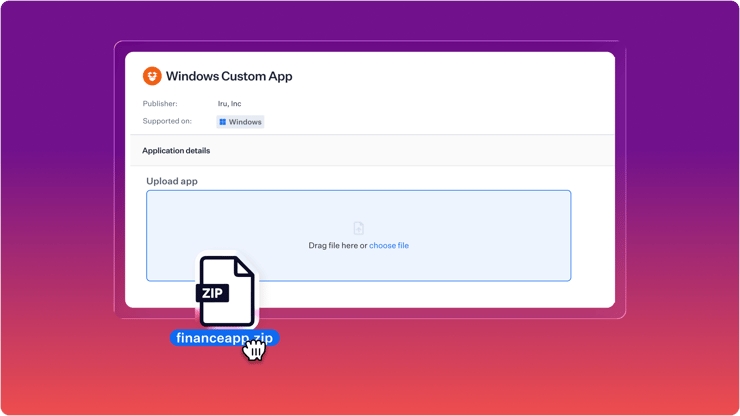
Custom apps for Windows are now available in Iru Endpoint Management, supporting MSI, EXE, and PowerShell-wrapped installs. Upload your files, configure your settings, and let Iru handle deployment.
Traditionally, Windows app deployment has been cumbersome and unreliable. Installing applications required IT admins to repackage the files into another format, while being unsure if the update fired due to long delays in MDM check-ins.
The new Custom App Library Item for Windows solves for exactly that. It gives you a faster, more reliable way to deploy the apps your business depends on, with the flexibility to handle real installation logic along the way.
Packaging the App Without the Friction
With the Custom App Library Item, you upload a .zip file that contains your Windows installer and any supporting files. The Library Item removes the need to repackage the installer and supporting installer files into another format before deployment. And with support for installers up to 5 GB, you have room for every app your business uses.
For installs that need extra steps, like updating a registry key, you can include a PowerShell script in the zip and reference it in the install command. This enables a more straightforward, yet flexible way to deploy complex Windows applications.
For example, you can zip together FinanceApp.exe with a script called install.ps1. The script can install the app and then update a registry key with company-specific configuration. After uploading the zip file, you'd simply input install.ps1 into the install command field in the Custom App and the script will execute.
.png?width=2202&height=1326&name=Restyle%20Finance%20App%20Form%20(1).png)
Configure Your Deployment Settings
After uploading, you decide:
- Install and uninstall command lines — used for both deployment and version upgrades
- Detection logic — file path, folder, registry key, or MSI ProductCode, so Iru knows whether the app is actually present before and after install
- Architecture — x86, x64, or ARM64; auto-detected from MSI metadata where available
- App metadata — icon, version, description, publisher
- Enforcement timeframe — enforce immediately, or give users a grace period before installation becomes required
- Install command — Reference any scripts that you packed with your zip.
Once you have that configured, assign the Library Item to a Blueprint via an Assignment Map. Iru takes it from there.
Deployment that Starts Immediately
Once you deploy the Custom App, online devices start installing within 15 minutes, at the next endpoint agent check-in. If an install fails, Iru keeps retrying on every agent check-in.
When an older version of the app is already installed, Iru automatically applies logic to minimize disruption to work during the update.
- If the app is closed, Iru installs it silently with no user interaction.
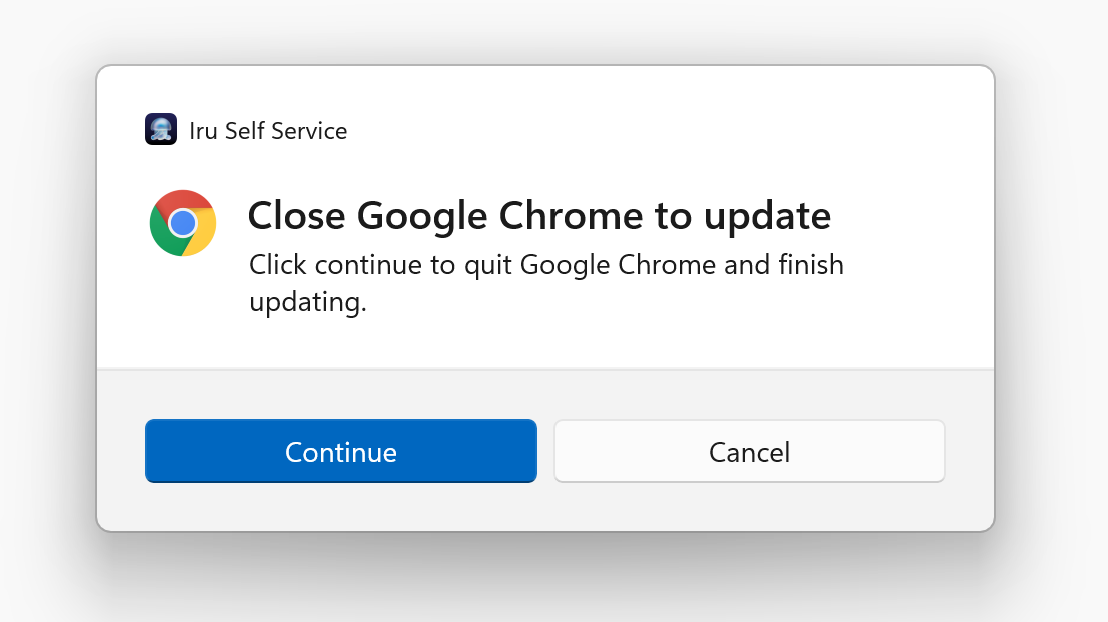
- If the app is open, Iru prompts the user every 8 hours to close it and update, up to the enforcement deadline.
- When the enforcement deadline arrives, Iru closes the app automatically so the install can complete.
For apps that stay open all day, such as finance tools or CRMs, the recommended approach is to give at least one week before enforcement. Users will have a chance to update on their own terms, before being forced to quit the application at the deadline, eliminating IT needing to follow up.
A Rollout Example
Your finance team uses an internal Windows app for approvals, reporting, and reconciliation. It's open most of the day. You need to roll out an important update in a week.
In the Custom App Library Item, upload the zipped installer, enter the application details, specify which executables indicate the app is in use, configure MSI-based detection, set a 3-day enforcement window, and assign it to the Blueprint.
Devices that are online start installing within 15 minutes. If the finance app is open, the user is prompted to close it before the deadline. If they don't close it before enforcement, Iru closes it automatically and completes the rollout.
Here's an example of how that configuration might look:
.png?width=2144&height=1666&name=Restyle%20Finance%20App%20Form%20(2).png)
The Modern Way to Deploy Windows Applications
Iru’s Custom App Library Item for Windows introduces a new way to deploy Windows applications. Instead of needing an extra repackaging step and then waiting for hours to see if deployment was successful, Iru consolidates the entire workflow in one place, with enforcement that starts in under 15 minutes and reporting that gives you a clear answer on every device.
Want to explore further? The full documentation has you covered.
Ready to see it in action? Request a demo.