Skip to content
Iru vs Microsoft Defender

Protect devices in the same console you manage them

See how lean IT and security teams secure and manage every device from one platform, eliminating policy conflicts and console switching.

Trusted by teams at 6,000+ companies

Airbus
Replit
Amplitude
Demandbase
McLaren
Vercel
GoCardless
Betterhelp
Lifetime
Plaid
Glean
Cursor
Cloudera
Wise
Bumble
A24
LottieFiles
Turo
Pendo
Intercom
Apollo
Airbus
Replit
Amplitude
Demandbase
McLaren
Vercel
GoCardless
Betterhelp
Lifetime
Plaid
Glean
Cursor
Cloudera
Wise
Bumble
A24
LottieFiles
Turo
Pendo
Intercom
Apollo

How Iru compares to Microsoft Defender

Iru
Microsoft Defender

Endpoint detection and response

Iru EDR detects and quarantines malware and malicious behavior, isolates compromised devices, and opens a secure remote shell to investigate and remediate.

Management and security in one platform

Iru manages and secures every Mac and Windows device from one console and one agent, without switching consoles to run device management.

Patch vulnerabilities, automatically

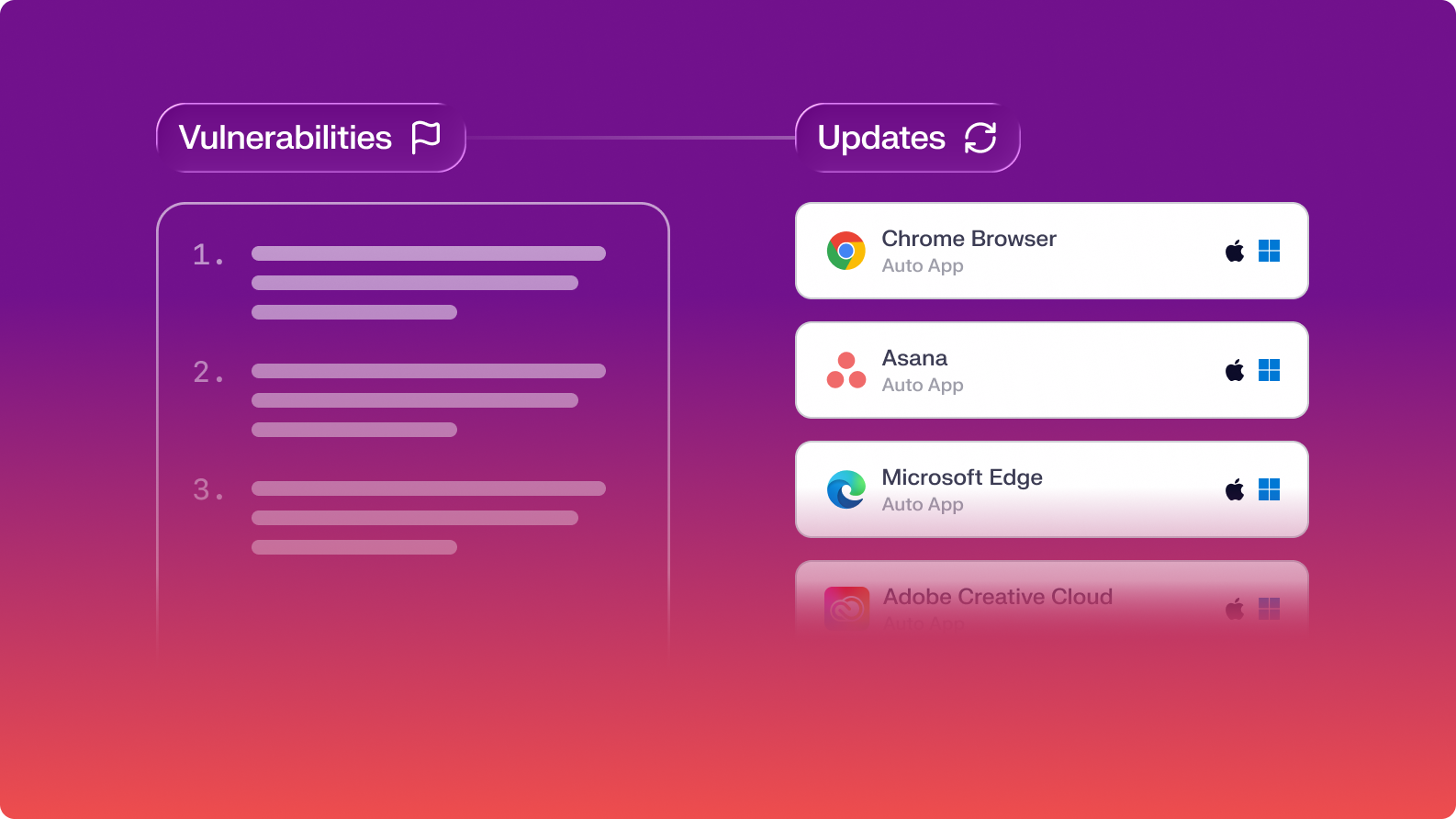
Iru matches CVEs to your software hourly and patches vulnerable apps automatically with Vulnerability Response, so vulnerabilities close instead of landing on a list to triage.

Establish security baselines from first login

Iru locks in disk encryption, local firewalls, EDR sensors, and vulnerability scanning during the initial setup window. Users start working when the device is 100% compliant and fully secured.

Zero policy drifts between MDM and EDR

Iru unifies UEM and EDR into one declarative Blueprint—eliminating policy overlap and silent setting drops. The security rules you define are the rules that stay enforced, on every machine, every day.

Designed for IT teams of any technical profile

Iru works out of the box for any IT team, with advanced controls available the moment you want them.

Dedicated support

Iru's support team is reachable by phone, chat, and email, staffed by the same people who build the product.

hunterslogo
“With Iru, we’ve significantly reduced IT workload, improved security posture, and enhanced the employee experience.”
Erez Epstein
Senior Manager, IT & Operations, Hunters
Why switch to Iru?

Adaptive threat mitigation

Isolate a compromised Mac or Windows device, open a Remote Shell with command-line access to pull forensic files, and shut the incident down from inside the detection. Remote Shell keeps working after network isolation, so you contain the spread and still investigate the device.

demandbase-1
Robby Siu
Senior Manager, Information Technology, Demandbase
"What's great about Iru is it's pretty self-sufficient. It just does the things it's supposed to do."
02-Remediation

Continuous evolving protection

Real-time behavioral analysis, Iru AI, and our leading in-house research team ensure that unknown threats are stopped before lateral movement occurs.

Varo
Christian Corrales
Senior Security Engineer, Varo Bank
"Iru is helping our endpoint security infrastructure to be the best it possibly can be."
Flexible Updates-1

Eliminate console switching

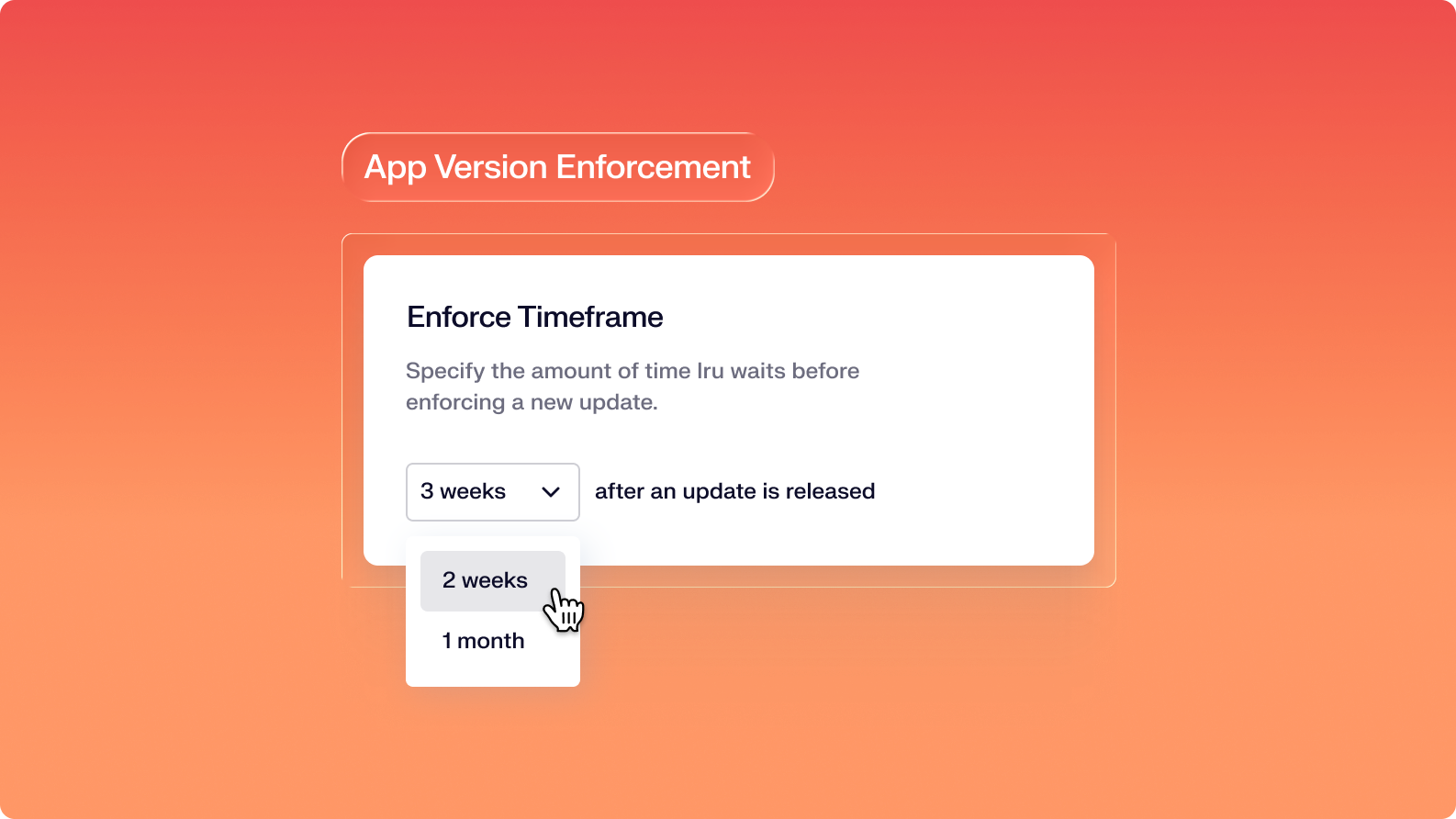
While Omnissa's raw controls need engineers and create tangled controls that often overlap or conflict, Iru’s streamlined workflows get the job done in a fraction of the time.

planningcenter
Topher Ohlin
IT Security Engineer, Climatiq
"Iru allowed us to keep the same IT headcount. With another EDR tool, we may have had to hire a new person to manage the endpoint protection efforts."

Let your team focus on what matters

Iru replaces fragmented tools with one AI-powered platform, so IT & security spend less time chasing tickets and more time improving the business.

Built to the highest standards

G2 Badge G2 Badge G2 Badge G2 Badge G2 Badge G2 Badge G2 Badge

Frequently asked
questions

Get answers to commonly asked questions
How does Iru's pricing work?

Iru offers scalable pricing that is based on the solutions your organization needs, as well as the number of users and devices.

Do you charge for migration and onboarding?

Iru includes free onboarding and migration support for all customers. During your trial, you can build out your live instance with guidance from solutions engineers. All trial and customer accounts have access to the exact same support experience.

We offer additional automated migration options for the following products:

Endpoint Management
Iru's Migration Agent automates migration using advanced logic that reduces user interaction to only the minimum approval Apple requires. Migrate thousands of Mac devices from your existing MDM to Iru within days.

Compliance Automation
Migrate frameworks, requirements, and controls from Vanta, Drata, Sprinto, or Secureframe with just a few clicks.

Identity
Get hands-on guidance to configure and deploy Workforce Identity during your trial. 24/5 chat support from IT engineers with real-world experience—most responses in under 2 minutes.

Can I try Iru before committing?

Yes. Iru offers a free 14-day trial for Workforce Identity, Endpoint Management, Vulnerability Management, and Endpoint Detection & Response. Compliance products (Compliance Automation and Trust Center) can be explored through a personalized demo.

What customer support is included?

Iru’s customer support is second to none. All customers (including those in trial) receive 24/5 support from support engineers who typically respond via chat in under 2 minutes. Every support engineer has years of real-world admin experience and acts as an extension of your team.

What are the contract terms?

Iru contracts are annual commitments, billed annually.

What are some alternatives to Jamf?

Check out our Jamf alternatives page to learn more. 

See Iru in action

Discover why thousands of teams choose Iru

By submitting this form I agree to Iru’s Privacy Policy and consent to be contacted by Iru about its products and services.

Stay up to date

Iru's bi-weekly collection of articles, videos, and research to keep IT & Security teams ahead of the curve.