
 Workforce Identity
 Endpoint Management
 Endpoint Detection & Response
 Vulnerability Management
 Compliance Automation
 Trust Center


Most teams that start with JumpCloud are probably looking for a straightforward way to manage user access, devices, and authentication without having to maintain on-premise infrastructure. It can especially make sense for those moving away from Active Directory who need to get up and running quickly.
But as headcount and device count grow, audits become more frequent, and security expectations tighten, teams may find that their setup requires several separate tools to keep up. Day-to-day work shifts from managing systems to chasing data and context across systems.
This is the point where many teams start considering an alternative to JumpCloud. Some options go deep on identity with broad integration networks. Others bring endpoint security, identity, and compliance into the same system.
The right choice depends on where your current setup slows you down. We'll walk through seven of the top options so you can narrow down the best fit for your organization.
What is JumpCloud?
JumpCloud is a cloud directory platform that combines identity management, device management, and SSO (single sign-on). Small and mid-sized teams often choose it when they want to move off on-premise Active Directory without adding complexity.
It covers the essentials well, giving teams a central way to manage device access. Through SSO and MFA (multi-factor authentication), cross-platform device support, and a growing set of SaaS integrations, teams can onboard users, secure application access, and apply baseline device controls without relying on multiple systems.
The identity and access management (IAM) platform also expanded into admin access control in 2025 with its acquisition of VaultOne, which added PAM (privileged access management).
Teams may outgrow JumpCloud when they need to operationalize security and compliance. Since endpoint detection, automated patching, and audit readiness workflows often sit outside the platform, teams may find themselves stitching together multiple tools to get the functionality they need. This can eventually lead to unsustainable operational overhead and fragmented visibility.
The 7 best JumpCloud alternatives
| Tool | Best for | Top features | G2 rating |
|---|---|---|---|
| Iru | Security-first IT teams | Integrated endpoint protection and management | 4.7/5 |
| Microsoft Entra ID | Organizations in the Microsoft ecosystem | User identity protection | 4.5/5 |
| Okta | Pre-built integrations | Identity threat protection and security posture monitoring | 4.5/5 |
| OneLogin | Identity risk detection | Vigilance AI for risk detection and authentication | 4.8/5 |
| Jamf Connect | Apple-native organizations | Password synchronization | 4.7/5 |
| ManageEngine | Unified IT workflows | Enterprise password management and multi-factor authentication | 4.5/5 |
| Scalefusion | Zero-trust access | Customizable company app portal | 4.7/5 |
1. Iru
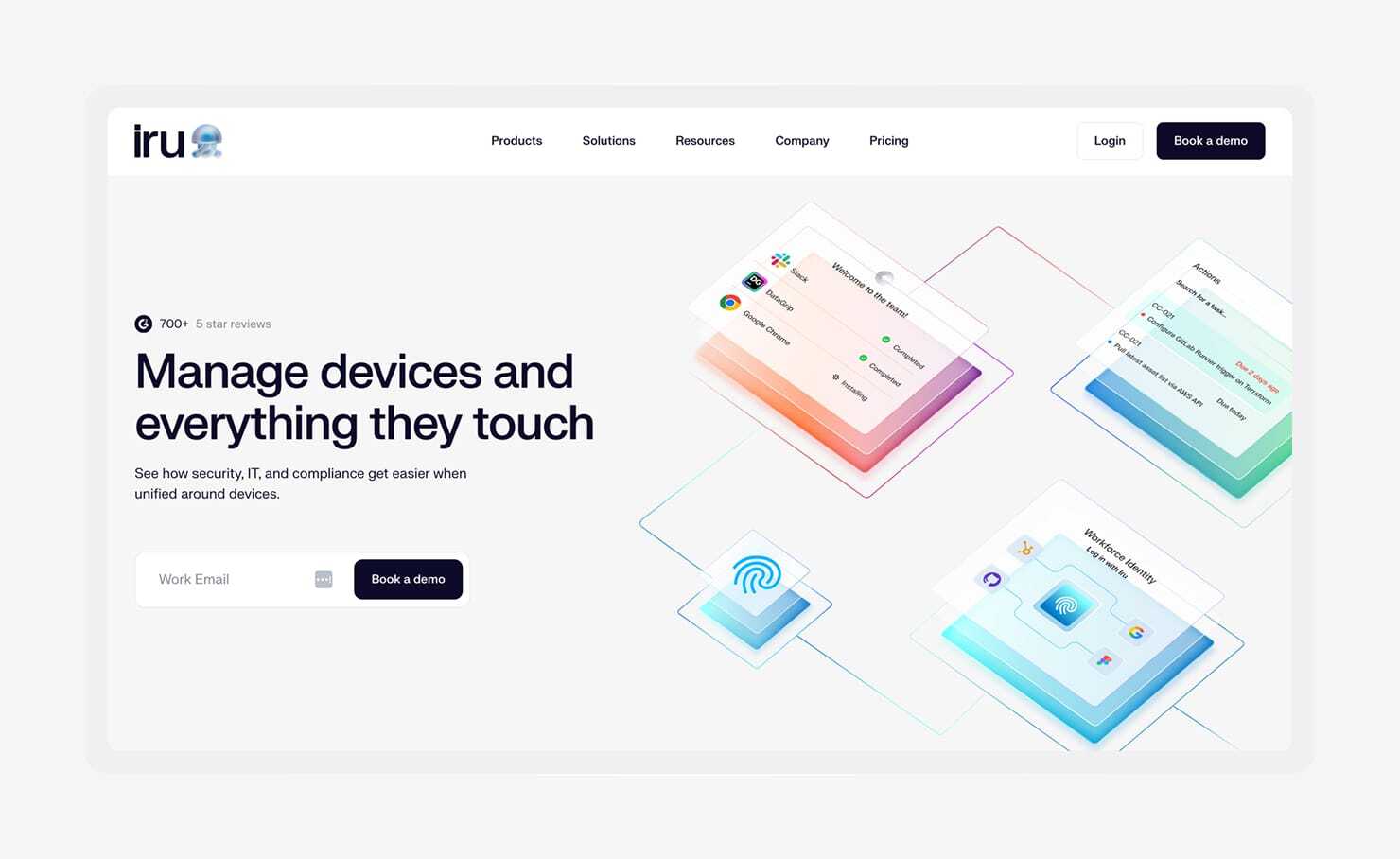
Best for: Security-first IT teams that want endpoint protection, identity, and compliance to work as one system
G2 rating: 4.7/5
More than 6,000 companies use Iru’s AI-powered IT and security platform. The software brings Endpoint Management, Workforce Identity, and Compliance Automation into a shared system, so changes in one area immediately inform the others. For teams that started with JumpCloud and added tools for endpoint protection or audits, this reduces the back-and-forth between systems.
That connection becomes most visible during day-to-day operations. If a device falls behind on updates or shows signs of suspicious behavior, access can adjust automatically through policy enforcement tied to device health, or trigger alerts for admins to take action.
Identity decisions rely on the same device data, meaning the program grants or blocks access based on real-time signals like patch status, encryption, or system integrity. And instead of checking multiple tools to understand risk, teams can see who has access, from which device, and whether it meets security requirements in one place.
Compliance work also shifts from reactive audit prep to ongoing readiness with Iru. Instead of rebuilding evidence before an audit, teams keep documentation current as systems change through continuous control mapping and automatic evidence updates. This matters in practice when an auditor asks for proof of a control, and the answer is already mapped, assigned, and up to date.
Features
- Scalability for mid-market and enterprise companies: Assignment Maps and Blueprint Routing keep device, user, and policy changes aligned as headcount and infrastructure grow, reducing manual rework during onboarding or org changes.
- Integrated endpoint protection and management: Endpoint Management, EDR (endpoint detection and response), and Vulnerability Response run through a single agent, so security events can directly affect access without added integrations.
- Support for Apple devices: Same-day Apple update support and native macOS automations give teams tighter control over FileVault, SIP, and OS updates across Mac fleets.
- Passwordless SSO: Workforce Identity uses hardware-bound authentication tied to live device checks, removing passwords while verifying that the device meets security requirements.
- AI-powered compliance management tools: AI-Tailored Controls map requirements to frameworks like SOC 2 and ISO 27001; Task-Based Readiness assigns remediation work; Artifact Relevancy keeps evidence tied to the correct control; the Trust Center provides a shareable view of your security setup for auditors and customers.
- 24/5 support: Fast response times matter during access issues, failed device checks, or blocked applications, helping teams resolve problems without escalating across vendors.
2. Microsoft Entra ID + Intune
Best for: Microsoft-centric environments that want native IAM integration
G2 rating: 4.5/5
Microsoft Entra ID serves as the identity layer for Microsoft 365 and Azure. For organizations already operating in a Microsoft ecosystem, it simplifies access and services without the need for additional integrations.
Entra ID handles core IAM functions reliably. Access policies can evaluate user behavior, location, and whether a device meets security requirements before granting access. Self-service options can also help reduce the volume of routine requests that would otherwise reach IT.
Just be sure to look into setup and licensing costs if you're considering these — a lot of advanced features are only available on higher-tier plans, which can quickly ramp up the total cost.
Initial configuration can also take time, especially for teams without dedicated Microsoft expertise, since policies, integrations, and access controls often require careful tuning to fit into existing stacks.
Features
- SSO and MFA authentication: Provides access across Microsoft and third-party applications with multiple authentication methods, including passwordless options.
- Conditional access verification: Policies evaluate user and device context before granting access, enforcing minimum security requirements per application.
- Privileged identity management with advanced access controls: Enables time-bound admin access to reduce exposure from standing privileges.
- User identity protection: Detects risky sign-in behavior and triggers additional verification or blocks access.
- Employee self-service suite: Handles password resets, access requests, and group updates without IT involvement.
3. Okta

Best for: SaaS-heavy environments that need broad integration coverage
G2 rating: 4.5/5
Okta focuses on identity across organizations with large or expanding SaaS portfolios. Its Integration Network includes thousands of pre-built connectors, which helps cut down on the time it takes to bring new tools under centralized authentication and access control.
Okta supports adaptive MFA, lifecycle management, and risk-based access decisions. Device Trust allows access policies to factor in whether a device is managed and meets security standards, based on signals from endpoint tools.
Because Okta doesn't include device management or compliance workflows, teams typically pair it with other systems. That approach works well if flexibility is the priority, but it increases the number of tools your team needs to juggle for daily operations.
Features
- Cross-OS device management: Verifies whether devices meet management and security requirements before allowing access.
- Identity threat detection: Flags unusual login behavior and applies automated responses to reduce account risk.
- SSO across applications: Connects thousands of SaaS and on-premise apps through the Okta Integration Network.
- Lifecycle management: Automates user provisioning and deprovisioning as roles change.
- Security integrations: Connects identity signals with broader security tools through partner integrations.
4. OneLogin
Best for: Teams prioritizing risk-based authentication
G2 rating: 4.8/5
OneLogin emphasizes risk-based authentication. Its Vigilance AI evaluates login activity and assigns risk scores based on behavior, location, and device context to determine whether a login attempt should be allowed.
SmartFactor Authentication can dynamically adjust login requirements, which can help reduce unnecessary friction for low-risk logins, like those from recognized devices in familiar locations. In higher-risk scenarios, such as logins from new locations, unknown devices, or unusual behavior patterns, OneLogin can require additional verification factors or block access altogether.
This same risk-aware approach works alongside lifecycle management, which keeps access aligned with user roles across connected systems. OneLogin works well for organizations that need stronger security controls without turning every login into a roadblock. Smaller teams or businesses with simpler access needs may not need this level of risk-based authentication.
Features
- Unified access management solution: Centralizes SSO across web, mobile, and legacy applications.
- Vigilance AI for risk detection and authentication: Analyzes login behavior in real time and adjusts authentication requirements based on risk.
- Identity lifecycle management across applications: Automates provisioning and deprovisioning across applications.
- Directory synchronization: Integrates with Active Directory and LDAP (Lightweight Directory Access Protocol) to maintain a consistent user directory.
- Mobile identity support: Applies authentication and access policies to mobile users and applications.
5. Jamf Connect
Best for: Apple-only organizations
G2 rating: 4.7/5
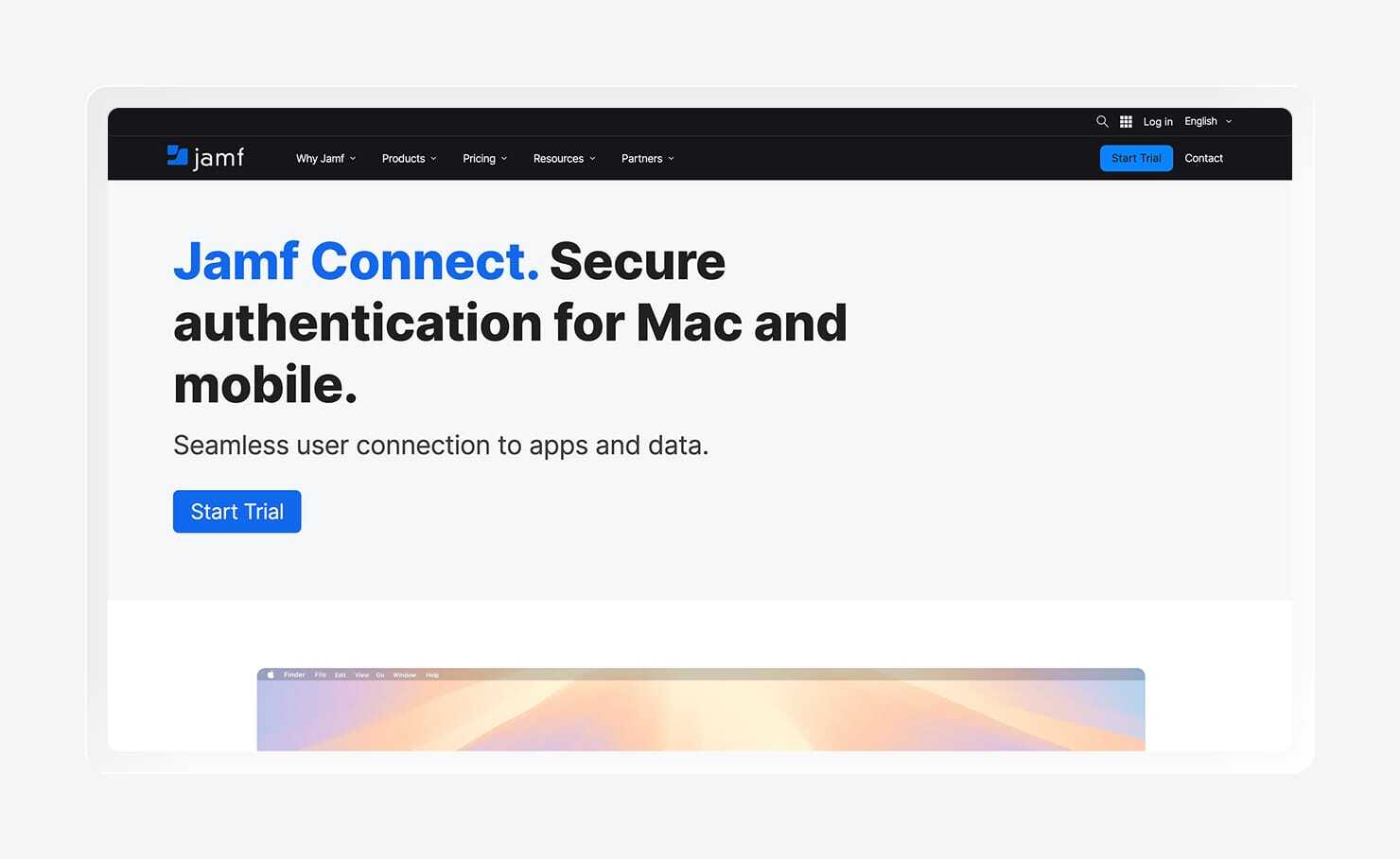
Jamf Connect is an identity and access management tool for Apple environments. It links macOS login directly to a cloud identity provider, so users sign in to their devices using the same credentials they use for work applications.
Password synchronization keeps local and cloud credentials aligned, which cuts down on lockouts and reset requests. Meanwhile, access controls follow identity provider groups, so permissions stay consistent as roles change without requiring manual updates.
While Jamf Connect is an option for Apple-exclusive teams, be aware that if your organization uses multiple operating systems, you'll need a separate tool for non-Apple devices.
Features
- Cloud identity provider (IdP) account authentication: Enables macOS login using credentials from providers like Okta or Microsoft Entra ID.
- Password synchronization: Keeps local and cloud passwords aligned to reduce lockouts.
- Access and privilege controls: Applies permissions based on identity provider group membership.
- App access policy configuration: Defines which apps users can access based on role or group.
- Cloud directory for identity management: Uses cloud identity providers as the source of truth for user accounts.
6. ManageEngine
Best for: Teams consolidating multiple IT functions under one vendor
G2 rating: 4.5/5
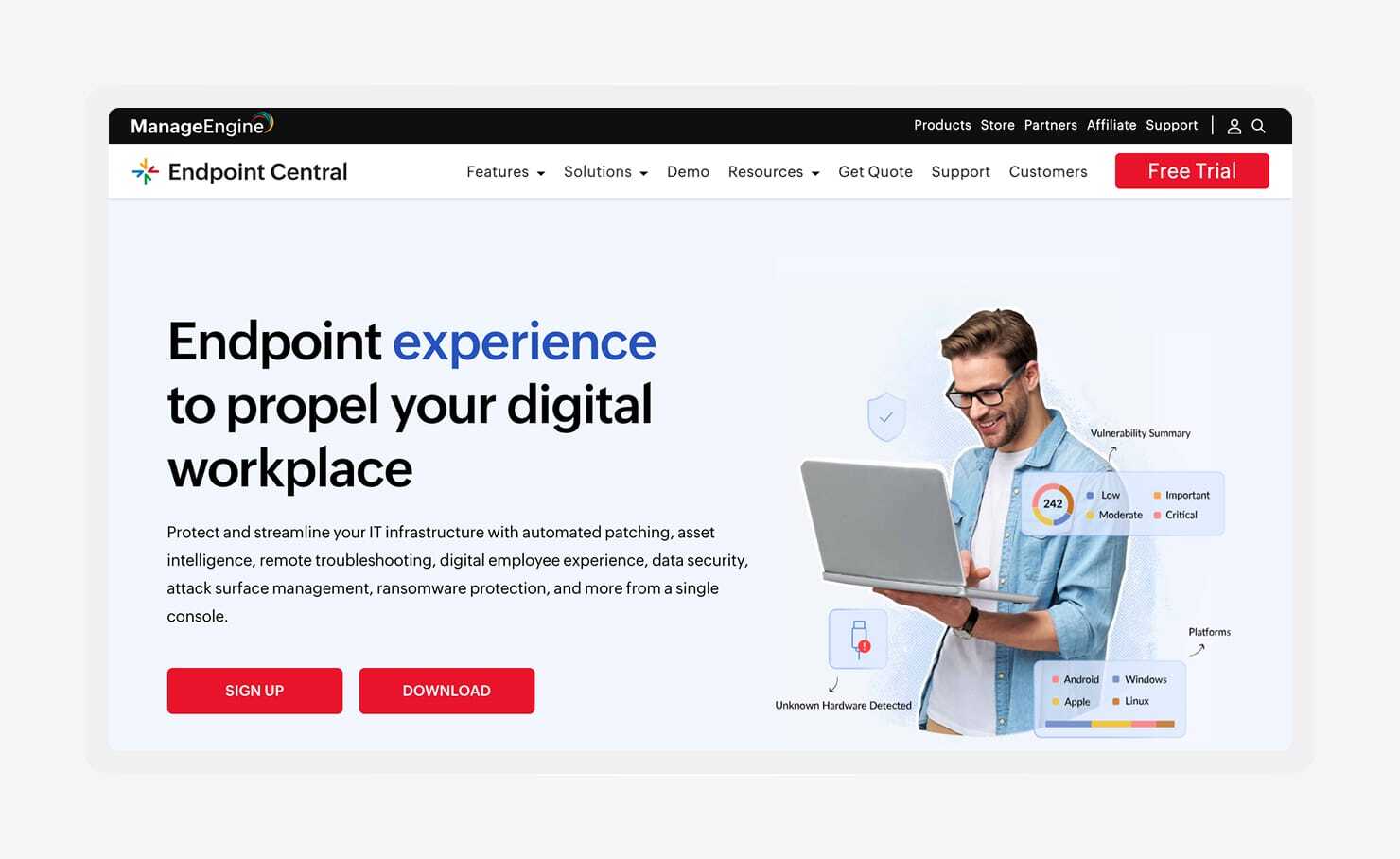
ManageEngine provides IAM, endpoint management, and privileged access tools. Its identity solutions, including AD360 and Identity360, handle user provisioning, access control, and reporting across hybrid environments.
It integrates with widely used enterprise systems like Active Directory, Microsoft 365, and Google Workspace, which helps teams keep identity data aligned across on-premise and cloud environments. For organizations already managing multiple tools, that consolidation can help reduce vendor sprawl and simplify procurement and support workflows.
Smaller outfits looking for streamlined solutions should be aware that ManageEngine requires planning to scale effectively, as deployments often involve configuring and maintaining multiple modules across different functions. Some teams also find that reporting flexibility and performance can vary, particularly when working with large datasets or trying to customize reports beyond standard templates.
Features
- Identity governance and administration: Centralizes provisioning, access control, and compliance reporting.
- Privileged access management: Controls and audits administrative access across systems.
- Password management and MFA:Supports self-service password resets and policy enforcement.
- Certificate-based authentication:Adds an additional authentication method beyond passwords and MFA.
- Enterprise integrations: Connects with Active Directory, Microsoft 365, Google Workspace, and other systems.
7. Scalefusion
Best for: Device-driven access control and zero trust initiatives
G2 rating: 4.7/5
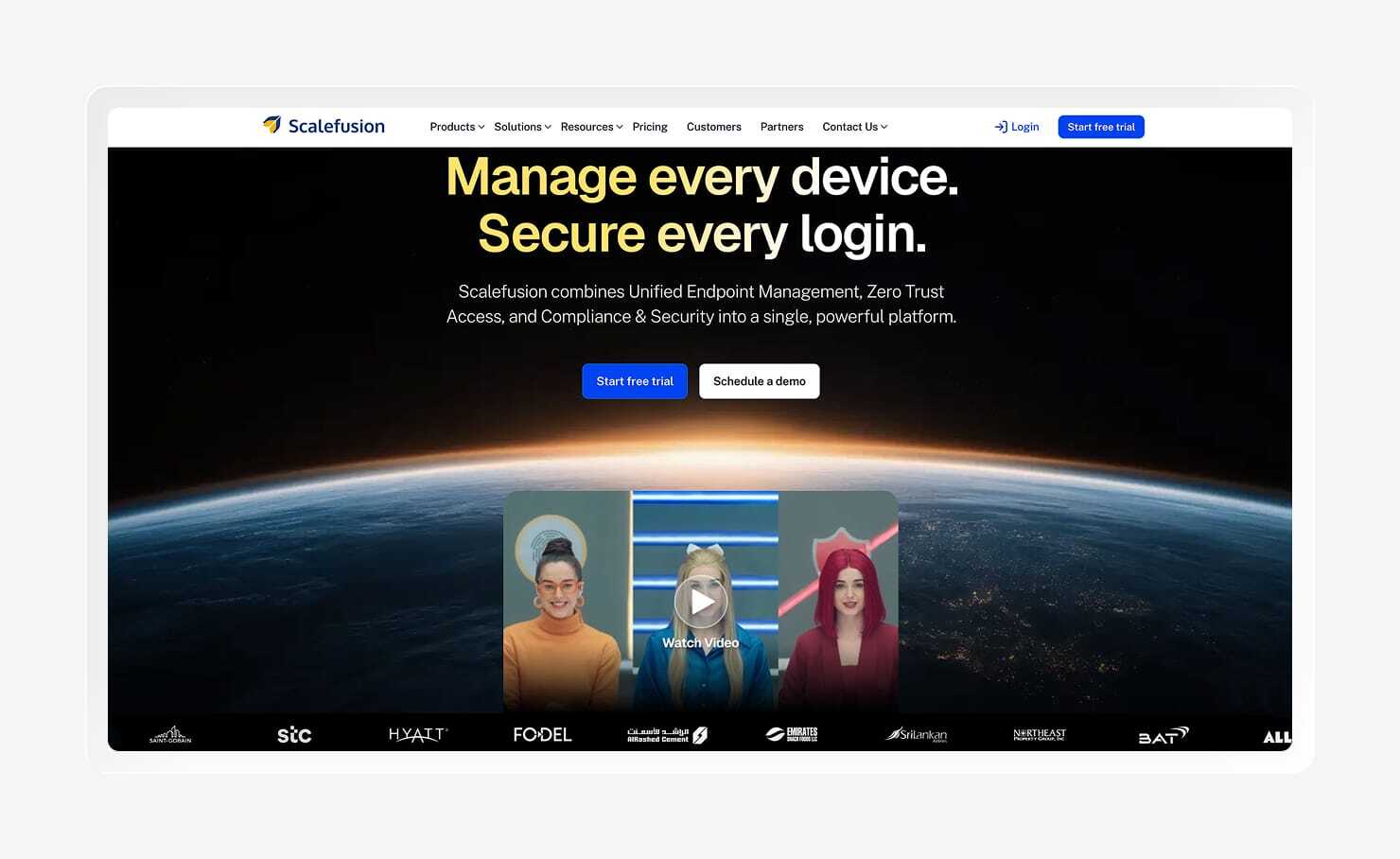
Scalefusion combines endpoint management with device-based access control. Its identity capabilities focus on tying application access to device state, meaning access decisions depend on whether a device meets defined security conditions.
It imports users from existing identity providers and applies device-level conditions before granting access. The company app portal gives teams control over which applications users can see, how they’re organized, and who can access them based on role or device context.
It's worth noting that Scalefusion is often used alongside an existing IAM platform like Microsoft Entra ID or Google Workspace. Also, policy flexibility and feature availability vary across plans, with more advanced access controls and configurations reserved for higher tiers.
So, if you're considering Scalefusion, it's worth exploring plans in detail to see how well it'll realistically fit into your stack and access needs.
Features
- IdP user import: Syncs user identities, including employee accounts, groups, and directory attributes from third parties.
- Device-based access control: Ties application access to device security and management status.
- Application-level SSO:Applies access policies at the individual app level.
- Company app portal: Provides a centralized, customizable access point for approved tools.
- Integration support: Connects with major identity providers and enterprise systems.
Bring Endpoint Management, Workforce Identity, and Compliance Automation together with Iru
Picking the right alternative to Jumpcloud usually comes down to understanding where your current setup is creating more work.
If you need endpoint security, identity, and compliance to work together in one place so your team can stop piecing together data across tools, Iru does just that. For a deeper look at how Iru and JumpCloud compare, our full guide walks through the differences side by side.
Or, book a demo to see first-hand how Iru works and how its unified platform can solve operational overhead and visibility gaps at your organization.