
 Workforce Identity
 Endpoint Management
 Endpoint Detection & Response
 Vulnerability Management
 Compliance Automation
 Trust Center



Rippling’s pitch is simple: manage HR, payroll, and IT from a single system, so provisioning isn’t forced into a separate IT workstream. But as companies mature, the platform has limitations when it comes to enforcing security policies, protecting endpoints, and maintaining audit readiness as needed.
That can leave IT and security teams relying on additional tools and manual processes to close operational gaps. Some organizations address these limitations by integrating complementary solutions. Others replace Rippling with a platform that provides more comprehensive endpoint management, security, and compliance capabilities.
In this guide, we’ll break down seven alternatives to Rippling, so you can determine which is right for your approach.
What is Rippling?
Rippling is a workforce management platform connecting HR, payroll, and finance. The platform centers on the idea that employee data should live in one place and that HR events, like onboarding and offboarding, should automatically trigger IT provisioning.
The IT module covers:
- Mobile device management (MDM) for macOS, Windows, iOS, and iPadOS
- Single sign-on (SSO) to let employees securely access business applications with one set of credentials
- Multi-factor authentication (MFA) to add an extra layer of identity verification
- Zero-touch deployment to automatically configure and enroll new devices before employees receive them
- Hardware inventory and device logistics to track company devices and manage shipping, storage, and replacement for distributed teams
Where Rippling falls short is endpoint security. Without built-in endpoint detection and response (EDR), vulnerability management, or compliance automation, teams may need to layer in additional tools or switch to a more comprehensive platform.
The 7 best Rippling alternatives
| Tool | Best for | Top features vs. Rippling | G2 rating |
|---|---|---|---|
| Iru | IT & security teams at scaling B2B tech companies | Unified device management, identity, and compliance in one platform—with native EDR | 4.7/5 |
| Microsoft Intune | Windows-heavy or Microsoft 365 organizations | Native Windows device management with deep Microsoft 365 and Entra ID integration | 4.5/5 |
| JumpCloud | SMBs needing cross-platform identity + device management | Cross-platform cloud directory with SSO, MFA, and device management for macOS, Windows, and Linux | 4.5/5 |
| NinjaOne | MSPs and IT service providers managing mixed-OS fleets | RMM and MDM combined in one platform; #1 in Endpoint Management on G2 (Spring 2026) | 4.7/5 |
| FleetDM | DevOps and security teams wanting open-source MDM with GitOps workflows | Deep Apple MDM across all Apple platforms with built-in AI scripting and next-gen AV | 5/5 |
| Hexnode | Cost-conscious teams needing straightforward cross-platform UEM | Cross-platform UEM with kiosk management for shared and purpose-built device deployments | 4.5/5 |
| Jamf | 20+ years of Apple MDM depth backed by the Jamf Nation community and ecosystem | 4.7/5 |
1. Iru
- Best for: Mac-forward IT and security teams at scaling B2B tech companies that need endpoint management, identity, and compliance in one connected system
- G2 rating: 4.7/5
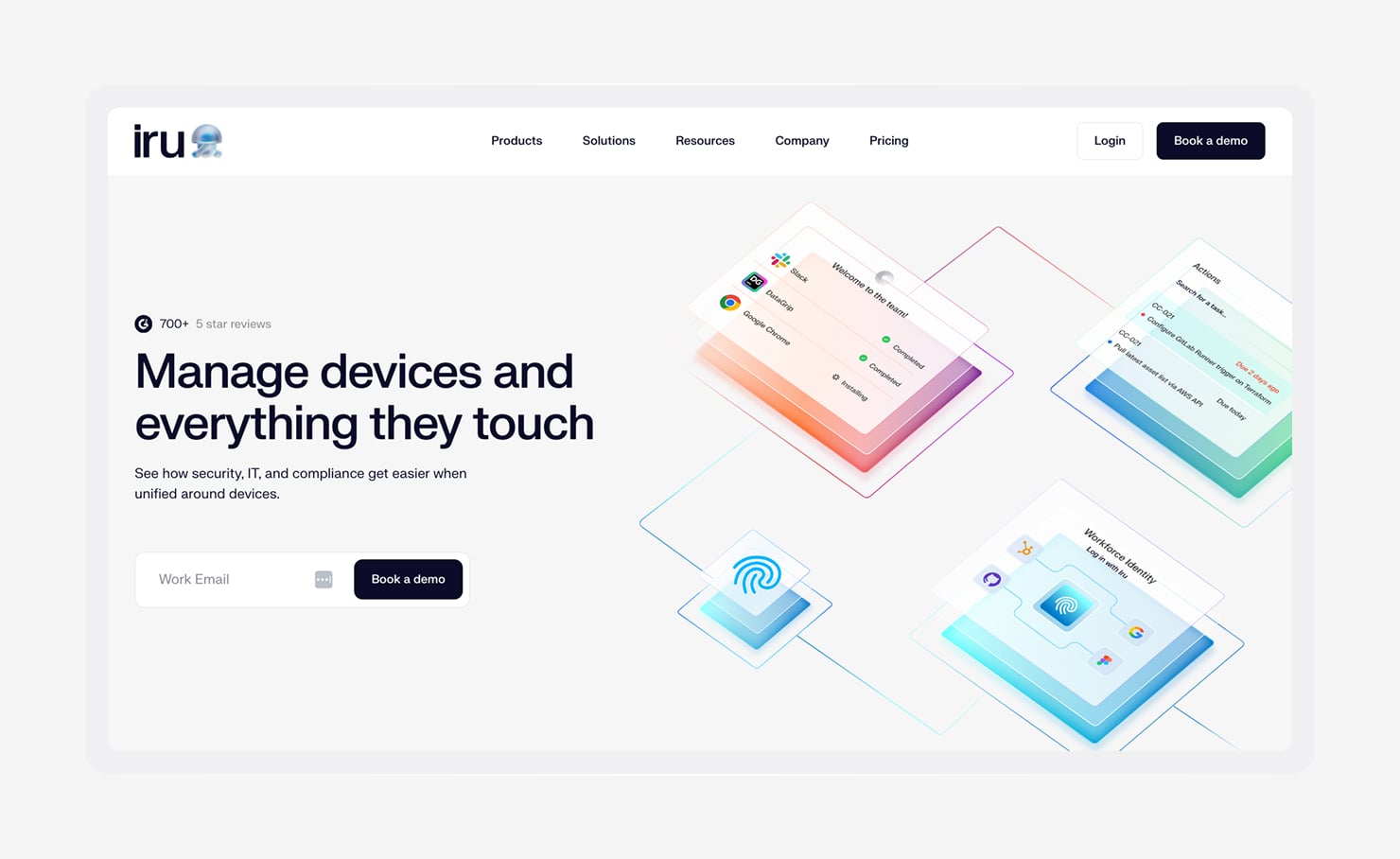
Iru’s AI-powered platform brings Endpoint Management, Workforce Identity, and Compliance Automation into a shared system. For teams moving away from Rippling, the clearest difference lies in what the IT layer is built to do. Rippling focuses on provisioning users and devices; Iru does that and also secures, monitors, and manages endpoints.
For teams running Iru, this means security policies can automatically adapt to changing device conditions based on health and risk signals.
When a device falls out of compliance, Iru can adjust access or trigger remediation actions. Built-in endpoint security, vulnerability management, and device inventory give teams a unified view of their security posture. Compliance follows the same approach, with AI-assisted controls and automated evidence collection helping teams keep audit materials current.
Iru does not replace Rippling’s HR, payroll, or benefits functionalities. However, you can use Iru and Rippling together if you need to pair workforce management with stronger endpoint security and compliance automation.
Features:
- Blueprint templates and routing: Create configuration templates with conditional logic that automatically assign devices to the right setup during enrollment as teams grow.
- Pre-packaged apps with automatic updates: Deploy 230+ applications across Mac and Windows with one click and keep them updated without manual packaging or admin intervention.
- Behavioral threat detection and response: Detect and investigate threats using contextual device activity, with built-in isolation tools to quickly contain compromised endpoints.
- Vulnerability Management: Continuously scan for vulnerabilities and automatically apply Mac patches while expanding Windows support.
- AI-native Compliance Automation: Build tailored compliance frameworks, track remediation tasks, map evidence to controls, and maintain an up-to-date Trust Center for auditors and customers.
- Passwordless Workforce Identity: Enable phishing-resistant authentication and device-aware access controls using hardware-bound credentials tied to real-time device health.
2. Microsoft Intune
- Best for: Windows-heavy or Microsoft 365 organizations with existing Microsoft infrastructure
- G2 rating: 4.5/5
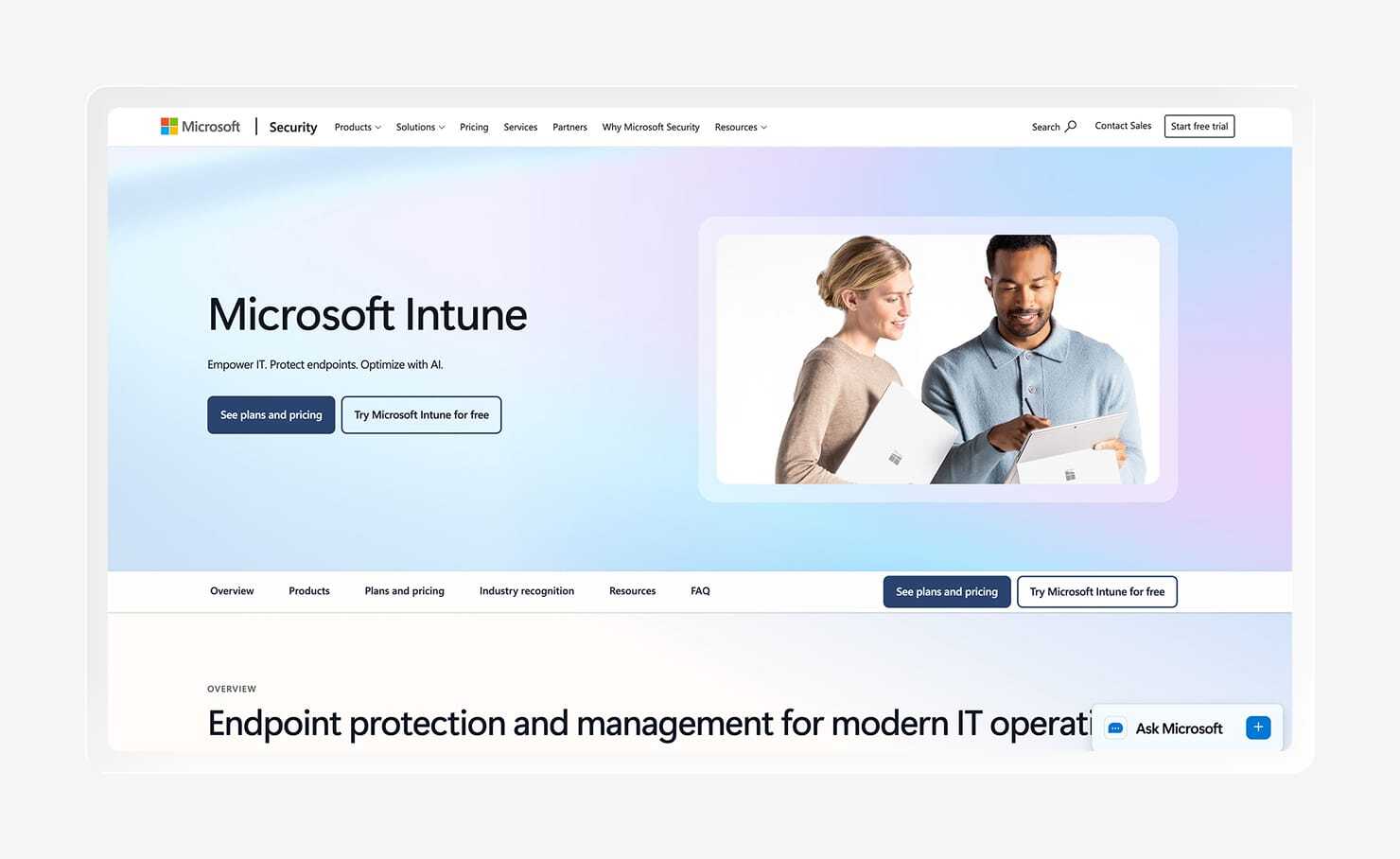
Microsoft Intune is the endpoint management platform that comes with the E3 and E5 licenses. It supports Windows, macOS, iOS, iPadOS, and Android with integrations for Entra ID identity and conditional access.
Intune is strongest in Windows environments, where features like Windows Autopilot, Group Policy migration, and Microsoft Defender integrations provide a mature device management experience. Conditional Access also allows teams to evaluate device compliance alongside user identity before granting access to company resources.
The trade-off is that Intune’s capabilities are less mature across platforms. macOS management, in particular, often requires additional tools for app patching and advanced Apple management. Separate portals across Intune, Entra ID, and Defender can also add complexity for teams managing broader security and device workflows.
Features:
- Device compliance via Conditional Access: Evaluate device health, operating system version, and compliance status before granting users access to company resources.
- Zero-touch Windows provisioning with Autopilot: Configure new Windows devices remotely from original equipment manufacturer (OEM) delivery to corporate standards without requiring IT to handle each device manually.
- Mobile Application Management (MAM): Apply data protection policies at the application level for BYOD scenarios where full device enrollment is unnecessary.
- Security baselines: Apply preconfigured security settings aligned with common compliance requirements and use Conditional Access to restrict noncompliant devices.
- Endpoint security with Microsoft Defender: Extend Intune with Microsoft Defender for Endpoint to monitor threats and investigate security events from a connected console.
- Cross-platform device management: Manage Windows, macOS, iOS, iPadOS, and Android devices from one platform, though Windows remains the most mature environment.
3. JumpCloud
- Best for: SMBs needing cross-platform identity and device management without enterprise-scale complexity
- G2 rating: 4.5/5
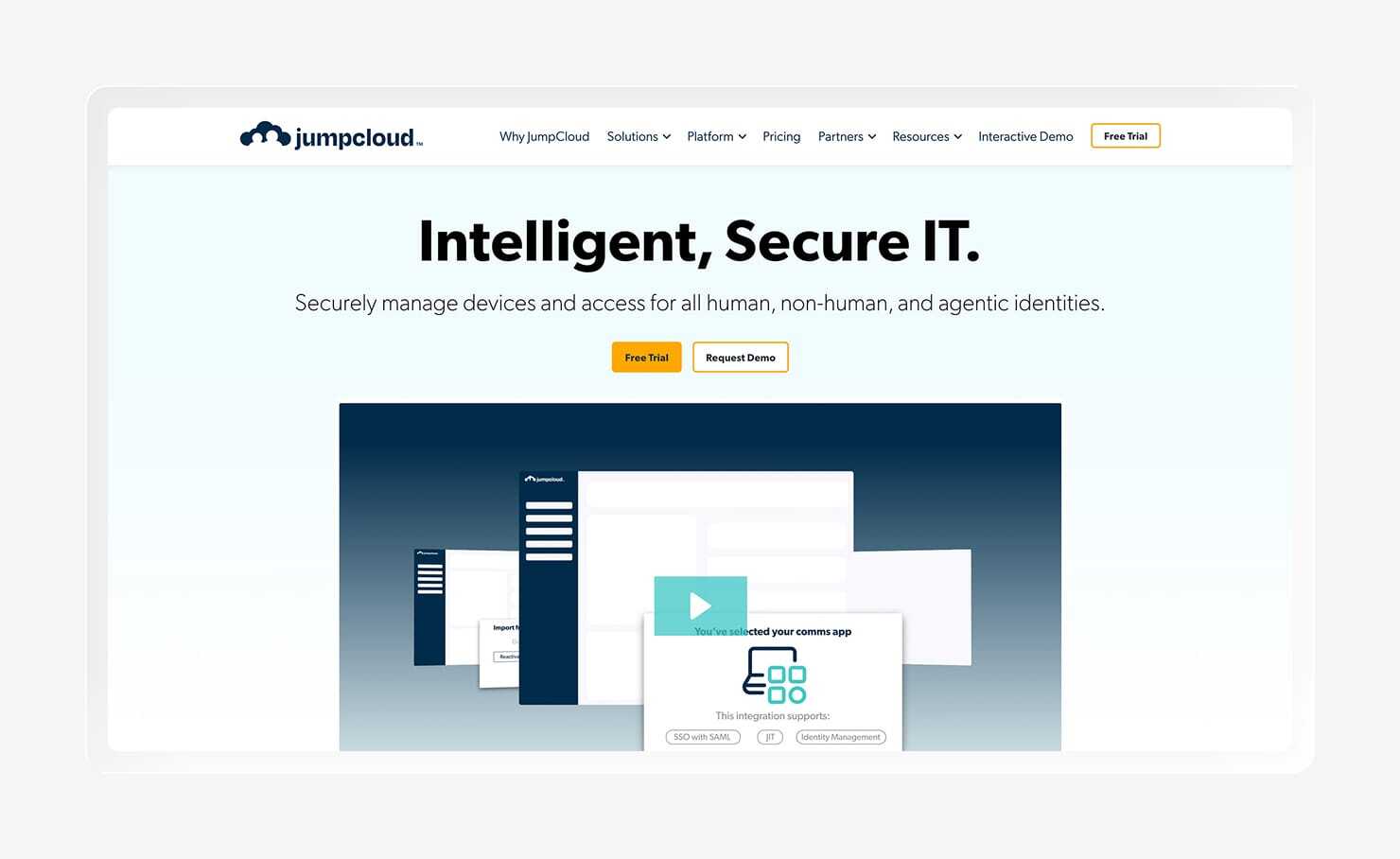
JumpCloud is a cloud-native directory platform that combines identity management, SSO, MFA, and device management in one system. It’s designed for organizations replacing on-premises Active Directory with a cloud-based approach to user, access, and device management. Support for LDAP, RADIUS, and System for Cross-domain Identity Management (SCIM) integrations also helps teams connect applications and services without maintaining traditional directory infrastructure.
Where JumpCloud stands out is its broad platform support. The platform manages macOS, Windows, Linux, and Android devices from one console, making it a practical option for organizations with diverse endpoint environments. It also expanded into privileged access management (PAM) through its VaultOne acquisition, adding more controls for managing administrative access.
JumpCloud’s device management features cover many core IT workflows, but organizations with more advanced endpoint security requirements may need additional solutions for Mac-specific controls, application management, endpoint detection, and compliance automation.
Features:
- Cloud directory with LDAP, RADIUS, and SCIM support: Centralize user, group, and access management without maintaining on-premises directory infrastructure.
- Single sign-on and phishing-resistant MFA: Secure application access with Security Assertion Markup Language (SAML) and OpenID Connect (OIDC) support alongside stronger authentication methods beyond SMS or time-based one-time passwords (TOTP).
- Cross-platform device management: Manage macOS, Windows, Linux, and Android devices from one platform, including Linux support that many MDM tools lack.
- Privileged access management (PAM): Manage and audit administrative access to sensitive systems through capabilities added with the VaultOne acquisition.
- Linux device management and policy enforcement: Apply policies, manage users, and maintain control over Linux endpoints from the same platform.
- REST API for automation: Create custom workflows and connect directory management with third-party systems.
4. NinjaOne
- Best for: MSPs and IT service providers managing mixed Windows, Linux, and Mac fleets
- G2 rating: 4.7/5
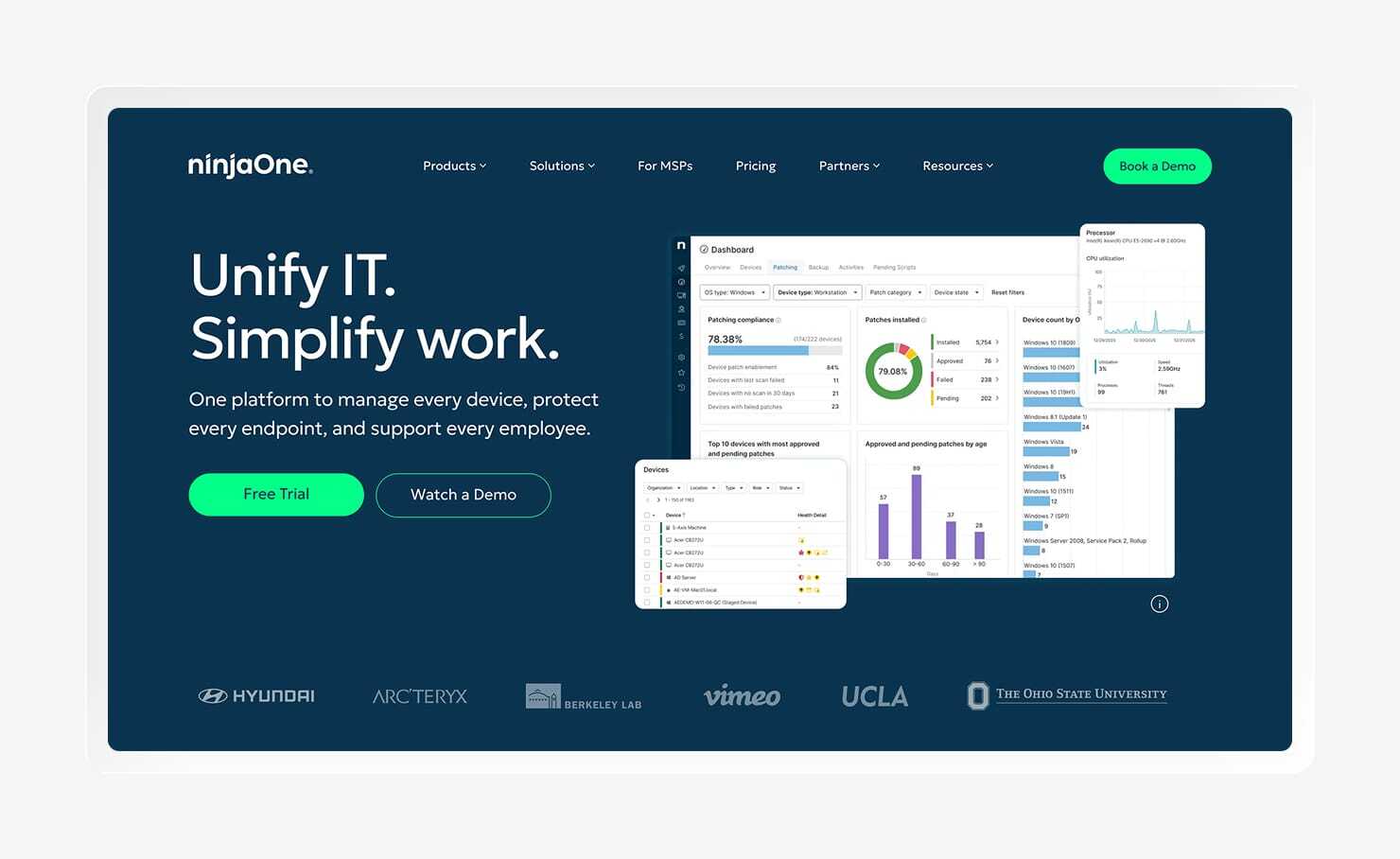
NinjaOne combines remote monitoring and management (RMM) with endpoint management, giving IT teams visibility into device health alongside tools for configuration and policy enforcement. Unlike traditional MDM platforms that focus on device setup and control, NinjaOne continuously monitors endpoints, automates alerts, and runs remediation scripts when issues arise.
This makes it a strong fit for managed service providers (MSPs) supporting multiple customer environments.
The platform is strongest for Windows and Linux fleets, with broad patching capabilities and tools for service providers supporting several organizations at once. NinjaOne also supports Apple devices, but its focus remains IT operations rather than identity or compliance.
It does not include built-in identity management, compliance automation, or workforce workflows like Rippling. Internal IT teams may find that NinjaOne’s service provider-oriented approach does not align with employee lifecycle needs, while MSPs benefit from the operational visibility and automation it provides.
Features:
- Remote monitoring and scripted remediation (RMM): Track device health, identify issues through alerts, and automate fixes with scripts before problems require manual intervention.
- OS and application patch management: Apply patches across Windows, macOS, and Linux devices from one platform, with more mature third-party application support on Windows.
- Device enrollment and policy management: Configure endpoint settings and monitor device status through a platform that combines MDM controls with RMM capabilities.
- Helpdesk ticket creation from device alerts: Turn endpoint alerts into support tickets automatically to connect device issues with service workflows.
- Multi-client support for MSPs: Keep customer environments separate while giving service providers one place to oversee devices and support requests.
- Cloud-hosted deployment: Use NinjaOne without maintaining servers or other on-premises infrastructure.
5. FleetDM
- Best for: DevOps and security engineering teams that want open-source MDM with GitOps workflows and real-time device visibility
- G2 rating: 5/5

FleetDM is an open-source device management platform built on osquery, giving security teams direct visibility into endpoint data through a query-based approach. Organizations can audit the codebase, self-host the platform, and customize workflows around their own security requirements. FleetDM supports macOS, Windows, Linux, iOS, iPadOS, ChromeOS, and Android, making it a flexible option for teams with varied endpoint environments.
The platform’s biggest differentiator is how closely it aligns with modern engineering workflows. Device policies can live in version control, move through code review, and deploy through existing CI/CD processes, which makes endpoint configuration feel familiar to teams already managing infrastructure as code. Its vulnerability tools also help teams prioritize remediation using signals like CISA KEV and EPSS rather than treating every Common Vulnerabilities and Exposures (CVE) with the same urgency.
That flexibility comes with a more hands-on approach. FleetDM does not provide the workforce identity, SSO, or HR-driven workflows found in platforms like Rippling, so organizations typically pair it with other tools for those needs. Self-hosted deployments also require internal resources to maintain the environment, making FleetDM a stronger fit for engineering-led teams than for organizations seeking a fully managed MDM experience.
Features:
- GitOps-based device policy management: Store device configurations in version control and deploy changes through existing review and automation workflows.
- Real-time device queries with osquery: Run SQL-based queries across endpoints to investigate security events, validate configurations, and monitor device state.
- Risk-based vulnerability prioritization: Use CISA's Known Exploited Vulnerabilities (KEV) catalog and Exploit Prediction Scoring System (EPSS) to focus remediation efforts on the highest-risk vulnerabilities.
- Zero-touch device enrollment: Support Apple Business Manager, Windows Autopilot, and Android Zero-Touch to configure devices without manual setup.
- File and directory change monitoring: Detect unauthorized changes to sensitive files and directories without relying on a separate monitoring tool.
- Cloud or self-hosted deployment: Choose between managed hosting or an internally maintained deployment based on security and infrastructure requirements.
6. Hexnode
- Best for: Cost-conscious teams needing straightforward cross-platform UEM without advanced security or compliance requirements
- G2 rating: 4.5/5
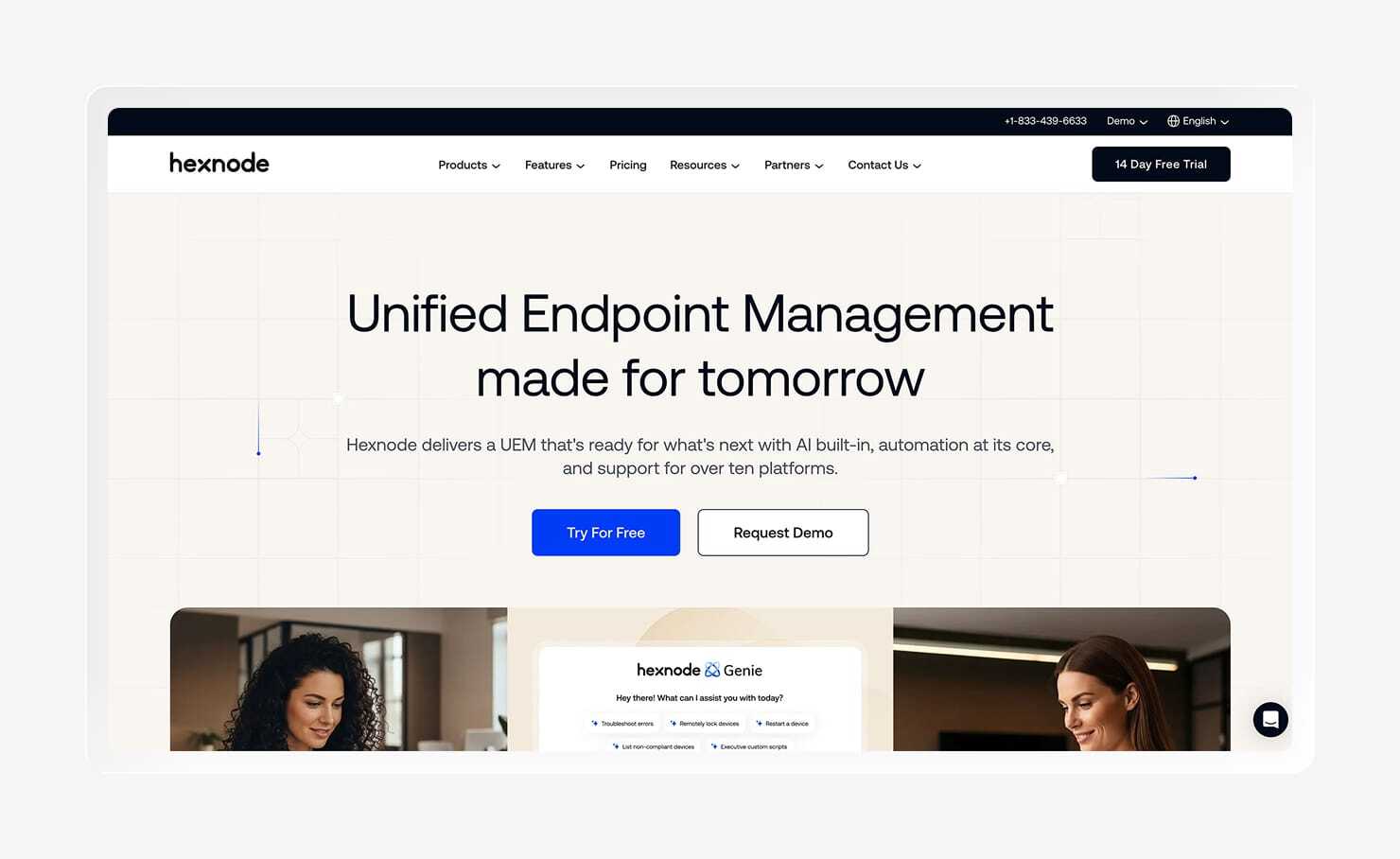
Hexnode is a unified endpoint management (UEM) platform that supports macOS, Windows, iOS, and Android devices. It gives teams a central place to configure devices, deploy applications, and enforce policies without the complexity of larger enterprise platforms. For organizations focused primarily on device administration, Hexnode provides the core capabilities needed to keep distributed endpoints organized.
One area where Hexnode stands out is kiosk management. The platform supports single-app and multi-app lockdown for shared devices like retail POS systems, digital displays, and field equipment. It also integrates with compliance platforms like Drata and Vanta, allowing teams to share device information with existing audit workflows.
Hexnode focuses on device management rather than broader security and identity needs. It does not include built-in endpoint detection, identity management, or a full compliance automation layer, so organizations with more advanced requirements will likely need additional tools. For teams with straightforward device management needs or specialized deployments, Hexnode can provide the right level of control without adding unnecessary complexity.
Features:
Features
- Single-app and multi-app kiosk mode: Lock devices to approved applications and prevent unwanted changes for shared devices, including POS systems, digital displays, and field equipment.
- Remote app deployment and updates: Install, block, and update applications across enrolled devices without requiring physical access.
- Compliance integrations with Drata and Vanta: Share device compliance data with existing compliance platforms to support audit and security workflows.
- Remote lock, wipe, and troubleshooting: Secure devices and resolve issues remotely without needing access to the physical hardware.
- Location-based policy enforcement: Apply device rules based on location using geofencing for mobile fleets operating across different environments.
- Cross-platform device management: Configure and support macOS, Windows, iOS, and Android devices from one admin console.
7. Jamf
- Best for: Large enterprises managing exclusively Apple hardware—macOS, iOS, iPadOS, tvOS, visionOS
- G2 rating: 4.7/5
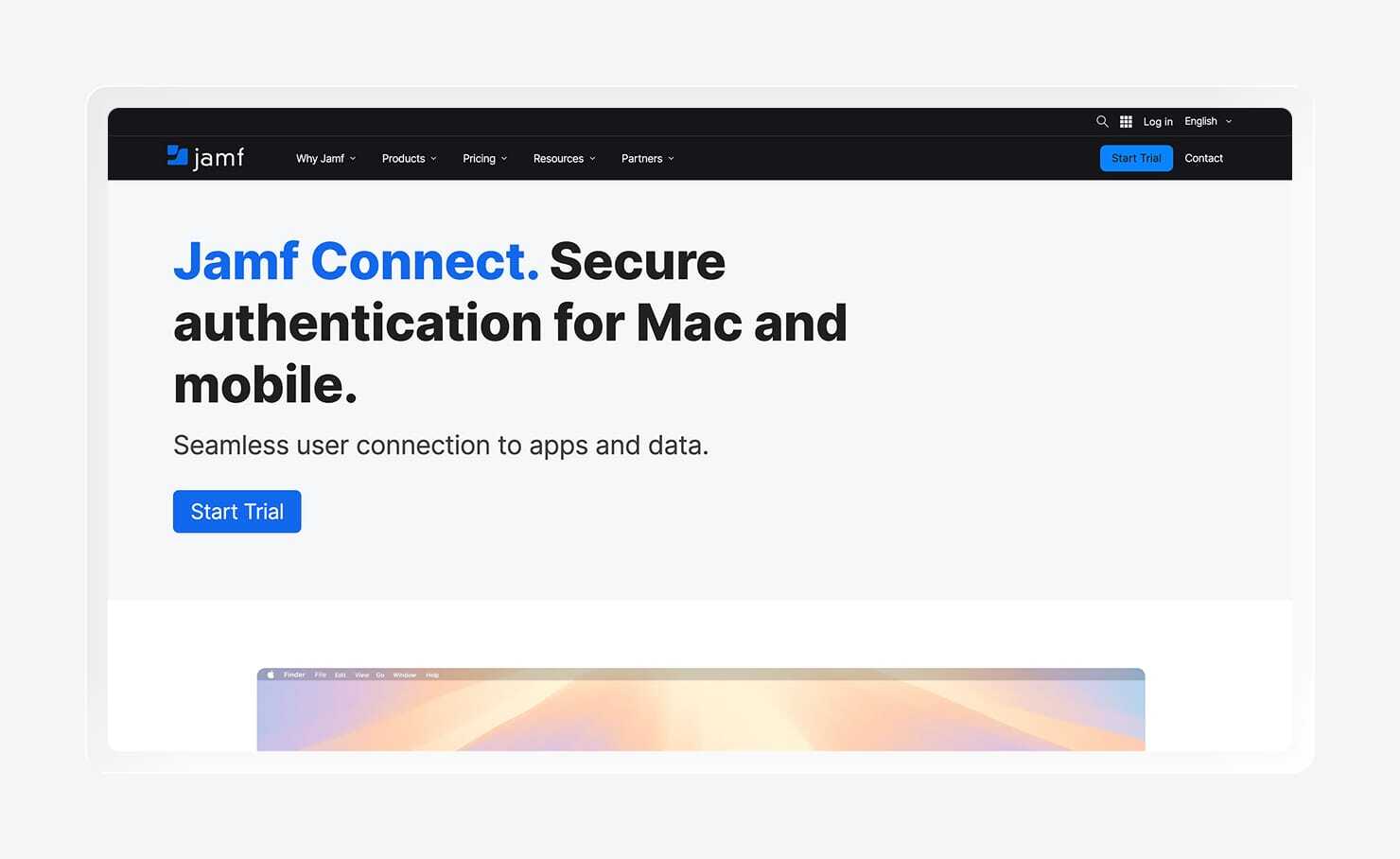
Jamf is one of the longest-standing Apple device management platforms, built specifically for organizations running Apple hardware at scale. Its Apple-focused ecosystem includes extensive documentation, integrations, and community resources that help IT teams manage complex Mac and mobile environments.
At the center of the platform is Jamf Pro, which provides detailed control over Apple devices through capabilities like Smart Groups, zero-touch deployment with Apple Business Manager, and custom inventory fields for targeted policies. It also supports security and compliance workflows with built-in Center for Internet Security (CIS) benchmarks and Security Technical Implementation Guide (STIG) baselines, while its API gives technical teams flexibility to automate administrative tasks.
Organizations with Windows or Linux devices will need additional tools for those endpoints, and broader identity and security capabilities require separate Jamf products like Jamf Connect and Jamf Protect. The platform also offers a high level of customization, which makes it powerful for experienced Mac administrators but may require more expertise to configure than simpler endpoint management tools.
Features:
- Dynamic device grouping with Smart Groups: Automatically organize devices by attributes such as operating system version, hardware model, application status, or custom inventory data.
- Zero-touch Mac deployment with Apple Business Manager: Configure and provision new Apple devices automatically without requiring IT to handle each device before deployment.
- Custom inventory data with Extension Attributes: Collect additional device information beyond standard Apple data points to support reporting and targeted policies.
- Compliance baselines: Apply CIS Benchmarks and STIG baselines directly within Jamf Pro to support common security and compliance requirements.
- Endpoint protection with Jamf Protect: Add macOS threat detection and response capabilities through a separate security product.
- REST API for automation: Connect Jamf with other systems and create custom workflows through broad API support.
When you're ready to replace Rippling, ask yourself a few questions to narrow down your options.
- How Apple-centric is your fleet? Jamf suits large, Apple-only enterprises. Mosyle works for education and cost-conscious Apple shops. And Iru is a strong fit for Apple-first orgs that want to simplify their stack.
- Are you standardized on Microsoft 365 and Windows? If your environment runs on Microsoft 365 and Entra ID, Microsoft Intune is the default choice. It offers the tightest integration with Windows, Group Policy migration paths, and Conditional Access that evaluates both user and device posture.
- Do you need cross-platform identity and device management without enterprise complexity? For SMBs that need a cloud directory, SSO, MFA, and basic device management across macOS, Windows, and Linux, JumpCloud is a solid match. Teams that need stronger endpoint security and compliance automation alongside identity may prefer Iru’s more security-focused approach.
- Are you an MSP or IT provider managing multiple client environments? If your team manages devices for clients, NinjaOne’s combined RMM and MDM platform aligns with service delivery, monitoring, and billing workflows. It’s built for multi-tenant operations rather than in-house IT.
- Do you want open-source, GitOps-style control over device management? Security engineering and DevOps teams that treat devices like infrastructure and that want auditable code, SQL-based visibility, and risk-prioritized patching may want to consider FleetDM. It fits teams comfortable with self-hosting and infrastructure-as-code workflows.
- Is budget the primary constraint, with straightforward UEM needs? For cost-conscious rollouts that still need cross-platform device management, Hexnode covers macOS, Windows, iOS, and Android with a focus on core MDM and kiosk use cases, without the overhead of enterprise platforms.
- Are you Apple-only but evaluating alternatives to Jamf? Apple-first organizations may prefer Mosyle for its Apple-focused MDM capabilities and security features, while Iru is a better fit for teams that want to extend endpoint management with built-in security enforcement, identity controls, and compliance automation.
The IT layer that other Rippling alternatives miss
Choose Iru to pick up where Rippling’s capabilities leave off. Rippling helps you provision users and devices, but Iru takes things a step further, securing endpoints, controlling access, and helping you stay audit-ready.
Book a demo today to see how Iru can simplify your stack as your organization grows.