 Workforce Identity
 Endpoint Management
 Endpoint Detection & Response
 Vulnerability Management
 Compliance Automation
 Trust Center



•
3 min readHow Mac Admins Make Zero-Touch Deployments Work
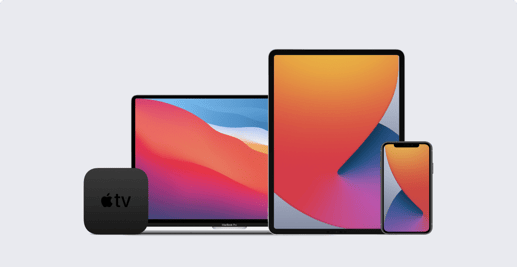
The ideal: You have a new Mac, iPhone, or iPad shipped directly to a new employee and, when that employee starts it up for the first time, the device is automatically enrolled in your MDM solution, with all the apps and settings you want in place—all without you ever touching the hardware itself. But a lot of things have to work right for zero-touch deployments to go as smoothly as you’d like. Among the variables: The vendor you’re buying the hardware from; Apple’s enterprise services (in the form of Automated Device Enrollment via Apple Business Manager or Apple School Manager); your organization’s IT infrastructure; and users themselves. A problem with any one of those links in the chain can make zero-touch harder than it should be. That’s why we recently asked IT administrators on LinkedIn about their experiences with zero-touch. They had some advice for those who are following in their footsteps. Here’s what they told us.