
 Workforce Identity
 Endpoint Management
 Endpoint Detection & Response
 Vulnerability Management
 Compliance Automation
 Trust Center



If you’re choosing a platform to run your entire fleet, due diligence means you’ll want to see the whole field before you commit. While Iru is known for collapsing the stack for companies seeking to automate compliance and device management, you might still have questions before choosing a single platform.
To help you out, here’s a comprehensive review of a few Iru alternatives that specialize in remote management or different operating systems. Whether you’re looking to integrate some of these tools with Iru for your tech stack or you know your choice is solid, this article has you covered with a comprehensive review.
What is Iru?
Iru (formerly Kandji) is an AI-powered platform that combines workforce identity, endpoint management, compliance automation, and endpoint detection and response (EDR) into a single system. Through a unified approach, it weaves together data from multiple devices, giving time and control back to IT and security teams.
Here’s a breakdown of all the features you get with Iru:
- Workforce Identity: A completely passwordless setup that provides effortless single sign-on to apps.
- Endpoint Management: Secure and control devices across all major operating systems with unified endpoint management.
- Endpoint Detection & Response: Detect, investigate, and automatically remediate threats in real-time to keep your endpoints secure.
- Vulnerability Management: Detect and patch vulnerabilities from the same agent using autonomous remediation.
- Compliance Automation: Keep your organization audit-ready with AI-powered controls and adaptive evidence mapping.
- Trust Center: Demonstrate that trust to the people and organizations you work with by providing a public portal that showcases your compliance posture.
For many companies, Iru offers an easy way to consolidate multiple tools onto a single platform. Stephen Lalone, IT Infrastructure Manager at Built, experienced this firsthand, sharing that Iru allowed the company to “replace five or six tools.”
At-a-glance: 8 Iru alternatives
Here’s a quick breakdown of eight different Iru competitors and where they specialize:
| Alternative | Best for | G2 rating |
|---|---|---|
| JumpCloud | Directory and identity management | 4.5/5 |
| NinjaOne | Remote monitoring and management | 4.7/5 |
| Mosyle | School device management | 4.7/5 |
| Addigy | Technically skilled IT teams | 4.5/5 |
| Rippling | Integrated IT and HR systems | 4.8/5 |
| Vanta | Compliance management | 4.5/5 |
| Microsoft Intune | Windows-first environments | 4.5/5 |
| Jamf | Apple-only environments | 4.7/5 |
1. JumpCloud
- Best for: Directory and identity management
- G2 Rating: 4.5/5
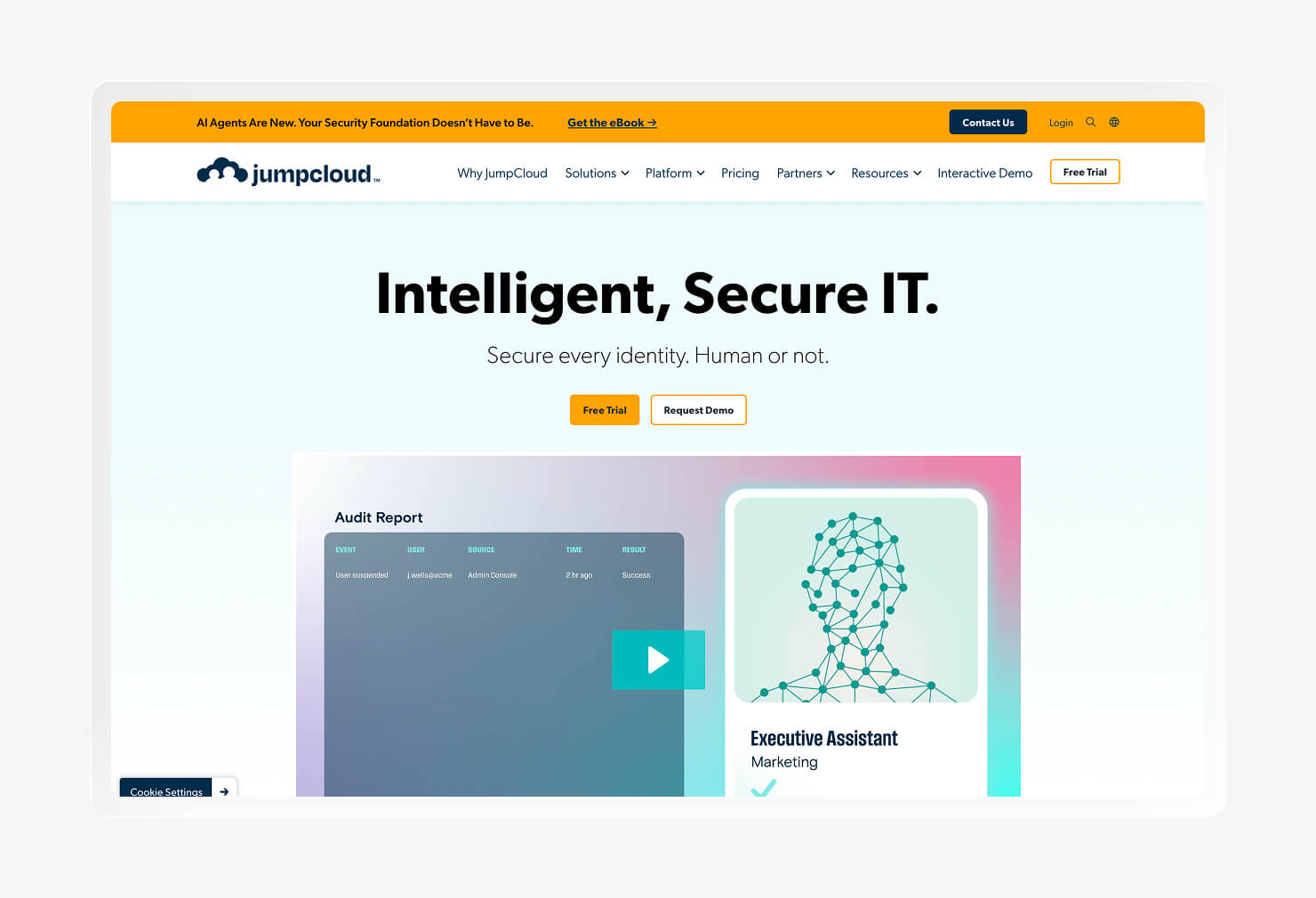
If you’re looking for a tool that specializes in identity and access management (IAM), JumpCloud might be your first stop. JumpCloud is considered a modern replacement for Microsoft Active Directory and LDAP. The platform supports single sign-on (SSO), multi-factor authentication (MFA), and RADIUS server authentication, all major players.
JumpCloud can be incredibly handy for organizations looking to automate the whole employee lifecycle. The platform makes it easy to change permissions for everything from apps to individual files, whether the control is between different organizational groups or between current employees and former employees.
Looking at G2, users praise its simplicity and wide range of identity management features that work across devices. But users who like Iru’s focus on simplicity might find JumpCloud’s steeper learning curve frustrating. Some users even report needing to resort to PowerShell commands for advanced features.
However, some call out its steep learning curve, with some users even needing to resort to PowerShell commands for advanced features.
Key features
- Agentic IAM: Applies JumpCloud’s identity and access controls to AI agents, registering each agent and anchoring it to a verified, healthy device.
- Cross-OS device management: Works across macOS, Windows, Linux, iOS, and Android in one view.
- JumpCloud Go: A hardware-backed, phishing-resistant credential that allows users to authenticate without passwords via a trusted device.
- Unified Endpoint Management (UEM): Combines mobile device management (MDM) and identity so that device management and access policy are managed through the same console.
- SaaS Discovery & Spend Optimization: Uses the JumpCloud agent to inventory installed devices and apps, attributing usage to named users.
2. NinjaOne
- Best for: Remote monitoring and management
- G2 Rating: 4.7/5
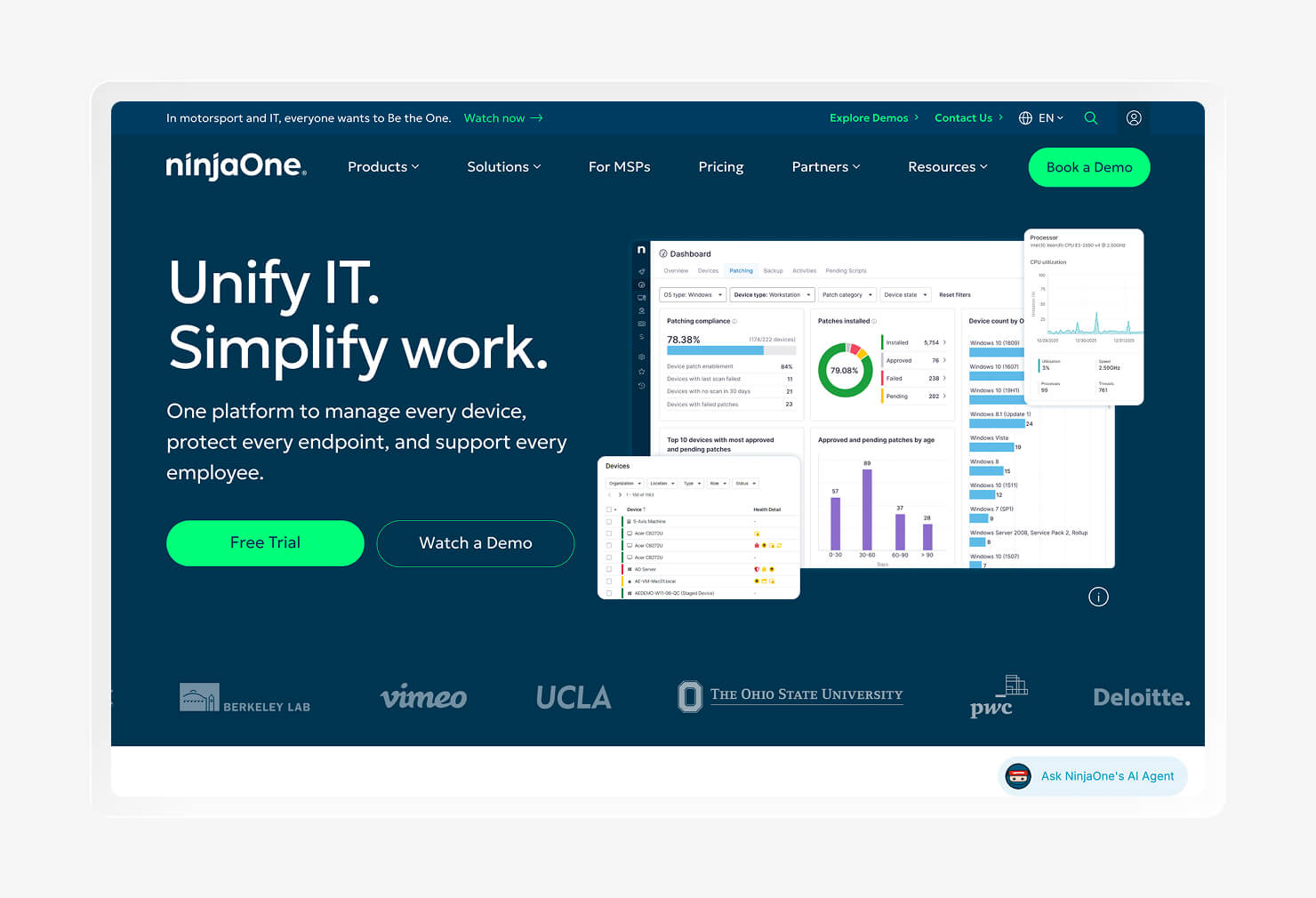
NinjaOne is a cloud-native IT operations platform that helps IT and security teams manage devices remotely. Previously known as NinjaRMM, the platform now covers unified endpoint management and IT asset management across all major operating systems.
NinjaOne’s device management tools comprise asset inventory management, automatic patching, and one-click remote access. It also has automations that fire in response to performance thresholds, such as a device slowing down, to automatically remediate issues. Teams pick it for its comprehensive device management features.
G2 users praise the platform for its fast, clean interface and strong automation tools. However, NinjaOne is not a full IT service management tool, so you’ll need to look at tools like Iru if you want automated remediation, such as patching.
Key features
- Automated patch management: This platform covers over 8,000 applications and flags high-risk updates using AI-driven patching.
- Background Mode: A remote access mode that allows IT technicians to reach a device’s command line without interrupting the user session.
- IT Asset and inventory tracking: You can maintain a full hardware and software inventory across all end-user devices, servers, and virtual machines.
- Policy-based automation: Administrators can run scripts and automatic remediations when a device meets certain conditions to reduce manual IT work.
- Mobile Device Management (MDM): Users can maintain iOS and Android endpoints as an add-on to standard subscriptions.
3. Mosyle
- Best for: School device management
- G2 Rating: 4.7/5
Educational environments that rely on Macs, iPhones, iPads, and Apple TVs will find Mosyle a solid fit for device management. The platform helps control what students can access through web and DNS filtering. It also offers device management features, such as automated app installation and patching, through its school- and business-focused offerings.
Unlike a pure MDM, Mosyle bundles with Apple-specific security tools, so it can offer antivirus with malware detection. It also provides account protection through its zero-trust infrastructure, blocking connections that don’t come from known devices. The device-based SSO features make it a decent combo of device and identity management.
When looking at G2 reviews, users note its easy setup and the built-in “Admin on demand” features that help provide and control account access. However, some reviewers feel that the interface is dated and that the workflows are weaker than tools like Iru, which feature a simple, modern interface.
Key features
- Mosyle Auth 2: SSO for macOS that ties Mac logins to the organization's identity provider.
- Admin On Demand: Privilege management that grants users temporary, scoped admin rights only when needed, logging the reason and context.
- Detection and Removal: Includes an antivirus integrated with Apple MDM to continuously scan for malware and isolate devices.
- Embark: A guided Mac setup experience that shows the end user each task the Mac performs during zero-touch enrollment.
- Study Sites: A classroom management feature that lets teachers restrict student web access to a list of pre-approved sites.
4. Addigy
- Best for: Technically skilled IT teams
- G2 Rating: 4.5/5
Like Mosyle, Addigy is an Apple-only device management platform. What makes it different is that it combines MDM and RMM into a single multi-tenant product, allowing users to manage different clients or departments from a single environment without data crossing over.
Addigy is ideal for technical teams. Through LiveTerminal and LiveDesktop, technicians get command-line and screen access on demand. This allows them to monitor devices and remediate issues in real time, using their technical expertise to resolve them. The platform also works with Apple Business Manager, supporting zero-touch deployments and automated patching.
G2 reviewers find that Addigy has strong live remote tools for technical teams comfortable with scripting. However, it has a steep learning curve, making it more difficult for lean teams without technical expertise.
Key features
- Go Live: Addigy’s live remote toolset, including LiveTerminal and LiveDesktop, gives technicians instant command-line and remote-control access.
- Addigy Assist: Automates and brands the device setup and onboarding flow to guide device provisioning and reduce day-one manual steps.
- Prebuilt Apps: A catalog that deploys your app set silently and automatically during the onboarding process.
- Addigy Identity: Ties the Mac login window to an identity provider (like Okta or Microsoft Entra ID).
- Amplify: Adds data on Apple device health, compliance reporting, and report tools while integrating with some existing MDMs (Jamf, Intune, Mosyle, and others).
5. Rippling
- Best for: Integrated IT and HR systems
- G2 Rating: 4.8/5
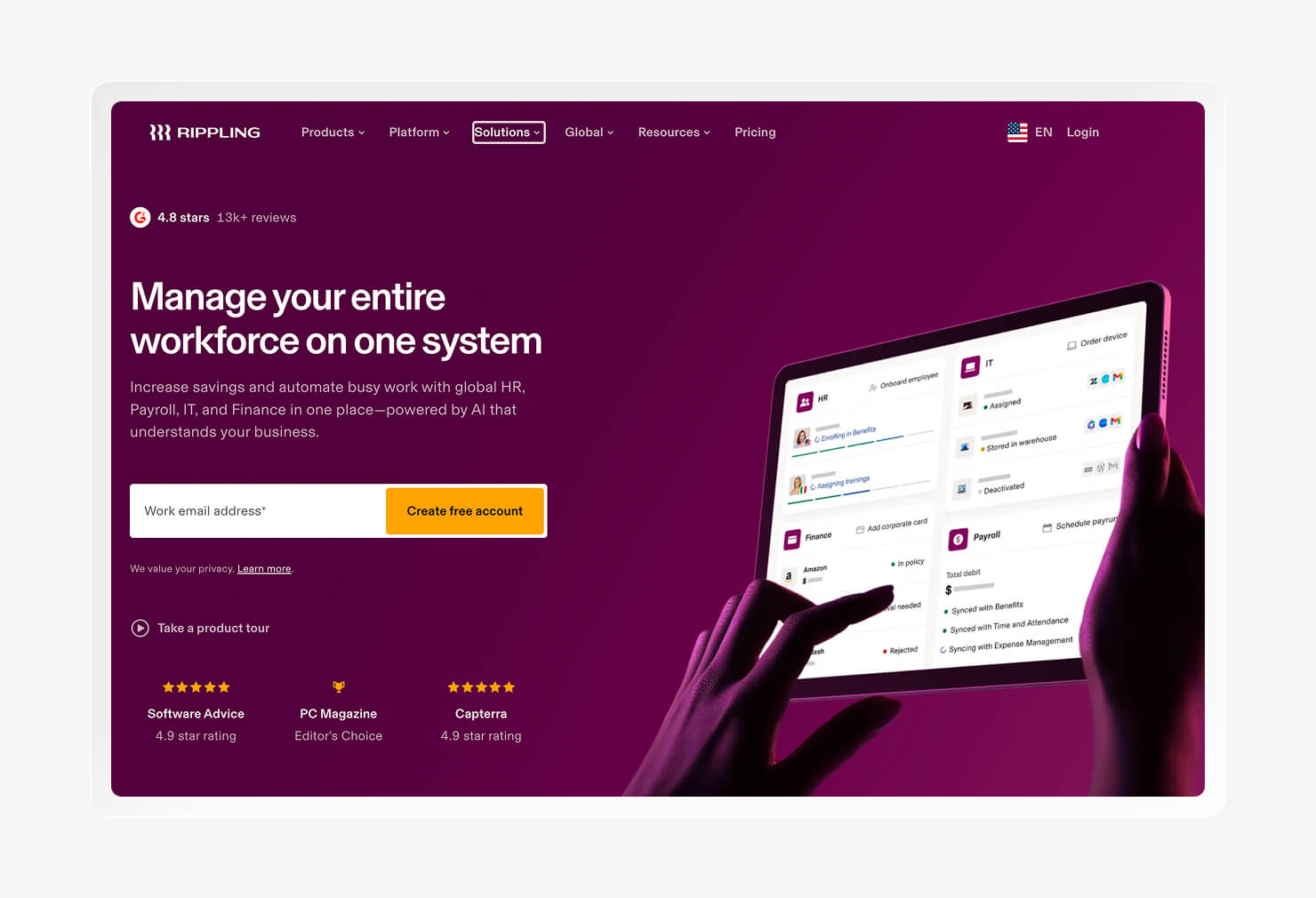
Rippling combines device and workforce management in a single platform. It manages the entire employee lifecycle through its device management capabilities, helping HR staff handle everything from onboarding to offboarding. And it does so across all major operating systems, including macOS, Windows, iOS, iPadOS, and Linux.
Rippling connects access and employee data to different devices. The platform can send devices out for you, handling ordering, shipping, and configuration so they’re ready when the employee is. It also handles security controls, which include disk encryption via FileVault, enforcement of password requirements, MFA, and background evidence collection for SOC (Security and Operations Center) 2.
Looking at G2, reviewers appreciate the unified HR-plus-IT model, which helps teams manage global device logistics more easily. However, some found the initial setup complex, especially for teams with smaller IT teams. It also lacks some of the more comprehensive device management features found in other tools on this list.
Key features
- Zero-touch deployment: Ships company-owned Macs, PCs, and mobile devices preconfigured with settings and employee logins.
- Rippling store and global shipping: Tracks both shipped and retrieved devices with real-time delivery tracking and inventory restocking (US and Canada only).
- Declarative Device Management (DDM): Uses Apple’s DDM protocol for faster, autonomous, identity-aware policy enforcement.
- Custom script deployment: Runs Bash (macOS) and PowerShell (Windows) scripts on a one-time or recurring schedule to help manage devices and track data.
- Endpoint protection: Integrates with SentinelOne to add endpoint protection across the fleet.
6. Vanta
- Best for: Compliance management
- G2 Rating: 4.5/5
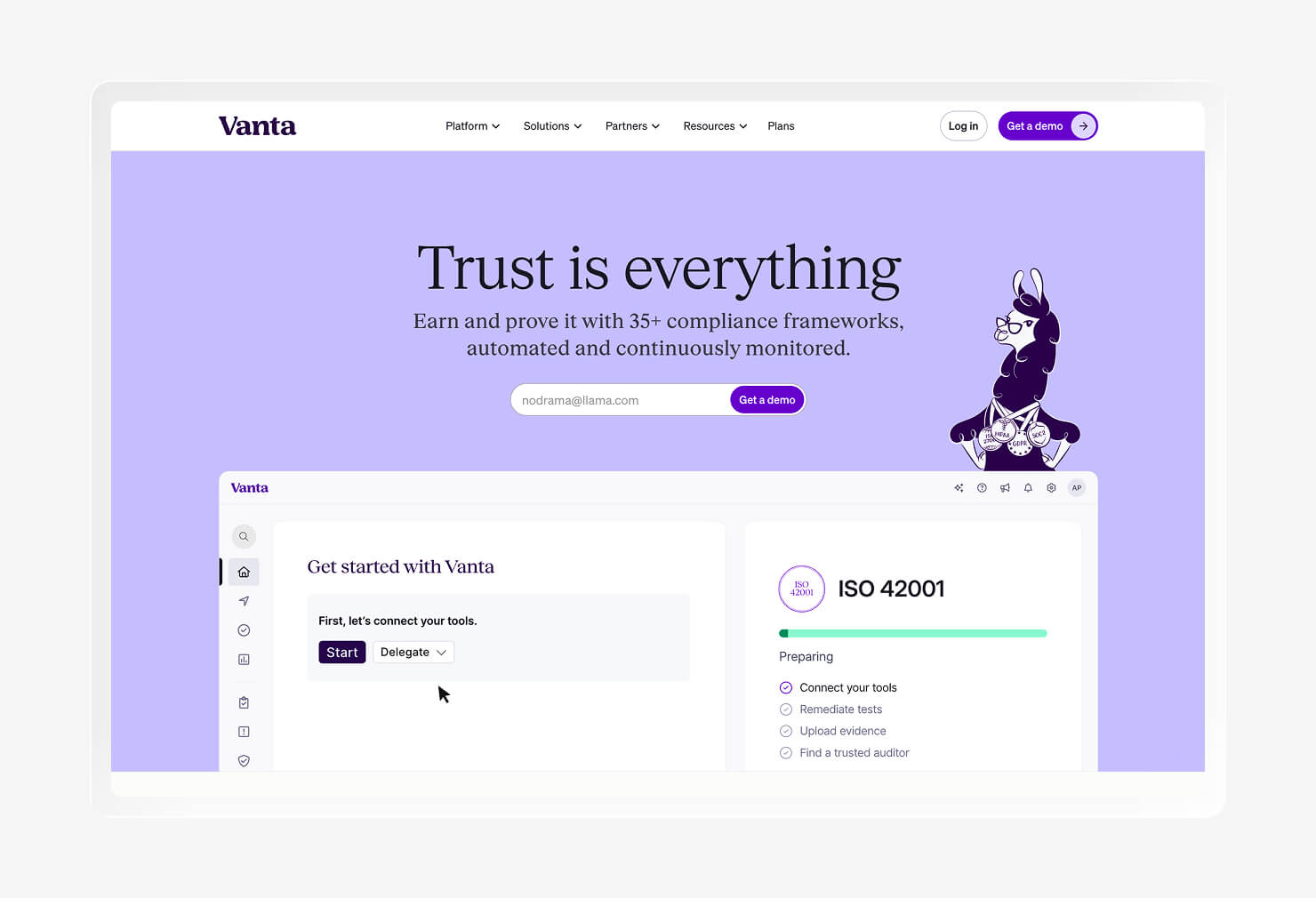
Vanta differs from all of the tools on this list in that it isn’t built for device management. Instead, it’s a compliance automation and governance, risk management, and compliance (GRC) platform that continuously collects evidence from the cloud, your software stack, and internal controls to automate security audits.
Vanta supports over 35 frameworks, including SOC 2, ISO 27001, HIPAA, GDPR, and FedRAMP. It then uses a built-in AI agent to draft policies and suggest remediations. You can then share these results with a customer-facing Trust Center, displaying real-time proof of compliance posture.
On G2, reviewers cite its fast time-to-SOC-2 for cloud-native teams, its broad integrations, and the power of its evidence collection. However, Vanta is much less useful in highly customized environments or when using on-premises tools.
Key features
- AI agent: An “always-on” GRC assistant that helps draft policies, suggest remediation, and keep compliance current with your environment.
- Organizations Center: The platform gives enterprise team leaders visibility across business units, products, and geographies with AI-powered scoping and audit workflows.
- Risk Graph: Turns fragmented risk data into a real-time connected map showing how risks relate and spread.
- Vanta Control Framework (VCF): A standardized control set that maps and reuses controls across multiple frameworks so that evidence collected once satisfies overlapping requirements.
- Trust Center: A customer-facing evidence page showing that you are following compliance frameworks properly.
7. Microsoft Intune
- Best for: Windows-first environments
- G2 Rating: 4.5/5
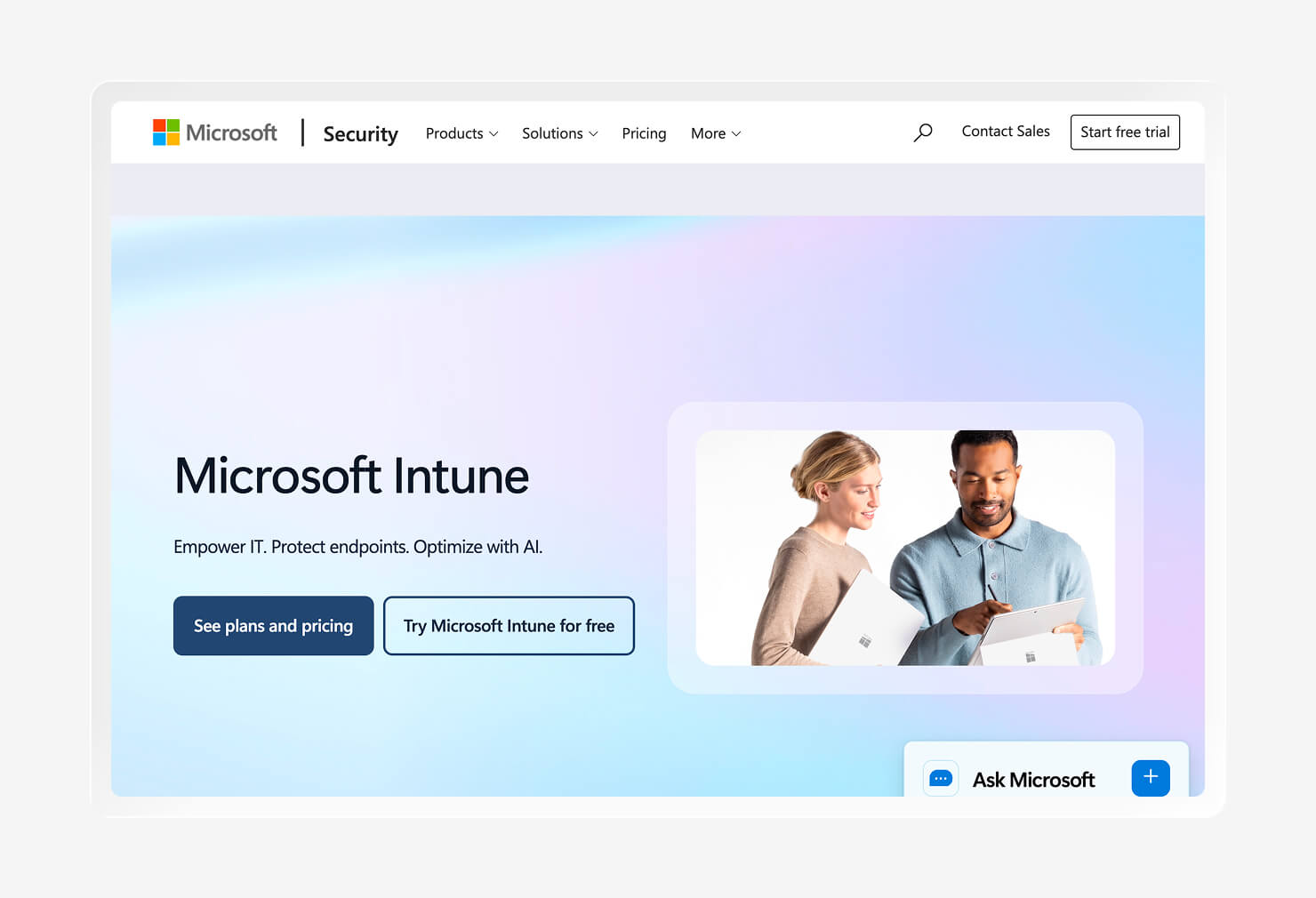
Intune is Microsoft’s cloud-based endpoint management service. Its defining feature is its strength within the Microsoft ecosystem, with integrations with Entra ID and Microsoft Defender for identity and device health verification. This combo works at the account level, checking device security before devices access files or email.
Through Windows Autopilot, Microsoft Intune configures new Windows devices out of the box. It also offers strong support for bring-your-own-device (BYOD) programs, allowing employees to view compliance status while keeping other device data private.
Looking at G2 reviews, reviewers appreciate the cost-effectiveness of bundling with Microsoft 365. However, the platform has compatibility issues with macOS and Linux, making it a much less flexible device management tool.
Key features
- Windows Autopilot: Pre-configures new Windows devices so they set themselves up with the right apps and settings.
- Settings catalog: A searchable list of thousands of OS and app settings that admins can configure into policies.
- Endpoint Privilege Management (EPM): An add-on that grants standard users temporary, policy-controlled admin access for specific tasks.
- Microsoft Security Copilot: AI built into the Intune admin center that summarizes policies, explains settings, and helps prioritize and remediate vulnerabilities.
- Mobile Application Management (MAM): App-level protection policies that secure corporate data inside managed apps on both company and BYOD devices.
8. Jamf
- Best for: Apple-only environments
- G2 Rating: 4.7/5
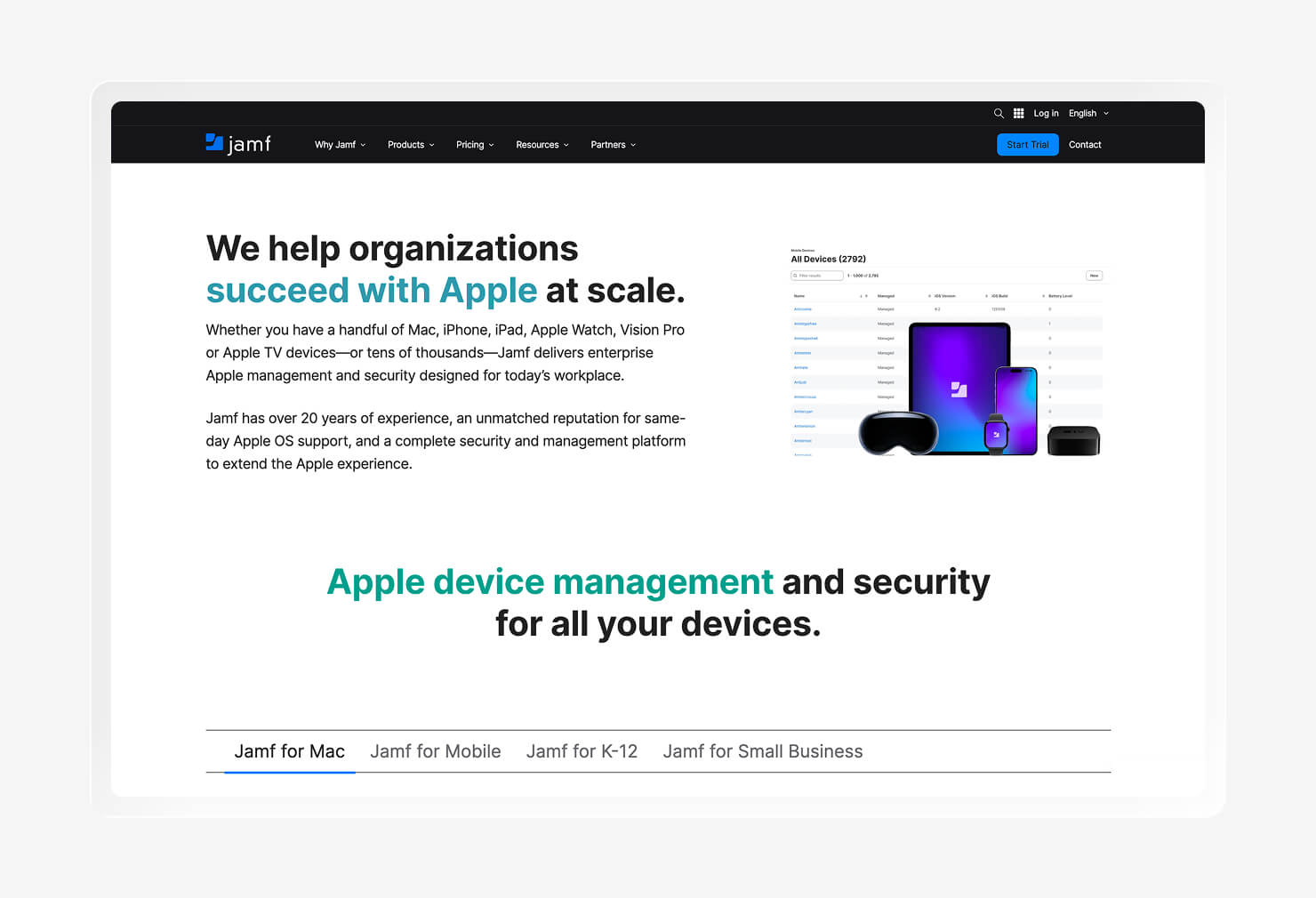
Jamf offers a wide range of tools for education, endpoint security, and smaller teams. But the platform is built exclusively for Apple devices, offering same-day support for new OS updates. If you’re looking for more control with advanced IT, Jamf Pro covers it.
With its focus on Apple products, Jamf supports zero-touch deployment through Apple Business Manager. For work across different devices and business groups, Jamf’s Smart Groups feature controls which apps can be installed. Jamf Protect and Connect are companion products that provide security and identity controls to deliver a more customizable experience.
Apple-focused G2 reviewers cite pros such as deep Apple integration and powerful automation. However, some reviews struggle with a steep learning curve. The platform is also less useful if you run multiple device types throughout your fleet.
Key features
- Smart Groups: Automatically apply the right policies and device configurations based on different user groups or device types.
- Blueprints: A workflow that bundles policies, configuration profiles, and device restrictions using Apple’s Declarative Device Management for support.
- Self Service+: Lets employees install approved apps and self-troubleshoot without contacting IT for every request.
- Compliance Benchmarks: Apply recognized security baselines (like CIS) to devices to enforce device status when they’re in monitor or enforce mode.
- Jamf School: A school-based toolset that controls app and site access for students.
What to look for in an Iru alternative
When looking for an Iru alternative, you’re more likely to need multiple tools to cover everything the platform offers. Here’s a breakdown of a few things you might look for.
Cross-platform endpoint management
Many device fleets are mixed, as even Mac-forward teams have Windows and mobile devices. A tool that only manages one OS well forces you to get a second platform to manage everything else. Plus, cross-OS management improves consistency across platforms, allowing you to enforce your policy regardless of device type.
Integrated EDR and vulnerability management
EDR features detect threats, while vulnerability management tools help patch exposures your device fleet faces regularly. Look for tools that integrate or have built-in platforms to help defend your fleet from known exposures and risks. Without them, you could expose your devices, leaving you liable for the consequences of losing data.
AI-powered compliance automation
Proving compliance usually means either buying a separate GRC tool or manually gathering evidence. Ideally, you can save time by gathering compliance evidence in the same tool you use to manage your devices. That way, you won’t end up scrambling to collect screenshots during audit time.
Passwordless workforce identity
While SSO and MFA add extra security, device-bound passkeys add an extra layer of security. The old model of password-enabled accounts is more susceptible to phishing attacks. Ideally, account security should be tied to device security, ensuring that only secure, compliant devices can access company resources.
Choose Iru and consolidate device management with a single tool
Each tool on this list does one job really well, but few tools do everything that you need. Replacing Iru usually means running several different platforms at once. But if you prefer to stick with one tool for multiple uses, Iru might be your best choice.
Iru manages Mac, Windows, and Android endpoints from a single console, patches known vulnerabilities without a separate tool, and ties account access to device health through passwordless workforce identity. It also automates compliance evidence collection in the background so your team isn’t scrambling the week before an SOC 2 review.
Book a demo to see how Iru can help your organization save time.