 Workforce Identity
 Endpoint Management
 Endpoint Detection & Response
 Vulnerability Management
 Compliance Automation
 Trust Center



What is endpoint management software? Endpoint management software helps you deploy, secure, monitor, and update devices from a central platform. It automates routine tasks across laptops, desktops, mobile devices, and other endpoints, reducing manual work while improving security and compliance.
IT announces that a new business app needs to be installed across every company device. The rollout will take weeks. Some employees miss the email. Others postpone the update. A few devices fall through the cracks entirely.
With endpoint management software, the process looks very different. IT can deploy applications, enforce policies, and push updates in the background without disrupting employees or creating another wave of support tickets.
That's why many organizations are investing in endpoint management tools. Modern endpoint monitoring software combines automation, security, and visibility into a single console, making it easier to manage growing fleets of devices without growing your IT workload.
To help narrow your options, we compared six leading endpoint management solutions, including their strengths, limitations, and the features that matter most in a unified endpoint management (UEM) platform.
| Provider | Best for | G2 rating | Key features |
|---|---|---|---|
| Iru | Automated device management across small to enterprise-level device fleets | 4.7 | Endpoint management, identity and access, compliance automation, Auto Apps, Endpoint Detection & Response, Vulnerability Management, passwordless authentication, and AI-powered automation via the Iru Context Model |
| Ivanti Neurons | Large organizations that want automation-driven endpoint management and self-healing capabilities across diverse device environments | 4.2 | Asset discovery, self-healing automation, patch management, workflow automation, digital employee experience (DEX), and endpoint monitoring |
| Microsoft Intune | Organizations that already use Microsoft 365 and want endpoint management integrated with their existing Microsoft ecosystem | 4.5 | Device and application management, mobile application management (MAM), compliance policies, security enforcement, Windows Autopilot, and Microsoft ecosystem integration |
| Jamf Pro | Organizations that primarily manage Apple devices and want deep integration with the Apple ecosystem | 4.7 | Apple device management, zero-touch deployment, app and patch management, inventory management, Self Service portal, and Apple Business Manager integration |
| NinjaOne | Managed service providers (MSPs) and IT teams that want centralized endpoint management with strong automation and remote support capabilities | 4.7 | Remote monitoring and management (RMM), patch management, remote support, scripting, endpoint monitoring, and IT automation |
| Workspace One UEM | Enterprises that need to manage diverse device fleets across multiple operating systems from a single platform | 4.5 | Cross-platform device management, device lifecycle management, remote management, compliance automation, zero-trust access controls, and workflow automation |
1. Iru
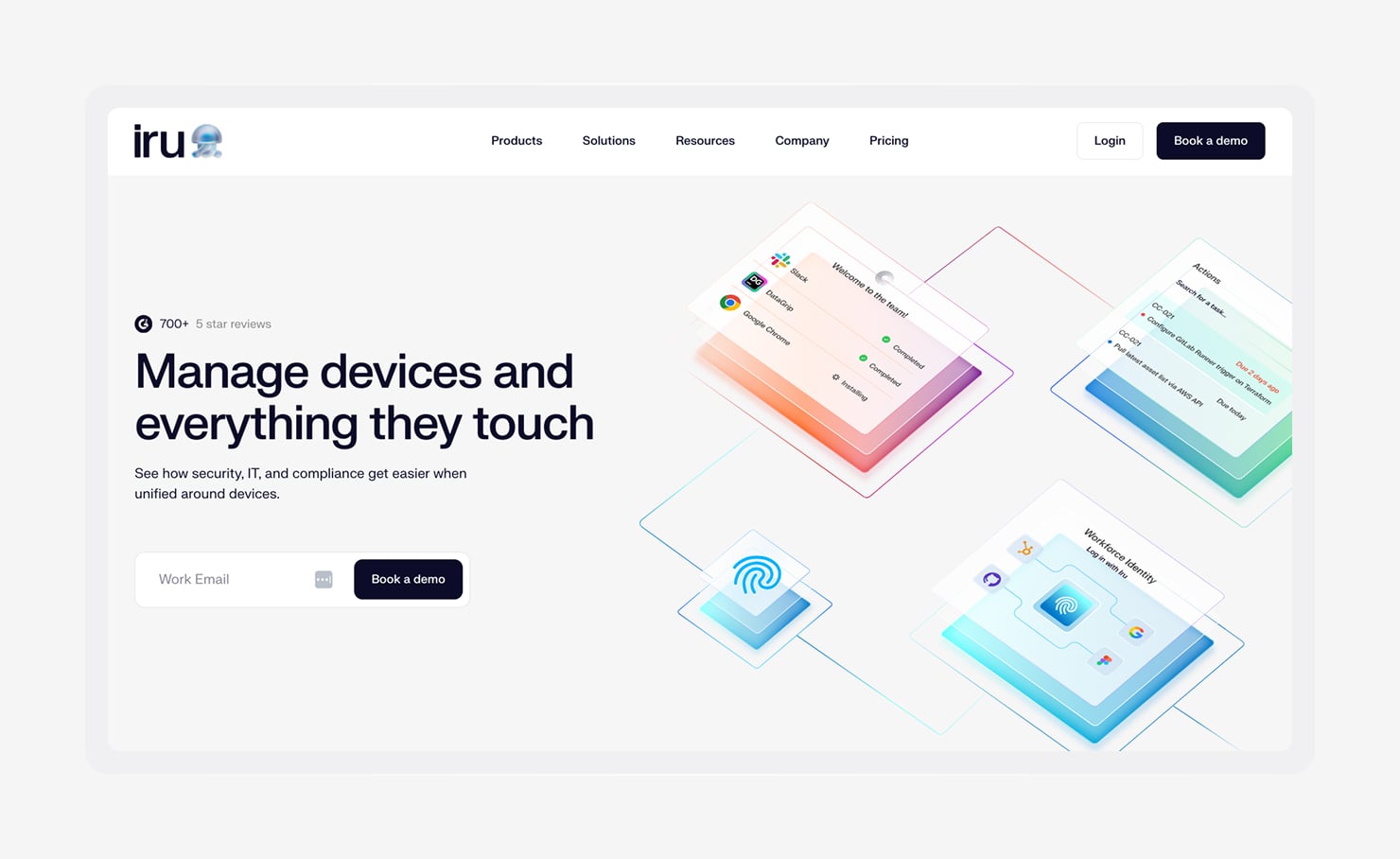
- Best For: Automated device management across small to enterprise-level device fleets
- G2 rating: 4.7/5
- Automated features: Device provisioning, application deployment, patch management, identity and access management, compliance automation, threat detection, vulnerability remediation, and AI-powered workflows
Iru is a leading endpoint management software solution that helps your IT and security teams automate work across endpoint management, security, identity, and compliance from a single platform.
Iru brings endpoint security and management, identity and access, and compliance automation together to help consolidate stacks. And since these capabilities share the same foundation, teams don't have to move between disconnected consoles or reconcile data from multiple vendors.
Built with AI from the ground up, Iru runs on the Iru Context Model, a shared data infrastructure that creates a living map of users, devices, applications, policies, and events. This unified context powers Iru AI and Iru MCP, helping users automate workflows across their environment and build a tech stack that runs itself.
You can streamline onboarding with Automated Device Enrollment (ADE), automate application deployment, enforce security controls, and continuously collect compliance evidence. You can also deploy any Windows app with Iru Custom Apps, reducing the effort required to support growing fleets across operating systems.
“Iru makes me look like a superhero with their robust MDM solution, extremely intuitive UI, and world-class support engineers ready to think out of the box and support your every need.” — Kevin B. on G2
The impact is clear in real-world deployments, too. Sprinter Health, a healthcare company with a lean IT team, uses Iru to manage hundreds of devices while spending less than 10% of its time on device and application management. Automation handles much of the day-to-day work, allowing Sprinter to focus on supporting the business instead of maintaining infrastructure.
Key benefits
- Auto Apps: Iru offers nearly 500 Auto Apps that automatically deploy and patch hundreds of business applications across Mac and Windows devices.
- Adaptive Compliance: Iru helps you continuously map evidence to controls and keeps compliance records up to date. This reduces manual audit preparation and helps you stay audit-ready year-round.
- Passwordless Identity Management: Workforce Identity replaces passwords with hardware-backed passkeys and passwordless authentication. Your employees get a faster sign-in experience, reducing phishing and credential-related risks.
- Threat detection and vulnerability management: Iru’s Endpoint Detection & Response (EDR) and Vulnerability Management work together to identify threats, prioritize risk, and automate remediation.
- AI-powered automation with the Iru Context Model: The Iru Context Model connects identity, endpoint, security, and compliance data in one place. This shared context enables smarter automation, better visibility, and helps you build a tech stack that runs itself.
2. Ivanti Neurons
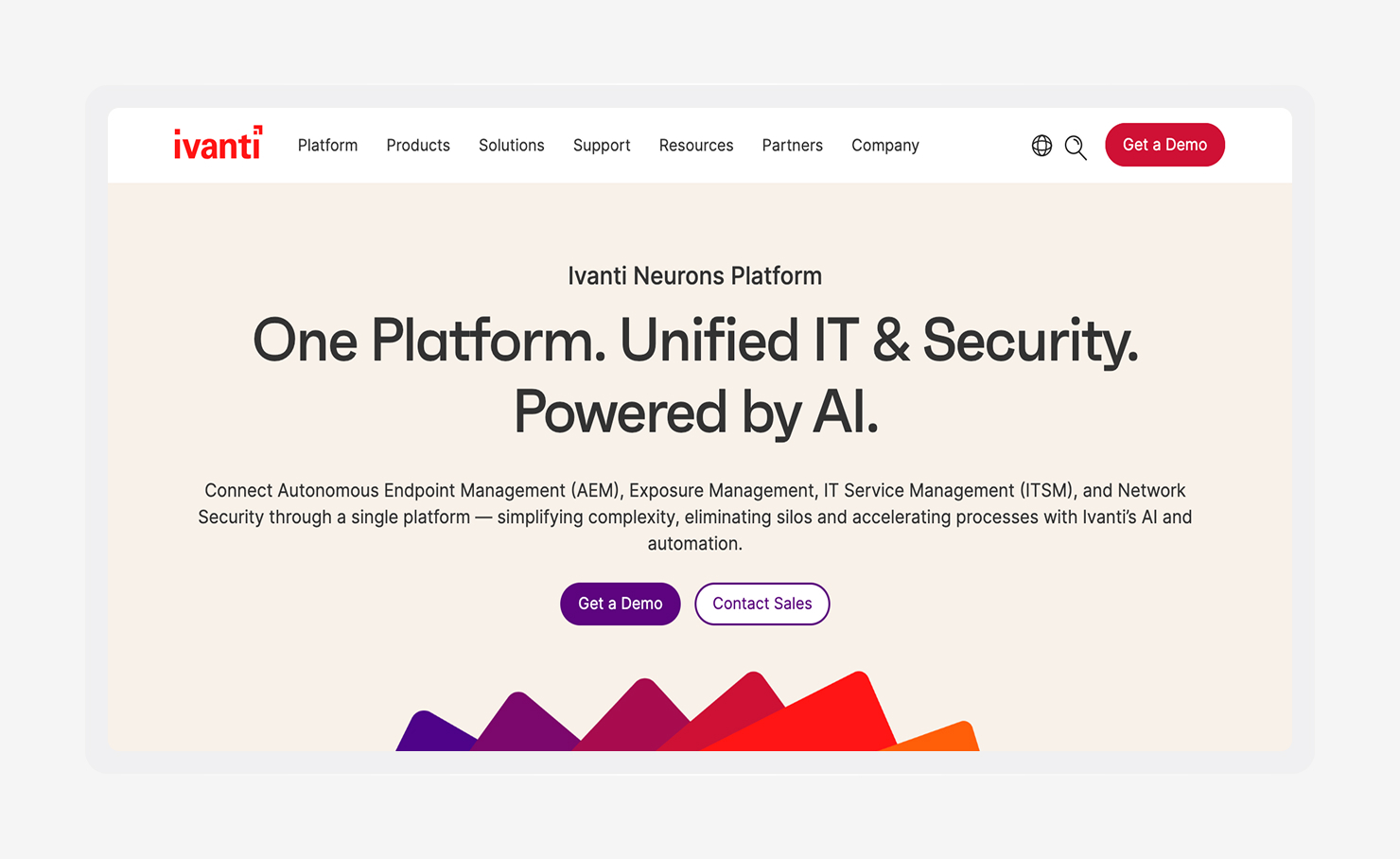
- Best for: Large organizations that want automation-driven endpoint management and self-healing capabilities across diverse device environments
- G2 rating: 4.2/5
- Automated features: Asset discovery, patch management, endpoint monitoring, self-healing remediation, workflow automation, and DEX analytics
Ivanti Neurons is a unified endpoint management software that helps you manage, secure, and support endpoints from a centralized console. It combines endpoint management, automation, and analytics to reduce manual administration across large device fleets.
A key focus of the platform is automation. Ivanti Neurons can automatically discover devices, deploy patches, identify configuration issues, and trigger remediation workflows. Its self-healing capabilities help you detect, diagnose, and resolve endpoint problems before they disrupt your users, reducing the need for manual intervention from IT teams.
Based on G2 reviews, Ivanti Neurons stands out for its ability to automate routine endpoint management tasks. Users frequently mention automated patching and workflow automation as valuable features, noting that they help reduce manual effort while improving visibility across large device fleets. That said, some reviewers note that the platform requires a learning curve during implementation, particularly in larger environments.
Organizations managing Apple devices may also benefit from support for modern management approaches such as declarative device management (DDM), which allows your devices to apply and maintain configurations with less ongoing involvement from administrators.
Key benefits
- Asset discovery: Ivanti Neurons automatically identifies and inventories devices across the environment. This improves visibility, helps eliminate unmanaged endpoints, and gives you a more accurate view of your infrastructure.
- Patch management: It automates patch discovery, prioritization, testing, and deployment across operating systems and third-party applications. This reduces security risk while saving administrators from manually tracking and applying updates.
- Digital employee experience: DEX monitors device health, application performance, and employee experience metrics in real time. The platform can proactively identify issues and trigger automated remediation before productivity is affected.
3. Microsoft Intune
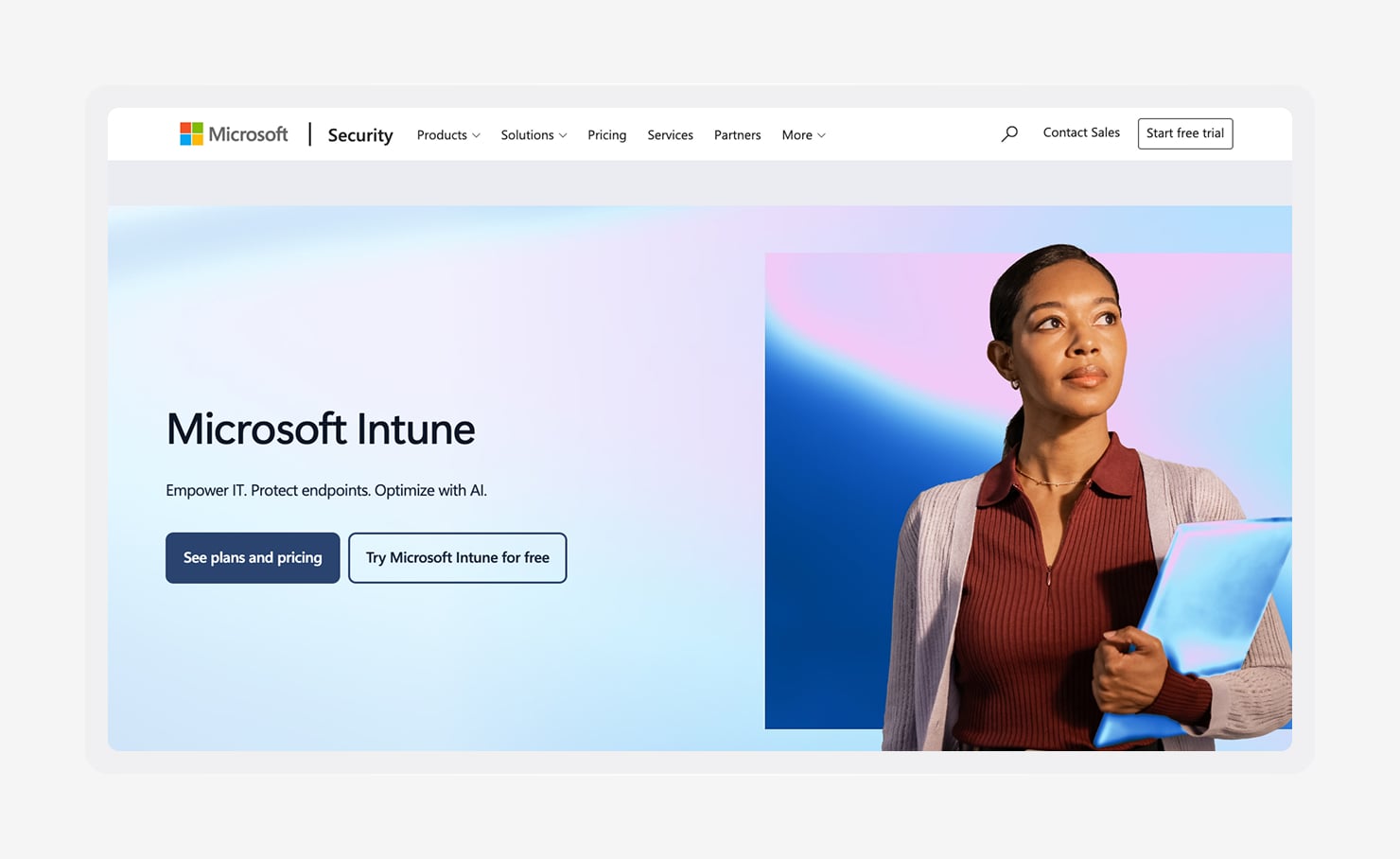
- Best for: Organizations that already use Microsoft 365 and want endpoint management integrated with their existing Microsoft ecosystem
- G2 rating: 4.5/5
- Automated features: Device enrollment, policy deployment, application management, compliance monitoring, security enforcement, and Windows provisioning
Intune is Microsoft's cloud-based endpoint management platform. It helps you manage devices, applications, and access policies across Windows, macOS, iOS, Android, and other supported endpoints.
As one of the most widely adopted unified endpoint management tools, Intune is often used by organizations looking to centralize endpoint administration within their Microsoft environment.
The platform includes several automation capabilities that reduce your day-to-day management work. For instance, you can automate device enrollment, deploy applications remotely, enforce compliance policies, manage updates, and apply security settings at scale.
Microsoft Intune earns high marks from G2 reviewers for its tight integration with Microsoft 365 and policy-based automation. Users frequently mention the convenience of managing devices and applications from a single platform, especially in Microsoft-centric environments. Some reviewers report a steeper learning curve during deployment, particularly in more complex environments.
Key benefits
- Device and application management (DAM): Intune provides centralized device management alongside mobile application management (MAM) capabilities. You can deploy applications, manage updates, protect corporate data, and control app access without requiring full device enrollment in every scenario.
- Security enforcement: Intune automatically applies security policies, compliance requirements, and conditional access controls across managed devices. This helps you maintain a consistent security posture while reducing manual oversight.
- Windows Autopilot: It automates device provisioning and setup for new computers. Your employees can receive a device directly from the manufacturer, sign in, and have applications, policies, and configurations applied automatically.
4. Jamf Pro
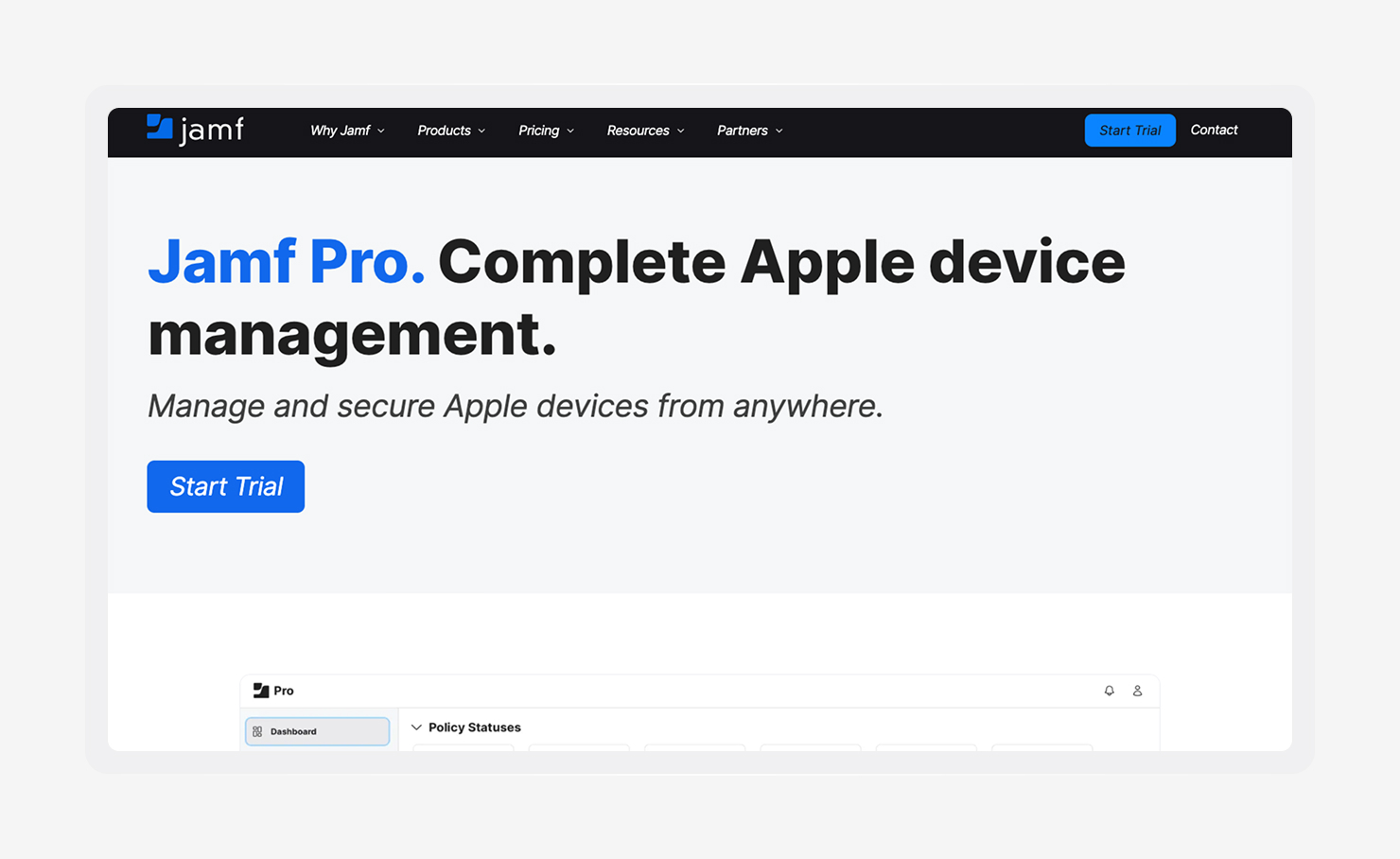
- Best for: Organizations that primarily manage Apple devices and want deep integration with the Apple ecosystem
- G2 rating: 4.7/5
- Automated features: Device enrollment, policy deployment, app distribution, patch management, inventory tracking, and self-service workflows
Jamf Pro is an Apple-focused endpoint management platform designed to manage Macs, iPhones, iPads, and Apple TVs at scale. As one of the most established solutions in the mobile device management (MDM) market, it is widely used by organizations with large Apple deployments.
The platform automates many routine management tasks, including device enrollment, configuration, application deployment, and software updates. Administrators can create policies that automatically apply settings and security controls throughout a device's lifecycle, reducing the need for manual intervention and helping maintain consistency across fleets.
Reviewers on G2 highlight Jamf Pro's Apple-specific capabilities, extensive automation options, and strong device management features. They like it for its ability to streamline onboarding and ongoing administration while providing detailed visibility into managed devices. The platform's depth of functionality can create a learning curve for new administrators, though.
Jamf's centralized management can also help you reduce shadow IT by making approved applications and resources easier for employees to access.
Key benefits
- Zero-touch deployment: Jamf Pro integrates with Apple Business Manager to automate device provisioning from the moment a device is activated. IT teams can ship devices directly to employees while ensuring applications, policies, and settings are applied automatically.
- App and patch management: Administrators can deploy applications, manage updates, and automate patching across Apple devices from a centralized console. This helps you keep software current while reducing manual maintenance work.
- Self-service portal: Jamf Pro includes a self-service portal that allows employees to install approved applications and access resources without submitting IT tickets. This improves the user experience while reducing support workloads.
5. NinjaOne
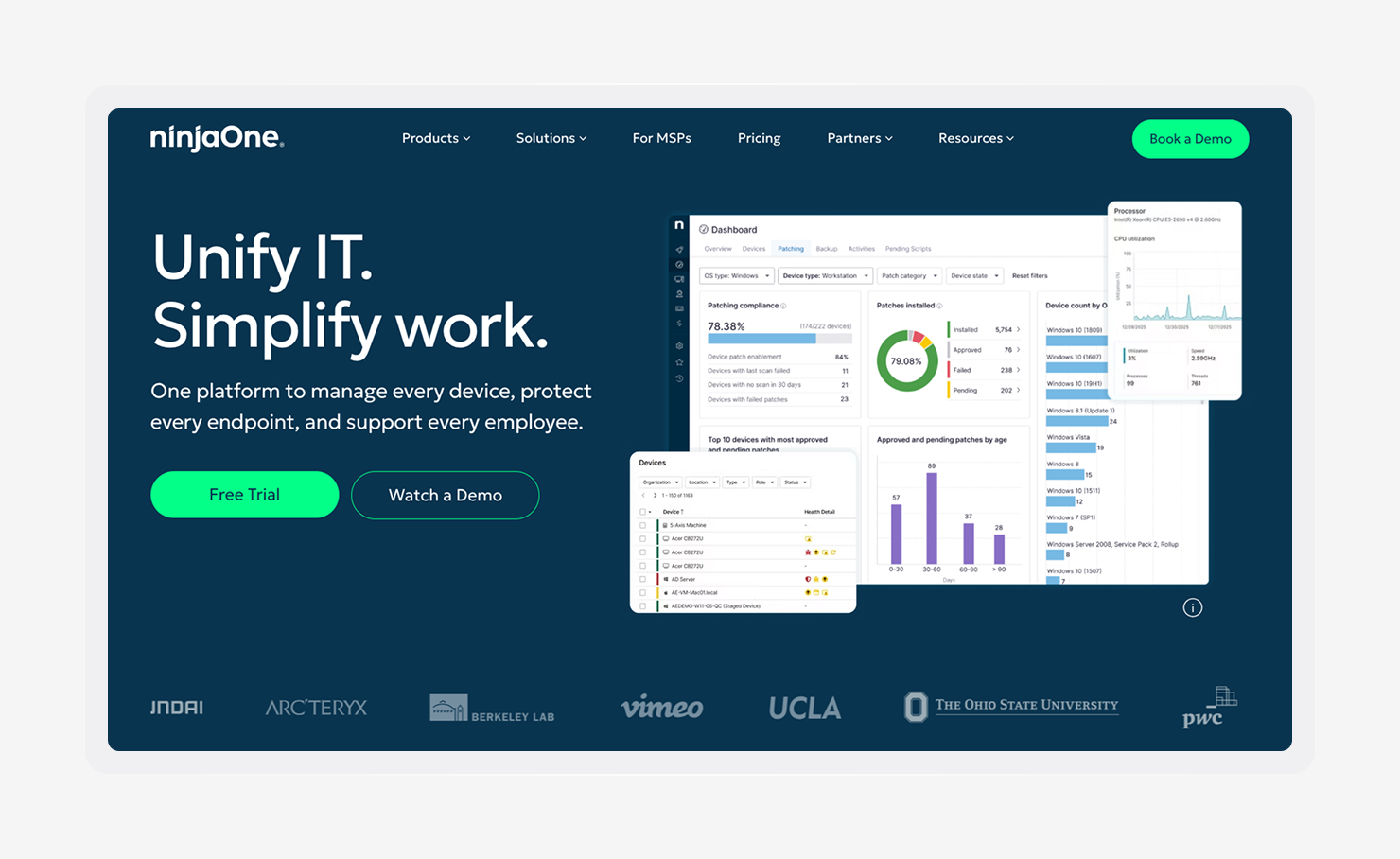
- Best for: MSPs and IT teams that want centralized endpoint management with strong automation and remote support capabilities
- G2 rating: 4.7/5
- Automated features: Endpoint monitoring, patch management, remote remediation, scripting, device inventory management, and automated alerting
NinjaOne is an endpoint management and remote monitoring platform designed to help you manage devices from a single interface. The platform combines monitoring, patching, automation, and remote support tools to simplify endpoint administration across distributed environments.
Automation is a major component of the platform. You can automate software deployment, operating system updates, routine maintenance tasks, and remediation workflows using scripts and policy-based actions. This helps reduce repetitive work while keeping devices healthy and up to date.
Organizations managing endpoints with an MDM profile can also use NinjaOne alongside broader device management workflows to improve visibility and control.
On G2, reviewers frequently praise NinjaOne for its ease of use, automation capabilities, and responsive support experience. They like how its automated monitoring and remediation capabilities reduce manual troubleshooting and help IT teams identify issues before they affect employees.
Some organizations also use the platform to monitor software usage and identify unauthorized applications, helping reduce risks associated with cracking tools and other unmanaged software.
Key benefits
- Remote monitoring and management: RMM continuously monitors endpoint health, performance, and availability from a centralized dashboard. This allows you to identify issues early and resolve them before they lead to downtime or support tickets.
- Remote support: NinjaOne includes remote access tools that allow your technicians to troubleshoot and resolve problems without being physically present. Faster support improves employee productivity and reduces resolution times.
- IT automation: The platform automates repetitive tasks such as patch deployment, maintenance routines, software installation, and remediation workflows. It reduces manual effort and helps you manage larger device fleets more efficiently.
6. Workspace One UEM
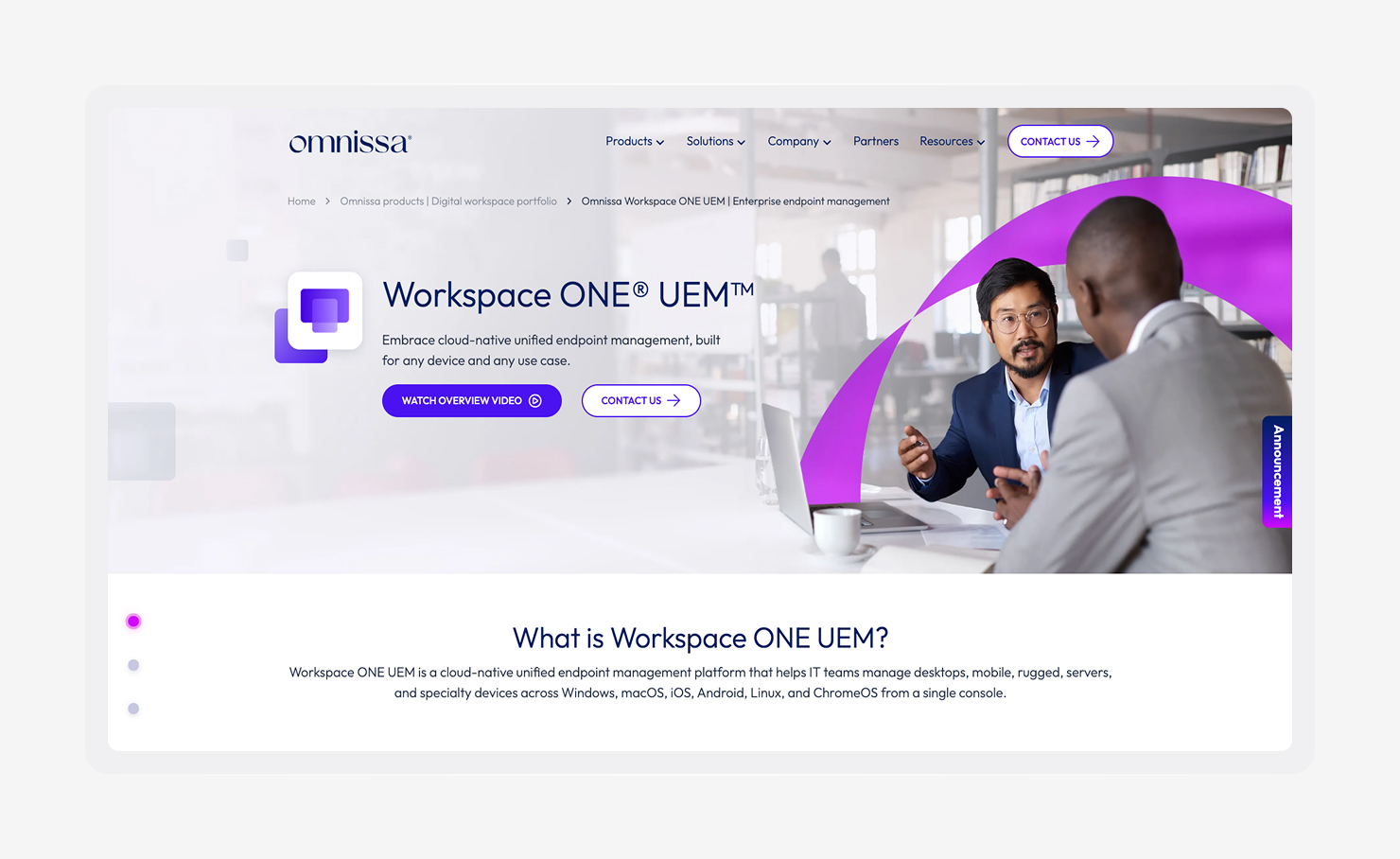
- Best for: Enterprises that need to manage diverse device fleets across multiple operating systems from a single platform
- G2 rating: 4.5/5
- Automated features: Device enrollment, compliance monitoring, application deployment, policy enforcement, remote actions, and workflow automation
Workspace ONE UEM is an endpoint management platform that supports Windows, macOS, iOS, Android, and other device types from a centralized console. It is commonly used by organizations that want consistent management and security policies across a mix of devices and operating systems.
The platform automates many routine IT tasks, including device provisioning, application deployment, compliance checks, and policy enforcement. Administrators can create rules that automatically trigger actions when devices fall out of compliance, helping you reduce manual oversight and limit endpoint drift caused by configuration changes over time.
G2 reviewers like Workspace ONE UEM's cross-platform management capabilities and broad feature set. Its automation tools, centralized visibility, and remote management features are its major strengths, particularly in large enterprise environments.
Many organizations also use the platform to support Zero-Trust endpoint security initiatives by combining device posture checks with access controls and compliance policies.
Key benefits
- Device lifecycle tools: Workspace ONE UEM supports the entire device lifecycle, from enrollment and provisioning to updates and retirement. Automating these processes helps you manage large fleets with less administrative effort.
- Zero-Trust access: The platform evaluates device compliance and security posture before granting access to corporate resources. This helps you strengthen security while supporting modern zero-trust strategies.
- Remote management: Administrators can remotely monitor devices, deploy applications, apply policies, and troubleshoot issues from a centralized dashboard. It improves operational efficiency and reduces the need for hands-on support.
7 tips for picking the best endpoint management software
The right platform should help you secure endpoints, manage identities, automate compliance, and reduce the number of tools your team has to maintain.
As you compare options, focus on the capabilities that will save time today and support your organization as it grows. Here are a few things to check before committing.
1. Understand OS support limits
Not every platform supports the same operating systems. Some focus on Windows primarily, while others support macOS, iOS, Android, and Linux environments. Make sure the platform aligns with your current fleet and future plans.
2. Look for opportunities to collapse the stack
The strongest platforms combine endpoint management, security, identity, and compliance automation in a single system. This approach gives your IT and security teams a shared view of users, devices, applications, and policies while reducing manual work and visibility gaps.
Managing separate tools for device management, security, identity, and compliance often leads to tool sprawl. Teams end up switching between consoles, reconciling data from different systems, and maintaining overlapping workflows. Platforms that bring these functions together can simplify operations, improve visibility, and reduce administrative overhead.
3. Prioritize usability
Powerful features matter, but so does day-to-day usability. A platform with a steep learning curve can slow adoption and increase administrative overhead. Look for tools that make common tasks straightforward and easy to automate.
4. Consider compliance requirements
Some organizations can rely on cloud-based services, while others must keep sensitive data on-premises or within specific environments. Review compliance, data residency, and deployment requirements before committing to a platform.
5. Plan for scalability
Your endpoint management platform should support more devices, users, applications, and policies without creating additional complexity. Consider how each solution handles growth and whether automation capabilities can scale alongside your business.
6. Understand the difference between MDM, EMM, and UEM
When comparing solutions, you'll often encounter discussions around MDM vs. EMM vs. UEM. MDM focuses primarily on device control. Enterprise mobility management (EMM) expands into applications and content management. UEM extends management across multiple device types and operating systems, making it the most comprehensive approach.
7. Compare your options well
Take the time to compare features, automation capabilities, and long-term scalability before making a decision. No matter which platform you choose, look for a solution that reduces complexity instead of adding to it.
If you’re leaning toward Iru, you can compare our automated endpoint management software against leading platforms such as Jamf and JumpCloud to understand the different approaches to endpoint management, security, identity, and compliance.
Secure your device fleet automatically with Iru
Managing endpoints shouldn't require a patchwork of tools, manual processes, and constant oversight. The right platform gives you visibility, control, and automation from a single place, helping your team spend less time managing devices and more time driving the business forward.
Iru's UEM solution brings endpoint management, security, identity, and compliance automation together in one AI-powered platform. From device enrollment and application deployment to threat detection and audit readiness, Iru helps you automate routine work, collapse the stack, and maintain control as your environments grow.
Book a free demo to see how Iru can simplify endpoint management and secure your device fleet at scale.