
 Workforce Identity
 Endpoint Management
 Endpoint Detection & Response
 Vulnerability Management
 Compliance Automation
 Trust Center


Security teams face a growing number of security issues to find and fix. Cisco Talos reported 48,196 Common Vulnerabilities and Exposures (CVEs) in 2025, averaging 132 per day. A vulnerability scanning tool can help your team identify and fix issues. It checks your devices, software, and systems for known security flaws, giving you a clearer picture of where trouble might be hiding.
But not every environment needs the same kind of visibility. A network-focused team may need visibility into its infrastructure, while a cloud environment or endpoint fleet might need endpoint vulnerability scanning. Some tools go even further by helping you prioritize the issues that need attention first or by moving you closer to CVE remediation.
We’ll compare 10 tools across these categories and see where each one comes in handy.
Best vulnerability scanning tools at a glance
The best vulnerability scanning tools vary by the systems you need to protect, from employee endpoints and internal networks to cloud workloads and web applications. Here’s how the top vulnerability assessment tools compare:
| Provider | Best for | G2 rating | Key feature |
|---|---|---|---|
| Iru | Endpoint (Mac + Windows) scanning with built-in remediation | 4.7 | Agent-based CVE detection + auto-remediation |
| CrowdStrike Falcon | Agent-based, EDR-integrated scanning | 4.6 | Exposure mgmt in the Falcon agent |
| Microsoft Defender VM | Windows-first environments | 4.4 | Native M365/Defender integration |
| Tenable Nessus | Broad network/infrastructure scanning | 4.5 | Plugin-based, deep coverage |
| Qualys VMDR | Enterprise, cloud-based VM at scale | 4.4 | Asset discovery + compliance |
| Rapid7 Exposure Command | Risk-based prioritization + remediation workflows | 4.4 | Real-time risk scoring |
| OpenVAS (Greenbone) | Free, open-source network scanning | 4.4 | Open-source, broad protocols |
| Wiz | Cloud-first (agentless cloud-native application protection platform (CNAPP)) | 4.7 | Agentless cloud coverage |
| Invicti (formerly Acunetix) | Web application (DAST) scanning | 4.1 | SQLi/XSS web-app detection |
| Intruder | Lean teams / continuous external scanning | 4.8 | Simple, continuous, alerting |
Best endpoint and agent-based vulnerability scanners
Agent-based vulnerability scanners install software on each endpoint, allowing them to collect detailed device and application data and identify known vulnerabilities. An effective scanner should give you accurate visibility into affected software and make it easier to act on the findings. Here are a few options you can consider.
1. Iru
- Best for: Endpoint (Mac + Windows) scanning with built-in remediation
- G2 rating: 4.7
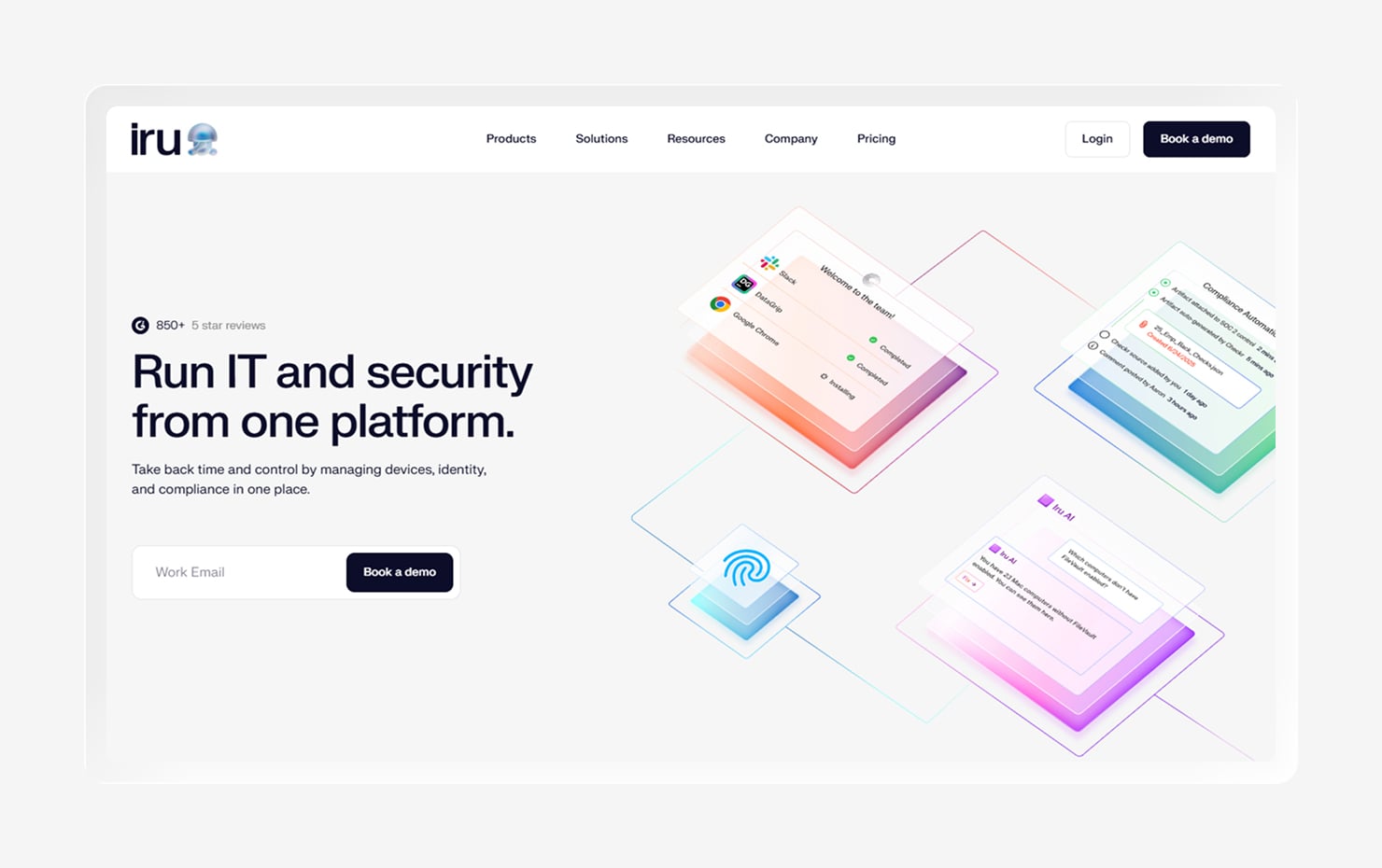
Iru is an AI-powered IT and security platform that combines endpoint security and management, identity and access, and compliance automation. As an endpoint vulnerability scanner, Iru pulls a full application inventory from managed devices, identifies vulnerable software, and connects detection with remediation through the same endpoint agent.
Auto Apps also sets Iru apart. It features nearly 500 common business applications for Mac and Windows that you can deploy and patch automatically, reducing the manual effort required to keep software up to date.
Sprinter Health, an Iru customer, shows what that can mean for a lean IT team. The company used Iru to manage its growing device fleet and reduced device management to less than 10% of its IT team’s monthly workload, freeing up the team to focus on other priorities.
Reviewers talk about its ease of use and device management capabilities. Users find that setting up and getting started with Iru is super easy, with active customer support to resolve any issues you might face. People especially like Iru for its Apple device management capabilities. That said, some mention room for improvement in areas such as reporting.
Key features
- Full software inventory and agent-based CVE detection: Builds a complete software inventory and flags known vulnerabilities on managed endpoints
- CVE prioritization: Prioritizes vulnerabilities by severity and adds context from Iru AI
- Vulnerability response: Automatically remediates vulnerable software to speed up patching
- Cross-platform coverage: Scans endpoints across Mac and Windows
- EDR in the same lightweight agent: Combines endpoint detection and response (EDR) with vulnerability management in one agent
2. CrowdStrike Falcon
- Best for: Agent-based, EDR-integrated scanning
- G2 rating: 4.6
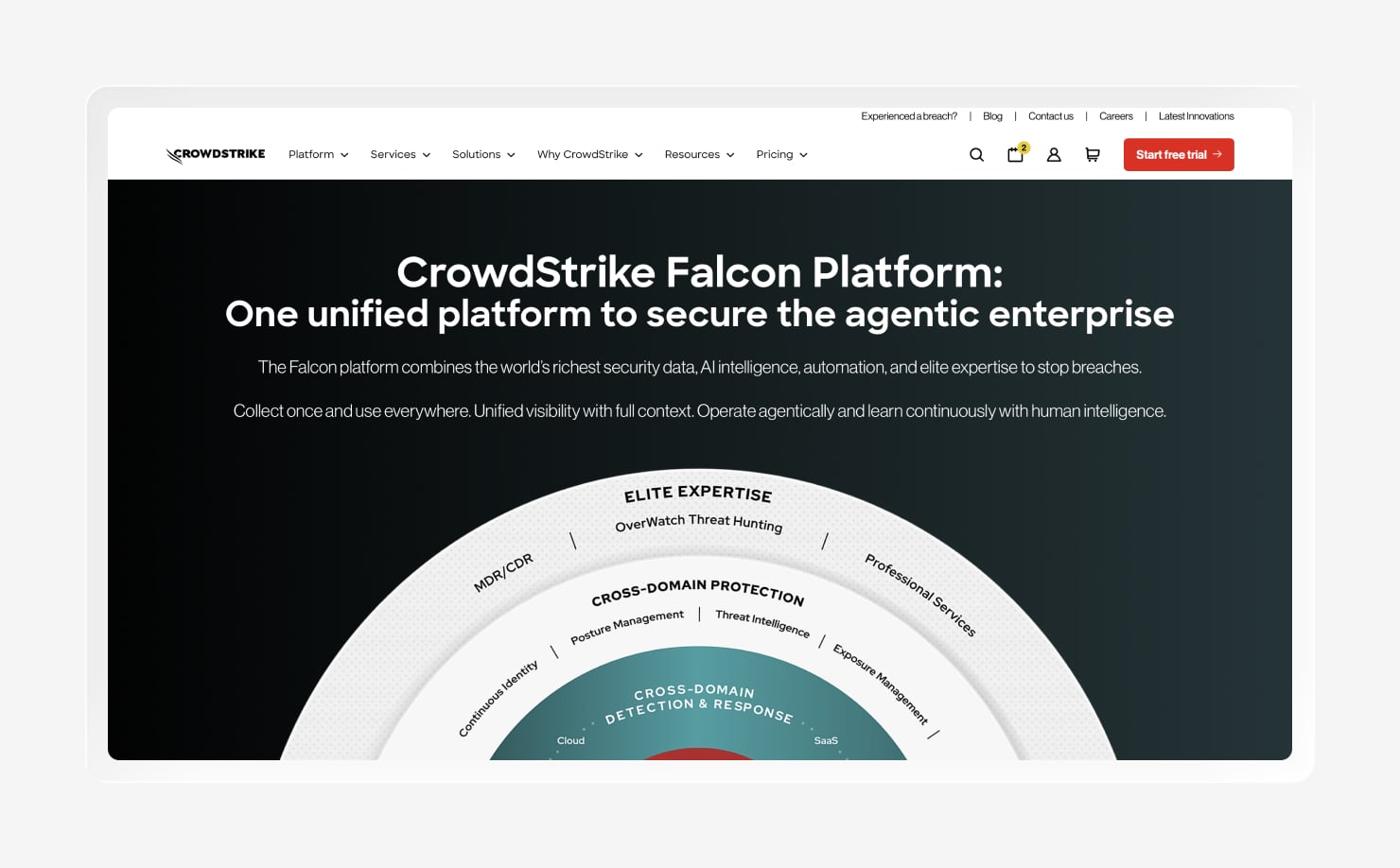
CrowdStrike Falcon delivers vulnerability scanning and assessment through the Falcon sensor. The same lightweight agent used for EDR also collects vulnerability data, giving you a shared view of exposures and endpoint activity. That setup makes Falcon a natural fit for teams already using CrowdStrike.
Vulnerability data sits alongside detection and response context, while Falcon Exposure Management adds real-time threat intelligence to help you focus on vulnerabilities that attackers actively exploit. Also, CrowdStrike’s pricing and product structure are geared toward larger organizations with larger security budgets.
G2 reviewers like Falcon’s lightweight agent, strong threat detection, and centralized approach to endpoint security. The common complaints center on higher costs, a complex interface, and a learning curve around advanced features, especially for smaller teams.
Key features
- Scanning via the Falcon agent: Uses the Falcon sensor to assess endpoints for known vulnerabilities
- Real-time exposure data: Continuously updates vulnerability information as endpoint conditions change
- EDR + vulnerability context together: Connects vulnerability findings with endpoint detection and response data
- Threat-intel enrichment: Adds real-time threat intelligence to help identify vulnerabilities under active exploitation
3. Microsoft Defender Vulnerability Management
- Best for: Windows-first environments
- G2 rating: 4.4
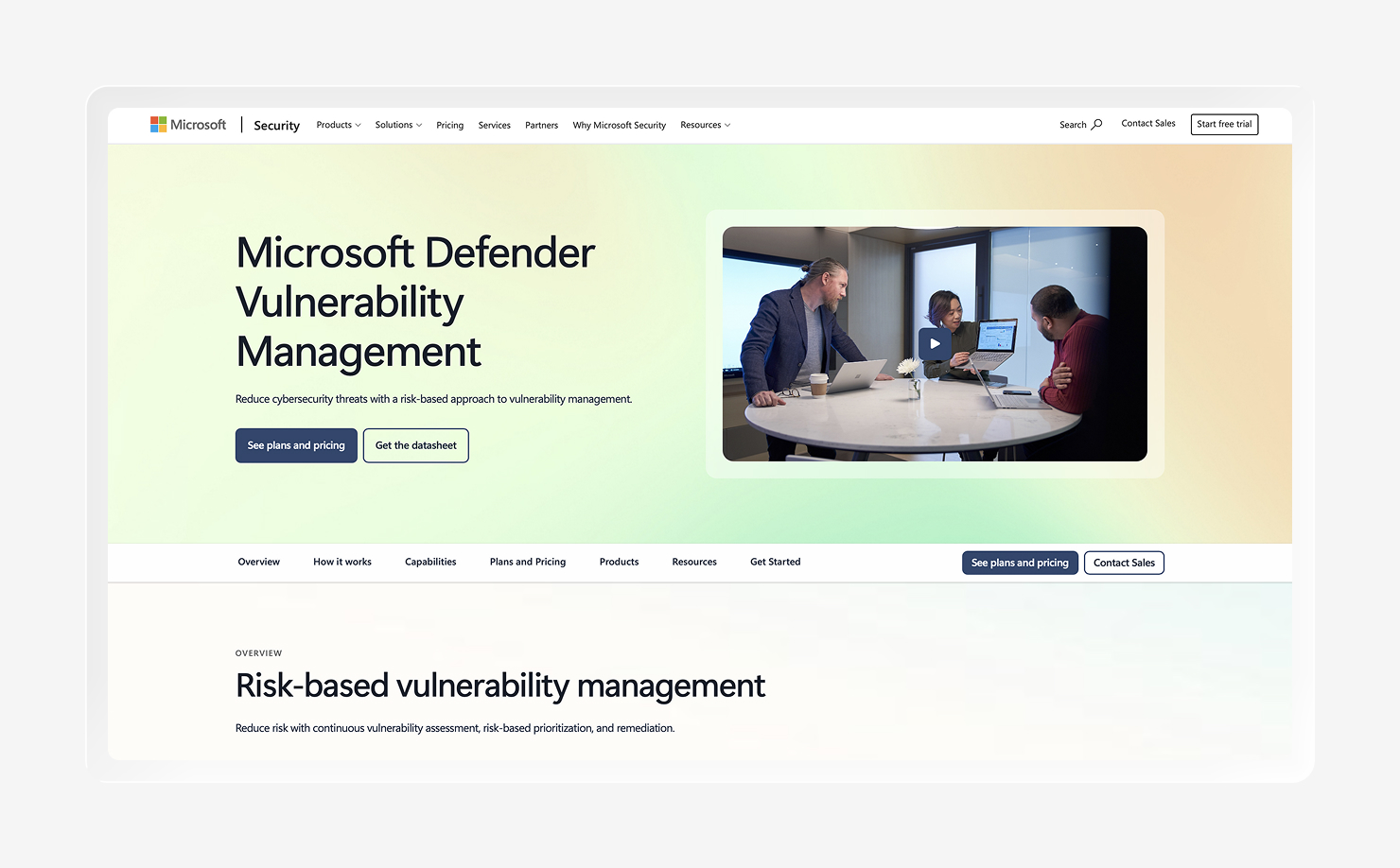
Microsoft Defender Vulnerability Management is a natural fit for organizations already running Microsoft’s security tools. It provides agent-based vulnerability visibility through the Microsoft Defender ecosystem and connects closely with Microsoft Entra ID, giving Windows-focused teams a familiar place to assess software weaknesses and manage vulnerability remediation.
The platform works best when most of your environment already lives inside Microsoft. Windows coverage is a particular strength, while organizations with a broader mix of operating systems may need another tool to fill coverage gaps and bring the full environment into view.
On G2, people often praise the platform’s integration with other Microsoft security products and its familiar interface for teams already using the ecosystem. But some users mention a complex setup for advanced features and less flexibility when managing devices outside the Microsoft environment.
Key features
- Native Defender and Entra integration: Connects vulnerability data with Microsoft Defender and Microsoft Entra ID
- Windows-first coverage: Provides strong vulnerability visibility for Windows devices
- Built-in device inventory: Tracks devices and installed software to identify potential vulnerabilities
- Security-score guidance: Uses security recommendations and scoring to help prioritize remediation efforts
Best network and infrastructure vulnerability scanners
Network and infrastructure vulnerability scanners examine the systems your organization exposes across its network, from servers and hosts to connected applications. Here are some tools that can help you spot known weaknesses across that environment before a growing pile of findings turns into a full-time scavenger hunt.
4. Tenable Nessus
- Best for: Broad network/infrastructure scanning
- G2 rating: 4.5
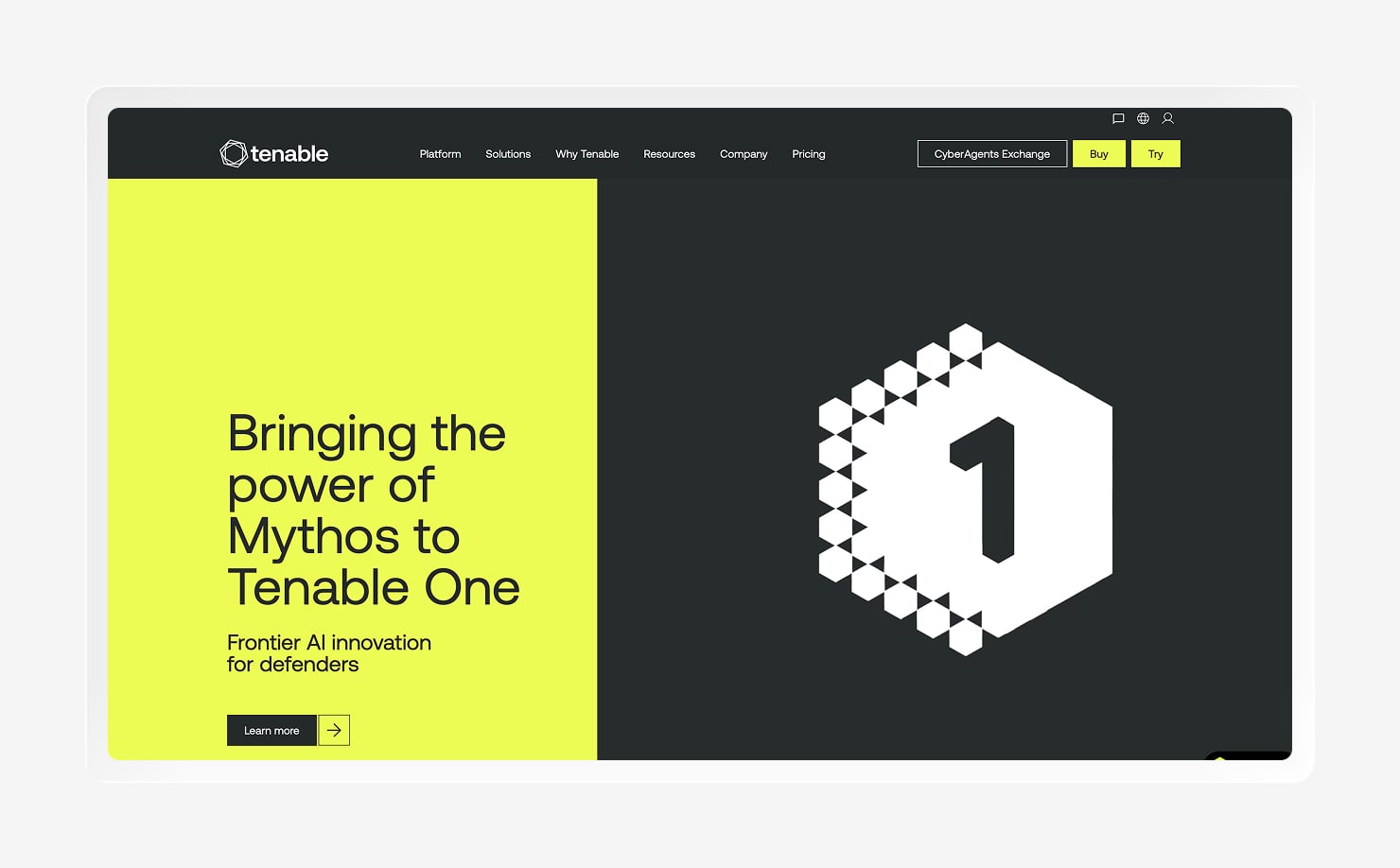
Nessus has spent years earning its place as a familiar name in vulnerability scanning. Its plugin-based approach supports broad coverage across networks and hosts, with scan templates for vulnerability detection, asset discovery, and compliance checks. Tenable also updates its plugins regularly as new vulnerabilities emerge.
The tool gives you plenty of control over how scans run, from selecting targets and discovery methods to adjusting assessment settings. That flexibility can be valuable when your environment has a few odd corners, though configuring scans may take time and experience.
People on G2 have mixed opinions about Nessus, though. They admire it for its accurate results and the depth of its plugin library. But the same flexibility that experienced teams appreciate can create a steeper setup and learning curve, particularly when you’re new to vulnerability scanning.
Key features
- Plugin-based detection: Uses configurable plugins to detect known vulnerabilities across your environment
- Network and host scanning: Scans network-connected hosts for exposed services and security weaknesses
- Configuration and compliance audits: Checks system settings against security baselines and compliance requirements
- Extensive reporting: Lets you adjust scan reports to match your organization’s needs
5. Qualys VMDR
- Best for: Enterprise, cloud-based VM at scale
- G2 rating: 4.4
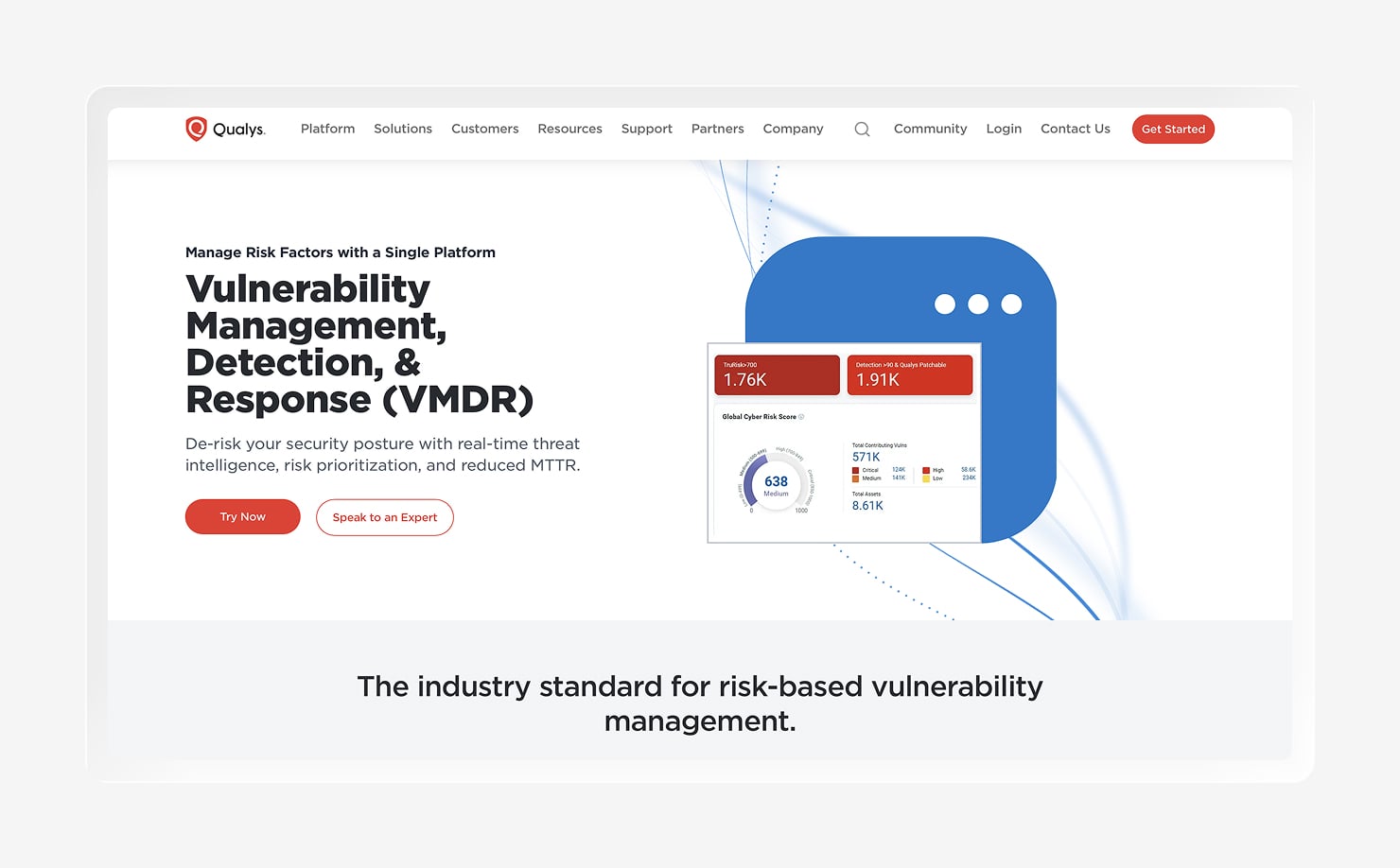
Qualys VMDR is a cloud-based vulnerability management platform built for ongoing visibility across a large environment. It brings asset discovery, vulnerability detection, threat prioritization, and compliance checks into one platform, making it feel more like a central hub for managing exposure than a scanner you run once and forget about.
That broader approach can work well for organizations managing roaming endpoints, cloud workloads, or containerized environments at scale. Qualys supports both agent-based and agentless scanning, giving you different ways to collect data across systems.
Feedback on G2 paints a generally positive picture of the platform’s ease of use once it’s up and running. Users often appreciate the visibility Qualys provides and the breadth of its capabilities. On the flip side, some reviewers mention a complex setup and a confusing interface that can be time-consuming to navigate.
Key features
- Asset discovery: Identifies assets across your environment to help you track what needs protection
- Threat prioritization: Ranks vulnerabilities using risk and threat context to help guide remediation
- Compliance checks: Assesses systems against relevant configuration and compliance requirements
- Agent and agentless scanning: Supports both deployment methods to scan different types of environments
6. Rapid7 Exposure Command
- Best for: Risk-based prioritization + remediation workflows
- G2 rating: 4.4
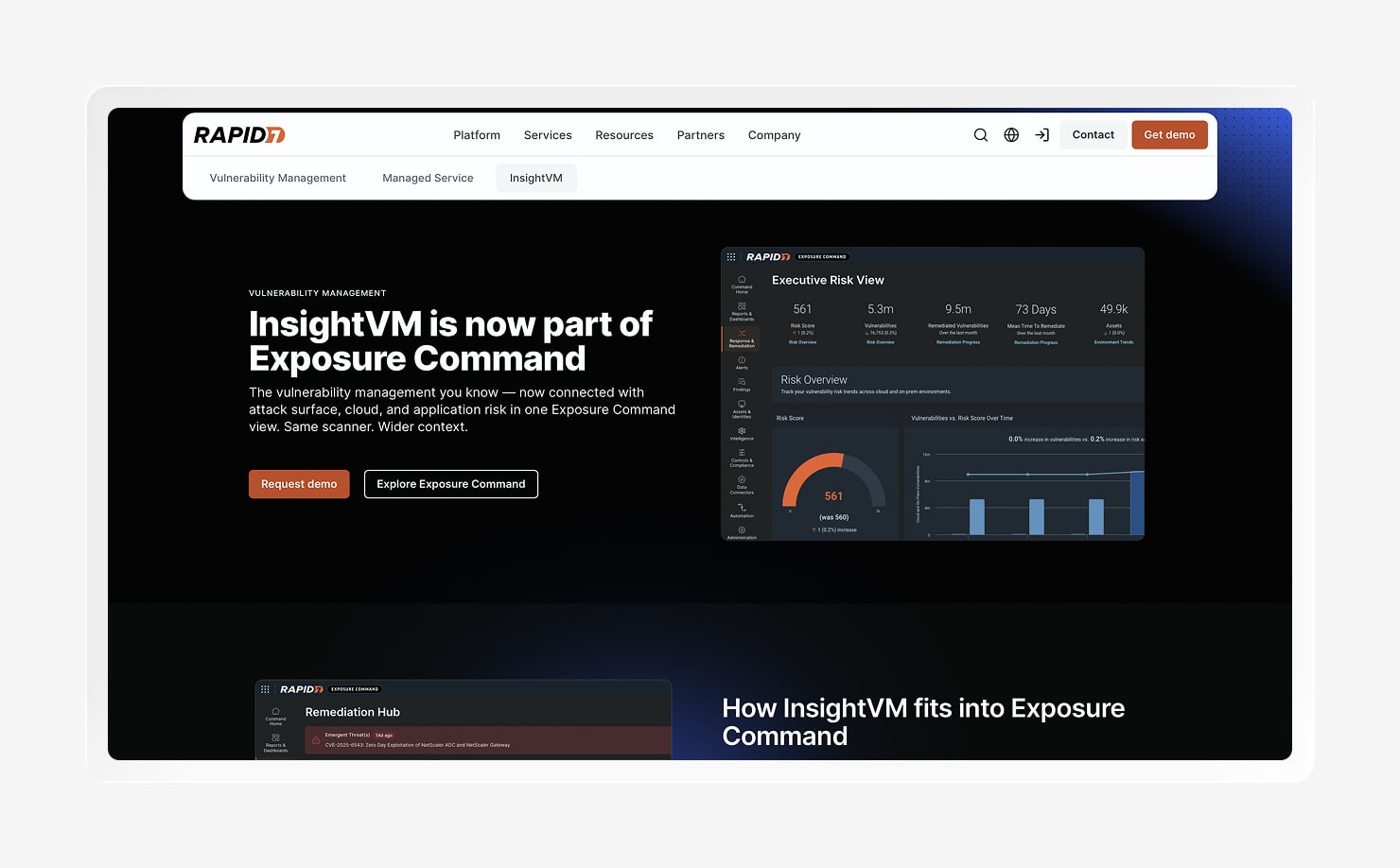
Rapid7 Exposure Command builds on and adds broader exposure context around InsightVM, which provides its vulnerability management technology. The platform uses threat-aware risk scoring to help you focus on vulnerabilities based on factors such as exploit likelihood, reachability, severity, and business context.
Rapid7 also connects findings to remediation workflows, including automation and ticketing, so endpoint vulnerability management (EVM) can stay connected to the teams responsible for fixing issues. It gives you flexible coverage across on-premises environments, cloud infrastructure, and other parts of your attack surface, with continuous agent visibility.
Users appreciate the actionable risk scoring, live dashboards, remediation tracking, and integrations with tools such as ticketing systems. But some say the initial setup can be complex, while heavier scans and custom reporting may require extra tuning. Powerful, yes. A plug-it-in-and-forget-it experience? Not always.
Key features
- Threat-aware risk scoring: Prioritizes vulnerabilities using technical severity, threat intelligence, and asset context
- Continuous vulnerability scanning: Provides ongoing visibility into vulnerabilities across supported environments
- Remediation workflows: Connects findings with guidance, automation, and team workflows to move remediation forward
- Live risk dashboards: Tracks exposure and remediation progress through customizable dashboards
7. OpenVAS (Greenbone)
- Best for: Free, open-source network scanning
- G2 rating: 4.4
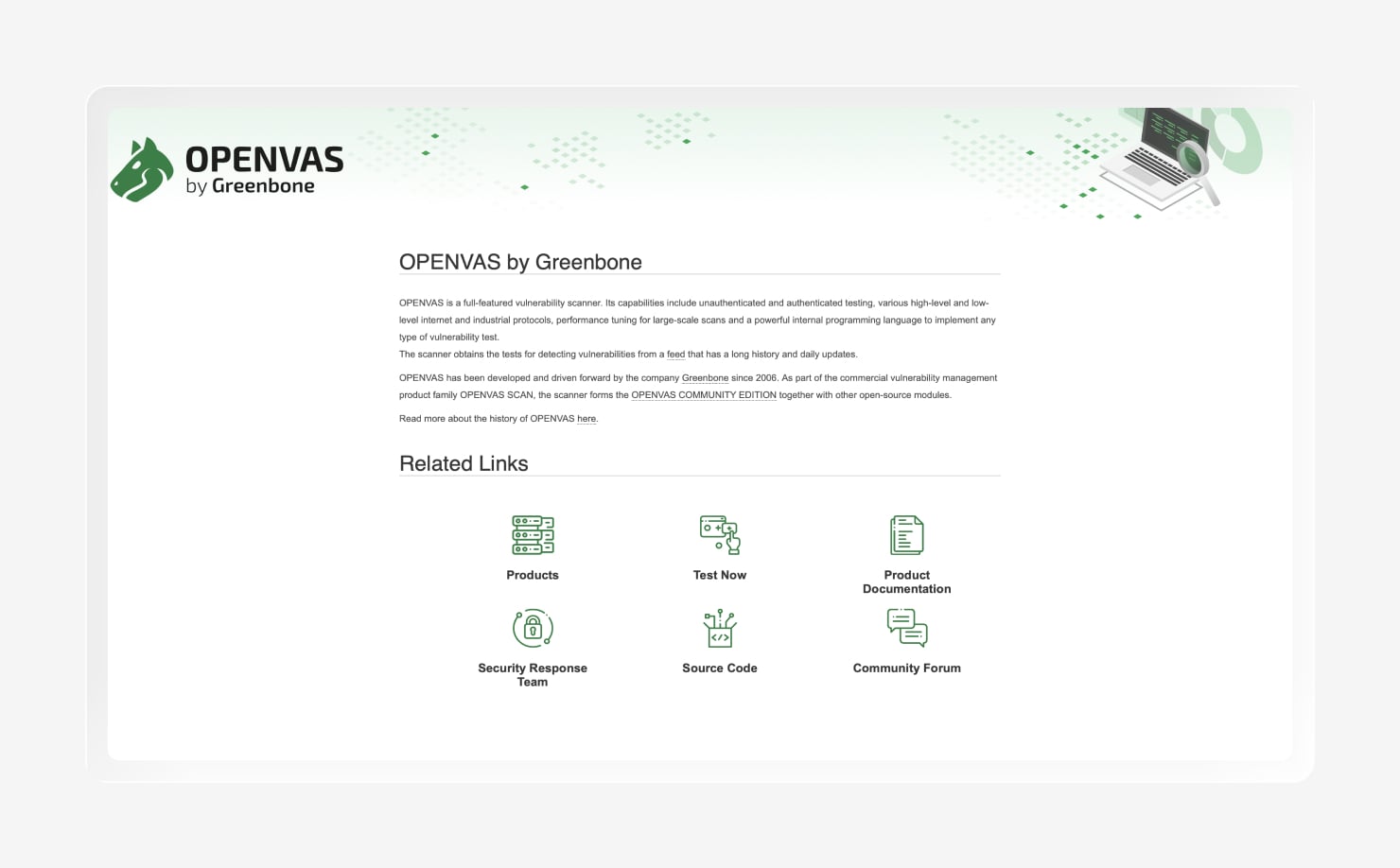
OpenVAS is an open-source vulnerability scanner maintained by Greenbone. It scans networks across a wide range of protocols and uses a large feed of vulnerability tests to identify known security issues.
The big draw is simple: There’s no traditional license cost. You do, however, take on the work of hosting, updating, and tuning the scanner, which can demand more hands-on effort than a commercial platform. That trade-off may be worthwhile for teams that want greater control without adding another software bill.
Community and G2 feedback tell us that people like OpenVAS for its broad coverage and value. The usual complaints focus on setup, performance, UI, and the technical effort needed to keep everything running smoothly. All in all, it’s a good option for teams that value endpoint visibility and control and have the technical resources to manage the platform.
Key features
- Open-source, no license cost: Gives you vulnerability scanning without a traditional software license
- Broad network coverage: Scans network services across a wide range of protocols
- Community test feed: Uses regularly updated vulnerability tests to identify known security issues
- Self-hosted control: Lets you manage the scanner and its configuration within your own environment
Best cloud and web application vulnerability scanners
Cloud and web application vulnerability scanners look for security weaknesses in cloud resources, workloads, applications, and their configurations. They help you identify risks that extend beyond the device itself, especially as cloud environments become harder to track.
8. Wiz
- Best for: Cloud-first (agentless CNAPP)
- G2 rating: 4.7
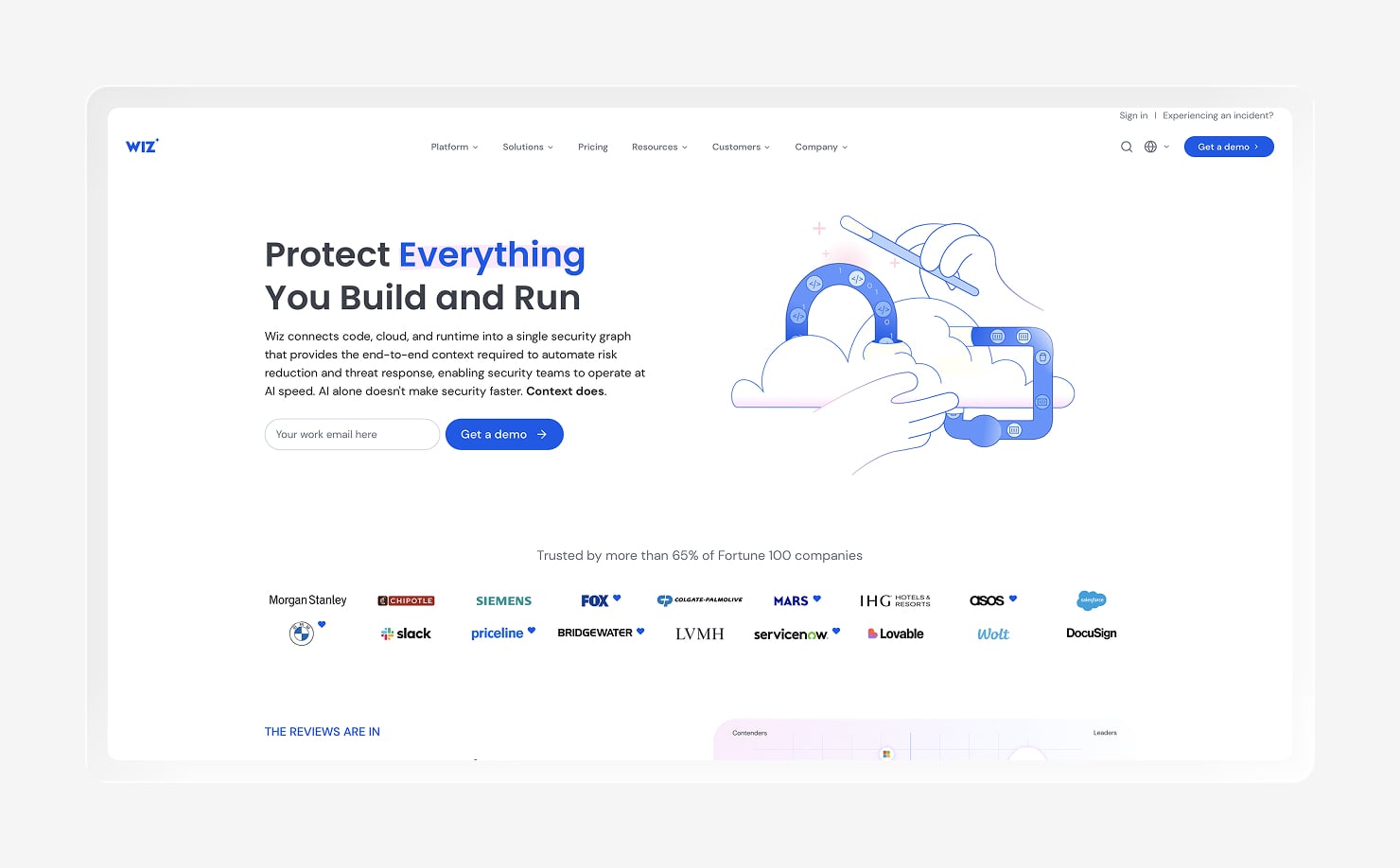
Wiz is an agentless, cloud-native security platform that scans cloud environments without deploying an agent on every workload. It assesses cloud resources, containers, and configurations, then connects those findings to show how an attacker could potentially move through an environment.
That attack-path context is a major part of Wiz’s approach. Rather than leaving you with a long list sorted only by severity, Wiz highlights exposures based on their potential path to sensitive assets.
Wiz focuses on cloud estates, so it makes the most sense when much of your security risk lives in public cloud environments. It’s less suited to managing device fleets or scanning traditional on-premises networks, though it can help surface cloud risks caused by endpoint drift.
G2 reviewers like Wiz for its broad cloud visibility and its ability to prioritize complex findings. Some users mention a learning curve, especially when configuring policies or working with the platform’s large volume of data.
Key features
- Agentless cloud scanning: Scans supported cloud environments without requiring an agent on every workload
- Attack-path prioritization: Maps relationships between findings to highlight exposures with a clearer route to sensitive assets
- Container and IaC coverage: Scans containers and infrastructure as code (IaC) for security risks
- Multi-cloud visibility: Provides a centralized view across supported cloud environments
9. Invicti (formerly Acunetix)
- Best for: Web application (DAST) scanning
- G2 rating: 4.1
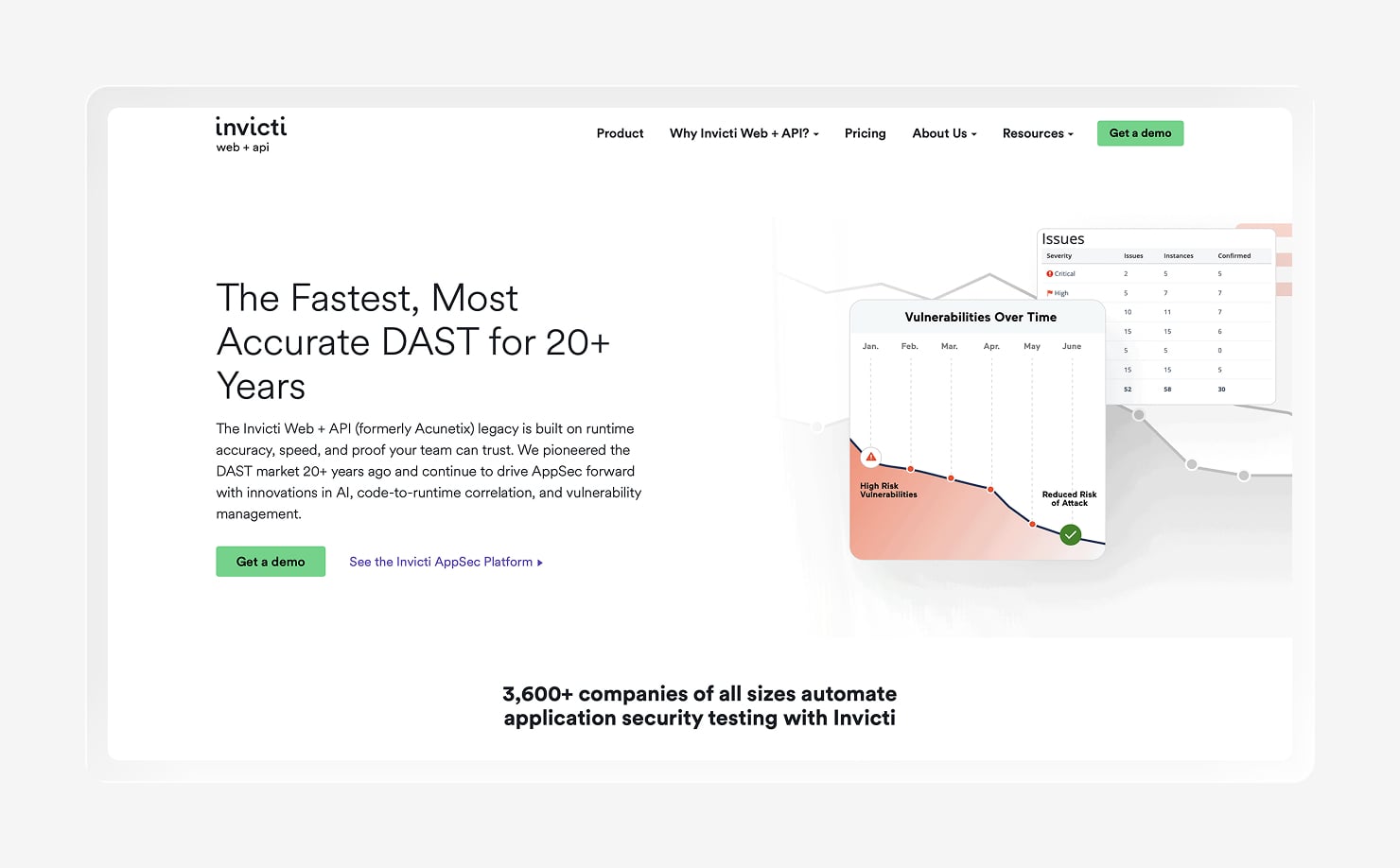
Invicti focuses on vulnerabilities inside web applications and APIs. It uses dynamic application security testing (DAST) to test running applications for issues such as SQL injection and cross-site scripting (XSS), with some interactive application security testing (IAST) capabilities available as well.
That makes Invicti a good fit when web apps and APIs are a major part of your attack surface. A dedicated web application scanner can work alongside network and endpoint scanners, which cover different parts of your environment. It can also support a broader Zero-Trust endpoint security strategy by helping secure the applications your users access.
On G2, users consider Invicti a good option because it offers accurate vulnerability detection and detailed findings. Some reviewers mention that scans and configuration can be time-consuming to manage, and that the interface and reporting might seem a bit complex.
Key features
- DAST web app scanning: Tests running web applications for known security vulnerabilities
- SQLi/XSS detection: Detects SQL injection and cross-site scripting vulnerabilities
- API scanning: Scans supported APIs for potential security weaknesses
- Developer-friendly reporting: Provides detailed findings that developers can use during remediation
10. Intruder
- Best for: Lean teams / continuous external scanning
- G2 rating: 4.8
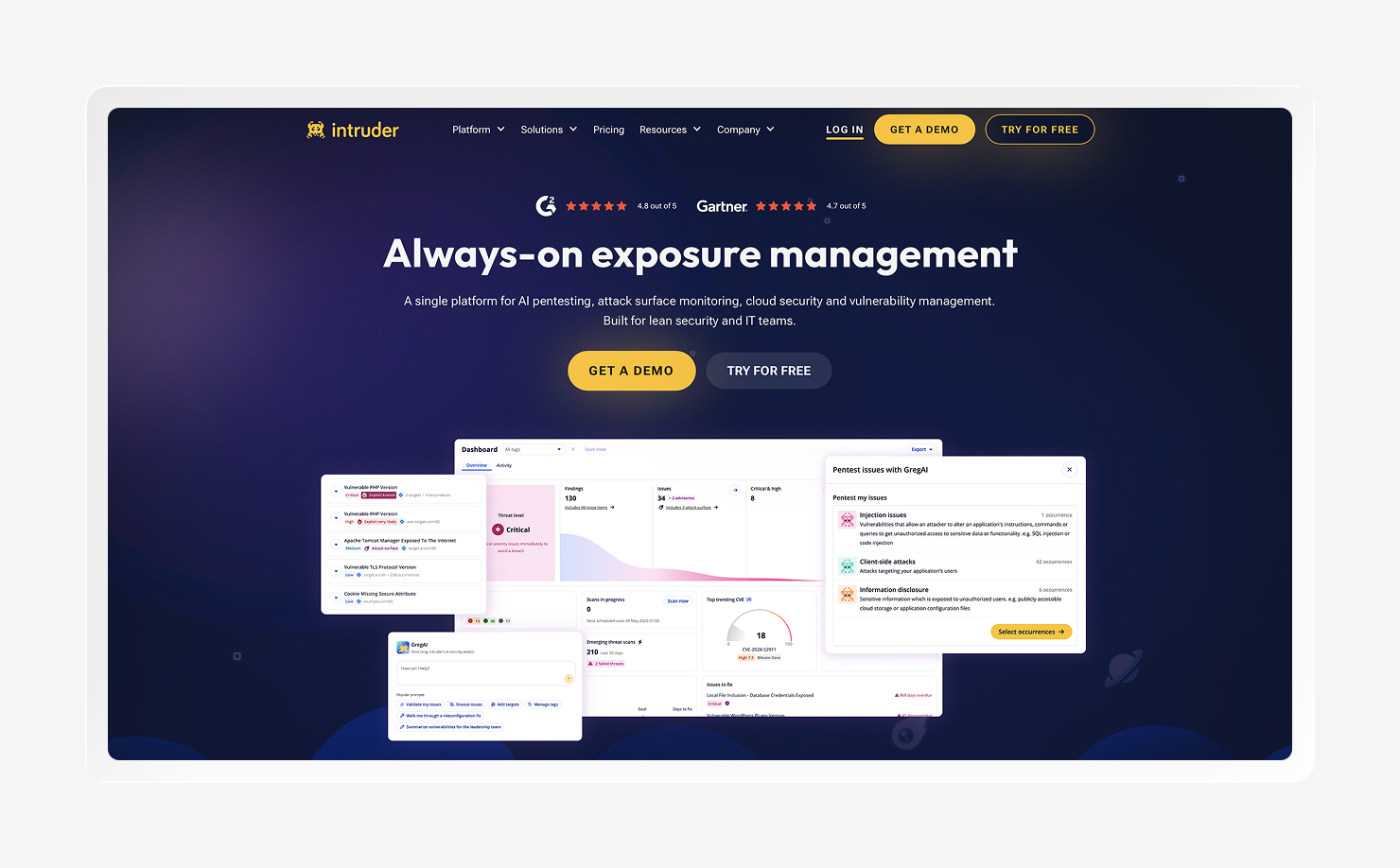
Intruder is a continuous vulnerability scanner built for teams that may not have a dedicated vulnerability management specialist. It scans your external attack surface and cloud environment, checks web applications, and sends alerts when it finds new risks.
The platform puts a strong focus on ease of use, making it a good fit for smaller teams and cloud-forward environments. It trades some of the breadth found in larger enterprise platforms for a simpler experience, which can also help teams avoid adding more complexity to their tool sprawl.
G2 feedback reflects that focus. Users appreciate Intruder’s simple interface, clear findings, and value for smaller teams, while some note limitations in customization, reporting, and coverage for more complex environments.
Key features
- Continuous external scanning: Continuously scans your external environment for new vulnerabilities
- Attack-surface monitoring: Monitors internet-facing assets and identifies changes that may create new risks
- Web-app checks: Checks web applications for common security vulnerabilities
- Proactive alerting: Sends alerts when new vulnerabilities or security issues need your attention
How to pick a vulnerability scanning tool
The best vulnerability tools depend on where your risk lives and how your team handles it once a scan finds a problem. Most organizations combine tools across the categories covered above, such as endpoint vulnerability scanning alongside network, infrastructure, cloud, or web application scanning. Here are a few tips to pick the right tool.
Start with what you need to scan
Choose the part of your environment you need to protect. Endpoint scanners work best for devices and installed software; network and infrastructure scanners cover connected systems and services. Cloud and web application scanners focus on cloud resources, workloads, applications, and APIs.
Some teams may look for cracking tools to supplement their security testing. But these tools can introduce their own risks, including malware and vulnerabilities that increase your attack surface. Vulnerability scanning tools serve a different purpose: They help you identify known weaknesses across the systems you own and manage.
Prioritization, not just detection
A long list of vulnerabilities can quickly become background noise. Look for a tool that prioritizes findings based on real-world risk, considering factors such as exploitability, exposure, and the importance of the affected asset, rather than relying solely on a raw Common Vulnerability Scoring System (CVSS) score.
Scan-to-remediation workflow
Finding a vulnerability only starts the job. The fastest path to reducing risk is a scanner that connects directly to the next step, through built-in remediation or integrations with your patching, ticketing, or IT automation tools. That connection gives your team a clearer route from “we found it” to “it’s fixed.”
Cross-platform coverage and ease of use
Your scanner also needs to fit the environment and team behind it. Look at coverage across operating systems such as Mac and Windows, then consider practical details like the agent footprint, false-positive rate, and setup effort.
A tool can have plenty of features, but the real test is whether your team can keep using it without needing a map and a packed lunch to find the important stuff.
Scan and remediate in one place with Iru
Finding vulnerabilities is only half the battle. You also need a clear way to fix them before the next security alert lands on your desk. Iru brings vulnerability detection and remediation into the same workflow, so your team can spend less time jumping between tools and focus on reducing risk.
With Iru Vulnerability Management, you can track vulnerable software across Mac and Windows, prioritize issues with added context from Iru AI, and automatically patch supported apps through the same lightweight agent. That keeps the path from finding a vulnerability to fixing it in one place, without adding another tool to your security stack.
Book a free demo to see how it works with your endpoint environment.