
 Workforce Identity
 Endpoint Management
 Endpoint Detection & Response
 Vulnerability Management
 Compliance Automation
 Trust Center




What is mobile application management software? Mobile application management (MAM) software helps you handle and protect business apps and work data on your employees’ devices. It can focus on work apps alone or include broader device controls.
Three employees. Three mobile devices. Three very different management headaches. One uses an IT-issued iPhone, another uses an Android device, and a third uses a MacBook Air. And here comes the challenge: keeping all of them secure and ready for work while respecting the personal data that lives across these devices.
That’s where mobile application management software comes in. It gives IT control over work apps and data without taking over an employee’s personal device. We’ll break down how MAM works, what to look for, and how the top options compare.
| Software | Best for | G2 rating |
|---|---|---|
| Iru | Unified device, identity, and compliance | 4.7/5 |
| Microsoft Intune | App protection for BYOD | 4.5/5 |
| Workspace ONE UEM | Enterprise-scale MAM | 4/5 |
| Scalefusion | Rugged device apps | 4.7/5 |
| Hexnode | Kiosk MAM tools | 4.6/5 |
| ManageEngine MDM Plus | Free basic device management | 4.5/5 |
| Ivanti Neurons | Mobile threat defense | 4/5 |
| IBM MaaS360 | Enterprise-level unified endpoint management (UEM) | 4.2/5 |
| Jamf | Apple-only app management | 4.7/5 |
1. Iru
- Best for: Unified device, identity, and compliance
- G2 rating: 4.7/5
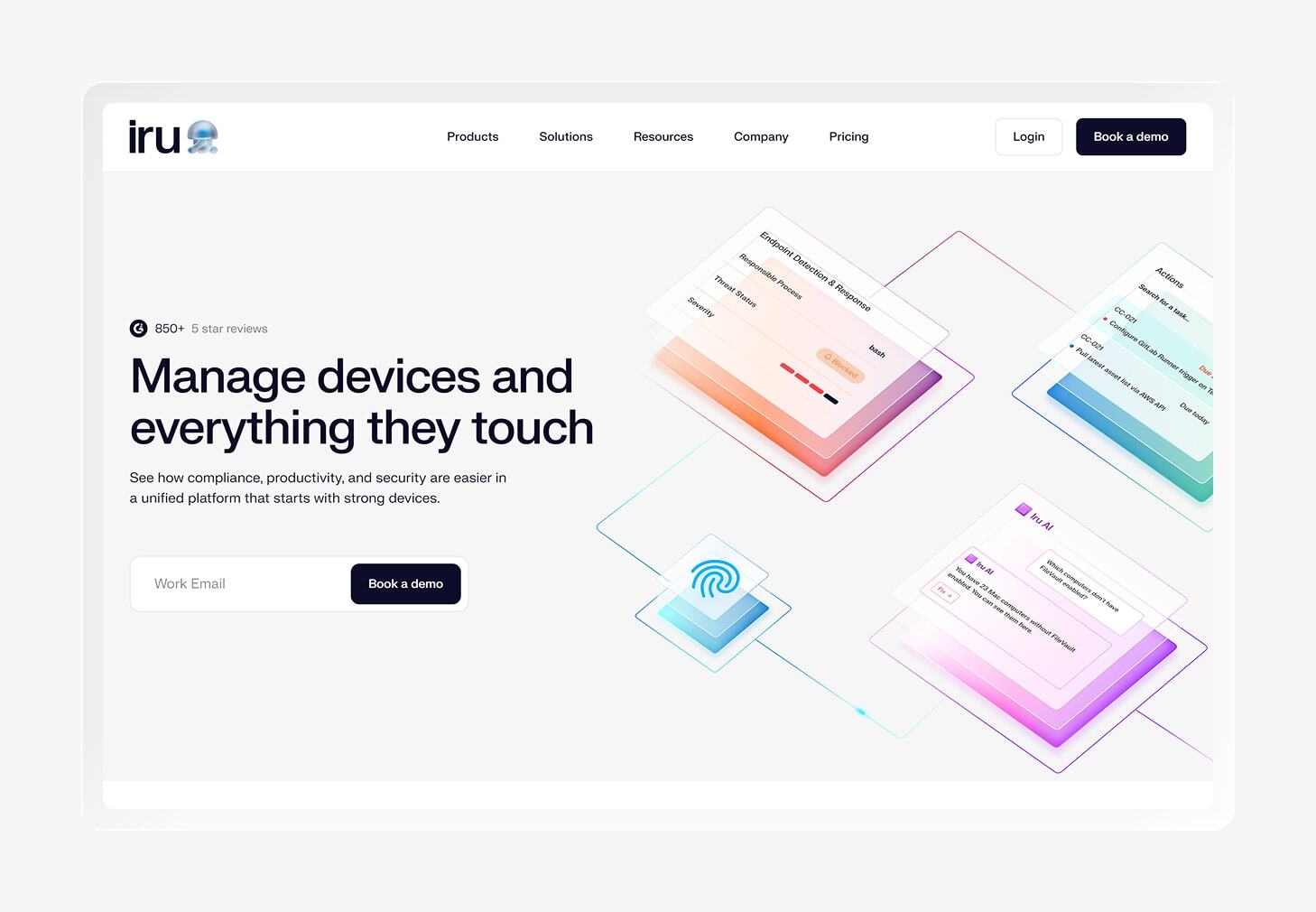
Your apps don’t live on their own. They run on devices that need to stay secure, patched, and compliant. Iru brings app management into a broader IT and security platform, combining endpoint management, endpoint detection and response (EDR), vulnerability management, and compliance automation in one place. That gives your team one platform for managing devices while keeping security and compliance connected.
For app management, Iru’s Auto Apps feature handles deployment and updates for 500+ apps across Mac and Windows. Iru can cache updates locally and install them silently when apps are closed, so routine patching can happen in the background.
People like Iru for its ease of use, setup, Apple device management, and customer support.
“Iru is easy to navigate, easy to manage integrations, and easy to manage individual devices. They easily integrate with all the main tools we have in our tech stack and don't drag down the performance of our devices. I've always had great support from Iru — from the sales side all the way to the technical side.”
That said, some G2 reviewers point to limitations around advanced features and reporting. If you face similar issues (or any other), just drop us a line. We’ll reach out ASAP with a solution.
Key features
- Auto Apps: Deploy and automatically update 200+ common Mac and Windows applications.
- Per-app VPN: Route traffic from managed apps through a secure VPN while keeping personal app traffic separate.
- Managed app configuration: Push supported app settings to devices so users can open work apps with the right configuration already in place.
- Selective remote wipe: Remove work content and accounts from user-enrolled devices while leaving personal data intact.
- Assignment Maps: Apply apps and security controls to specific users or device groups using conditional logic.
2. Microsoft Intune
- Best for: App protection for BYOD
- G2 rating: 4.5/5
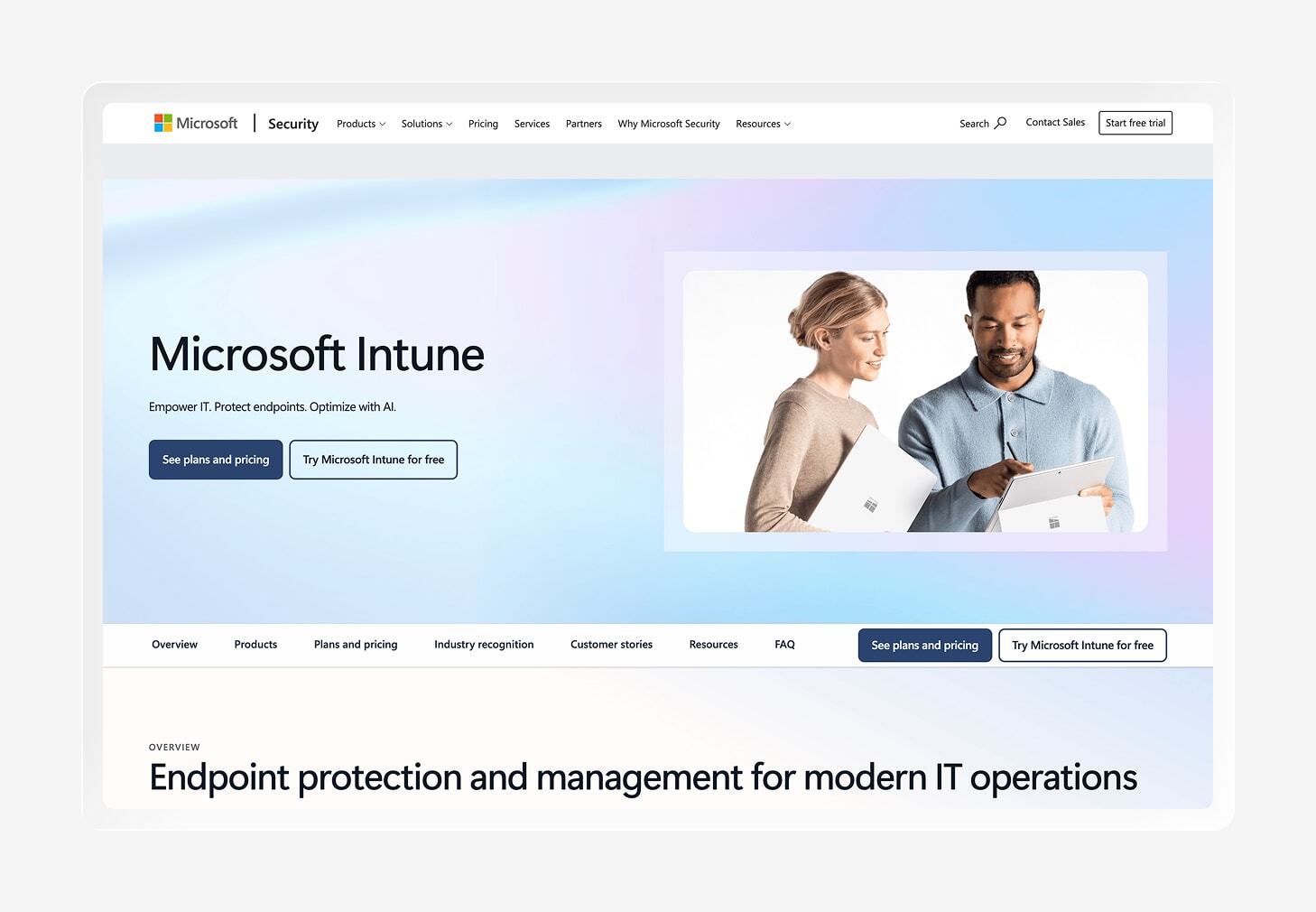
Microsoft Intune lets you protect work data on personal devices without enrolling them in mobile device management (MDM). Its MAM capabilities apply policies directly to supported apps, so your employees can use their own devices while your team keeps control over company data.
App protection policies can restrict actions such as copy and paste, prevent work data from being saved to personal storage, and require a PIN to access company data. Intune can also encrypt work data and selectively wipe it when needed.
Intune makes the most sense if your organization already lives in the Microsoft ecosystem. It works closely with Microsoft Entra ID and supports protection for Microsoft 365 apps, including Word, Excel, PowerPoint, Outlook, and Teams. You may want to explore Intune alternatives if you need more flexibility beyond the Microsoft ecosystem.
There are plenty of good things to pick from Intune’s G2 reviews, especially around centralized app management, security, and the ability to manage app lifecycles from one place. The trade-off shows up in the learning curve, though. Reviewers also mention complex policy setup and some inconsistencies across platforms and non-Microsoft apps.
Key features
- MAM without MDM: Protect company data on personal devices without requiring users to enroll the entire device in Intune.
- Microsoft Entra ID integration: Connect app protection with user identity and Conditional Access to make access decisions based on the user, app, and device context.
- Microsoft 365 app support: Apply MAM policies to supported Microsoft 365 apps to keep work data protected within the apps your employees already use.
- Selective wipe: Remove company data from managed apps when a device is lost or an employee leaves, while leaving personal data in place.
3. Workspace ONE UEM (Omnissa)
- Best for: Enterprise-scale MAM
- G2 rating: 4/5
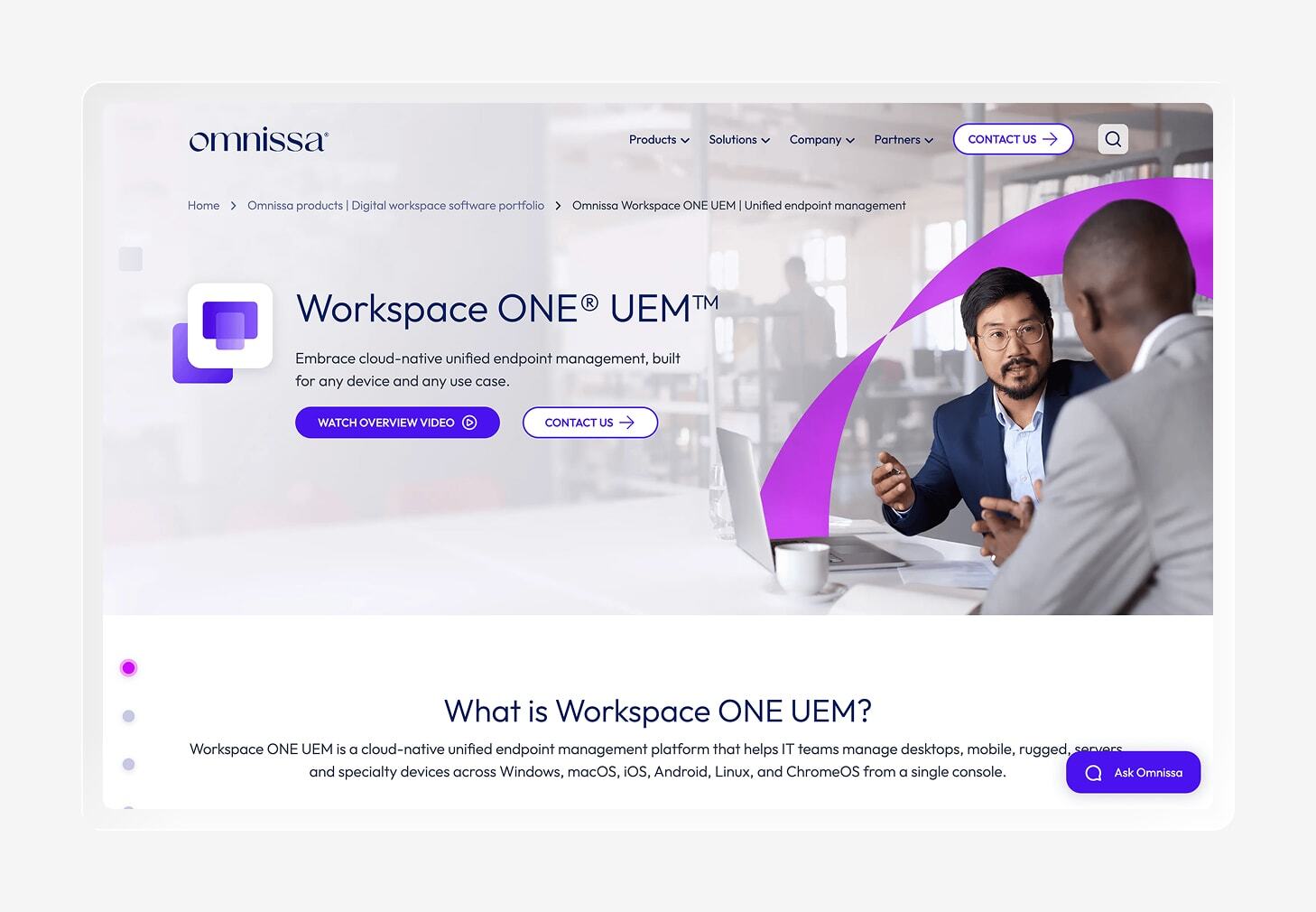
For larger organizations, app management rarely stays small for long. Workspace ONE UEM gives you a full platform for mobile app management, device management, and secure access. Its app lifecycle tools let you publish apps through a self-service catalog and manage deployments. They also allow you to control access from a central console.
For teams with complex environments, Workspace ONE brings plenty of room to grow. It supports major operating systems and uses tools such as Workspace ONE Tunnel for per-app VPN and app-level access to internal resources. Conditional access can also verify whether a device meets your security requirements before granting it access to corporate apps and data.
That breadth comes with some extra work for your IT team, though. G2 reviewers like Workspace ONE for its flexibility, security, and ability to bring applications and resources into one place. But some users also mention a complex setup and delays with updates or workflows. One reviewer called out mobile battery drain as a drawback, so the UX deserves a test drive before you commit.
Key features
- App catalog: Give employees a central place to find and launch approved mobile, web, and desktop applications through Workspace ONE Intelligent Hub.
- Per-app VPN: Route traffic from approved apps through Workspace ONE Tunnel, allowing those apps to securely reach corporate resources without routing every app on the device through the tunnel.
- App analytics: Track application adoption and engagement through Omnissa Intelligence to spot apps that employees rarely use or that may need attention.
- App tunneling: Apply granular traffic rules to individual applications to control which corporate resources each approved app can access.
4. Scalefusion
- Best for: Rugged device apps
- G2 rating: 4.7/5
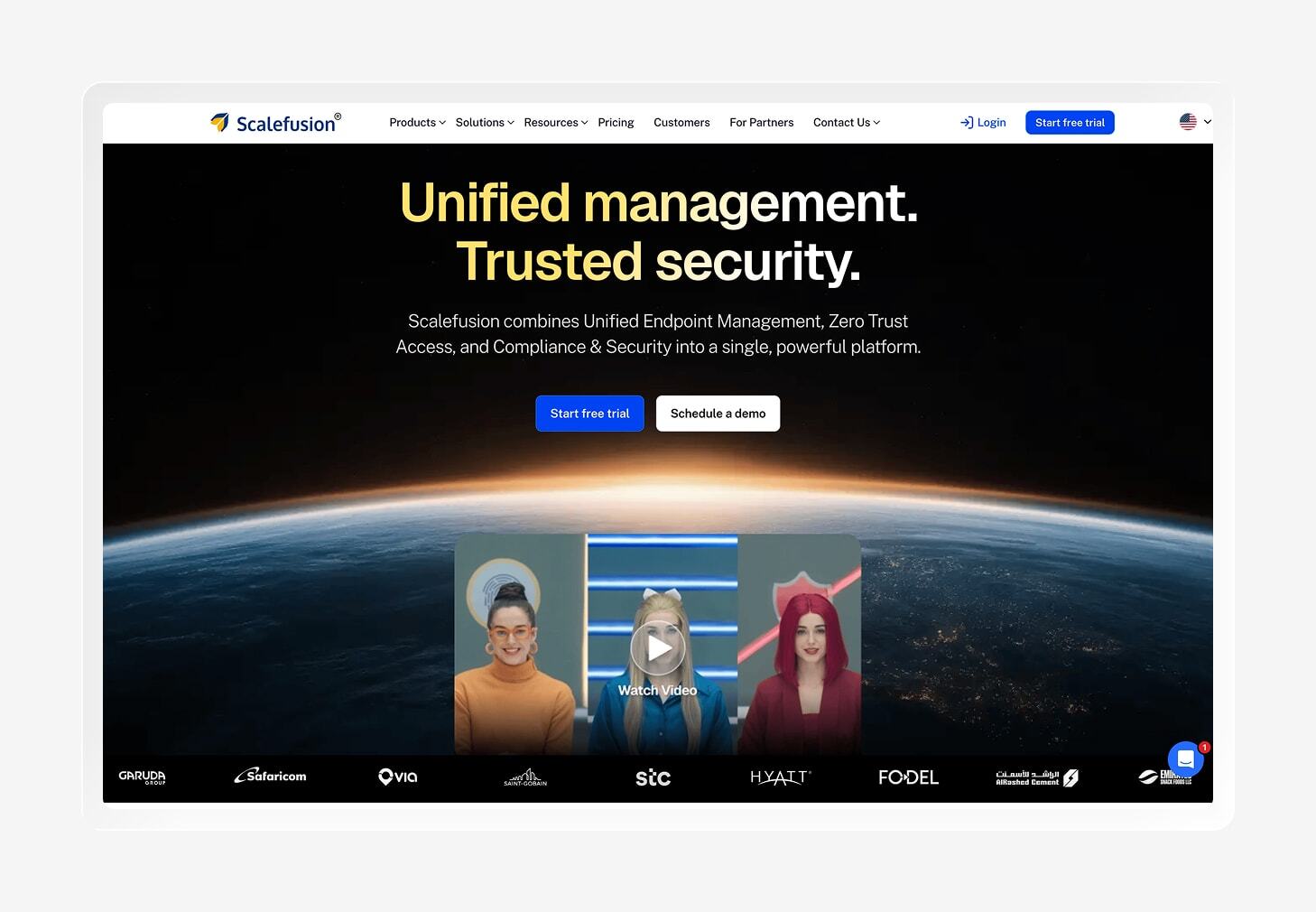
Scalefusion brings enterprise mobility management to a wide mix of devices, including smartphones, tablets, rugged hardware, and point-of-sale systems. Its application management tools help you publish, configure, update, and remove apps across iOS, Android, macOS, Windows, and ChromeOS.
The platform fits especially well in frontline and kiosk environments where devices often have a single job to do. You can lock a device to a single app or create a controlled set of approved apps, which keeps shared devices focused on the task at hand. Scalefusion also supports BYOD policies through work profiles and privacy controls.
The G2 feedback leans positive, with users calling out Scalefusion’s responsive support and intuitive device management. The rougher edges show up around setup and configuration. Some reviewers say the learning curve can feel steep as you build more complex policies, so smaller IT teams may need some time to get comfortable.
Key features
- Security and compliance: Enforce security policies, monitor compliance, and automate responses to issues across managed devices.
- Kiosk mode: Lock devices to a single app or a curated set of apps, making Scalefusion a strong fit for shared and rugged devices used in focused workflows.
- Remote control: View device screens remotely and take control on supported platforms to troubleshoot problems without needing physical access to the device.
- Application management: Publish approved apps, install them silently, manage versions, and track app inventory across supported operating systems.
5. Hexnode
- Best for: Kiosk MAM tools
- G2 rating: 4.6/5
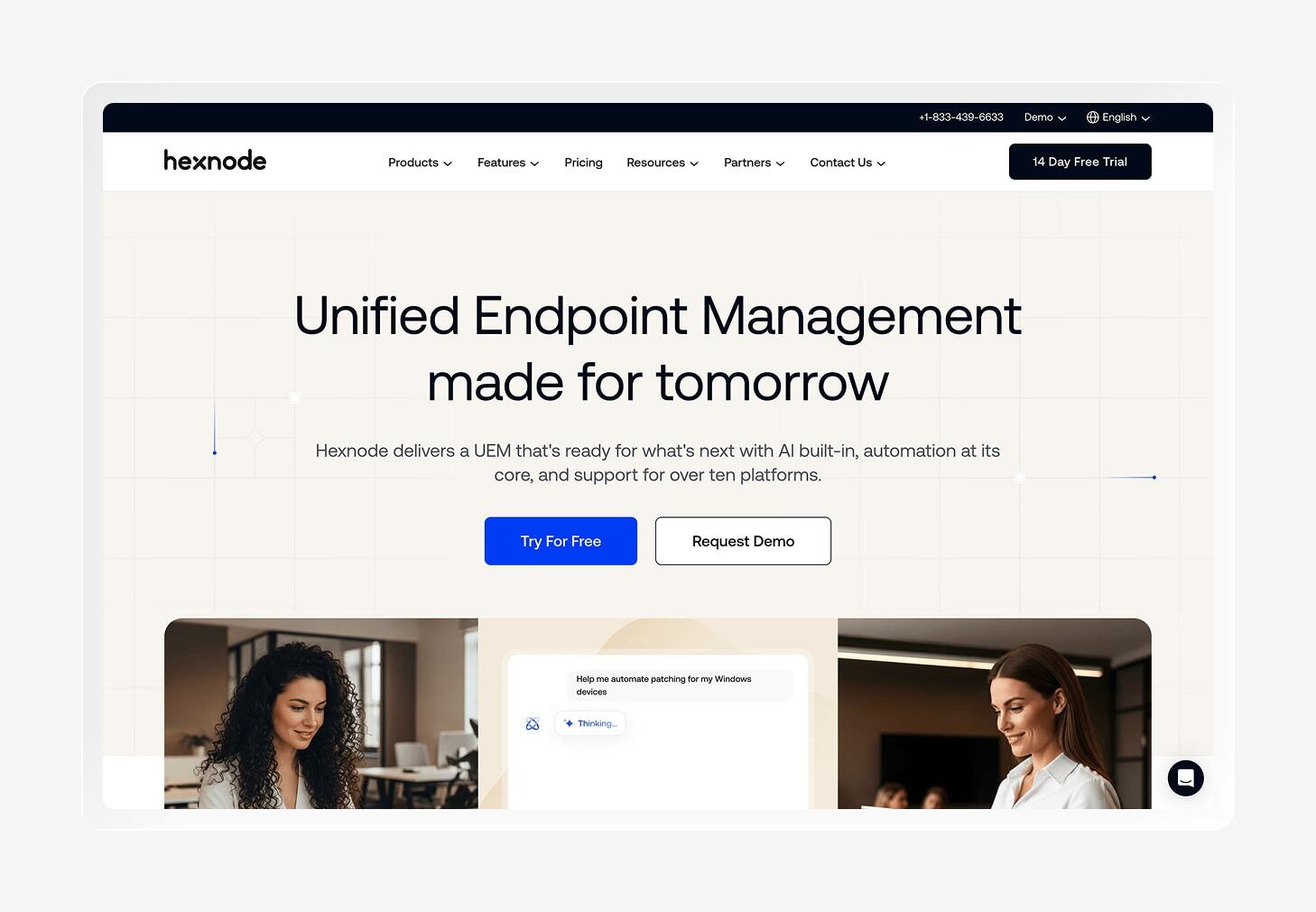
Hexnode UEM combines MAM with broader endpoint management across iOS, Android, Windows, macOS, and other platforms. You can deploy apps, create app catalogs, and control which applications users can access from a central console.
Kiosk management is where Hexnode earns its keep. You can lock shared devices to specific apps or workflows, which works well for retail, healthcare, and other frontline environments where a tablet has a very particular job to do. Hexnode also supports zero-touch enrollment, so new devices can arrive at a location and get configured with less work from IT.
G2 reviewers like Hexnode’s intuitive interface, broad platform support, and responsive customer service. But some users want deeper reporting and automation, while others find certain settings hard to locate or dislike tiered pricing that puts specific features behind higher plans.
Key features
- Kiosk mode: Lock devices to approved apps or specific workflows, making it easier to keep shared tablets and frontline devices focused on their intended tasks.
- Remote assistance: View device screens and take remote control on supported platforms to troubleshoot problems without waiting for the device to reach IT.
- Automated compliance: Apply compliance policies across managed devices and trigger actions when devices fall outside your security requirements.
- App management: Distribute enterprise apps, support silent installations, and manage approved applications from a central console.
6. ManageEngine MDM Plus
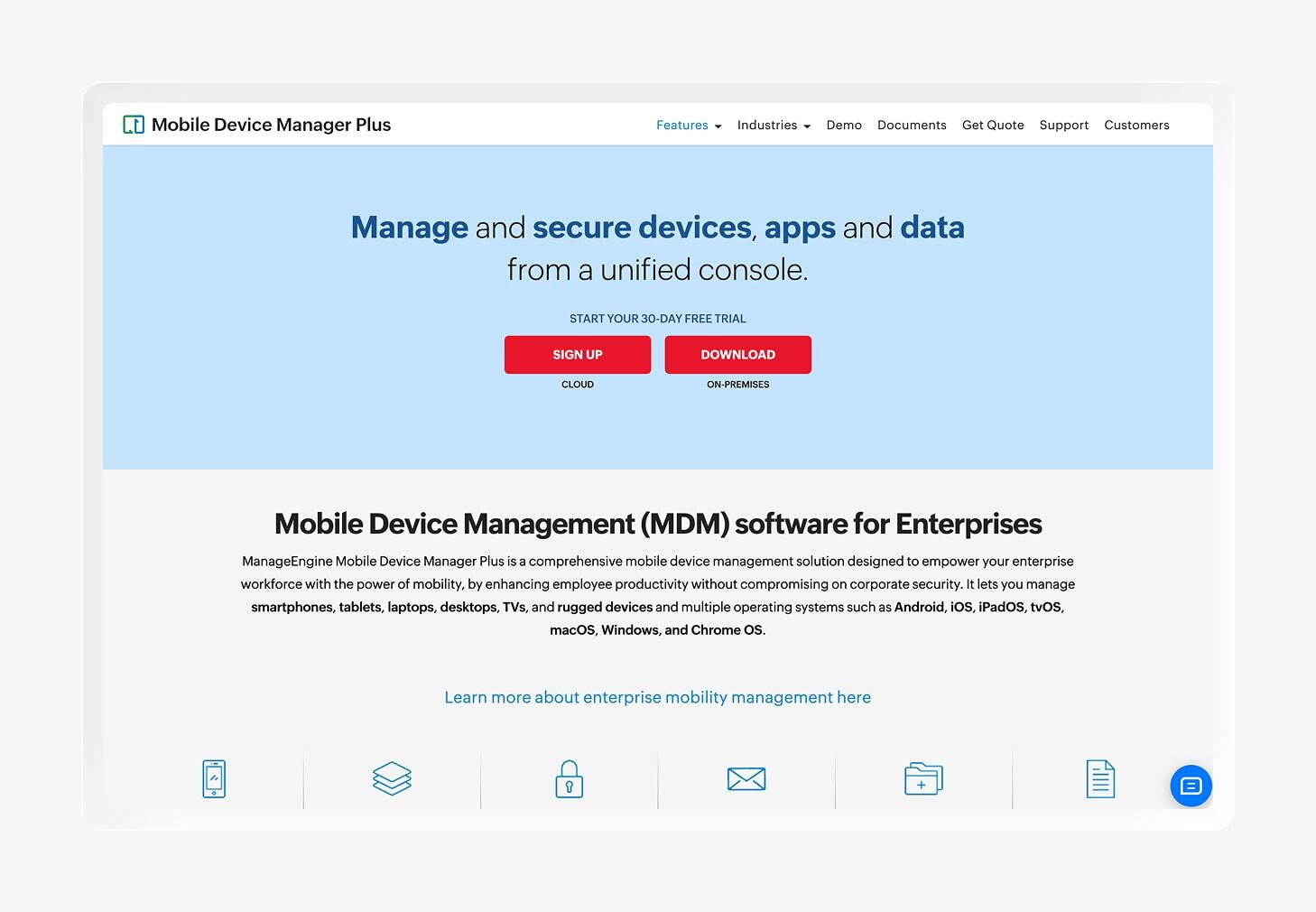
ManageEngine Mobile Device Manager (MDM) Plus gives smaller teams a low-cost way to manage mobile devices and apps from one console. The free edition supports up to 25 devices, making it a practical starting point if you only need basic device management. It also supports iOS, Android, macOS, Windows, and ChromeOS.
The platform includes containerization to keep corporate data separate from personal data. You can also distribute apps through an App Catalog or install them silently, while app update policies let you schedule updates across supported operating systems.
ManageEngine may feel especially familiar if your team already uses other products in the ManageEngine ecosystem. It covers plenty of ground, but the interface can feel more traditional than newer cloud-first tools. Most G2 reviewers like the value, ease of setup, and cross-platform coverage, while others report patching issues and a cluttered UI.
Key features
- Profile management: Create and apply device profiles that control settings, restrictions, apps, and other configurations across managed devices.
- Geofencing: Create virtual boundaries around physical locations and trigger security actions when managed devices leave those areas.
- Content management: Distribute documents and media to iOS and Android devices while controlling access, downloads, screenshots, and clipboard sharing.
- App management: Push apps silently, offer them through an App Catalog, manage updates, and control whether users can uninstall required apps.
7. Ivanti Neurons
- Best for: Mobile threat defense
- G2 rating: 4/5
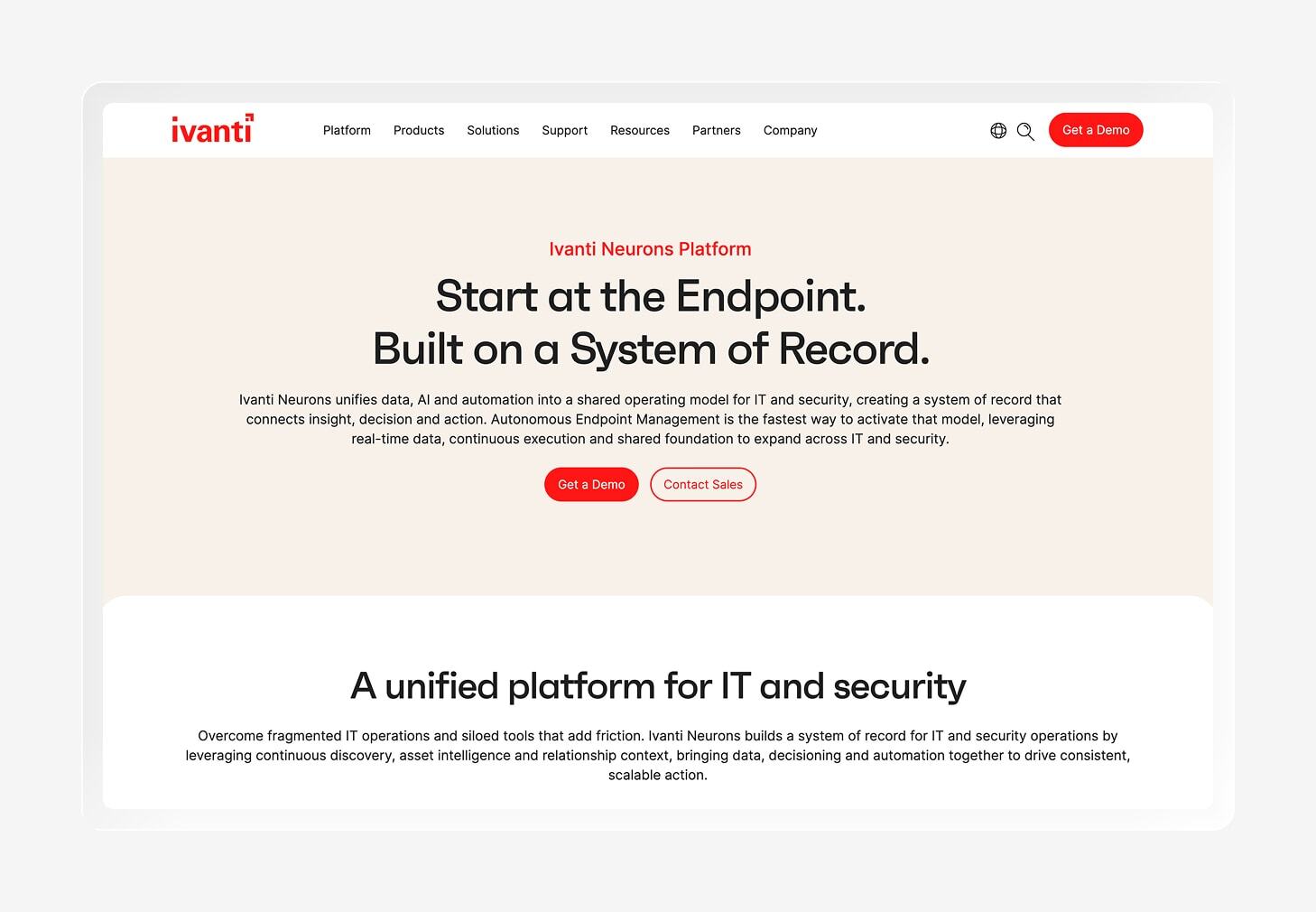
Ivanti Neurons is a good fit if you need mobile app management as part of a broader endpoint and security platform. Its mobile tools support app distribution, app-level controls, and secure access, while Mobile Threat Defense protects corporate and employee-owned devices against application, network, device, and phishing attacks.
For app access, Ivanti supports per-app VPN and app tunneling, allowing you to route traffic from managed apps to corporate resources without sending all device traffic over the same connection. That gives IT more control over how work apps reach internal systems while keeping the rest of the device separate.
Ivanti also works well for organizations that want mobile management tied closely to security. Mobile Threat Defense integrates with Ivanti’s mobile device management tools and can deploy to managed iOS, iPadOS, and Android devices without requiring users to take extra steps.
People on G2 give Ivanti credit for its automation, cross-platform management, and endpoint visibility. But they don’t like that it comes with a cluttered interface and a learning curve during setup. Some complaints cite slow or inconsistent support, and others report performance issues when managing large device environments.
Key features
- AppStation: Give users a self-service catalog to find and install approved business apps without waiting for IT to handle every request.
- BYOD support: Manage work apps and security on employee-owned iOS and Android devices while keeping personal use separate from corporate controls.
- App configuration: Push settings and configurations to managed apps so users get the right setup as soon as they install them.
- Conditional access: Use device and security signals to determine whether a user can access protected corporate resources, keeping risky devices away from business data.
8. IBM MaaS360
- Best for: Enterprise-level UEM
- G2 rating: 4.2/5
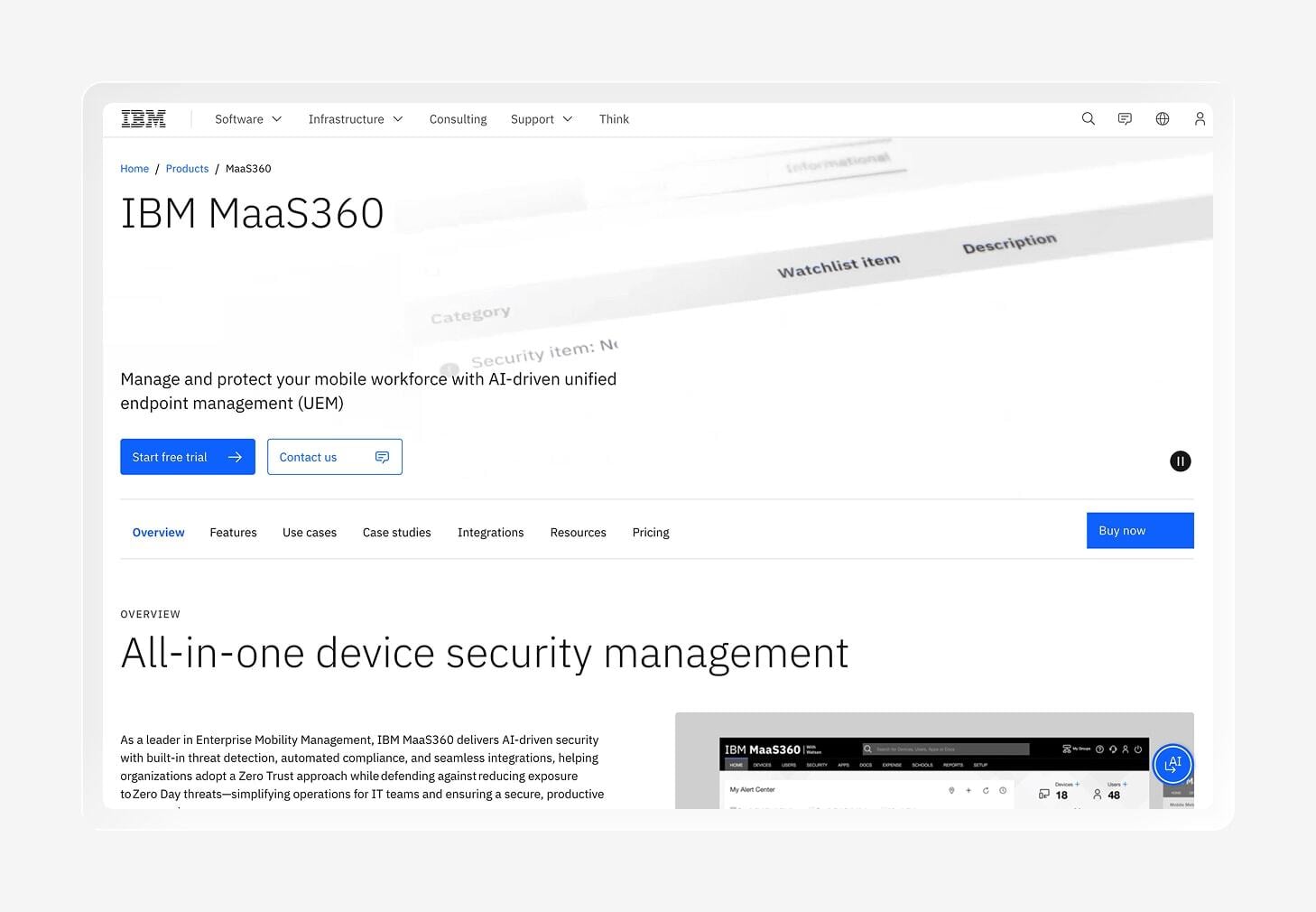
Managing a mixed device fleet gets complicated quickly. IBM MaaS360 combines UEM with MAM for organizations managing devices across multiple platforms. Its enterprise app catalog gives IT a central place to distribute apps, while app-level policies help control how users access and handle corporate data.
Security sits close to the center of MaaS360’s mobile management approach. Data loss prevention (DLP) controls can restrict actions like copy and paste, while a unified PIN can protect access across supported work apps. The platform also uses risk signals to help IT spot devices and users that may need attention.
MaaS360 supports iOS, Android, Windows, and macOS, making it a practical option for larger organizations with mixed fleets. Its BYOD controls also give admins ways to protect corporate data while preserving employee privacy. If you’re comparing endpoint monitoring tools, MaaS360 is worth a look when security needs to scale alongside a broad device environment.
MaaS360’s positive G2 reviews talk about its centralized management and security features. The complaints tend to focus on the user experience. Some reviewers find the interface dated or difficult to navigate, while others mention occasional issues with support.
Key features
- App catalog: Give employees a central place to find approved business apps while letting IT manage app distribution from one console.
- AI-based risk insights: Use AI to analyze device and user risk signals to help your team spot potential security issues and prioritize actions.
- App-level policies: Apply controls to individual apps to protect corporate data and restrict actions such as copying or sharing information.
- Unified PIN: Let users access multiple protected work apps with a single PIN, reducing the number of credentials they need to remember.
9. Jamf
- Best for:Apple-only app management
- G2 rating:4.7/5
Jamf Pro is built for organizations that want deep control over Apple devices. Its app management tools cover Mac, iPhone, and iPad, with options to distribute App Store apps via Apple Business Manager, deploy third-party apps, and manage custom programs.
Self Service+ gives employees a curated place to find approved apps and install them without sending an IT ticket. Jamf also supports automated app installation and updates, so your team can handle routine app work without chasing individual devices.
Jamf is a strong pick for Apple-focused fleets that want detailed management and security controls. It also supports User Enrollment for BYOD, giving you a way to manage work data while respecting personal devices. But if you’re looking for broader cross-platform support, you might want to explore Jamf alternatives like Iru.
As for user feedback, G2 reviewers give Jamf high marks for its device management, ease of use, security, and support. The less rosy reviews focus on inconsistencies in the UX and pricing. Some reviewers also wish Jamf offered stronger built-in remote support.
Key features
- App lifecycle management: Deploy, update, and patch Mac, iPhone, and iPad apps through automated workflows and Jamf’s App Catalog.
- App reporting and inventory: Collect hardware, software, and security details from Apple devices so your team can see what’s installed and keep track of device state.
- BYOD separation: Try User Enrollment to manage work-related settings and data on personally owned Apple devices while keeping personal information separate.
- Zero-touch deployment: Automatically provision Mac, iPhone, and iPad devices so employees can get started without requiring IT to configure each device by hand.
How to choose the right mobile application management software
The best mobile application management tool depends on how your team manages devices today and how much control you need over work apps and data.
Use these criteria to narrow down your options:
- Enrollment model: Decide how much device access you need, especially for unmanaged BYOD and user enrollment. Look for a model that protects company apps and data without giving IT unnecessary control over personal devices.
- OS support: Check that the platform supports the operating systems your employees use. A tool that works beautifully for iOS won’t help much if half your workforce carries Android devices.
- Data separation: Look for controls that keep work data separate from personal data. This matters most with BYOD models, where employees use their phones for both work and everyday life.
- App lifecycle management: Check how easily you can deploy, update, configure, and remove apps. Automation can take a lot of routine work off your IT team’s plate.
- Tool consolidation: Consider what else the platform handles beyond app management. A platform that brings identity, endpoint security, or compliance into the same environment reduces the number of tools your team has to maintain.
- Tool complexity: Match the platform to your team’s time and technical resources. Enterprise-grade controls can be useful, but they also bring more settings to configure and manage.
Manage devices, identity, and compliance with Iru
From Apple-focused fleets and BYOD environments to rugged devices and large enterprises, each mobile application management tool takes a different approach. The right choice depends on your device mix, how much control you need over personal devices, and how you want app management to fit into your broader IT environment.
Iru brings app management into that broader environment. Its AI-powered platform combines endpoint management with identity and compliance capabilities, giving your team one place to manage devices while keeping security work connected.
Book a free demo to see how Iru can bring MAM and your broader IT environment together.