
 Workforce Identity
 Endpoint Management
 Endpoint Detection & Response
 Vulnerability Management
 Compliance Automation
 Trust Center


Your team may be growing, but your IT workload is growing right along with it. A mobile device management (MDM) solution helps you manage and secure the devices your employees use for work from one place. As your team grows and more devices enter the picture, managing each one by hand can take up more of your IT team’s time.
The best MDM solution for small businesses can help lighten that workload by handling device setup, app management, and security settings from one platform.
The right fit depends on the devices your team uses and the level of management you need. The seven options below bring device management and security into a central platform, giving you fewer tools to manage.
Best MDM solutions for small businesses
The best MDM tool for your small business depends on the devices you manage, the level of security you need, and how much time your IT team can spend on day-to-day administration. Here’s a quick comparison of the top seven tools to give you a quick look at how each platform fits into the picture:
| Provider | Best for | G2 rating | Key features |
|---|---|---|---|
| Iru | Fast-growing companies in tech, AI, cybersecurity, and fintech | 4.7 | Endpoint Detection & Response (EDR), Endpoint Management, Workforce Identity, Compliance Automation, and Trust Center |
| Jamf | Apple-first organizations | 4.7 | Zero-touch setup, Apple app deployment, security controls, and inventory tracking |
| JumpCloud | Identity and device management | 4.5 | Cross-device support, zero-touch automated enrollment, policy enforcement, and identity-driven access |
| Microsoft Intune | Windows-first teams | 4.5 | Configuration policies, conditional access, remote actions, and managed app delivery |
| Miradore | Free, basic protection | 4.6 | Encryption management, remote app deployment, Kiosk Mode for Android, and inventory and analytics |
| Scalefusion | Frontline retail teams | 4.7 | Kiosk mode, zero-touch enrollment, frontline app management, and geofencing and tracking |
| Rippling | HR-led small business | 4.8 | Zero-touch deployment, automated offboarding, enforced disk encryption, and employee-driven app management |
1. Iru
- Best for: Fast-growing companies in tech, AI, cybersecurity, and fintech
- G2 rating: 4.5
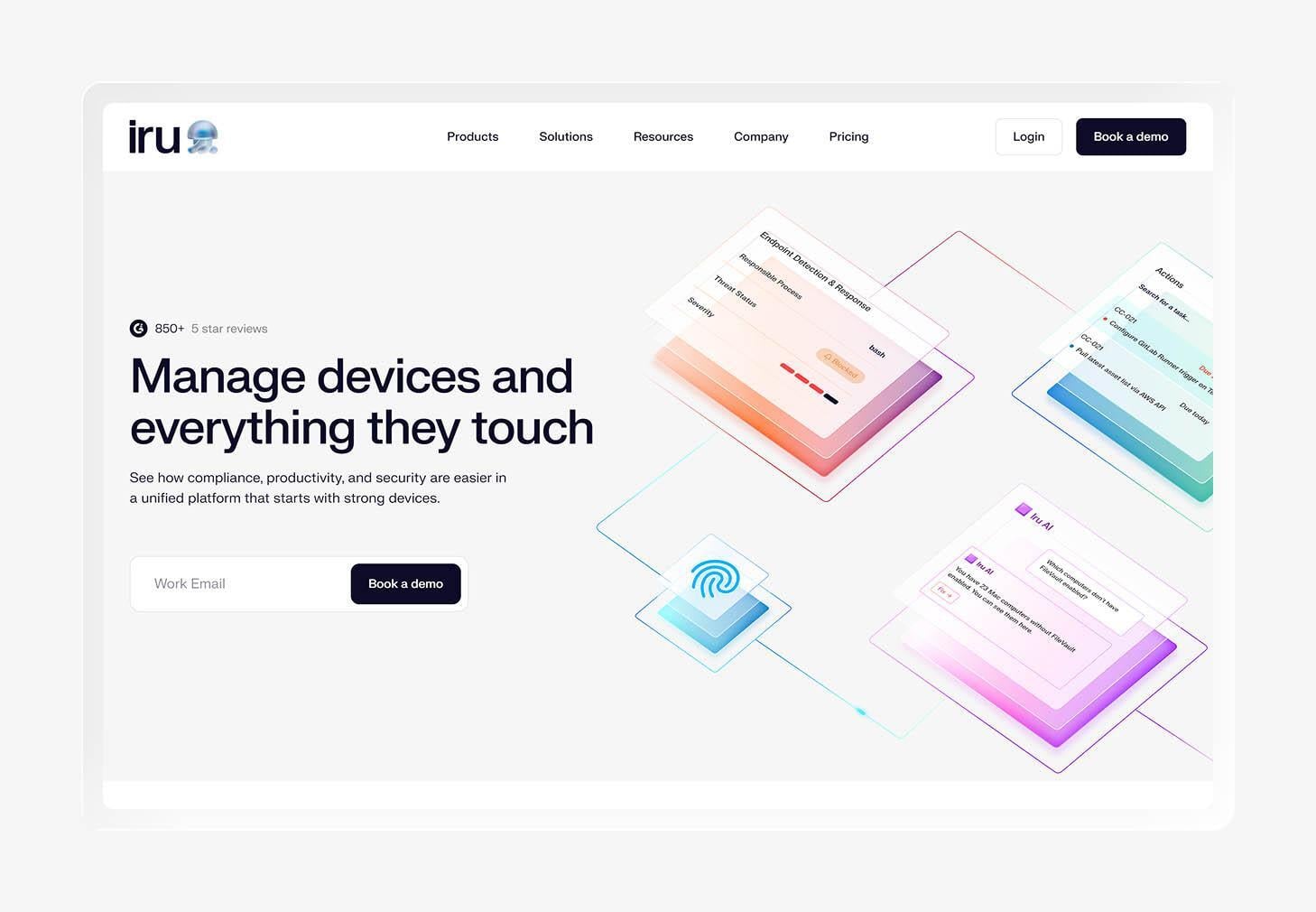
Iru is an AI-powered IT and security platform that brings endpoint management, security, identity, and compliance work into one place. For a small business, that can mean less time jumping between separate tools while your IT team keeps a closer eye on your device fleet.
You get a single endpoint agent that helps manage and protect your devices. It can automate device setup, app updates, and security policies. Iru’s Adaptive Compliance collects evidence for SOC 2, ISO 27001, and HIPAA while keeping device posture connected to your broader compliance work.
On G2, reviewers say Iru is easy to use and praise its automation and support. They like Iru for its simplified device management, which is a great deal for small businesses. Some reviewers mention wanting more flexibility in areas such as reporting or certain advanced features, which may matter if your team has highly specific requirements.
Cronofy used Iru, which shows how Iru can support a small IT team. The 43-person company had no dedicated IT department, leaving two people to manage devices alongside their main work. Iru helped Cronofy automate device enrollment, security controls, vulnerability response, and endpoint protection, giving it more time to focus on its infrastructure.
Key features
- Endpoint Detection & Response (EDR): Detect and contain threats across Mac and Windows devices from the same platform that manages your endpoints.
- Automated Endpoint Management: Manage Apple, Windows, and Android devices from one platform while automating enrollment, app updates, and policy enforcement.
- Workforce Identity: Give employees passwordless access to work apps with passkeys and device-aware access controls.
- Compliance Automation: Collect and map evidence automatically while keeping your controls and device posture connected to ongoing compliance work.
- Trust Center: Share security information and compliance documentation through a public portal while using Iru AI to handle security questionnaires.
2. Jamf
- Best for: Apple-first organizations
- G2 rating: 4.7
Jamf is an Apple-focused MDM solution built to manage iPhones, iPads, Macs, and Apple TVs. That narrow focus can work well for companies that have built their business around Apple, but if you’re looking for cross-platform device management, you might want to explore Jamf alternatives like Iru and Microsoft Intune.
For teams comparing small business mobile device management tools, Jamf offers different products based on the size and needs of the organization. For example, Jamf Now offers cloud-based management aimed at smaller teams, while Jamf Pro provides deeper controls and automation for larger organizations.
As for reviews, people describe the platform as easy to use and appreciate its setup experience, particularly for managing Apple environments. The learning curve gets worse with Jamf Pro, though, and some users mention a dated or inconsistent interface and a need for stronger feedback in certain workflows.
Key features
- Zero-touch setup: Automate enrollment and configuration so your employees can receive ready-to-use Apple devices with less hands-on work from IT.
- Apple app deployment: Push approved apps to managed devices and keep supported software updated from the Jamf platform.
- Security controls: Apply device restrictions and use Apple’s built-in security features to protect company data.
- Inventory tracking: Collect device details to maintain a current view of the Apple hardware and software across your organization.
3. JumpCloud
- Best for: Identity and device management
- G2 rating: 4.5
JumpCloud is a cloud-based small business MDM platform that lets you manage and secure work computers and mobile devices remotely. Its focus on both identity and device administration can be useful for smaller companies that want to connect employee access with the devices people use every day.
JumpCloud also ties a user’s work identity to their devices, making new equipment easier to set up and manage. For instance, a new employee can authenticate during onboarding and become associated with their assigned device. That connection gives IT a clearer link between the person, their device, and the access they receive.
JumpCloud has many reviewers praising its intuitive interface and straightforward setup. Users also like having identity, access, and device administration under one roof. The trade-off is that the initial configuration can take time, and some reviewers report a complex process for setting up policies and more specialized features.
Key features
- Cross-device support: Manage Apple devices, Android devices, Windows computers, and Linux systems from the JumpCloud platform.
- Zero-touch automated enrollment: Send supported company-owned Apple devices directly to employees and configure them remotely during enrollment.
- Policy enforcement: Apply device policies through the same admin platform used to manage users and access.
- Identity-driven access: Connect user identities to devices and use that relationship to manage access across your organization.
4. Microsoft Intune
- Best for: Windows-first teams
- G2 rating: 4.5
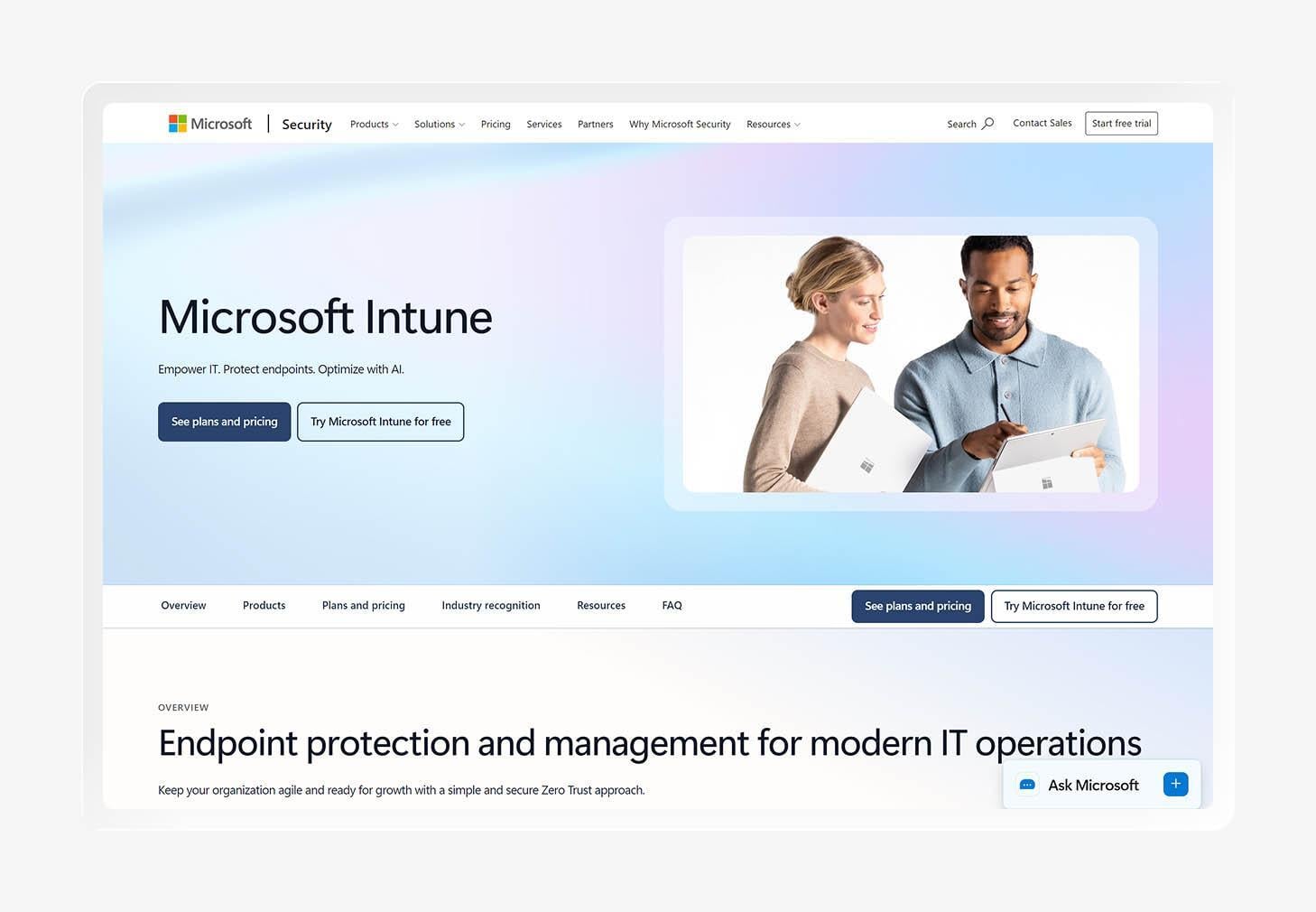
Microsoft Intune is a Windows-focused device management platform that also supports macOS, iOS, iPadOS, and Android. It can be a strong fit for small businesses that already rely on Microsoft products and want to manage company devices from the same ecosystem.
Intune also includes mobile application management (MAM), which lets you manage work apps and protect company data on personal devices. That can be useful for bring-your-own-device (BYOD) setups, where employees use their own phones or computers for work without enrolling the entire device.
G2 reviewers like Intune’s integration with the wider Microsoft ecosystem and its range of management options. Some users find the platform easy to set up, while others report a complicated initial configuration, especially for teams without prior Microsoft administration experience.
Key features
- Configuration policies: Create policies that apply settings and security requirements to managed devices based on your organization’s needs.
- Conditional access: Control access to company resources based on factors such as device status and user sign-in conditions.
- Remote actions: Lock, restart, retire, or wipe managed devices remotely when your IT team needs to take action.
- Managed app delivery: Deploy business apps to managed devices and control how employees access company software.
5. Miradore
- Best for: Free, basic protection
- G2 rating: 4.6
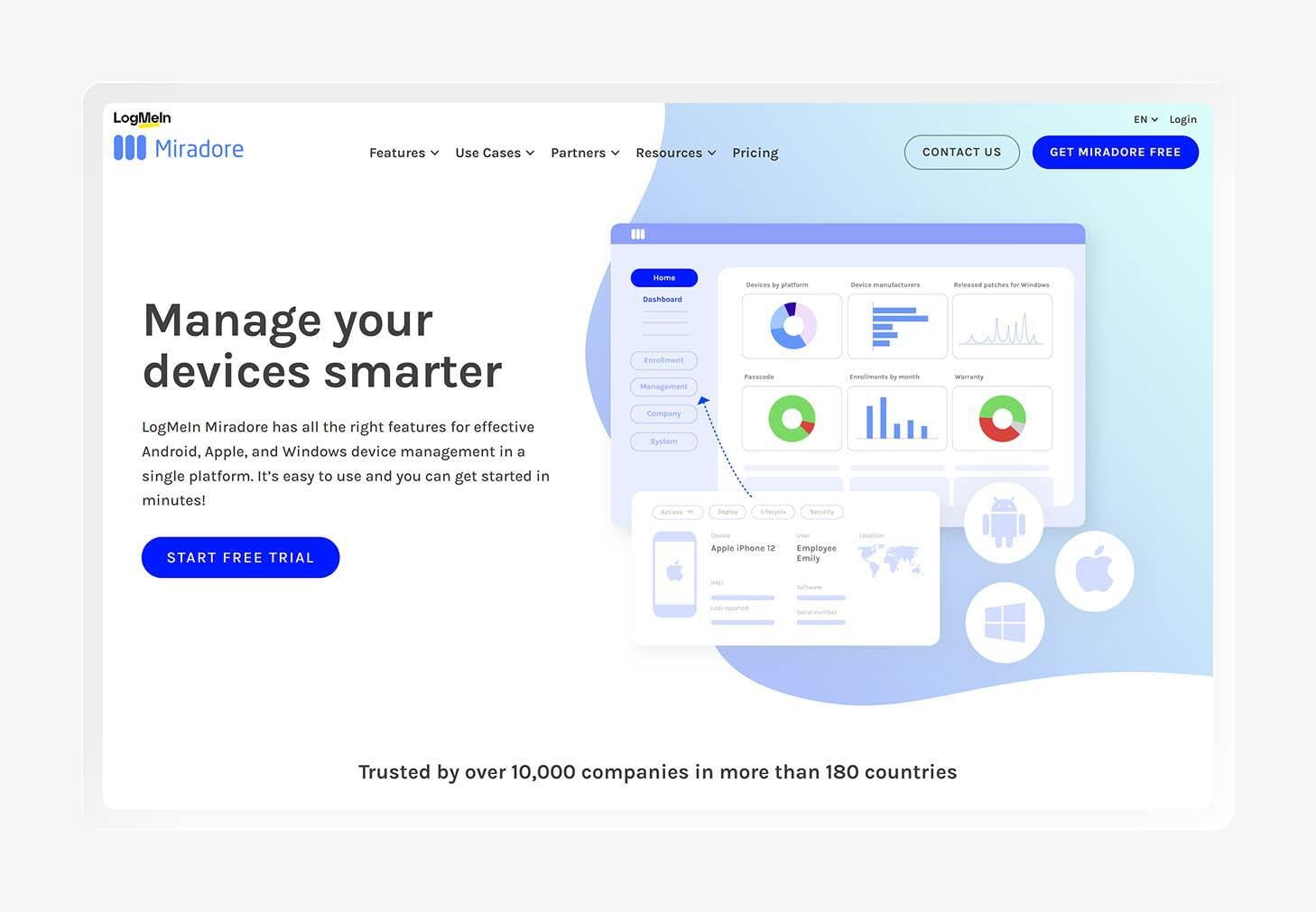
Miradore is a cloud-based device management tool from LogMeIn that helps IT teams manage and monitor smartphones, tablets, laptops, and desktop computers. Its broad device support can appeal to small businesses that need a central place to keep track of company technology without taking on a complex management system.
Miradore offers a free plan for up to 50 devices, which gives smaller teams access to basic application management, device controls, and inventory tools. The free tier has its limits, though. Companies that need deeper security controls or more advanced management features may need to move to a paid plan.
On the topic of reviews, people like Miradore for its straightforward setup and easy-to-use interface. Users also like the platform’s value, especially for smaller environments. But some reviewers point to limitations in advanced features and reporting, which could become more noticeable as a company grows and device management needs change.
Key features
- Encryption management: Monitor device encryption and help ensure managed devices meet your organization’s security requirements.
- Remote app deployment: Deploy applications remotely and manage which software employees can access on their devices.
- Kiosk mode for Android: Lock supported devices to specific apps or functions when employees only need access to a limited set of tools.
- Inventory and analytics: Track hardware and software details to maintain visibility and spot signs of endpoint drift across your device fleet.
6. Scalefusion
- Best for: Frontline retail teams
- G2 rating: 4.7
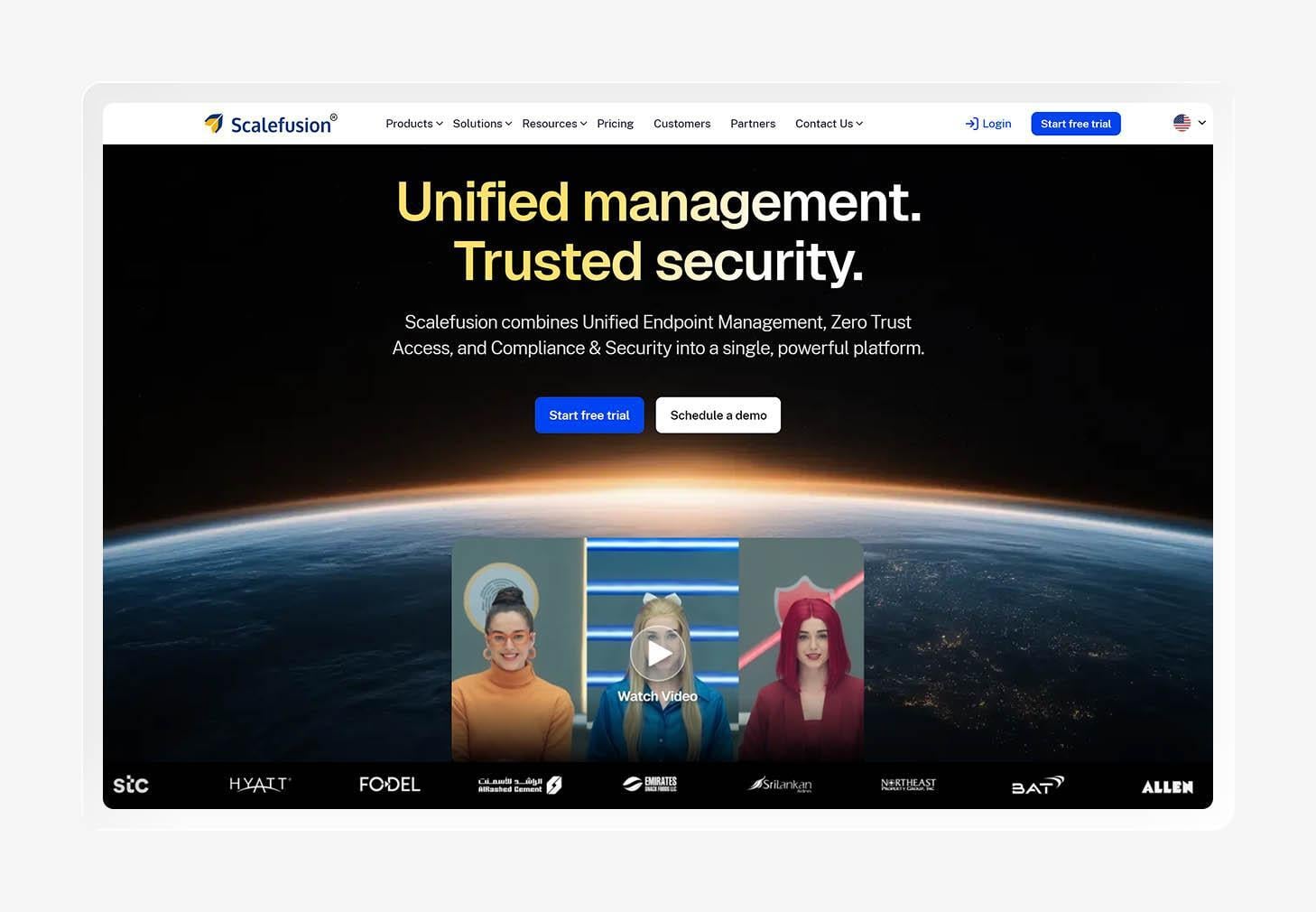
Scalefusion is a unified endpoint management (UEM) platform that helps you secure, monitor, and manage company-owned and employee-owned devices. It can be a good fit for frontline teams that rely on shared or purpose-built devices, especially in retail environments where IT may manage a large number of endpoints remotely.
The platform supports smartphones, tablets, laptops, and rugged devices from a single dashboard. That broad coverage gives you a central view of devices used across different locations, making endpoint monitoring easier when employees and equipment rarely stay in one place.
According to reviewers, Scalefusion has an easy setup and straightforward interface. Users also highlight the platform’s device controls and support experience. Some reviewers mention that certain advanced settings take time to configure, though, and that the interface can feel less intuitive when managing more complex requirements.
Key features
- Android Kiosk Mode: Lock devices into approved apps or limited functions for shared and task-specific use.
- Zero-touch enrollment: Enroll supported devices remotely and apply your organization’s settings during setup.
- Frontline app management: Deploy, update, and manage approved apps across supported devices from one dashboard.
- Geofencing and tracking: Set location-based rules and track supported devices to help monitor equipment used outside the office.
7. Rippling
- Best for: HR-led small businesses
- G2 rating: 4.8
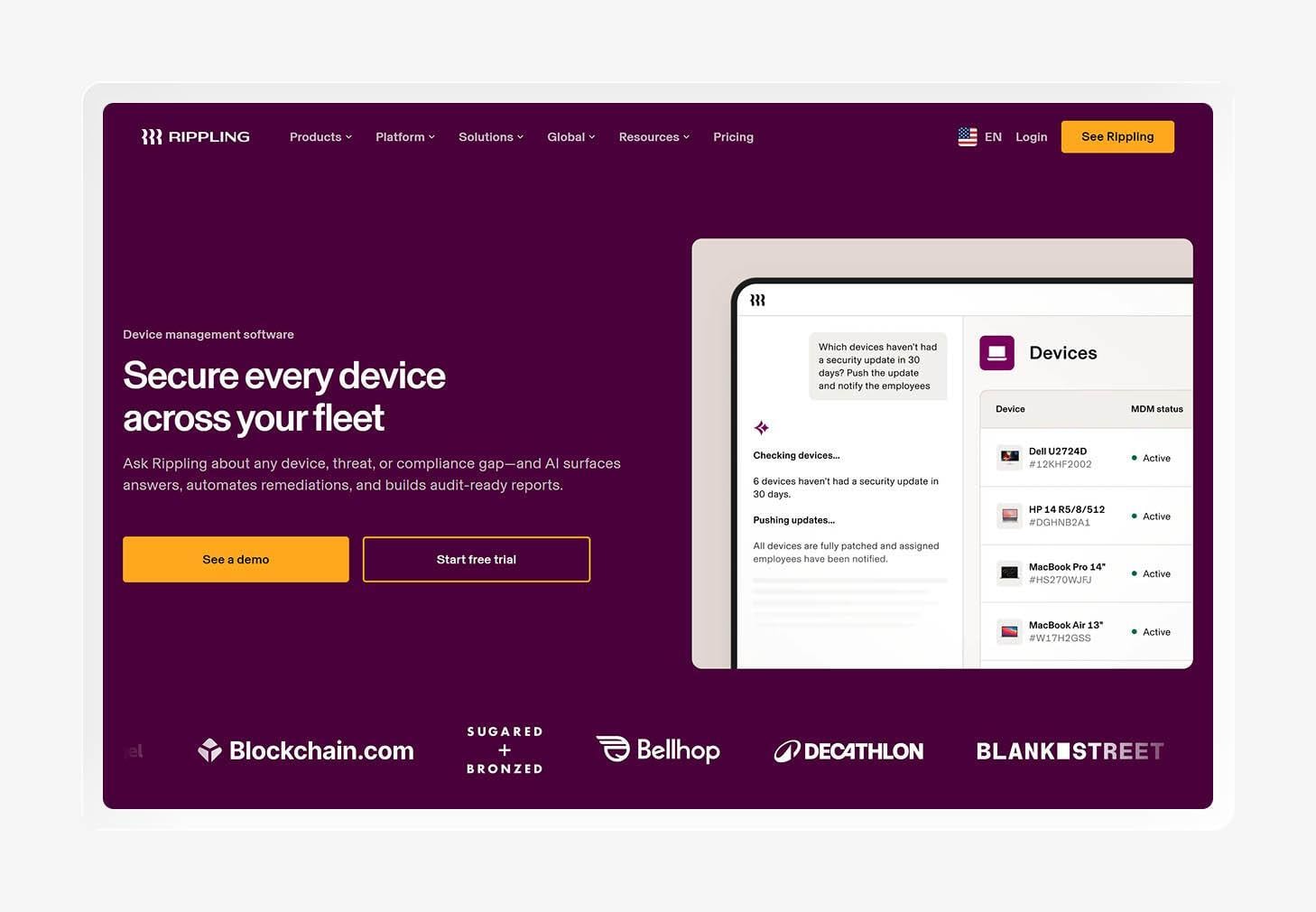
Rippling is an HR-first device management platform that connects your employee records with IT tasks. When someone joins or leaves the company, Rippling can trigger actions around their work device based on changes to their employee status, helping you reduce some of the manual work tied to onboarding and offboarding.
That said, Rippling offers fewer dedicated device management controls than platforms built primarily for IT, such as Jamf and Iru. Teams with complex configuration or security needs may find the available controls limiting as a result, especially when device management becomes part of a broader cybersecurity risk assessment process.
People frequently praise Rippling’s easy-to-use interface and relatively smooth setup. They also like having HR and IT information integrated into one system. Some reviewers report that configuration can become more complex with advanced requirements, while others mention occasional limitations in customization and reporting.
Key features
- Zero-touch deployment: Send supported devices directly to employees and apply company settings during the setup process.
- Automated offboarding: Trigger device and access actions when an employee leaves, reducing the manual steps involved in offboarding.
- Enforced disk encryption: Require disk encryption on supported devices to protect company data if equipment is lost or stolen.
- Employee-driven app management: Deploy and manage work applications through the same platform that tracks employee and device information.
How to pick a mobile device management solution for your small business
The best mobile device management platform for small businesses should match the devices your team uses and the amount of time your IT staff can spend managing them. Features such as zero-touch enrollment, cross-platform coverage, and ease of use can make a big difference when you’re working with a small team and a growing device fleet.
Zero-touch enrollment
Zero-touch enrollment lets you prepare new devices after they reach your employees. You can send a supported device directly to a new hire and apply the right settings during setup. That saves your IT team time and gives employees a smoother start on day one.
Automated patching
Unpatched software can leave your devices exposed to known security issues. Automated patching helps your IT team keep operating systems and applications up to date without manually checking every device. It’s a useful feature when you want to reduce routine security work and keep your device fleet from falling behind.
Cross-platform coverage
Small businesses often use a mix of mobile devices and computers, especially as teams grow and employees bring different preferences to work. Your MDM system should support the operating systems your company relies on today while giving you room to add other devices later.
Ease of use
For a small IT team, every extra hour spent figuring out an MDM is time taken away from other work. Look for a platform with a clear interface and straightforward setup, so your team can spend less time figuring out the tool and more time managing the devices in front of them.
Consolidate management and security with Iru
Managing a growing device fleet can quickly add more work to an already busy IT team. The right platform can bring those day-to-day tasks into one place and give your team a clearer view of what’s happening across the business.
Iru brings device management, endpoint security, identity, and compliance automation together on one platform. You can manage devices, respond to security risks, and keep compliance work moving without bouncing between a pile of separate tools.
Book a free demo with Iru to see how it can work for your small business.