
 Workforce Identity
 Endpoint Management
 Endpoint Detection & Response
 Vulnerability Management
 Compliance Automation
 Trust Center


Managing a mixed fleet of Macs, Windows laptops, and mobile devices sounds simple. That is, until you add remote hires, a compliance audit, and a security team asking you questions your device tool isn’t built to answer.
Whether you’re running Fleet today or just weighing your options, you might find that Fleet DM lacks some of the security, identity, and compliance tracking that you may need. This guide walks through eight Fleet DM alternatives and who each is best for.
What is Fleet?
Fleet Device Management (Fleet DM) is an open-source device management platform. It manages macOS, Windows, Linux, iOS, and Android from one console, reporting device state so you don’t have to wait for an inventory cycle. You can run it in your own environment or use Fleet’s managed cloud service.
Fleet handles mobile device management (MDM) enrollment, configuration profiles, disk encryption, OS updates, scripts, and policy enforcement. It also identifies missing patches and vulnerabilities related to known common vulnerabilities and exposures (CVEs). Engineering teams can store settings and policies in a GitOps model, making it easy to roll back unapproved changes.
The platform focuses on device management and posture. More advanced endpoint detection and response (EDR), workforce identity, and compliance automation tools have to come from elsewhere.
Best Fleet DM alternatives: At a glance
The eight platforms below range from Apple-first to full unified endpoint management tools. The right one depends on your fleet, your team, and how much of your tech stack you want running in a single console. Here’s a quick breakdown:
| Provider | Best for | G2 |
|---|---|---|
| Iru | Unified endpoint management and compliance | 4.7/5 |
| NinjaOne | Mid-market IT departments | 4.7/5 |
| JumpCloud | Identity and device management | 4.5/5 |
| Microsoft Intune | Windows-first environments | 4.5/5 |
| Workspace ONE UEM | Managing rugged field tools | 4/5 |
| Rippling Device Management | Automating the IT device lifecycle using HR data | 4.8/5 |
| Hexnode UEM | Managing kiosk modes | 4.6/5 |
| Jamf Pro | Apple-first environments | 4.7/5 |
1. Iru
- G2 Rating: 4.7
- Best for: Unified endpoint management and compliance
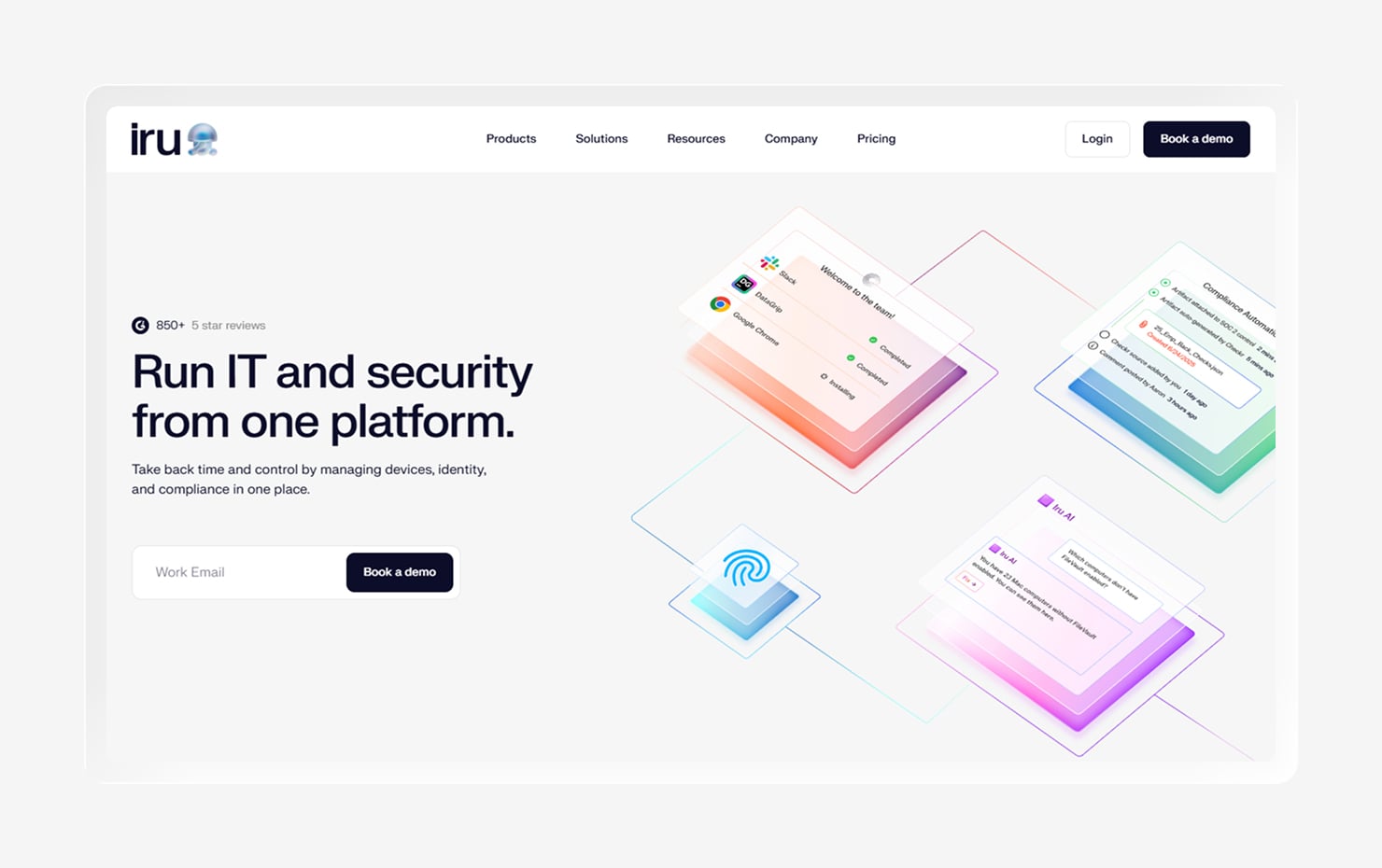
Unlike Fleet, Iru is an IT and security platform for Mac, Windows, iOS, and Android. It unifies endpoint management, EDR, workforce identity, and compliance automation in a single lightweight agent.
While Fleet focuses on device visibility, Iru collapses the stack by integrating security and compliance. The same agent that manages your devices also protects them, keeping them audit-ready with compliance automation.
Iru keeps apps and operating systems patched on their own, so you aren’t chasing updates across the fleet. It hardens Macs to recognized security baselines with one-click templates, while a visual editor lets you assign settings to the right groups of devices without writing scripts.
Here’s what one G2 reviewer had to say about using Iru:
“Building and maintaining an app library with baseline security settings is straightforward, and shipping, configuring, and managing devices remotely takes very little ongoing effort.”
For lean teams running mixed fleets, the payoff is simple. Less tool sprawl, less manual work, and one view of every user, app, and device.
Key features
- Cross-platform device management: Deploy configurations, apps, and policies across macOS, Windows, iOS, and Android from one console.
- Built-in EDR and vulnerability management: Detect threats and remediate vulnerabilities on the same agent that manages the device; no separate security tool required.
- Workforce identity: Tie access to device posture so that only secure, compliant devices can access company resources.
- Compliance automation: Map controls to frameworks such as SOC 2, ISO 27001, and HIPAA continuously, with audit-ready evidence that reflects the real state of devices.
- Zero-touch deployment: Ship a device directly to an employee and have it configure itself on first boot, with no hands-on IT setup required.
2. NinjaOne
- G2 Rating: 4.7/5
- Best for: Mid-market IT departments
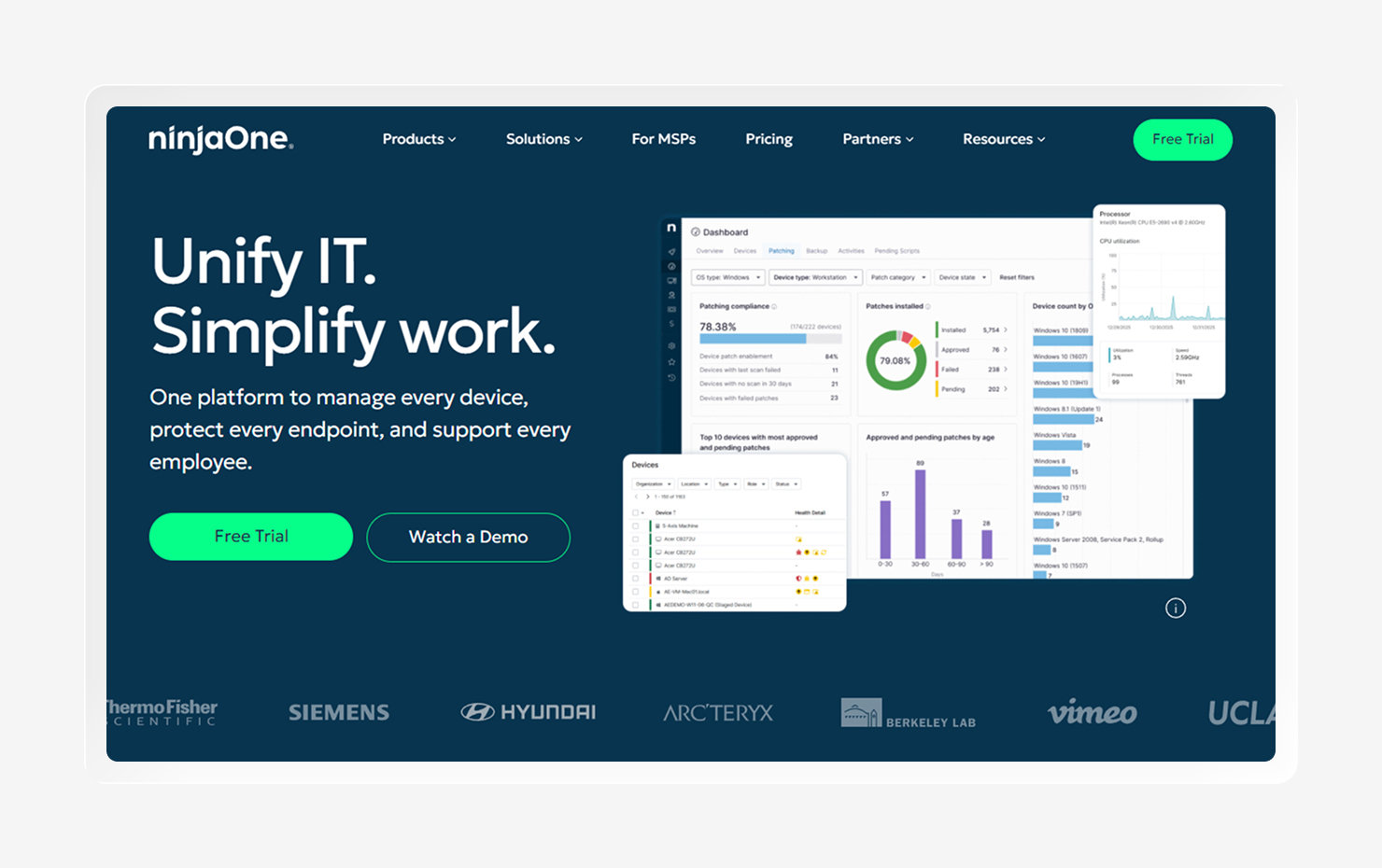
NinjaOne is a cloud-based platform for remote monitoring and management. It combines endpoint management, patching, remote access, and automation in one console. It’s known for its clean interface and short learning curve.
With built-in patch management, NinjaOne works across Windows, macOS, and Linux, as well as thousands of third-party apps. Policy-based automation handles approvals and reboots with these patches, so updates keep moving without much hands-on work.
NinjaOne is built around IT operations and monitoring, meaning it doesn’t handle endpoint detection, identity, and compliance evidence gathering. It’s a strong fit for IT teams and MSPs that want fast deployment and dependable patching.
Key features
- Unified endpoint management: Manage, monitor, and automate devices across Windows, macOS, and Linux from one cloud console.
- Remote monitoring and access: Monitor device health in real time and troubleshoot remotely without interrupting users.
- Automation and auto-remediation: Automatically trigger scripted fixes when a device drifts or an alert fires.
- Software deployment and inventory: Push software and keep a live hardware and software inventory across the fleet.
3. JumpCloud
- G2 Rating: 4.5/5
- Best for: Identity and device management
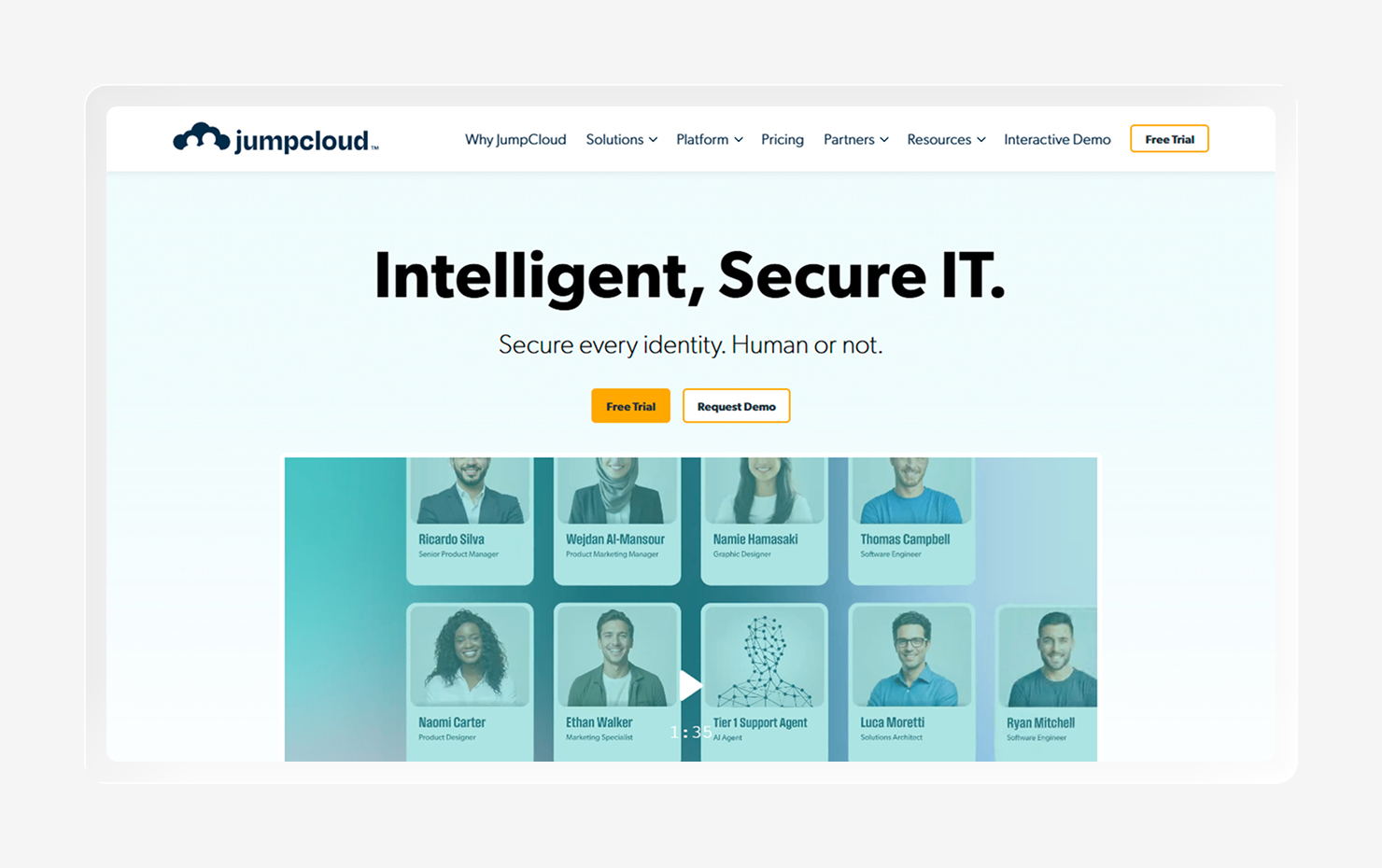
JumpCloud is a cloud directory platform that combines identity and device management in one place. It brings single sign-on, multi-factor authentication, and cross-platform device management together, which makes it a useful identity provider and MDM tool in one product.
A lightweight agent checks in regularly to apply policies, and admins can group users and devices so settings and access cascade automatically. JumpCloud also includes patch management, software development, and remote access. It works for Windows, macOS, Linux, iOS, and Android.
Still, it’s lighter on the security side, making it less useful if you’re looking for a tool that offers endpoint detection and vulnerability management. That and compliance management will all need to come from a different tool.
Key features
- Cloud directory and identity: Manage users, single sign-on, and multi-factor authentication from one directory.
- Group-based policies: Assign policies and resource access to user and device groups so changes cascade automatically.
- Conditional access: Tie resource access to device posture and trust, including devices managed by a third-party MDM.
- Core IT operations: Cover patch management, software deployment, and remote access on the same platform.
4. Microsoft Intune
- G2 Rating: 4.5/5
- Best for: Windows-first environments
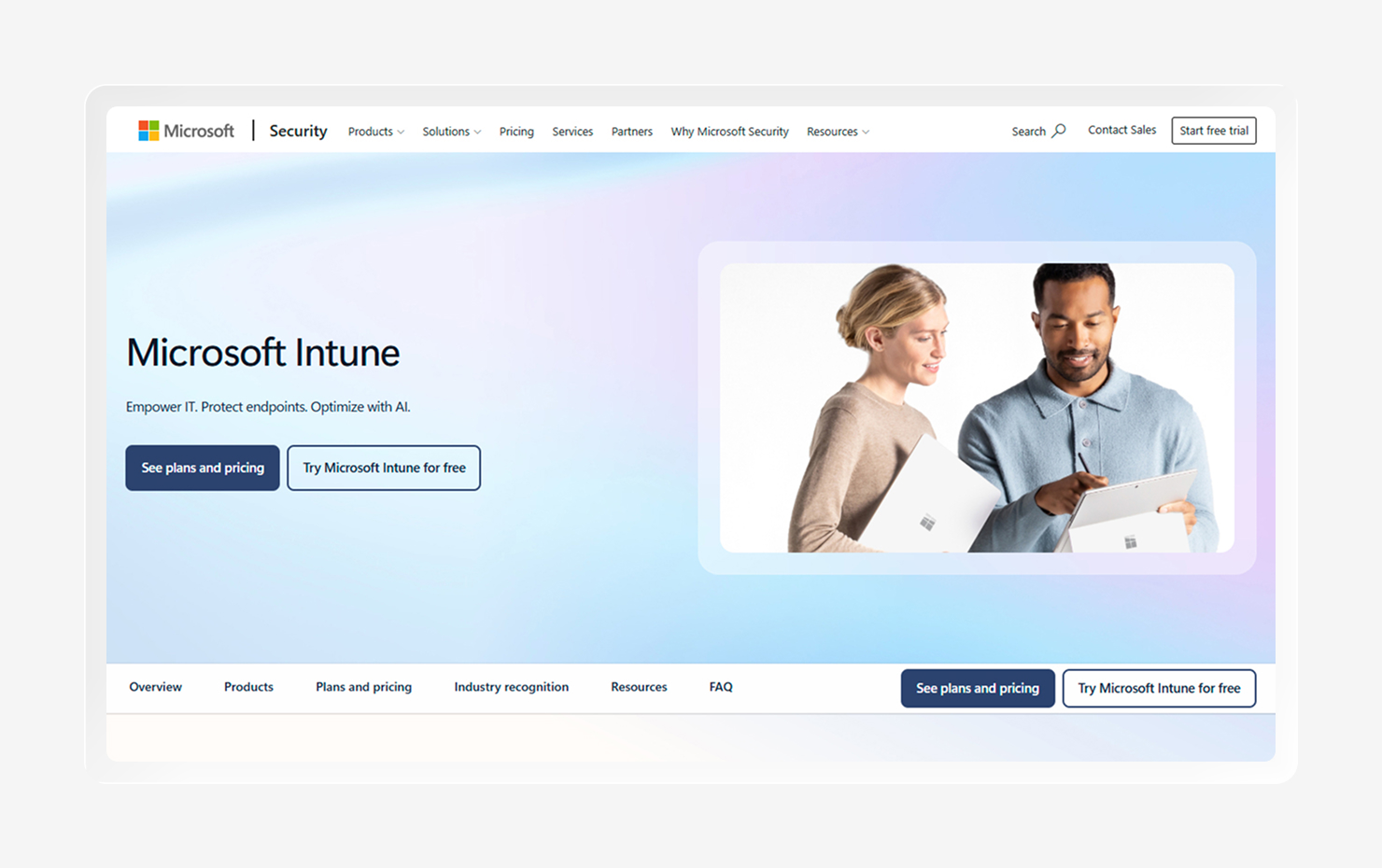
Microsoft Intune is a cloud-based endpoint management service that enrolls and secures devices from one admin center. Despite the connection to Microsoft, it works across all major operating systems. It also runs in the cloud, meaning you don’t need any on-premises infrastructure.
Intune ties directly into Microsoft 365, Entra ID, and Defender. This means conditional access, compliance policies, and threat protection can fall under the same tool. Organizations already set up for Microsoft 365 will find it a natural next step.
Still, reviewers note compatibility issues on Mac and Linux, as well as a steep learning curve that requires real expertise to use well. Plus, Intune’s usefulness in gathering compliance evidence relies on third-party tools.
Key features
- Microsoft ecosystem integration: Connect natively to Microsoft 365, Entra ID, and Defender for shared identity, access, and security.
- Conditional access: Gate resource access on device health, compliance, and risk through Entra ID.
- Zero-touch provisioning: Automatically configure new Windows devices with Windows Autopilot.
- App management: Deploy and protect apps on corporate and bring-your-own-device (BYOD) gizmos.
5. Workspace ONE UEM
- G2 Rating: 4/5
- Best for: Managing rugged field tools
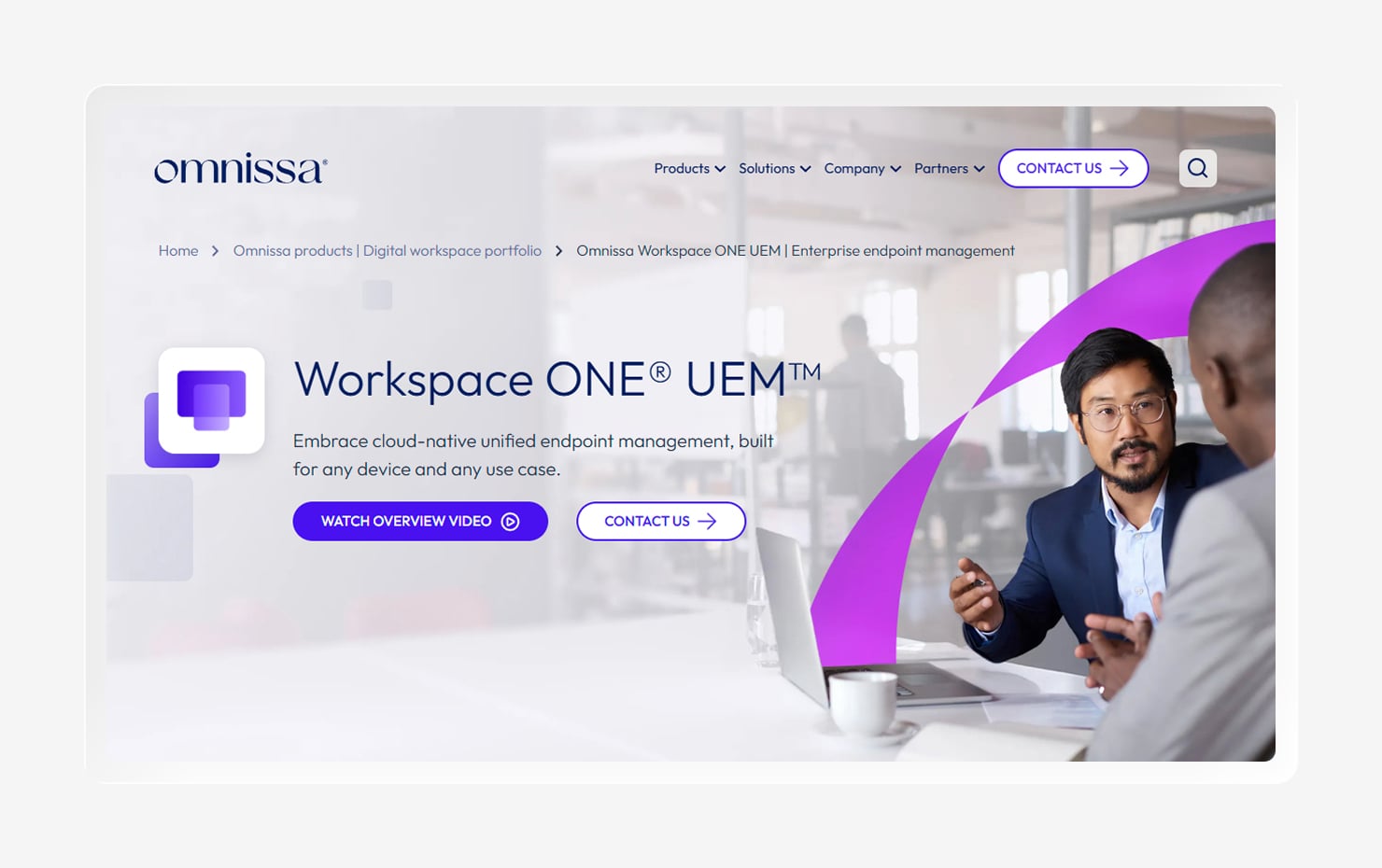
Omnissa Workspace ONE UEM is a cloud-native UEM platform ideal for large, complex environments. It manages desktops, mobile, rugged, and even specialty devices across all major platforms from one console.
Workspace ONE covers a wider range of device types than most competitors, offering automation support via Freestyle Orchestrator and conditional access based on device posture. Enterprises can use it to standardize systems across a wide range of device classes.
It also tracks telemetry across devices through its Digital Employee Experience Management tool. This can track device health, score the employee experience, and trigger automated fixes before a user files a ticket.
Key features
- Apple and Android enterprise support: Enroll through Apple Business Manager and Android Enterprise with native OS management APIs.
- Digital employee experience: Track device and app health, score experience, and automate remediation before issues reach the helpdesk.
- Automated workflows: Build custom workflows and scripts with Freestyle orchestrator across macOS and Windows.
- Conditional access and posture: Enforce compliance and device posture checks for zero trust access.
6. Rippling Device Management
- G2 Rating: 4.8/5
- Best for: Automating the IT device lifecycle using HR data
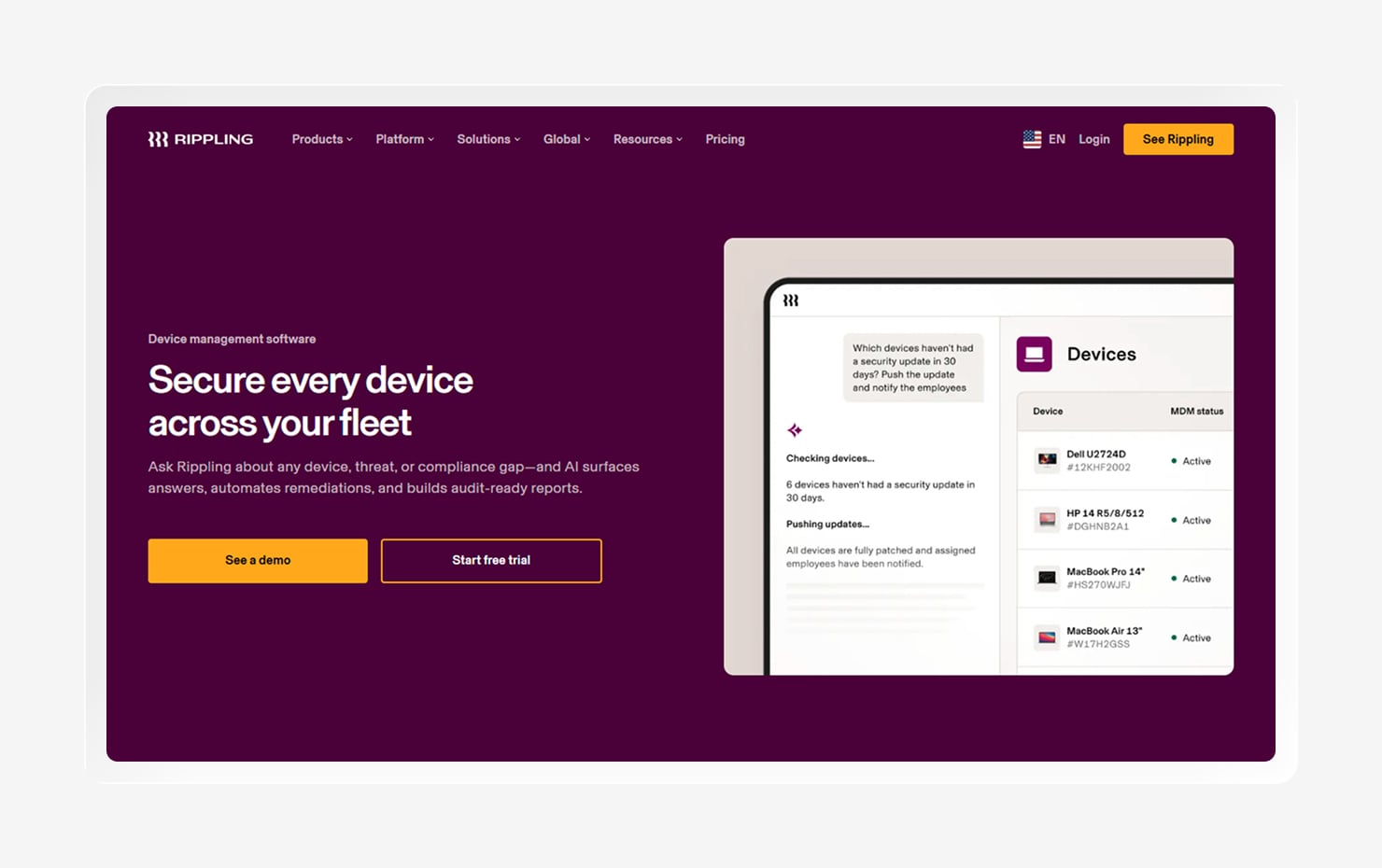
Rippling approaches device management as part of a broader platform that runs HR, payroll, and identity. This combined approach ties device management into the employee record and manages devices across all major operating systems.
The platform’s employee-tied-device focus helps automate the entire device lifecycle. That means Rippling can help ship preconfigured devices when a new hire starts and reclaim them at offboarding, making it a strong fit for teams who want IT and HR in one place.
Rippling supports modern standards such as Apple’s Declarative Device Management to keep policies up to date with less manual effort. But some G2 reviewers feel that the initial setup can be more complicated for teams without in-house IT experience.
Key features
- Employee-based automation: Tie devices to employee records to drive onboarding, policy assignment, and offboarding automatically.
- Zero-touch deployment: Ship preconfigured devices straight to employees with apps and settings already applied.
- Declarative Device Management: Use Apple’s DDM protocol for more autonomous enforcement of Apple policies.
- Unified IT and HR platform: Connect device management with identity, HR, and app access in a single system.
7. Hexnode UEM
- G2 Rating: 4.6/5
- Best for: Managing kiosk modes
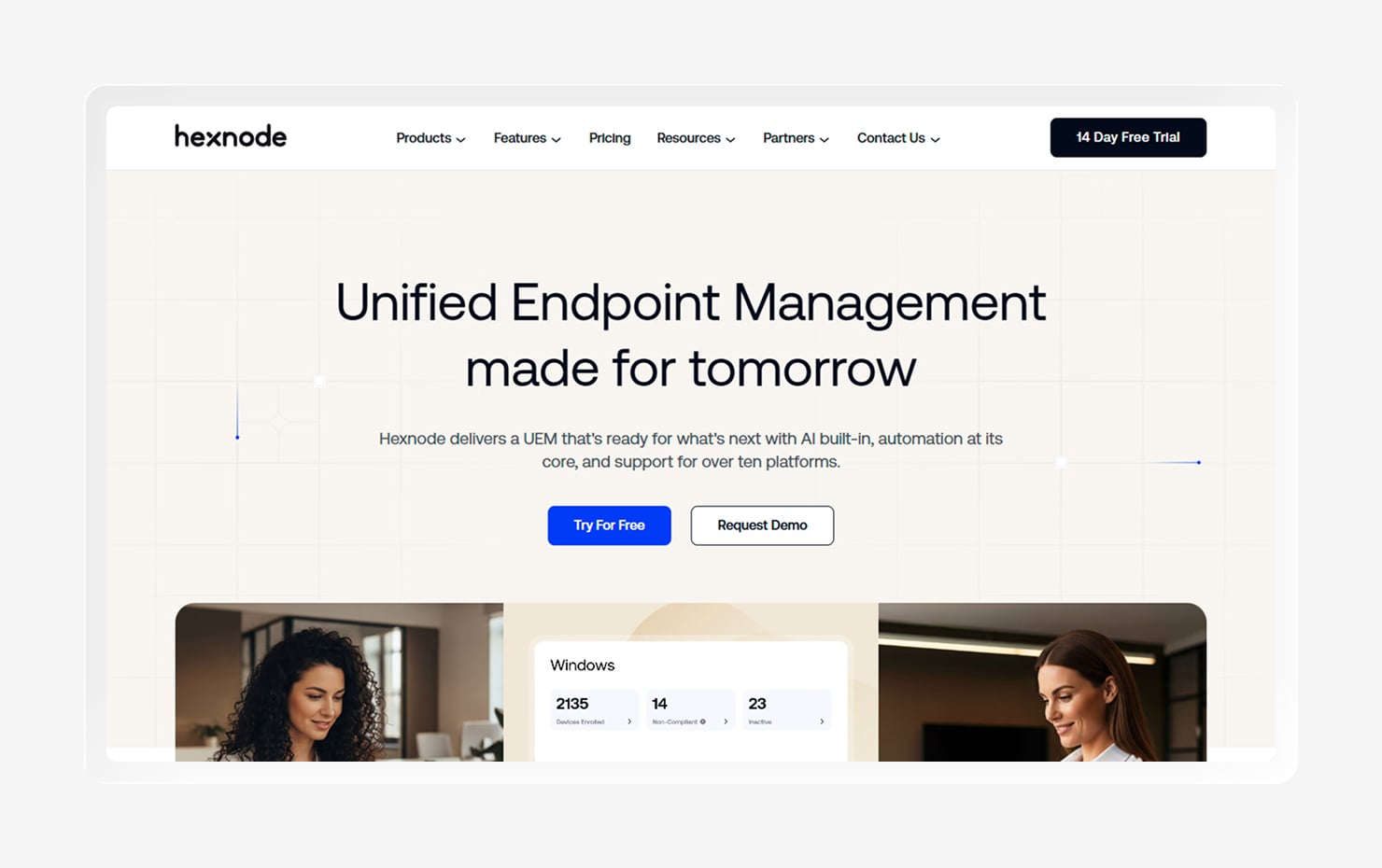
Hexnode is a cloud-based unified endpoint management platform for small and mid-sized teams seeking broad coverage without a large budget. It manages corporate and personal (BYOD) devices from a single web console, with tiered pricing that starts low and scales by feature.
The platform supports one of the widest sets of operating systems in the list, including Linux, ChromeOS, and tvOS. It also supports kiosk mode with lockdown controls, making it a natural fit for frontline and field scenarios, such as retail tablets or shared devices.
The platform is known for an approachable interface and quick onboarding, including Apple Business Manager and Android Enterprise enrollment. However, some advanced features, like multi-app kiosk modes, are in higher pricing tiers, so it helps to map those features to the plan you’re looking for.
Key features
- Kiosk and lockdown: Lock devices to single- or multi-app mode for retail, field, and shared-device use.
- App management: Deploy and secure enterprise and store apps across every supported platform.
- BYOD and enrollment: Onboard corporate and personal devices with Apple Business Manager and Android Enterprise support.
- Security policies: Enforce encryption, remote lock and wipe, and compliance rules across the fleet.
8. Jamf Pro
- G2 Rating: 4.7/5
- Best for: Apple-first environments
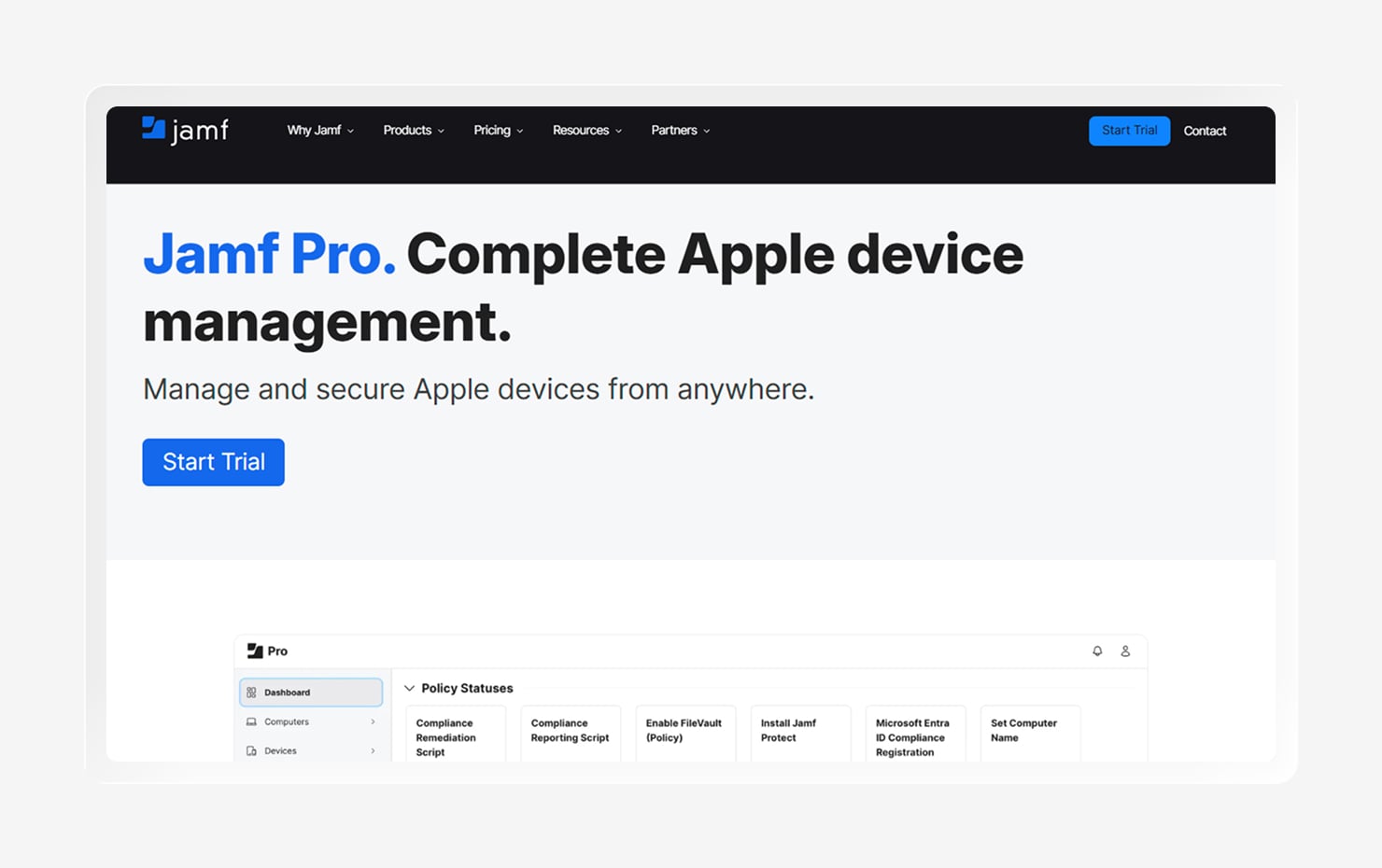
Jamf Pro is built exclusively for Mac, iPhone, iPad, and Apple TV. It’s known for same-day support of new OS releases and the deepest feature control for Apple-first fleets.
Jamf relies on Apple’s native management frameworks for zero-touch deployment, granular configuration, and automated patching. Its Smart Groups target devices dynamically across multiple criteria. It also extends into security and identity through companion products like Jamf Protect and Jamf Connect, which layer threat detection and cloud sign-in onto the management layer.
Mixed fleets running other devices will need another tool alongside Jamf.
Key features
- Same-day OS support: Adopt new Apple OS features and enforce updates as soon as they ship
- Smart Groups: Target devices dynamically across criteria for precise policy assignment
- Zero-touch deployment: Enroll and configure devices automatically through Apple Business Manager.
- Security add-ons: Extend into endpoint protection and identity with Jamf Protect and Connect.
How to choose the right Fleet DM alternative
The best fit depends less on any single feature and more on how well it fits into your current tech stack while meeting your needs. Here are a few criteria to weigh as you compare:
- Platform coverage: Match the tool to your actual mix of macOS, Windows, Linux, iOS, and Android.
- Depth versus breadth: Decide whether you need the deepest control on one platform or balanced management across many.
- Security and compliance: Check whether detection, vulnerability management, and compliance evidence are built in or come from a separate tool you add and maintain.
- Automation: Look for automated patching, policy enforcement, and onboarding and offboarding, since that’s where lean teams win back most of their time.
- Ease of management: Weigh the learning curve and day-to-day admin load against the size and experience of your team.
- Deployment model: Consider whether you want open-source and self-hosted, managed cloud, or a fully hosted platform, and what each will cost you in upkeep.
Manage your device’s identity and compliance with Iru
The right Fleet alternative is the one that matches your fleet and the way your team works. Fleet is strong for open-source, cross-platform visibility; NinjaOne and Rippling are solid for IT operations, while JumpCloud excels in identity support.
But while most of these tools stop at device management, Iru goes further. It brings endpoint management, EDR, vulnerability management, workforce identity, and compliance into one lightweight agent for Mac and Windows, so the same platform that configures a device also secures and keeps it compliant. That means fewer consoles to reconcile, less manual work, and one clear view of every device.
See what a single consolidated platform can do for your fleet, and book a demo today.