
 Workforce Identity
 Endpoint Management
 Endpoint Detection & Response
 Vulnerability Management
 Compliance Automation
 Trust Center




What is regulatory compliance software? Regulatory compliance software helps you manage the requirements, controls, and evidence your organization needs to meet compliance standards. This software is often grouped under the broader category of governance, risk, and compliance (GRC) tools.
Your SOC 2 renewal is coming up. You have offices in several locations, a new identity provider, and a growing fleet of devices. Then someone updates a control, and suddenly the evidence you collected three months ago no longer lines up. One change puts another piece out of place, and suddenly you’re rebuilding the whole stack just to get ready for an audit.
Regulatory compliance software can help in such situations. The right platform gives you a clearer view of your controls, evidence, and outstanding work, helping you keep your environment in shape without any hassle. We’ve rounded up eight platforms worth considering, along with what each one does best and where it fits.
| Software | Best for | G2 rating |
|---|---|---|
| Iru | Unified device, identity, and compliance | 4.7 |
| Vanta | Fast security certification | 4.6 |
| Sprinto | Cloud-first companies | 4.7 |
| OneTrust | Enterprise GRC | 4.6 |
| Optro | Audit-led connected risk | 4.6 |
| LogicGate | No-code GRC | 4.6 |
| VComply | Mid-market compliance | 4.6 |
| Drata | Continuous control monitoring | 4.7 |
1. Iru
- Best for: Unified device, identity, and compliance
- G2 rating: 4.7
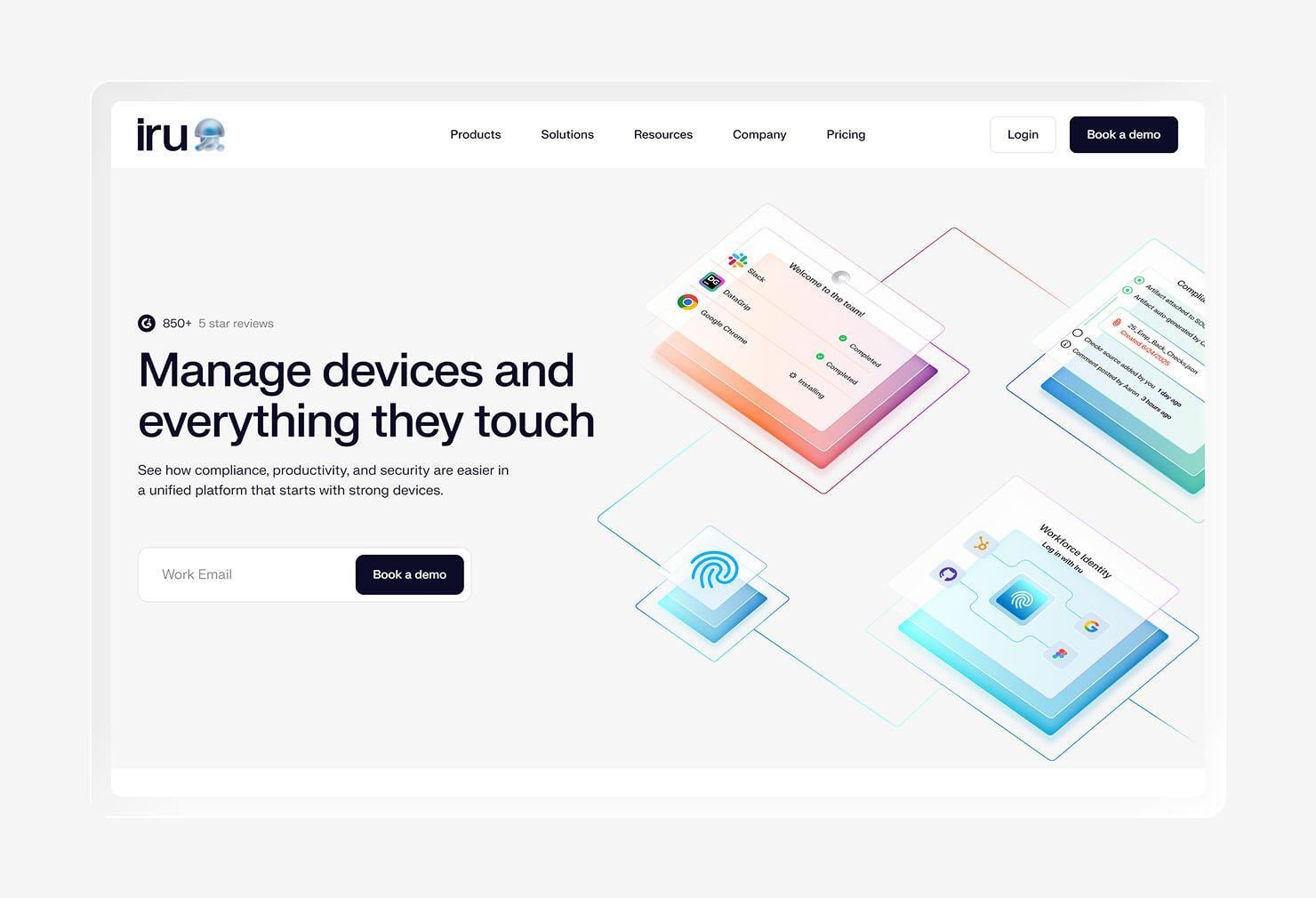
Your compliance program knows what controls you need. Your IT environment knows what’s actually happening. Iru brings those two sides together by connecting endpoint management, identity, security, and compliance automation in one platform. That gives your compliance work direct context from the systems your IT and security teams already manage.
The compliance side uses Iru AI to turn frameworks into tailored controls and tasks. Iru can collect, validate, and map evidence across frameworks such as SOC 2, ISO 27001, and ISO 42001, helping your team keep evidence tied to the controls that matter.
As your environment changes, Iru’s Adaptive Evidence Map feature helps keep that evidence current. Iru AI flags stale or irrelevant artifacts and maps relevant evidence to the right controls, which can save your team from hunting through disconnected tools when an audit rolls around.
People like Iru for its ease of use, customer support, simple setup, and device management. They also like Iru for its compliance management and automation capabilities.
“Jeenie runs an all-Mac fleet of about 40 endpoints supporting a healthcare-adjacent language services business. Our compliance obligations are real — SOC 2 Type II, HIPAA, GDPR, and we're currently working toward ISO 27001 and ISO 42001. Iru is what makes managing that fleet a part-time job instead of a full-time one.” “The biggest win has been compliance evidence. When auditors ask us to prove full-disk encryption, we point to a FileVault profile enforced through Iru across every enrolled device, with escrowed recovery keys we can pull via the API.” “When they ask how our EDR agent gets deployed and stays deployed, we point to the Blueprint that installs and enforces it. Fleet inventory, per-device compliance status, profile enforcement — it's a screenshot away instead of a two-week evidence-gathering fire drill. For a small team, that difference is enormous.”
That said, some users point to areas where Iru could offer more advanced functionality.
Key features
- Adaptive Compliance: Turn compliance frameworks into tailored controls based on your industry, company size, and technology stack.
- Questionnaire agent: Use information from the Adaptive Evidence Map to draft answers to security questionnaires, getting a faster starting point for procurement requests.
- Adaptive Evidence Map: Validate artifacts, flag stale or irrelevant evidence, and keep evidence connected to the controls it supports.
- Public Trust Center: Give prospects a public view of your security posture and compliance status, while sharing sensitive documents through an NDA-gated private portal.
- Compliance inbox: Give each team member a personal view of assigned compliance tasks, with delegation, comments, and task history built in.
2. Vanta
- Best for: Fast security certification
- G2 rating: 4.6
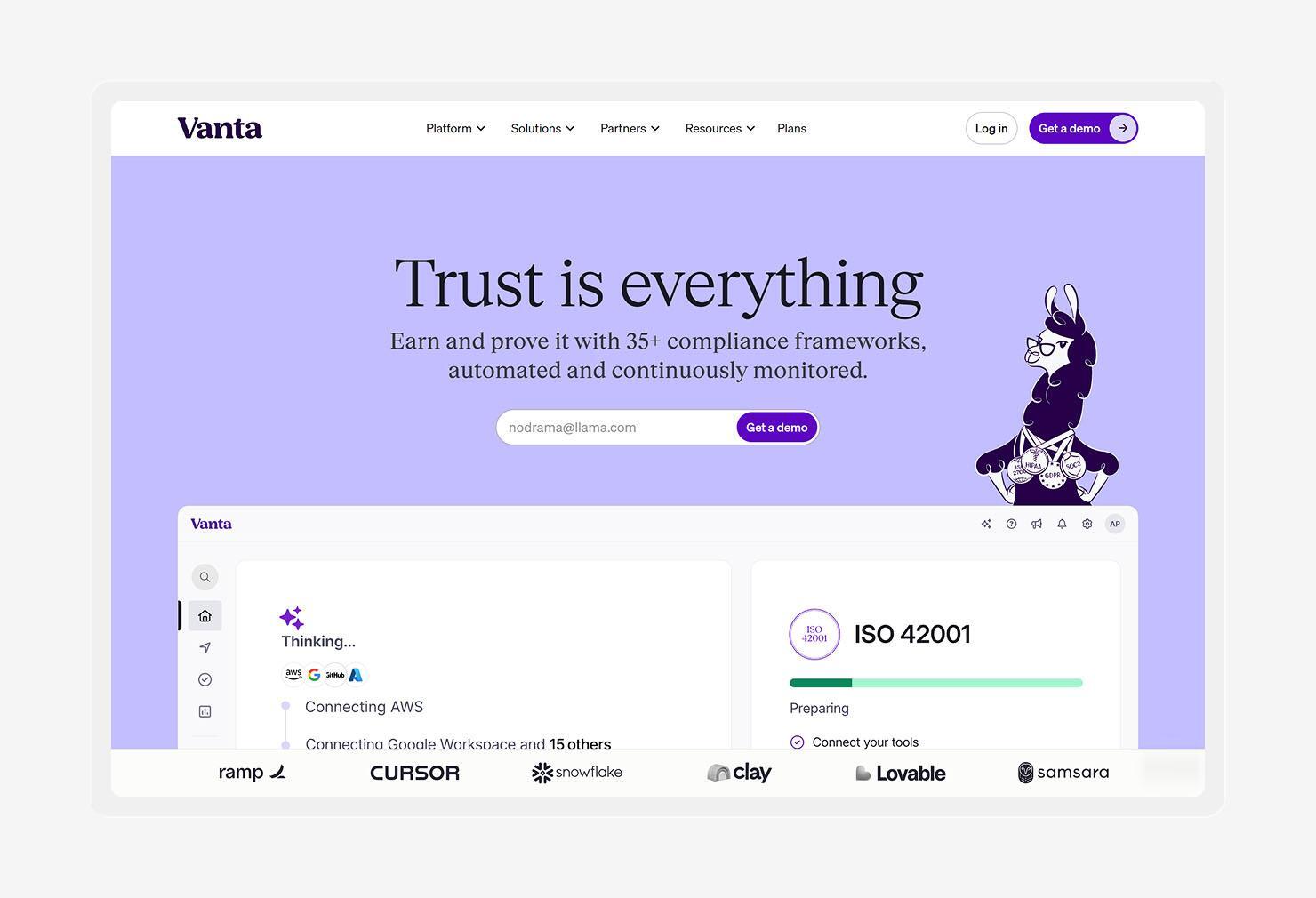
Vanta is an automated compliance and security platform that helps you prepare for audits and maintain compliance over time. It supports 35+ compliance frameworks and uses 300+ integrations to pull evidence from the systems you already use.
The platform connects with cloud providers, code repositories, identity providers, and endpoint tools to monitor controls and collect security evidence. For endpoint monitoring, Vanta relies on integrations with device management and security tools rather than managing endpoints itself.
Vanta also takes some of the paperwork out of SOC 2. Its System Description Generator can generate the system description required for a SOC 2 audit using information already in the platform. That’s one less document to stare at while wondering why compliance work always seems to create more compliance work.
The reviews on G2 tell a similar story. Features like automation and integrations often appear among the positives. But some reviewers point to integration limits, pricing, and missing features, such as an easy way to deactivate scans, as drawbacks, which may cause your experience to suffer in a more complex environment.
Key features
- System Description Generator: Generate the system description required for SOC 2 using information already stored in Vanta.
- 35+ compliance frameworks: Support compliance efforts across frameworks such as SOC 2, ISO 27001, and HIPAA with pre-built controls.
- Trust Center: Give customers and prospects a current view of your security and compliance posture through a public page or private link.
- Vanta AI: Use AI to draft policies, review evidence, answer questionnaires, and surface issues that need attention.
3. Sprinto
- Best for: Cloud-first companies
- G2 rating: 4.7
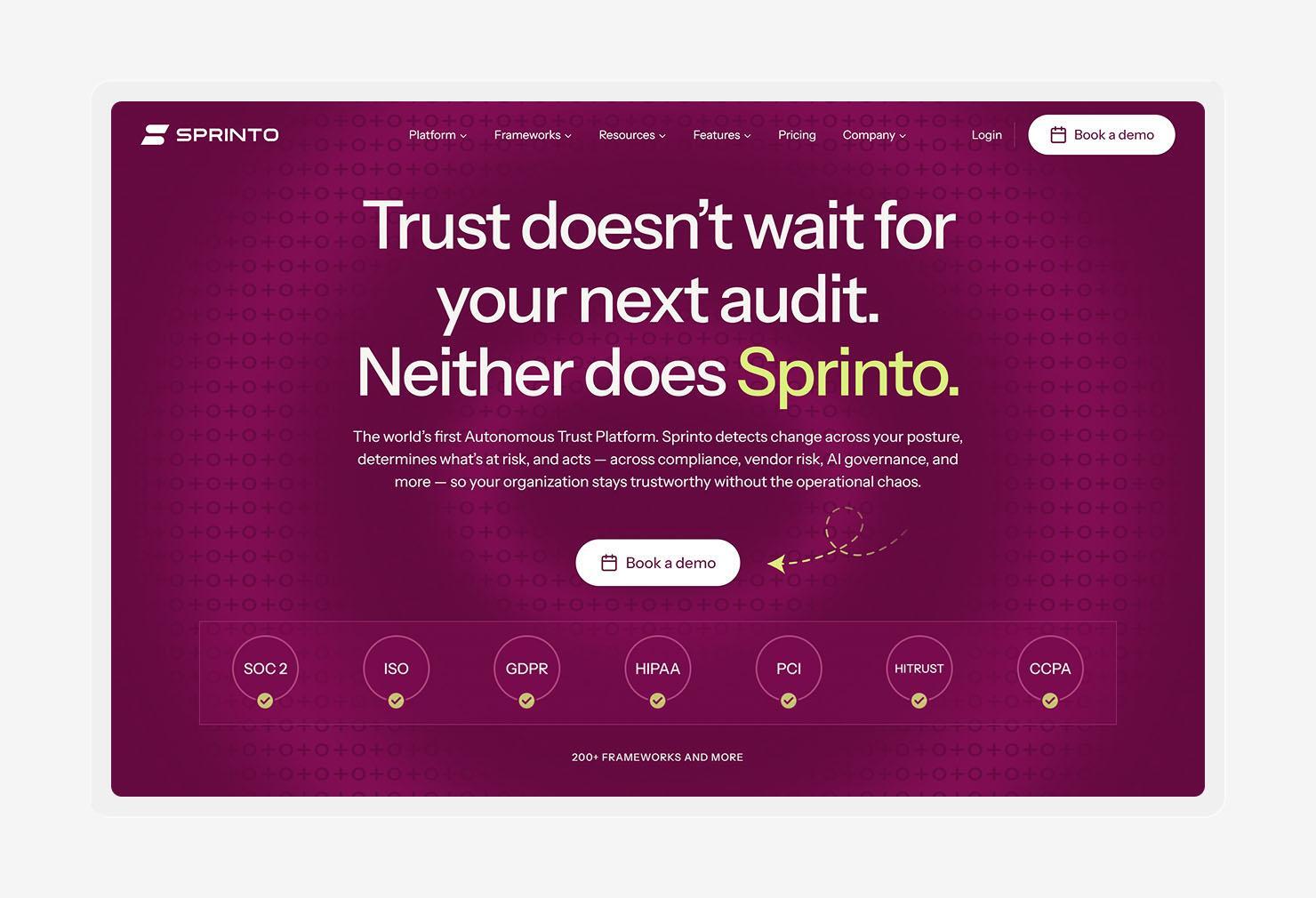
Sprinto is a cloud-first compliance and risk platform that helps connect your security environment to your compliance program. It gives you a central view of assets, risks, and controls, which makes it easier to see what needs attention as the environment changes.
The platform supports compliance programs across security standards and regulations, with built-in workflows for audit preparation. It also supports third-party risk management, so you can keep vendor reviews in the same place as your broader compliance work.
Sprinto puts a strong focus on ongoing compliance. The platform monitors your environment for changes and can flag issues for vulnerability remediation, helping you address problems while they’re still small enough to fix without an audit-day fire drill.
G2 reflects strong customer feedback overall. Many reviewers frequently praise Sprinto’s ease of use, automation, and support. At the same time, some point to areas where integrations or workflows could be more flexible.
Key features
- Multi-framework mapping: Reuse existing controls across 200+ frameworks to reduce duplicate compliance work when you add a new standard.
- Multi-entity zones support: Manage subsidiaries, business units, and geographies from one platform while keeping each entity’s evidence and audit trail properly scoped.
- Controls monitoring: Monitor control health continuously and flag changes, failures, or missing evidence as they appear.
- Vendor risk management: Assess vendors, classify their risk, and track security reviews as part of your broader compliance program.
4. OneTrust
- Best for: Enterprise GRC
- G2 rating: 4.6
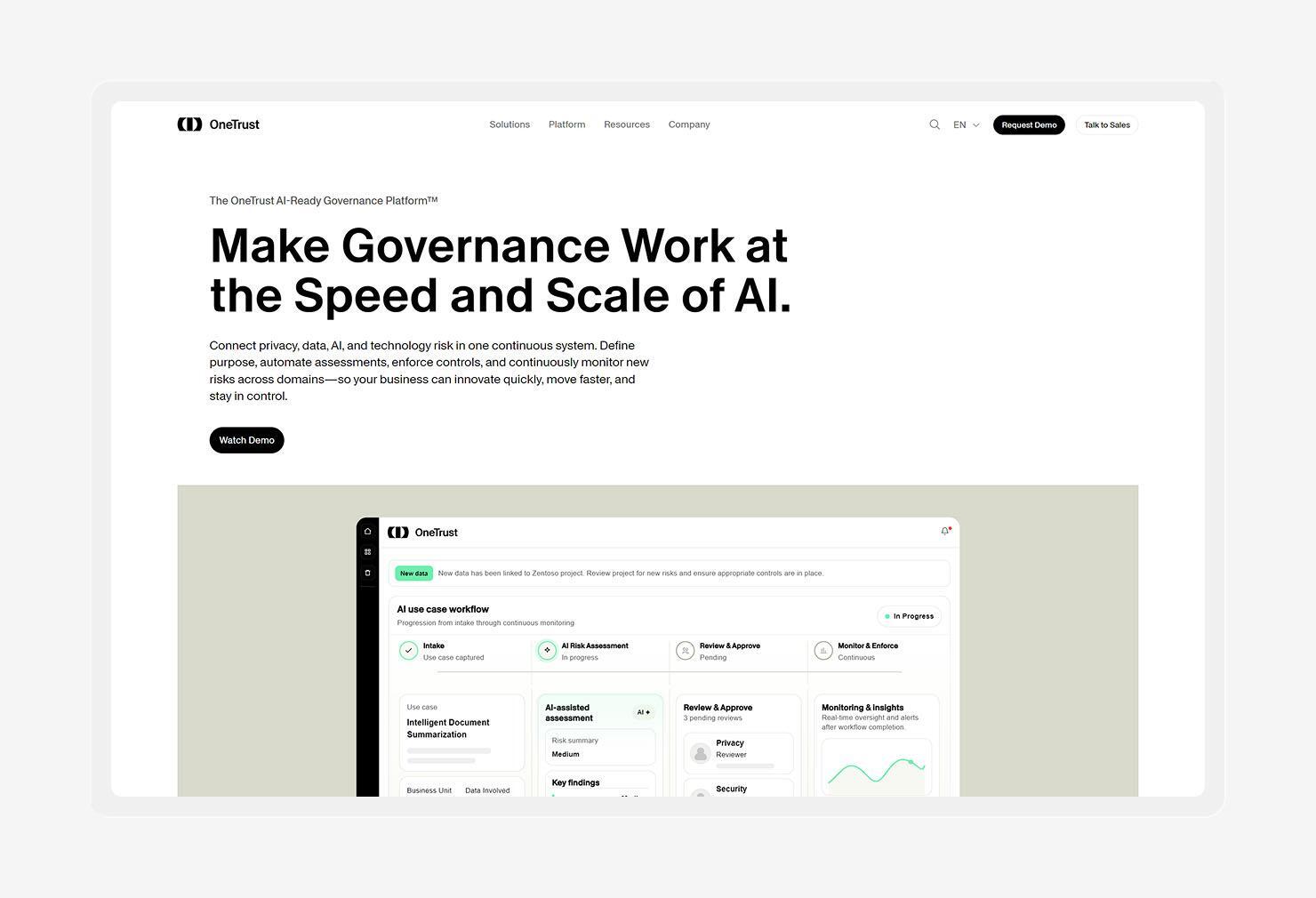
For large organizations juggling several compliance programs, OneTrust puts privacy, technology risk, compliance, and third-party risk under one roof. Its regulation software helps translate requirements into controls and evidence tasks across multiple jurisdictions, giving you a central place to manage compliance as requirements grow.
The platform reaches beyond core compliance work, too. It helps you manage cookie consent and user preferences, assess threats, and govern how employees and teams use AI. That makes it useful when compliance touches more than the security team.
OneTrust also connects with the rest of your technology environment to collect evidence and support ongoing risk monitoring. If your software compliance program spans a large stack, those integrations can save your team from having to chase down proof by hand.
On G2, people praise OneTrust’s centralized approach, automation, and visibility across risk and compliance work. But they also describe implementation as complex, with a steep learning curve and some performance complaints around slow loading.
Key features
- Compliance automation: Map requirements to controls, assign evidence tasks, and monitor compliance work across 50+ frameworks.
- Shared controls and evidence: Reuse evidence across multiple frameworks through OneTrust’s shared evidence framework, reducing duplicate collection work.
- AI governance: Inventory AI systems, assess their risks, and apply controls across the AI lifecycle, including frameworks such as the EU AI Act and ISO 42001.
- Third-party risk management: Assess vendors, monitor their risk, and manage remediation through the same platform as your wider compliance program.
5. Optro (formerly AuditBoard)
- Best for: Audit-led connected risk
- G2 rating: 4.6
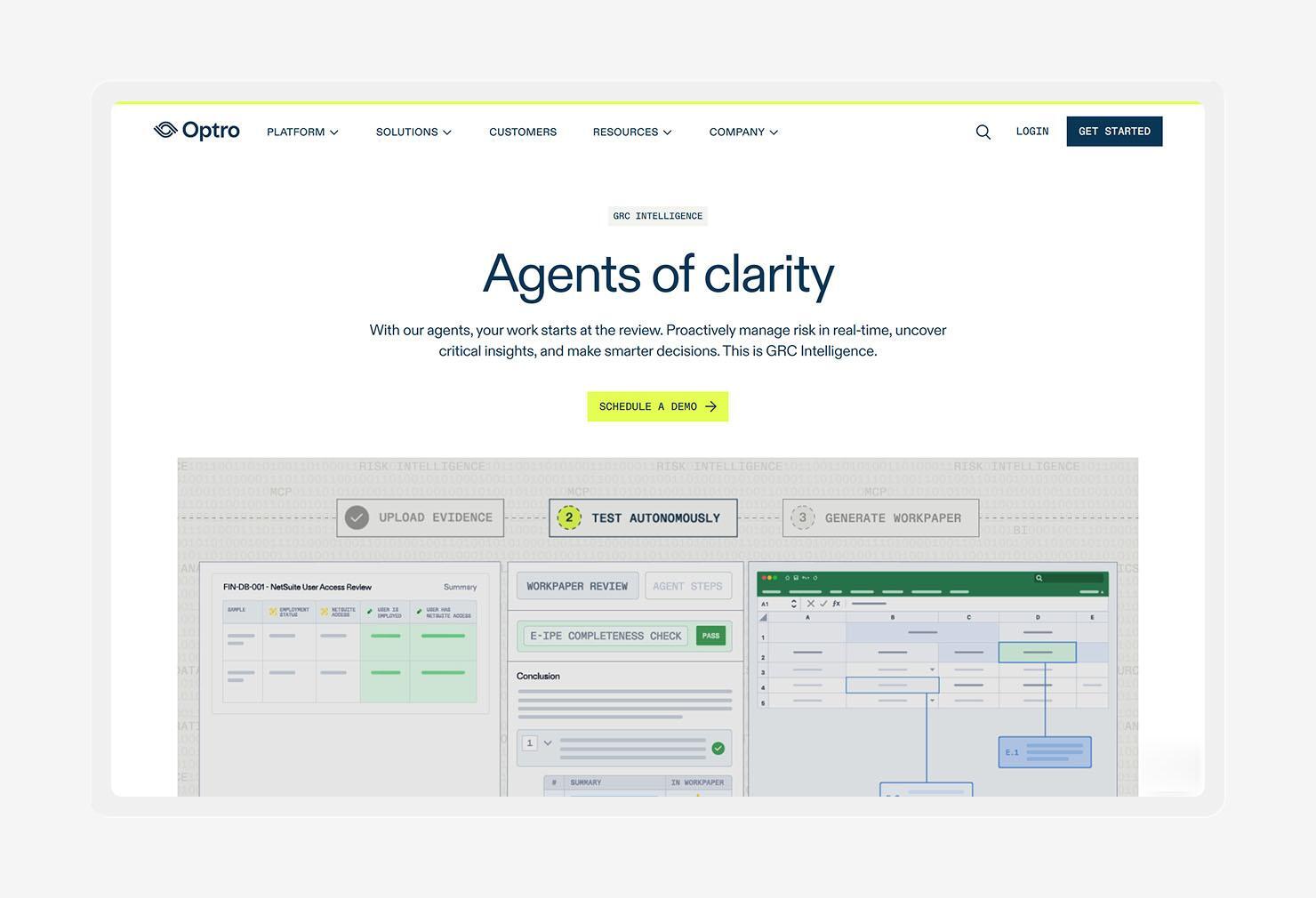
Optro brings audit, risk, and compliance work into a connected platform. Its unified data core links risks, controls, policies, frameworks, and issues, giving you a shared view of what needs attention across your organization.
The platform supports multiple compliance programs at once and connects with 150+ systems to pull in evidence. Its AI can also analyze evidence and map controls to regulatory frameworks, which gives your compliance teams a faster way to spot issues before they turn into audit headaches.
Optro leans heavily into continuous oversight. Its monitoring capabilities can surface control deficiencies as they happen, while its autonomous testing agents can work through unstructured evidence and produce traceable audit workpapers. That makes the platform particularly useful for teams with a large internal audit or controls function.
We analyzed Optro’s G2 reviews, and it seems that people like Optro for its intuitive interface, organization, and ability to bring audit work into one place. But not everyone is sold on it. Some users would like more customization and better guidance for navigating the platform, especially as workflows become more complex.
Key features
- Controls management: Manage controls across their full lifecycle, from planning and documentation through testing and remediation.
- Autonomous AI testing: Let AI agents test controls against unstructured evidence, document their work, and produce audit-ready results for human review.
- CrossComply: Manage compliance programs across multiple frameworks with shared controls, assessments, evidence collection, and framework mappings.
- RiskOversight: Monitor operational risks across the business and use real-time indicators to spot emerging issues before they become larger problems.
6. LogicGate
- Best for: No-code GRC
- G2 rating: 4.6
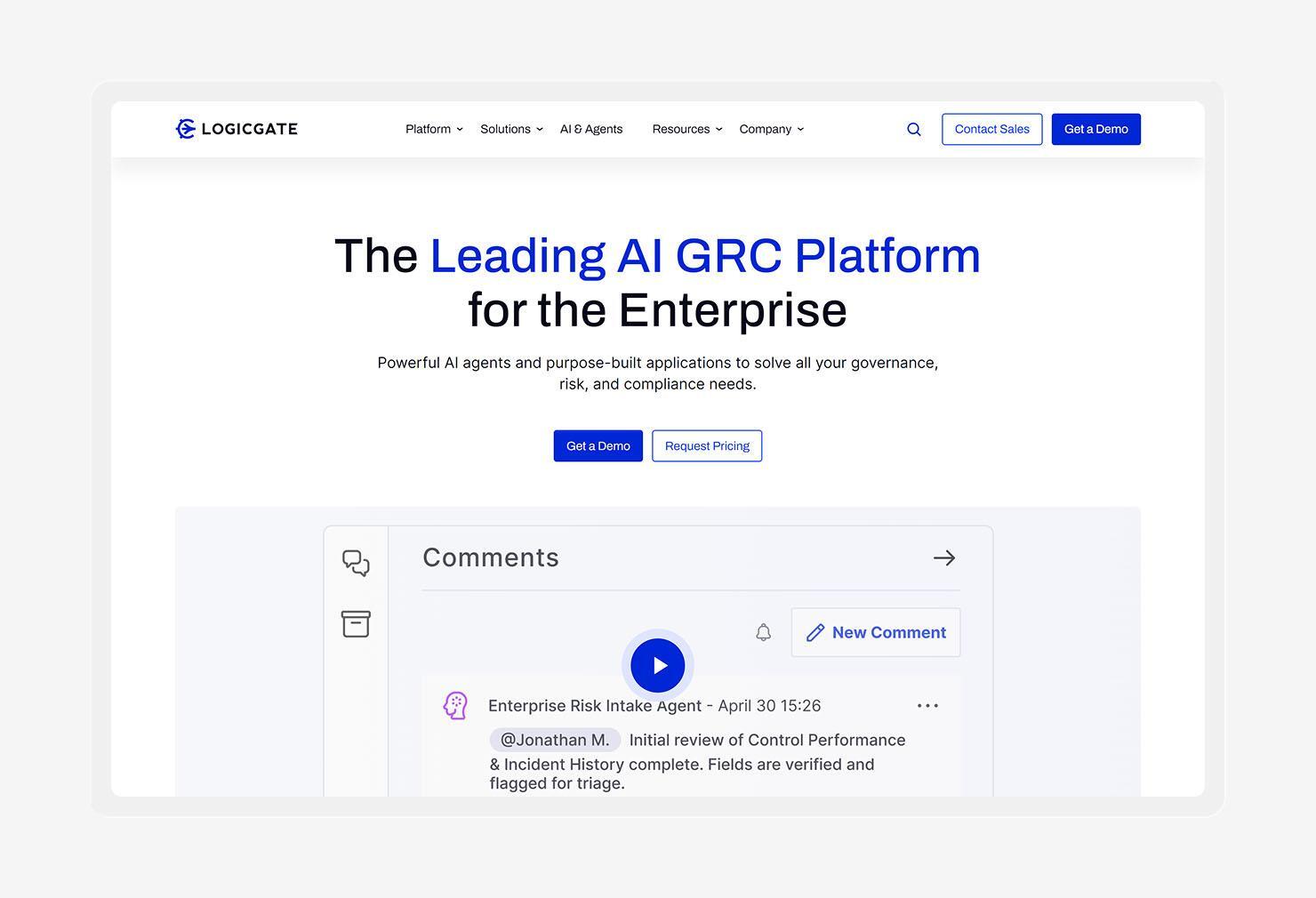
When GRC processes need to change, your team shouldn’t have to wait for a developer. LogicGate Risk Cloud gives you a no-code way to build and manage workflows, so you can adapt applications and processes as your needs evolve.
The platform brings risk data into a shared environment, so you can connect risks to the processes and controls that manage them. Plus, it supports third-party risk workflows, giving you a way to assess vendors and keep their reviews tied to your broader risk program.
LogicGate has also pushed further into AI-driven GRC. Its newer GRC agents can carry out tasks inside Risk Cloud, such as triaging vendor assessments or scoring new risks, while keeping those actions permissioned and reviewable. Your GRC team still gets the final say.
On G2, reviewers talk highly of LogicGate’s ease of use and customization flexibility. Customers also highlight its ability to adapt workflows to their needs, while some feedback points to a learning curve as teams build more complex applications. People also think that the platform’s reporting capabilities could be a bit better.
Key features
- Risk Cloud Quantify: Quantify risk in financial terms using the Open FAIR model, giving your teams a clearer way to compare potential loss exposure.
- Workflow agents: Delegate specific GRC tasks to AI agents that can triage submissions, run assessments, or score risks within configured workflows.
- Config Newton: Build and modify Risk Cloud workflows through AI-assisted configuration, reducing the manual work involved in setting up new GRC processes.
- LogicGate AI: Analyze reports and surface insights from Risk Cloud data, so you can spot patterns without digging through every record.
7. VComply
- Best for: Mid-market compliance
- G2 rating: 4.6
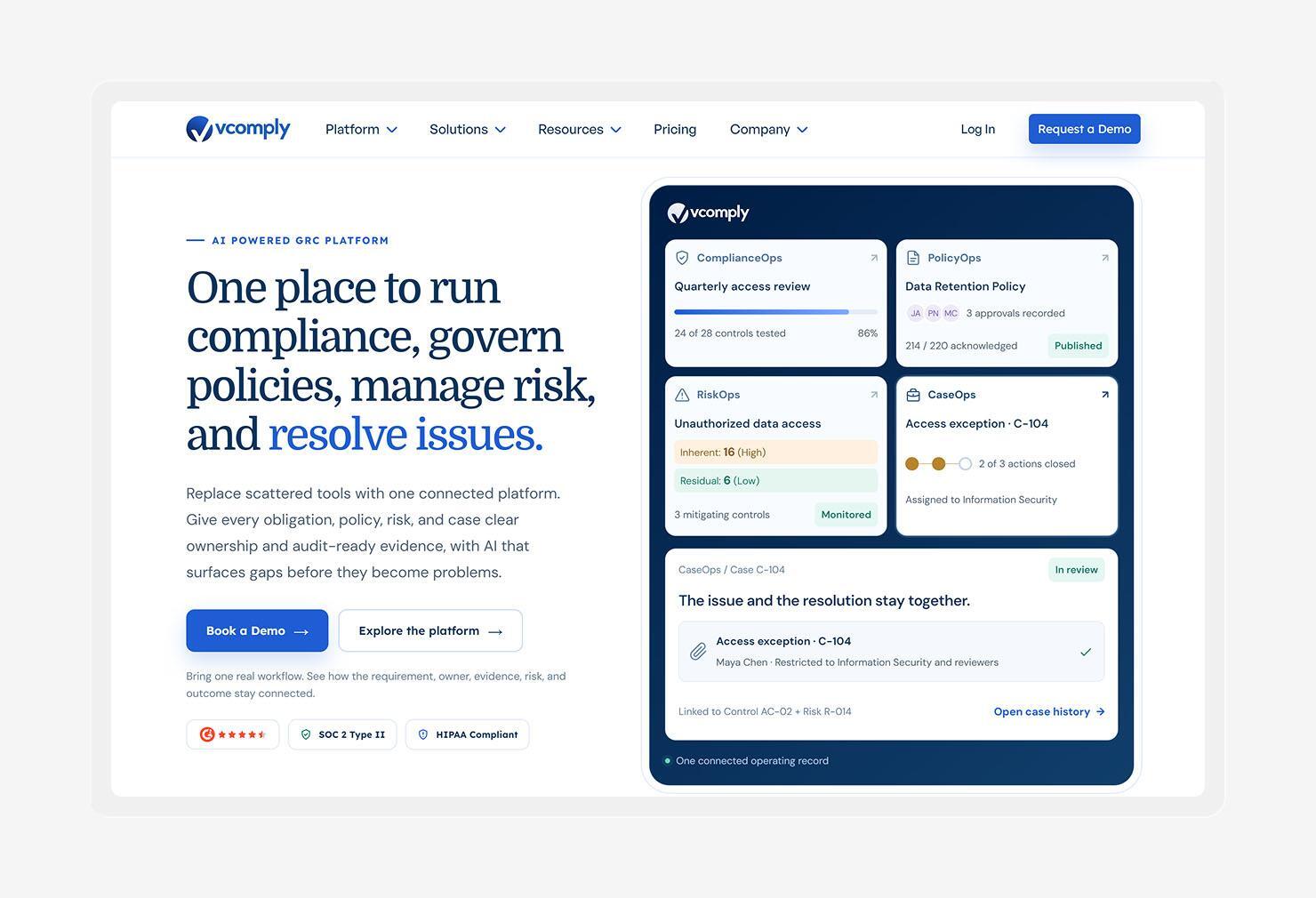
VComply is a GRC platform built around connected workflows. It helps you turn regulatory requirements into assigned responsibilities, track progress, and keep evidence tied to the work behind it.
The platform also brings policy management into the same environment. You can manage policies through drafting, review, approval, distribution, and employee acknowledgment, getting a clearer view of what’s been approved and who’s completed the required steps.
VComply uses AI to make some of that work easier. Its AI assistant, Paula C, can answer questions about policy content and create summaries, while the platform also supports AI-assisted policy drafting. Also, its Gan.AI integration can turn policies into personalized, multilingual training videos.
Customer feedback on G2 highlights VComply’s intuitive interface, responsive support, and flexibility. On the downside, reviewers mention occasional confusion around terminology and delays when recurring responsibilities update, which could matter if your team runs a large, highly customized program.
Key features
- Framework mapping: Map regulatory requirements to controls and connect them with the responsibilities and evidence needed to support your compliance program.
- Gan.AI integration: Create personalized, multilingual policy training videos and connect employee training with policy attestation.
- AI-powered policy editor: Use AI assistance to create and refine policy drafts while keeping human owners in control of review and approval.
- Compliance reporting: Build reports and dashboards that give leadership a view of compliance performance, risk, and outstanding work.
8. Drata
- Best for: Continuous control monitoring
- G2 rating: 4.7
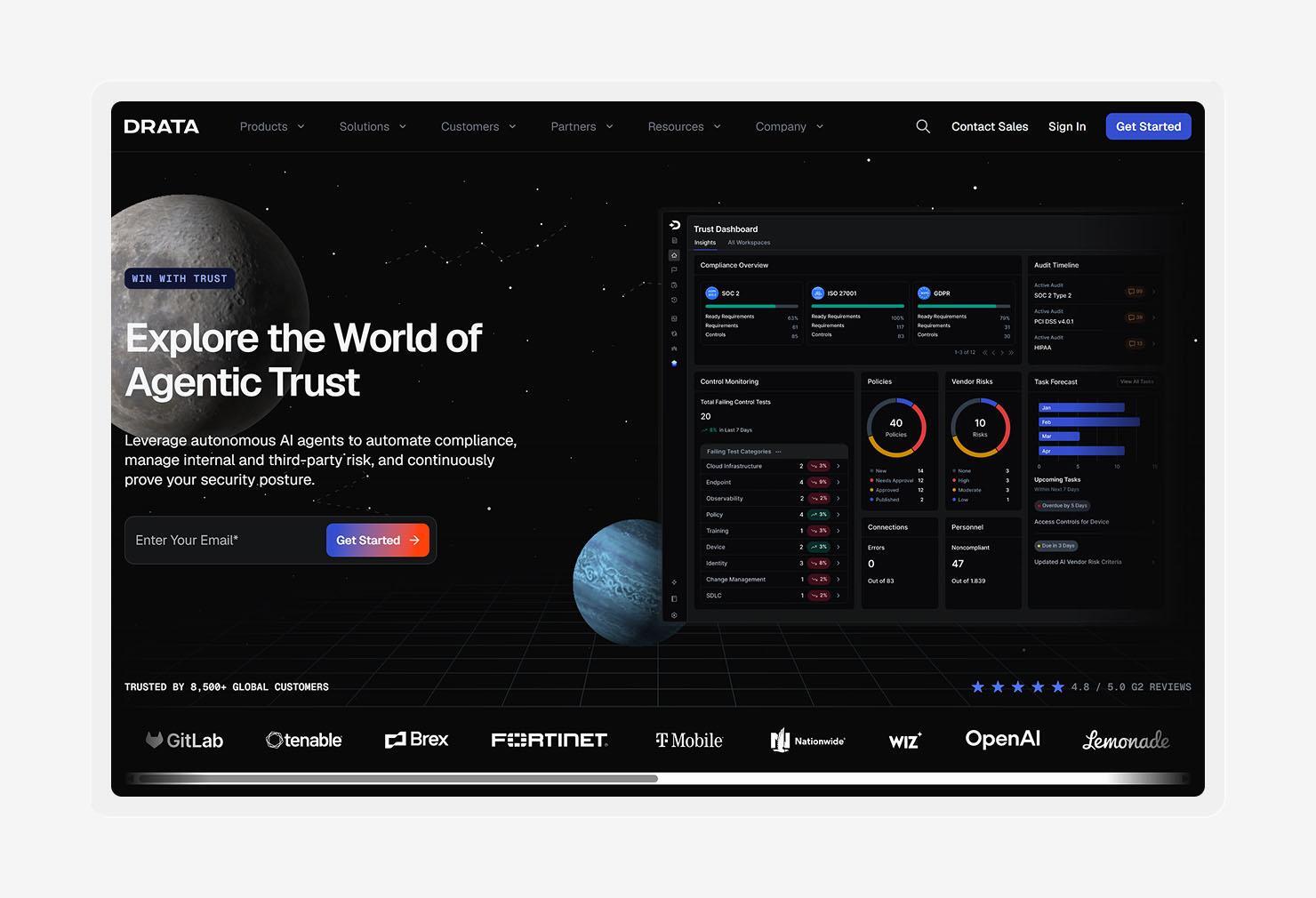
Drata is a cloud-based compliance automation platform that helps you maintain audit readiness as your environment changes. It continuously runs tests against connected systems and maps the results to controls across frameworks such as SOC 2, ISO 27001, and HIPAA.
The platform also gives you a live view of control health. Failed tests show where remediation may be needed, while codebase monitoring can catch misconfigurations and policy violations earlier in the development process. That can save you from discovering a problem when an auditor comes knocking.
Drata connects compliance work with the systems that produce the underlying data. Its read-only agent can check security configurations on employees' computers and monitor connected identity providers, cloud infrastructure, security tools, and other business systems.
After reviewing G2 feedback, we can confirm that Drata stands out for its automation capabilities and customer support. Reviewers also like the platform’s broad functionality. Still, some users find certain workflows complex, and others note that the interface takes time to learn.
Key features
- Drata agent: Check security configurations on employee computers, including disk encryption, screen locks, antivirus software, and automatic updates.
- Trust center: Share your security posture, compliance documents, and other trust information with customers through a public or controlled-access portal.
- Policy center: Create, review, approve, publish, and track policies from one place, with version history and employee acknowledgment built into the workflow.
- Risk drawer: Assess individual risks, assign owners, add treatment methods, and maintain risk records directly within the risk management workflow.
How to choose the right regulatory compliance software
The best regulatory compliance tools fit the way your team already works while taking repetitive compliance work off your plate. As you compare regulatory compliance solutions, look for the capabilities that’ll still matter when your business, systems, and compliance requirements change.
Start with these factors:
- Multi-framework support: Choose a platform that can automatically map shared controls across multiple frameworks. You should be able to add a new framework without rebuilding your compliance program from scratch.
- Operational needs: Match the software to your team’s actual workload. A small team may need more automation, while a larger organization may care more about complex workflows, ownership, and reporting.
- Tailored controls: Look for controls that reflect your environment rather than forcing your team to follow a generic checklist. Your compliance program should account for the systems and risks you actually have.
- Security visibility: Consider how the platform connects compliance with technical security. Endpoint visibility and control (EVC) can give you a clearer picture of device posture, while endpoint vulnerability management (EVM) helps you keep software risks from becoming compliance problems.
- Continuous evidence collection and validation: Favor software that keeps collecting evidence as your environment changes and checks that the evidence still supports each control. Audit prep gets much easier when the evidence stays fresh.
- Policy management: Make sure you can create, review, approve, and distribute policies without sending documents on a scavenger hunt through your organization.
- Public trust center: If customers regularly ask for security documentation, a trust center can give them a self-service place to find your compliance reports and security information.
The goal is a compliance program that keeps moving while your team gets on with the rest of its job. And fewer manual chores are a pretty good place to start.
Simplify regulatory compliance with Iru
Compliance gets harder as your environment grows. Iru brings endpoint security and management, identity and access, and compliance automation together, giving your IT and security teams the context they need to keep compliance work moving.
With Compliance Automation, Iru AI tailors controls to your environment, maps evidence to those controls, and keeps the evidence current as your systems change. You get a clearer view of what needs attention and spend less time chasing audit proof.
Book a free demo to see how Iru can help simplify compliance for your team.